














Step 1
Upload
Add a clear photo of your T-shirt, hoodie, or sweatshirt. Use well-lit images so the AI can preserve seams, texture, and shading accurately.
Change T-shirt, hoodie, and sweatshirt colors instantly with AI. Generate realistic product colourways, preview variants fast, and export ready images.
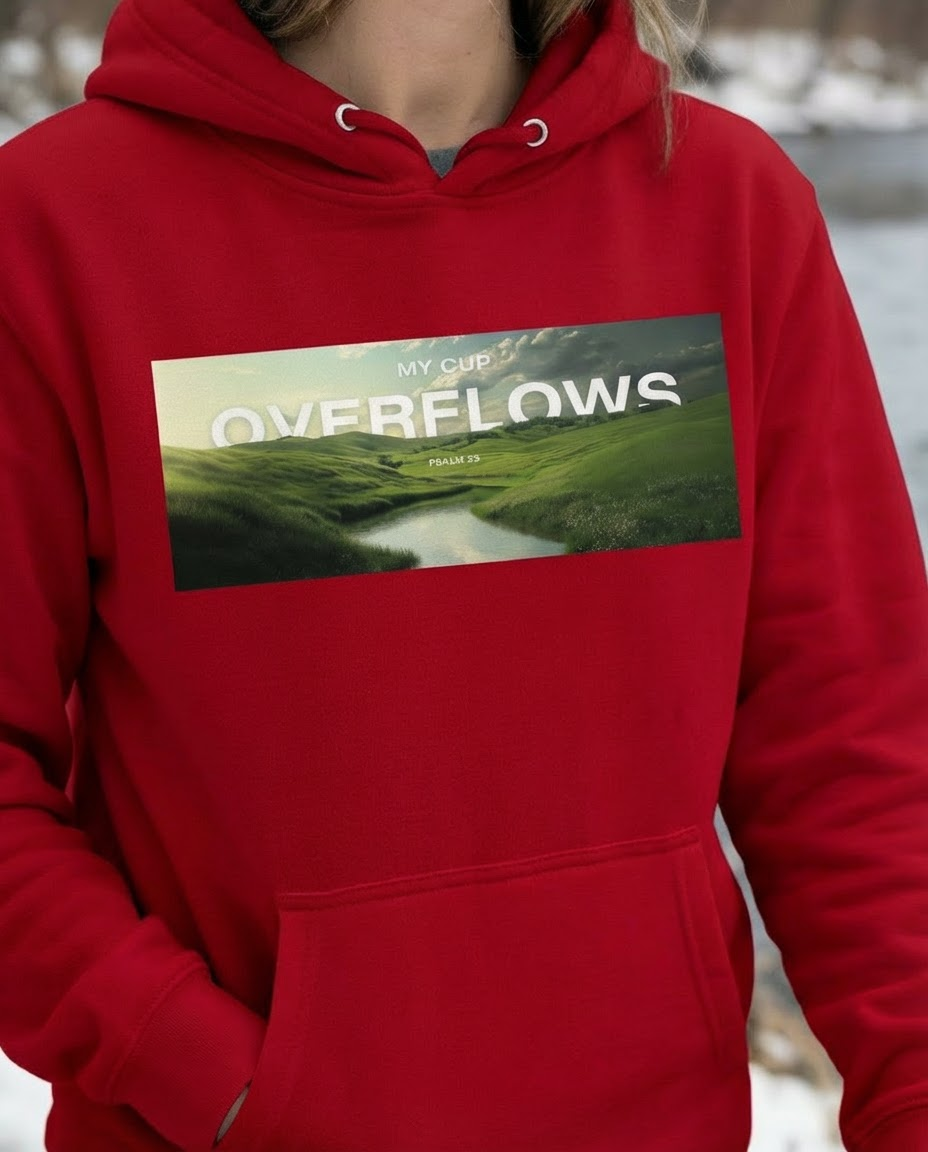
How to use Product Colourway Generator Final
Follow these quick steps to recolor apparel photos with AI. Upload your product image, choose target colors, and export multiple colourway variants ready for mockups, listings, and review.
Step 1
Add a clear photo of your T-shirt, hoodie, or sweatshirt. Use well-lit images so the AI can preserve seams, texture, and shading accurately.

Step 2
Choose your new colorway by selecting target colors or entering exact shades. Preview options and adjust until the recolor looks true to your brand palette.

Step 3
Run the AI recolor to produce consistent variants. Download the best results for eCommerce product images, mockups, catalog pages, or internal approvals.
Features
Recolor apparel while keeping fabric texture, highlights, and shadows consistent. Generate multiple product colourways from one image to speed up merchandising, reduce reshoots, and test new palettes. Create clean variants for T-shirts, sweatshirts, and hoodies with fast, repeatable AI results built for product images.
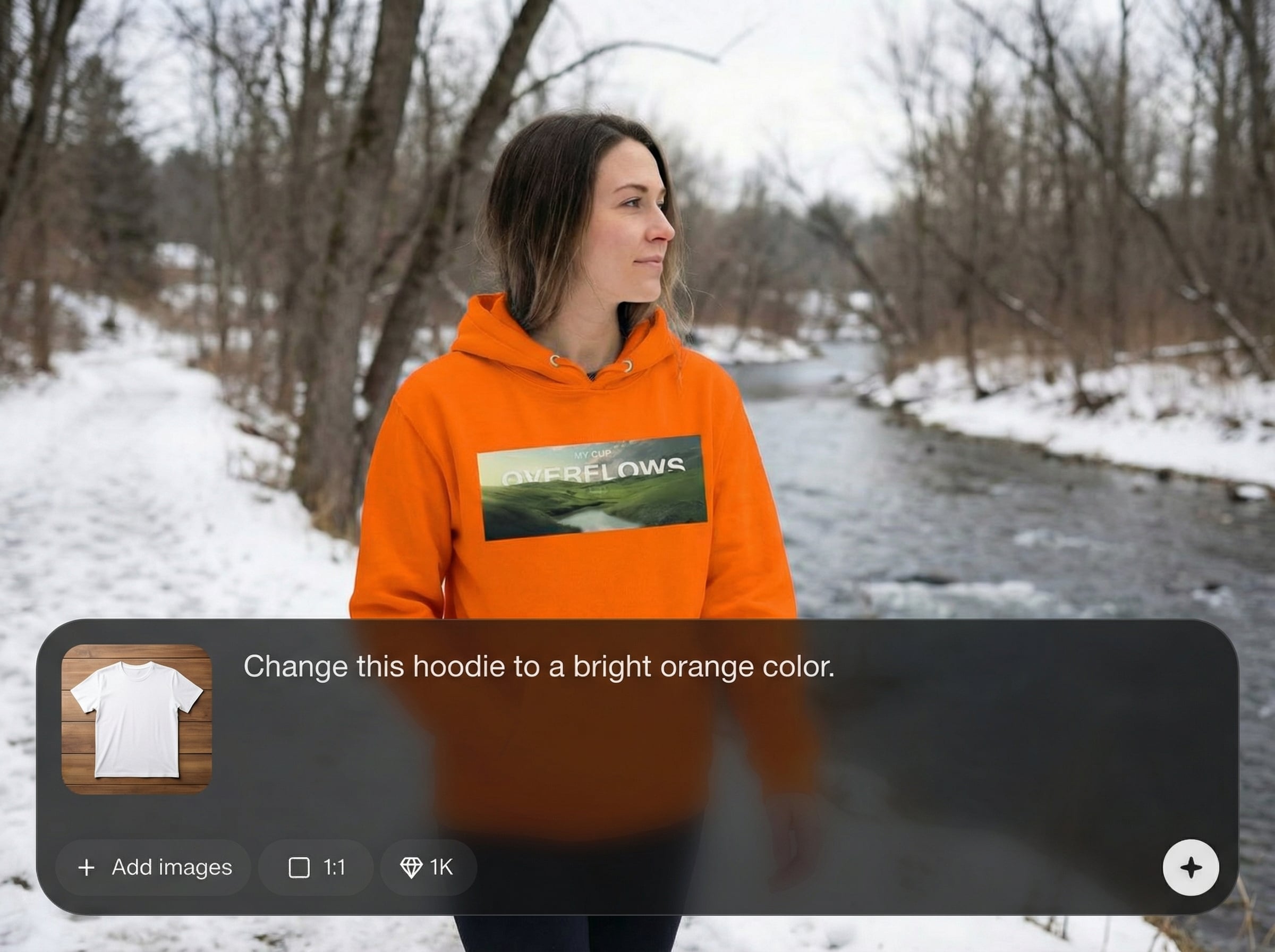
AI maintains wrinkles, stitching, and shading so your new colourways look like real photos. Keep logos, seams, and garment details intact for professional product images.
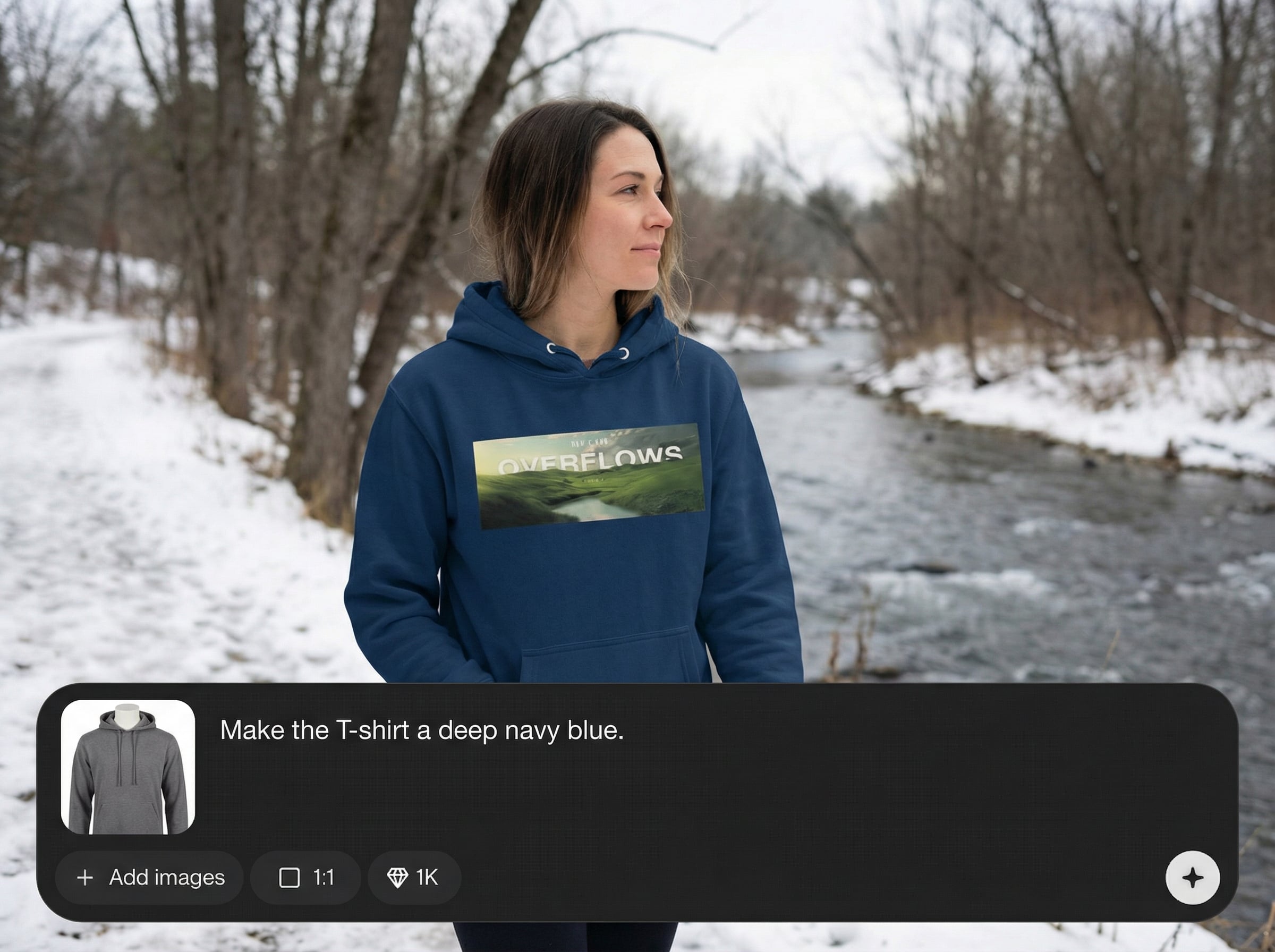
Create multiple color options quickly from a single upload. Compare palettes side by side and iterate faster when planning seasonal drops or expanding product lines.
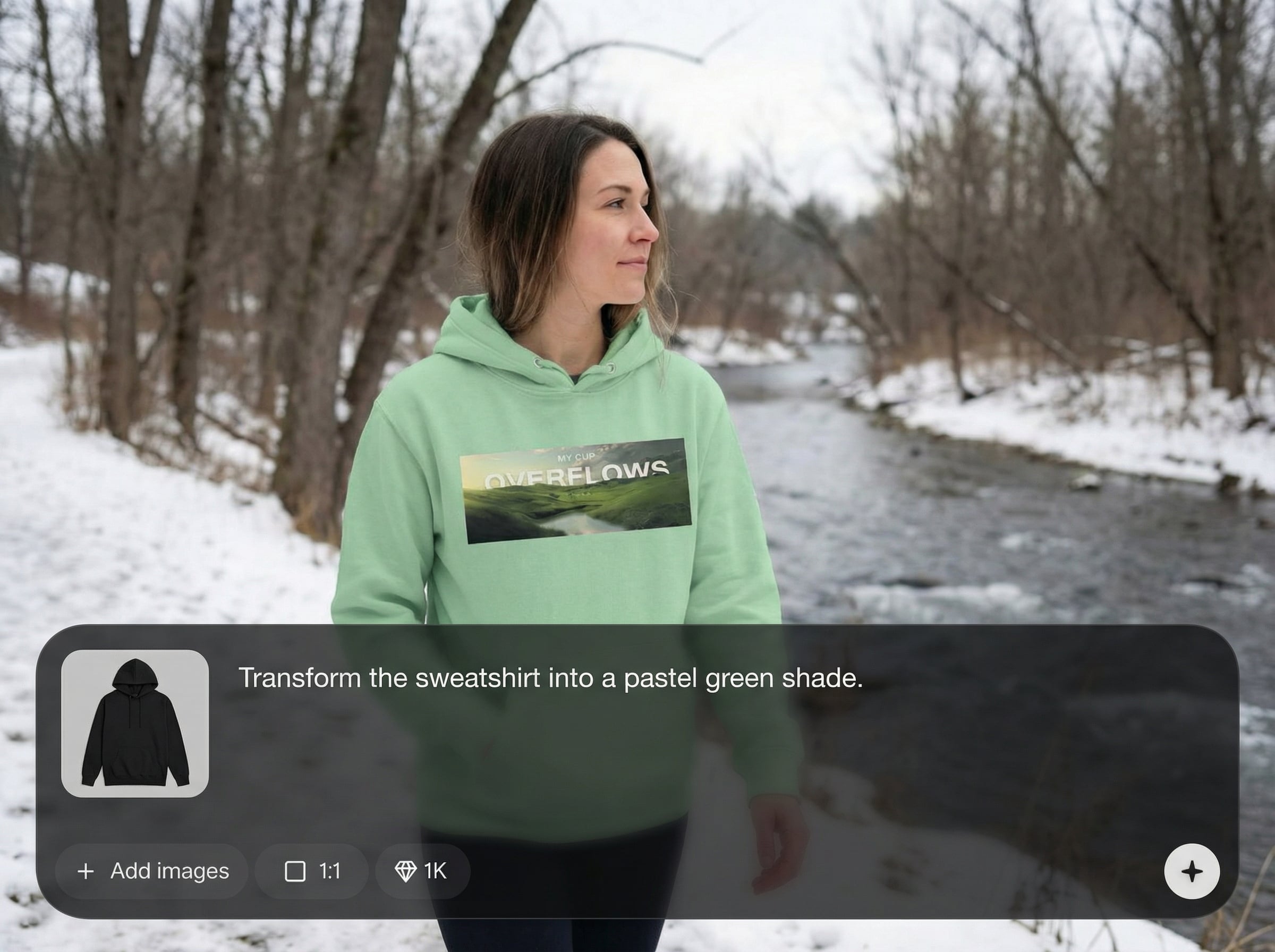
Dial in precise hues for consistent merchandising across listings. Use controlled recoloring to match brand palettes and produce clean mockup-style visuals without extra editing.
About
Product Colourway Generator Final lets you change the color of T-shirts, hoodies, and sweatshirts with realistic, consistent results. Upload a product image, select new colors, and generate clean colourway variants in seconds. Use AI to keep fabric texture, shadows, and details intact while you explore multiple options for product pages, catalogs, and listings.
Get fast, consistent AI recoloring designed for product images. Preserve fabric texture and shading while exploring multiple colourways from a single photo. Reduce production time, limit reshoots, and ship cleaner apparel visuals across storefronts and catalogs.
Upload a clear apparel photo, select your target colors, and generate new colourway variants. Download the results and reuse the same workflow to build a full color range quickly.
Use cases
Discover how different creators use this app in their workflow.
Generate consistent T-shirt, hoodie, and sweatshirt colourways for PDPs and marketplaces, without photographing every variant.
Explore new palettes, compare colourways, and align assortments quickly using AI variants that remain true to the original garment details.
Share quick colourway mockups with teams to validate options before production, saving time on samples and reshoots.
Krea is one of the world's leading generative AI platforms. See what others say.
Real reviews on TrustpilotSo many AI tools out there but I always come back to Krea. It's really the one AI platform that 'just works'.

FYN
Krea's interfaces are still the best in the industry. Everything looks and feels so clean and easy to use! Imo the easiest to use gen AI website.

Lynn
Ultra fast generations. Extremely simple to use. All the latest AI models.

Daniel
KREA is the only AI subscription I have right now besides ChatGPT.

Sophia M.
Answers to common questions about AI apparel recoloring and product colourways.
The AI recolors while preserving luminance and structure, so wrinkles, stitching, and shadows stay consistent. You get new colourways that look photographic, not flat paint fills.
Use sharp, well-lit images with the garment clearly visible. Simple backgrounds help, but the tool can work with lifestyle shots as long as the clothing area is distinct.
Yes. The tool is designed for common apparel types and maintains details like cuffs, hems, and seams. Results improve with higher-resolution inputs and consistent lighting.
Yes. Create several variants by changing your target colors and generating again. This makes it easy to build a full set of product color options from one base image.
In most cases, yes—details are preserved while the garment color changes. For best results, use clear images where logos and prints have strong contrast against the fabric.
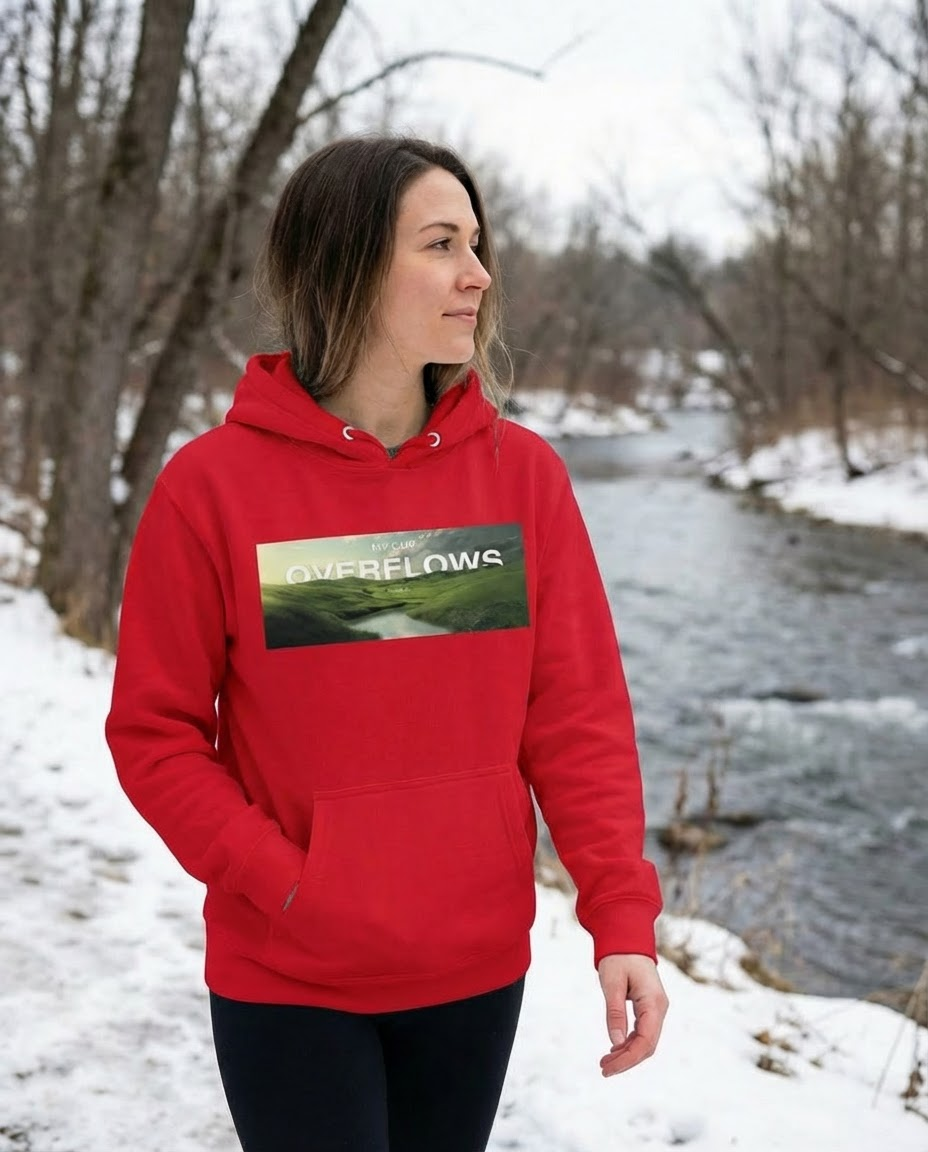
Upload a garment image, choose colors, and generate realistic product variants for listings and catalogs in seconds.

