














Step 1
Select product type
Choose T-shirt, hoodie, sweatshirt, or similar apparel. Set basic preferences like fit and framing so the AI mockup matches your intended product presentation.
Create male T-shirt, hoodie, and sweatshirt mockups with AI. Use product type, moodshot, and reference images to generate realistic photos—try it now.
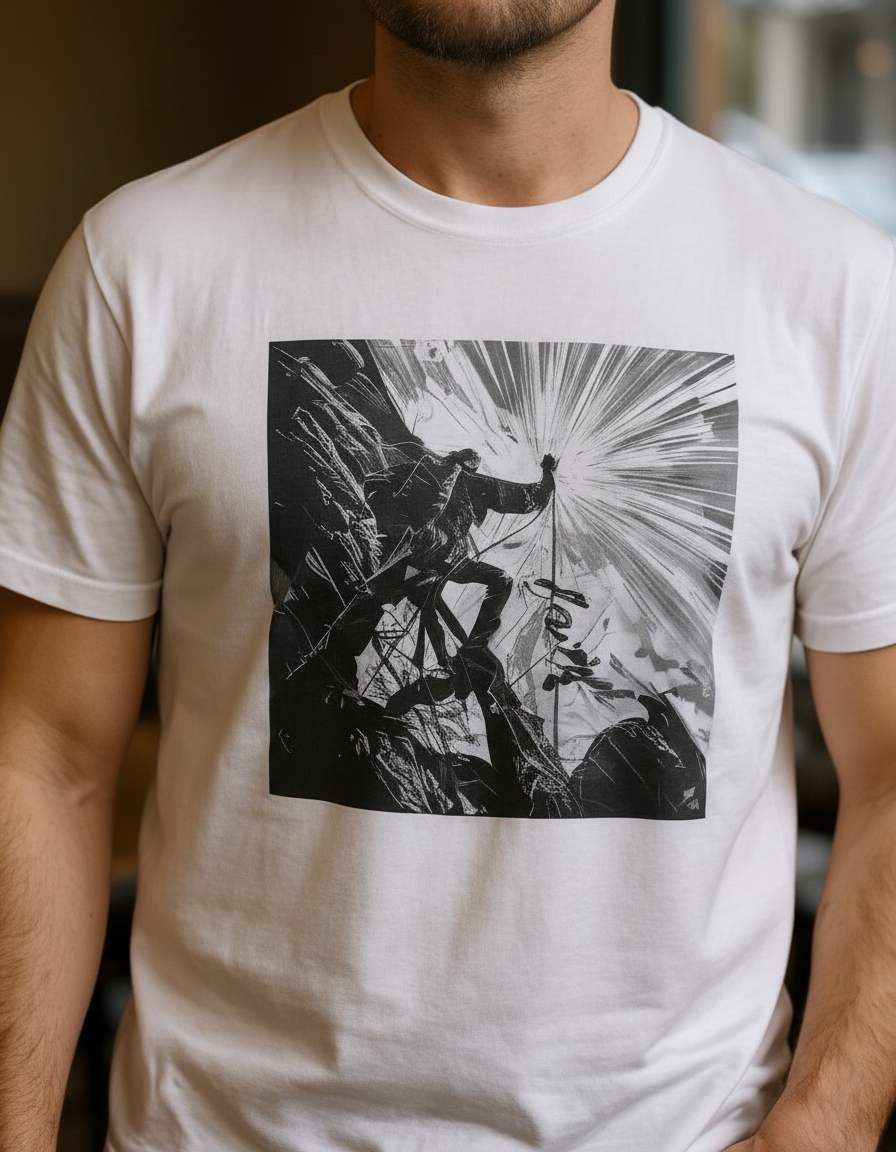
How to use T-shirt/ Product Mockup Generator Male
Create professional mockups with a simple workflow. Pick your apparel type, define the moodshot, and add a reference or design to steer the AI. Export ready-to-use images for campaigns and product pages.
Step 1
Choose T-shirt, hoodie, sweatshirt, or similar apparel. Set basic preferences like fit and framing so the AI mockup matches your intended product presentation.

Step 2
Pick a moodshot style for lighting and vibe. Upload a mockup reference image, your design file, or both to control placement, realism, and overall look.

Step 3
Click generate to create multiple variations. Refine with new references or moodshots, then download high-quality mockup images ready for ecommerce, ads, and catalogs.
Features
Generate male apparel product mockups with accurate garment placement and consistent photo styling. Combine product type selection, moodshot direction, and reference images to control the output. Produce multiple variations quickly for A/B tests, storefront listings, and campaign creatives—without reshoots or manual compositing.
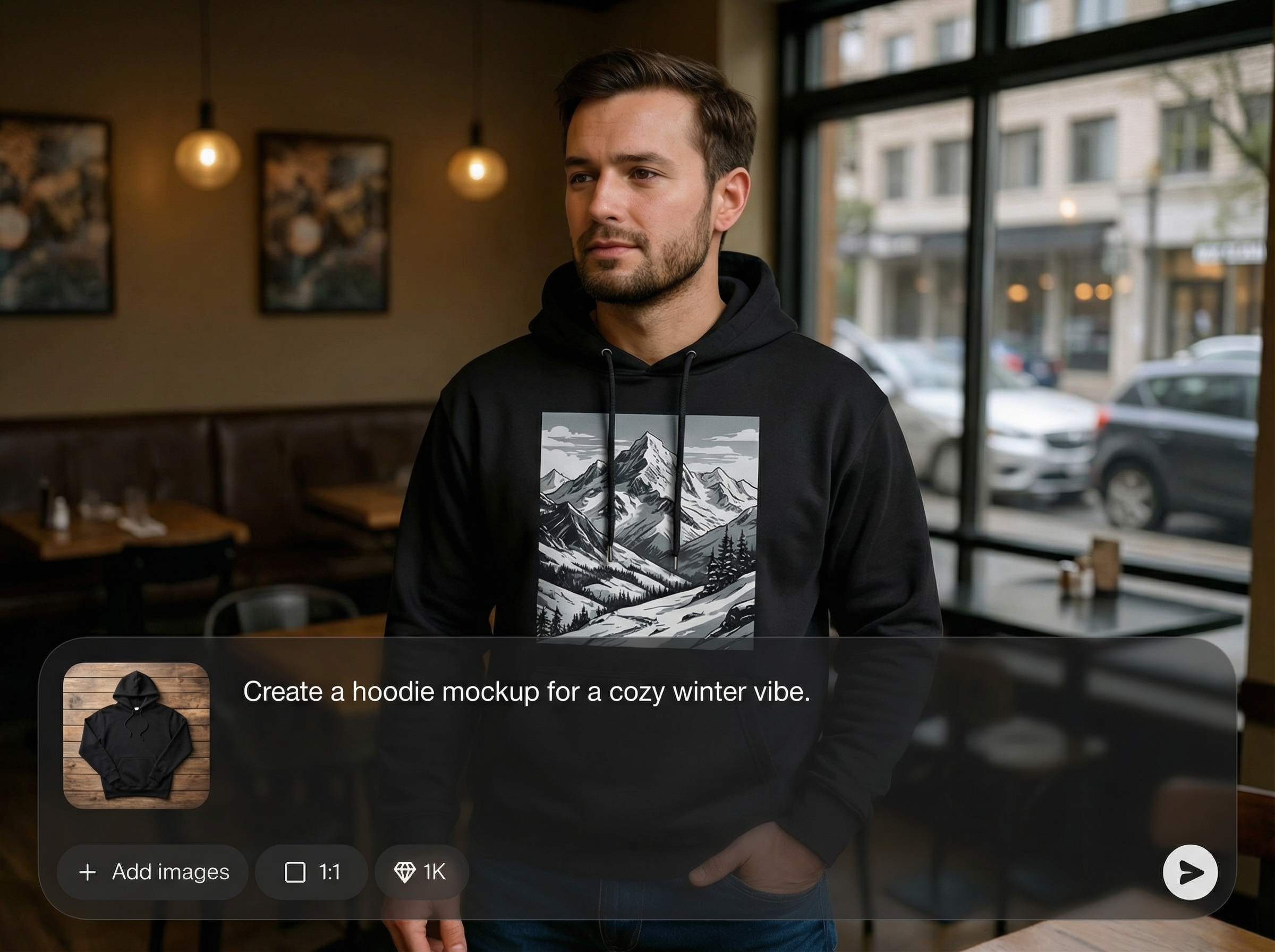
Use a mockup reference to match pose, framing, and lighting. The AI keeps your output aligned to the look you want while generating clean, believable apparel product photos.
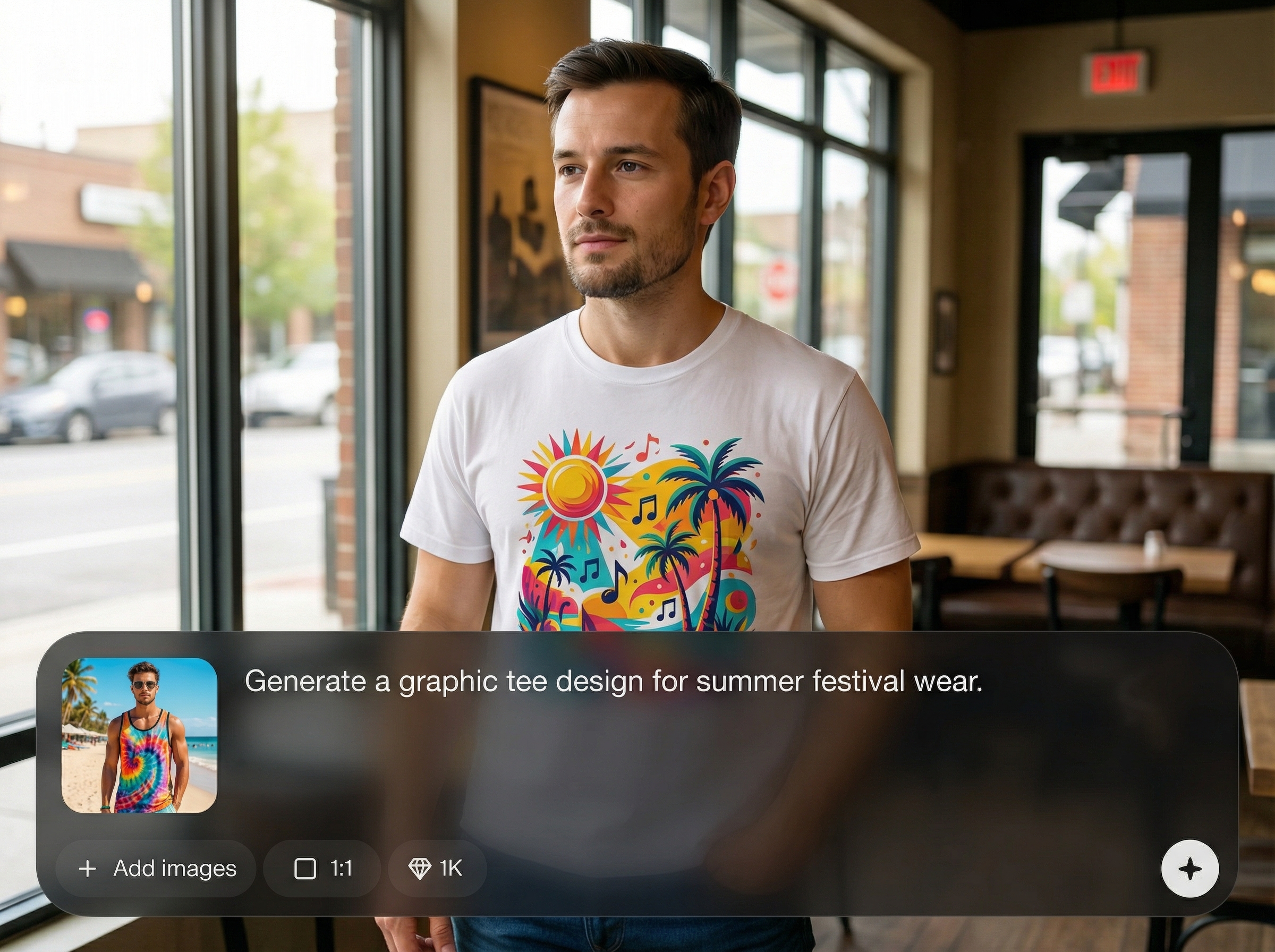
Upload your artwork to visualize prints on T-shirts, hoodies, and sweatshirts. Get fast previews with realistic scale and placement to validate designs before publishing or ordering samples.
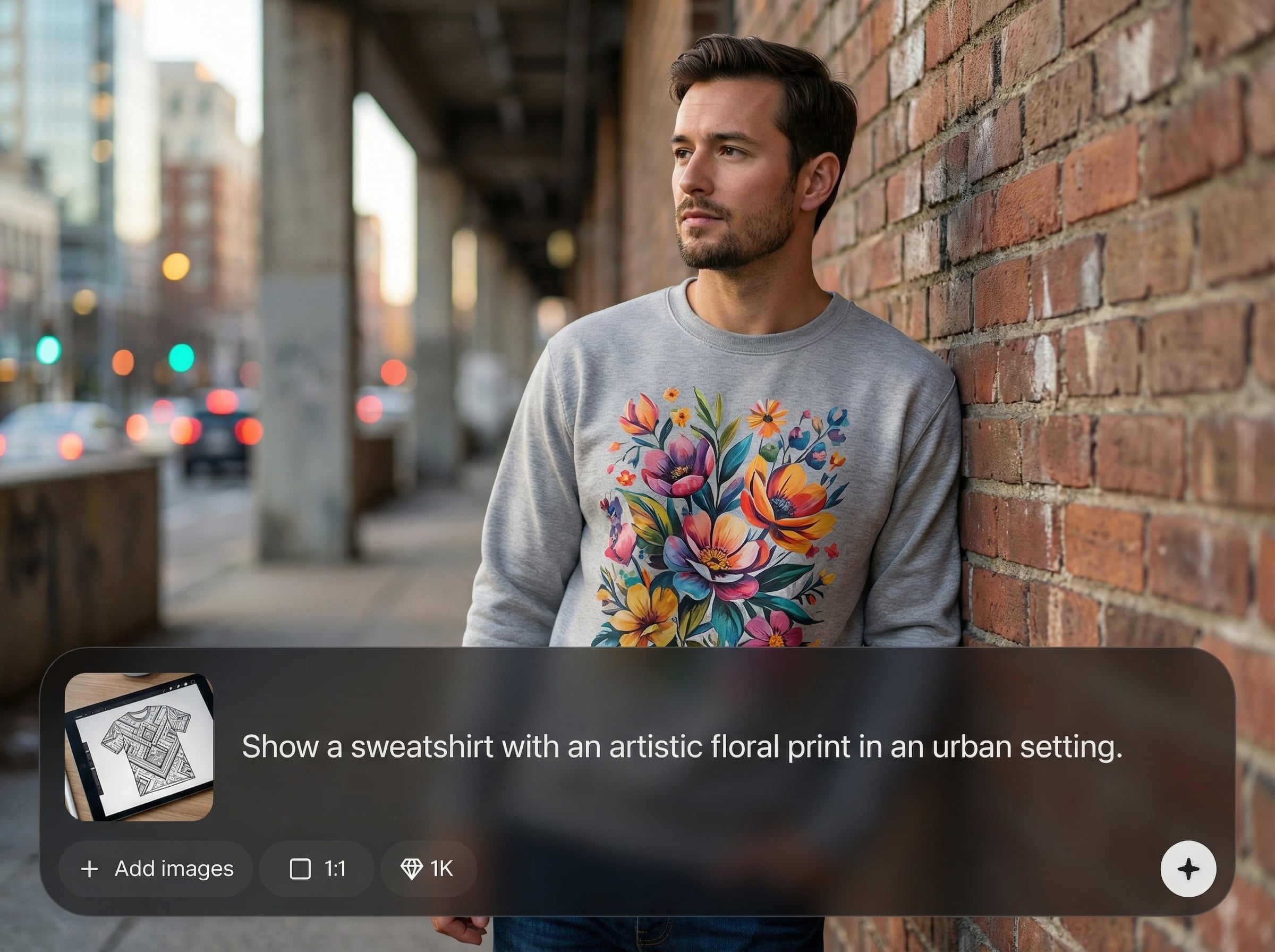
Create multiple mockup options in one session by changing moodshot style or references. Speed up iteration for product pages, ad sets, and seasonal collections with consistent results.
About
T-shirt/ Product Mockup Generator Male creates realistic male apparel mockups for T-shirts, hoodies, and sweatshirts using AI. Choose a product type, set a moodshot style, and add a mockup reference, your design, or both to guide the result. Generate clean product photos fast for listings, ads, and brand previews with consistent lighting and fit.
Get controllable AI mockups built for apparel: product type selection, moodshot styling, and reference-guided outputs in one workflow. Generate multiple realistic variations quickly, keep visuals consistent across listings, and reduce time spent on manual editing or repeated photo shoots.
Enter your product type, choose a moodshot style, and upload a mockup reference and/or your design. Generate variations, tweak inputs for better alignment, and download high-quality images for ecommerce and marketing.
Use cases
Discover how different creators use this app in their workflow.
Generate clean male apparel mockups for store pages, marketplaces, and catalogs. Keep consistent lighting and angles across SKUs to improve browsing and conversion.
Produce moodshot-driven mockups for campaigns in different styles. Test multiple looks quickly to find the best-performing visuals for paid and organic channels.
Preview new graphics on T-shirts, hoodies, and sweatshirts before launch. Compare placements and colorways with fast AI mockups to reduce rework.
Krea is one of the world's leading generative AI platforms. See what others say.
Real reviews on TrustpilotSo many AI tools out there but I always come back to Krea. It's really the one AI platform that 'just works'.

FYN
Krea's interfaces are still the best in the industry. Everything looks and feels so clean and easy to use! Imo the easiest to use gen AI website.

Lynn
Ultra fast generations. Extremely simple to use. All the latest AI models.

Daniel
KREA is the only AI subscription I have right now besides ChatGPT.

Sophia M.
Answers to common questions about AI apparel mockups and references.
It generates realistic male apparel mockups for T-shirts, hoodies, sweatshirts, and similar products. Use product type plus a moodshot style and optional reference/design inputs to guide the final image.
Yes. You can upload a reference image to control pose and lighting, and also add your design file for print placement. Using both typically produces the most consistent, on-brand results.
A moodshot defines the visual style—lighting, background vibe, and overall aesthetic. It helps the AI generate mockups that match your campaign look, from clean studio shots to lifestyle scenes.
High-resolution PNGs with transparent backgrounds work best for prints and logos. Clean edges and sufficient size improve placement quality, making the AI mockup look more like a real garment photo.
Reuse the same moodshot settings and reference images, then only swap the design and product type. This keeps framing, lighting, and styling consistent across multiple SKUs and colorways.
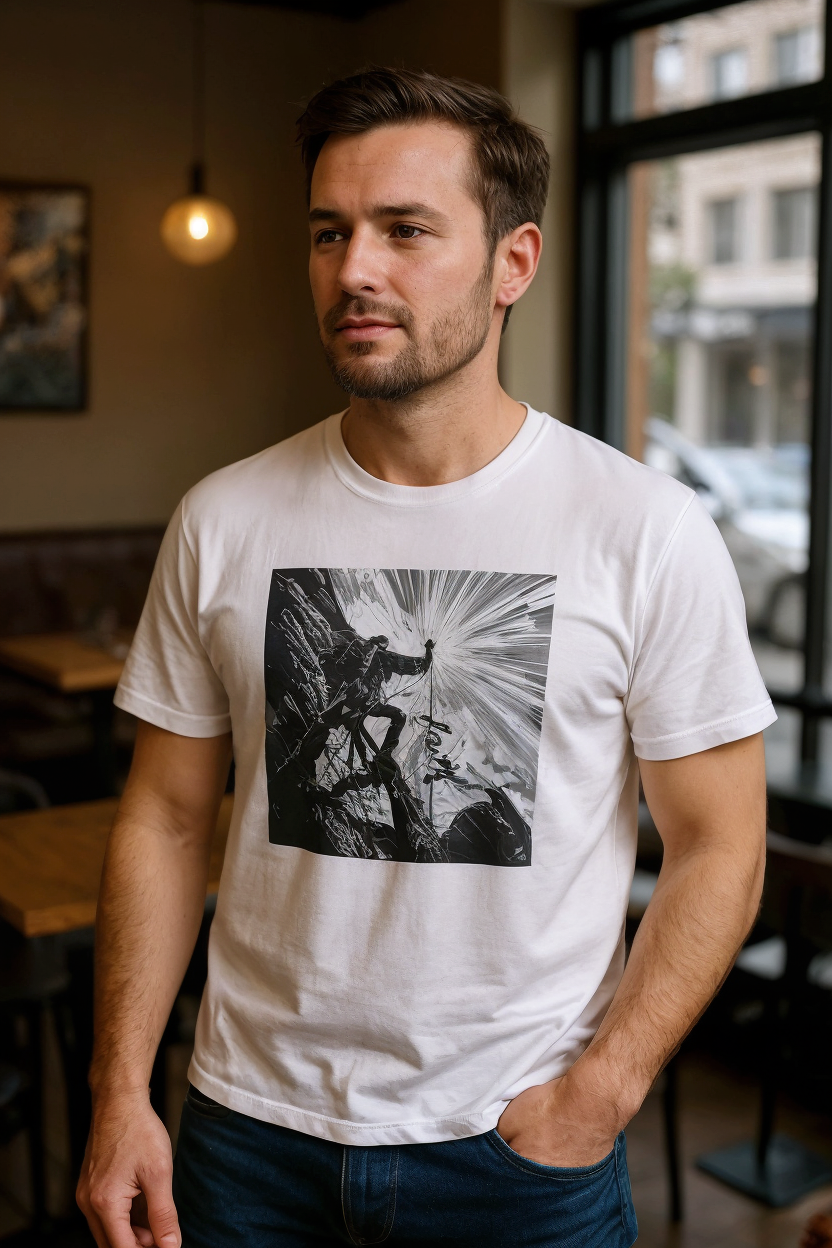
Pick a product type, set a moodshot, add references or designs, and generate realistic mockups in minutes.

