














Step 1
Configure
Upload or define your brand color palette and choose geometric shape elements. Add a short prompt describing the scene, product, or message you want the image to communicate.
Generate Customer.io-ready images with AI. Apply your brand palette and geometric shapes for consistent, high-quality campaign visuals. Try it now.

How to use Customer.io Image style
Follow these steps to generate consistent Customer.io imagery with your brand palette and geometric shapes. You’ll configure the style, generate variations, and export assets sized for email and campaign placements.
Step 1
Upload or define your brand color palette and choose geometric shape elements. Add a short prompt describing the scene, product, or message you want the image to communicate.

Step 2
Run the AI image style generator to create multiple on-brand options. Refine the prompt or adjust palette emphasis to steer composition, contrast, and overall visual balance.

Step 3
Select the best variation and export high-resolution files for Customer.io. Download assets for headers, banners, and modules, then reuse the same style for future campaigns.
Features
Customer.io Image style creates cohesive visuals by integrating brand color palettes and geometric shapes into every output. Generate high-quality images for email headers, banners, and in-message modules with repeatable styling. Keep campaigns aligned across teams, speed up production, and reduce time spent on manual design tweaks.
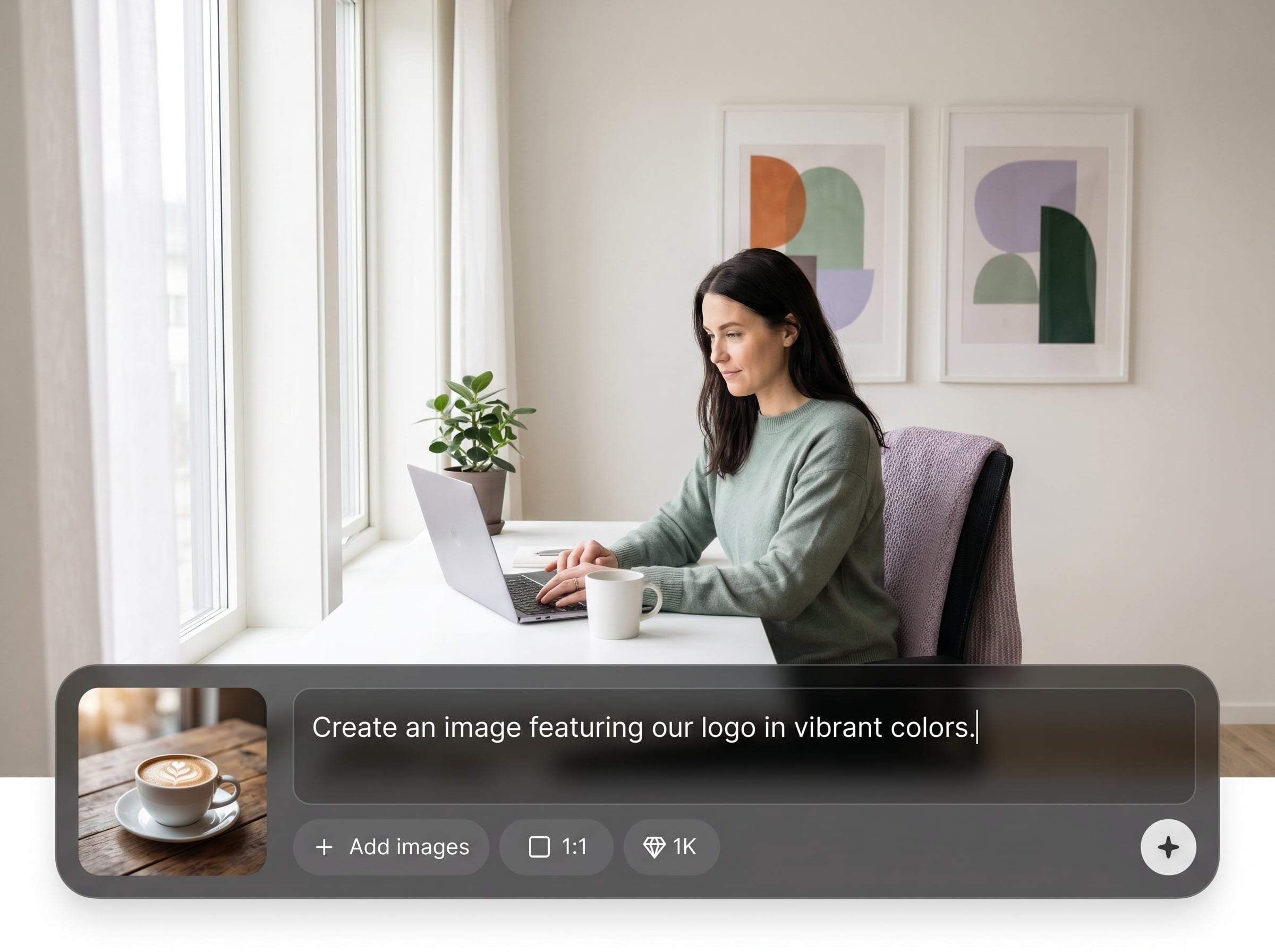
Apply your approved color palette automatically, so every image matches brand guidelines. Control dominant and accent colors for reliable contrast and consistent visual hierarchy across campaigns.
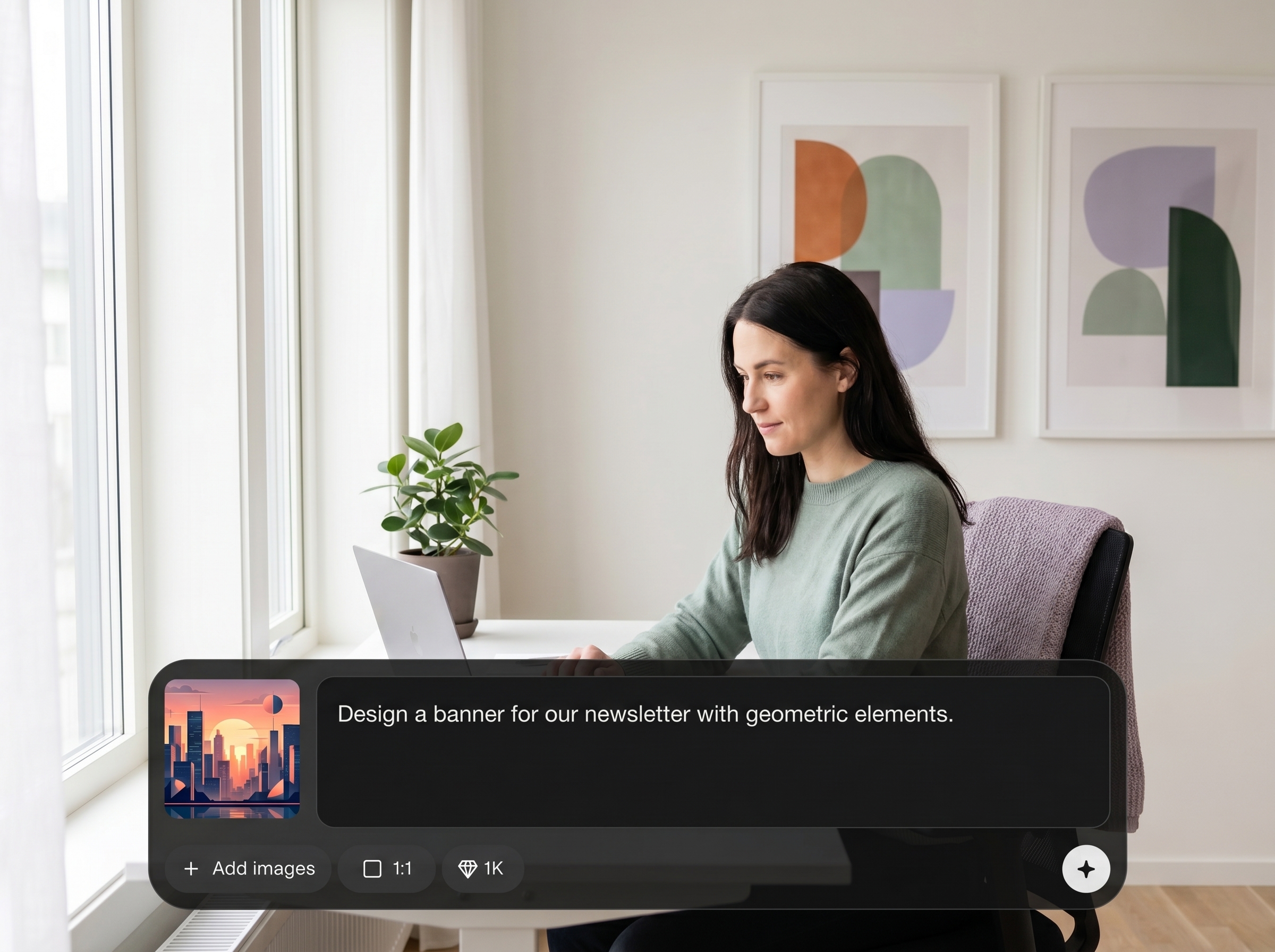
Blend signature geometric shapes into backgrounds and compositions for a recognizable look. Create depth and structure without manual vector work while keeping visuals clean and modern.
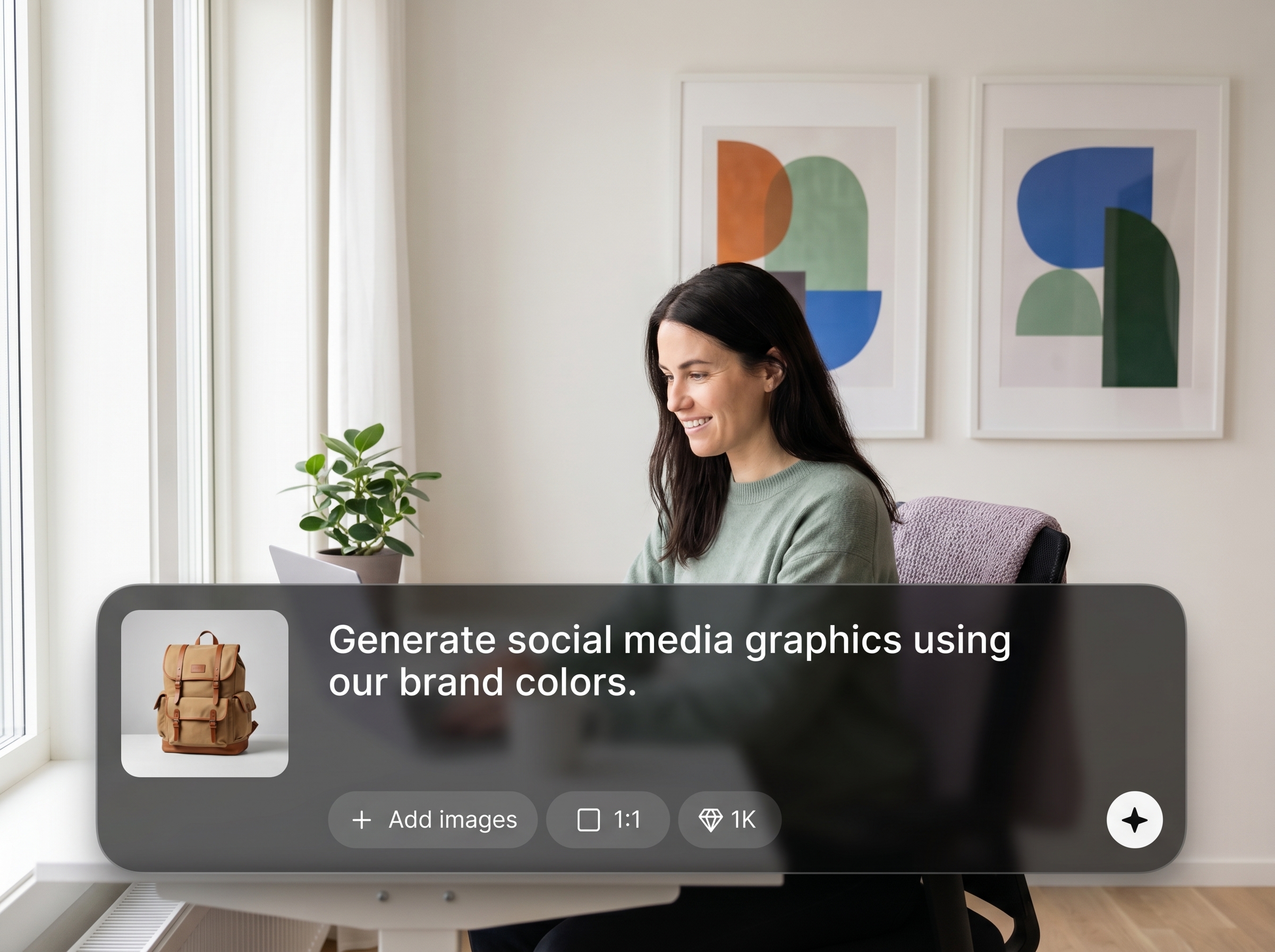
Generate multiple high-quality options quickly for A/B testing and seasonal refreshes. Iterate with simple prompt edits to match new offers, messages, and layouts while staying on-brand.
About
Customer.io Image style generates high-quality visuals that match your brand in seconds. It blends your color palette and signature geometric shapes into polished imagery, ready for Customer.io emails and campaigns. Keep every header, banner, and promo image consistent while reducing design time and manual iterations across teams.
Get consistent, Customer.io-ready visuals without rebuilding designs from scratch. The AI style system applies your brand palette and geometric motifs automatically, producing cohesive imagery at scale. Generate multiple options fast, keep quality high, and maintain a unified look across every campaign touchpoint.
Enter a short prompt, set your brand color palette, and choose geometric styling. Generate a batch of variations, pick the best result, and export high-resolution assets for Customer.io emails and campaigns.
Use cases
Discover how different creators use this app in their workflow.
Create consistent hero visuals sized for Customer.io emails, with brand colors and geometric accents that keep every send aligned and professional.
Generate cohesive imagery for onboarding, win-back, and transactional messages. Reuse the same style to maintain brand continuity across touchpoints.
Produce campaign-ready banners and module images for new features or offers. Spin up variations fast while keeping the same branded look.
Krea is one of the world's leading generative AI platforms. See what others say.
Real reviews on TrustpilotSo many AI tools out there but I always come back to Krea. It's really the one AI platform that 'just works'.

FYN
Krea's interfaces are still the best in the industry. Everything looks and feels so clean and easy to use! Imo the easiest to use gen AI website.

Lynn
Ultra fast generations. Extremely simple to use. All the latest AI models.

Daniel
KREA is the only AI subscription I have right now besides ChatGPT.

Sophia M.
Answers to common questions about generating Customer.io-ready, on-brand images with AI image styling.
Customer.io Image style is an AI image style generator that applies your brand color palette and geometric shapes to create consistent, high-quality visuals for Customer.io campaigns.
The tool uses your defined palette and shape styling as constraints during generation. This helps maintain consistent colors, motifs, and overall composition while still producing unique variations.
Yes. Generate imagery for headers, banners, and content modules, then export high-resolution assets. You can maintain a unified look across multiple templates and campaign types.
No. Add a prompt and select your palette and geometric styling, then generate options. Minor prompt edits can refine layout, mood, and emphasis without complex design workflows.
Yes. Create several on-brand variations from the same prompt to test different compositions or messages. This makes it easier to iterate while keeping consistent brand styling.
Use clear subjects and intent, like “product announcement banner” or “welcome email hero.” Specify mood and layout cues, and let the palette and shapes enforce brand consistency.
Outputs are generated as high-quality images suitable for campaign assets. You can export and reuse the style for future sends to maintain consistent visual standards over time.
Yes. Adjust palette values or geometric styling anytime to match brand updates, new guidelines, or seasonal themes while keeping the overall Customer.io image style consistent.
It’s an AI-powered approach using artificial intelligence and machine learning to generate new imagery. The brand palette and geometric shape rules guide results, rather than fixed templates.
Apply your palette and geometric shapes to create campaign-ready images in seconds, with repeatable brand consistency.

