














Step 1
Describe your concept
Enter the subject, scene, and key details you want. Add constraints like camera angle, mood, color palette, and composition to guide the model accurately.
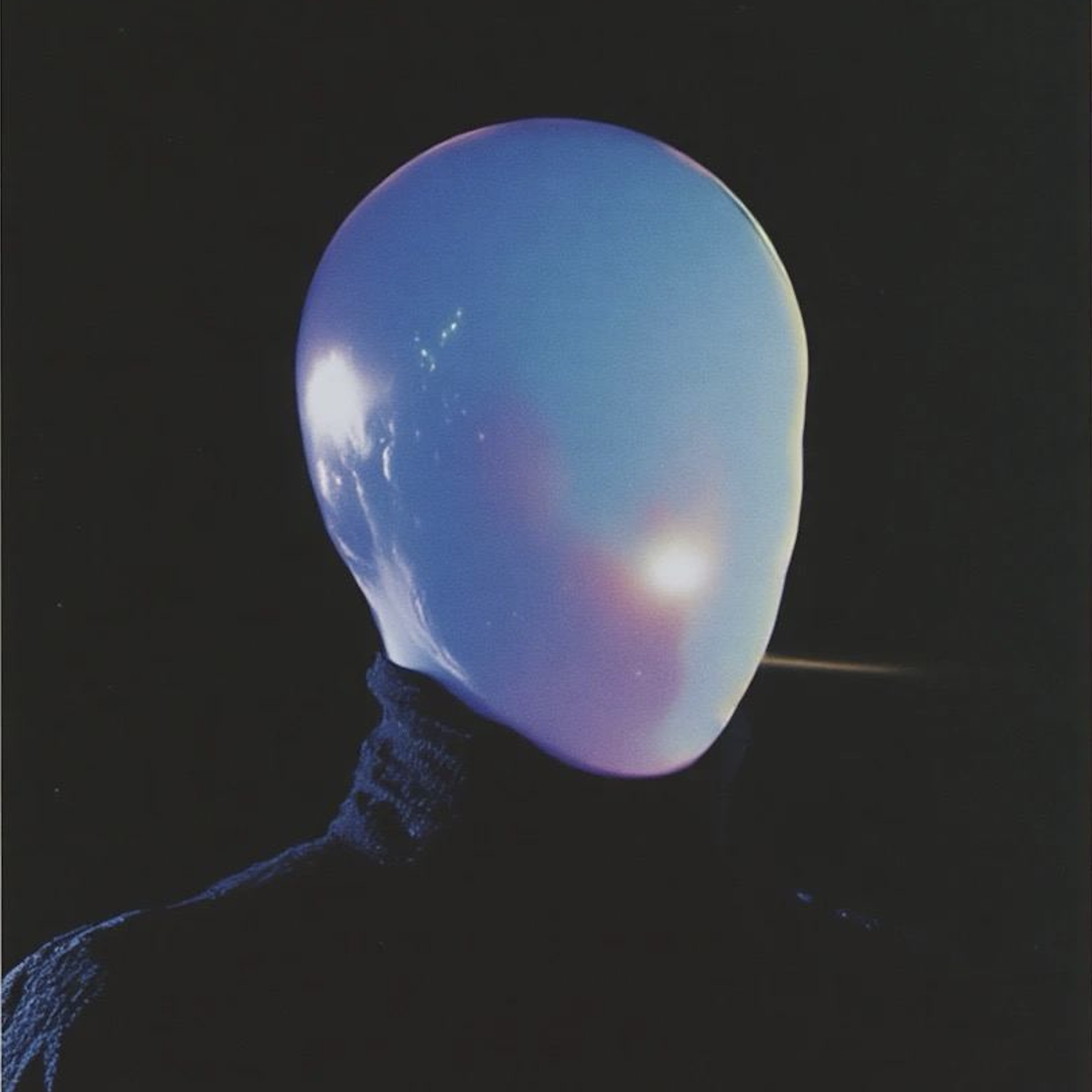 App by vicc
Generate precise image prompts with AI image prompting. Build better text-to-image results fast with styles, parameters, and templates. Try now.
Run the app to see your first output
How to use image prompting
Follow these steps to create clear, repeatable prompts for text-to-image tools. You’ll define your concept, add style and parameters, then refine with quick variations for consistent results.
Step 1
Enter the subject, scene, and key details you want. Add constraints like camera angle, mood, color palette, and composition to guide the model accurately.

Step 2
Choose visual styles, lighting, lens, and rendering cues. Include aspect ratio, quality, and negative prompts to reduce artifacts and keep results on-brand.

Step 3
Create multiple prompt versions, compare outputs, and tweak wording. Save your best prompt as a template so you can reuse it for future images.
Features
Image prompting helps you write structured prompts that text-to-image models understand. Use guided fields, reusable templates, and smart variations to control style, composition, and constraints. Reduce trial-and-error, improve consistency, and move from idea to usable prompt faster—without memorizing prompt syntax.
Build prompts with clear sections for subject, environment, style, and details. The tool formats your text for stronger model adherence and fewer missing elements in outputs.
Add and manage negative prompts to avoid common issues like extra limbs, blur, or unwanted text. Keep images cleaner while preserving your intended look and composition.
Generate alternate phrasings and style swaps while keeping your core concept intact. Explore options quickly, then lock in a repeatable prompt for consistent results.
About
Image prompting turns ideas into production-ready prompts for text-to-image models. Use AI to structure subjects, styles, lighting, and parameters so outputs look consistent and on-brief. Create, refine, and reuse prompt templates to speed up iterations and improve image quality across workflows.
Image prompting focuses on control and repeatability: structured prompt fields, negative prompt guidance, and fast variations. Get clearer intent, cleaner outputs, and consistent style across batches. Spend less time guessing prompt syntax and more time refining the look you want.
Type your concept, pick a style direction, and generate a clean prompt instantly. Copy it into your favorite text-to-image tool, review results, then save a template to reuse for consistent future generations.
Use cases
Discover how different creators use this app in their workflow.
Create consistent prompts for packshots, lifestyle scenes, and colorway variations. Keep framing and lighting aligned across a full catalog of generated images.
Generate on-brief prompts for campaign concepts, seasonal themes, and brand styles. Iterate quickly to test multiple creative directions without rewriting from scratch.
Explore worlds, characters, and environments with structured prompt templates. Produce cohesive variations and refine details step-by-step as your vision evolves.
Krea is one of the world's leading generative AI platforms. See what others say.
Real reviews on TrustpilotSo many AI tools out there but I always come back to Krea. It's really the one AI platform that 'just works'.

FYN
Krea's interfaces are still the best in the industry. Everything looks and feels so clean and easy to use! Imo the easiest to use gen AI website.

Lynn
Ultra fast generations. Extremely simple to use. All the latest AI models.

Daniel
KREA is the only AI subscription I have right now besides ChatGPT.

Sophia M.
Answers to common questions about AI image prompting and prompt generation.
Image prompting is an AI tool that helps you write effective text prompts for image generation models. It structures key details like subject, style, lighting, and constraints to improve output consistency.
It reduces ambiguity by turning ideas into specific, model-friendly language. You get clearer subjects, better style cues, and stronger composition guidance, which typically leads to fewer failed generations.
Yes. The prompts are designed to work across popular text-to-image tools, including Stable Diffusion and Midjourney-style workflows. You can copy, adjust parameters, and iterate based on your model settings.
Include a clear subject, environment, action, and style references. Add lighting, camera or lens cues, composition notes, and constraints like aspect ratio. Negative prompts help remove unwanted artifacts.
Yes. Save prompts as reusable templates so you can generate consistent variations for a series. Templates help standardize style keywords, parameter blocks, and brand-friendly language across projects.
Negative prompts tell the model what to avoid, such as blur, extra fingers, watermark text, or low-quality artifacts. Using them alongside positive details improves clarity while keeping the scene aligned.
Yes. Create variations that preserve your core concept while changing style, mood, or wording. This helps you explore options faster and find phrasing that produces the most consistent images.
No. The tool guides you with structured inputs and ready-to-use patterns. You can start with simple descriptions and progressively add style and parameter details as you learn what works best.
Reuse a template, keep a fixed style block, and only change the variables you need (like product color or location). Lock in aspect ratio, lighting cues, and negative prompts for stability.
Build reusable prompts that improve text-to-image quality, reduce retries, and speed up your workflow.

