














Step 1
Describe the scene
Enter a subject and setting, then specify key details like mood, time of day, and materials. Add negative terms to avoid unwanted elements and artifacts.
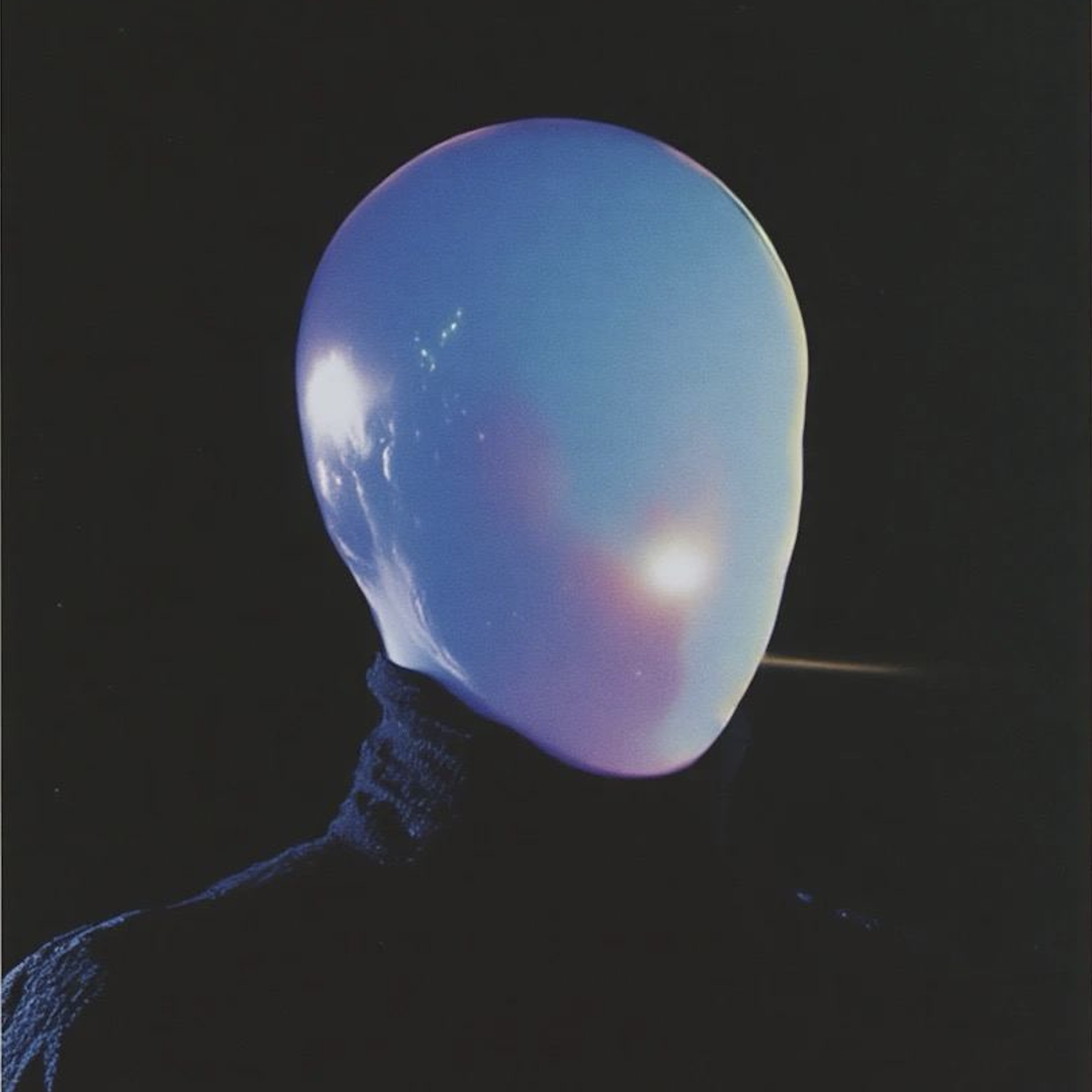 App by vicc
Generate high-quality AI image prompts in seconds. Refine styles, subjects, and camera details with smart suggestions. Try Image Prompting online now.
Run the app to see your first output
How to use Image Prompting
Follow these steps to generate precise text-to-image prompts using Image Prompting. You’ll structure the scene, add style and camera details, then export variations optimized for consistent AI image generation results.
Step 1
Enter a subject and setting, then specify key details like mood, time of day, and materials. Add negative terms to avoid unwanted elements and artifacts.

Step 2
Choose a visual style, lighting, lens, composition, and aspect ratio. Use smart suggestions to expand descriptors, strengthen specificity, and keep the prompt readable.

Step 3
Create multiple prompt versions for different aesthetics or model preferences. Copy or download prompts to reuse across workflows, keeping consistency while testing new directions quickly.
Features
Image Prompting is a prompt engineering tool that helps you craft structured, model-ready text-to-image prompts. Combine subject, style, and camera details into a clean format, then generate variations for fast iteration. Improve consistency, reduce guesswork, and get better AI image outputs with fewer reruns.
Build prompts with dedicated fields for subject, environment, lighting, camera, and composition. Keep complex prompts organized, easier to edit, and more consistent across different AI image models.
Generate multiple prompt options from one idea, including stronger descriptors and alternative styles. Compare results quickly and keep a reusable library of high-performing prompt patterns.
Copy prompts in a clear, compact format that works across popular text-to-image tools. Save time by reusing prompts, swapping key tokens, and iterating without rebuilding from scratch.
About
Image Prompting turns quick ideas into clear, detailed AI image prompts for text-to-image models. Add subject, style, lighting, camera, and composition guidance with structured fields and smart suggestions. Generate consistent results faster, reduce trial-and-error, and iterate on prompt variations for different looks in one place.
Image Prompting helps you write clearer prompts with structured controls, making results more predictable across text-to-image workflows. Generate variations quickly, keep prompts readable, and reduce rework with organized negatives and reusable patterns for consistent output quality.
Type a short concept, select style and camera details, then generate variations. Copy the prompt into your preferred AI image model and iterate by adjusting only a few tokens at a time.
Use cases
Discover how different creators use this app in their workflow.
Draft consistent prompts for product shots, materials, and studio lighting. Explore variations for backgrounds, angles, and render styles while keeping brand-ready structure.
Create prompt sets for campaigns with consistent tone and composition. Generate options for seasonal themes, color palettes, and hero imagery faster with repeatable templates.
Develop scene prompts with clear mood, lighting, and camera direction. Iterate environments and character concepts quickly, then refine prompts for continuity across shots.
Krea is one of the world's leading generative AI platforms. See what others say.
Real reviews on TrustpilotSo many AI tools out there but I always come back to Krea. It's really the one AI platform that 'just works'.

FYN
Krea's interfaces are still the best in the industry. Everything looks and feels so clean and easy to use! Imo the easiest to use gen AI website.

Lynn
Ultra fast generations. Extremely simple to use. All the latest AI models.

Daniel
KREA is the only AI subscription I have right now besides ChatGPT.

Sophia M.
Answers to common questions about AI image prompting and prompt engineering.
Image Prompting is an AI prompt generator that helps you write detailed text-to-image prompts. It organizes key attributes like subject, style, and camera details so models interpret your intent more consistently.
The prompts are designed to be model-agnostic and easy to adapt for popular text-to-image tools. You can export and tweak wording to match specific model syntax or parameter preferences.
It increases specificity by capturing composition, lighting, lens, and style cues while reducing ambiguity. This cuts down trial-and-error, helps maintain consistency, and makes iterations easier to compare.
Yes. Add negative terms to exclude artifacts, unwanted objects, or styles. Keeping negatives separate helps you refine outputs without cluttering the main prompt or weakening core intent.
You can create multiple variations from one base idea, then reuse successful structures as templates. This is useful for consistent series, campaigns, or character/environment continuity across generations.
Yes. The structured layout guides you through essential prompt components, while suggestions help expand details. You can start simple and gradually add advanced controls like camera and composition.
Focus on clear nouns and adjectives, then add constraints: style, lighting, composition, and lens. Test small changes, keep a baseline prompt, and use negatives to remove recurring issues.
Yes. Reuse the same prompt structure and swap only key variables like color, angle, or environment. Saving variants helps you track what works and maintain a consistent visual language.
Turn rough ideas into structured, model-ready prompts and iterate faster with smart variations.

