














Step 1
Configure
Enter a prompt and pick style, lighting, and output size. Add references or constraints to keep the same look across multiple rendered chunks.
Generate rendered chunks fast with AI. Control style, lighting, and resolution, then export clean assets for web, video, and design. Try it now.
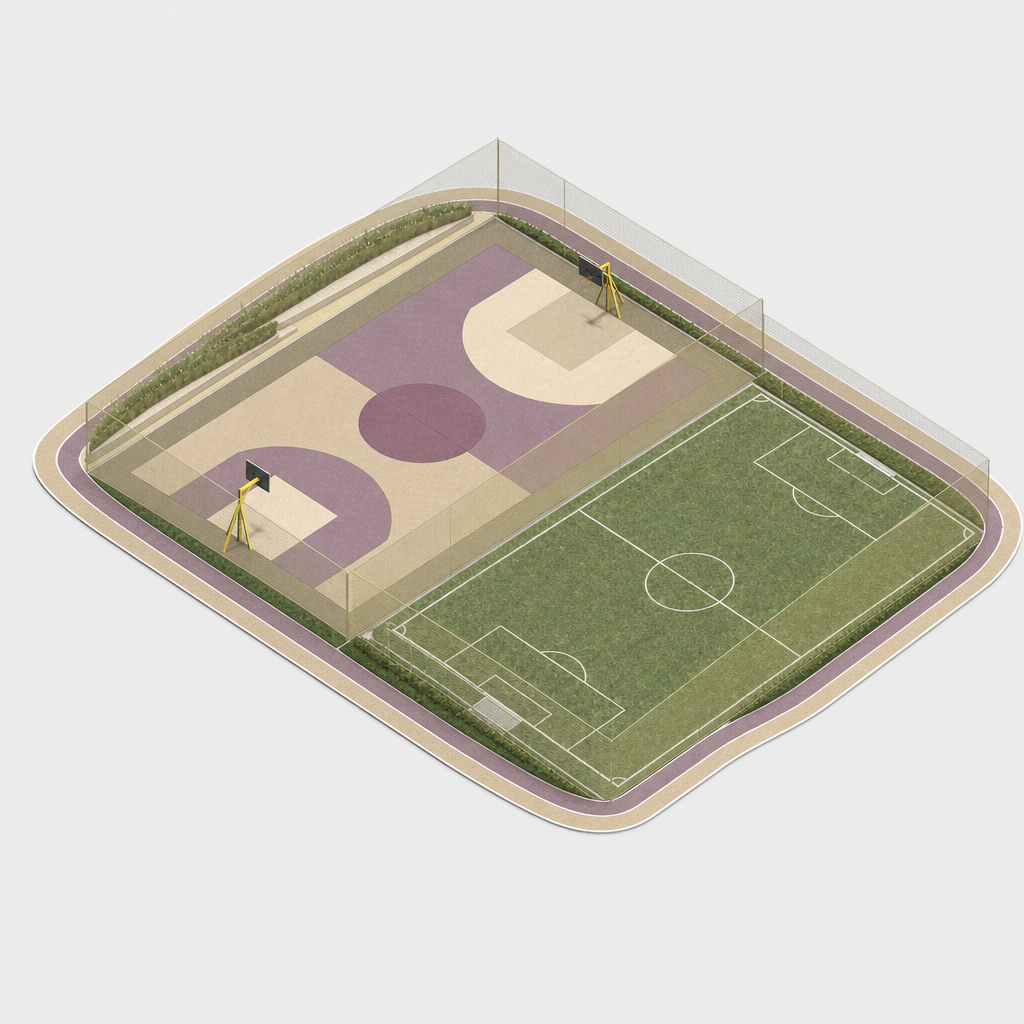
How to use Rendered chunks
Use Rendered chunks to generate reusable render assets with AI. Set a clear goal, choose a look, and export consistent chunks for your workflow. Follow these quick steps to get clean results fast.
Step 1
Enter a prompt and pick style, lighting, and output size. Add references or constraints to keep the same look across multiple rendered chunks.

Step 2
Run the AI render and review variations. Refine wording or settings to improve composition, detail, and consistency until the chunk matches your needs.

Step 3
Download your rendered chunks in high resolution for web, design, or video. Save settings to reuse the same render recipe across future assets.
Features
Rendered chunks turns prompts into clean, reusable render assets using AI and machine learning. Control style, lighting, and resolution to match a project’s visual system. Generate sets of consistent chunks, iterate quickly with variations, and export high-quality outputs that fit seamlessly into design and production pipelines.
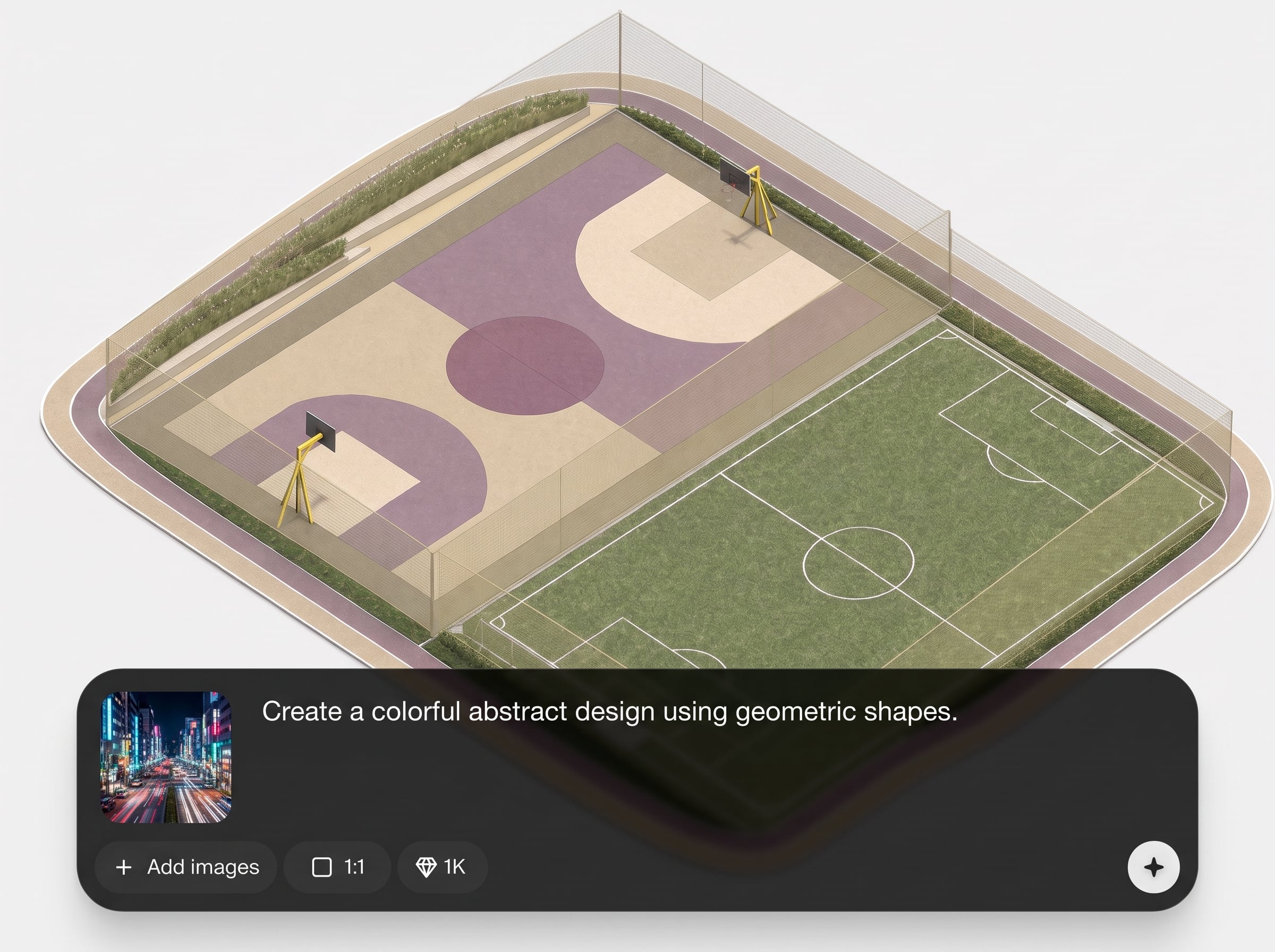
Create rendered chunks with a consistent look across multiple generations. Use style guidance and constraints to keep colors, materials, and overall mood aligned for cohesive asset sets.
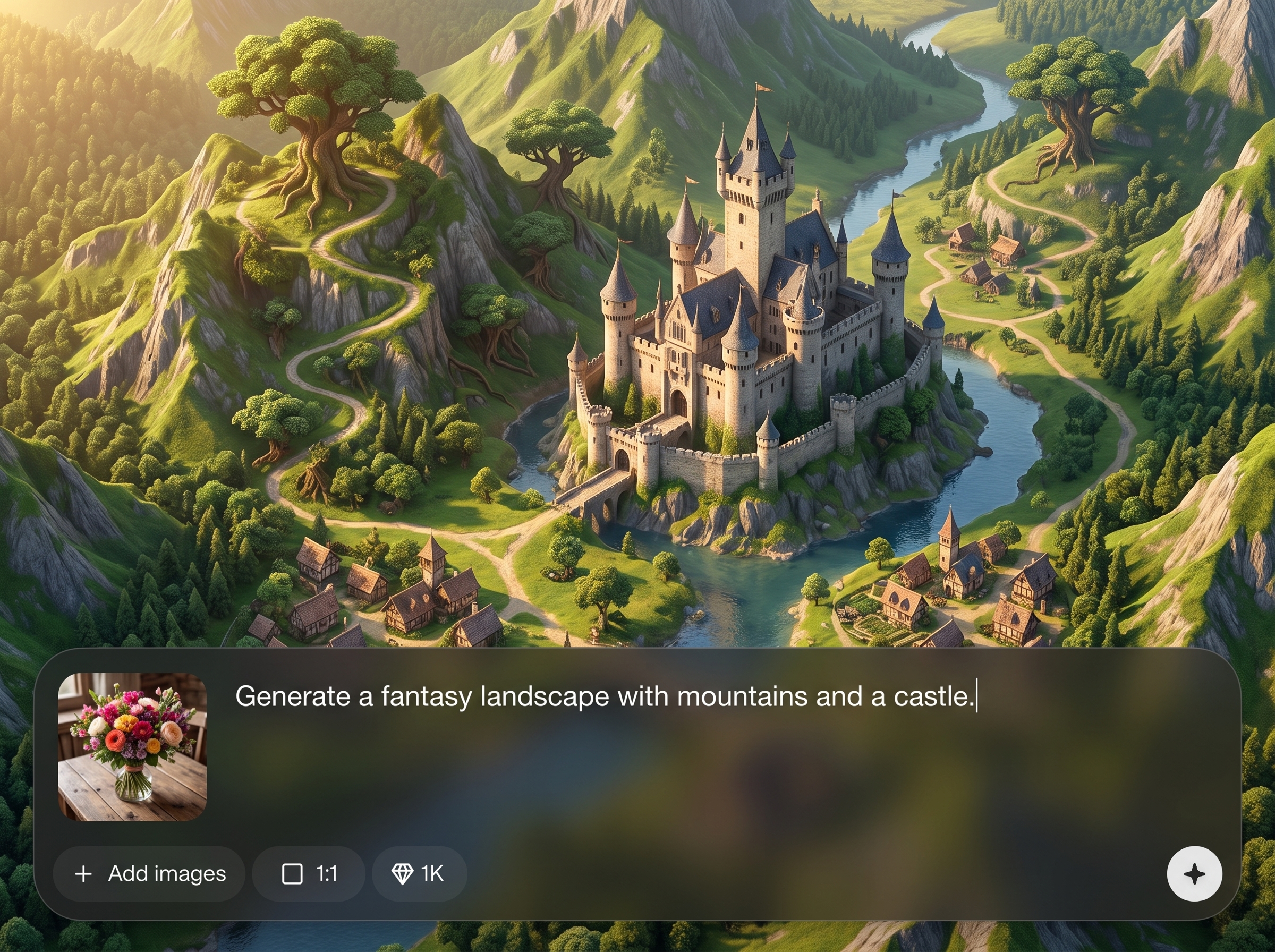
Generate multiple variations quickly to explore composition and detail. Tweak prompts and settings to converge on the best result without restarting your entire rendering workflow.
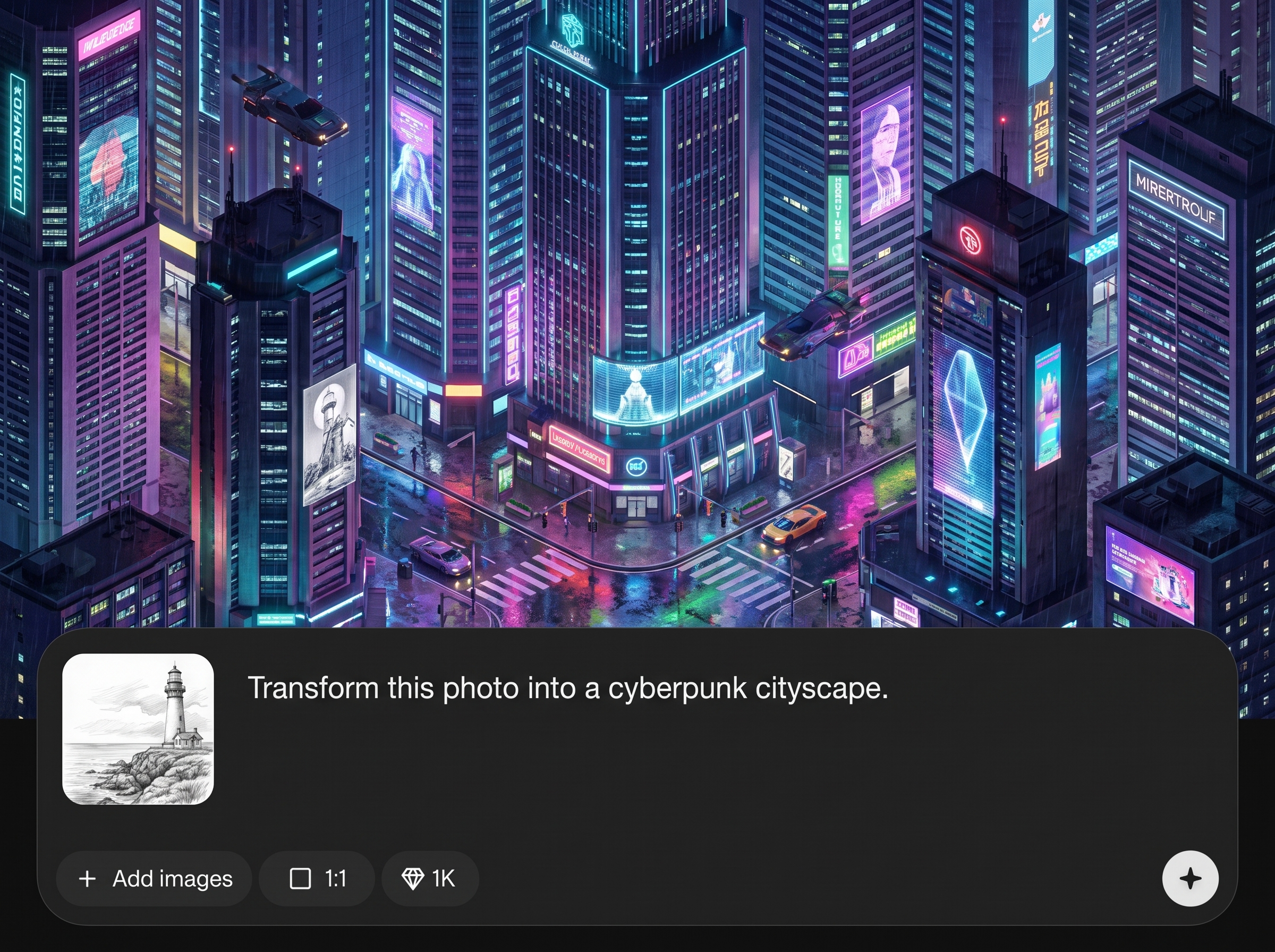
Choose resolution and output settings optimized for real production use. Download high-quality rendered chunks that are ready to place into layouts, edits, and asset libraries.
About
Rendered chunks is an AI render generator that creates high-quality “chunks” of visuals you can reuse across projects. Generate consistent outputs with controllable style, lighting, and detail, then export ready-to-drop assets for design, video, or web. Move from prompt to polished renders quickly while keeping results cohesive across a full set.
Rendered chunks focuses on consistent, reusable outputs instead of one-off images. With controllable style and lighting, rapid variation generation, and export-ready quality settings, it fits real production needs. Build cohesive asset sets faster while keeping a unified visual language across deliverables.
Open the app, write a clear prompt, and choose style and lighting settings. Generate variations, refine your best result, then export high-resolution rendered chunks to use immediately in your workflow.
Use cases
Discover how different creators use this app in their workflow.
Generate consistent rendered chunks for hero sections, backgrounds, and component visuals. Keep style aligned across pages while producing new assets on demand.
Create reusable render chunks for transitions, overlays, and scene elements. Iterate quickly on look and lighting, then export assets for editing pipelines.
Produce polished render chunks for ads, landing pages, and social posts. Control aesthetics and detail for cohesive campaigns and faster creative turnaround.
Krea is one of the world's leading generative AI platforms. See what others say.
Real reviews on TrustpilotSo many AI tools out there but I always come back to Krea. It's really the one AI platform that 'just works'.

FYN
Krea's interfaces are still the best in the industry. Everything looks and feels so clean and easy to use! Imo the easiest to use gen AI website.

Lynn
Ultra fast generations. Extremely simple to use. All the latest AI models.

Daniel
KREA is the only AI subscription I have right now besides ChatGPT.

Sophia M.
Common questions about generating rendered chunks with AI, quality controls, and exports.
Rendered chunks is an AI rendering tool that generates reusable visual assets from prompts. It helps you create consistent “chunks” with controllable style, lighting, and resolution, ready for production use.
Use a stable prompt structure, keep key descriptors the same, and lock style settings like lighting and palette. Save your settings and iterate with small changes to preserve consistency.
Yes. Adjust style guidance, lighting direction, mood, and output detail through settings and prompt constraints. This helps match renders to a specific visual system or campaign look.
Export options depend on your selected output settings, including high-resolution downloads for production workflows. Choose the size you need for web, design, or video to avoid extra resizing.
It functions as an AI render generator: it produces render-like assets with controllable visual properties. Use it to create reusable chunks that behave like modular renders in a workflow.
Describe subject, materials, lighting, camera view, and background clearly. Add constraints like “clean studio light” or “soft shadows,” and remove conflicting terms to reduce artifacts and drift.
Yes. Keep the same style settings and core prompt, then adjust only composition or details. This produces a set of variations that still feel like one cohesive collection.
Rendered chunks are modular visual assets used in design, marketing, and video. They speed up production by providing consistent, reusable elements you can mix, match, and repurpose across projects.
Create consistent AI render assets with flexible controls, fast iterations, and export-ready results for production workflows.

