















Step 1
Upload
Drag and drop your photo, then pick a target size or aspect ratio. Image Expander previews the new canvas so you can plan where the expansion will appear.
Expand images with AI outpainting. Extend backgrounds, fix framing, and upscale scenes in seconds. Try Image Expander online for free.
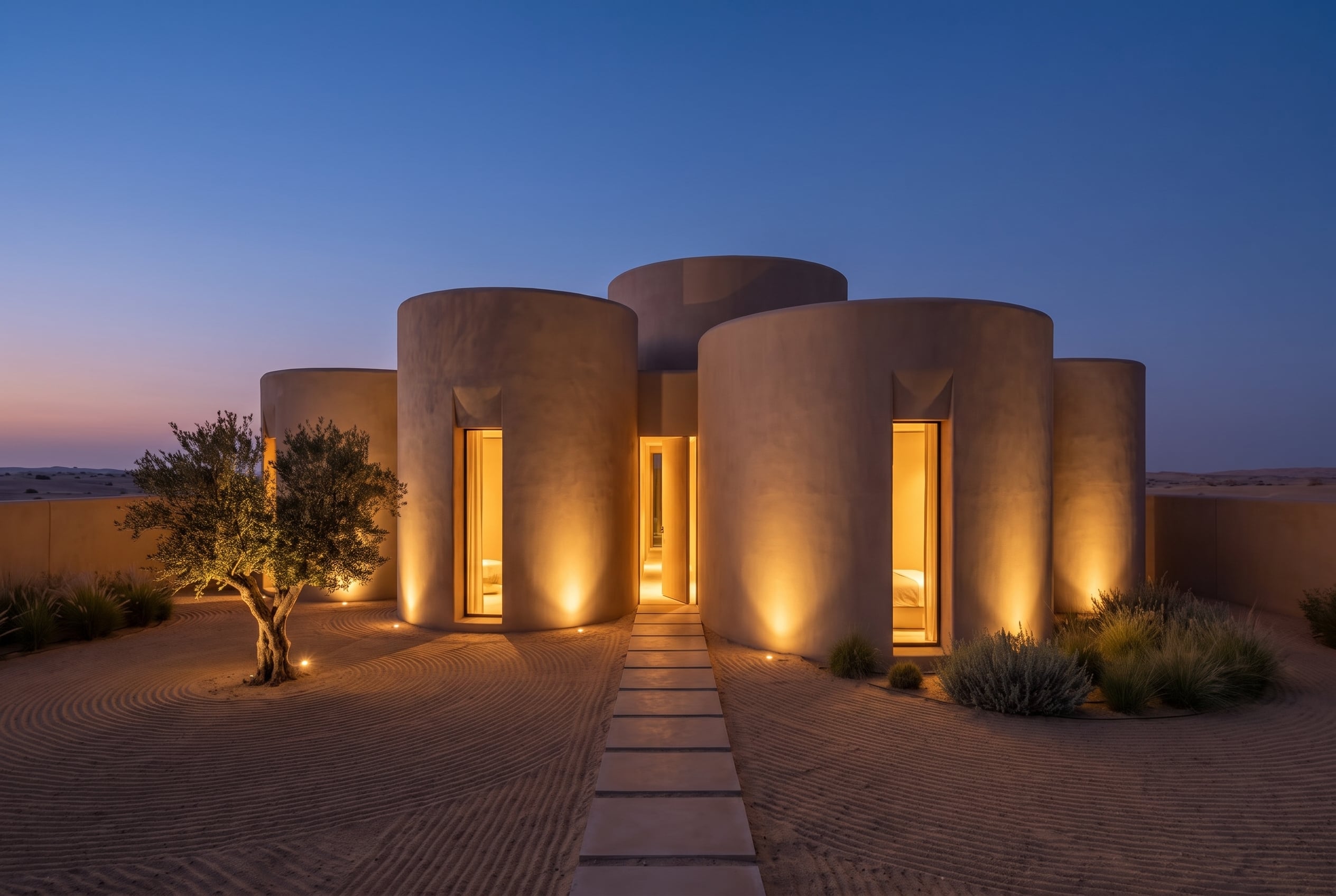
How to use Image Expander
With Image Expander, you can extend a photo’s canvas using AI outpainting while preserving visual continuity. Follow these steps to upload, set your expansion, and generate a clean, realistic result quickly.
Step 1
Drag and drop your photo, then pick a target size or aspect ratio. Image Expander previews the new canvas so you can plan where the expansion will appear.

Step 2
Choose how far to extend each side and optionally add a prompt for background details. Run the AI image expansion to generate coherent edges and scenery.

Step 3
Regenerate variations, adjust the crop, and confirm the best extension. Download the expanded image in high quality, ready for print, web, or social posts.
Features
Image Expander is an AI image expansion tool that extends backgrounds and adds missing context with realistic detail. Use artificial intelligence to uncrop photos, fit new aspect ratios, and preserve textures, lighting, and perspective. Get clean, seamless edges without complex masking, cloning, or manual retouching—fast and consistent across different image types.
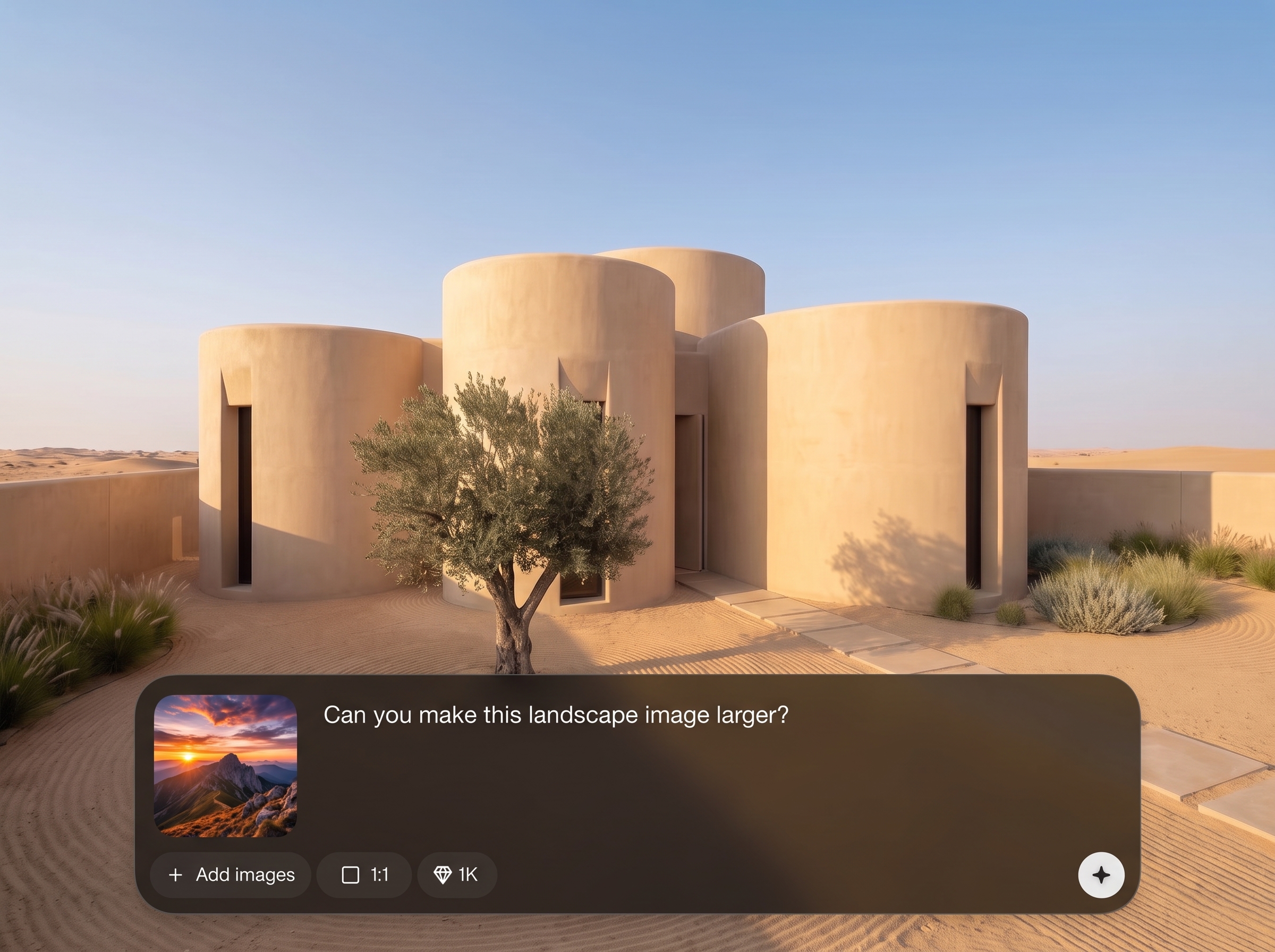
Generate believable extensions that match your photo’s style, lighting, and depth. Image Expander fills borders with consistent textures and avoids obvious seams for natural-looking results.
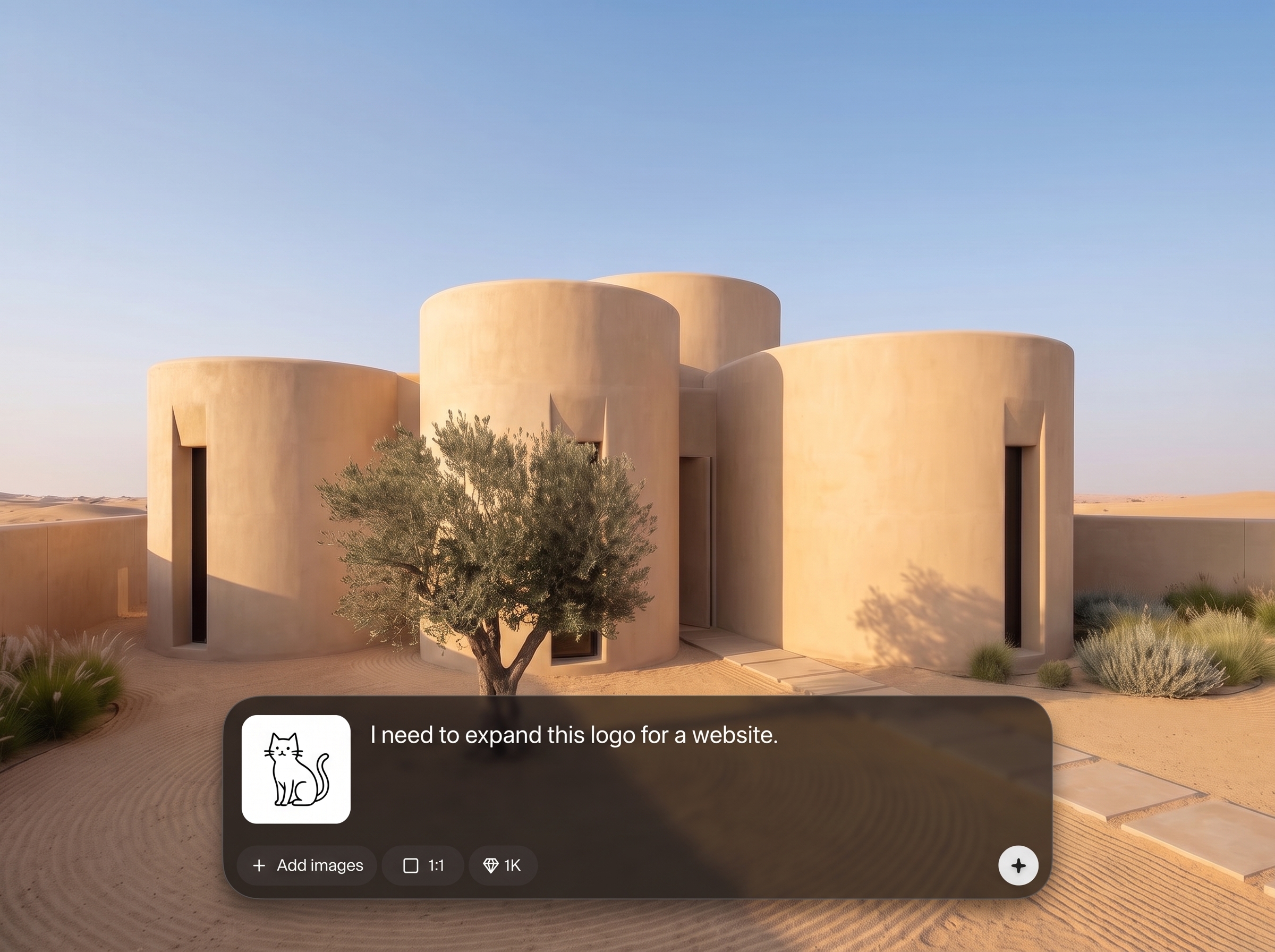
Expand to popular ratios for social posts, banners, product shots, and presentations. Quickly adapt one image to multiple layouts without stretching or cropping key subjects.
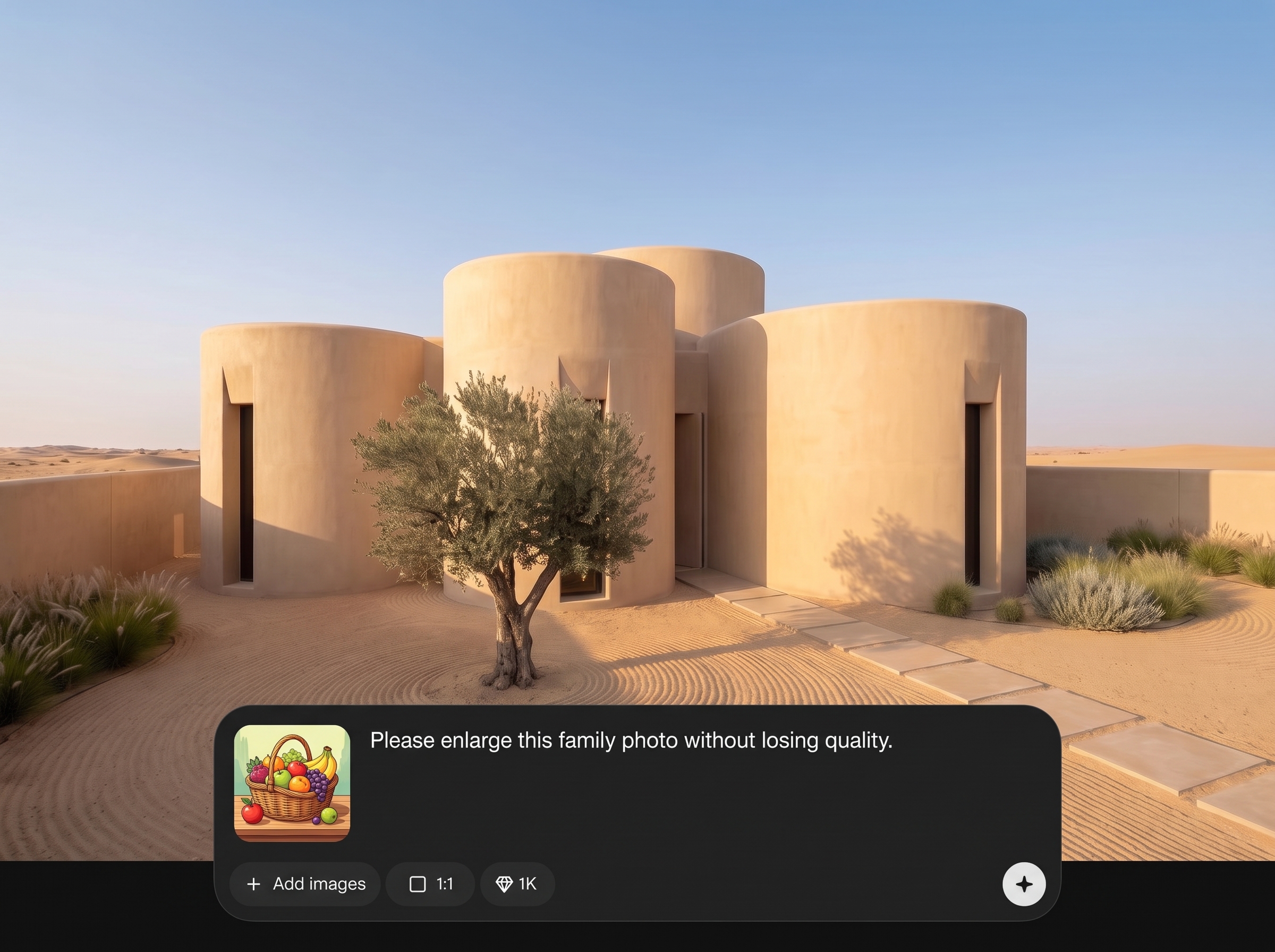
Add simple text guidance to steer what appears in the expanded area, from sky and foliage to studio backdrops. Keep the main subject intact while improving composition.
About
Image Expander uses AI outpainting to extend photos beyond their original borders while keeping style, lighting, and perspective consistent. Expand backgrounds, uncrop portraits, and widen landscapes without manual editing. Upload an image, choose an aspect ratio, and generate seamless extensions in seconds for social, ads, and design layouts.
Image Expander delivers reliable AI outpainting with natural textures and consistent lighting, helping images fit any layout without awkward crops. Get fast iterations, prompt-guided control, and clean results that reduce manual editing time while improving composition across web, social, and design needs.
Open Image Expander, upload your image, and choose how much to extend each side. Optionally add a short prompt, generate a few variations, then download the best expanded result.
Use cases
Discover how different creators use this app in their workflow.
Turn tight crops into wide compositions for posts, thumbnails, and headers. Expand edges to fit platform aspect ratios without losing important details.
Extend studio backdrops, add breathing room around products, and create consistent framing for catalogs. Improve composition without re-shooting or complex edits.
Make images fit hero sections, slide decks, and ads by expanding backgrounds. Keep typography space clean while preserving a natural scene.
Krea is one of the world's leading generative AI platforms. See what others say.
Real reviews on TrustpilotSo many AI tools out there but I always come back to Krea. It's really the one AI platform that 'just works'.

FYN
Krea's interfaces are still the best in the industry. Everything looks and feels so clean and easy to use! Imo the easiest to use gen AI website.

Lynn
Ultra fast generations. Extremely simple to use. All the latest AI models.

Daniel
KREA is the only AI subscription I have right now besides ChatGPT.

Sophia M.
Answers to common questions about AI image expansion, outpainting, and output quality.
Image Expander is an AI outpainting tool that extends a photo beyond its borders. It helps you uncrop images, add background space, and fit new aspect ratios while keeping the scene consistent.
The model analyzes surrounding pixels, lighting, and perspective, then predicts believable content to fill the new canvas. This artificial intelligence approach produces seamless extensions without manual cloning or patching.
Yes—Image Expander aims to preserve color, texture, and depth cues for natural continuity. For best results, use images with clear context near the edges and regenerate if an area looks inconsistent.
You can expand left, right, top, bottom, or all sides and target common ratios for social, web, or print. This gives precise control over composition and available negative space.
It works well for portraits by adding background space and improving framing. To avoid distortions, keep faces away from the expanded border and use small-to-moderate expansion amounts when needed.
Yes, you can add brief instructions like “blue sky,” “studio backdrop,” or “city street” to influence the new area. Prompts help the AI generate more predictable backgrounds and scenery.
Landscapes, interiors, product shots, and simple backgrounds typically expand cleanly. Busy patterns can still work, but may require a few regenerations to align repeating details and edges.
Not exactly. Upscaling increases resolution, while AI image expansion adds new content outside the original frame. You can expand a scene for layout needs without stretching the existing pixels.
Download a high-quality expanded image suitable for web and design workflows. Choose the best variation, confirm the crop, and export the final file ready for editing or publishing.
Expand in smaller steps, use simple prompt guidance, and regenerate variations. Images with clean edge context and consistent lighting tend to produce the most seamless, realistic outpainting results.
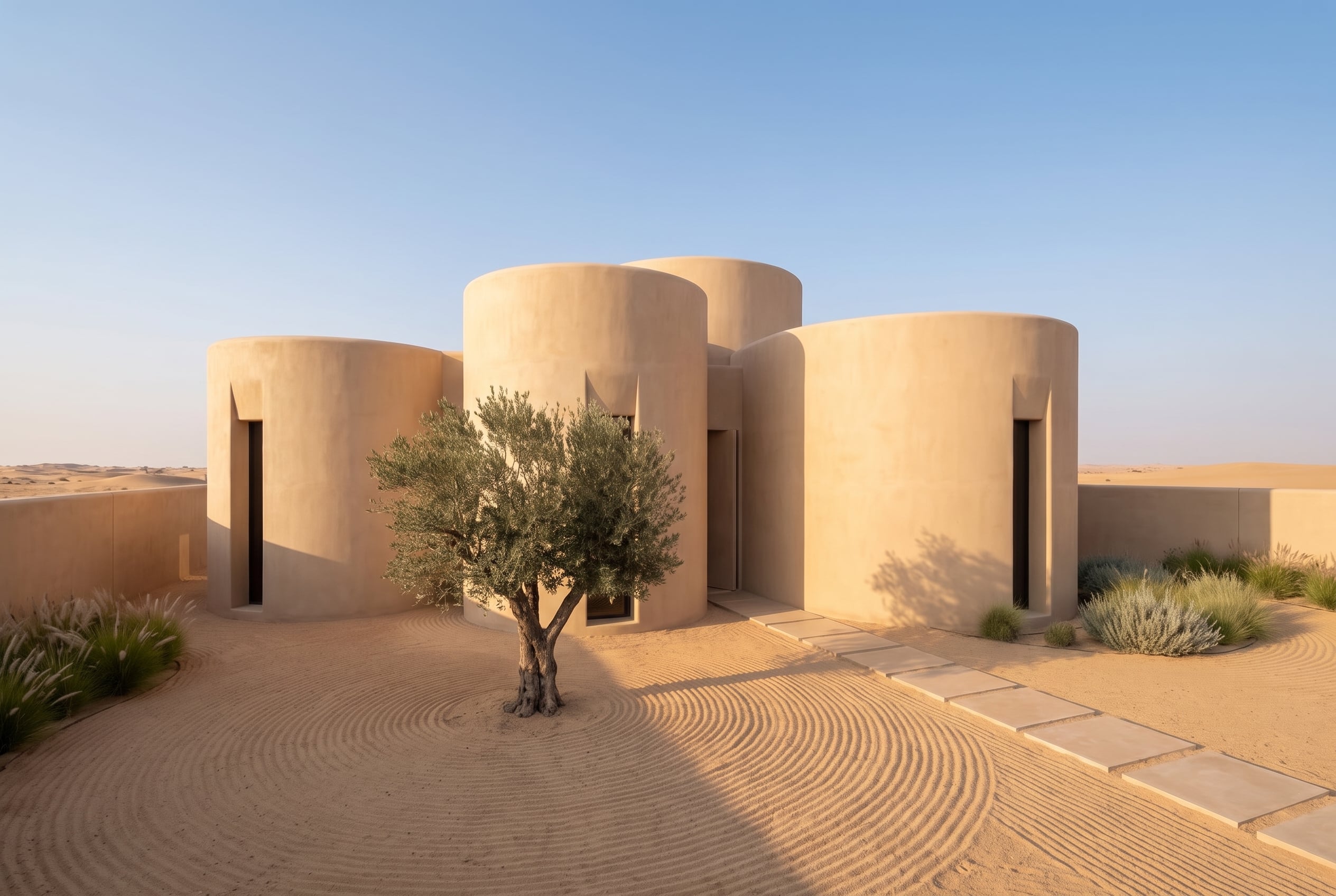
Upload a photo, set your new canvas size, and generate seamless AI outpainting in seconds.

