














Step 1
Configure
Pick your scene type and camera vibe, then set mood, era, and material cues like stone, fog, dust, and decay for consistent results.
Use pale ruin- public to generate moody, cinematic ruins with AI. Create prompts, refine styles, and export assets fast for design, games, and video.
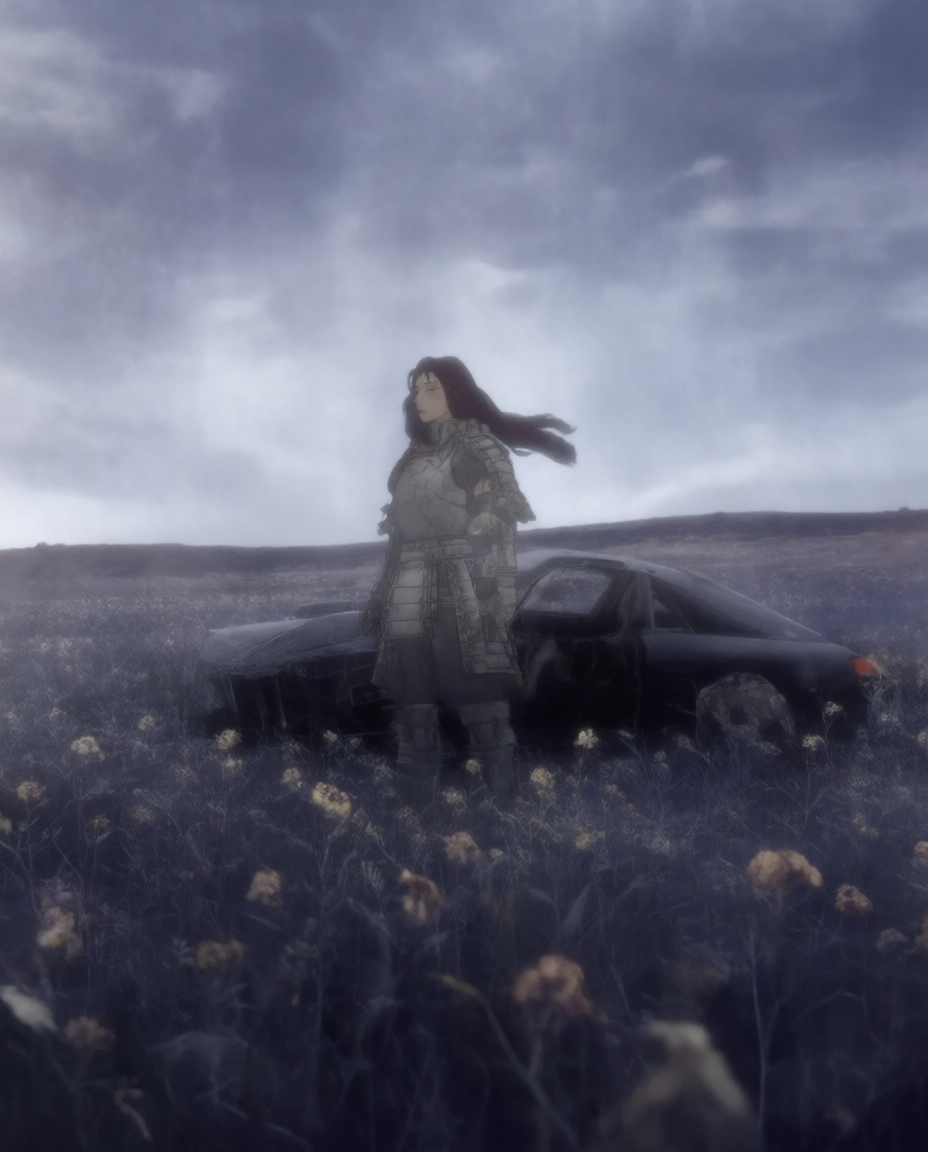
How to use pale ruin- public
This quick tutorial shows how to create a cohesive pale-ruin aesthetic using AI. Choose a subject, set mood and lighting, then iterate and export prompts or references for your workflow.
Step 1
Pick your scene type and camera vibe, then set mood, era, and material cues like stone, fog, dust, and decay for consistent results.

Step 2
Run the AI generation, review variations, and adjust keywords for lighting, composition, and texture. Iterate until the ruins match your desired tone and detail level.

Step 3
Copy the final prompt set, save references, or download outputs for your pipeline. Reuse the style settings to keep future scenes visually consistent.
Features
Generate pale, cinematic ruin aesthetics with AI-assisted prompt building and rapid iteration. Control mood, lighting, materials, and composition cues to keep outputs consistent across variations. Export ready-to-use prompts and references for concept art, game environment design, storyboards, or moodboards—without starting from scratch each time.
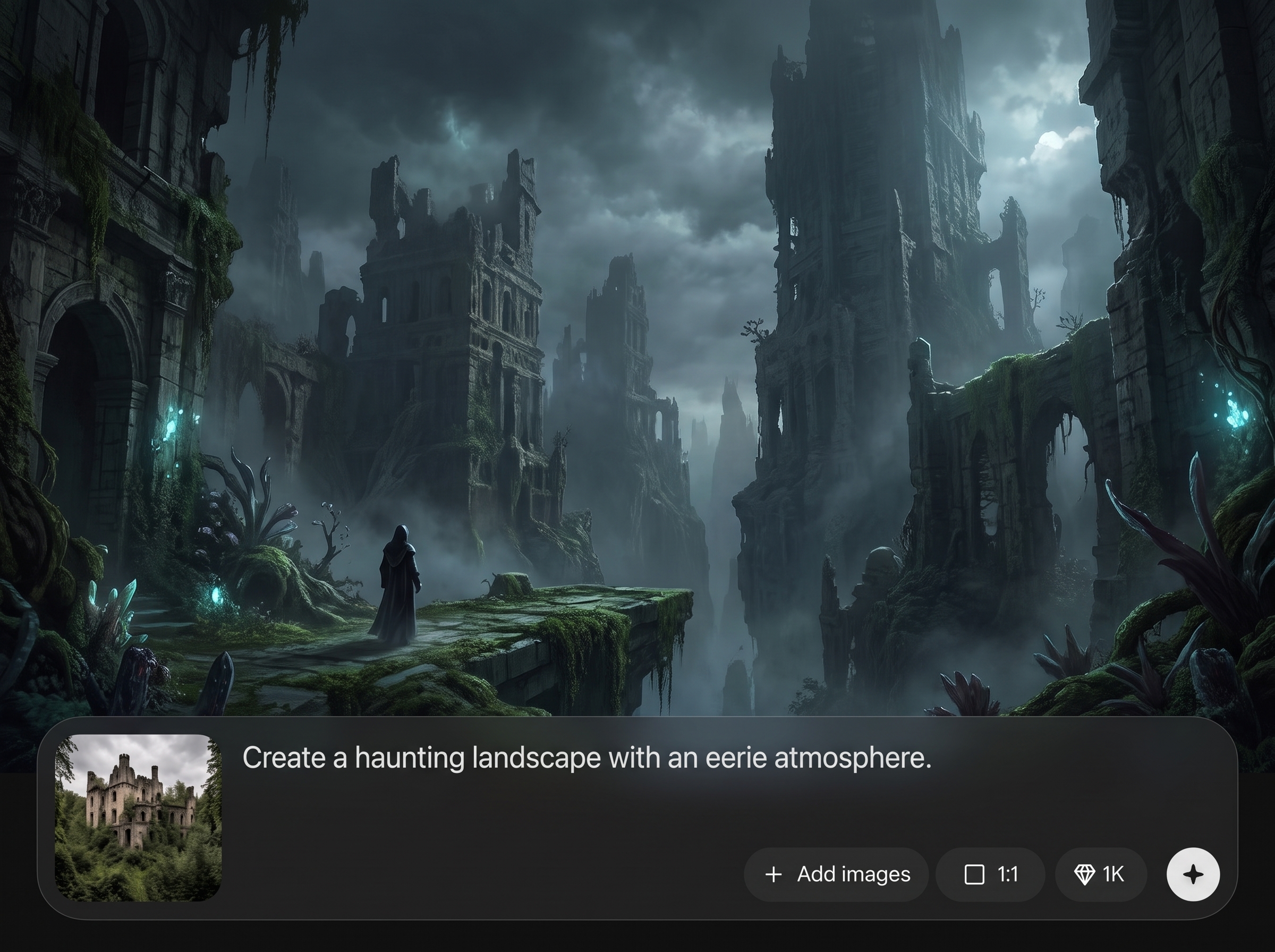
Turn a simple idea into detailed prompts using structured fields for mood, era, materials, weather, and camera language. Maintain a coherent ruin look while exploring multiple compositions.
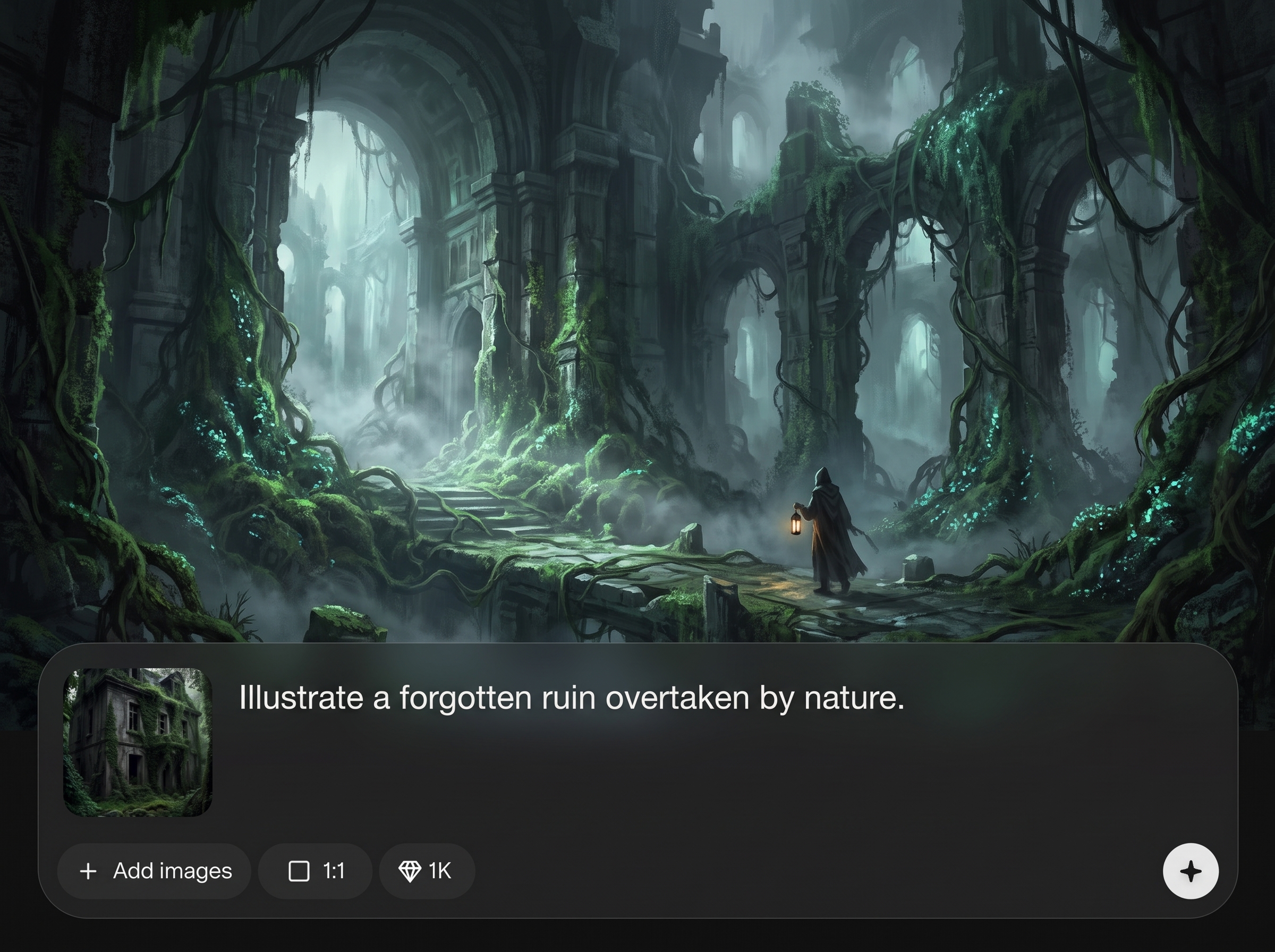
Generate multiple options quickly, then fine-tune with targeted keyword tweaks. Compare versions to lock lighting, fog density, surface wear, and contrast for a consistent atmosphere.
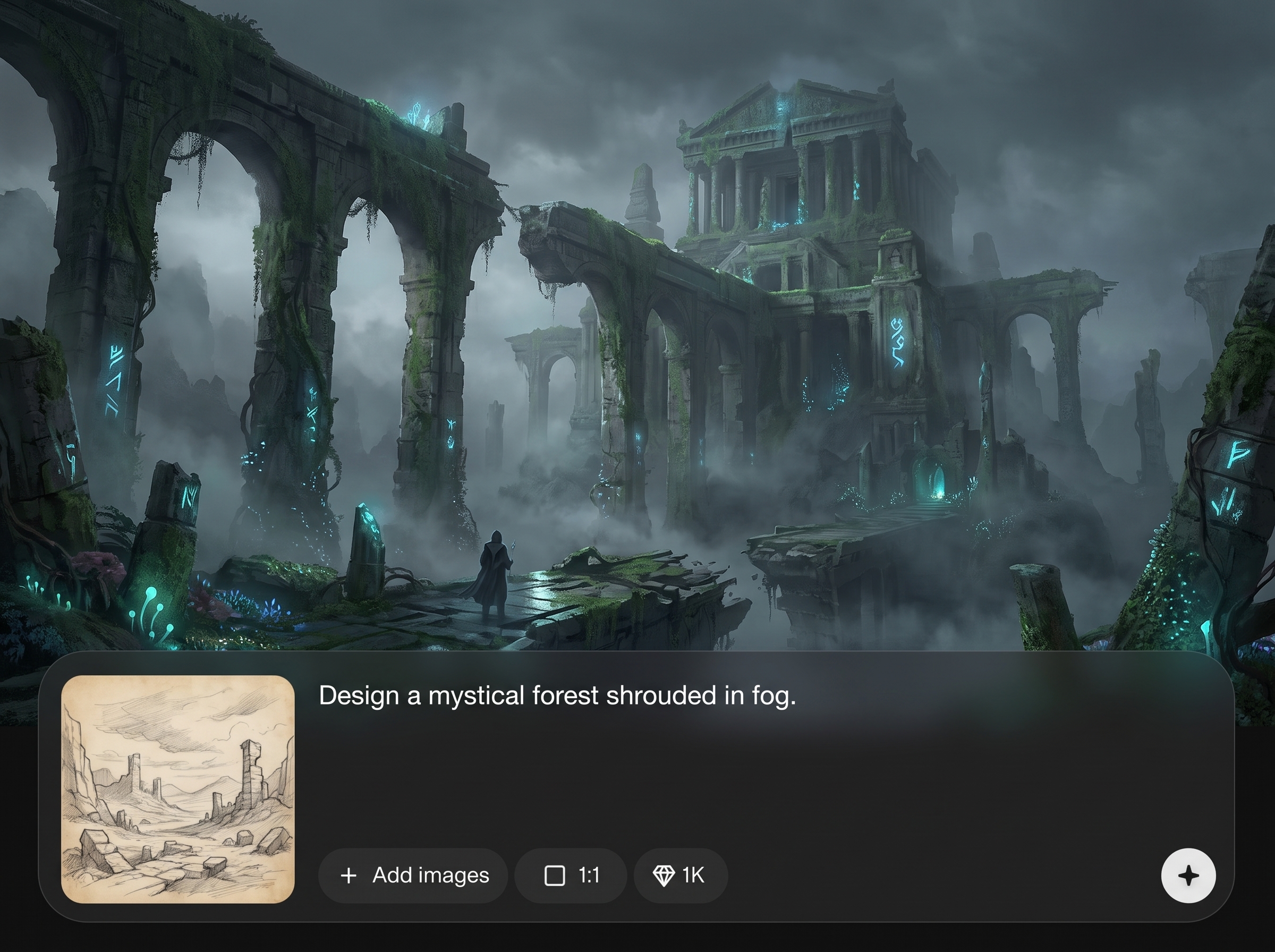
Save your favorite pale-ruin settings as reusable presets for future scenes. Keep visual continuity across a series and reduce prompt drift when switching subjects or viewpoints.
About
pale ruin- public is an AI style prompt generator for pale, atmospheric ruin scenes. Build consistent looks with guided keywords, lighting and texture controls, then iterate quickly to match your concept art, game environments, or cinematic visuals. Export polished prompts and references for faster ideation and cohesive results.
pale ruin- public focuses on consistent style generation, not random outputs. Structured controls help you guide mood, lighting, and materials, while rapid variations speed exploration. Exportable prompts and reusable presets keep your series cohesive and reduce time spent rewriting prompts.
Enter a scene idea, choose mood and lighting, then generate variations. Refine keywords, save a preset, and export the final prompt set or references to use across your project.
Use cases
Discover how different creators use this app in their workflow.
Create consistent ruined locations for level themes, landmarks, and mood exploration. Iterate compositions quickly while keeping the same lighting and material language.
Generate atmospheric ruin references for establishing shots, lighting direction, and set design. Export prompts to recreate the look across multiple scenes.
Build cohesive moodboards for gothic, post-apocalyptic, or minimalist ruin aesthetics. Produce variations for client options while staying within the same visual style.
Krea is one of the world's leading generative AI platforms. See what others say.
Real reviews on TrustpilotSo many AI tools out there but I always come back to Krea. It's really the one AI platform that 'just works'.

FYN
Krea's interfaces are still the best in the industry. Everything looks and feels so clean and easy to use! Imo the easiest to use gen AI website.

Lynn
Ultra fast generations. Extremely simple to use. All the latest AI models.

Daniel
KREA is the only AI subscription I have right now besides ChatGPT.

Sophia M.
Answers to common questions about pale ruin- public, AI generation, and exporting prompts.
pale ruin- public helps you generate pale, moody ruin aesthetics using AI. It builds structured prompts and references for consistent environments, useful for concept art, game scenes, storyboards, and moodboards.
It’s primarily a style prompt generator with AI-assisted iteration. You can generate variations, refine keywords, and export prompt sets and references to use in your preferred text-to-image workflow.
Use consistent mood, lighting, material, and camera cues, then save them as a preset. Reapplying the same settings reduces prompt drift and keeps scenes visually cohesive across variations.
Yes. You can emphasize lighting direction, haze or fog density, surface wear, stone texture, dust, and contrast through guided fields and keyword refinement, improving repeatability and artistic control.
You can export the final prompt text, style notes, and saved presets. Depending on your workflow, you can also download reference outputs to share, compare, or use as visual targets.
Yes. Adjust the style cues to lean toward post-apocalyptic decay, gothic stonework, minimalist brutalism, or ancient ruins. The same structure supports many ruin subgenres and atmospheres.
Start with a clear subject and setting, like “collapsed cathedral corridor” or “foggy temple courtyard.” Then add mood, lighting, materials, and camera angle to guide the AI toward your target look.
Yes. The guided prompt structure reduces guesswork by suggesting the right controls and vocabulary. You can start simple, generate results, and learn refinement by iterating on one variable at a time.
Variations are designed to be quick so you can explore composition and mood rapidly. Speed depends on your settings, but the workflow is optimized for iteration and comparison rather than one-off outputs.
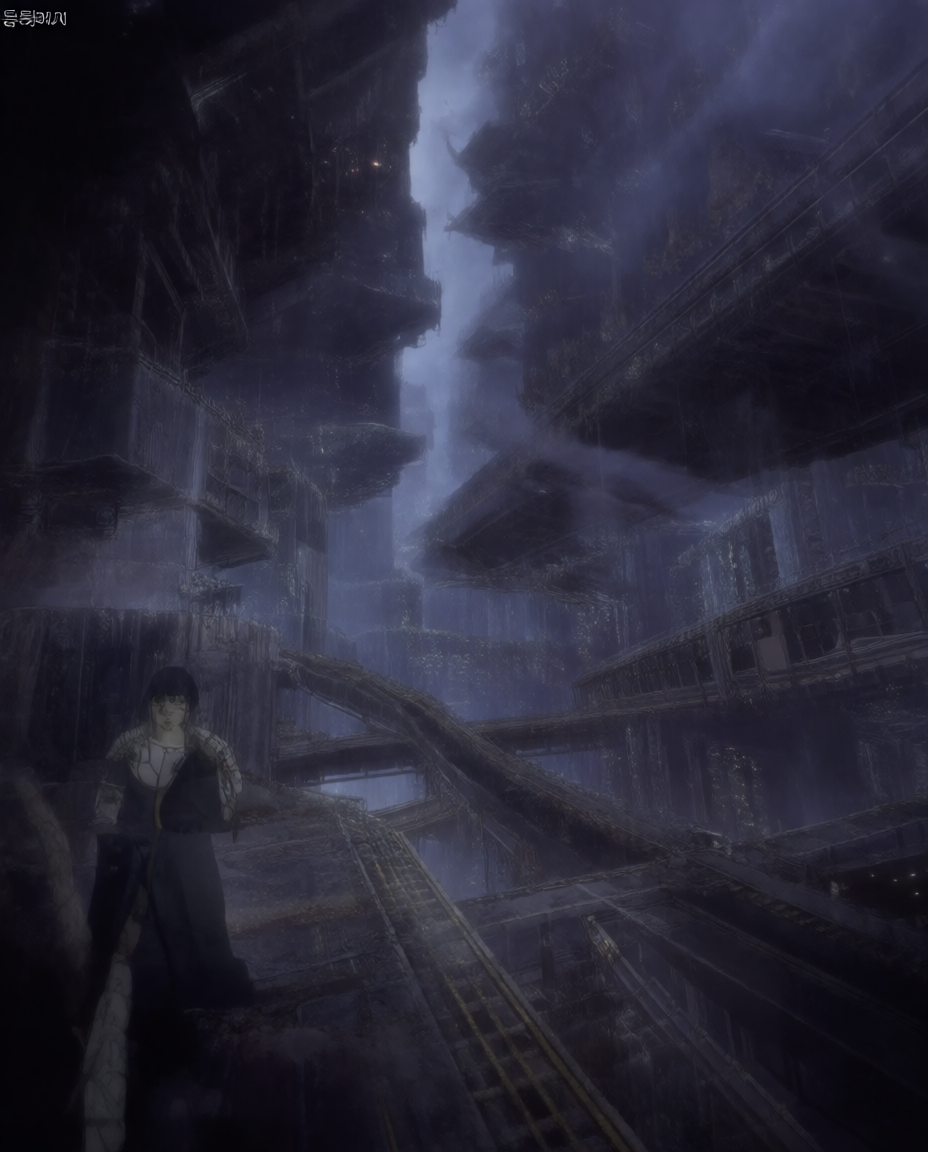
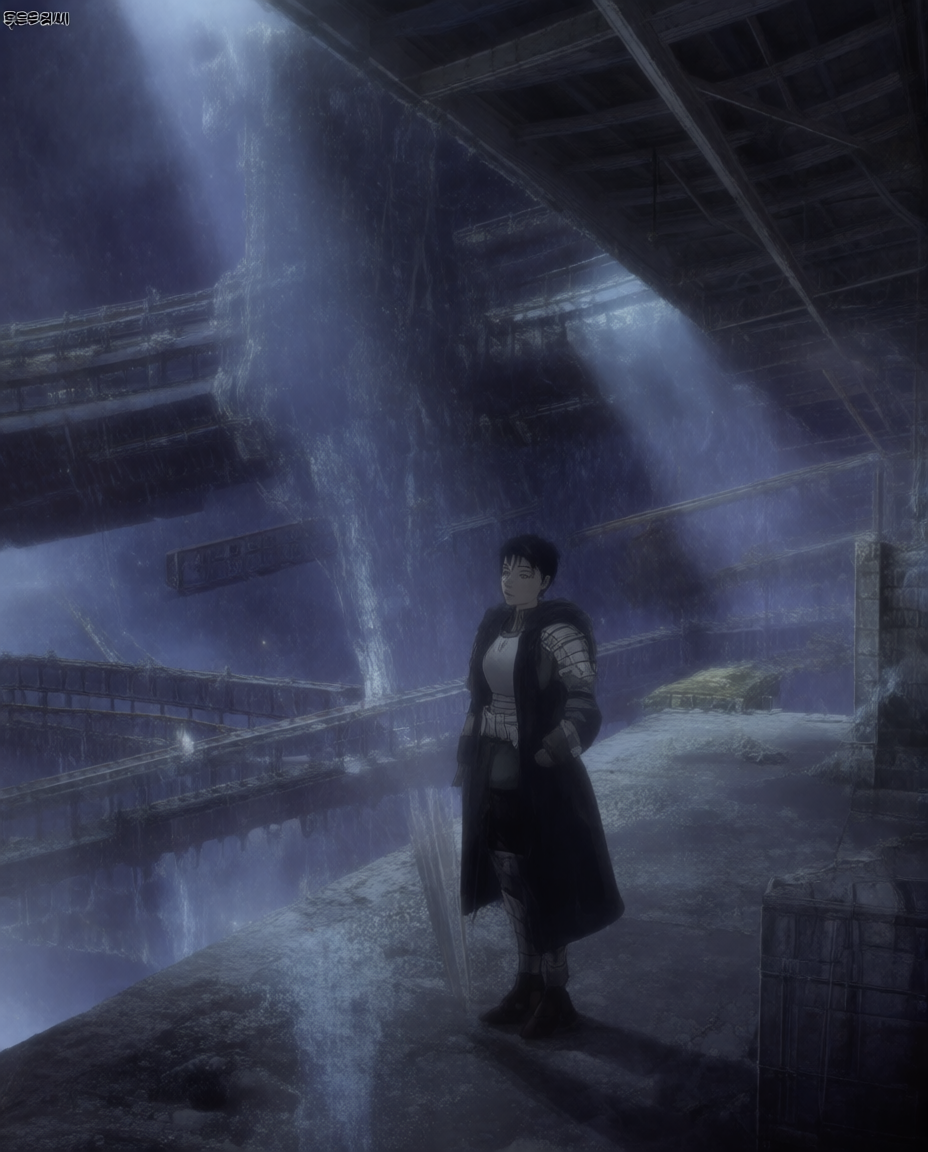
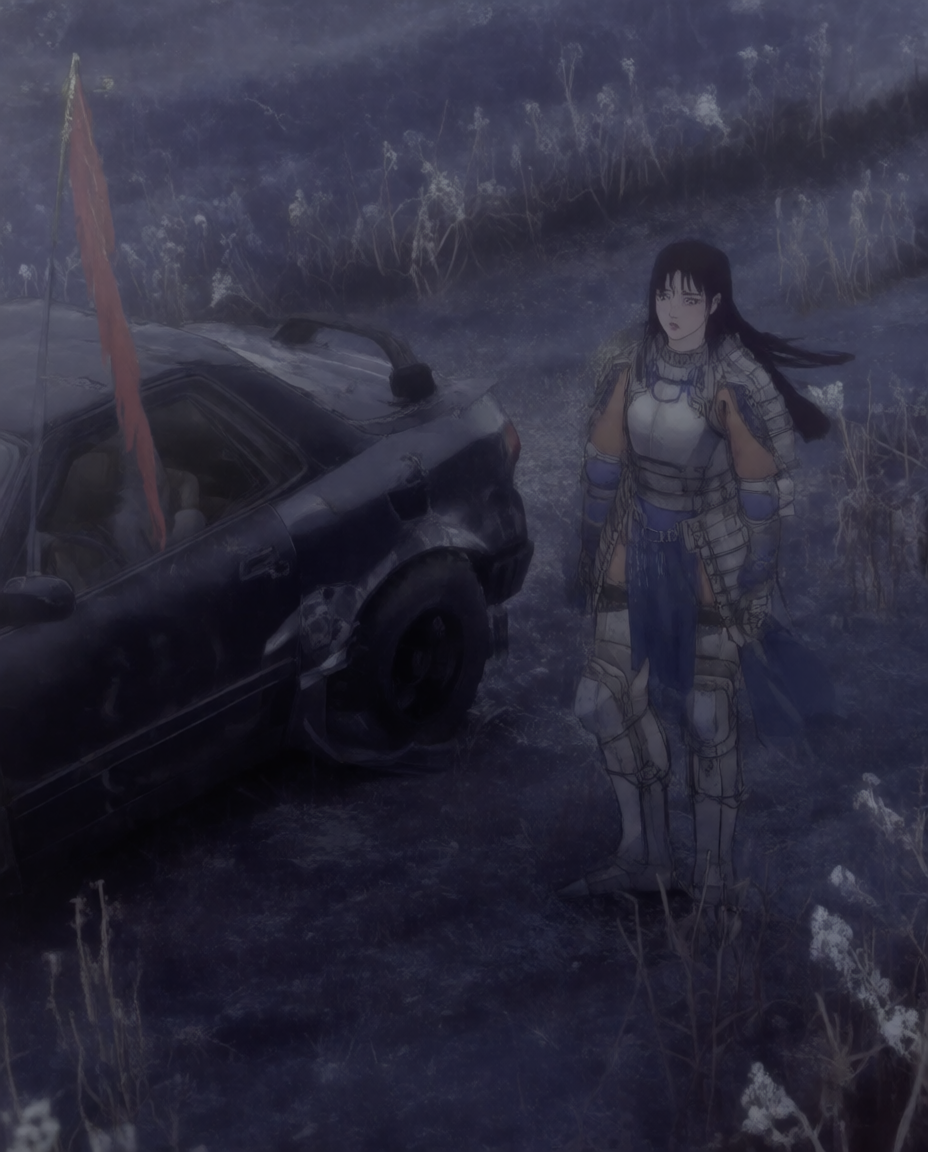
Build consistent ruin-style prompts, iterate fast, and export results for your design, game, or storyboard workflow.

