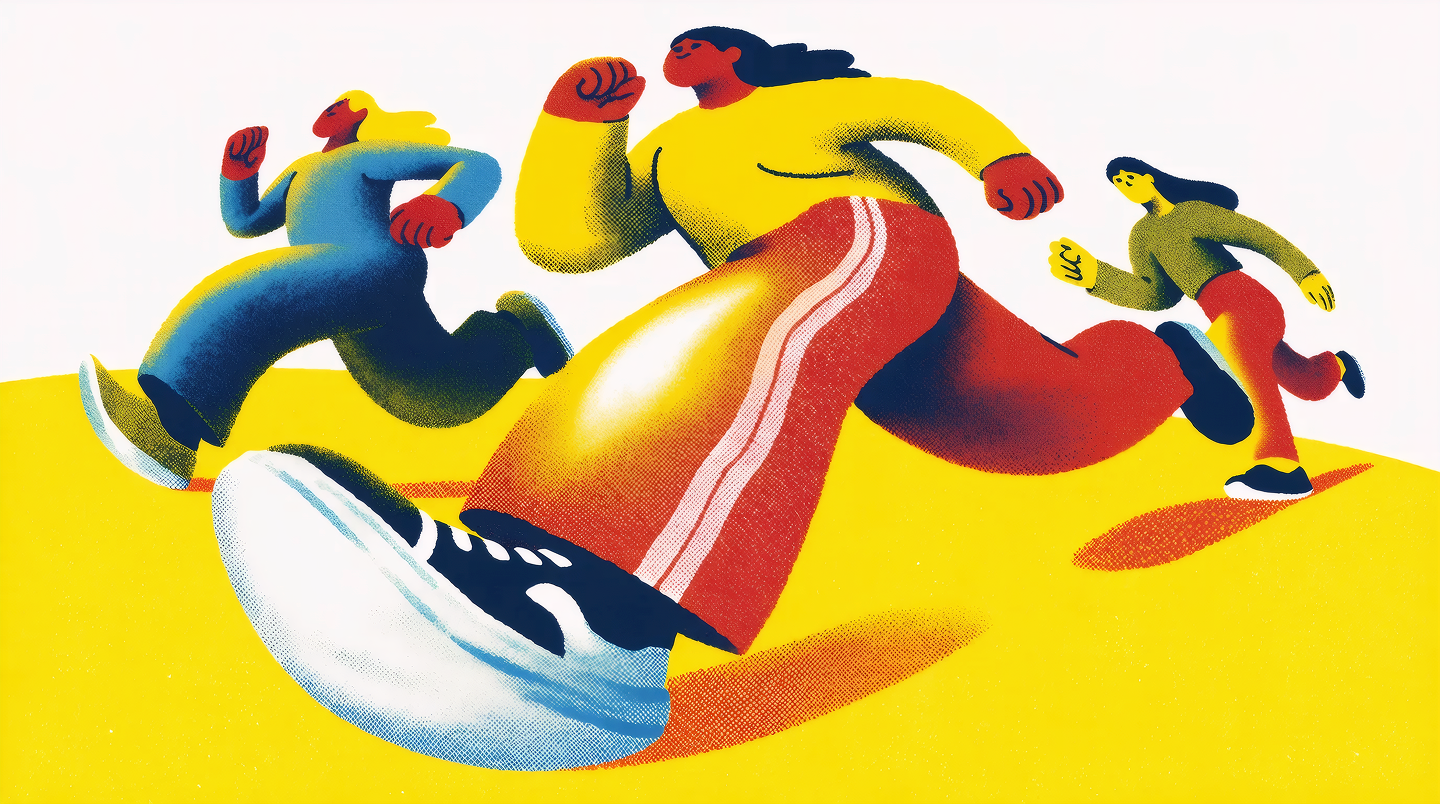
A moodboard, in Krea 2, is a way to encode taste into the model. You drop in a curated set of images — finished work, references, inspiration, scraps of atmosphere — and the system reads the whole set as a single creative direction. Color, mood, composition, materials, recurring shapes, even what to avoid — all of it gets pulled into one taste profile that the model carries into every generation you make with the board active.
The interesting part is what comes out the other side. Once a moodboard is set up, subjects can be totally different — a hand, a stone shrine, a girl holding a lamb — and they will all feel like they belong to the same world. This post is a running collection of those worlds.
If you want the full background on how moodboards work under the hood, the Krea 2 deep dive has it. This post is just a look at the outputs.
Prismatic airbrush
A glossy, hazy aesthetic — softly airbrushed forms with prismatic chromatic refraction halos, the look of a 90s anime poster left out in the sun. Saturated rainbow fringing on every edge, dreamy lo-fi atmosphere, faint scanned-print grain. The four images below were all generated with the same moodboard, but the subjects are unrelated: a hand, a stone altar, two girl-with-lamb portraits.
Open the moodboard: share link.
Prismatic airbrush
"One moodboard, four unrelated subjects — the look stays consistent because the moodboard encodes the look, not the subject."
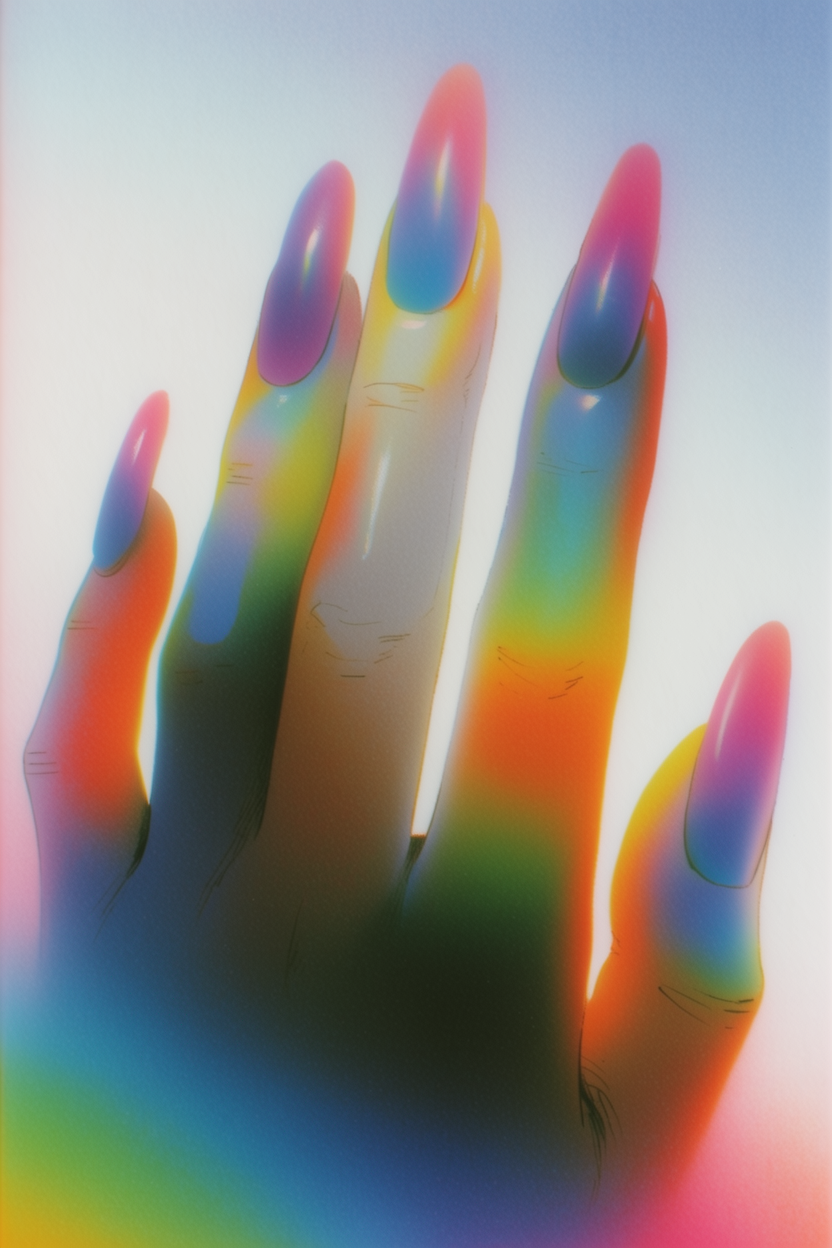
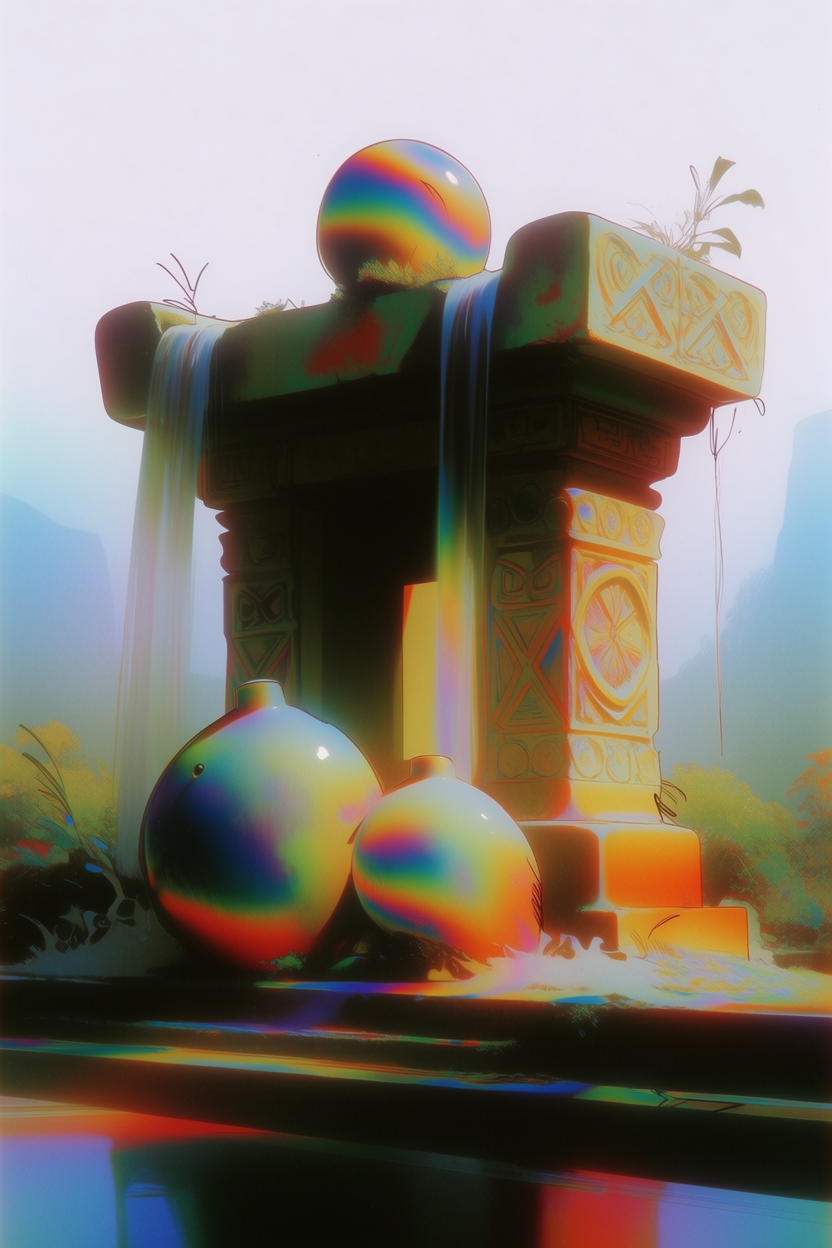
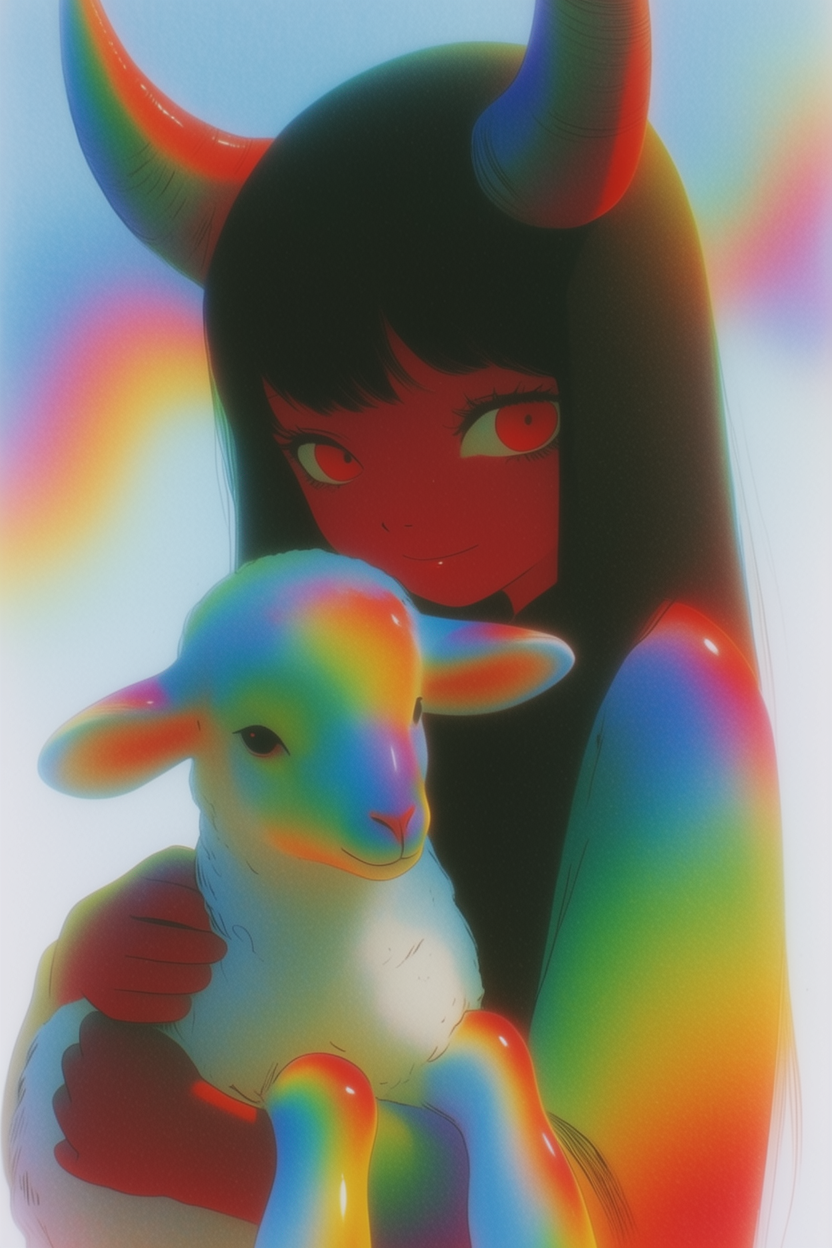
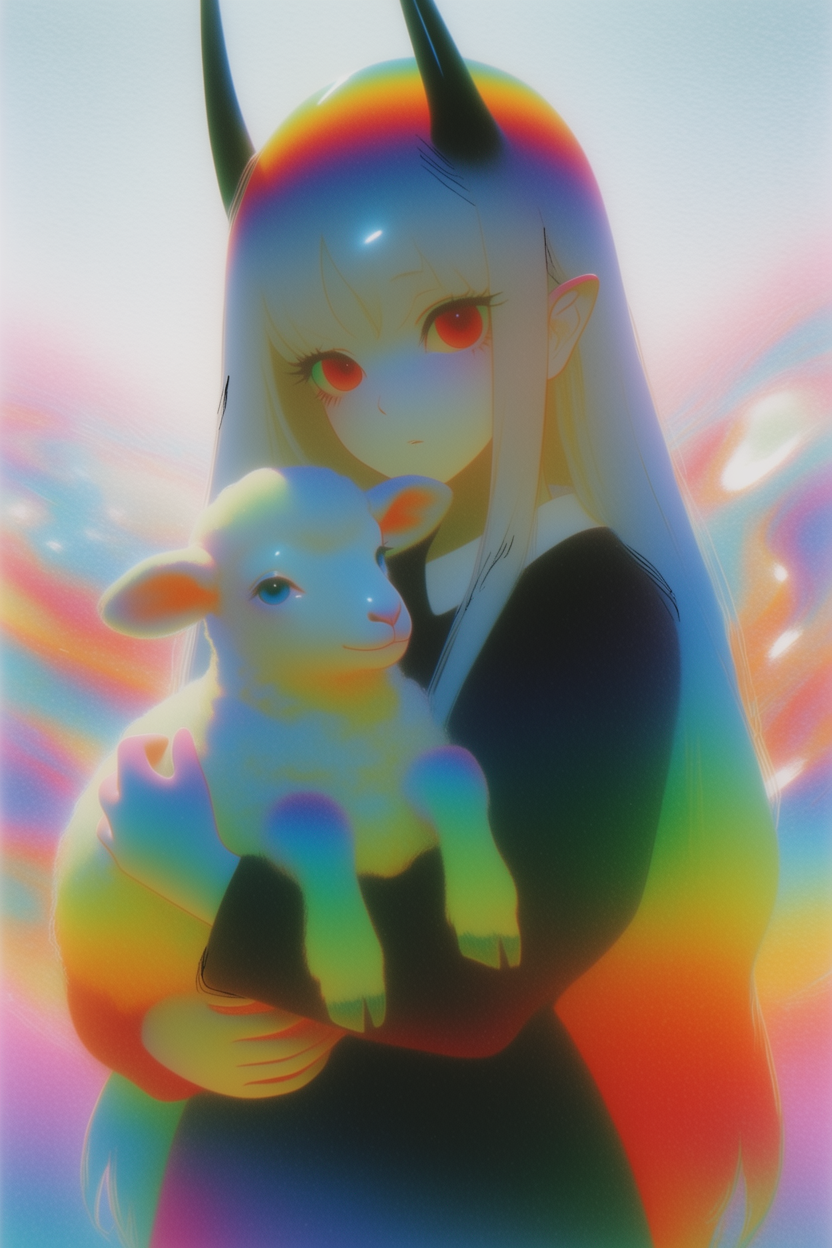
Notice the recurring features the moodboard pulled out: rainbow refraction on edges and highlights, soft pastel-meets-saturated palette, slightly faded scanned-print quality, glossy materials that catch light like they're plastic-wrapped. None of that is in any prompt. It comes from the board.
Painterly graffiti
Raw oil-painted figures with white grease-pencil scribbles dragged across them, warm cream backgrounds, deep umber and caramel skin tones, neo-expressionist energy — Basquiat by way of a 2 a.m. sketchbook. The board fuses two languages that usually don't share a canvas: heavy painterly subject underneath, frantic line-work on top.
Open the moodboard: share link.
Painterly graffiti
"Oil-painted subjects collide with grease-pencil scribbles — the moodboard locks in both layers at once."
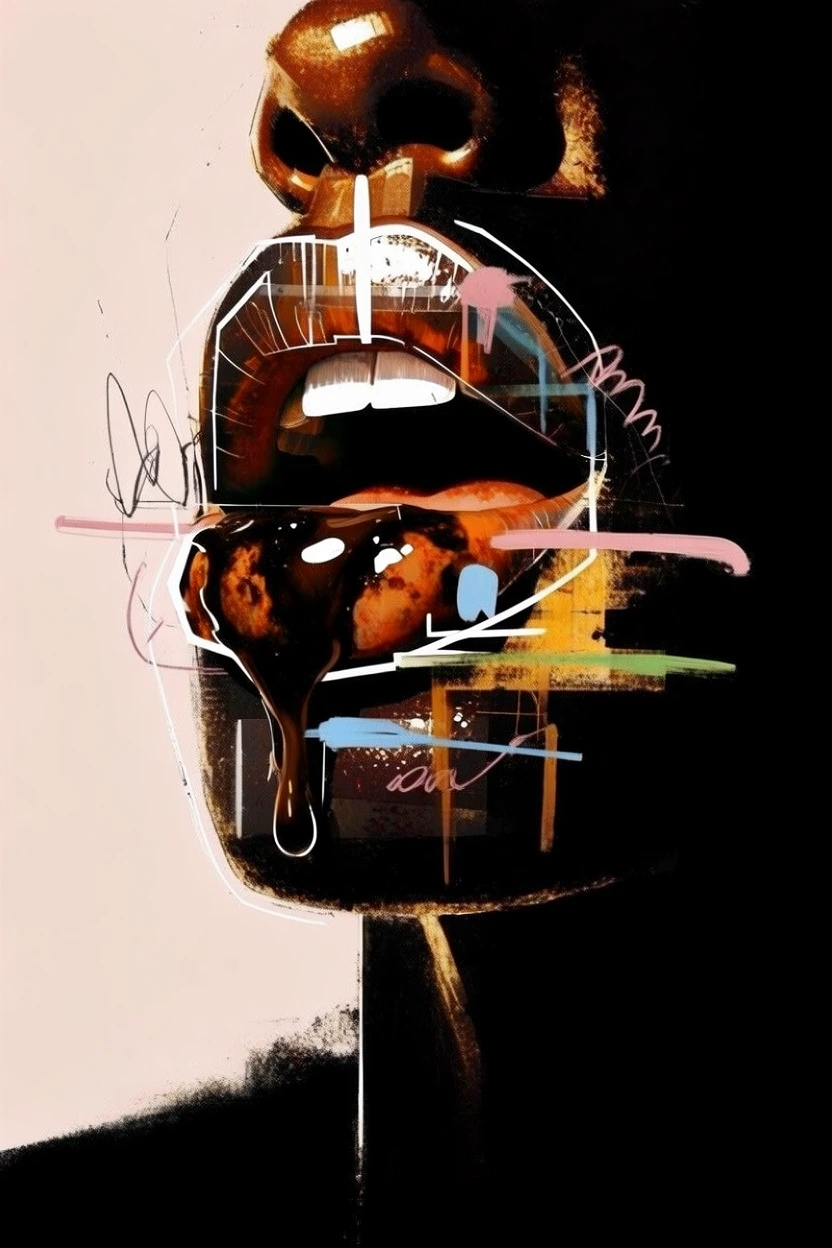
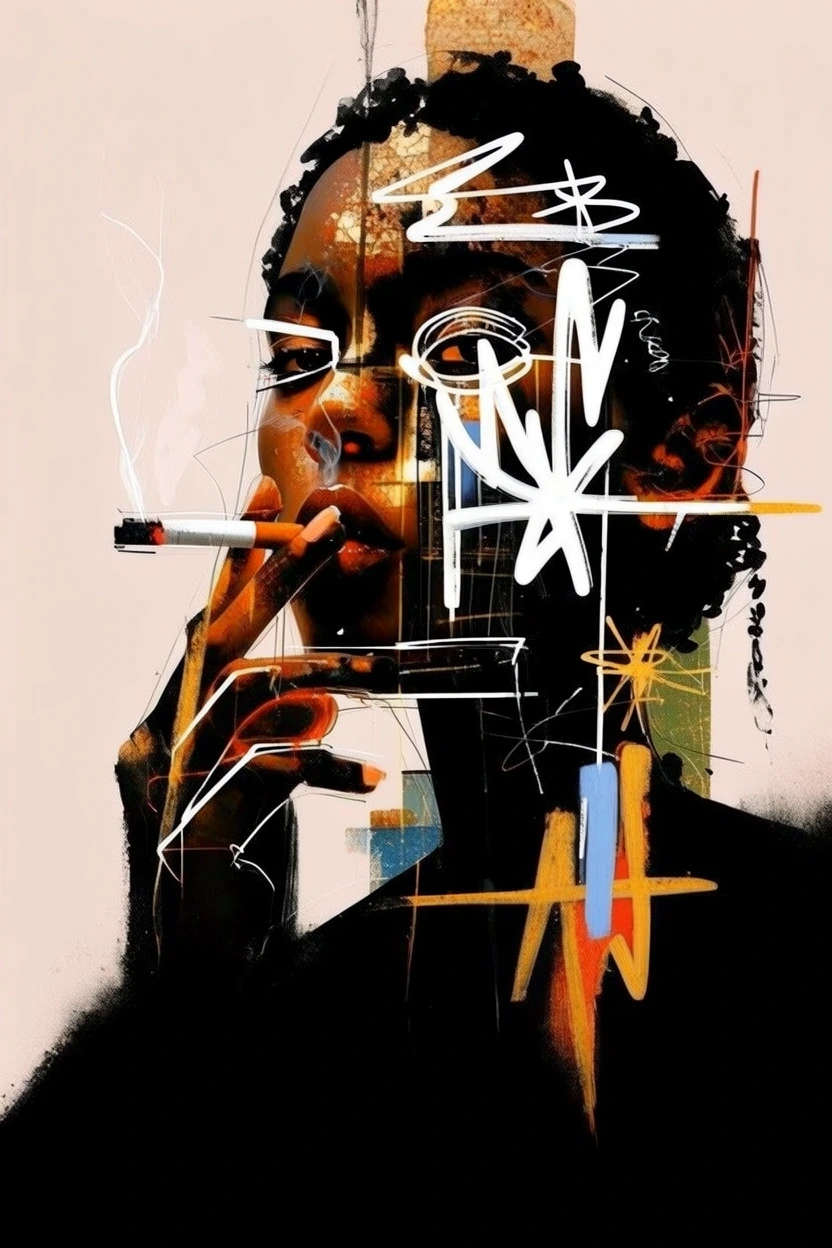
The trick here is that "scribble" isn't a style filter on top of the image — it's part of the composition. Notice how the marks land over the face, around the cigarette, on the dripping form, like they were always supposed to be there. That kind of integrated layer behavior is exactly what a moodboard can encode but a single style reference can't.
Build your own moodboard
Open the Image tool, drop in a set of references, and let Krea 2 read them as a single creative direction.
Try moodboards