













Create
Edit & enhance
Free AI Image Enhancer, Photo Enhancer & Upscaler
Upload any photo or image and let Krea sharpen details, improve clarity, and upscale it to 8K resolution in seconds.
See the difference
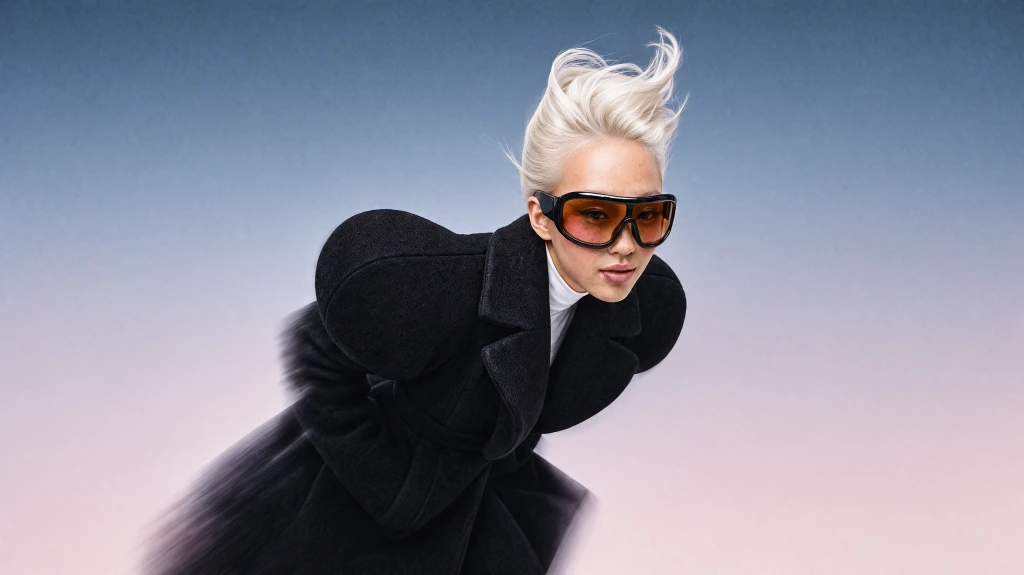
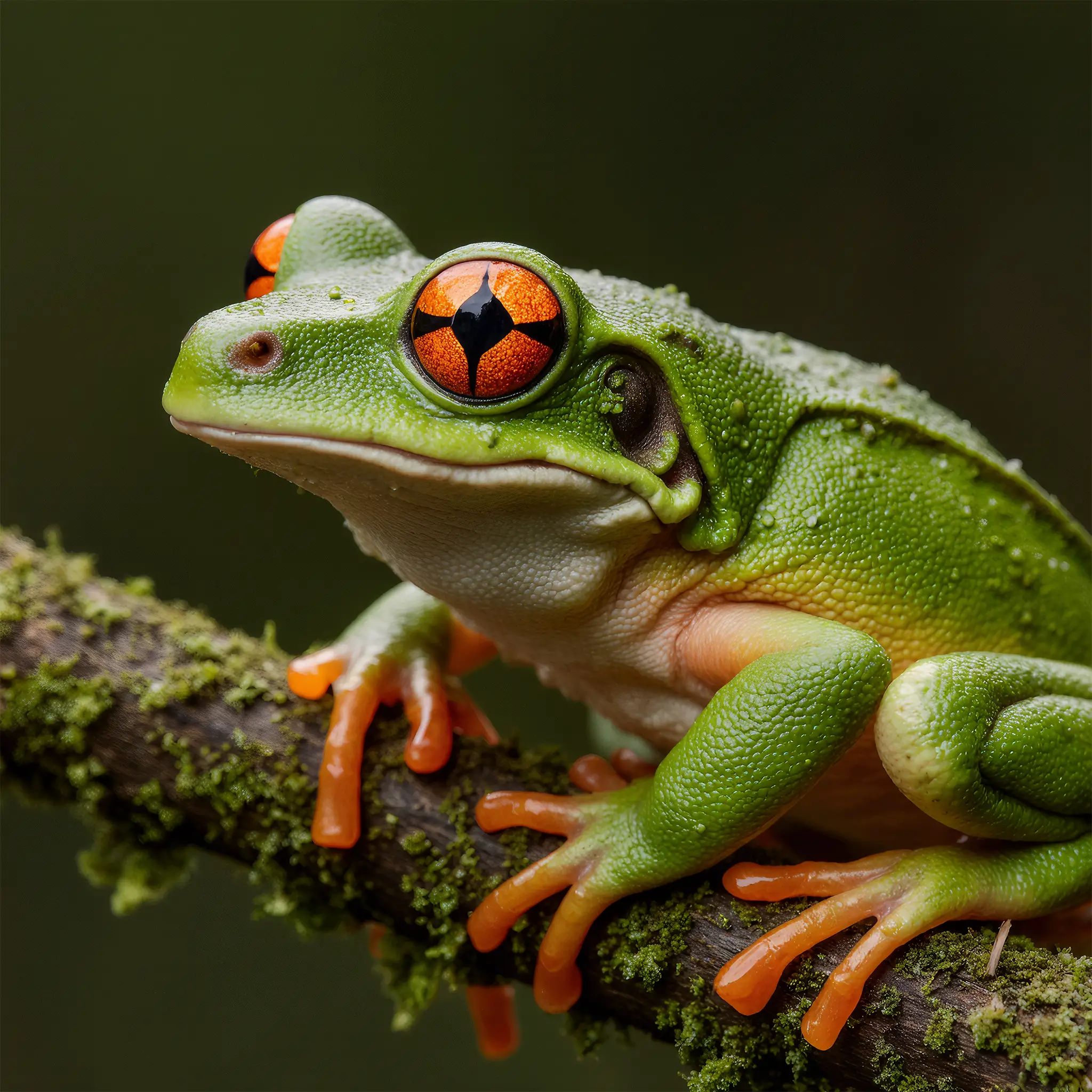
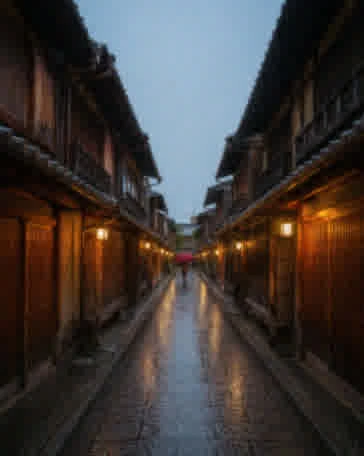
Low-quality photos next to sharp, high-resolution versions. Drag the slider on any card to compare.
- Portraits Selfies and portraits
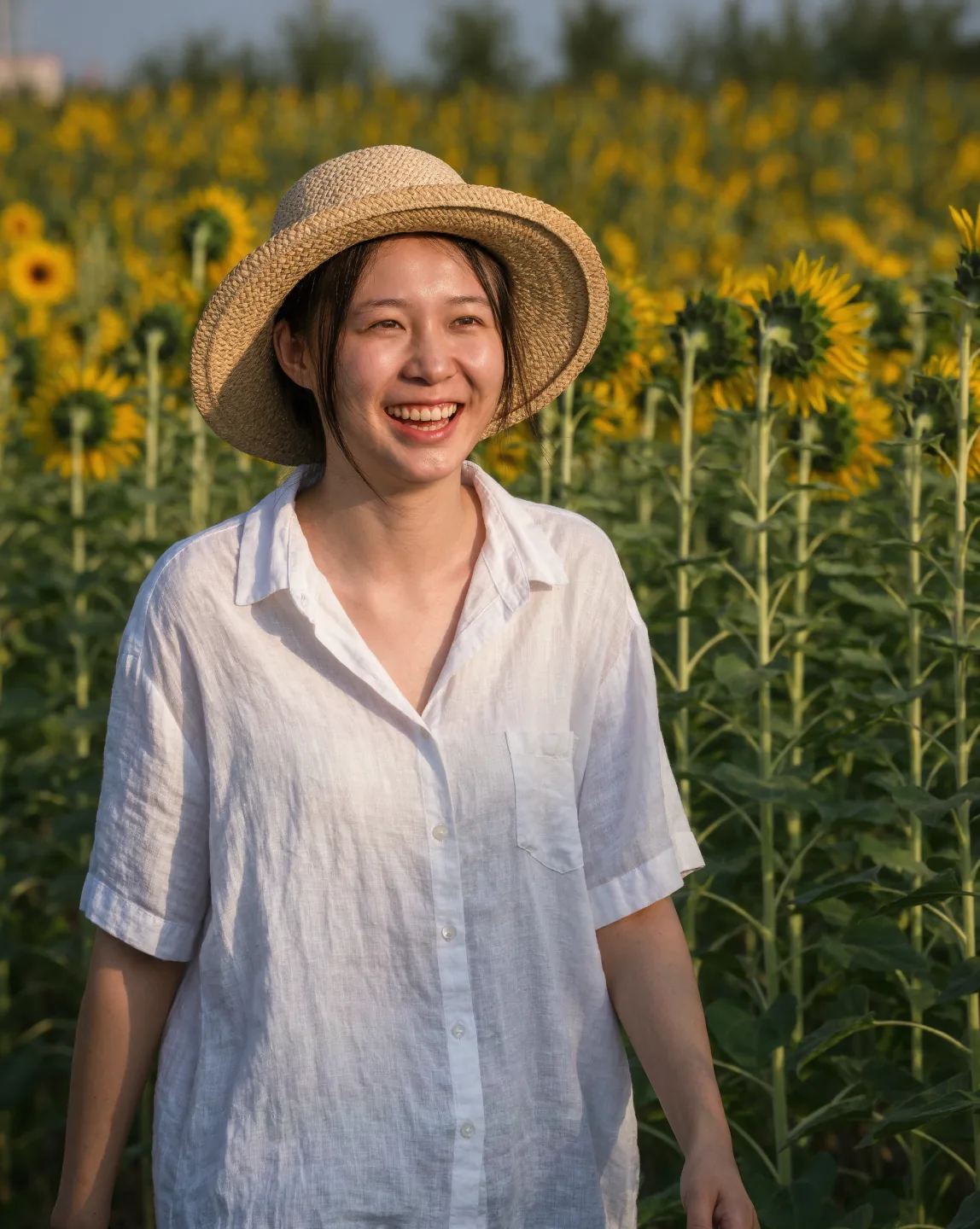 Before After

- Old photos Scans and family prints
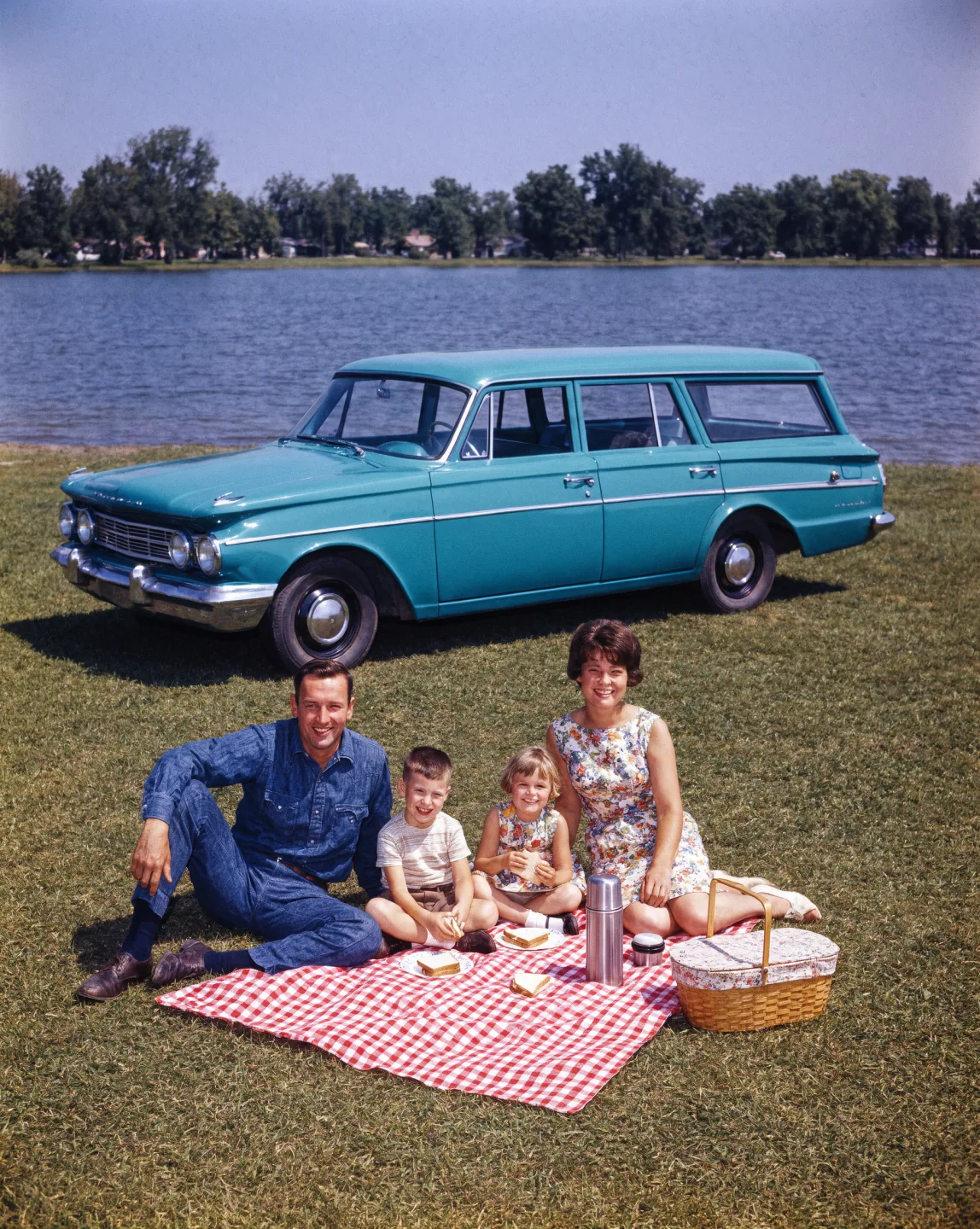 Before After
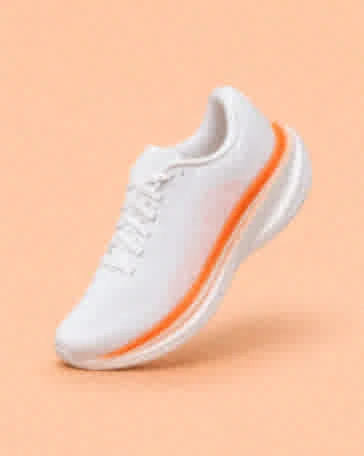
- Products Listings and ads
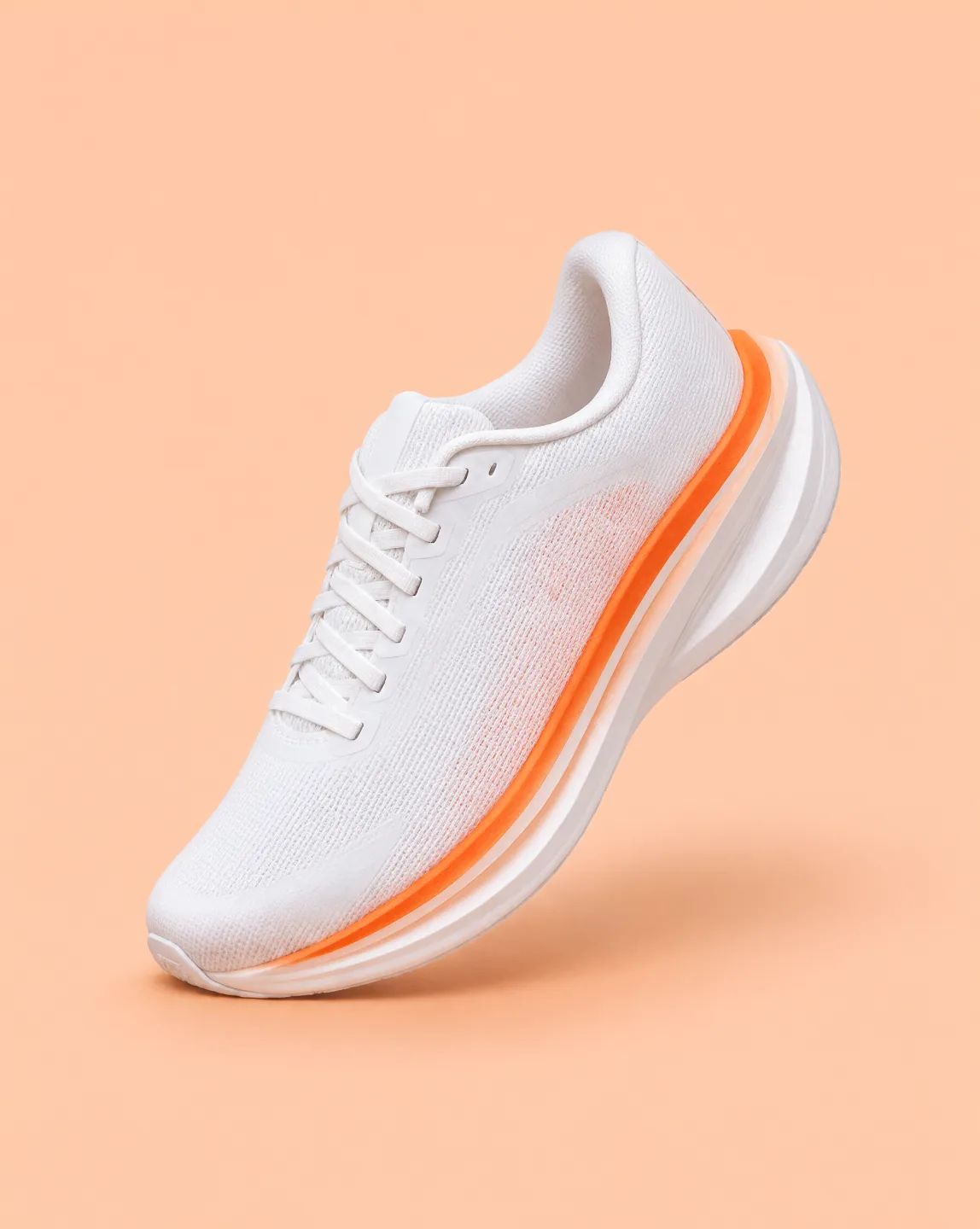 Before After
- Pets & low light Night and indoor shots
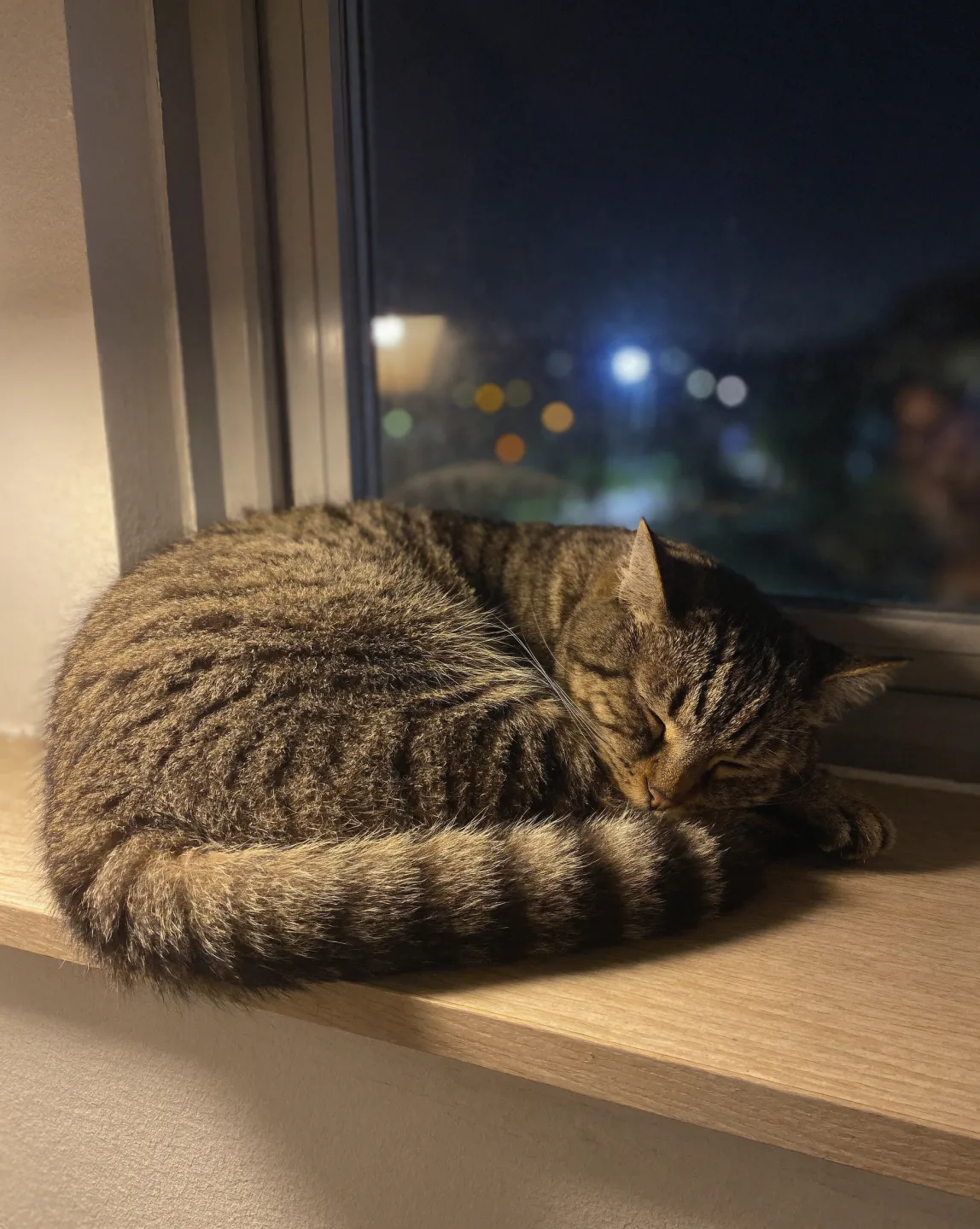 Before After
- Travel Wallpapers and prints
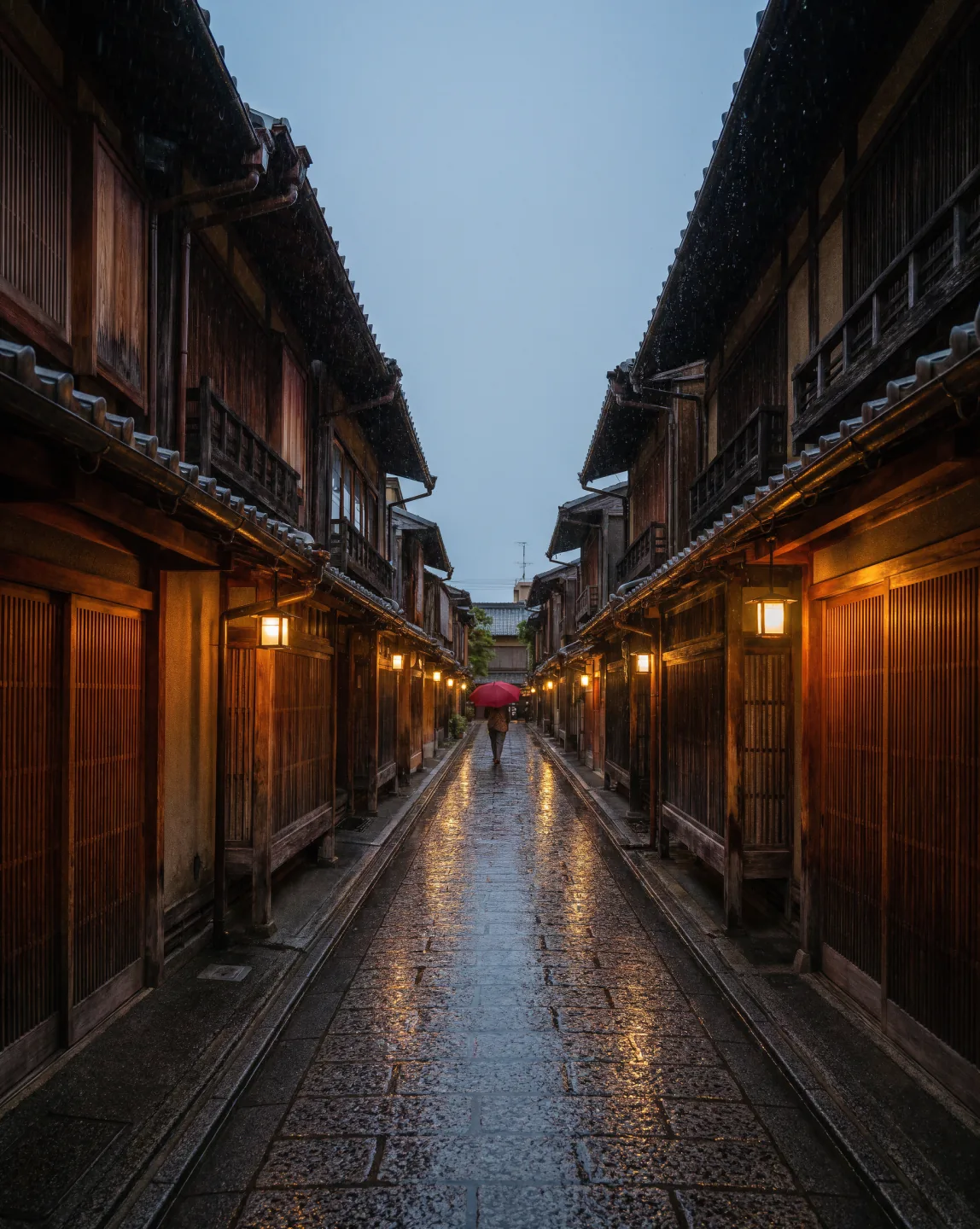 Before After
- AI art Illustrations and AI images
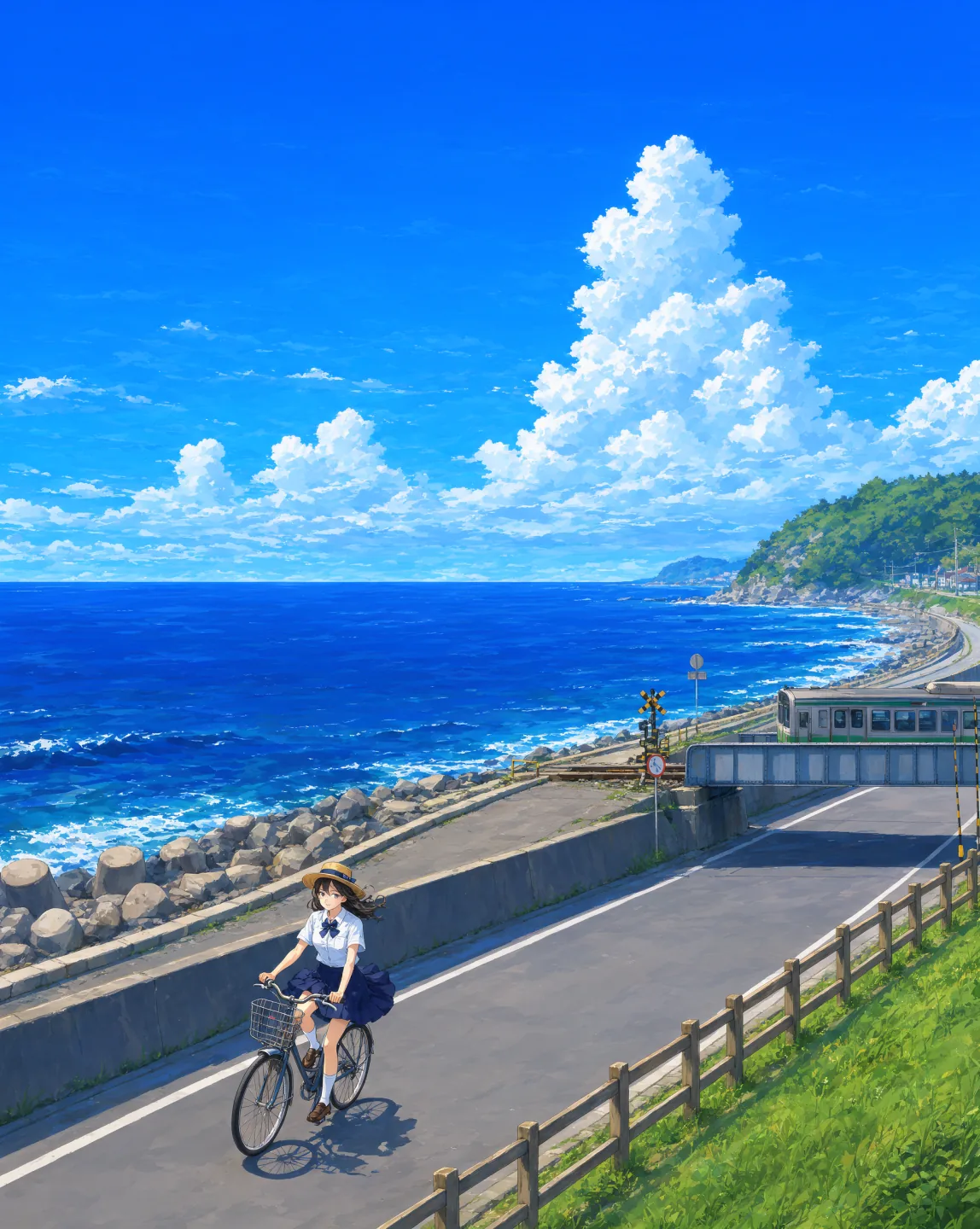 Before After
Upscale photos and enhance images in 3 easy steps
How to use Krea's AI photo enhancer
Upload image
Upload any photo you want to enhance or upscale. This can be a blurry image, low-resolution photo, product shot, portrait, or any image that needs better quality. We support all major file formats.
Enhance
Click the enhance button. Krea's AI upscaler automatically improves resolution, clarity, and overall photo quality. Your enhanced image will be ready in seconds.
Download
Finally, download and share your upscaled image. Sign up to explore all of Krea's AI image, video, and editing tools.
Why use Krea's AI photo enhancer and image upscaler?
Krea Enhancer is a powerful AI photo enhancer and image upscaler that transforms low-quality photos into sharper, higher-resolution images. It automatically improves resolution, sharpness, clarity, and overall image quality while preserving natural details and avoiding artificial artifacts.
Try Krea Enhancer in the main tool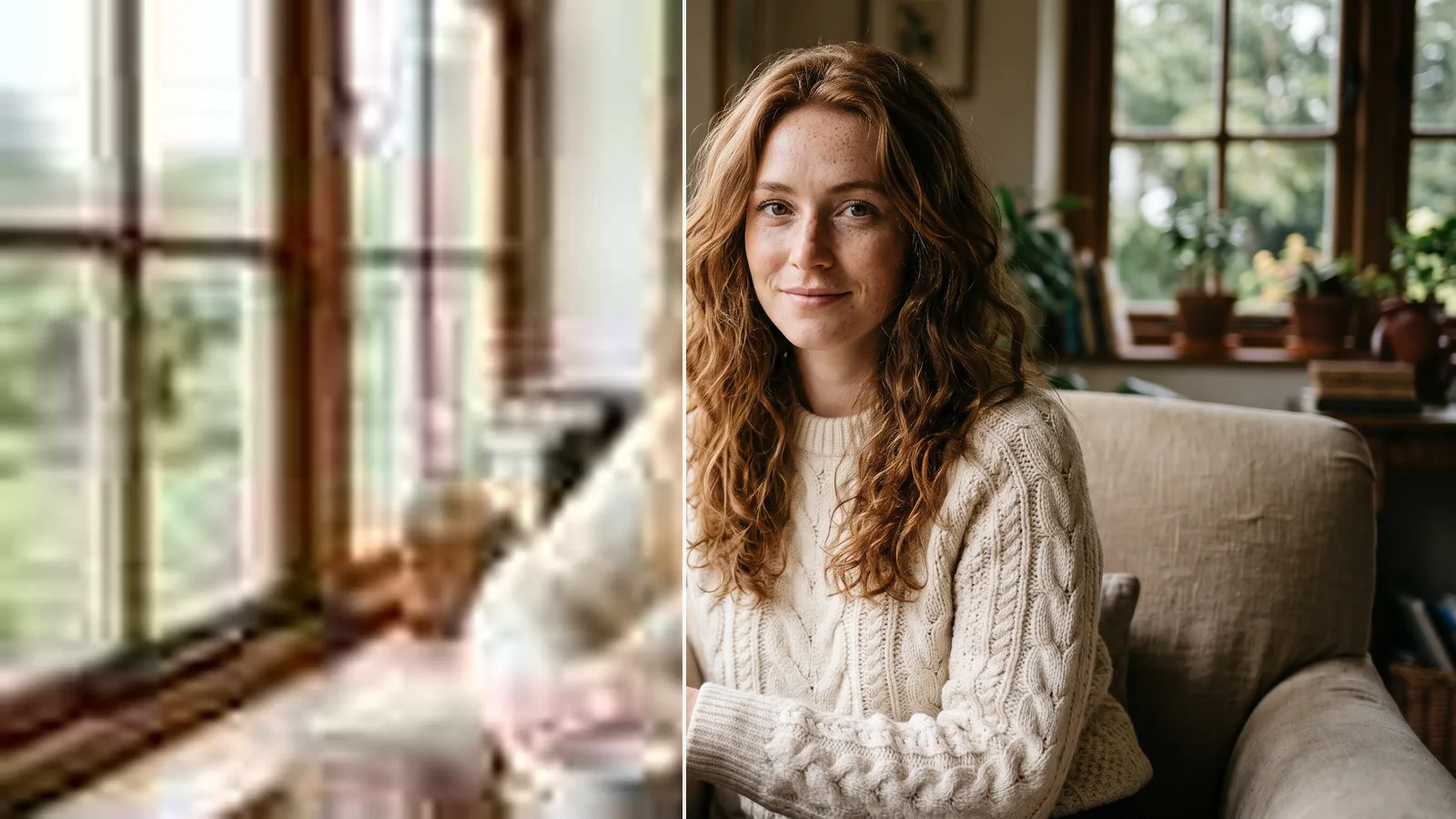
Free AI photo enhancer. No sign up, no credit card.
Use Krea as a free online photo enhancer without expensive software or technical setup. Transform blurry, low-resolution photos into crisp, high-resolution images instantly.
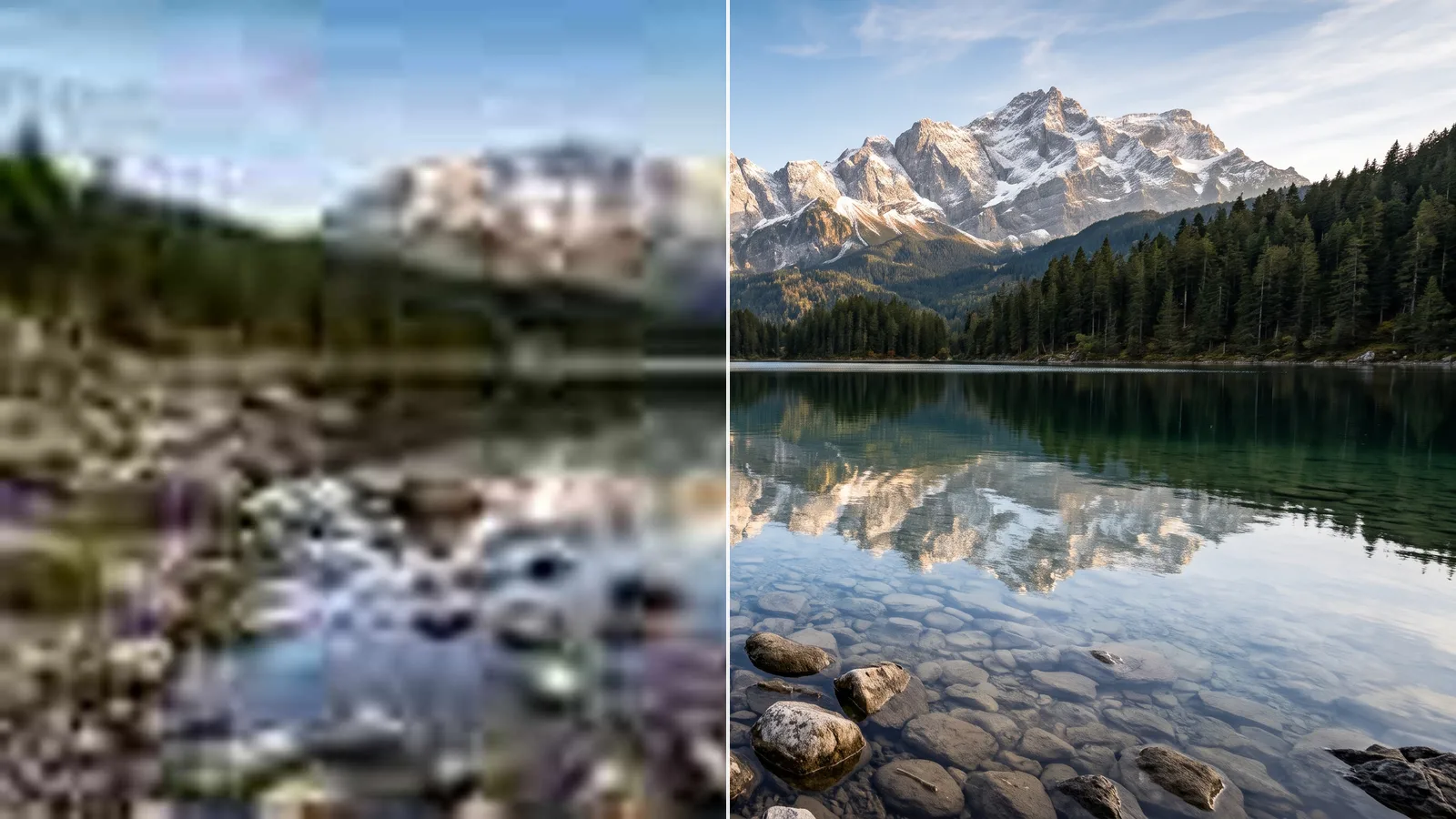
Natural enhancement without artifacts
Our AI technology intelligently enhances images while preserving natural details and avoiding the artificial, over-processed look common in other enhancement tools.
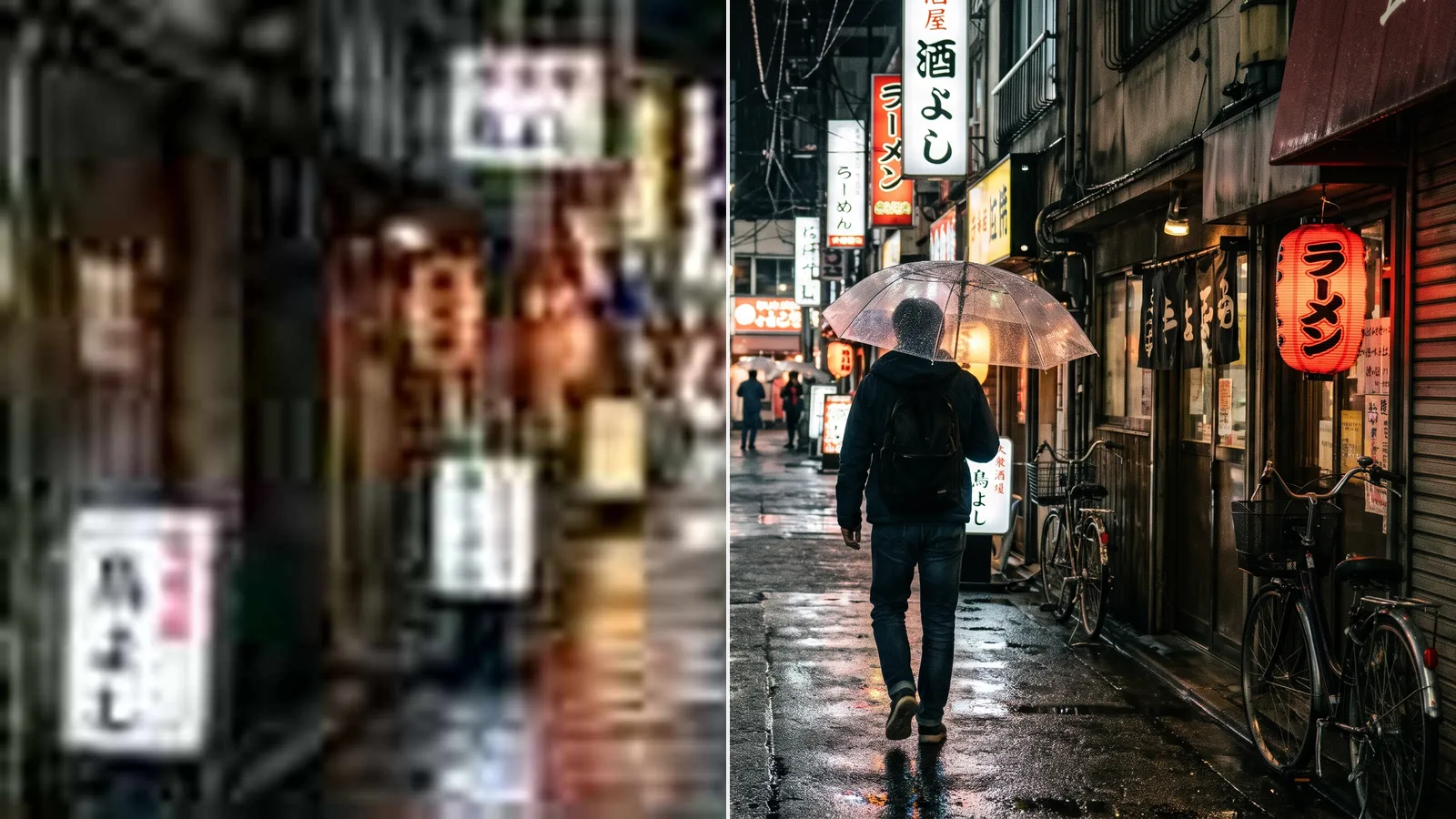
Lightning fast enhancement
Get enhanced and upscaled images back in seconds. Perfect for photographers, content creators, and anyone who wants to improve photo quality quickly.
Intuitive, powerful, and free. See what others say about Krea.
Read our testimonials
Real reviews on TrustpilotThe platform that just works
So many AI tools out there but I always come back to Krea. It's really the one AI platform that 'just works'.

FYN
Verified review
Best interfaces in the industry
Krea's interfaces are still the best in the industry. Everything looks and feels so clean and easy to use! Imo the easiest to use gen AI website.

Lynn
Verified review
Fast, simple, always up to date
Ultra fast generations. Extremely simple to use. All the latest AI models.

Daniel
Verified review
The only AI subscription I need
KREA is the only AI subscription I have right now besides ChatGPT.

Sophia M.
Verified review
New models the same day
I'm a Krea Max user. It's crazy how fast they add models. I see a new AI model on twitter and the same day krea already offers it.

Wirot Ch.
Verified review
The most powerful creative suite
Still the most powerful AI creative suite out there.

Gravion
Verified review
Fix blurry photos, old photos, and videos
Remove background before enhancing
Frequently Asked Questions
You can use Krea as an AI photo enhancer for portraits, landscapes, product photos, old family photos, screenshots, and more. The tool works especially well on blurry, low-resolution, or noisy images that need sharper details and higher resolution.
Upload your image, choose an upscaling factor, and click Generate. Krea's AI image upscaler increases resolution while improving clarity and detail. Results vary depending on the source image, but you can typically achieve 2-4x resolution improvements with natural-looking results.
Yes! Our AI technology is specifically designed to enhance images while preserving natural details and avoiding artificial artifacts or over-processing that can make images look fake.
Yes. You can enhance photos online for free with a limited number of free enhancements. Sign up for more enhancements and to access all of Krea's image, video, and editing tools.
No. You can use Krea's AI photo enhancer and image upscaler for free without creating an account. Enhancing images is as easy as uploading and clicking the "Enhance" button. No sign up or credit card required.
Most photo enhancements and image upscales complete in just a few seconds. Processing time may vary slightly depending on image size, upscaling factor, and server load. Users with a subscription get the fastest results.
Yes. You can use enhanced images for commercial purposes, including photography, marketing materials, and professional projects.
We support all major image formats including JPEG, PNG, WebP, and more.
Yes, on a paid plan. Pick 2x, 4x, or 8x and Krea upscales up to 8K (7680 pixels wide); hover over a factor to see its output size. Free use, with or without an account, is capped at 2048 pixels on the longest side. For more on upscaling factors and 4K, see the AI image upscaler.
Yes. The enhancer sharpens soft, blurry, and compressed photos while it upscales them. For stronger blur, such as motion blur or out-of-focus shots, use the Unblur Image tool. Extremely blurry images have limits: AI can reconstruct detail, but it can't recover information that was never captured.
Upload the image, choose 2x, 4x, or 8x, and click Enhance. The factor multiplies the width and height, so a 1000 × 750 photo becomes 2000 × 1500 at 2x. Free results go up to 2,048 pixels on the longest side, and paid plans go up to 8K.
An upscaler makes an image bigger by adding pixels. An enhancer improves quality at the same size by removing blur, noise, and compression artifacts. Krea does both in one step: choose 1x to only enhance, or 2x, 4x, or 8x to enhance and upscale.
Standard sharpens and enlarges the photo without adding new detail, and it works without an account. High quality is generative: it rebuilds fine texture such as skin, hair, and fabric, which helps most with tiny or heavily compressed images. High quality needs a free Krea account.
Standard mode doesn't add new detail, so faces stay as they are, only sharper. High quality redraws fine detail like skin and hair. It keeps people recognizable, but very small faces can change slightly, so compare the result with the slider before you download.
Yes. The enhancer runs in your phone's browser, so there is no app to install. It works well on phone photos that look soft when you zoom in, such as low-light shots or pictures taken with digital zoom.
Social and messaging apps shrink and re-compress images, which adds blur and blocky JPEG artifacts. Upload the original file instead of a screenshot or a forwarded copy, and enhance photos that have already lost quality before you share them again.
This tool enhances images. To sharpen and upscale a video clip, use the AI video upscaler, which works the same way for footage.
Upscale photos and enhance images for free
No sign up. No credit card. Amazing results in seconds.
Explore our most popular apps
- AI Face Swap
- Convert photo to HD
- AI image upscaler
- AI Hairstyle Changer
- Image to Image
- AI Clothes Changer
- Text Remover
- Video Upscaler
- Image to video
- AI Lip Sync
- AI Voice Generator
- AI 3D Model Generator
- Realtime
- Polaroid Photo
- Cartoonify
- AI Architecture
- Vectorize
- Colorize Photo
- Object Remover
- Change Lighting
- T-Shirt Design Maker
- Background Remover
- AI photography with Krea Agent
- AI 3D-style visualization with Krea Agent
- AI brand marketing with Krea Agent
- AI filmmaking with Krea Agent