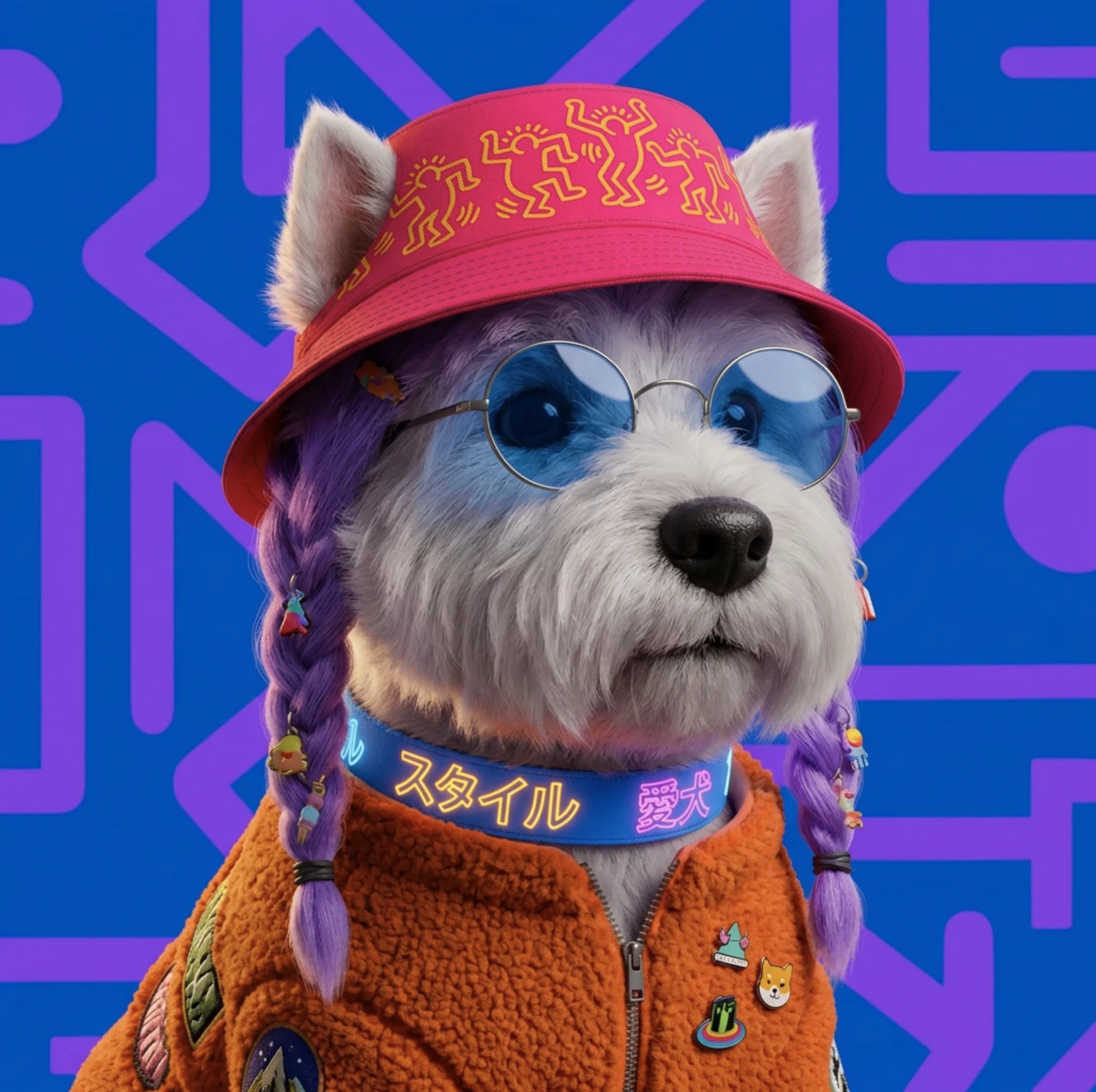
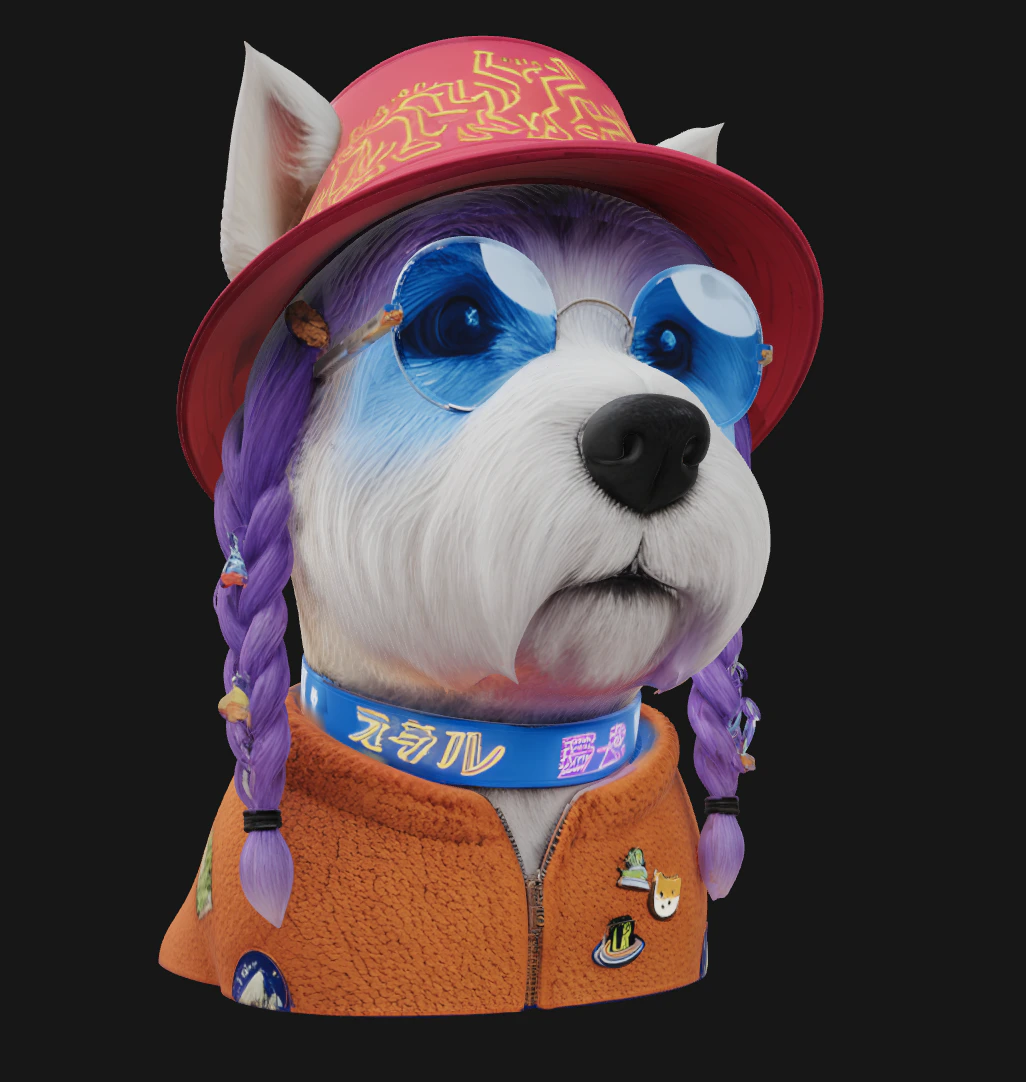
Generate textured 3D meshes from a photo or text prompt in Krea, then preview, refine, and export models for game, product, and ideation workflows.
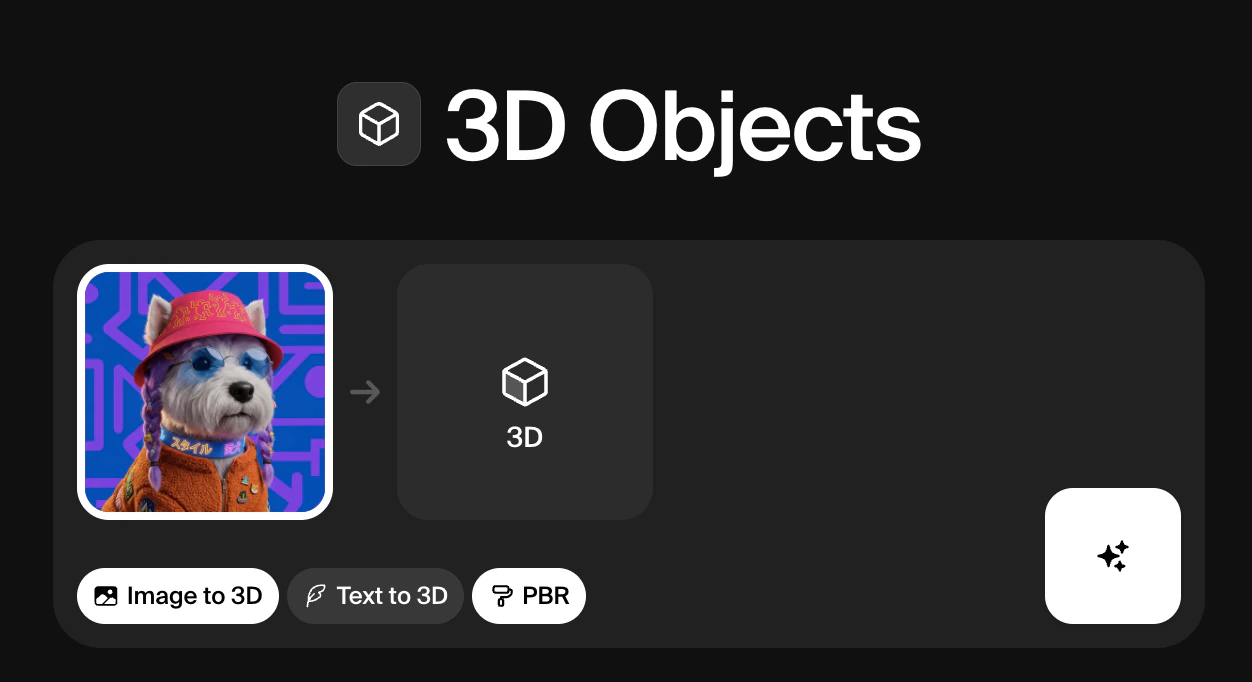
Krea’s 3D Objects tool converts images into fully formed 3D meshes, or generates them from scratch using a text prompt. Upload a photo of any object and Krea will reconstruct its shape, depth, and surface in three dimensions. If you don’t have a reference image, Text to 3D lets you describe what you want and generates the mesh directly from your prompt.
PBR (Physically Based Rendering) is an optional setting that adds a layer of material realism to your 3D output.
After generating a 3D object, you have four options below the result: Retry, Reuse parameters, Send to Realtime, and Download.
Clicking Send to Realtime takes your 3D mesh directly into Krea’s Realtime canvas, where you can use it as a compositional reference for image generation. The Realtime model reads the shape and spatial layout of the object and uses it to guide the output, so you can generate fully styled, textured images that match the pose and structure of your 3D asset without having to describe the composition in a prompt.
Model
Description
Speed
Quality
Compute cost
Hunyuan3D 3.1 Pro
High-fidelity text or image-to-3D with optional PBR materials, multi-view inputs, and adjustable face count for cleaner meshes
Low
High
~300
TRELLIS 2
Native 3D generative model for high-quality 3D asset creation
Low
High
~250
Hunyuan3D-2mini-Turbo
Fastest 3D model generator
Medium
Medium
7
Hunyuan3D-2
High quality 3D model generator
Low
Medium
10
Hunyuan3D-2.1
High quality 3D model generator
Low
Medium
25
Tripo
High quality 3D model generator
Low
Medium
8
TRELLIS
High quality 3D model generator
Low
Medium
10
Was this page helpful?
Assistant
Responses are generated using AI and may contain mistakes.