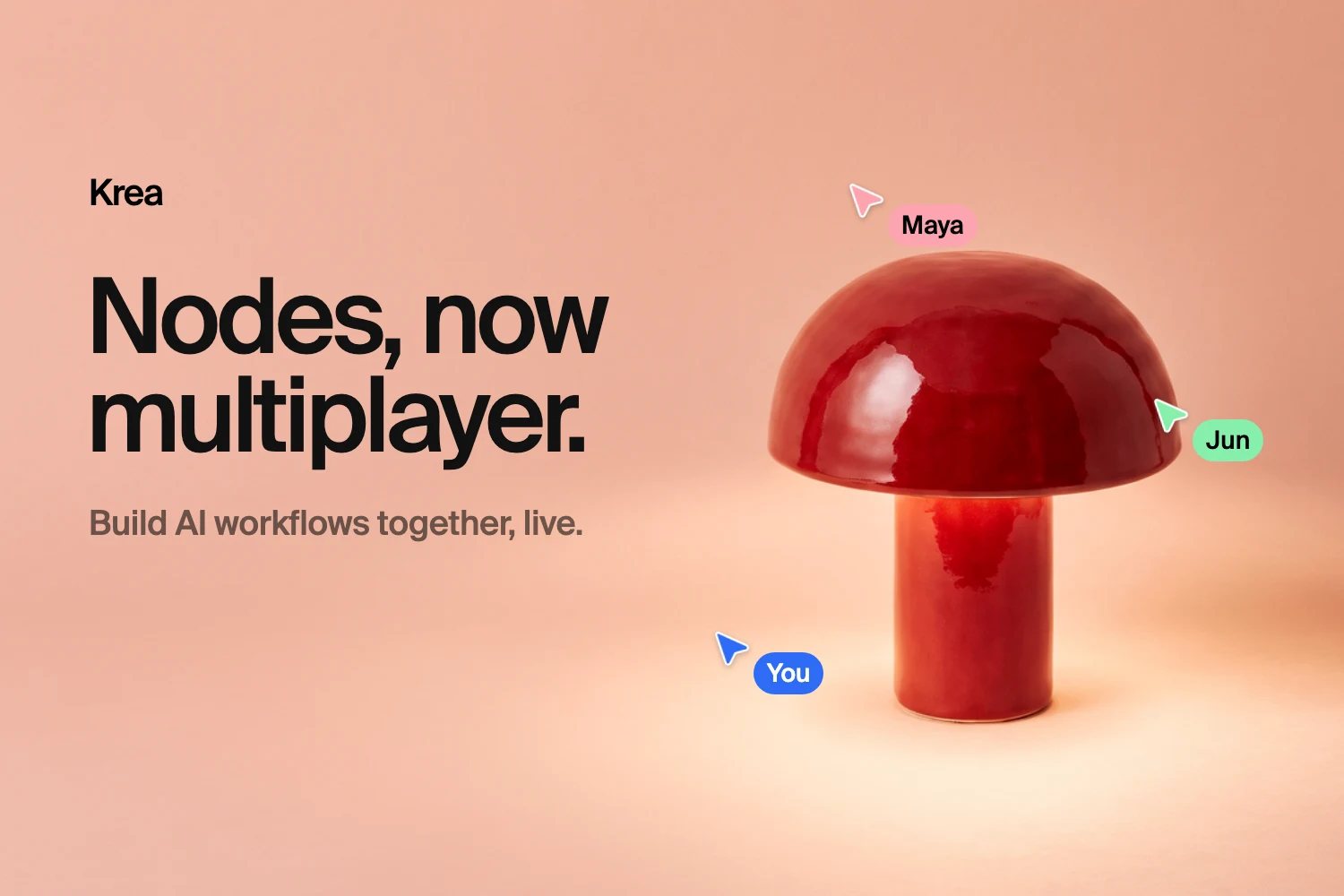
Krea Nodes is now multiplayer. You and your team can open the same Nodes project and edit it together. Everyone sees the same canvas, and changes show up as they happen.
Until now, sharing a workflow meant sending a link, waiting for feedback, then making the changes yourself. With Multiplayer Nodes, the art director can rewire the prompt while the designer swaps the reference image and the producer queues the video step. All of it happens on one canvas, and nobody has to email final_v7_REAL.json around.
See Multiplayer Nodes in action
Live cursors, shared runs, and sharing that fits how your team works.
Explore Multiplayer NodesWhat Multiplayer Nodes is
Multiplayer Nodes is real-time collaboration for Krea’s node-based workflow editor. A Nodes project is a graph: image, video, and text nodes connected by edges, where each node’s output feeds the next one. Multiplayer means several people can build and run that graph at the same time:
- Live co-editing. Moving nodes, connecting edges, changing prompts, swapping models, and adding sticky notes all sync to everyone in the project.
- Live presence. Every collaborator gets their own color. You see their cursor, the nodes they’ve selected, and the box they’re dragging to select more.
- Shared runs. When someone runs a node or a chain, everyone watches it go from queued to running to done, and the outputs land on every screen.
- Personal undo. Undo and redo only touch your changes. Pressing ⌘Z never erases a teammate’s work.
A quick example: art-directing a lamp campaign
Say your team is making a campaign for a glossy red ceramic mushroom lamp. One person drops the product shot and a color moodboard onto the canvas. Another wires them into a few image nodes, one per scene: a bedroom at blue hour, a desert at golden hour, a swimming pool.
One canvas, three scenes, three people
Product shot + moodboard → scene variations, built and run together in Nodes



While the art director tweaks the desert prompt, the designer can see their cursor parked on that node. They leave it alone and refine the pool scene instead. When someone hits run, the whole team watches the results come in. Nobody screen-shares, and nobody asks “can you send me the latest version?”
How sharing works
Open any Nodes project and click Share. The dialog gives you three levels of general access, plus individual invites:
- Private. Only people you invite can open the project.
- Workspace. Everyone in your active workspace can open it. You choose whether members can view or can edit.
- Public link. Anyone with the link can view the project.
To invite someone directly, type their name in Add people from your workspace…, pick them, and choose Can view or Can edit. Edit access applies only within the project’s own workspace.
If a person has their own grant and also gets access through a workspace share, the higher level applies. For example, a teammate invited as a viewer can still edit if the whole workspace has edit access.
Permissions at a glance
| Share | Who gets access | What they can do |
|---|---|---|
| Private | Only invited people | Whatever each invite allows |
| Workspace, can view | Members of your workspace | See the graph, duplicate it |
| Workspace, can edit | Members of your workspace | Edit, run nodes, see outputs and history |
| Person, can view | One workspace member | See the graph, duplicate it |
| Person, can edit | One workspace member | Edit, run nodes, see outputs and history |
| Public link | Anyone with the link | See the graph, duplicate it |
Viewers see the structure of the workflow: the nodes, how they connect, and the inputs. They don’t see generated outputs or run history, and they can’t run anything. They can duplicate the project to make their own copy and remix it, which makes a public link a handy way to share a reusable workflow template.
What happens when two people edit at once
- Different things: both changes go through. Moving a node while someone else edits its prompt is fine.
- The same field: the last edit wins. If two people type into the same prompt, the later change sticks. Live cursors make this rare, since you can see where people are working.
- Undo: your undo stack is yours. It reverts only the nodes and edges you changed, so a teammate’s edits stay put.
- Version history: Nodes keeps snapshots of the project as it changes, at most one every five minutes and for five days. If an experiment goes sideways, preview an earlier version and restore it.
Runs and credits
Anyone with edit access can run nodes. Each run is visible to everyone in the project, and finished outputs are saved to the node’s history for all editors.
Whoever starts a run pays for it. Jobs are billed to the person who submits them, in their active workspace. When you start a chain, your tab submits each next step, and the chain keeps running if you switch to another tab. Other collaborators just watch the results arrive.
The Agent is a collaborator too
Krea’s Agent and MCP clients edit Nodes projects through the same operations as people do. When you ask the Agent to add a step or rewire a graph, its changes sync to everyone on the canvas, like a teammate’s would.
Who can use it
- View sharing (workspace view, person view, and public links) is available on every plan.
- Edit sharing and live presence (co-editing, live cursors, and shared runs between collaborators) are available on Krea Enterprise. Edit grants work while the active workspace is on Enterprise. If a workspace leaves Enterprise, its edit grants act as view grants, and they come back if it returns.
Want your team on the same canvas? Talk to us about Enterprise.
Good fits for Multiplayer Nodes
- Agencies and client review. Share a view link so a client can follow the workflow, then build the final pass live with your team.
- Studio and in-house teams. Split up a big pipeline (references, scene variations, upscaling, video) and build it in parallel on one canvas.
- Teaching and workshops. Build a workflow live while students watch, then give them a public link so they can duplicate it and experiment.
- Templates. Publish a polished workflow as a public link. Anyone can duplicate it and run it as their own.
FAQ
Multiplayer Nodes FAQ
What is Multiplayer Nodes in Krea?
Which plans include Multiplayer Nodes?
What happens if two people edit the same node at once?
Does undo remove my teammates' changes?
Who pays for runs in a shared project?
What can viewers see?
Can I go back to an earlier version of a shared project?
Can the Krea Agent edit a shared Nodes project?
Build your next workflow together
See how live cursors, shared runs, and sharing work in Multiplayer Nodes.
Explore Multiplayer Nodes