Buat
Krea Agen Baru
Deskripsikan, Agen yang membuatnya
Gambar
Krea 3, Nano Banana & lainnya

Video
Seedance, Kling, Veo & lainnya

Gambar ke Video
Ubah foto apa pun jadi video dengan AI

Suara AI
Sulih suara dari naskah apa pun
Waktu nyata
Render instan saat Anda menggambar
Objek 3D
Model dari teks atau gambar
Edit & tingkatkan
AI Drama Generator for Short & Micro Dramas
Write one sentence. Drama Studio pitches the series, casts the characters and shoots vertical episodes with dialogue and a cliffhanger.
Opens Drama Studio with your premise filled in. Writing is free; you pay compute units only when you paint the cast and shoot takes.
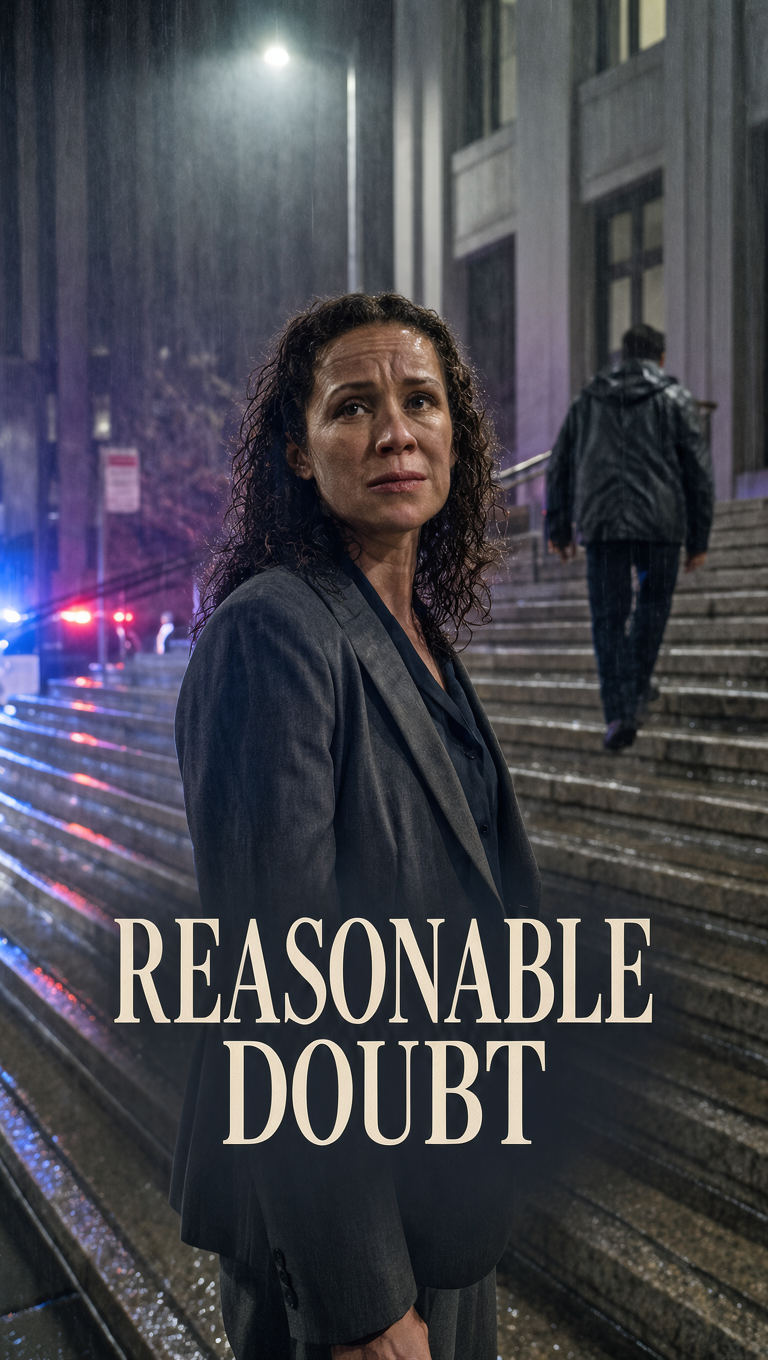
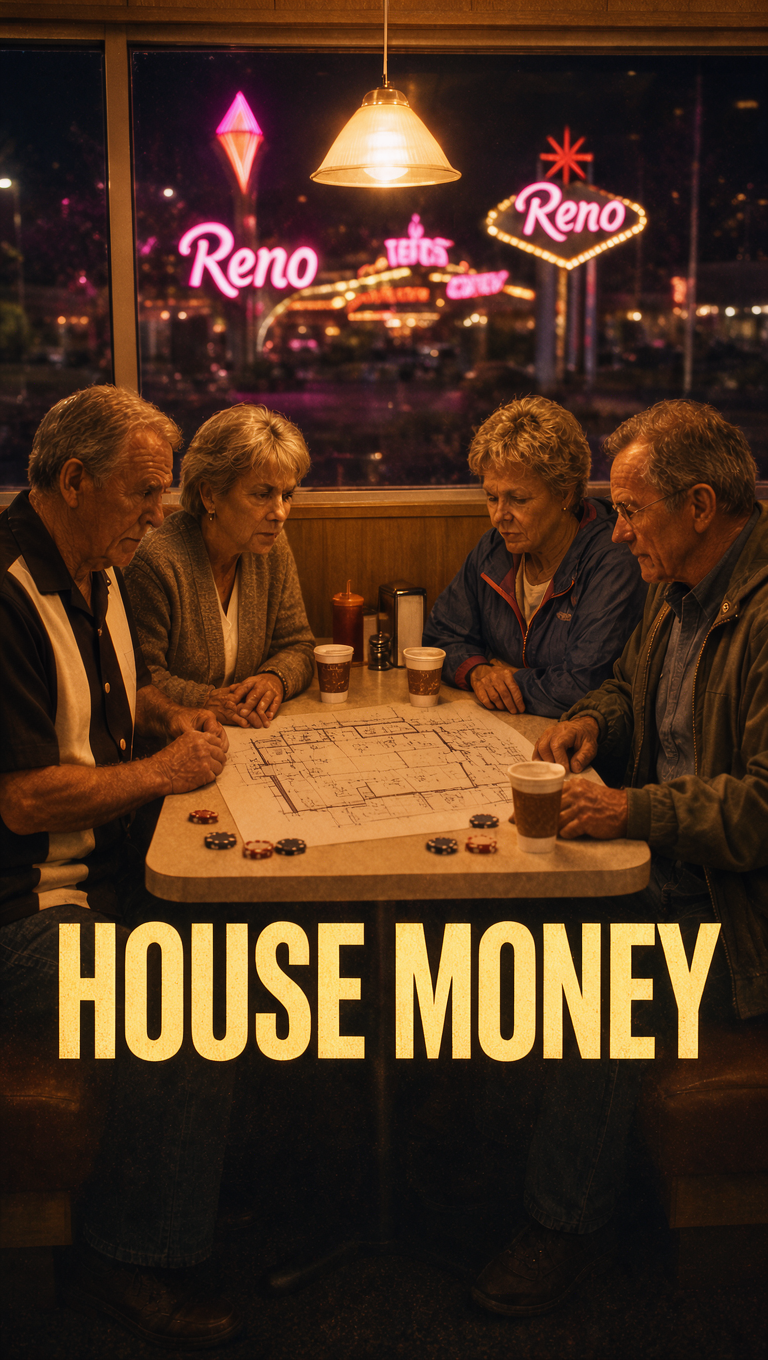
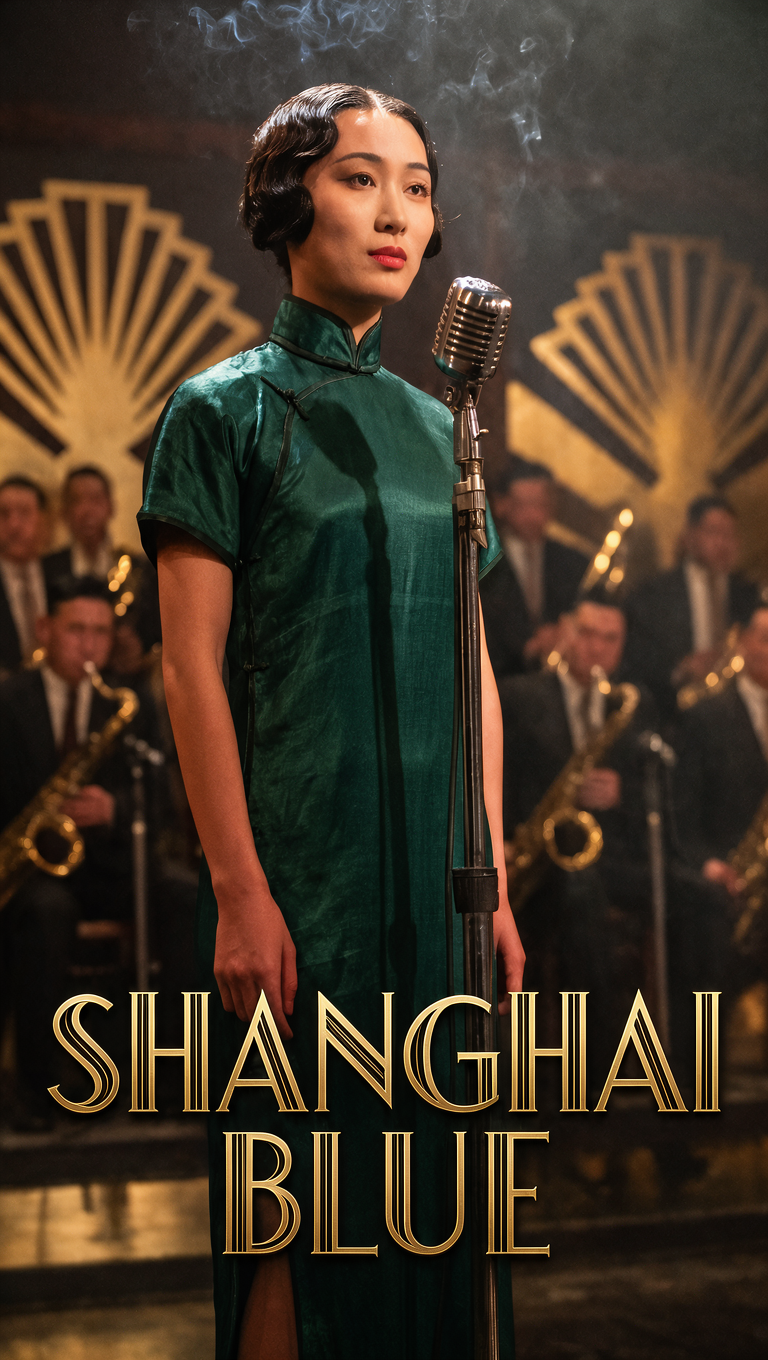
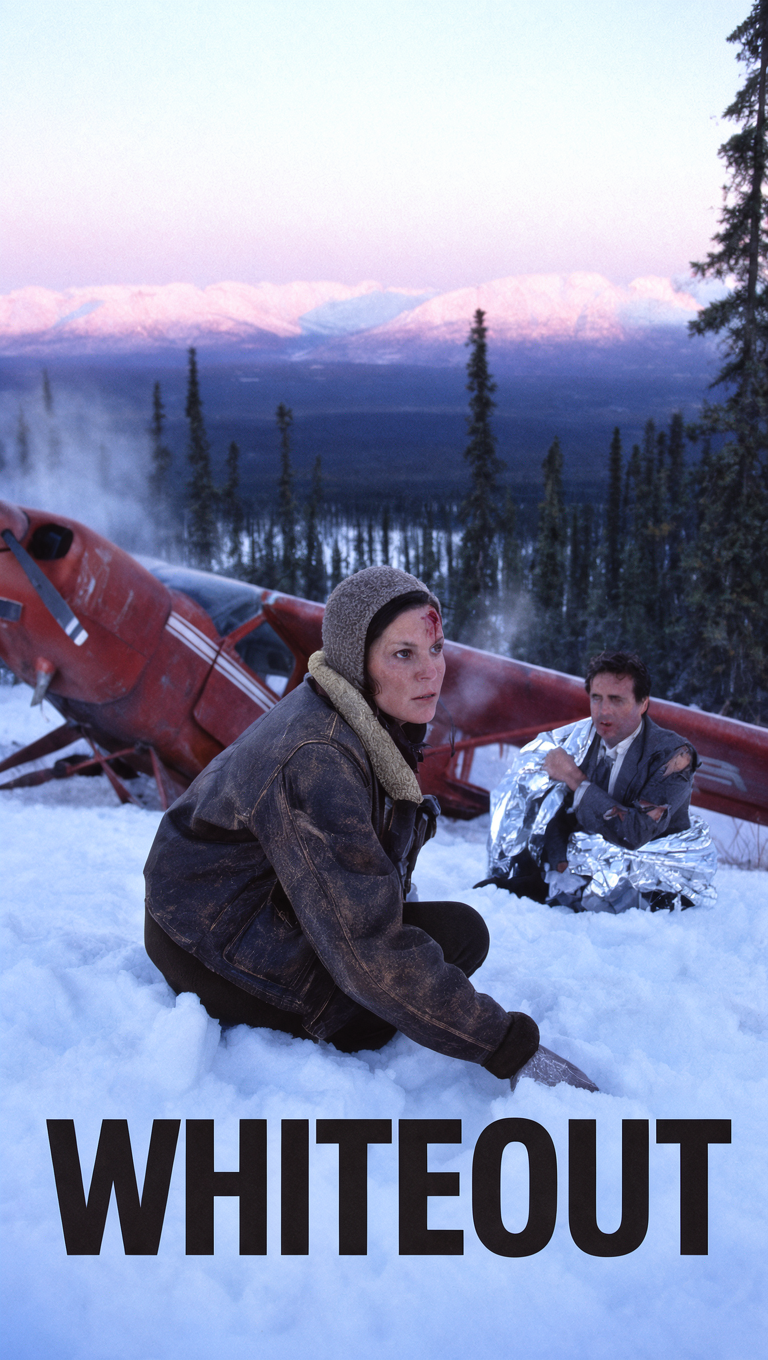
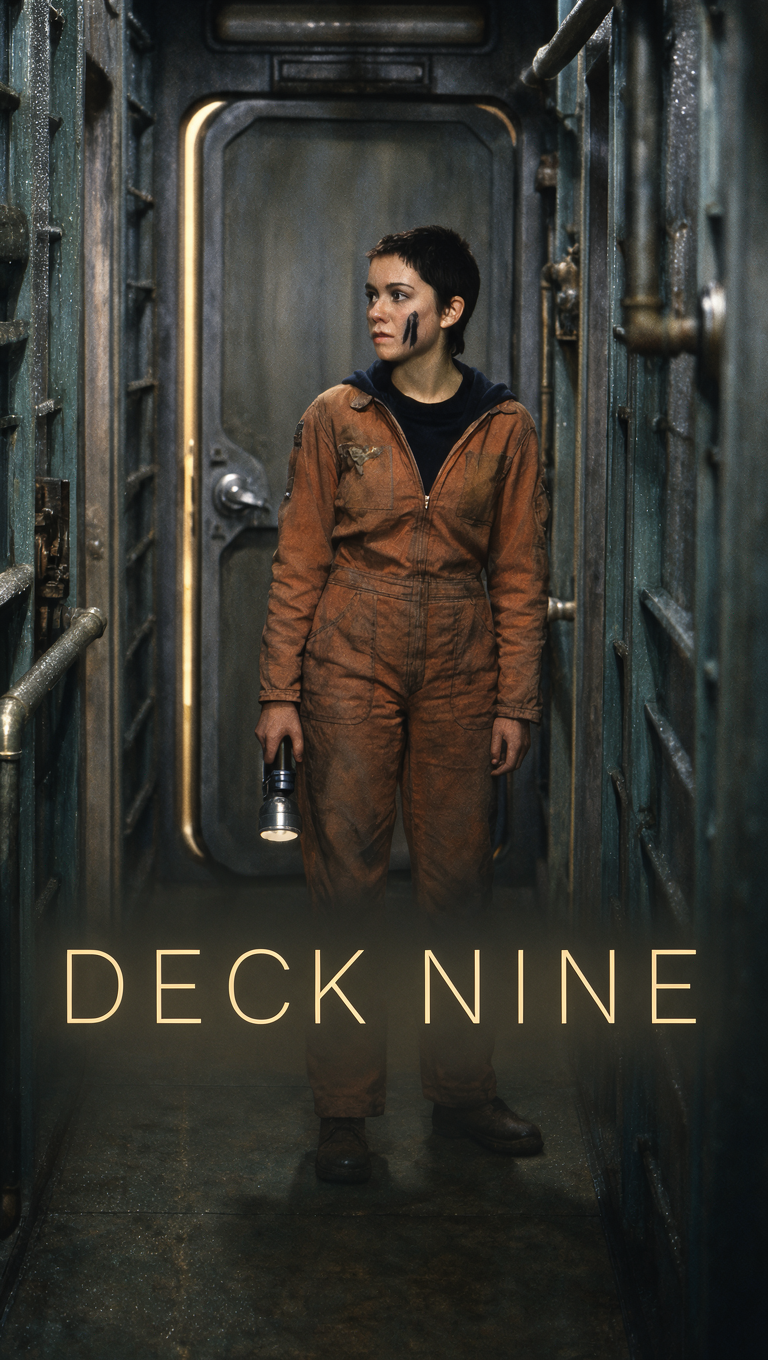
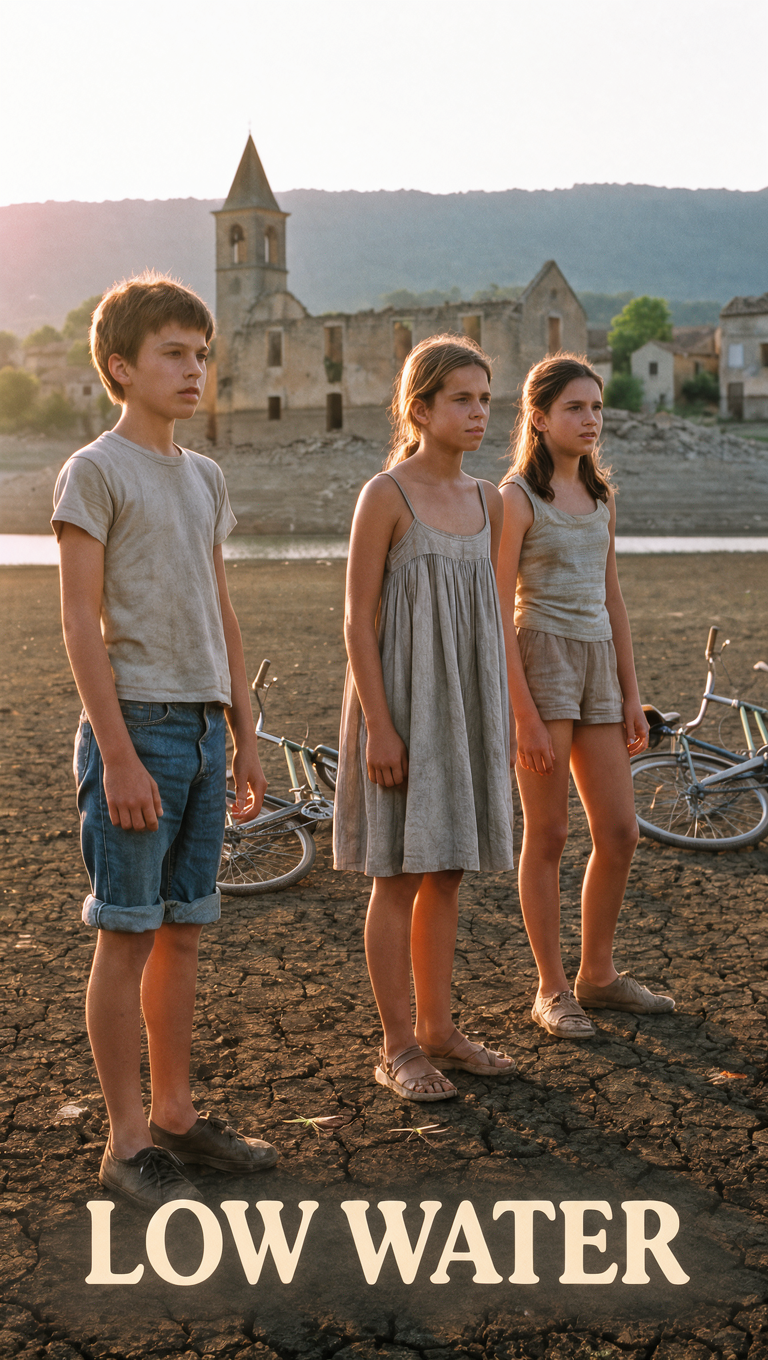
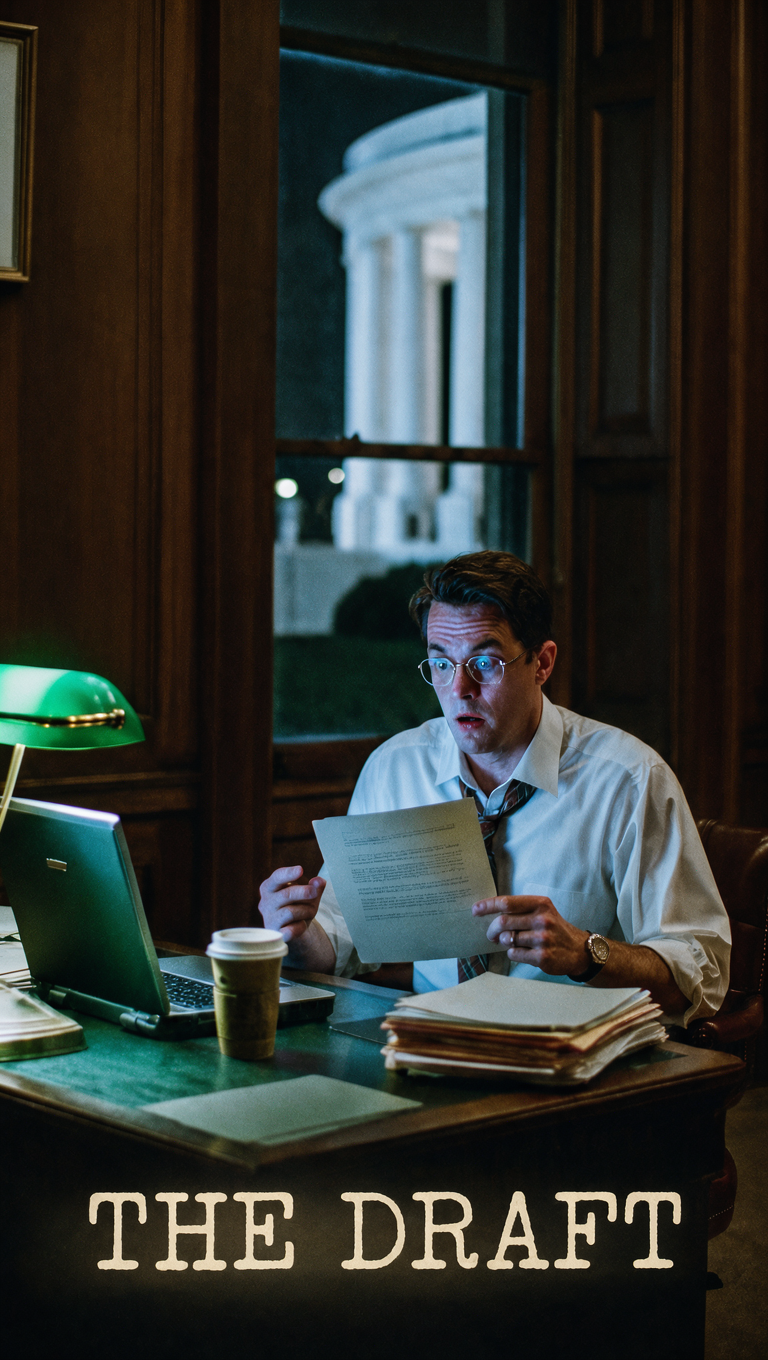
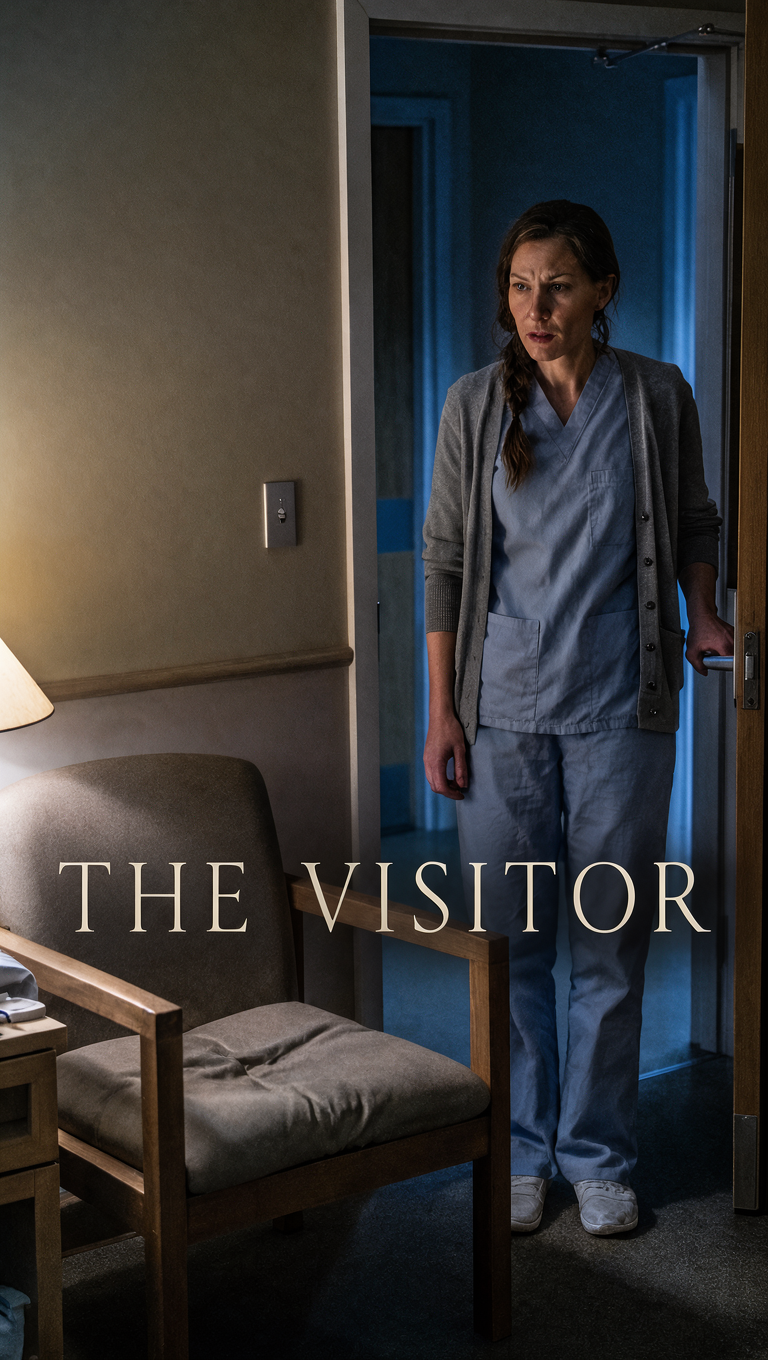
Scenes from four series
Key art made with Krea 3 and scenes shot on Seedance 2.5, the way Drama Studio makes them. Turn the sound on.
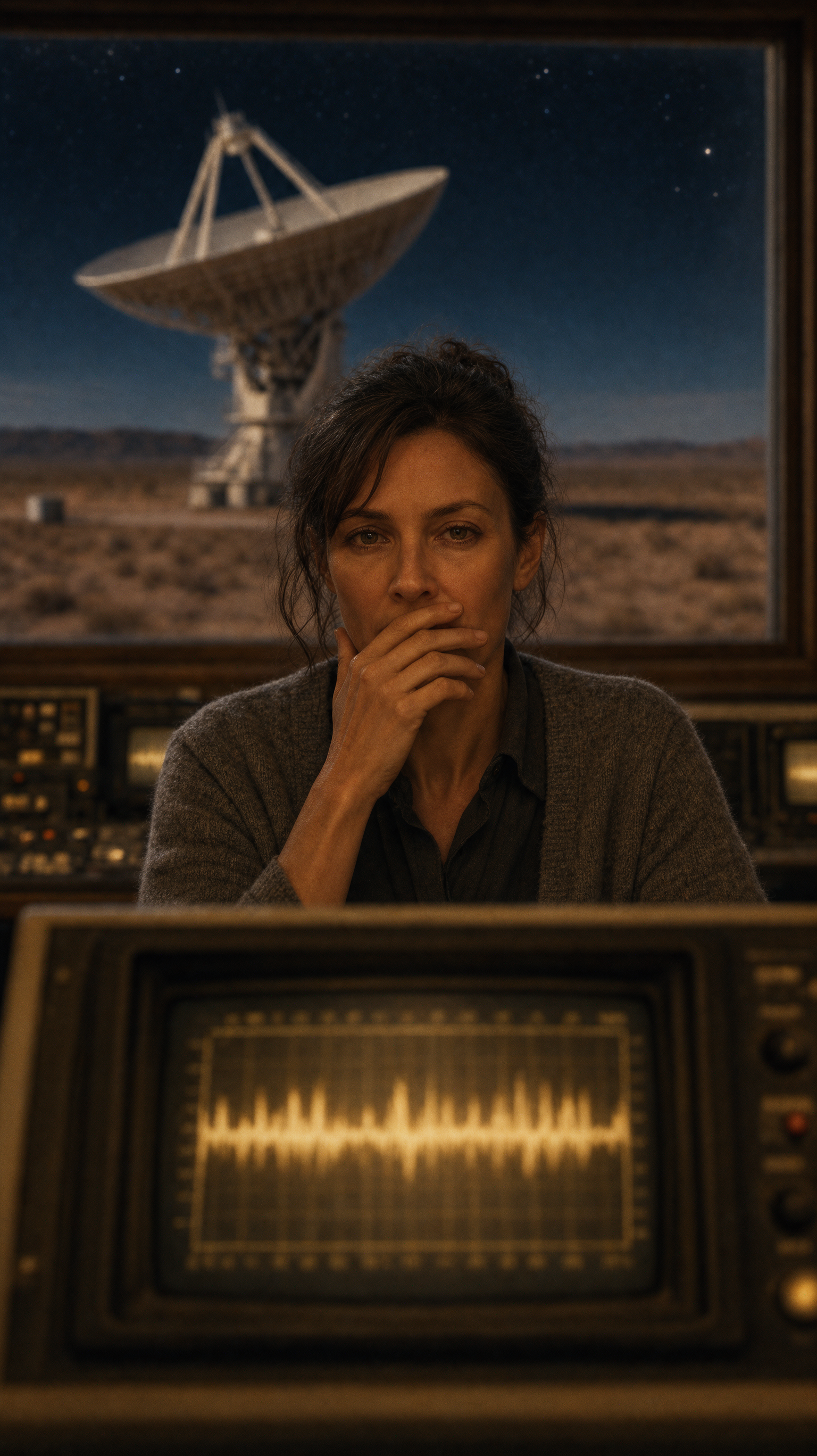
Tahun yang Sunyi
Sebuah sinyal dari luar angkasa mendadak hening, dan hanya ahli bahasa yang memecahkannya yang tahu apa yang dimintanya.
Sampai ke Sumsum
Seorang koroner kota kecil menemukan tanda tangannya sendiri pada autopsi yang tak pernah ia lakukan.
Ke Utara
Dua kakak beradik yang lama tak akur membawa abu ayah mereka melintasi Alaska dan menemukan keluarga yang ia sembunyikan.
Pemeran Pengganti
Pada malam sang bintang menghilang, seorang pemeran pengganti Broadway naik panggung, lalu sadar ada yang memang menginginkannya di sana.
How to make an AI microdrama
Five steps from one sentence to an episode you can post.
- 01
Idea and pitches
Write a sentence or paste a script, then pick one of three pitches.
- 02
Series bible
The bible sets the hook, the look and the cliffhanger of every episode.
- 03
Cast and voices
Each character gets a locked face and a voice of their own.
- 04
Season and shots
Each shot gets a keyframe, then takes on the video model you pick.
- 05
The cut
Trim the takes, add music and export with captions.
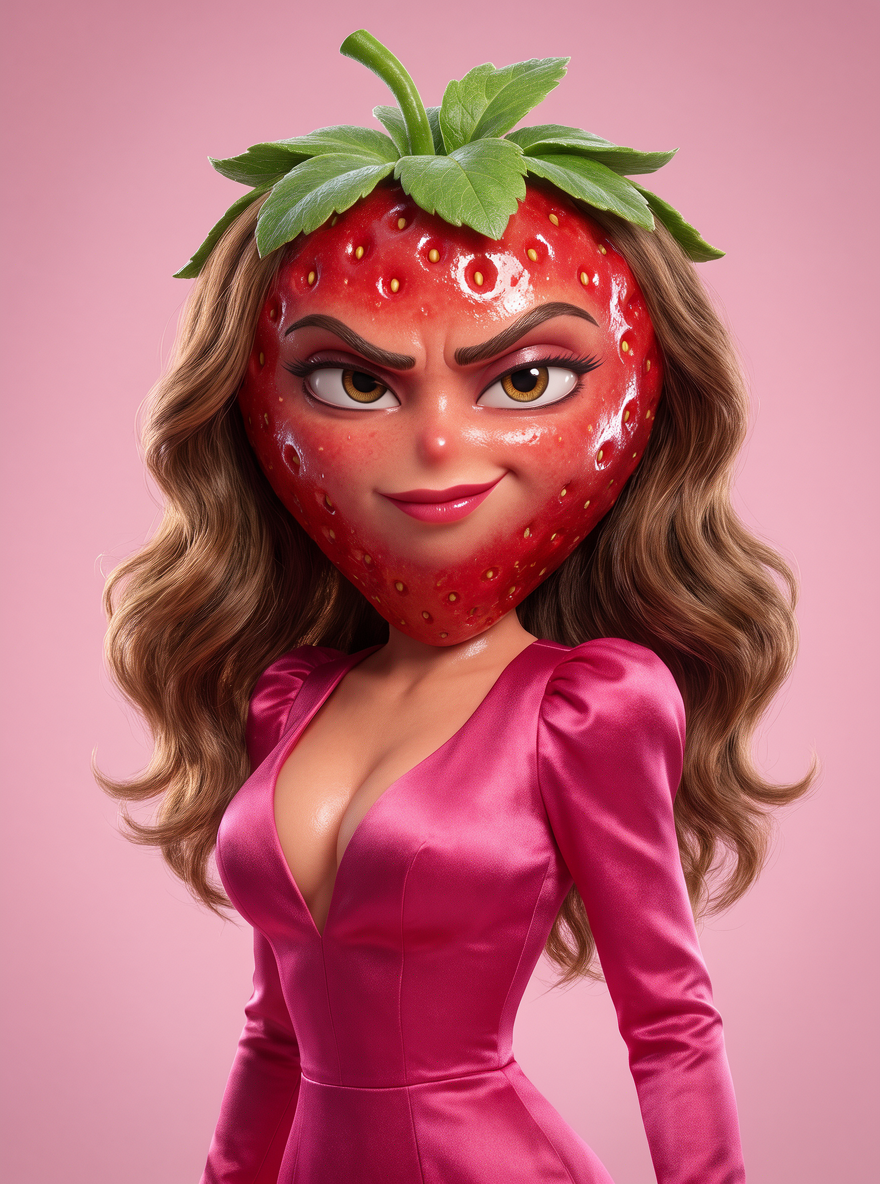
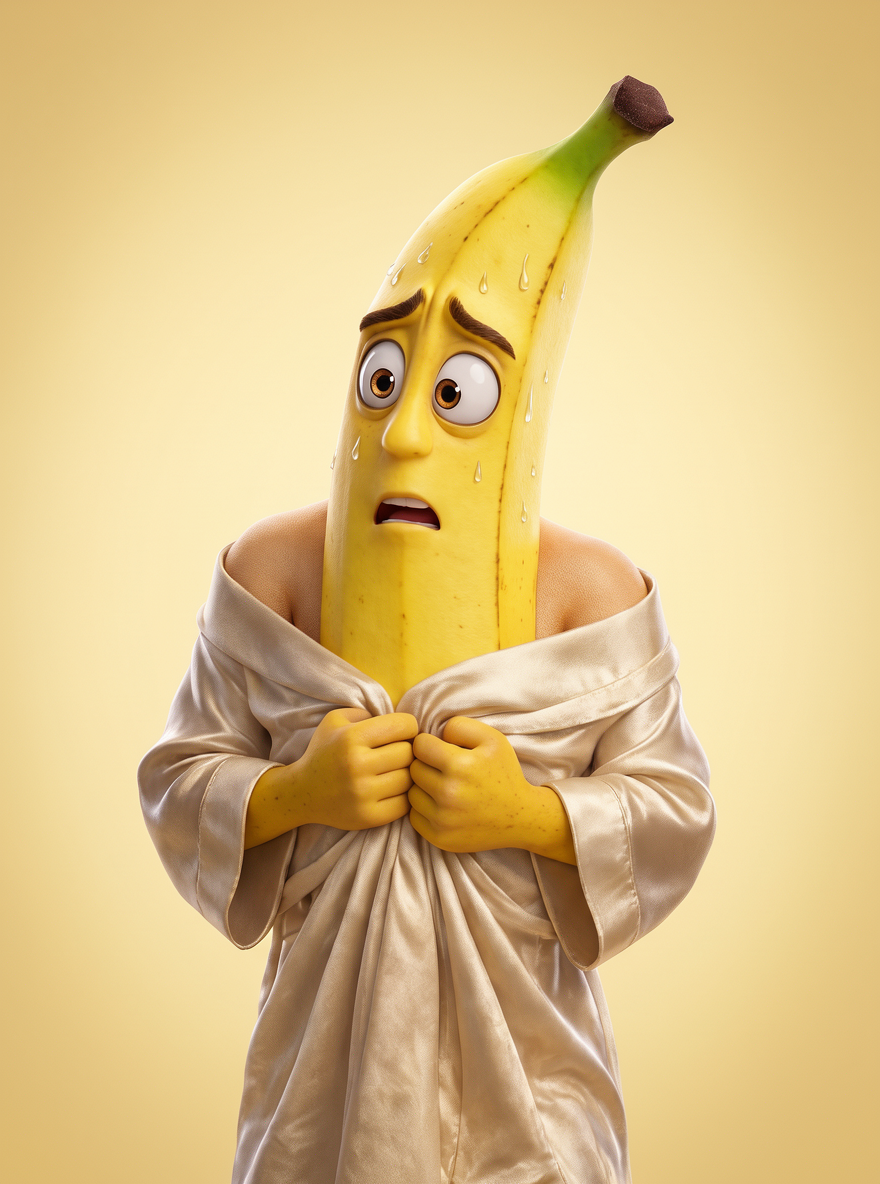
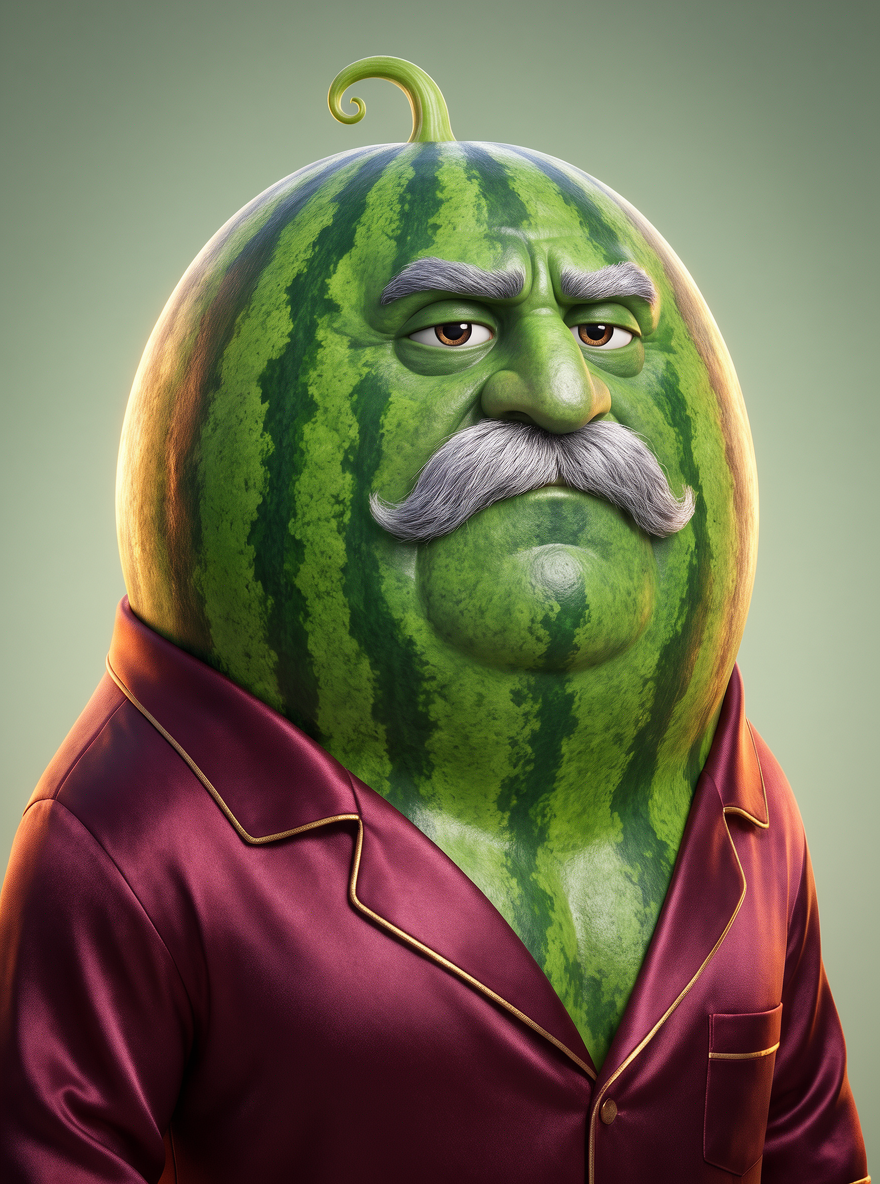
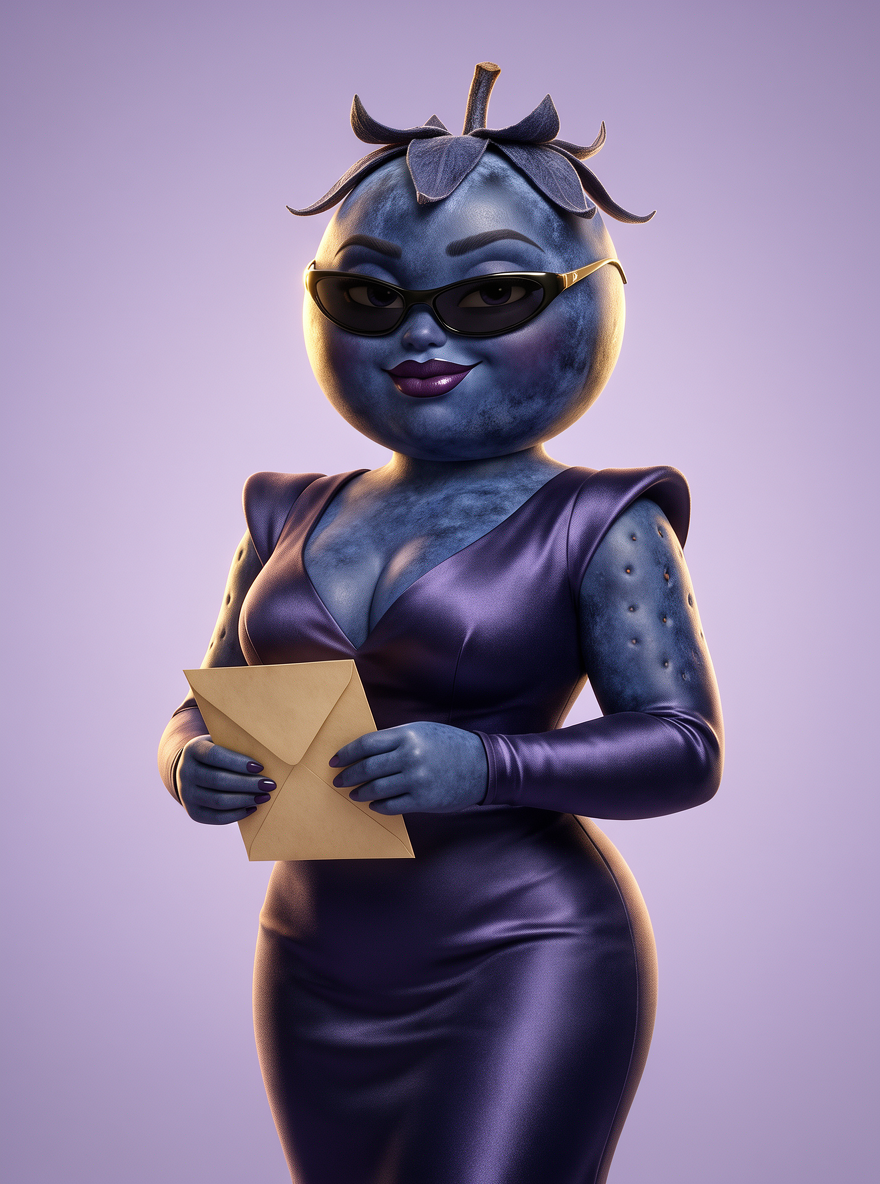
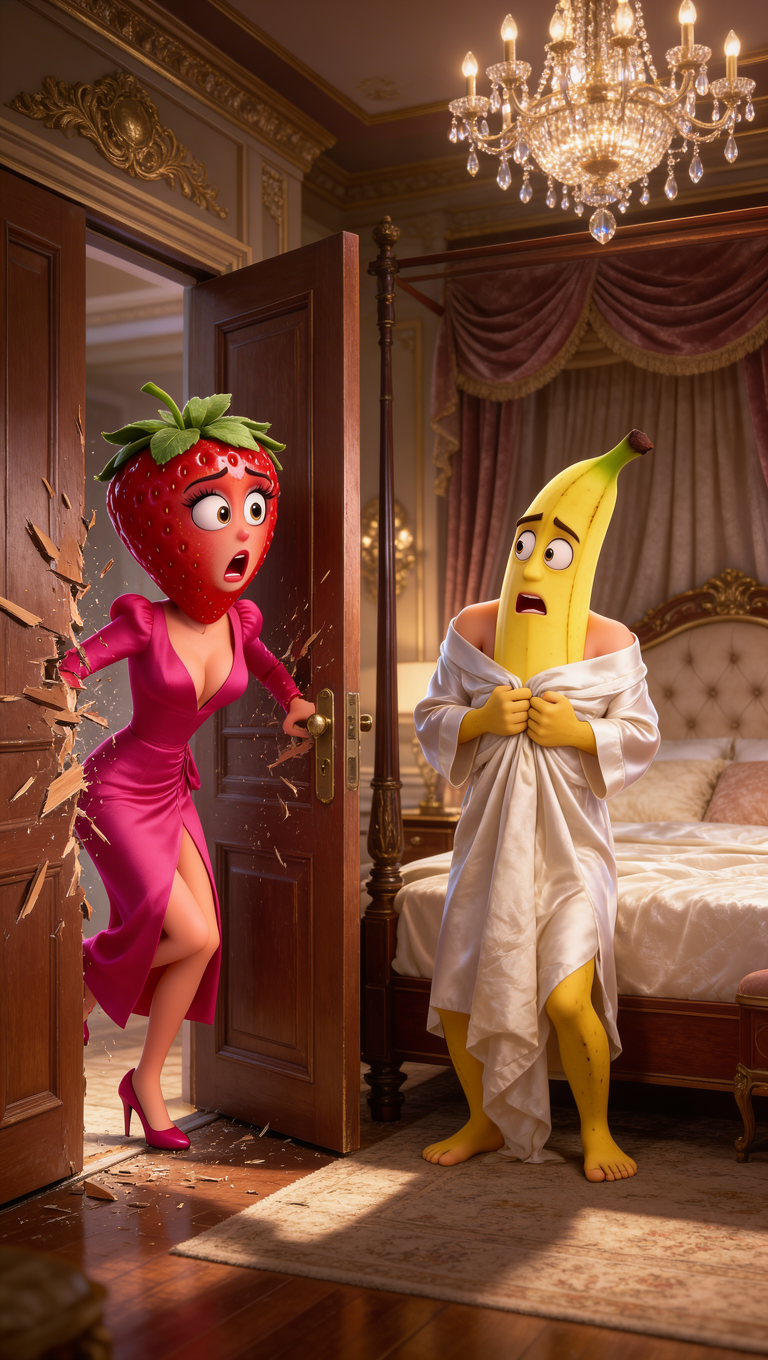
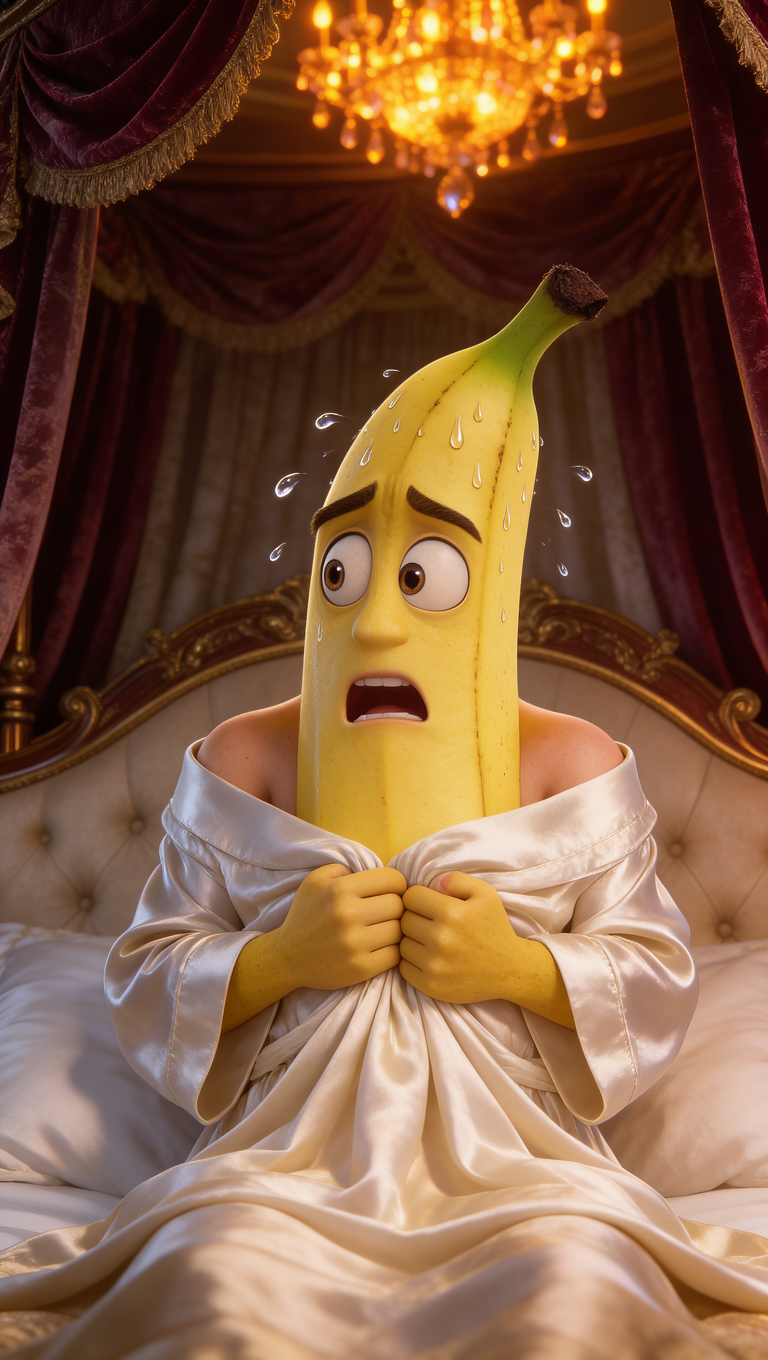
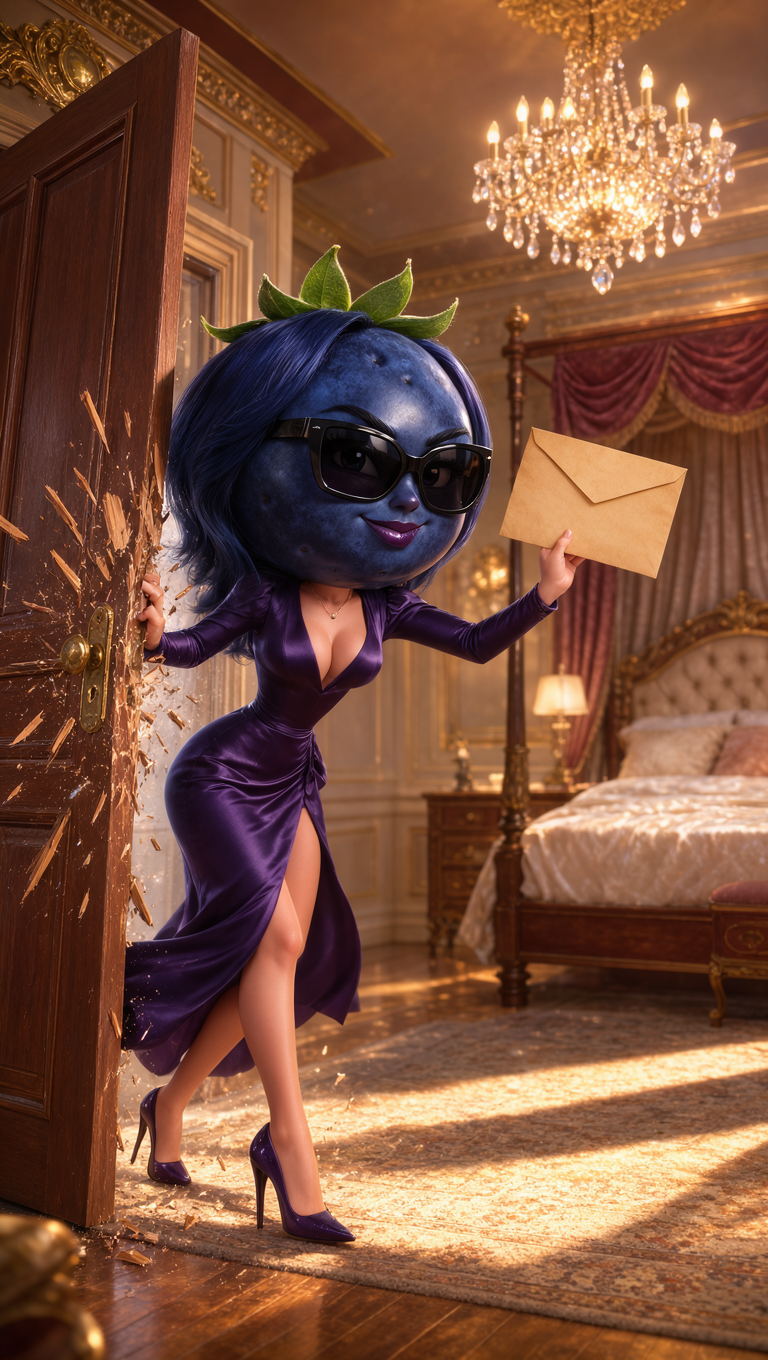
The same cast in every episode
Drama Studio paints one sheet per character with Krea 3 and uses it as the reference in every shot.
- 30
- max reference images per Seedance 2.5 shot
- 3–30 s
- per Kling 4 take, so a whole scene can be one shot
- 7
- max characters or props kept consistent by Kling 4 Flash
The right model for every shot
Seedance 2.5 is the default for dialogue. Switch any time to bring the price down or get a different look.
Dialogue scenes
Action and movement
Inserts and cutaways
AI drama generator FAQ
Answers about episodes, characters, dialogue, posting, and rights.
The best AI drama app is the one that keeps your characters consistent, lets them speak, and outputs vertical episodes you can post. Krea's Drama Studio does all of that in one place: it writes the pitches and the series bible, Krea 3 paints the cast, and Seedance 2.5 or Kling 4 shoot the scenes, so you don't move files between separate tools.
Yes, you can start for free. Pitches, the series bible, and the episode outlines in Drama Studio cost nothing, and a free account gets 100 compute units a day for images and short drafts. You pay only when you paint the cast and shoot takes, and the models used for finished dialogue scenes, such as Seedance 2.5 and Kling 4, need a paid plan; see Krea pricing.
Write a one-line premise, pick a genre, and open Drama Studio. It writes three pitches, then a series bible for the one you pick. You cast each character with a sheet and a voice, plan the pilot, shoot each shot from the cast and set sheets (usually with Seedance 2.5), and cut the approved takes into an episode with captions and music. You see the price before anything is shot. Our step-by-step microdrama guide covers each step in detail.
Most microdrama episodes run 60 to 120 seconds, are shot vertically in 9:16, and end on a cliffhanger. A full season usually has 60 to 100 episodes, so many creators make a short pilot first to test the premise. In Drama Studio, episodes are 30, 60, or 90 seconds, vertical or widescreen, and you make the pilot first; outlining the rest of the season is free.
Generate each character once as a sheet, then reuse it as a reference in every shot. Drama Studio does this for you: it paints the sheets with Krea 3, keeps them in the series, and passes them to the video model with every shot. Seedance 2.5 accepts up to 30 reference images per shot. You can also make your own leads in Krea's AI character generator and upload them as cast photos.
Yes. Seedance 2.5 generates the spoken lines together with the picture, so characters speak on screen without a separate lip-sync pass. For narration or a voice you design yourself, use the AI voice generator, and to make a single character portrait speak a recorded line, use Krea Lipsync.
Yes. Drama Studio has a Make it in Claude option, or you can add the Krea MCP connector to Claude or ChatGPT yourself and ask for episode 1 of your series. The assistant reads Krea's micro-drama prompting guide (get_prompting_guide with "micro-drama") and makes the cast and the scenes with Krea's models. If it can't edit video itself, it gives you the approved takes in order with the script, and Krea Agent can cut them into a finished episode.
Write your premise in your own language and say which language the dialogue should be in. How well a video model voices a language varies by model and language, so check one take before you shoot a whole episode.
Yes. Episodes come out as vertical 9:16 videos sized for TikTok, Instagram Reels, and YouTube Shorts, plus a clean version without captions for apps that add their own. TikTok asks creators to label AI-generated content, so turn on its AI-generated content setting when you post. Build original characters and stories rather than copying existing shows.
Original stories with fictional characters, either realistic live-action characters or stylized ones such as anime, 3D animation, or animals. Krea doesn't generate explicit content, and you can't make a drama that uses a real person's face or identity, including celebrities. Prompts and results go through Krea's content moderation.
On a paid plan, you can use them commercially: every paid Krea plan includes a commercial license for what you generate, so you can post, monetize, or pitch your series. Generations on the free plan are for personal use. Make sure the story and characters are your own and don't copy someone else's work.
Make episode 1 today
One sentence is enough to start. Drama Studio pitches the series, casts the characters, and shoots and cuts episode 1 with you.
More tools for your series
Make the cast, voices, and extra shots for your drama.
Image to Video
Animate a cast portrait or a storyboard frame into a clip.
-
AI Voice Generator
Voice narration, inner monologue, and trailers for your episodes.
AI Character Generator
Design the leads of your series before you cast them.
AI Lip Sync
Make a character portrait speak any line of dialogue.

The Rise of Microdramas
How minute-long episodes became an $11 billion format, and how AI changed what they cost to make.