












Create
Edit & enhance
AI Image Upscaler: Upscale Images 2x, 4x, or 8x
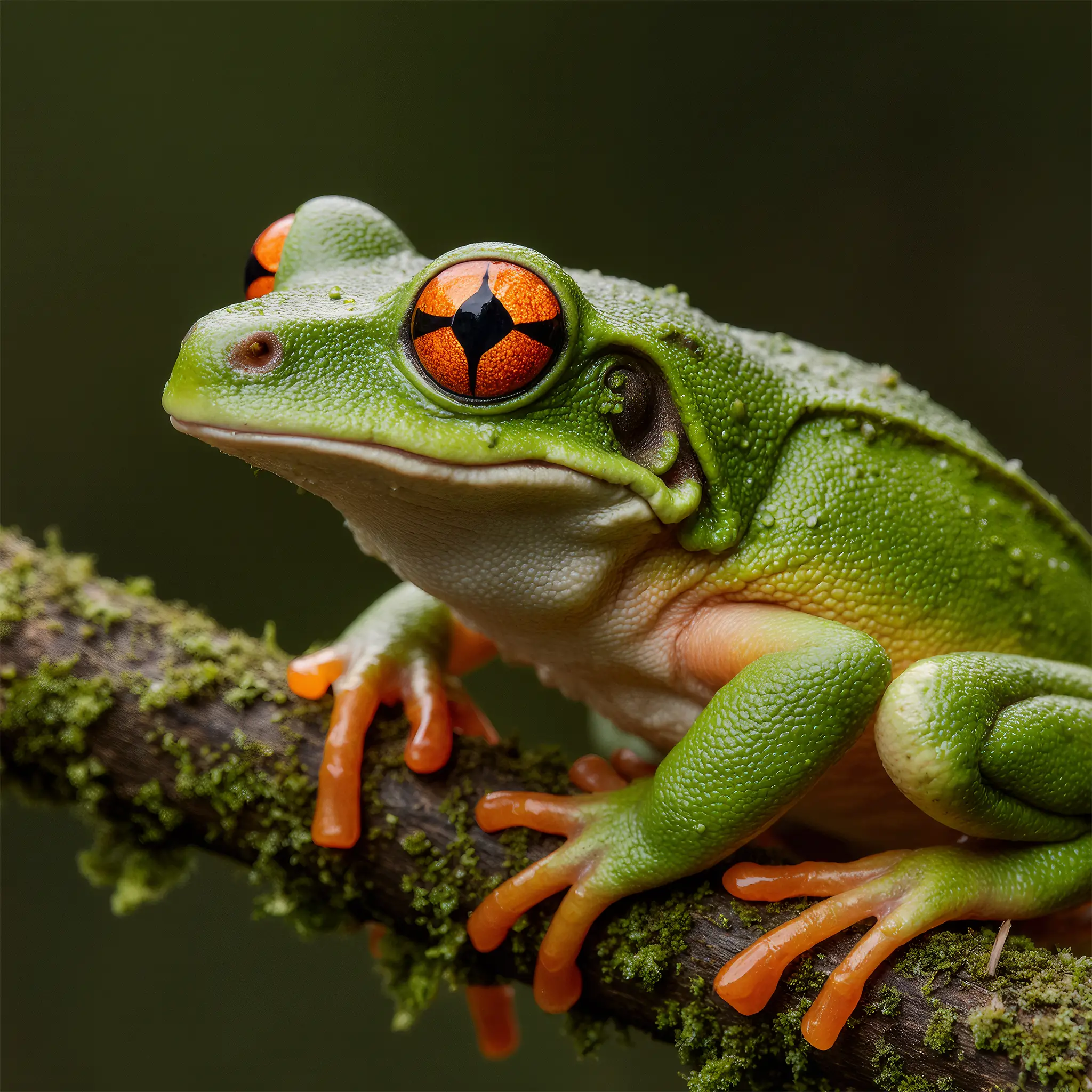
Upload a photo and upscale it 2x, 4x, or 8x. Krea increases the resolution and redraws the detail the larger size needs, so the result stays sharp instead of stretched. Paid plans upscale to 4K and 8K.
Upscale to 4K and 8K
How large will your upscaled image be?
Each upscaling factor multiplies the width and height of your image. 4K UHD is 3840 × 2160 pixels and 8K is 7680 × 4320, so the factor you need depends on where you start. 4K and 8K output need a paid plan; free use is capped at 2048 pixels on the longest side.
1920 × 1080 (Full HD) at 2x
3840 × 2160 · 4K
960 × 540 at 4x
3840 × 2160 · 4K
480 × 270 at 8x
3840 × 2160 · 4K
1920 × 1080 (Full HD) at 4x
7680 × 4320 · 8K
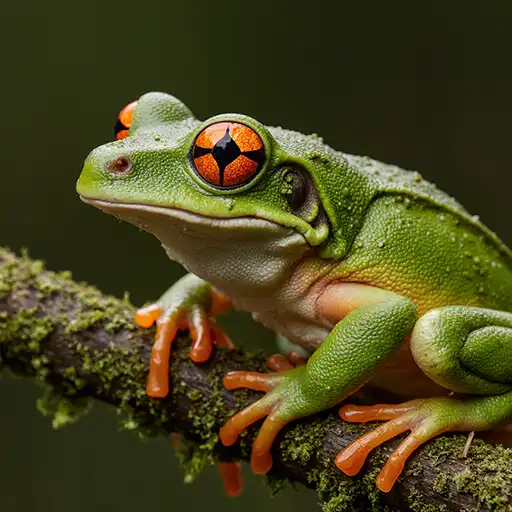
Resizing an image in a photo editor only stretches the same pixels, so it stays soft on a large screen or print. The AI image upscaler redraws edges, textures, and fine detail at the new size, so it looks like it was made at that resolution.
Your aspect ratio doesn’t change. A square or portrait image keeps its framing and reaches a 4K-class width or height, ready for wallpapers, prints, and large displays.
Remove background before enhancing
Fix blurry photos, old photos, and videos
How to upscale an image
Upscale any image in 3 steps
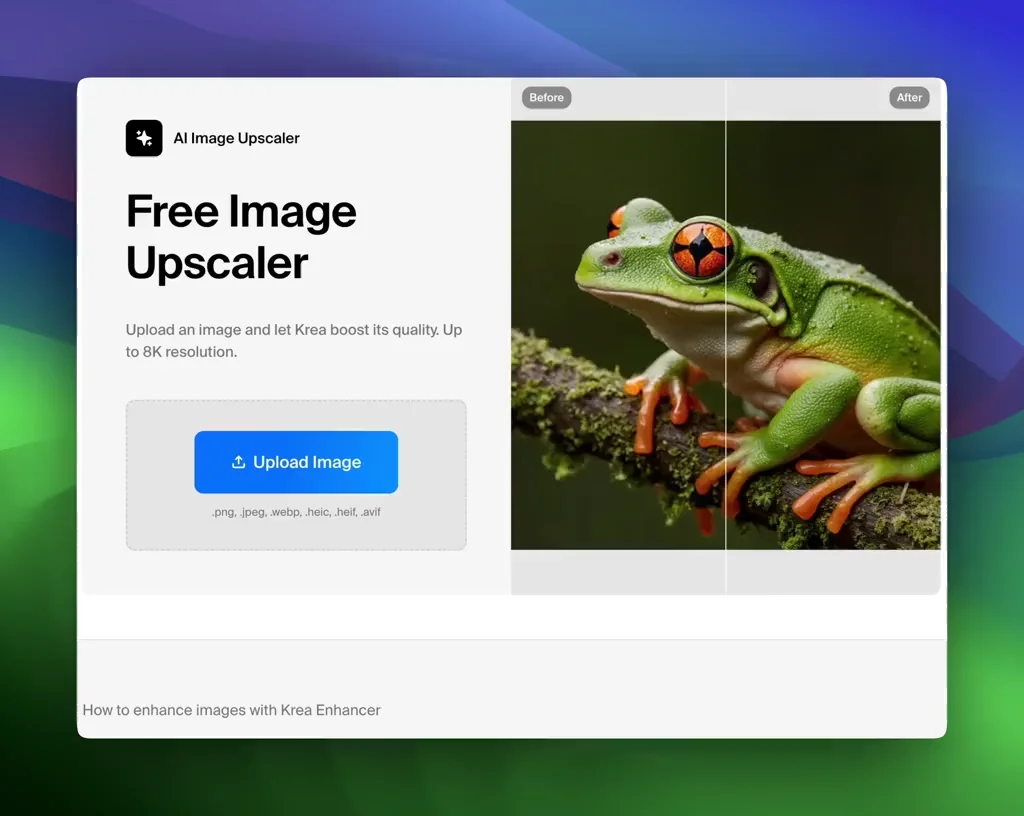
1 Upload your image
Upload the image you want to upscale. JPEG, PNG, and WebP all work, from small web images and screenshots to product shots, portraits, and AI art.
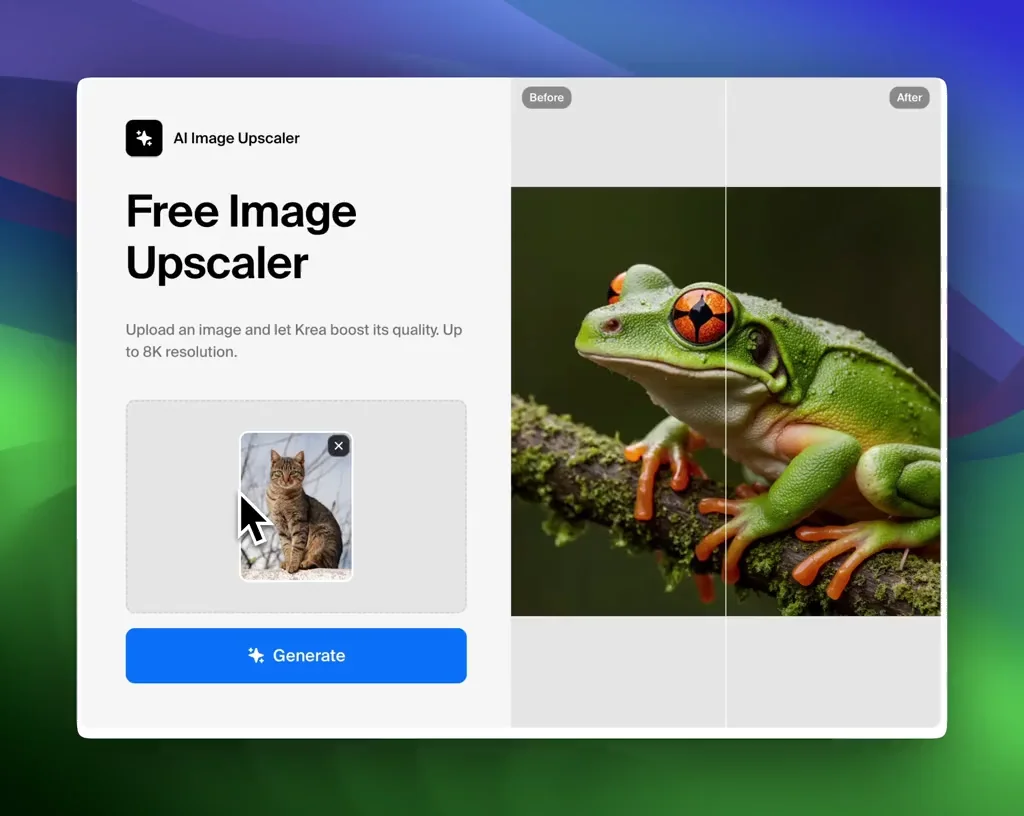
2 Choose 2x, 4x, or 8x
Hover over each option to see its output size, then pick the one that reaches the resolution you need and click Generate. Free use is capped at 2048 pixels on the longest side; 4K (3840 pixels wide) and larger need a paid plan.
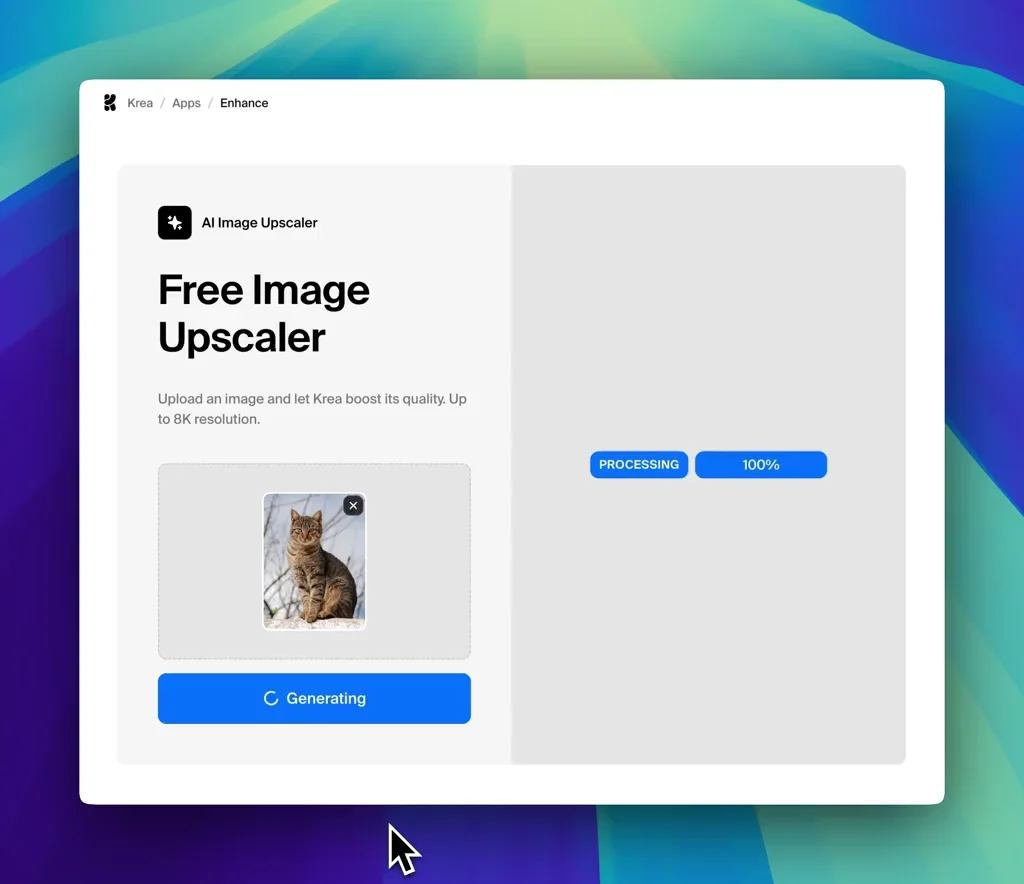
3 Download the upscaled image
Compare the before and after with the magnifier, then download your upscaled image for print, wallpapers, or large screens.
Why upscale images with Krea?
Resizing an image in a photo editor only stretches the same pixels. Krea’s AI image upscaler generates new detail as it increases resolution, so the upscaled image looks like it was made at that size.
Open the full Krea Enhancer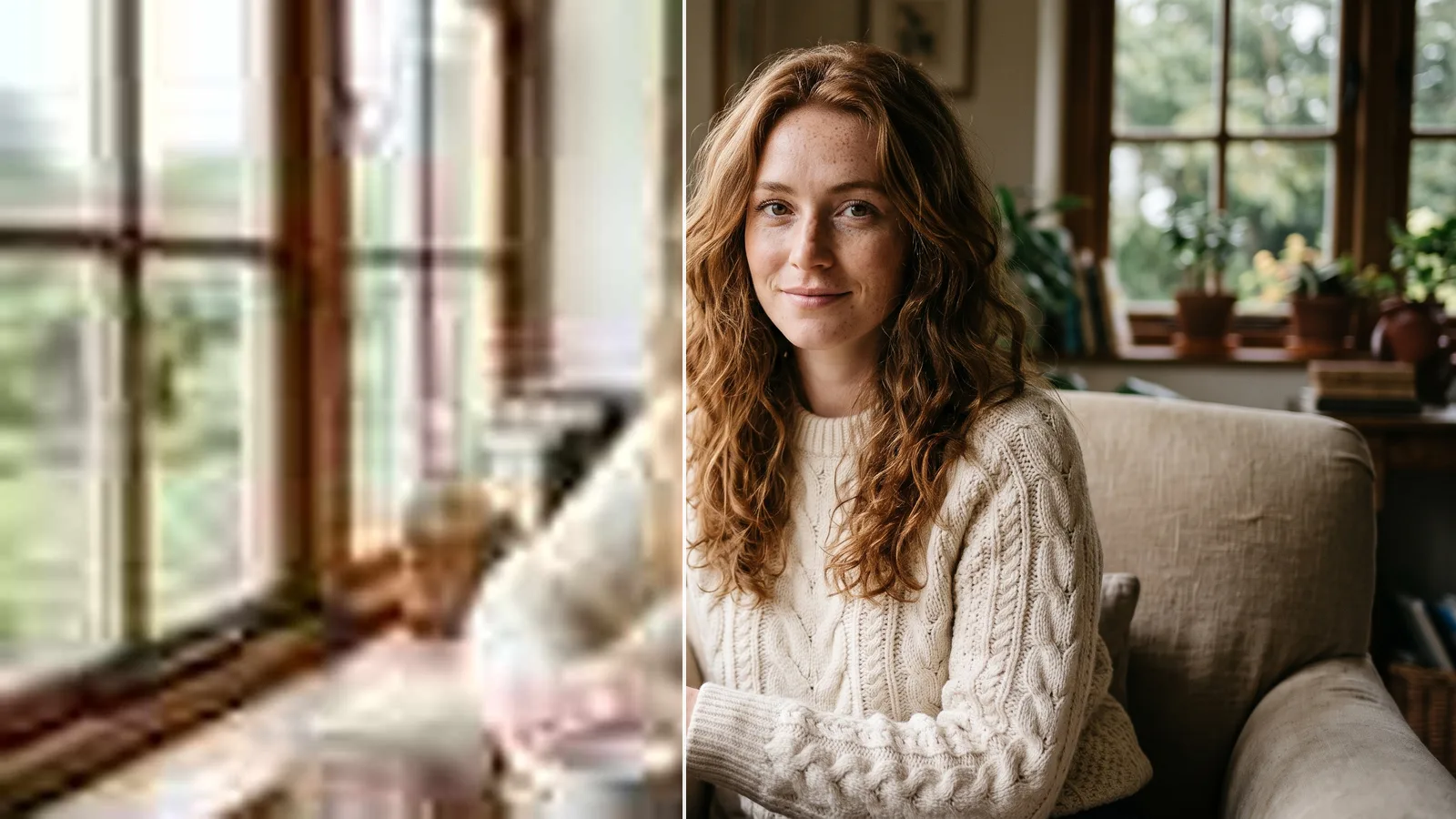
Upscale 2x, 4x, or 8x
Double a web image for social posts, go 4x for prints and 4K screens, or 8x for tiny source images and large-format prints.
Explore other Krea toolsSharp detail, not stretched pixels
Edges, skin, hair, and textures are redrawn at the new resolution, so the upscaled image stays natural instead of blurry or over-sharpened.
Explore other Krea tools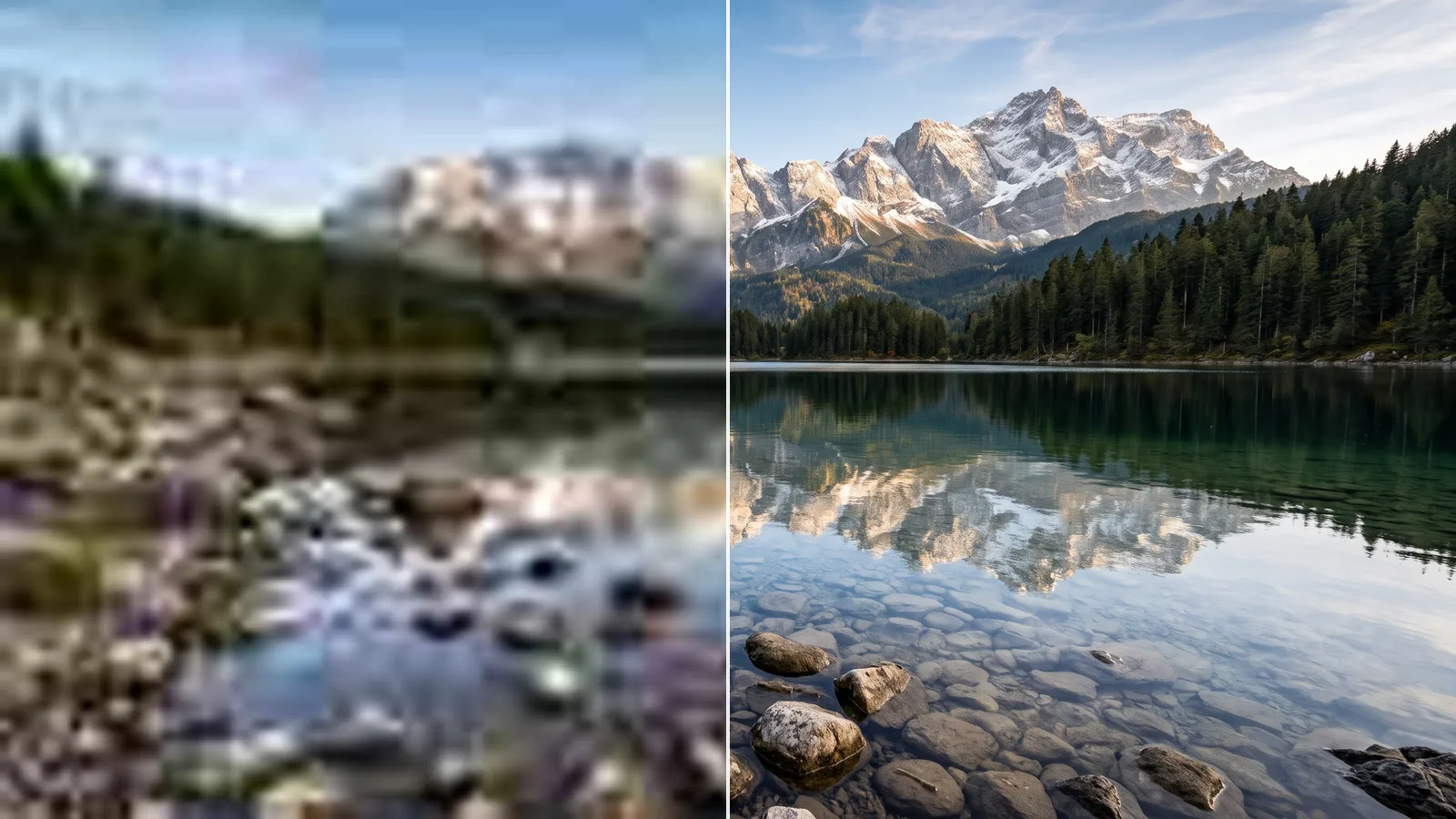
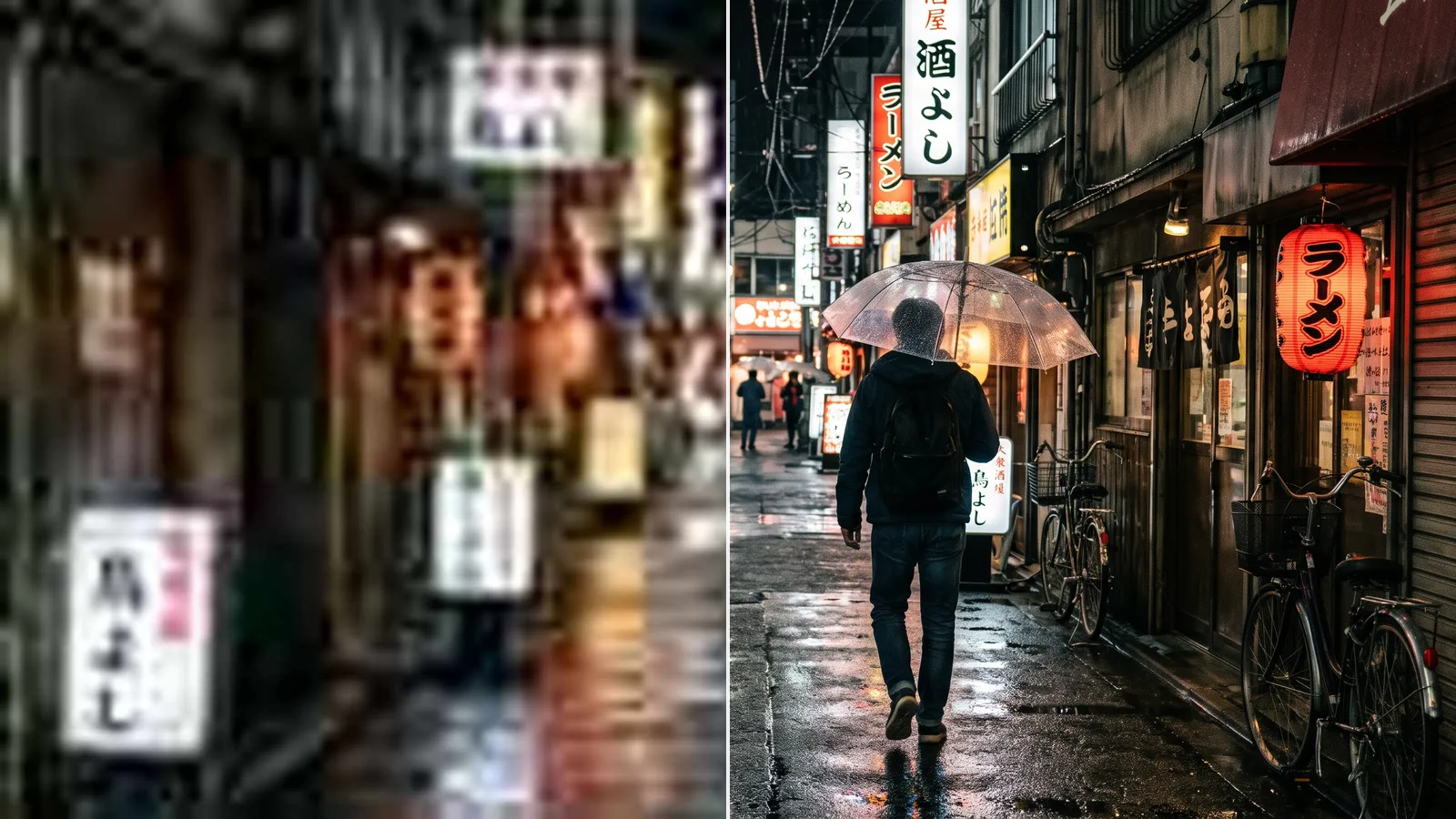
Upscaled images in seconds
Most images upscale in a few seconds. Upload in your browser; there is no software to install.
Explore other Krea toolsTrusted by over 30 million creators and companies worldwide
Intuitive, powerful, and free. See what others say about Krea.
Read our testimonials
Real reviews on TrustpilotThe platform that just works
So many AI tools out there but I always come back to Krea. It's really the one AI platform that 'just works'.

FYN
Verified review
Best interfaces in the industry
Krea's interfaces are still the best in the industry. Everything looks and feels so clean and easy to use! Imo the easiest to use gen AI website.

Lynn
Verified review
Fast, simple, always up to date
Ultra fast generations. Extremely simple to use. All the latest AI models.

Daniel
Verified review
The only AI subscription I need
KREA is the only AI subscription I have right now besides ChatGPT.

Sophia M.
Verified review
New models the same day
I'm a Krea Max user. It's crazy how fast they add models. I see a new AI model on twitter and the same day krea already offers it.

Wirot Ch.
Verified review
The most powerful creative suite
Still the most powerful AI creative suite out there.

Gravion
Verified review
Trusted by over 30,000,000 users From 191 countries. We've got a plan for everybody...
Free
Get free daily credits to try basic features.
100 units / day
Basic
Access our most popular features
5,000 units / month
Pro
Advanced features and discounts on compute units
20,000 units / month
Max
Full access with higher discounts on compute units
60,000 units / month
For Teams and Enterprises
Workplace management, collaboration, and enterprise customizations
Business
Secure and collaborative workspace for growing teams
80,000 units / month

Enterprise
Enterprise-grade security with dedicated support and admin features


AI image upscaler FAQ
An AI image upscaler increases the resolution of an image. Instead of stretching the existing pixels like a normal resize, it generates new detail, so the larger image looks sharper and clearer than traditional upscaling.
Upload your image, choose 2x, 4x, or 8x, and click Generate. When the upscaled version is ready, compare it with the original and download it.
Use 2x for quick quality improvements and web use, 4x for most prints, marketing assets, and 4K screens, and 8x when the source image is very small or you need a very large print. Hover over each option to see its exact output size.
Yes, on a paid plan. 4K UHD is 3840 × 2160 pixels and 8K is 7680 × 4320. A 1920 × 1080 image reaches 4K at 2x and 8K at 4x, and a 960 × 540 image reaches 4K at 4x and 8K at 8x. Free use is capped at 2048 pixels on the longest side.
Yes. 2x upscaling in Standard quality works without an account, and 4x, 8x, and High quality need a free Krea account. Free use is limited to a few images and to 2048 pixels on the longest side; paid plans upscale up to 8K.
No. Upscaling keeps your original framing and aspect ratio. A square image stays square and a 4:3 photo stays 4:3; it just has more pixels and more detail.
Yes. The upscaler works on photos, digital art, illustrations, product graphics, and screenshots. Try different factors to find the best result for each style.
You can upscale JPEG, PNG, and WebP images, along with other common image formats.
Use the HD photo converter to bring a small photo to HD (1280 × 720) or Full HD (1920 × 1080).
Use the AI image enhancer to improve detail and clarity without changing the size.
Upload a JPG, PNG, or WebP image and get a sharper, larger version in seconds.