












Create
Edit & enhance
Unblur Images with AI
Upload a blurry photo and Krea 3 sharpens it: motion blur and soft focus go away, and fine detail in faces, text, and textures comes back. The people, colors, and composition stay the same.
Fix blurry photos. Krea 3 removes motion blur and soft focus and recovers fine detail.
Free Krea account · Most edits in under 8 seconds · Native 2K
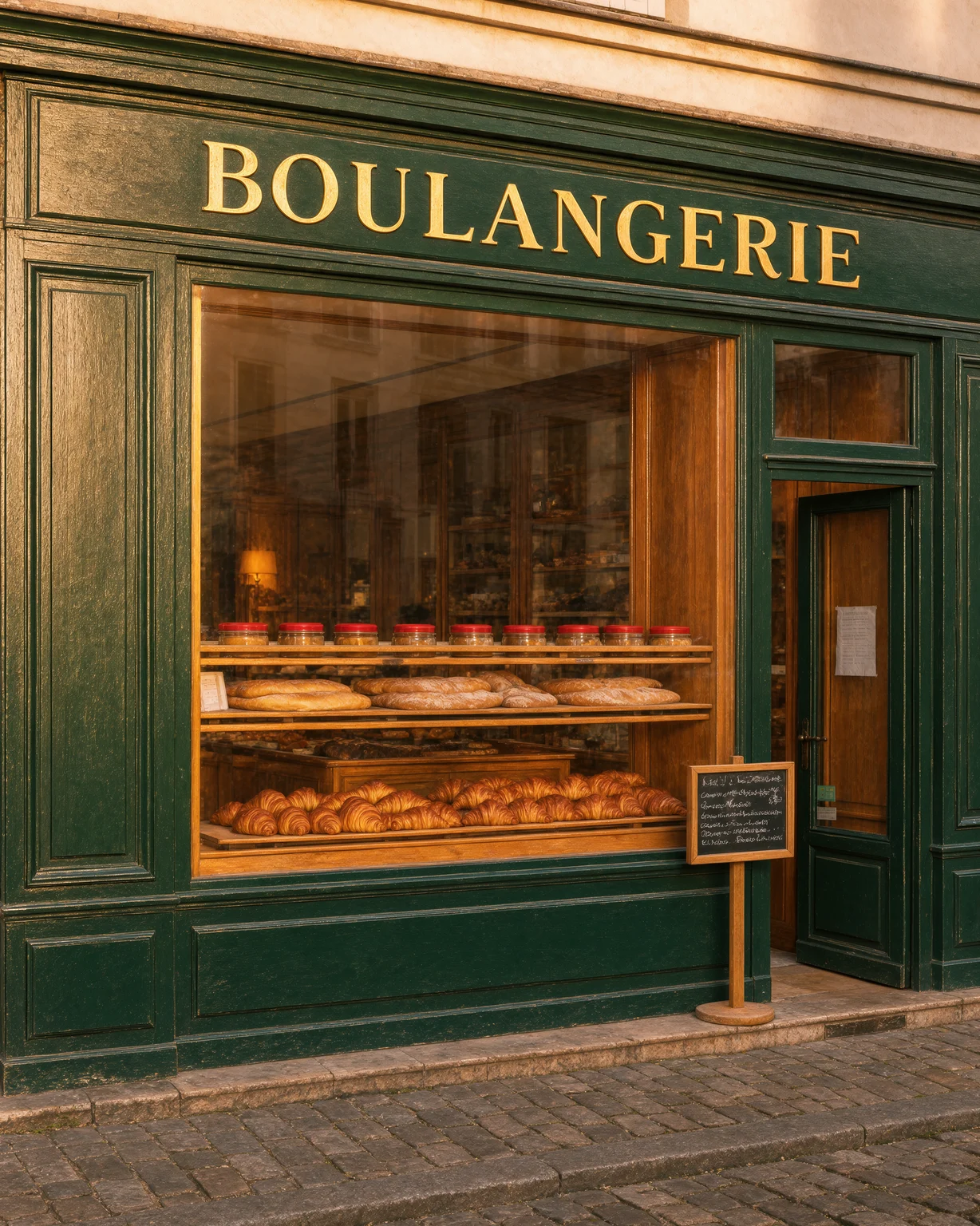
Unblur image: before and after
Every after image on this page is a Krea 3 edit of the before image.
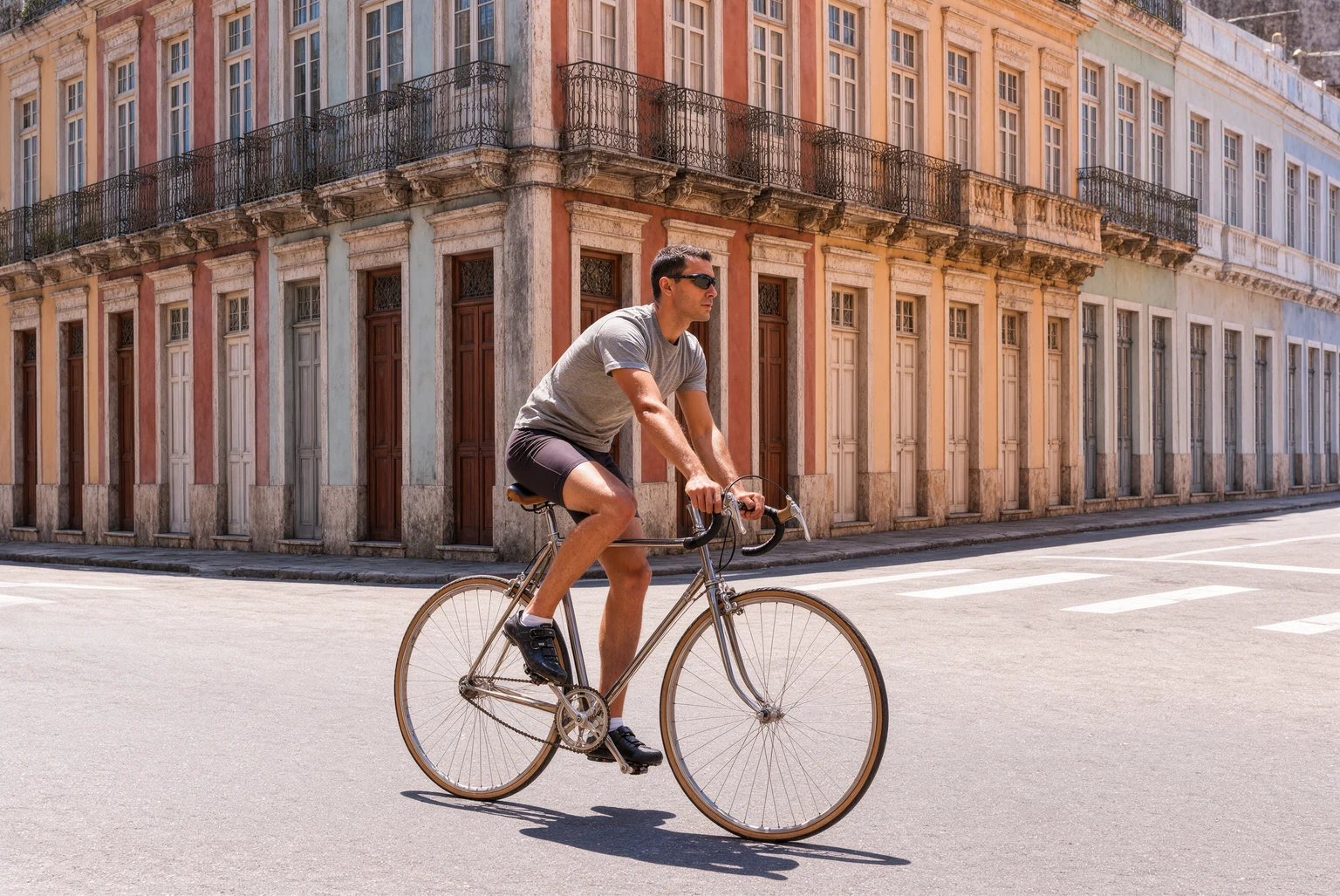
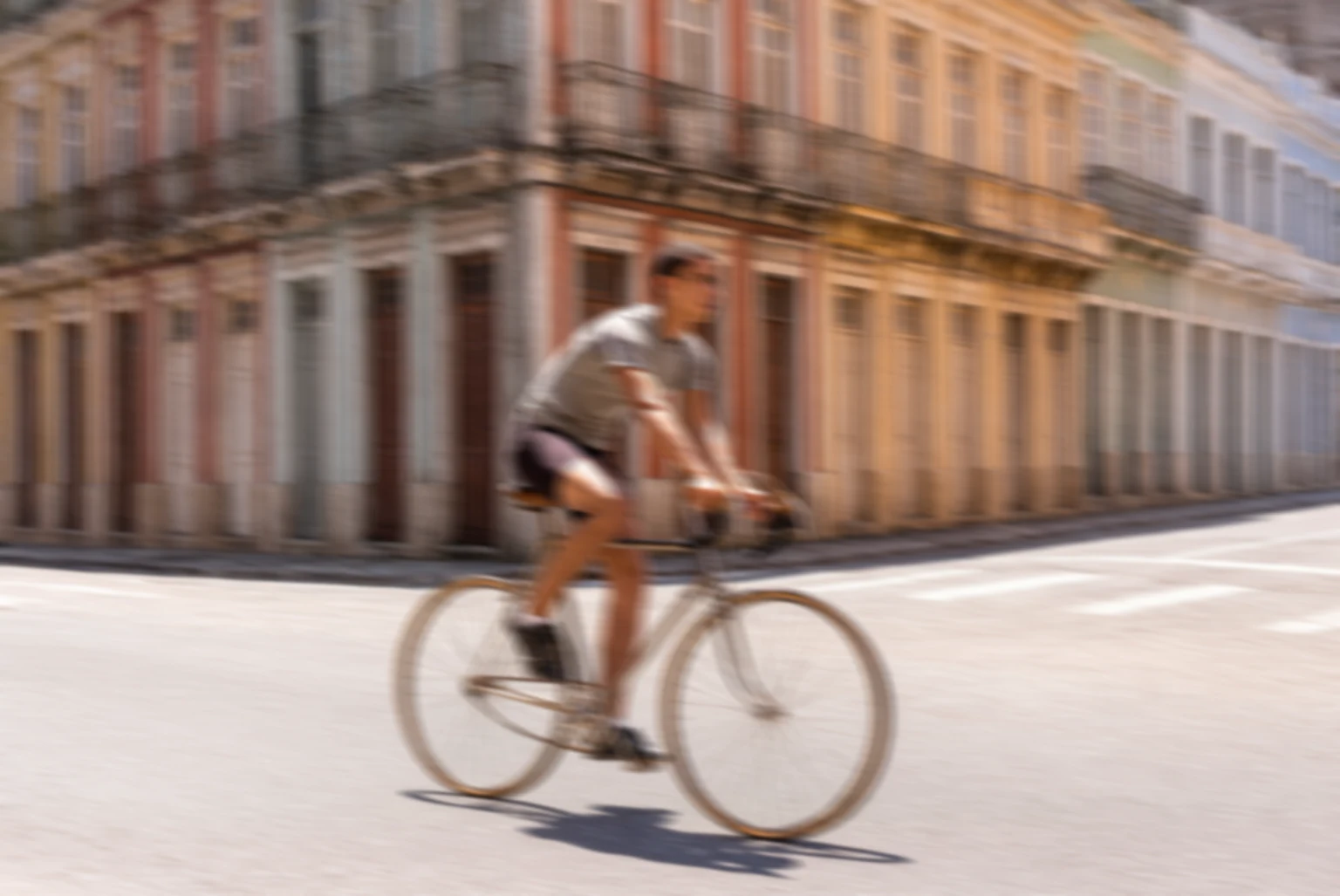
Motion-blurred cyclist on a city street sharpened by AI
Fix a blurry photo in 3 steps
How to unblur an image with AI
- 01
Upload the blurry photo
Upload a photo with motion blur, camera shake, or soft focus.
- 02
Let Krea 3 sharpen it
Krea 3 removes the blur and recovers fine detail. Most edits come back in under 8 seconds.
- 03
Download or upscale
Download the sharp photo, or send it to the image enhancer for a larger size.
Unblur image
Fix blurry photos online
Krea 3 unblurs photos with motion blur, camera shake, and missed focus. It recovers edges and fine detail in faces, hair, fabric, and text, and keeps the colors and the composition of the original.
Need a bigger file too? After you unblur the photo, upscale it with the Krea AI image enhancer.
What is Krea 3?
Krea 3 is Krea's new image editing model. Most edits come back in under 8 seconds, end to end, at native 2K. Ask it to change one thing and it changes one thing.
Learn about Krea 3Removes motion blur and soft focus
Krea 3 sharpens photos from shaky hands, moving subjects, and missed autofocus.
Recovers fine detail
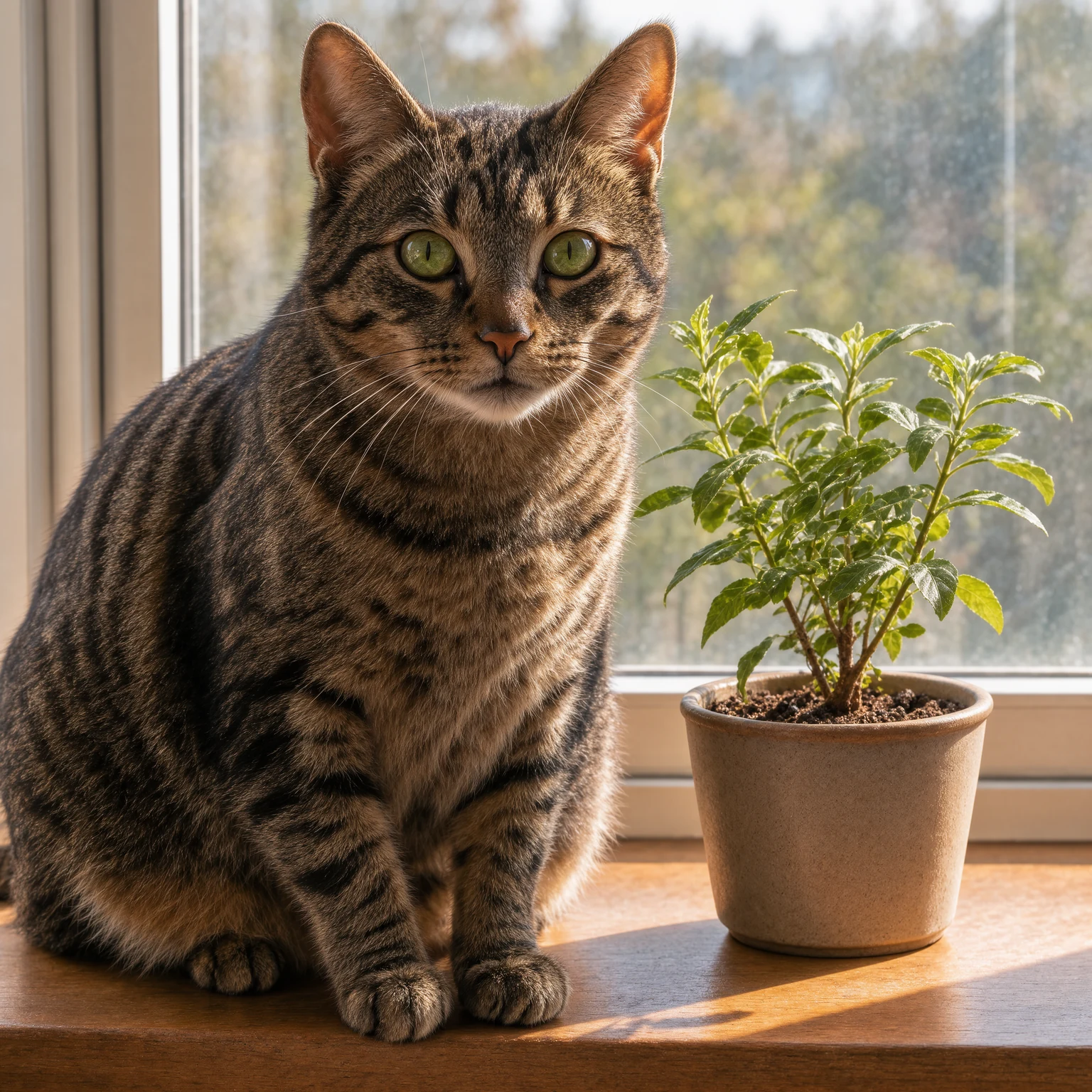
Edges, eyes, hair, and textures come back, while the people, colors, and lighting stay the same.
Pair it with the enhancer
Unblur first, then upscale the sharp result with the AI image enhancer for print or large screens.
Frequently asked questions
Common questions about how to unblur an image with AI.
Upload the blurry photo and press generate. Krea 3 removes the blur and returns a sharper version.
Unblurring fixes a photo that is out of focus or shaken. Upscaling makes a photo larger. For a small and blurry photo, unblur it first, then use the AI image enhancer.
Krea 3 fixes most motion blur and soft focus. When a photo is so blurry that a face or text cannot be read, the model has to invent detail, so compare the result with the original.
Krea 3 keeps the people, colors, and composition. Identity is not perfect in any AI model, so check faces in the result.
You need a free Krea account to run Krea 3 edits.
Krea processes uploaded photos to provide the result and handles them according to the Krea privacy policy. Review the privacy policy for details on storage, retention, and training.
Unblur a photo now
Upload a blurry photo and get a sharp version in seconds.
More Krea 3 edits
The same model, one edit each. Every example is a real Krea 3 result.
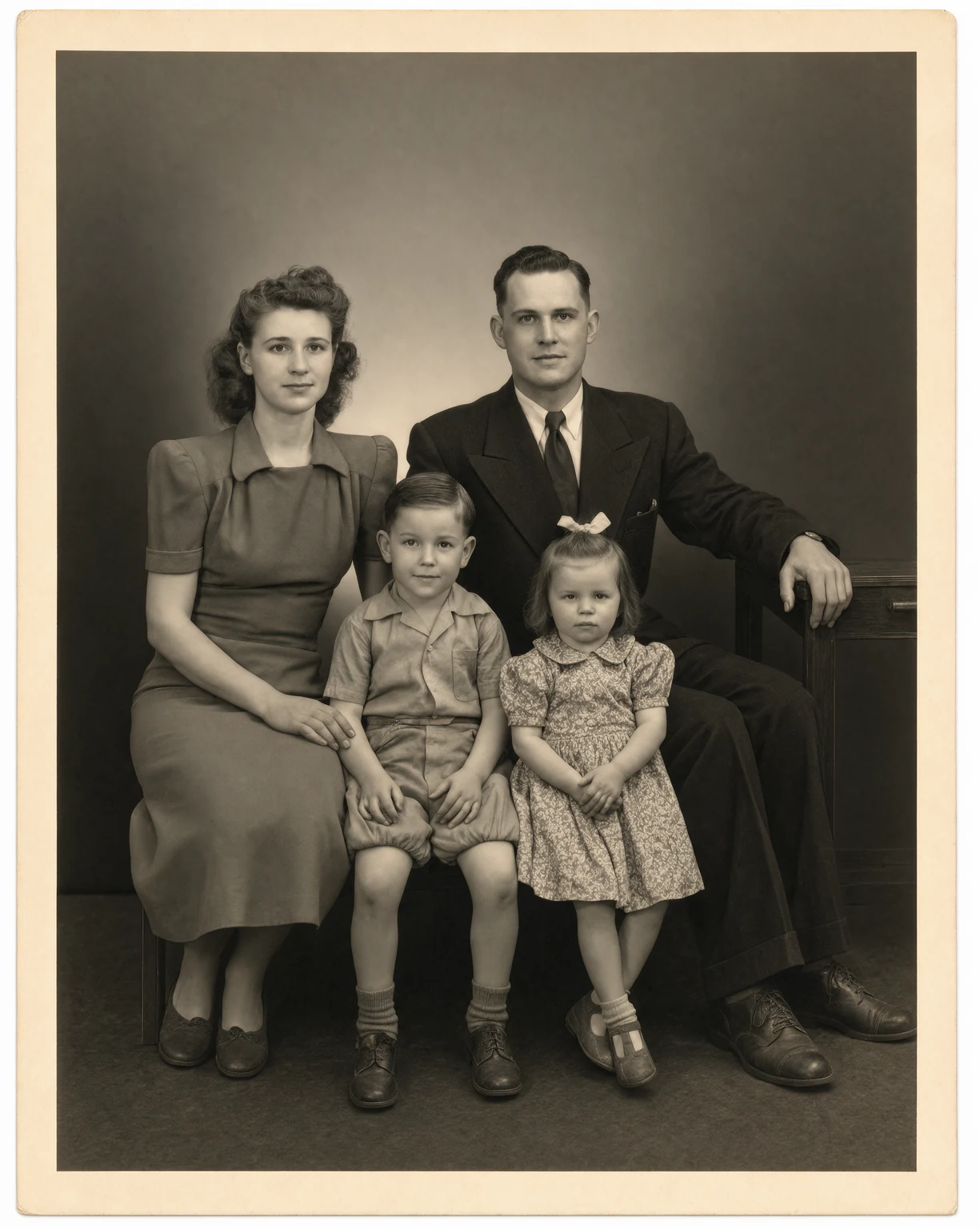
Photo Restoration
Restore old and damaged photos with Krea 3. Remove scratches, tears, and dust in seconds.
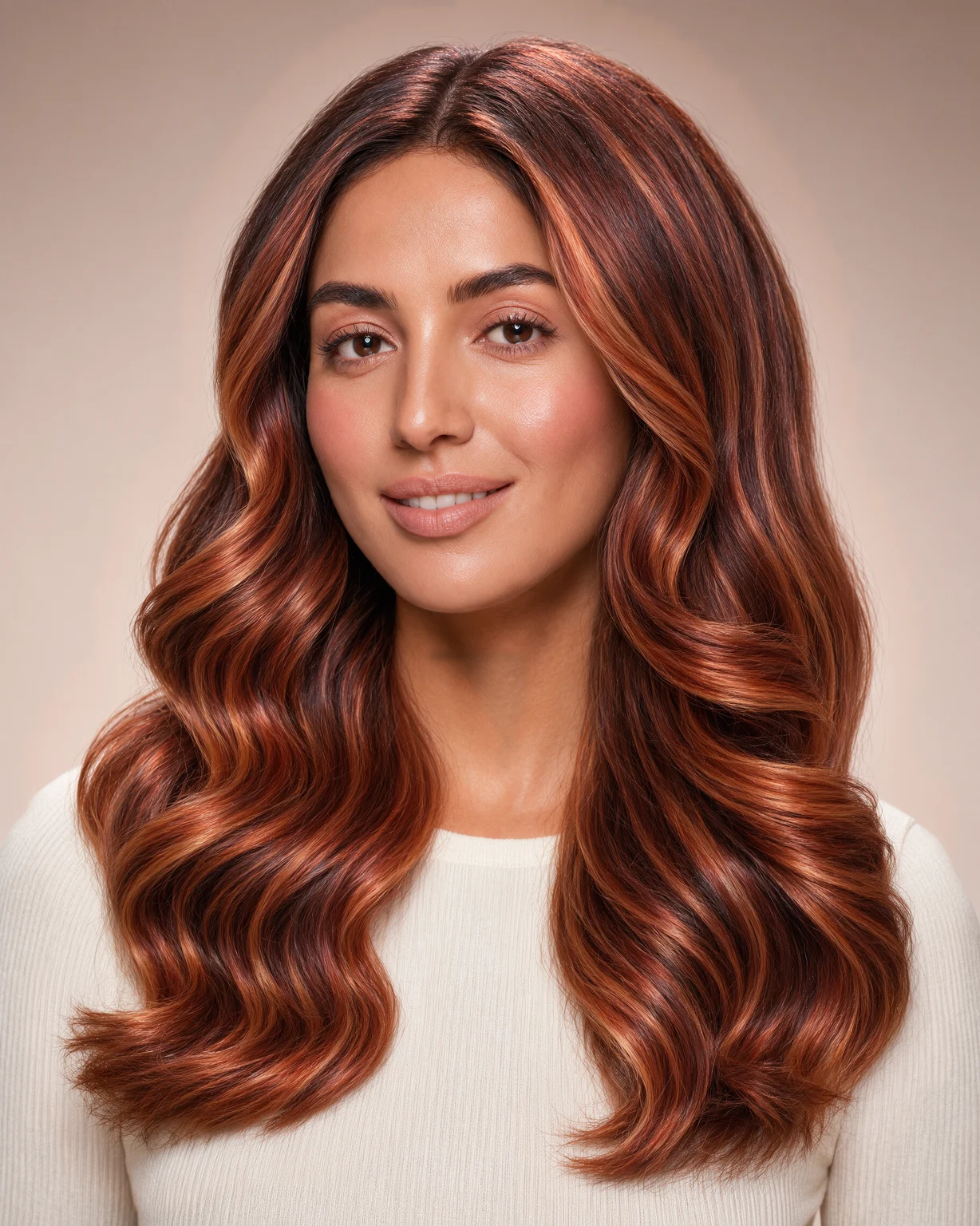
Hair Color Changer
Try any hair color on your photo. Krea 3 changes only the color and keeps your face and haircut.
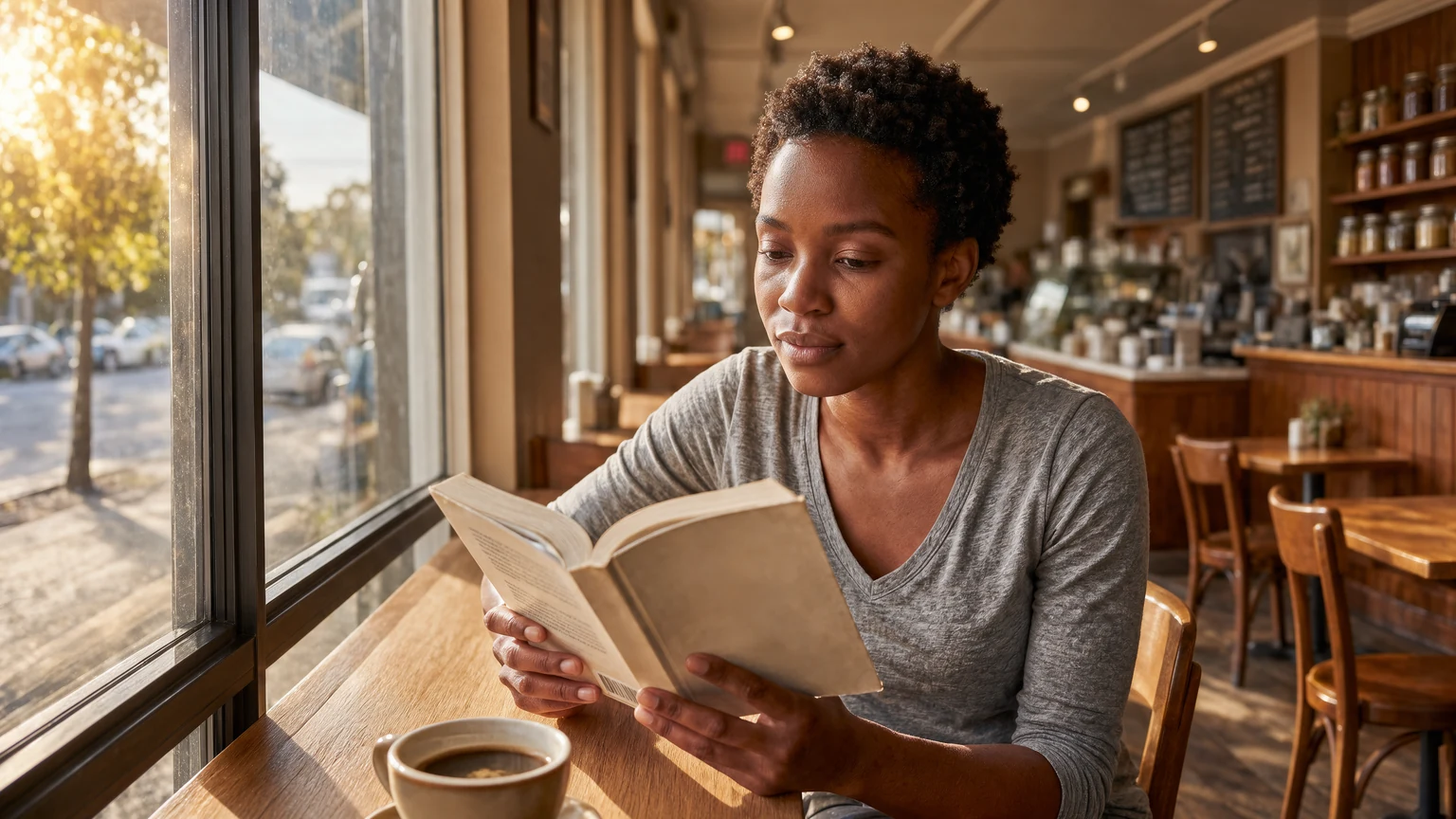
Expand Image
Expand photos beyond their borders. Krea 3 extends the scene with matching light and detail.
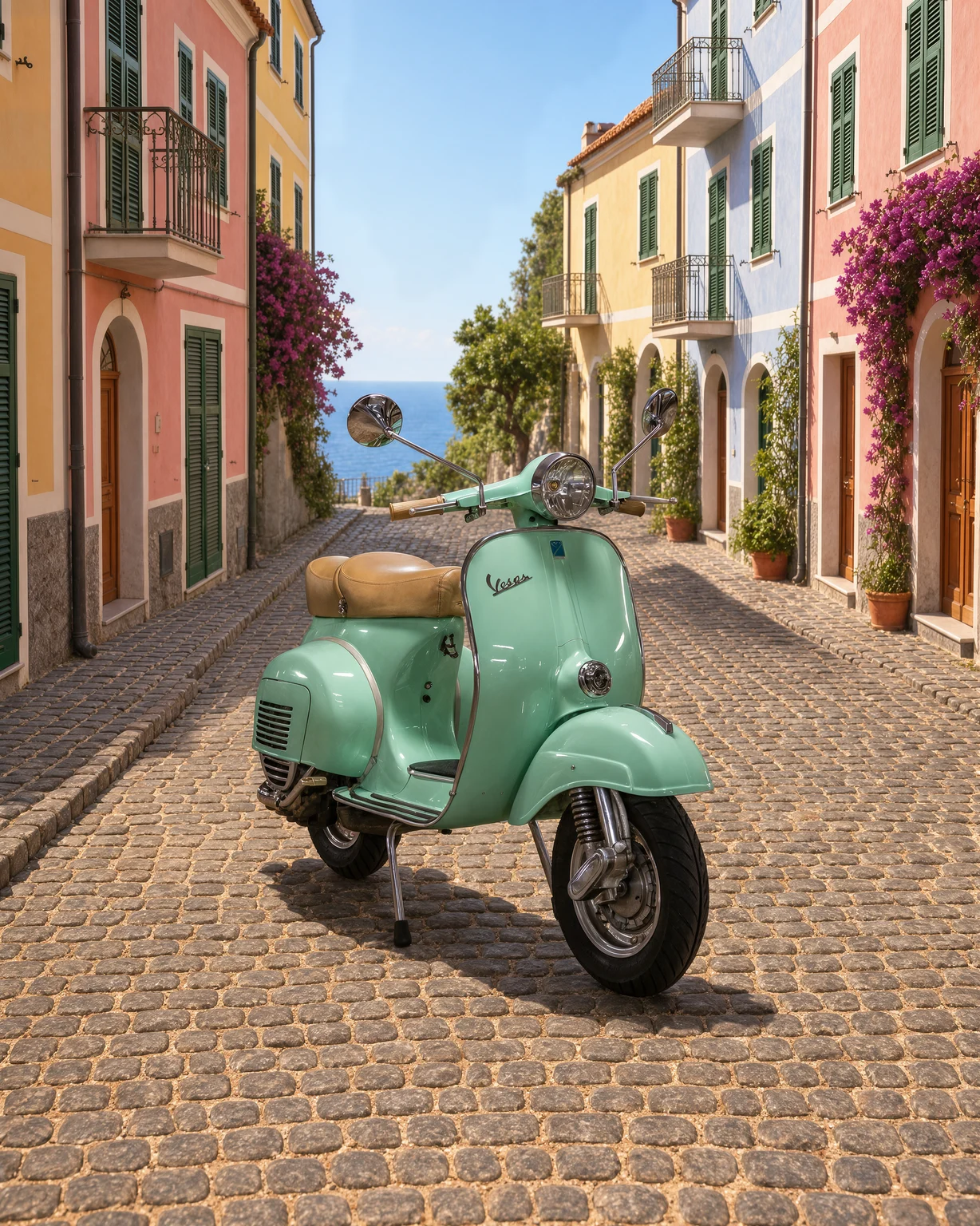
Change Background
Change the background of any photo. Describe a new scene and Krea 3 keeps your subject as it is.