
Krea, right inside  Premiere Pro
Download 
 Enhancing
Install Krea for Premiere Pro
-
Download the installer
Download the signed Krea installer for Premiere Pro.
Install the plugin
Double-click the file and Creative Cloud installs Krea.
Open Krea in Premiere Pro
Open Premiere Pro and choose Window → Extensions → Krea.
What Krea for Premiere Pro can do
Generate shots, plates, and visual directions without leaving your edit.
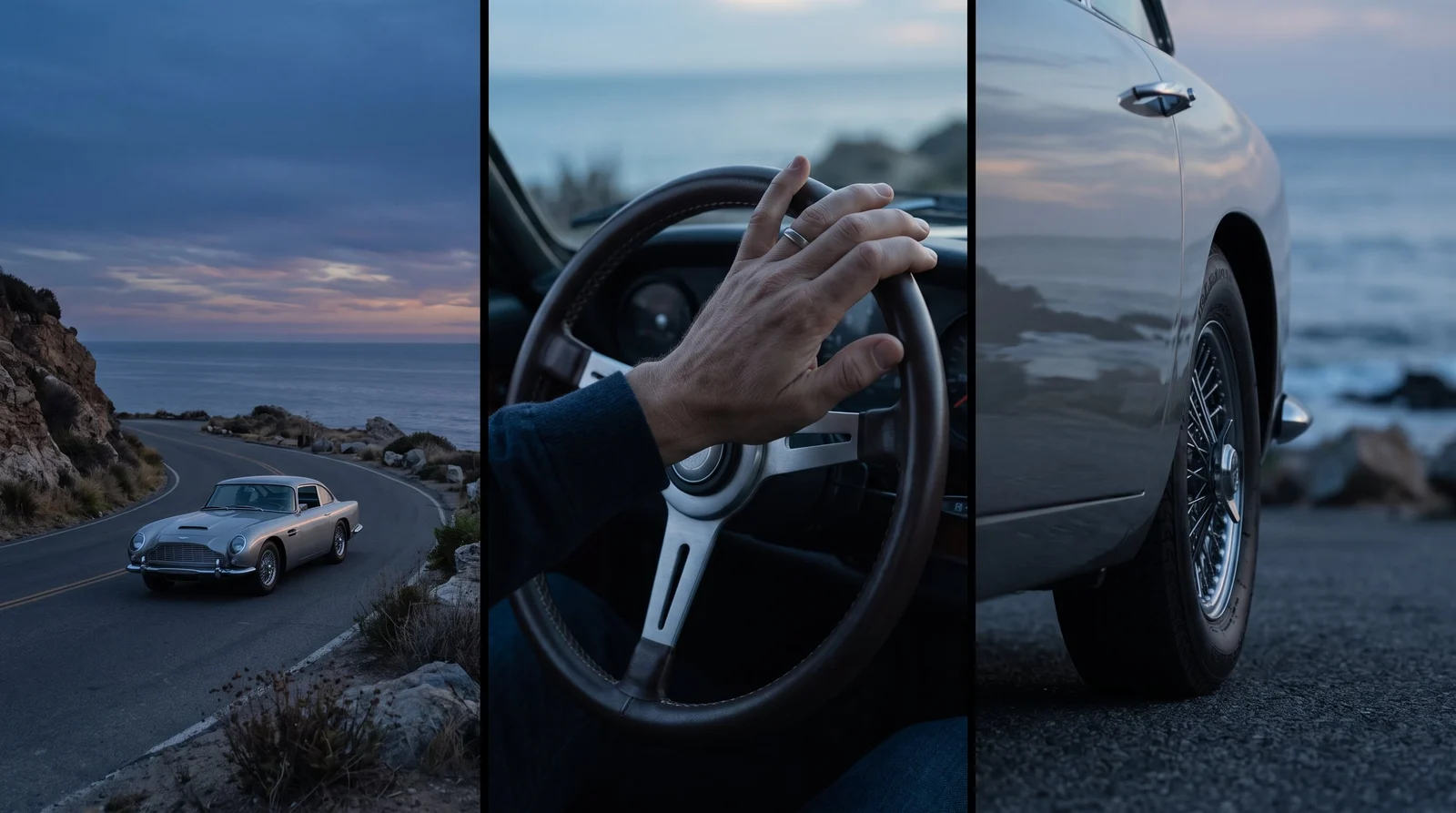
Generate shots and inserts
Create visual material for cutaways, title sequences, transitions, and story beats directly from an idea.

Create backgrounds for composites
Generate plates, environments, and visual textures sized for your sequence.
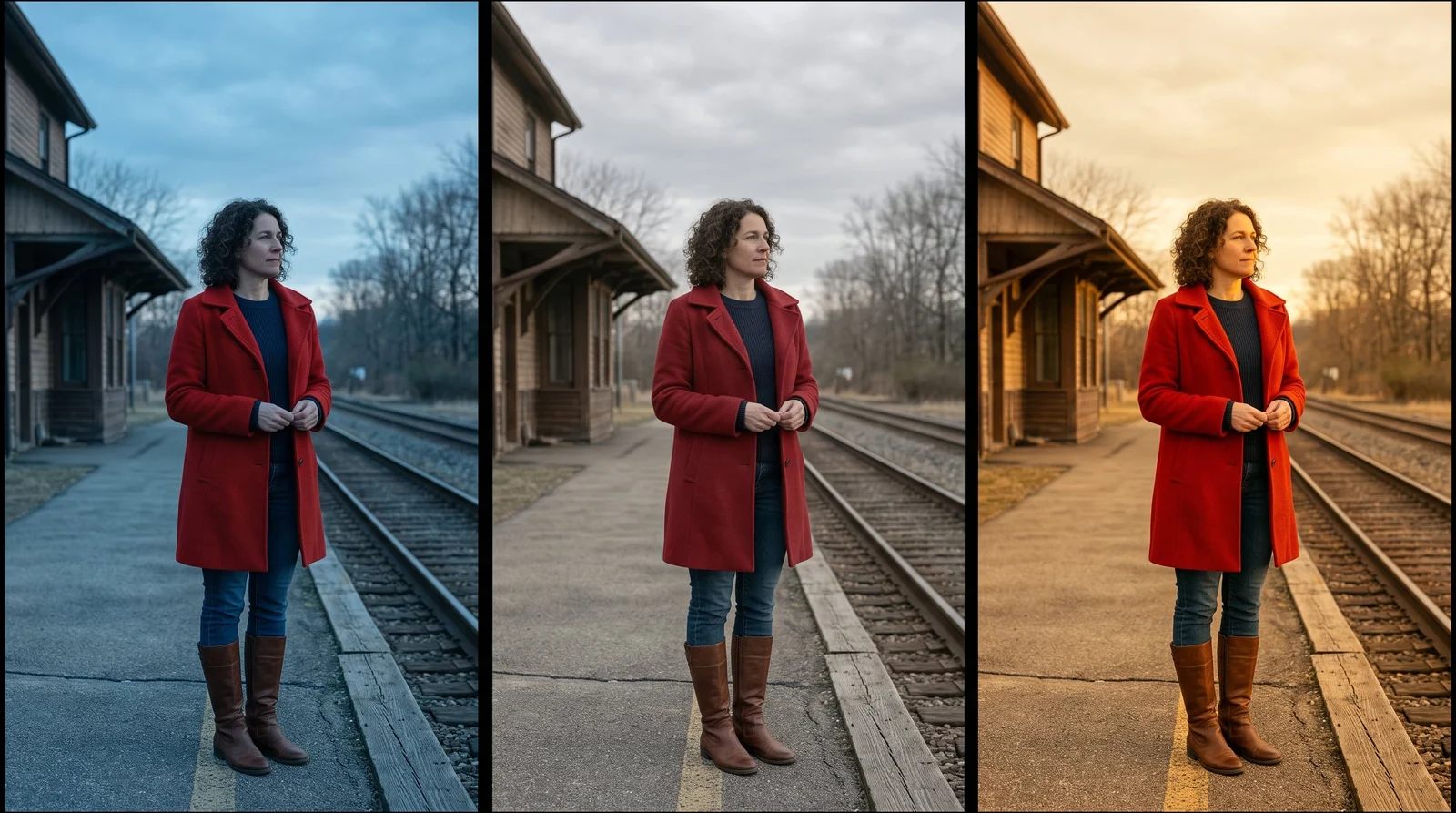
Explore looks in real time
Test composition, color, and style directions before committing them to the timeline.
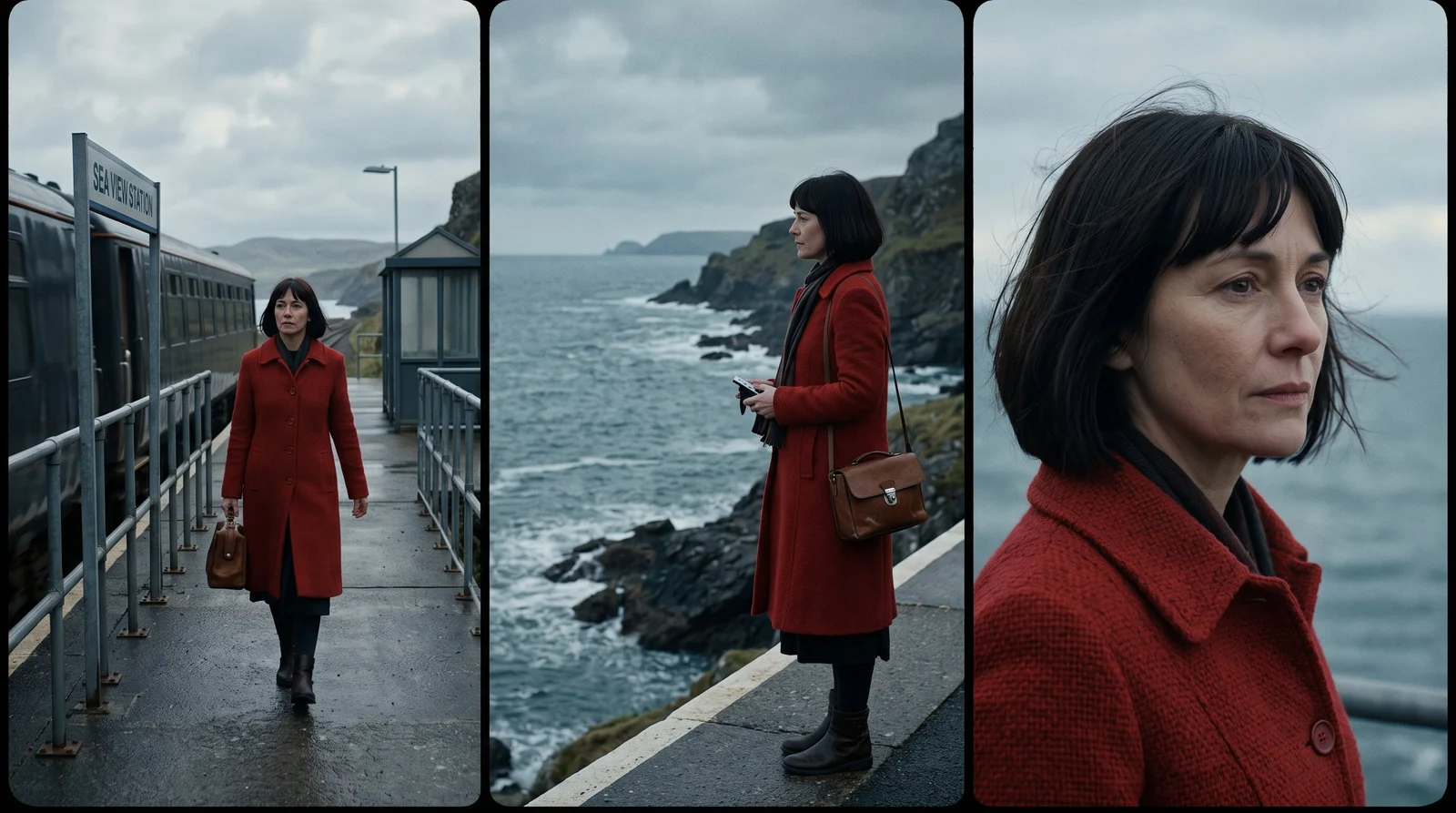
Keep a sequence consistent
Develop related frames and treatments that hold together across an edit.
Krea, right insidePremiere Pro
Trusted by over 30,000,000 users From 191 countries. We've got a plan for everybody...
Free
Get free daily credits to try basic features.
Pro
Advanced features and discounts on compute units
Max
Full access with higher discounts on compute units
For Teams and Enterprises
Workplace management, collaboration, and enterprise customizations
Business
Secure and collaborative workspace for growing teams
Enterprise
Enterprise-grade security with dedicated support and admin features
Frequently asked questions
Everything you need to know about Krea for Premiere Pro.
It brings Krea’s creative AI tools into a Premiere Pro workflow for generating shots, plates, textures, and visual directions.
Download the macOS or Windows installer, run it, then open Krea from Premiere Pro’s extensions menu.
Yes. Generated results can be brought into your project as standard media assets.
Yes. Explore composition, color, lighting, and style options before refining the edit.
Yes. Generations run on Krea’s servers, so the plugin needs an internet connection.
Yes. Sign in with your Krea account when you first open the plugin.
Results enter your project as regular media, ready for trimming, compositing, grading, and sound design.
The installer flow supports recent versions of macOS and Windows. Exact requirements will be listed with the download.