'/%3e%3c/svg%3e)


Go from treatment to visual language, storyboard frames, and a moving proof of concept.
'/%3e%3c/svg%3e) Recreate
RecreateBuild a cinematic pitch sequence
Cinematic & documentary producer
2 min
Connect any AI agent to Krea in under a minute and generate images and video right where you already work.
Creating with your team in Slack? Use Krea's creative AI agent for Slack.
Click copy — you’ll paste it in the next step.
In Claude, go to Settings → Connectors and click Add.
Paste the URL, click Connect, and finish the Krea sign-in. Then just ask for an image.
Brief the work in Claude. Krea chooses the tools, generates the assets, and brings the result back into the conversation.
Cinematic sequence
Build a cinematic pitch sequence
RecreateReady-to-run briefs
ClaudeStart with a production-ready workflow, add your references, and let Krea choose the right image and video models.
Go from treatment to visual language, storyboard frames, and a moving proof of concept.
RecreateBuild a cinematic pitch sequence
Cinematic & documentary producer
Turn one product idea into a kinetic hook, hero frames, and a tight social edit.
RecreateDirect a scroll-stopping launch film
Social & cinematic video creator
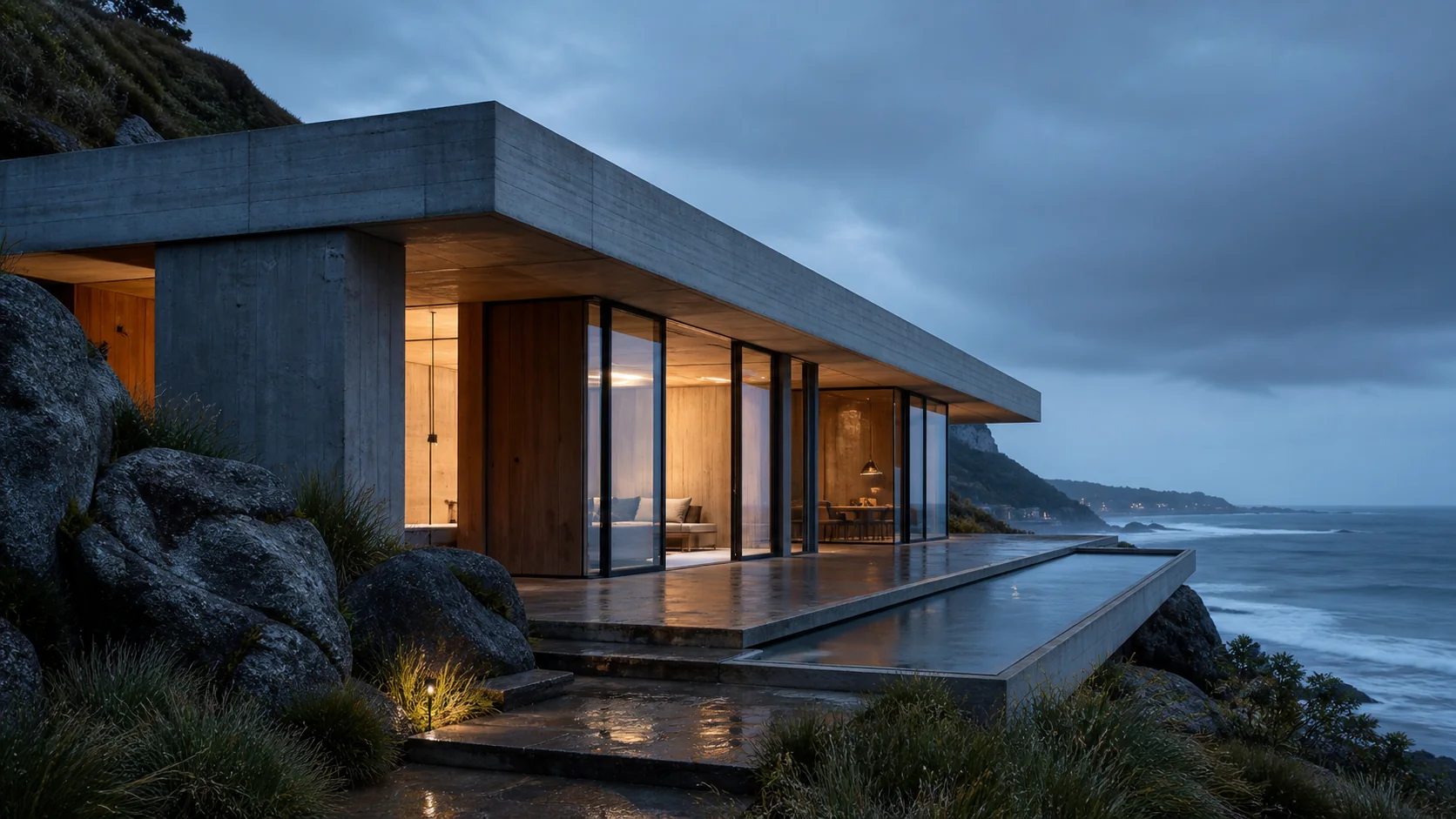
Explore materials, atmosphere, and viewpoints while keeping the original design intact.
RecreateTurn a sketch into presentation renders
Architectural & interior visualization professional
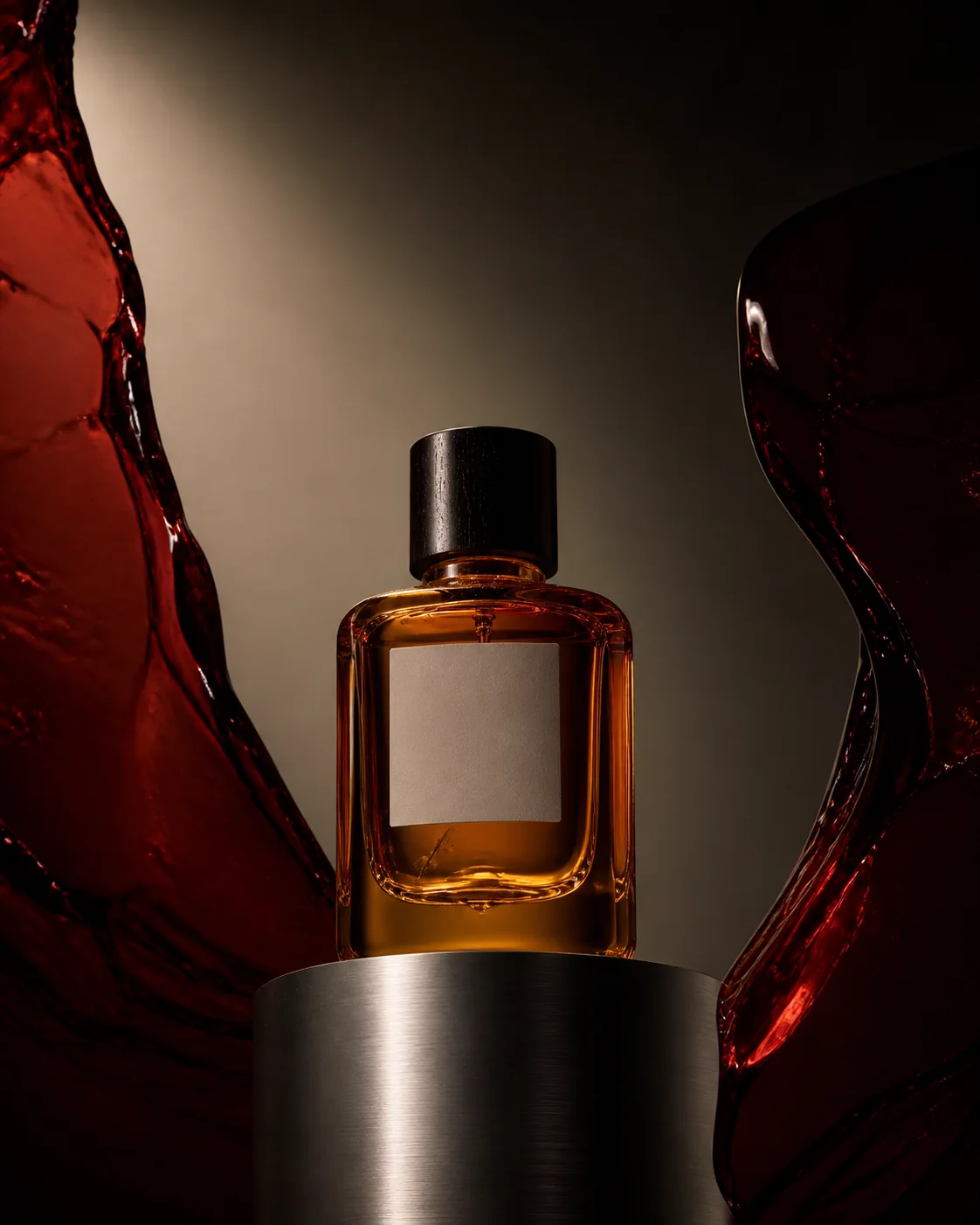
Explore visual territories, lock a direction, and scale it into a coherent campaign system.
RecreateTake a campaign from brief to client-ready
Design-services studio
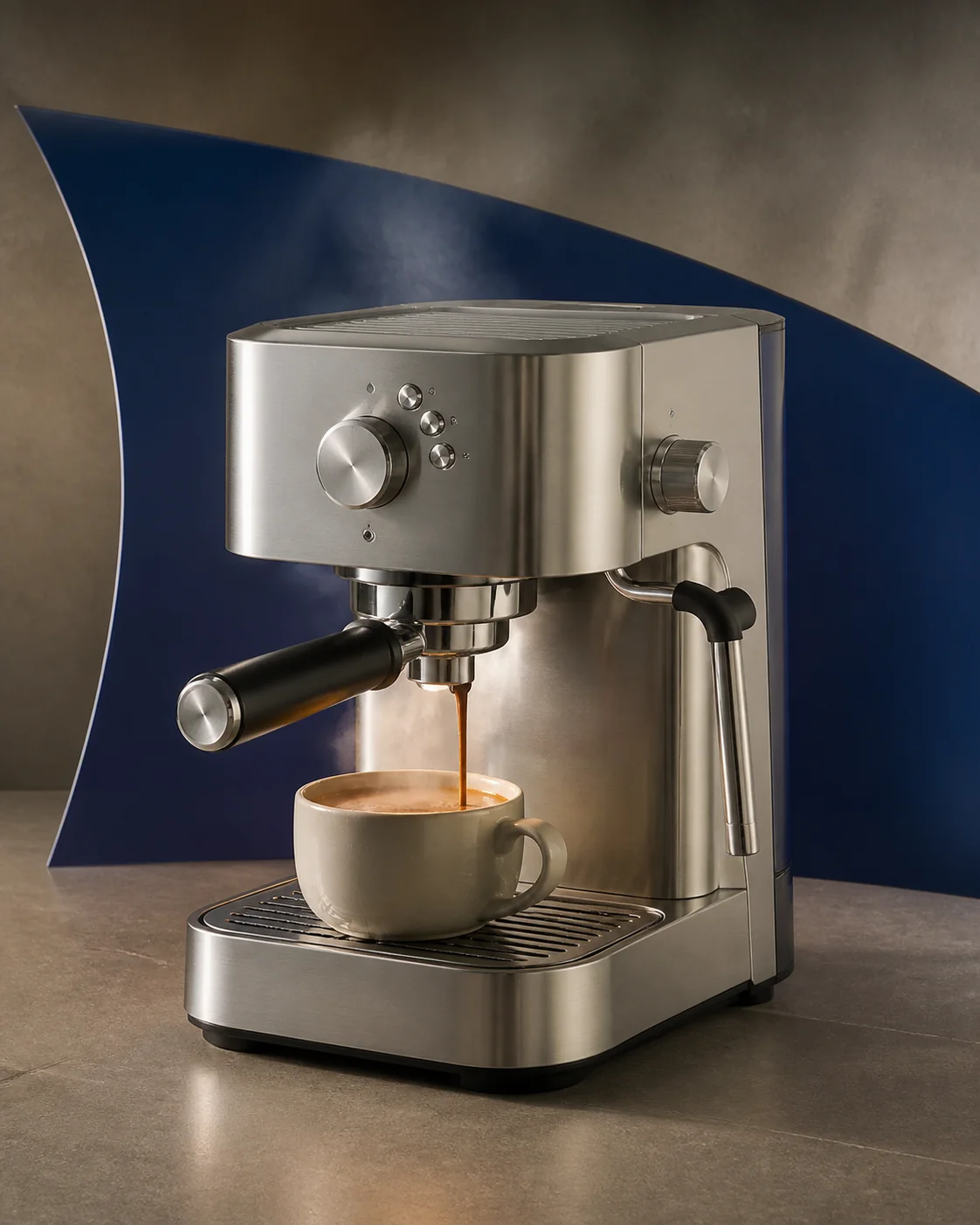
Create catalog, lifestyle, and paid-social variants without losing product fidelity.
RecreateBuild a complete product ad set
Ecommerce ad maker
Develop the creator, hook, beats, and product moments for a conversion-focused vertical ad.
RecreateCreate a native-feeling UGC concept
TikTok-shop UGC seller
Describe what you want and Krea delivers finished images and video right back into your conversation — no tabs, no dashboards, no copy-paste.
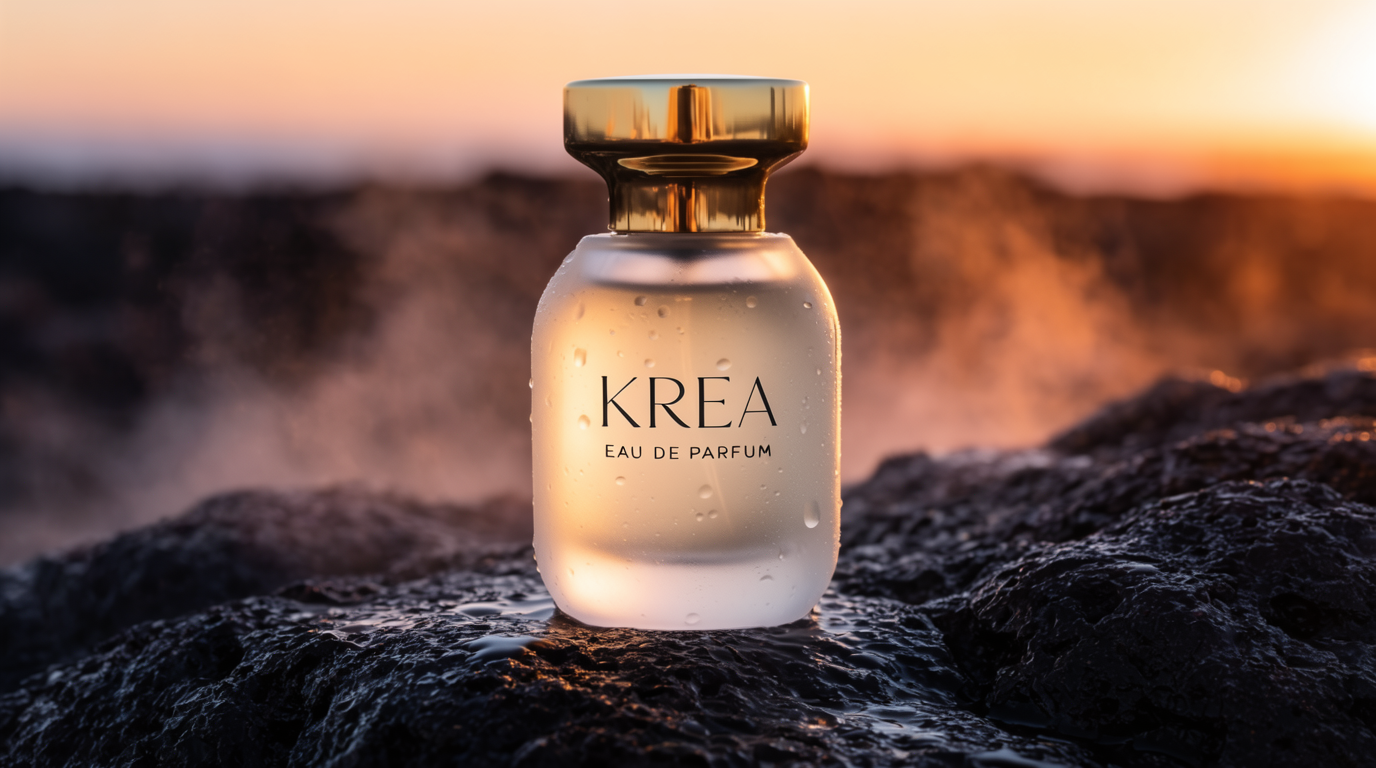
Describe what you need and get it back in seconds — campaign concepts, product shots, editorial imagery, storyboard frames. Powered by Krea 2, Flux, Nano Banana Pro, and more.
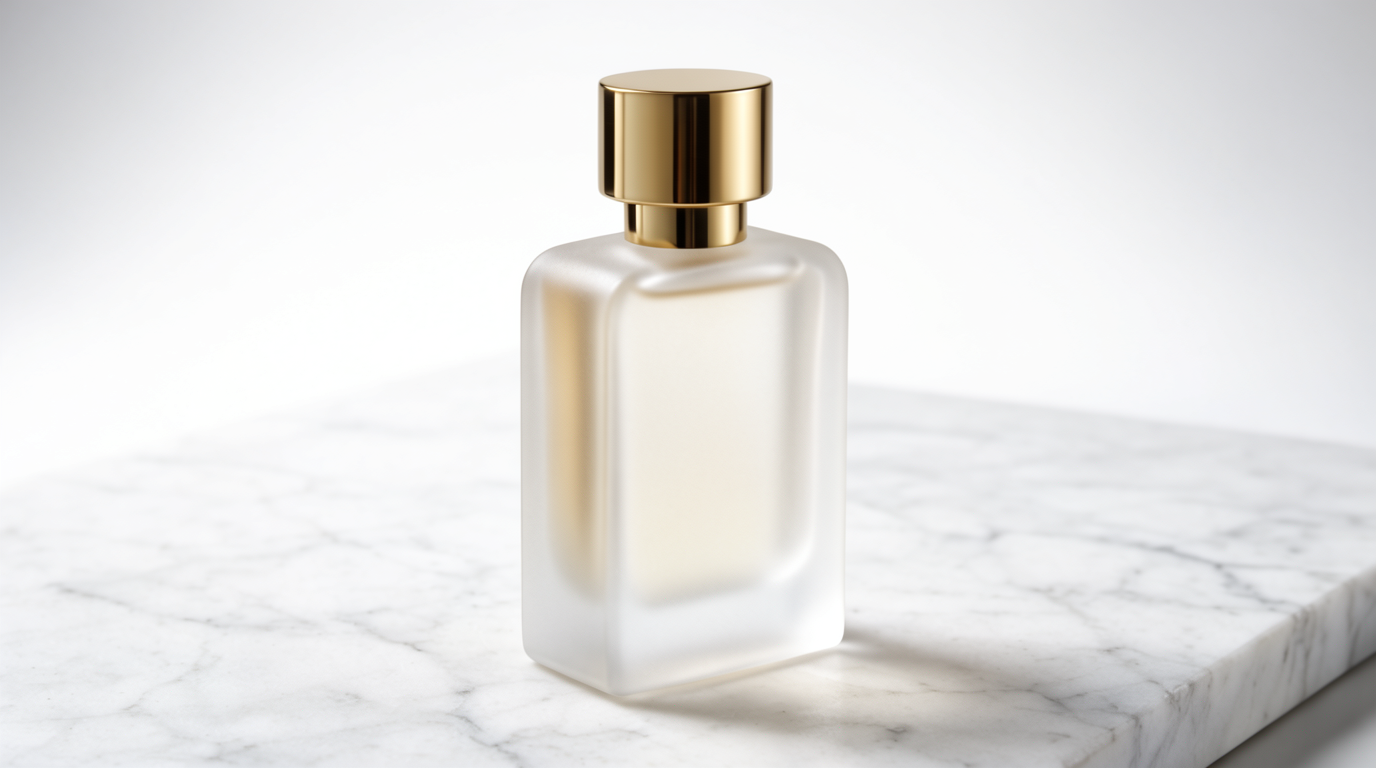
Generate a cinematic product shot of a "KREA" perfume bottle on wet stone at sunrise.
Hand over an image or just an idea and get a finished clip back, ready to drop into your edit. Powered by Veo, Kling, Wan, Runway, Sora, and more.
Turn this concept into a 5-second cinematic clip with a slow drone push-in.
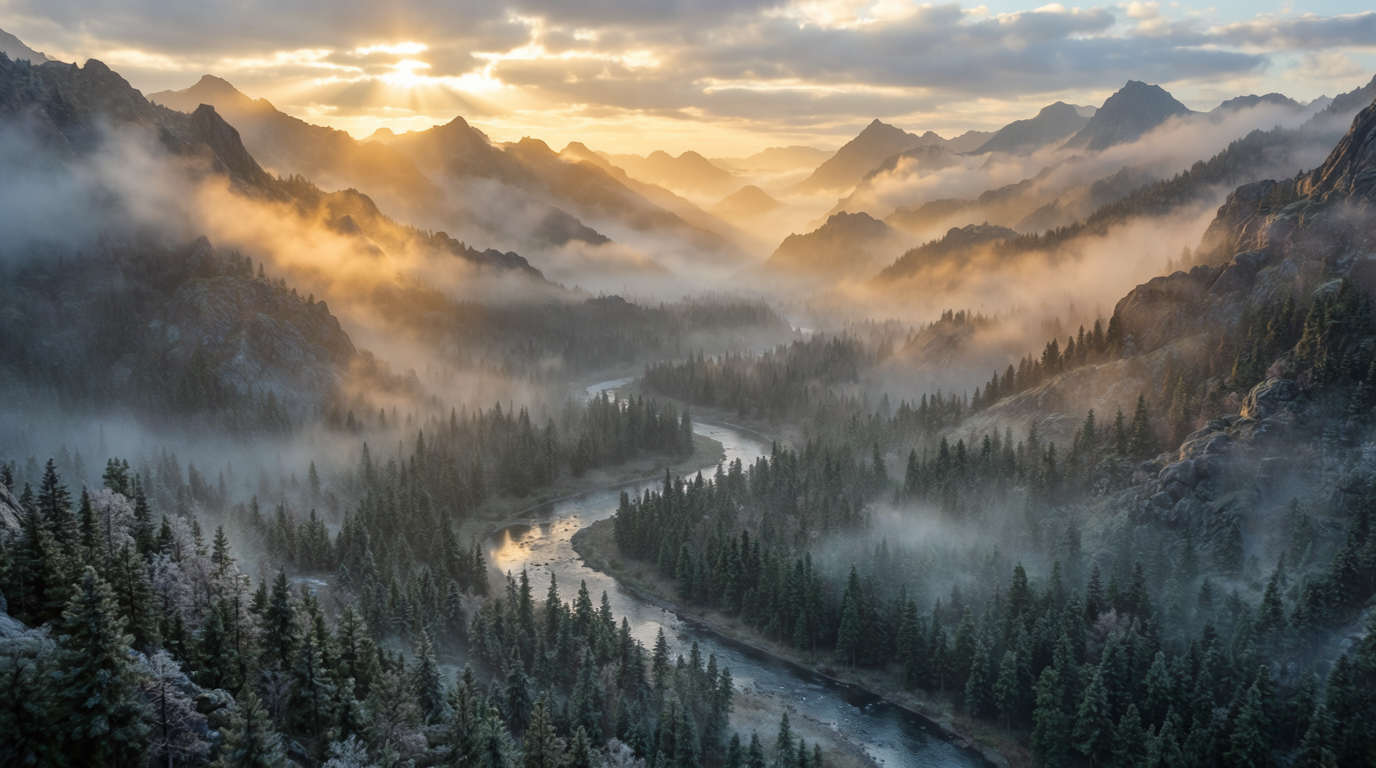
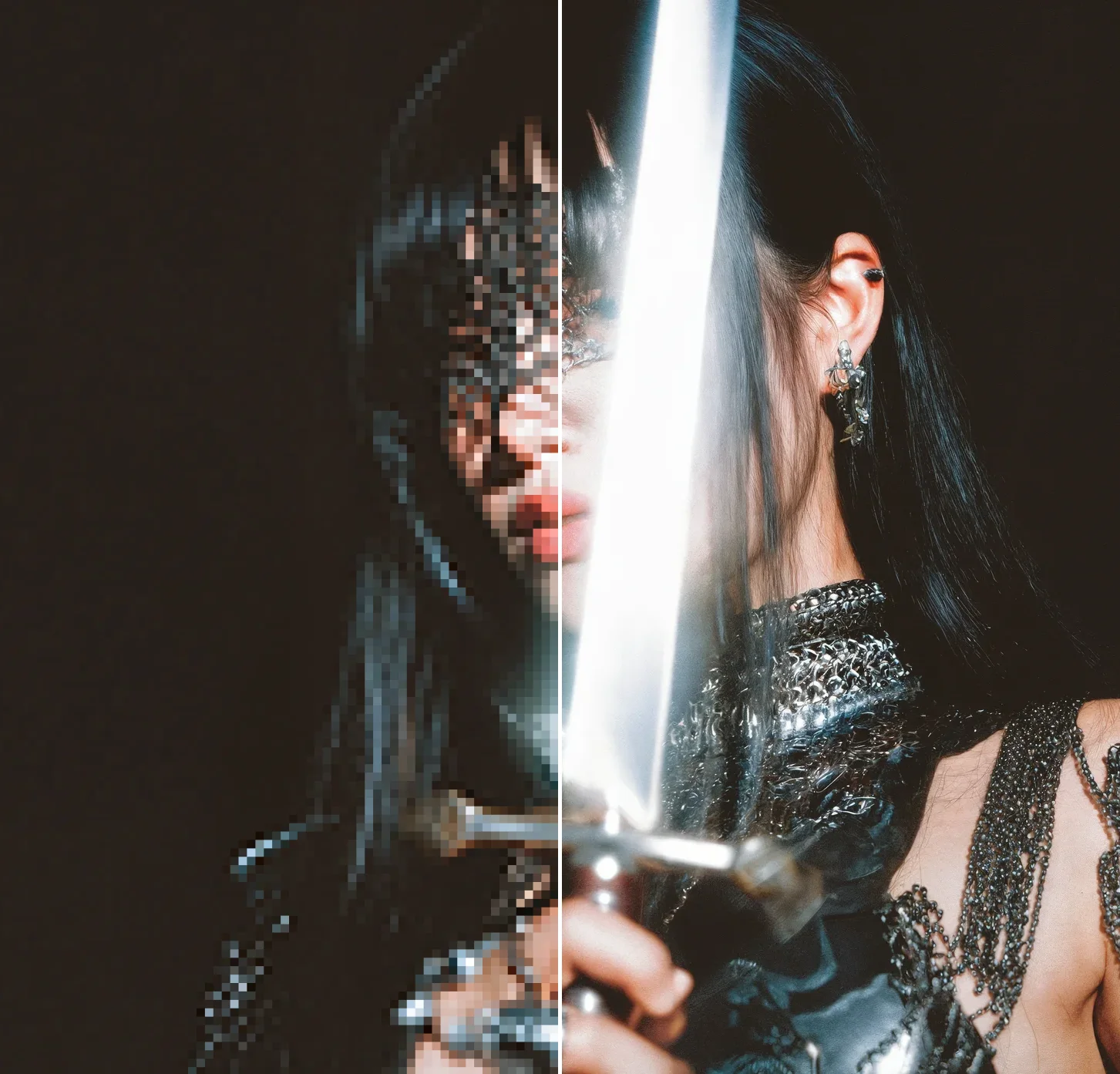
Send a photo and get a crisp, high-resolution version back — up to 22K with Topaz upscaling. Perfect for rescuing old assets or printing big.
Enhance this photo to 4K and sharpen the fur and lighting detail.
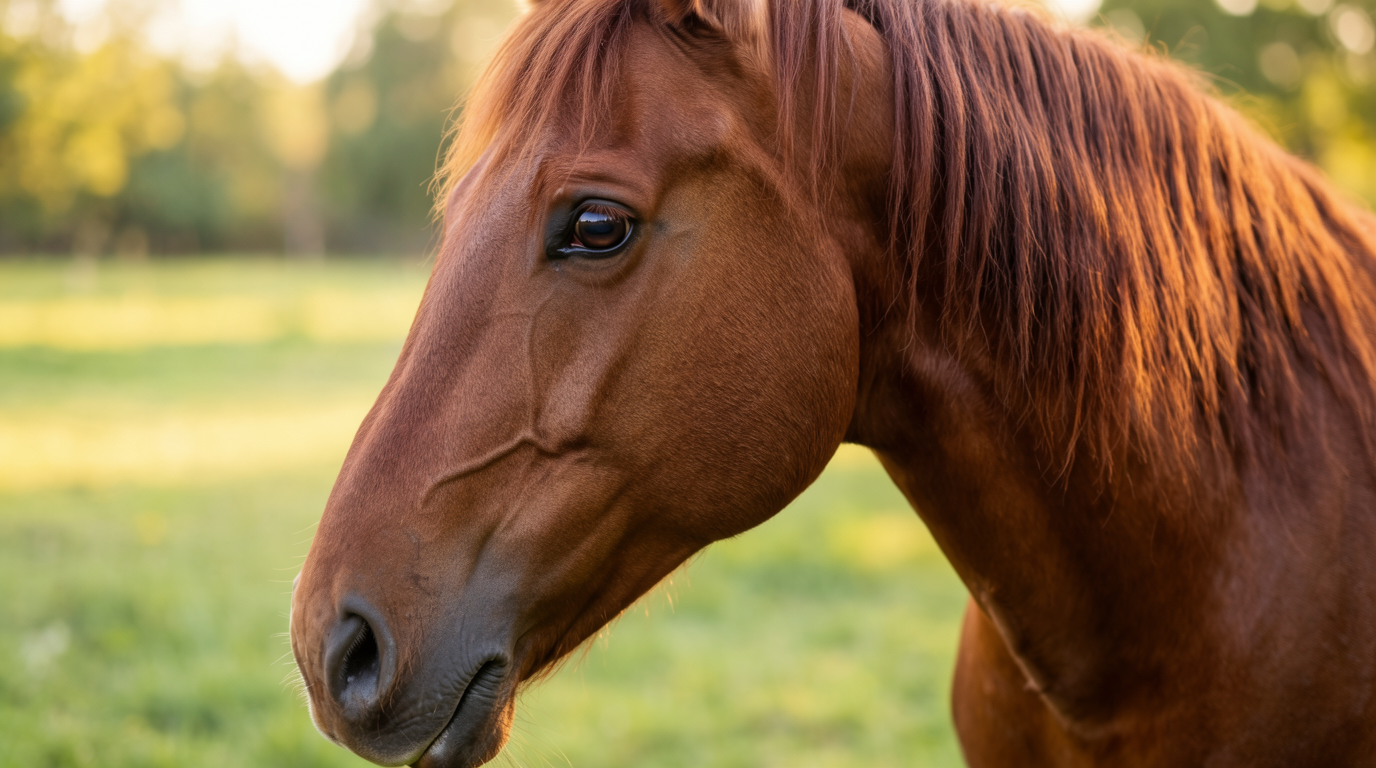
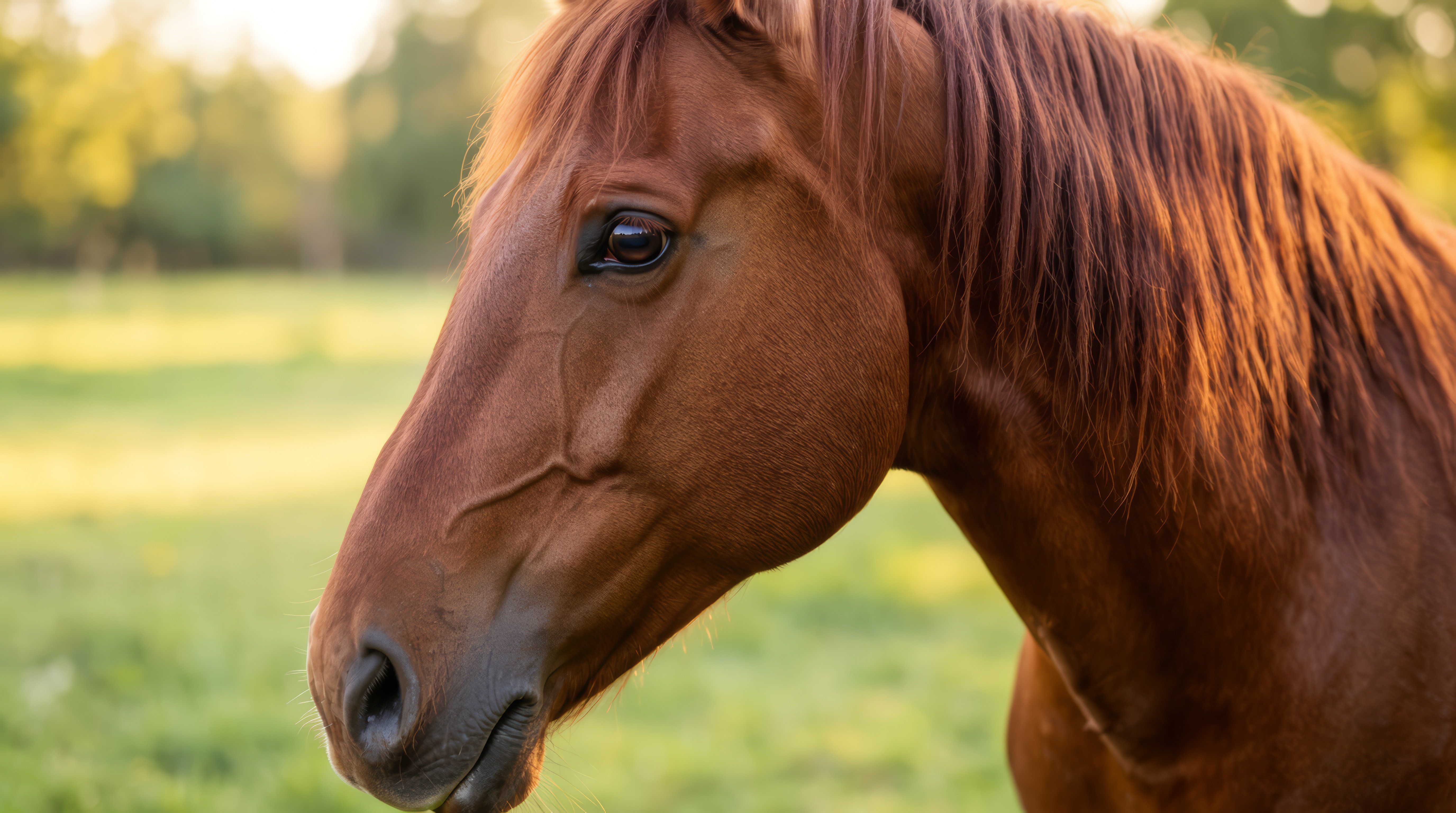
Styles you train in Krea travel with you. Ask for any subject in your own look — your agent lists your styles and keeps every result on-brand, no re-prompting.
Generate a lifestyle shot of the bottle in my trained "KREA editorial" style.


Feed in your reference shots and get consistent, on-brand results every time. Krea keeps your product, style, and details locked across the whole composition.
Use these three shots to make one consistent product hero image.
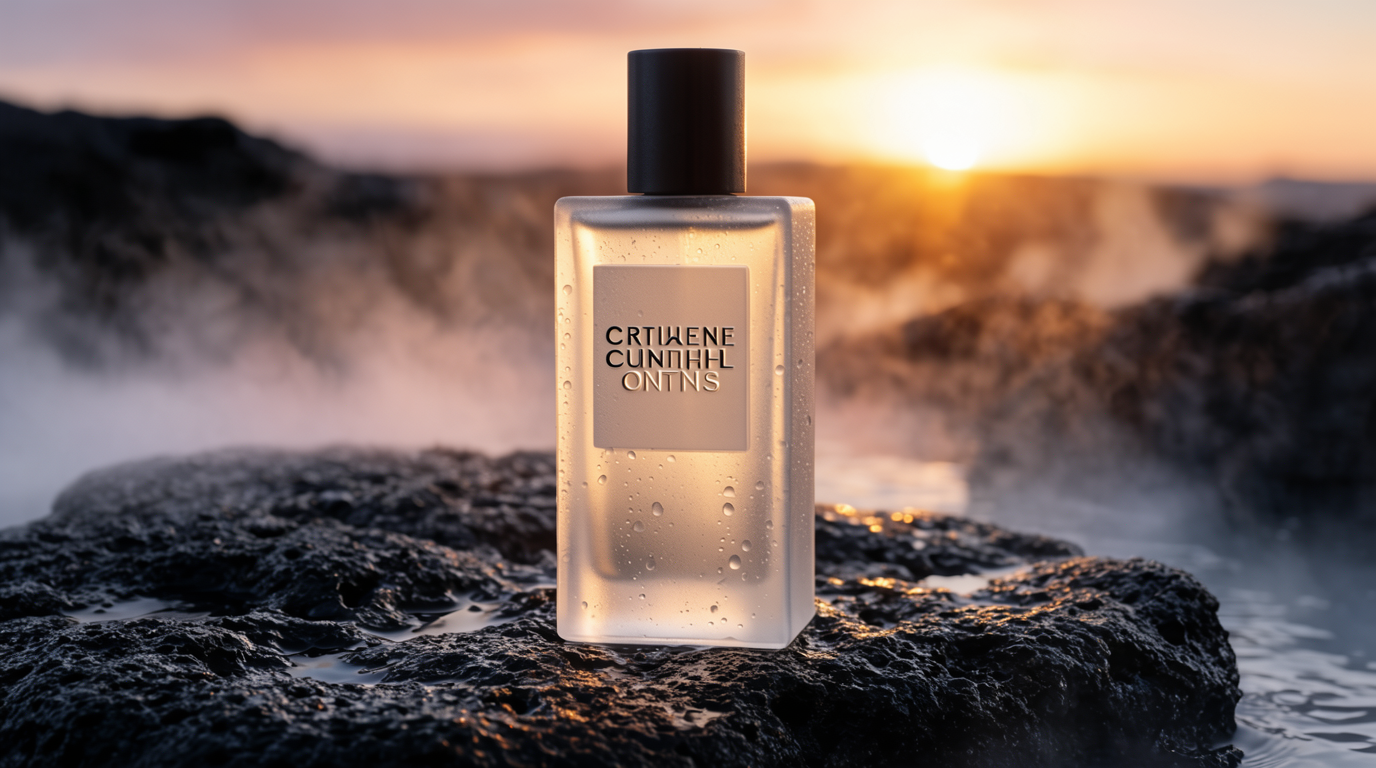

Krea 2, Flux, Veo, Kling, Nano Banana Pro, Topaz and more — every model in Krea is one prompt away inside your agent.
Or try every model side by side in Krea's free AI video generator and AI image generator.
The same models behind these visuals are a single prompt away inside your agent.
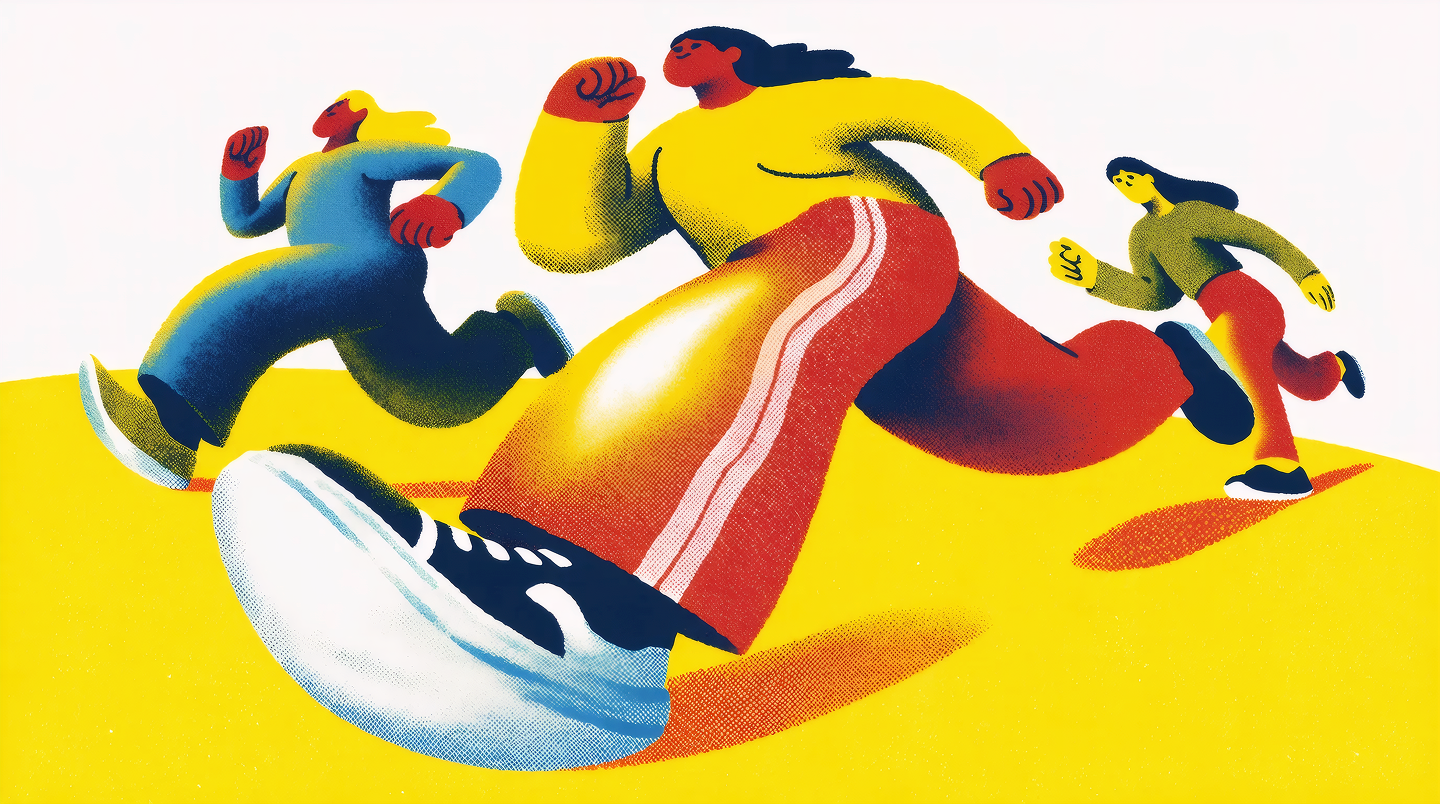
“People running, risograph poster”
Upscale image 512px → 8K
“Dramatic photo of an old offroad truck racing through the desert”
Krea MCP connects your AI agent directly to Krea, so it can generate images and video, enhance assets, and run your creative workflows on your behalf.
Generate images and video, enhance and upscale images, use your trained styles, and run your own multi-step Krea workflows — all from a simple prompt.
It works with Claude, Codex, OpenClaw, Cursor, and other agents that support connecting tools.
Add the Krea MCP server URL to your agent, then sign in with your Krea account through the OAuth flow. Setup takes under a minute.
All of Krea’s image, video, and enhancement models, including Krea 2, Flux, Veo, Kling, Nano Banana Pro, and Topaz.
Images usually come back in seconds. Video and larger jobs run in the background and return as soon as they are ready.
No. Use https://api.krea.ai/mcp as the MCP server URL and authenticate through your Krea account when your agent asks you to connect.
Explore the Krea API dashboard for the playground, pricing, and integration docs.
Connect in under a minute and start generating images and video right where you already work.
Connect Krea MCP