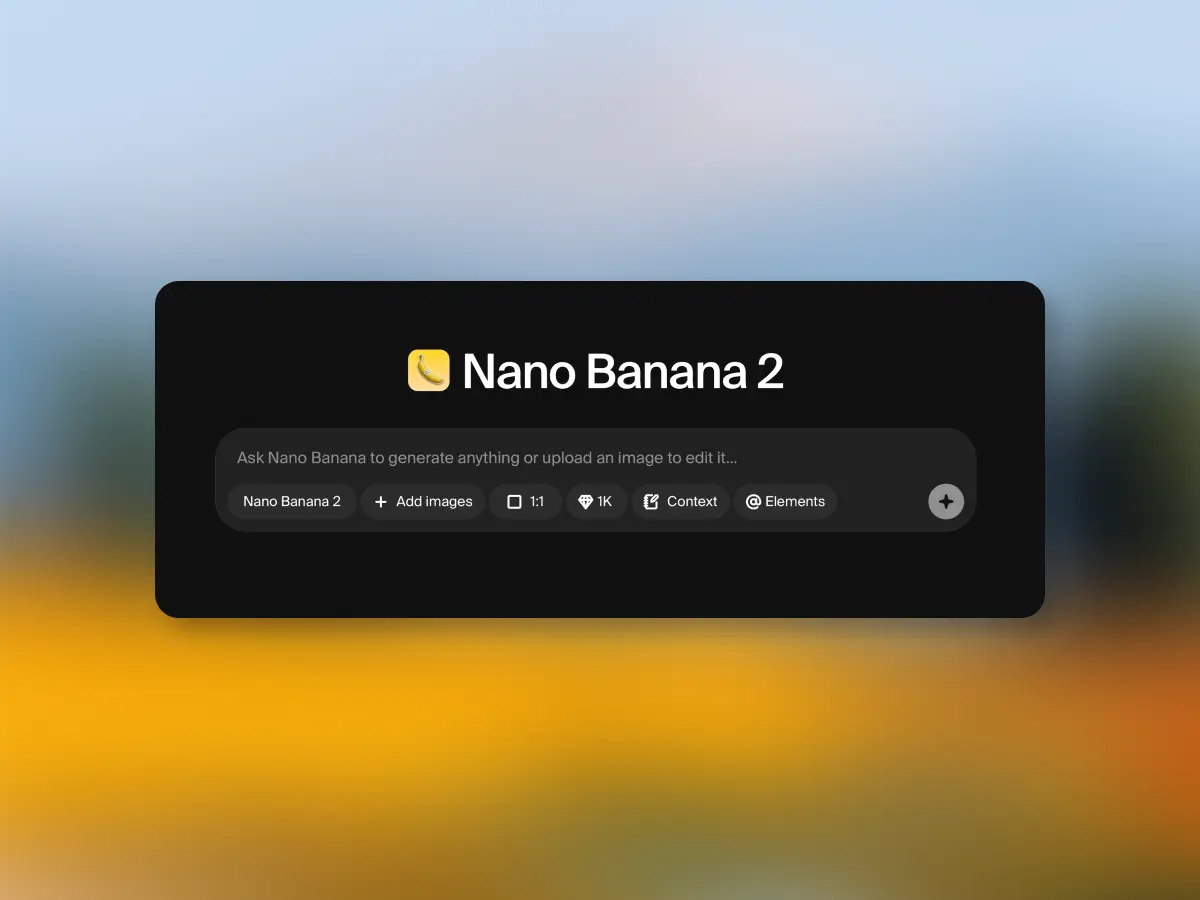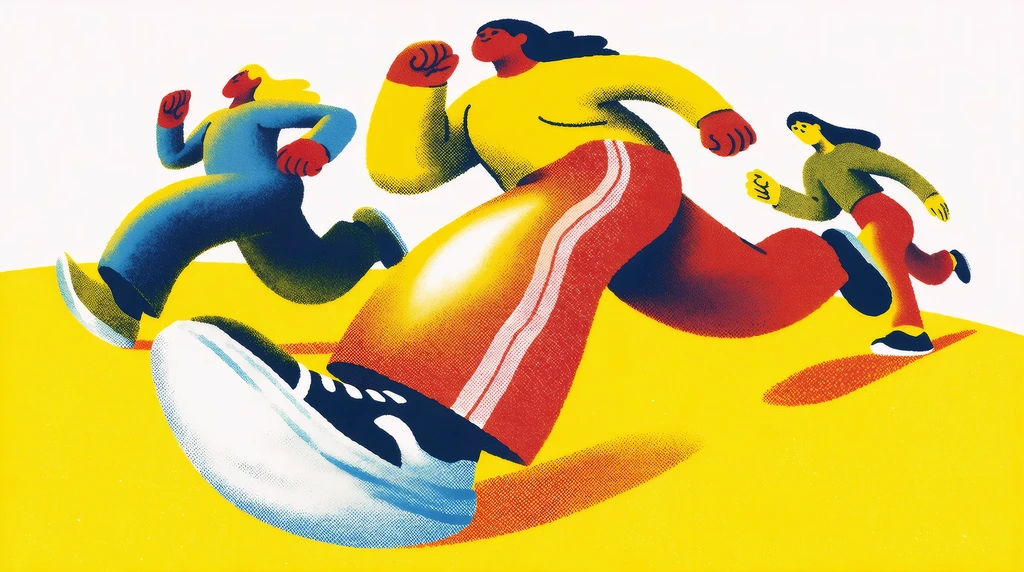
Krea 2 is Krea’s first foundation image model built completely from scratch, focused on aesthetics, style transfer, and creative control. It renders styles other models flatten toward a generic look, from grainy film photography to complex digital painting, and lets you guide, mix, and adjust style the way you would in a design tool. When creating an image with AI, there are two main pieces that you need to define: what do you want in that image, and how do you want that image to look?
Most image models are great at the first part. They can handle really complex prompts with no problem. But when it comes to style, they often want to give you something that looks good. Something polished, safe, and nice. Nothing too crazy. We have talked about the AI look in the past, and about the barriers it creates when you try to get expressive or artistic styles out of these models.
Break the AI look
Open Krea 2 and render any style, from grainy film to digital painting.
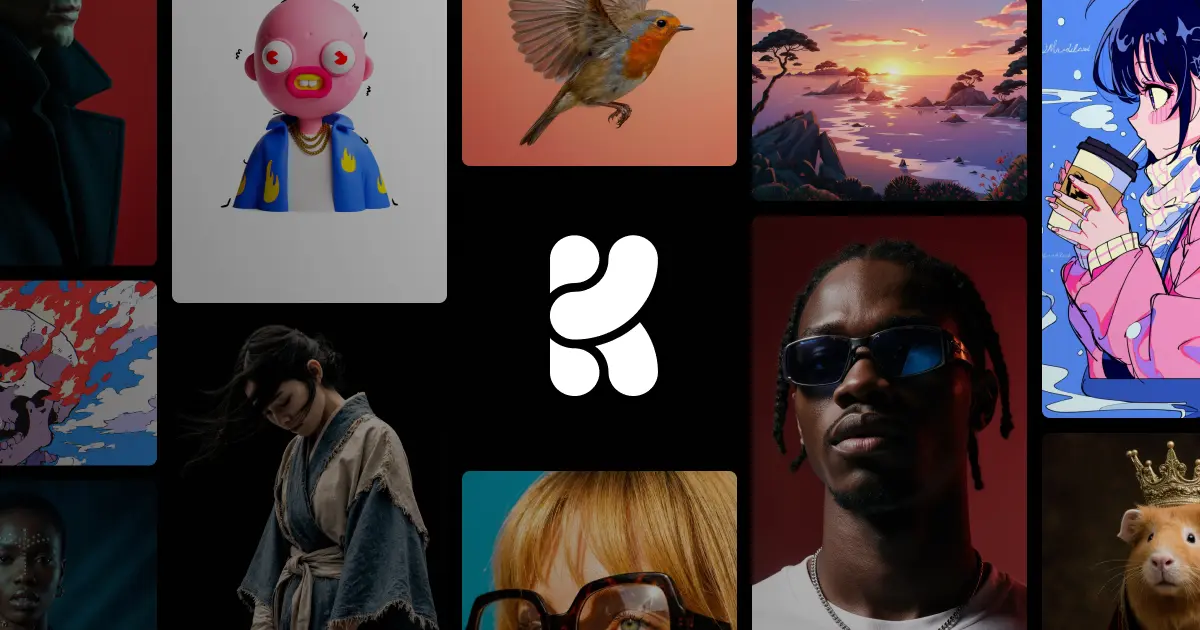
Generate with Krea 2So for Krea 2, our focus has been on how you want the image to look. We wanted something capable of rendering pretty much any style: from the grainiest film photography to the cleanest studio shot, cinematic stills, different kinds of illustrations, complex digital paintings, and any kind of experimental direction.
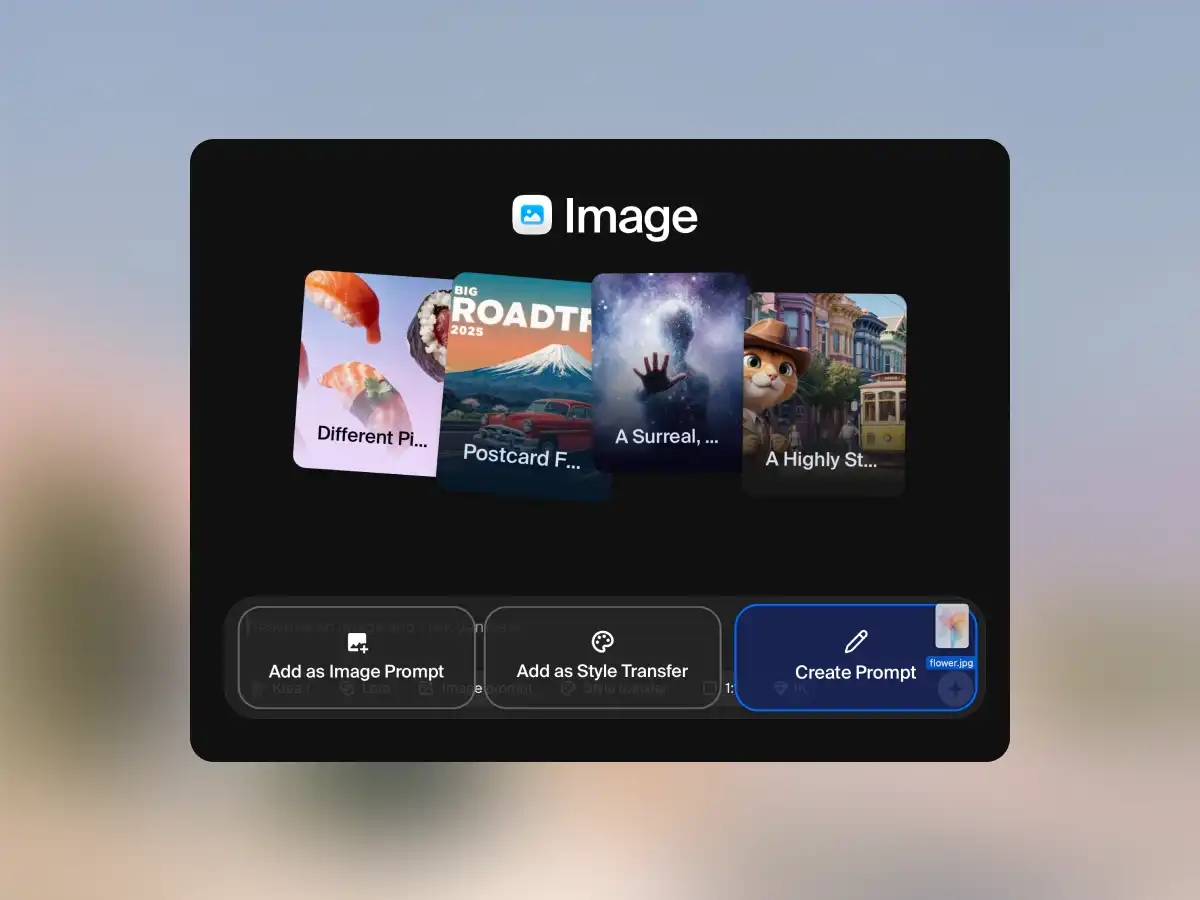
To get there, we put as much effort into building a style transfer system as we put into creating the foundation model itself. You can pass an image into this system, and Krea 2 will understand its style components and transfer them into the output. It also lets you control how much the style should influence the final image, and it lets you combine multiple styles together.
This is one of the main ideas behind Krea 2: style should not be a vague prompt word. It should be something you can guide, mix, strengthen, reduce, and push. In the image tool, you can use style references to shape the output directly. You can add multiple references, combine them, and adjust how strongly they influence the image.
If you want the model to stay closer to a reference, you can do that. If you want the reference to be a lighter direction rather than the whole image, you can do that too. The model also includes controls for how much variation you want across a batch. You can keep a set of images more cohesive, or push it toward a wider spread of palettes, details, and style choices.
The goal is not just to generate a good image. The goal is to give you room to explore a visual direction. If there is one thing we want to do at Krea, it is to build creative tools. The kinds of products and features that we have been able to build up until now have always been limited by the kinds of models we had access to.
With the start of this research lab, we expect to create technology that allows us to build creative tools that treat AI as an actual creative medium. Something that feels raw, flexible, unopinionated, and unconstrained. Something that you can break if you want to. Something that does not limit the types of visuals you can create with it.
We cannot wait to see what you do with Krea 2, and we are getting ready to ship many new updates and features over the following weeks. For faster iteration on the same ideas, try Krea 2 Turbo.