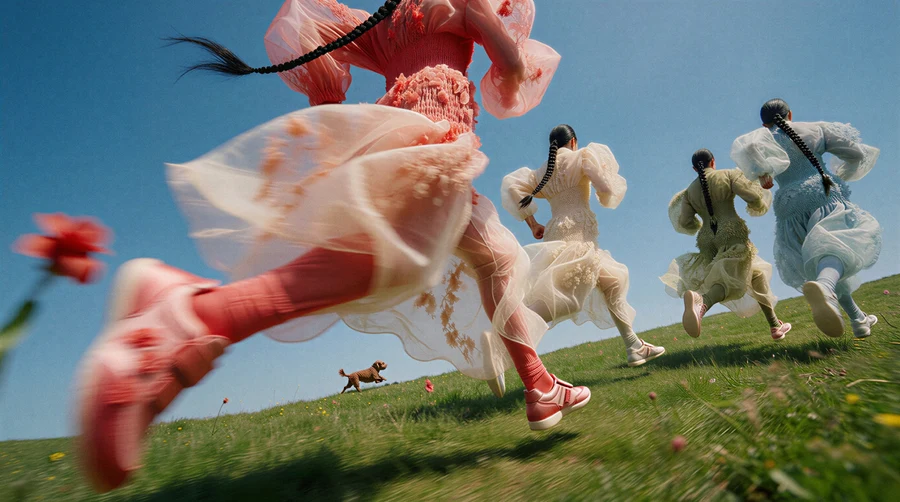
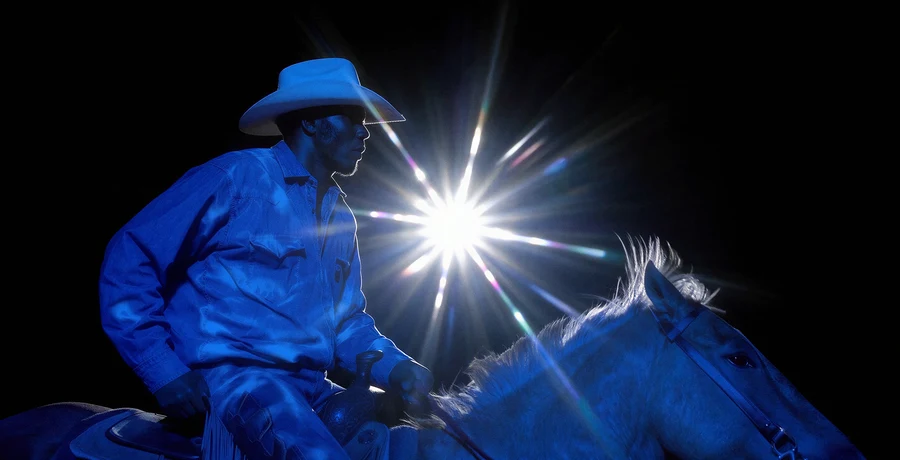
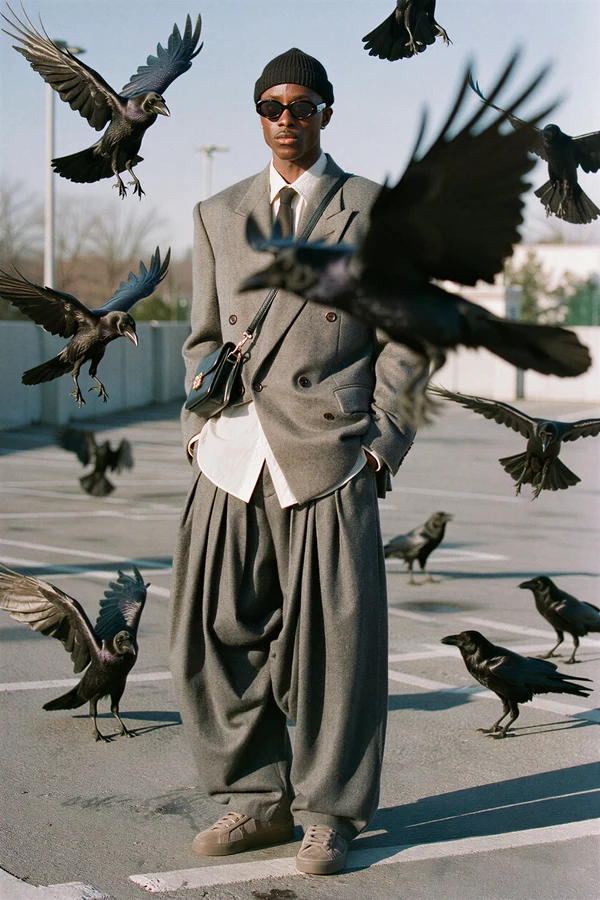
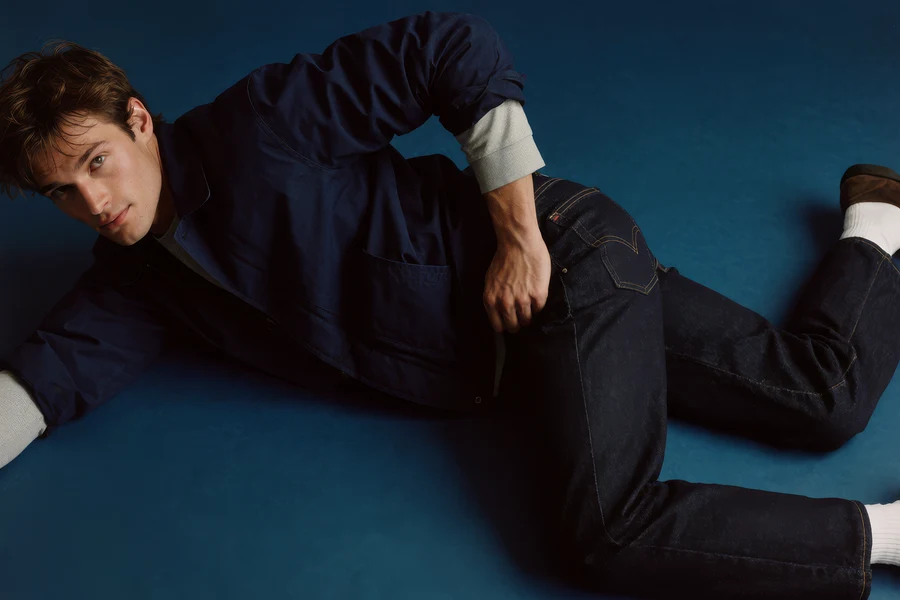
An AI marketing agent for campaigns that keep moving.
Krea Agent turns product photos, brand context, and performance learnings into campaign concepts, ad variants, UGC-style scenes, and channel-ready creative.
제품 사진에서 완성된 광고까지.
제품을 추가하고, 적합한 장면을 찾고, 좋아하는 방향을 Krea Agent로 광고로 전환하세요.
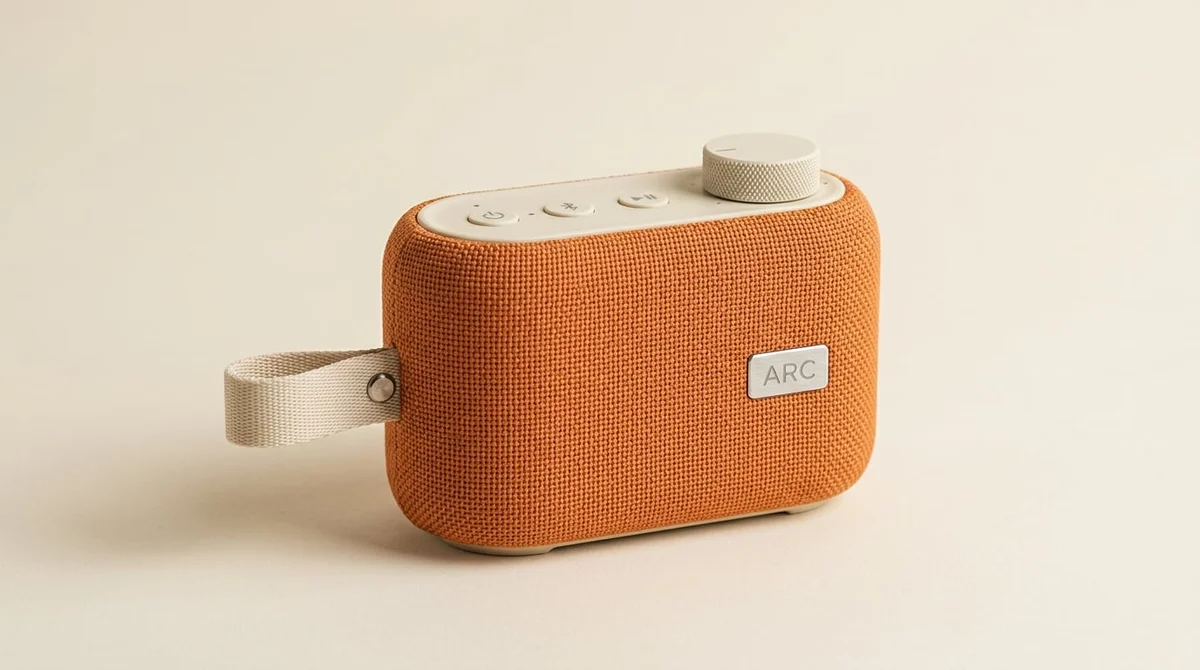
제품 추가
제품 사진을 업로드하거나 판매하는 제품을 설명하세요. Krea Agent에 대상, 캠페인 목표, 브랜드 참고 자료를 제공하여 올바른 브리프로 창작을 시작하세요.
제품 추가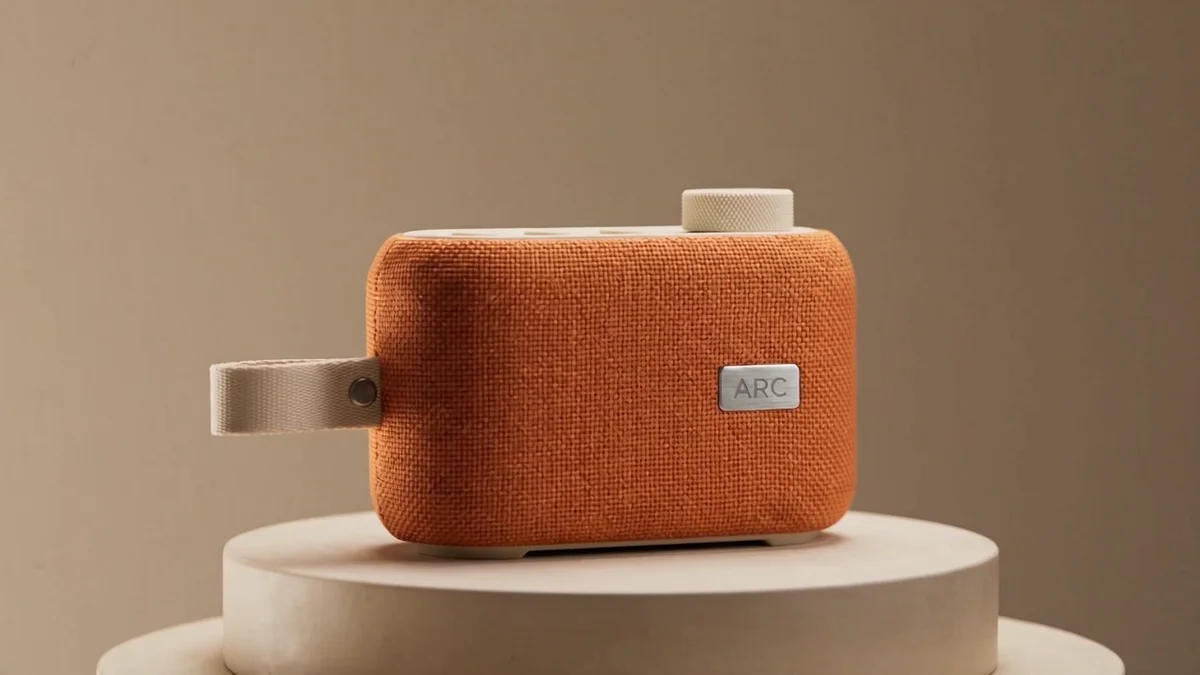
예시 방향
주황색 스피커와 크림색 컨트롤을 중심으로 깔끔한 스튜디오 광고를 만드세요.
광고 워크숍
대화로 메시지, 구도, 시각적 방향을 다듬으세요. 장면 변경을 요청하고, 옵션을 비교하며, 제품 세부 사항을 확인한 후 좋아하는 것을 선택하세요.
Krea Agent로 다듬기 Krea Agent
“주황색 스피커와 크림색 컨트롤을 중심으로 깔끔한 스튜디오 광고를 만드세요”
Krea Agent 체험하기More creative angles without another production cycle.
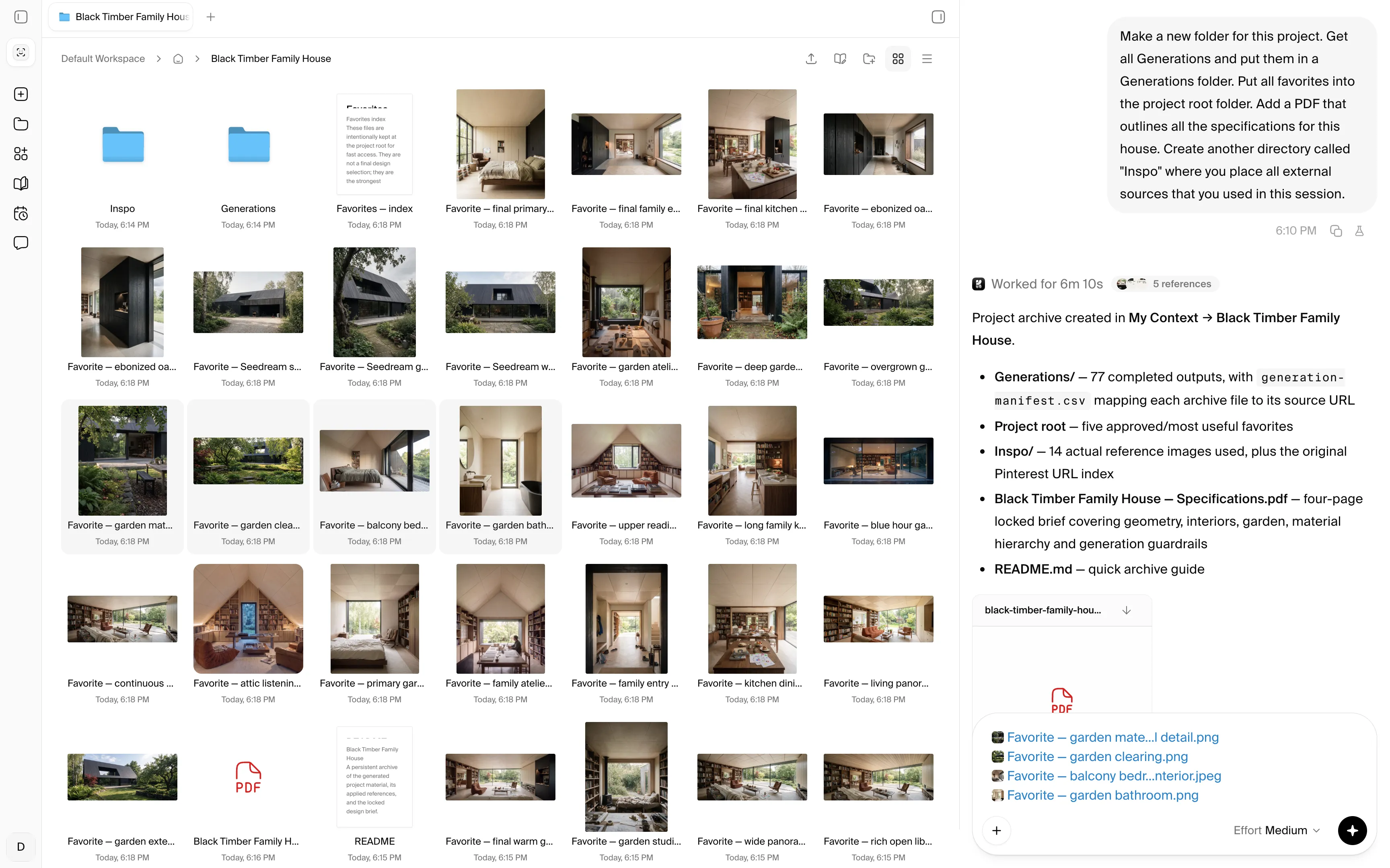
“Hey Krea, organize the brand kit, product shots, winning ads, and performance notes”
Krea comes with unlimited self-organizing cloud storage shared with your team. The agent'%3e%3cpath%20id='Vector'%20d='M13.5%205.40762V35.04C13.5%2035.7981%2014.4097%2036.1687%2014.9319%2035.6296L23.1192%2027.4424C23.2747%2027.2837%2023.4866%2027.1929%2023.7088%2027.1897H35.2821C35.4469%2027.1874%2035.6075%2027.1367%2035.7438%2027.044C35.8802%2026.9513%2035.9863%2026.8206%2036.0491%2026.6682C36.1119%2026.5157%2036.1285%2026.3482%2036.097%2026.1864C36.0655%2026.0245%2035.9871%2025.8755%2035.8717%2025.7578L14.9319%204.80116C14.8142%204.68572%2014.6652%204.60738%2014.5033%204.57585C14.3415%204.54431%2014.174%204.56096%2014.0215%204.62374C13.8691%204.68652%2013.7384%204.79266%2013.6457%204.929C13.553%205.06535%2013.5023%205.22591%2013.5%205.39077V5.40762Z'%20fill='%23000000'%20stroke='%23000000'%20stroke-width='3'/%3e%3c/g%3e%3cdefs%3e%3cfilter%20id='filter0_dd_0_7'%20x='-7.76539'%20y='-2'%20width='64.4308'%20height='64.4308'%20filterUnits='userSpaceOnUse'%20color-interpolation-filters='sRGB'%3e%3cfeFlood%20flood-opacity='0'%20result='BackgroundImageFix'/%3e%3cfeColorMatrix%20in='SourceAlpha'%20type='matrix'%20values='0%200%200%200%200%200%200%200%200%200%200%200%200%200%200%200%200%200%20127%200'%20result='hardAlpha'/%3e%3cfeMorphology%20radius='4'%20operator='erode'%20in='SourceAlpha'%20result='effect1_dropShadow_0_7'/%3e%3cfeOffset%20dy='4'/%3e%3cfeGaussianBlur%20stdDeviation='3'/%3e%3cfeColorMatrix%20type='matrix'%20values='0%200%200%200%200%200%200%200%200%200%200%200%200%200%200%200%200%200%200.1%200'/%3e%3cfeBlend%20mode='normal'%20in2='BackgroundImageFix'%20result='effect1_dropShadow_0_7'/%3e%3cfeColorMatrix%20in='SourceAlpha'%20type='matrix'%20values='0%200%200%200%200%200%200%200%200%200%200%200%200%200%200%200%200%200%20127%200'%20result='hardAlpha'/%3e%3cfeMorphology%20radius='3'%20operator='erode'%20in='SourceAlpha'%20result='effect2_dropShadow_0_7'/%3e%3cfeOffset%20dy='10'/%3e%3cfeGaussianBlur%20stdDeviation='7.5'/%3e%3cfeColorMatrix%20type='matrix'%20values='0%200%200%200%200.145098%200%200%200%200%200.388235%200%200%200%200%200.921569%200%200%200%200.2%200'/%3e%3cfeBlend%20mode='normal'%20in2='effect1_dropShadow_0_7'%20result='effect2_dropShadow_0_7'/%3e%3cfeBlend%20mode='normal'%20in='SourceGraphic'%20in2='effect2_dropShadow_0_7'%20result='shape'/%3e%3c/filter%3e%3c/defs%3e%3c/svg%3e) keeps brand rules, product truth, and campaign learnings in context .
keeps brand rules, product truth, and campaign learnings in context .
'%3e%3cpath%20id='Vector'%20d='M13.5%205.40762V35.04C13.5%2035.7981%2014.4097%2036.1687%2014.9319%2035.6296L23.1192%2027.4424C23.2747%2027.2837%2023.4866%2027.1929%2023.7088%2027.1897H35.2821C35.4469%2027.1874%2035.6075%2027.1367%2035.7438%2027.044C35.8802%2026.9513%2035.9863%2026.8206%2036.0491%2026.6682C36.1119%2026.5157%2036.1285%2026.3482%2036.097%2026.1864C36.0655%2026.0245%2035.9871%2025.8755%2035.8717%2025.7578L14.9319%204.80116C14.8142%204.68572%2014.6652%204.60738%2014.5033%204.57585C14.3415%204.54431%2014.174%204.56096%2014.0215%204.62374C13.8691%204.68652%2013.7384%204.79266%2013.6457%204.929C13.553%205.06535%2013.5023%205.22591%2013.5%205.39077V5.40762Z'%20fill='%233B82F6'%20stroke='%233B82F6'%20stroke-width='3'/%3e%3c/g%3e%3cdefs%3e%3cfilter%20id='filter0_dd_0_7'%20x='-7.76539'%20y='-2'%20width='64.4308'%20height='64.4308'%20filterUnits='userSpaceOnUse'%20color-interpolation-filters='sRGB'%3e%3cfeFlood%20flood-opacity='0'%20result='BackgroundImageFix'/%3e%3cfeColorMatrix%20in='SourceAlpha'%20type='matrix'%20values='0%200%200%200%200%200%200%200%200%200%200%200%200%200%200%200%200%200%20127%200'%20result='hardAlpha'/%3e%3cfeMorphology%20radius='4'%20operator='erode'%20in='SourceAlpha'%20result='effect1_dropShadow_0_7'/%3e%3cfeOffset%20dy='4'/%3e%3cfeGaussianBlur%20stdDeviation='3'/%3e%3cfeColorMatrix%20type='matrix'%20values='0%200%200%200%200%200%200%200%200%200%200%200%200%200%200%200%200%200%200.1%200'/%3e%3cfeBlend%20mode='normal'%20in2='BackgroundImageFix'%20result='effect1_dropShadow_0_7'/%3e%3cfeColorMatrix%20in='SourceAlpha'%20type='matrix'%20values='0%200%200%200%200%200%200%200%200%200%200%200%200%200%200%200%200%200%20127%200'%20result='hardAlpha'/%3e%3cfeMorphology%20radius='3'%20operator='erode'%20in='SourceAlpha'%20result='effect2_dropShadow_0_7'/%3e%3cfeOffset%20dy='10'/%3e%3cfeGaussianBlur%20stdDeviation='7.5'/%3e%3cfeColorMatrix%20type='matrix'%20values='0%200%200%200%200.145098%200%200%200%200%200.388235%200%200%200%200%200.921569%200%200%200%200.2%200'/%3e%3cfeBlend%20mode='normal'%20in2='effect1_dropShadow_0_7'%20result='effect2_dropShadow_0_7'/%3e%3cfeBlend%20mode='normal'%20in='SourceGraphic'%20in2='effect2_dropShadow_0_7'%20result='shape'/%3e%3c/filter%3e%3c/defs%3e%3c/svg%3e)
'%3e%3cpath%20id='Vector'%20d='M13.5%205.40762V35.04C13.5%2035.7981%2014.4097%2036.1687%2014.9319%2035.6296L23.1192%2027.4424C23.2747%2027.2837%2023.4866%2027.1929%2023.7088%2027.1897H35.2821C35.4469%2027.1874%2035.6075%2027.1367%2035.7438%2027.044C35.8802%2026.9513%2035.9863%2026.8206%2036.0491%2026.6682C36.1119%2026.5157%2036.1285%2026.3482%2036.097%2026.1864C36.0655%2026.0245%2035.9871%2025.8755%2035.8717%2025.7578L14.9319%204.80116C14.8142%204.68572%2014.6652%204.60738%2014.5033%204.57585C14.3415%204.54431%2014.174%204.56096%2014.0215%204.62374C13.8691%204.68652%2013.7384%204.79266%2013.6457%204.929C13.553%205.06535%2013.5023%205.22591%2013.5%205.39077V5.40762Z'%20fill='%23F6A53B'%20stroke='%23F6A53B'%20stroke-width='3'/%3e%3c/g%3e%3cdefs%3e%3cfilter%20id='filter0_dd_0_5'%20x='-7.76539'%20y='-2'%20width='64.4308'%20height='64.4308'%20filterUnits='userSpaceOnUse'%20color-interpolation-filters='sRGB'%3e%3cfeFlood%20flood-opacity='0'%20result='BackgroundImageFix'/%3e%3cfeColorMatrix%20in='SourceAlpha'%20type='matrix'%20values='0%200%200%200%200%200%200%200%200%200%200%200%200%200%200%200%200%200%20127%200'%20result='hardAlpha'/%3e%3cfeMorphology%20radius='4'%20operator='erode'%20in='SourceAlpha'%20result='effect1_dropShadow_0_5'/%3e%3cfeOffset%20dy='4'/%3e%3cfeGaussianBlur%20stdDeviation='3'/%3e%3cfeColorMatrix%20type='matrix'%20values='0%200%200%200%200%200%200%200%200%200%200%200%200%200%200%200%200%200%200.1%200'/%3e%3cfeBlend%20mode='normal'%20in2='BackgroundImageFix'%20result='effect1_dropShadow_0_5'/%3e%3cfeColorMatrix%20in='SourceAlpha'%20type='matrix'%20values='0%200%200%200%200%200%200%200%200%200%200%200%200%200%200%200%200%200%20127%200'%20result='hardAlpha'/%3e%3cfeMorphology%20radius='3'%20operator='erode'%20in='SourceAlpha'%20result='effect2_dropShadow_0_5'/%3e%3cfeOffset%20dy='10'/%3e%3cfeGaussianBlur%20stdDeviation='7.5'/%3e%3cfeColorMatrix%20type='matrix'%20values='0%200%200%200%200.921569%200%200%200%200%200.546275%200%200%200%200%200.145098%200%200%200%200.2%200'/%3e%3cfeBlend%20mode='normal'%20in2='effect1_dropShadow_0_5'%20result='effect2_dropShadow_0_5'/%3e%3cfeBlend%20mode='normal'%20in='SourceGraphic'%20in2='effect2_dropShadow_0_5'%20result='shape'/%3e%3c/filter%3e%3c/defs%3e%3c/svg%3e)
'%3e%3cpath%20id='Vector'%20d='M13.5%205.40762V35.04C13.5%2035.7981%2014.4097%2036.1687%2014.9319%2035.6296L23.1192%2027.4424C23.2747%2027.2837%2023.4866%2027.1929%2023.7088%2027.1897H35.2821C35.4469%2027.1874%2035.6075%2027.1367%2035.7438%2027.044C35.8802%2026.9513%2035.9863%2026.8206%2036.0491%2026.6682C36.1119%2026.5157%2036.1285%2026.3482%2036.097%2026.1864C36.0655%2026.0245%2035.9871%2025.8755%2035.8717%2025.7578L14.9319%204.80116C14.8142%204.68572%2014.6652%204.60738%2014.5033%204.57585C14.3415%204.54431%2014.174%204.56096%2014.0215%204.62374C13.8691%204.68652%2013.7384%204.79266%2013.6457%204.929C13.553%205.06535%2013.5023%205.22591%2013.5%205.39077V5.40762Z'%20fill='%23953BF6'%20stroke='%23953BF6'%20stroke-width='3'/%3e%3c/g%3e%3cdefs%3e%3cfilter%20id='filter0_dd_0_9'%20x='-7.76539'%20y='-2'%20width='64.4308'%20height='64.4308'%20filterUnits='userSpaceOnUse'%20color-interpolation-filters='sRGB'%3e%3cfeFlood%20flood-opacity='0'%20result='BackgroundImageFix'/%3e%3cfeColorMatrix%20in='SourceAlpha'%20type='matrix'%20values='0%200%200%200%200%200%200%200%200%200%200%200%200%200%200%200%200%200%20127%200'%20result='hardAlpha'/%3e%3cfeMorphology%20radius='4'%20operator='erode'%20in='SourceAlpha'%20result='effect1_dropShadow_0_9'/%3e%3cfeOffset%20dy='4'/%3e%3cfeGaussianBlur%20stdDeviation='3'/%3e%3cfeColorMatrix%20type='matrix'%20values='0%200%200%200%200%200%200%200%200%200%200%200%200%200%200%200%200%200%200.1%200'/%3e%3cfeBlend%20mode='normal'%20in2='BackgroundImageFix'%20result='effect1_dropShadow_0_9'/%3e%3cfeColorMatrix%20in='SourceAlpha'%20type='matrix'%20values='0%200%200%200%200%200%200%200%200%200%200%200%200%200%200%200%200%200%20127%200'%20result='hardAlpha'/%3e%3cfeMorphology%20radius='3'%20operator='erode'%20in='SourceAlpha'%20result='effect2_dropShadow_0_9'/%3e%3cfeOffset%20dy='10'/%3e%3cfeGaussianBlur%20stdDeviation='7.5'/%3e%3cfeColorMatrix%20type='matrix'%20values='0%200%200%200%200.145098%200%200%200%200%200.388235%200%200%200%200%200.921569%200%200%200%200.2%200'/%3e%3cfeBlend%20mode='normal'%20in2='effect1_dropShadow_0_9'%20result='effect2_dropShadow_0_9'/%3e%3cfeBlend%20mode='normal'%20in='SourceGraphic'%20in2='effect2_dropShadow_0_9'%20result='shape'/%3e%3c/filter%3e%3c/defs%3e%3c/svg%3e)

A performance-minded creative co-worker
Generate campaign systems instead of isolated ads. Krea Agent can work from product references, brand rules, approved creative, and the angles your team wants to test next.
Save repeatable workflows for launch batches, winner refreshes, channel adaptations, seasonal campaigns, or weekly social production so the team can run them again.
Try Krea AgentKrea Agent chooses the right model for each campaign asset
Has
the models

With 150+ image, video, audio and 3D models to choose from, a campaign can use different models for product-true stills, expressive concepts, targeted edits, and motion, including Krea 2, ChatGPT Image, Nano Banana, or Seedance 2.5.
The agent can match the model to each deliverable, keep approved product and brand references in view, and carry one campaign direction from still concepts into motion and channel adaptations.
Try Krea Agent

Frequently asked questions
An AI marketing agent helps turn campaign goals, brand context, product references, and creative direction into finished marketing assets. Krea Agent can plan visual work, generate options, and refine selected concepts in one conversation.
Yes. Add the product image and brand context, then ask for different settings, hooks, audiences, visual angles, or formats. You can select a direction and continue iterating without restarting the campaign.
Provide clear product references and identify the details that must stay fixed, such as shape, packaging, color, logo placement, or interface. Keep approved outputs in the conversation as references for later variants.
Yes. Use the winning creative as a reference and ask the agent to preserve the core product story while varying hooks, framing, setting, visual rhythm, or channel format.
Yes. Describe the creator perspective, environment, device or camera feel, product interaction, and intended audience. The agent can develop a connected set of informal lifestyle scenes for review.
You can provide references to communicate pacing, composition, lighting, or production style, then ask the agent to develop an original direction for your own product and brand rather than copying protected creative.
Yes. Once a direction is approved, ask for channel-specific crops, aspect ratios, compositions, and motion treatments while keeping the campaign idea and product references consistent.
Krea Agent chooses from the image, video, editing, and enhancement models available in Krea according to the asset. A single campaign can use different models at different stages.
Yes. A workspace can keep brand guidelines, product shots, approved ads, campaign briefs, and visual references in the shared context library for the team to reuse.
Yes. Ask the agent to save a repeated process as a skill, such as turning a product image into a launch batch or refreshing an approved ad direction for multiple channels.
Do more with Krea
Take every idea further with custom models, real-time exploration, and precise editing tools—all in one creative workflow.