The AI image space moved fast in the last year, and the conversation has narrowed. On one side, Midjourney — the platform that defined "AI art" aesthetics and built a devoted community around a single, opinionated look. On the other, Krea — now shipping Krea 2, our first foundation image model built from scratch and tuned for style control, creative direction, and a creative workflow that scales beyond generation.
This is an updated take. If you've been following Krea, you already know we moved from being a multi-model platform to also being a model lab. Krea 2 is the result. Here's how the two compare today.
A different bet on what matters
Midjourney bet on aesthetic identity. The model has a strong visual personality — cinematic, atmospheric, painterly — and the platform leans into it. You write a prompt, you get something polished, and the polish is the point.
Krea 2 bets the other way. Our focus wasn't on producing a single beautiful default — it was on making style itself a control surface. The model is trained to render almost any visual direction, from grainy film photography to clean studio work to experimental illustration, and it gives you tools to guide how the image looks, not just what is in it.
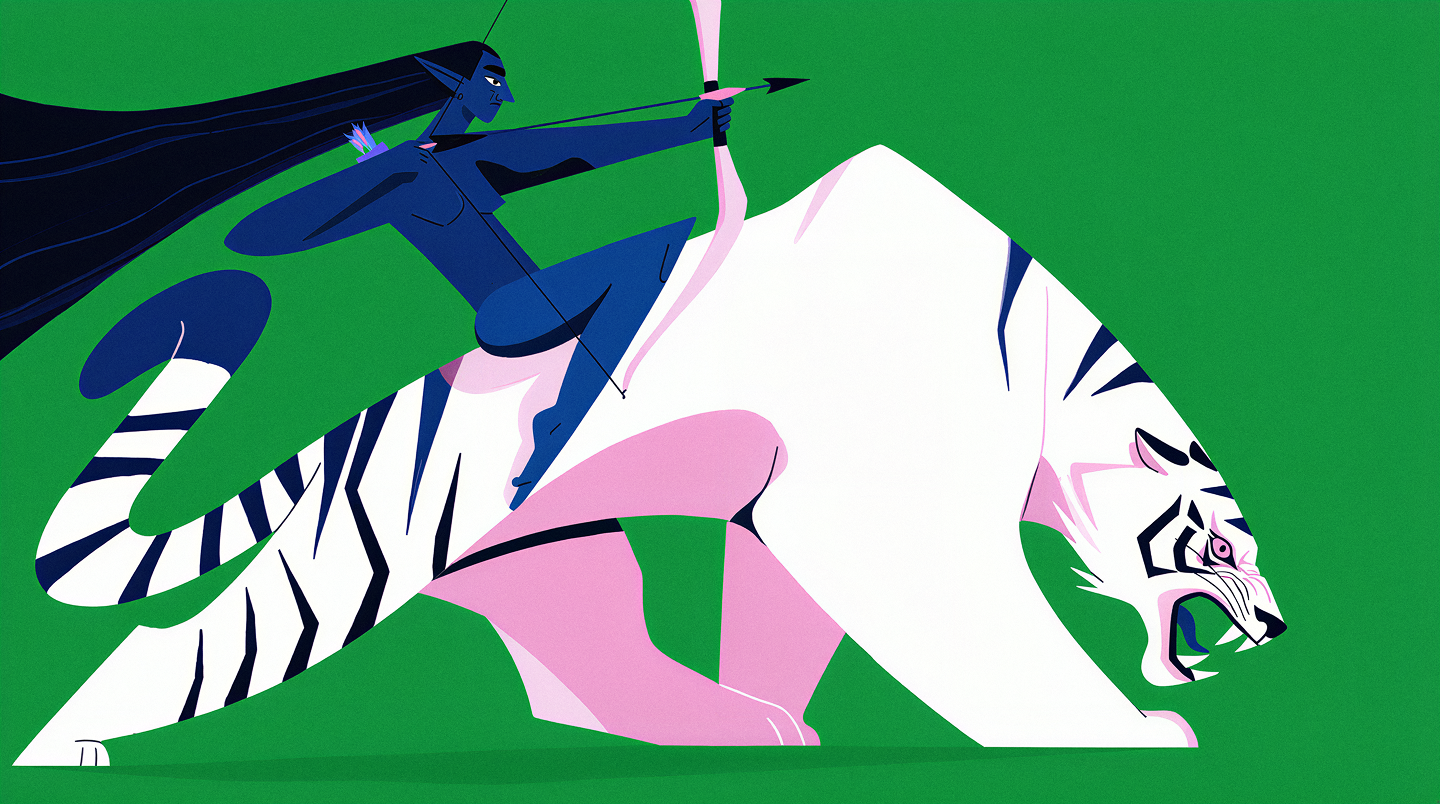
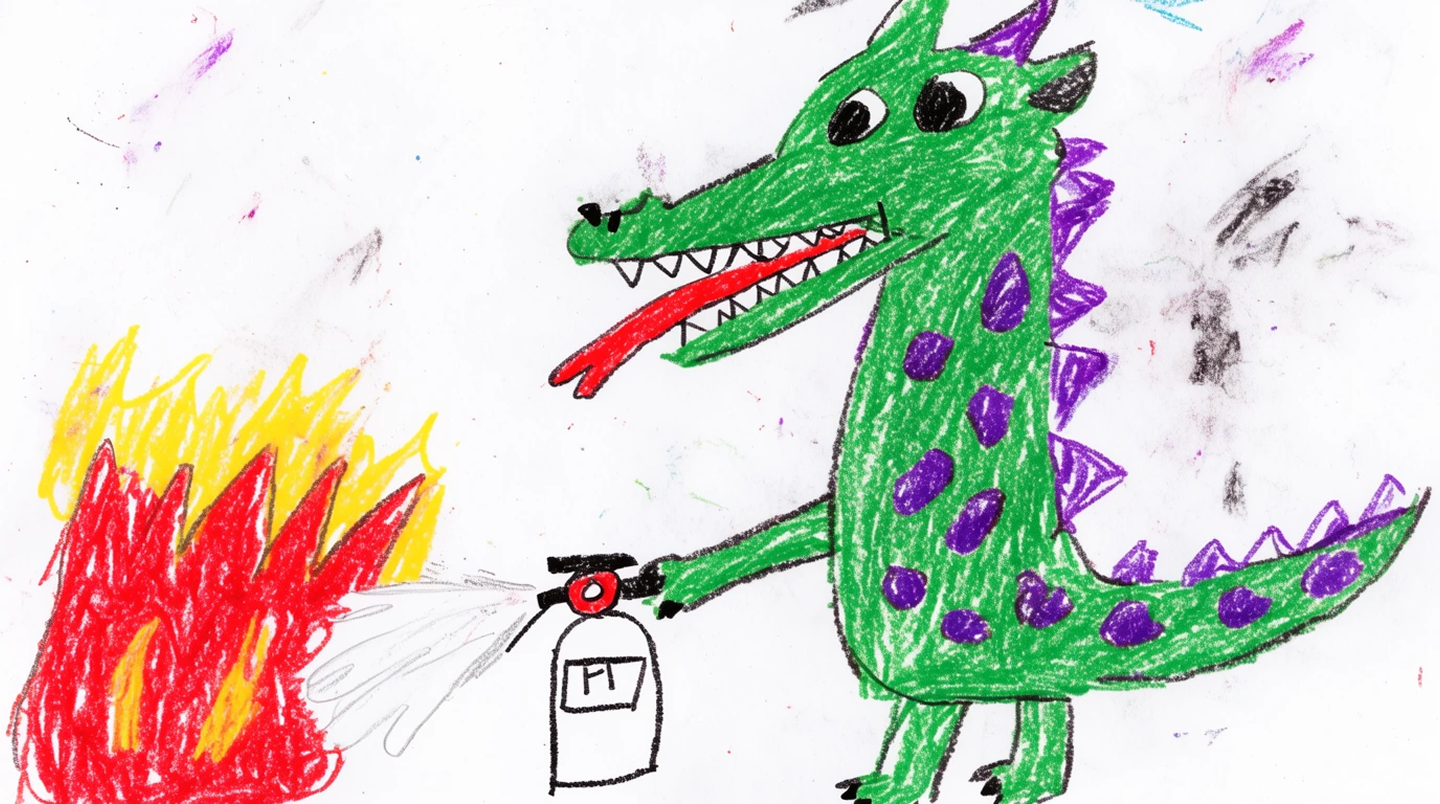
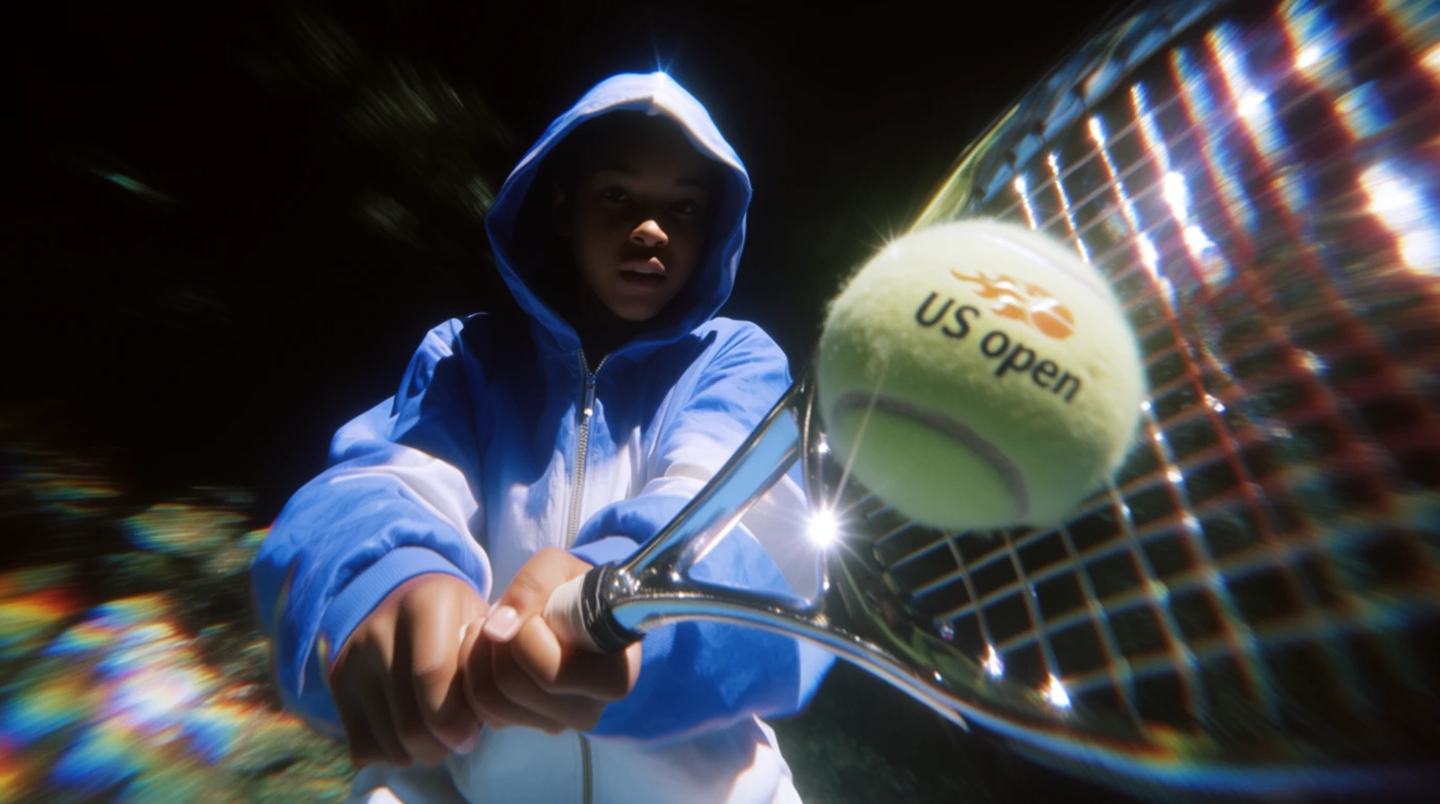
One model, four directions
Krea 2
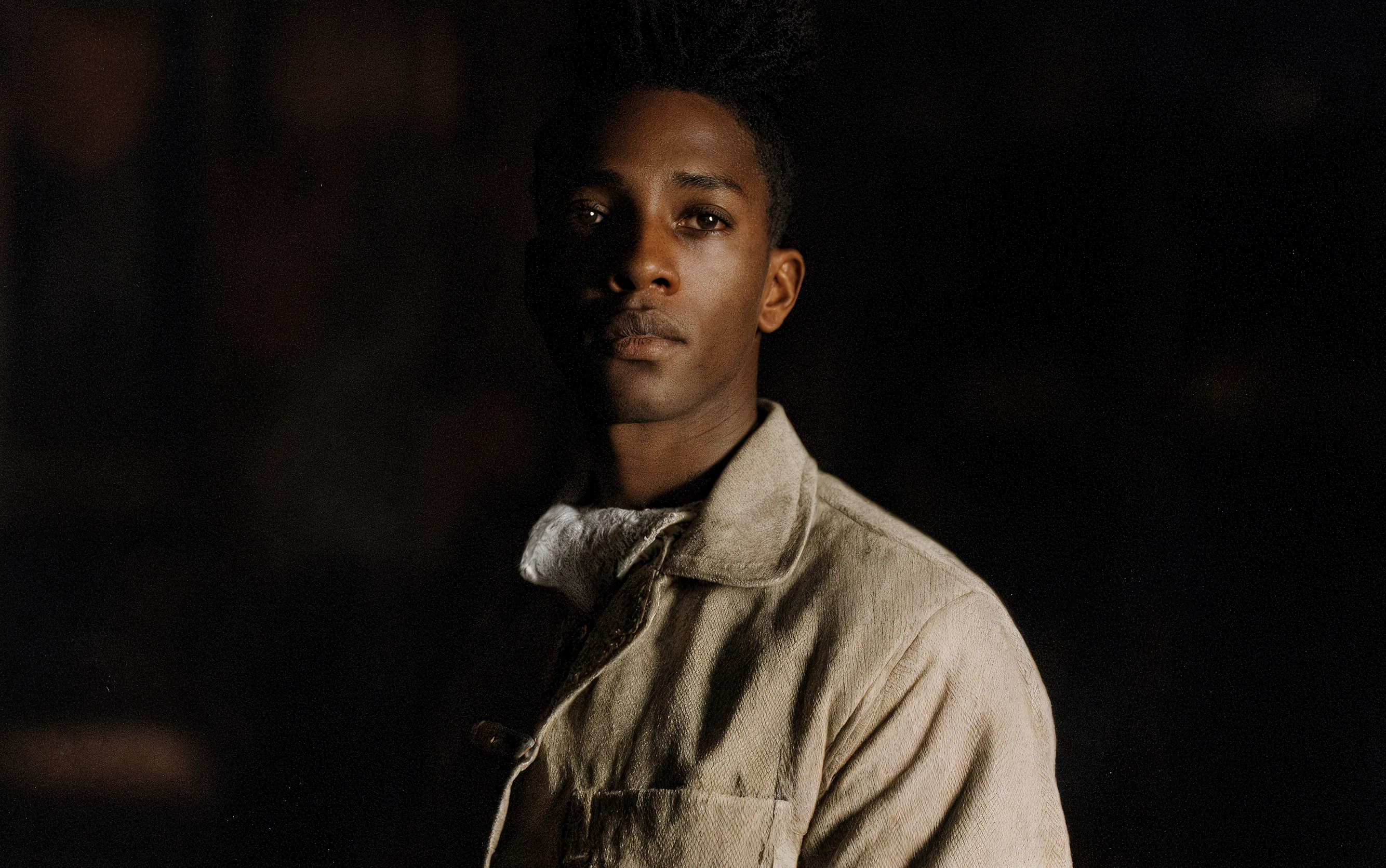
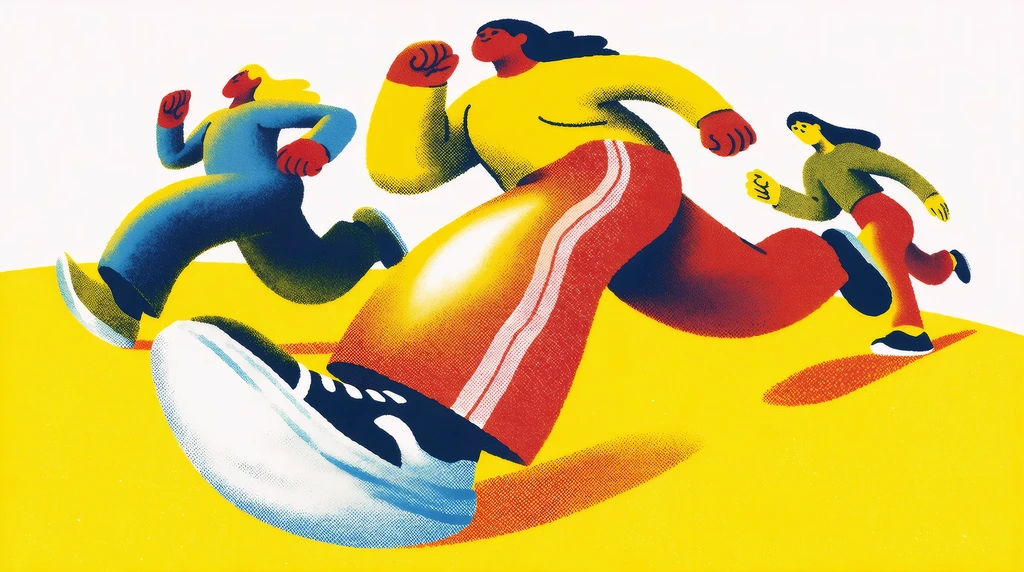
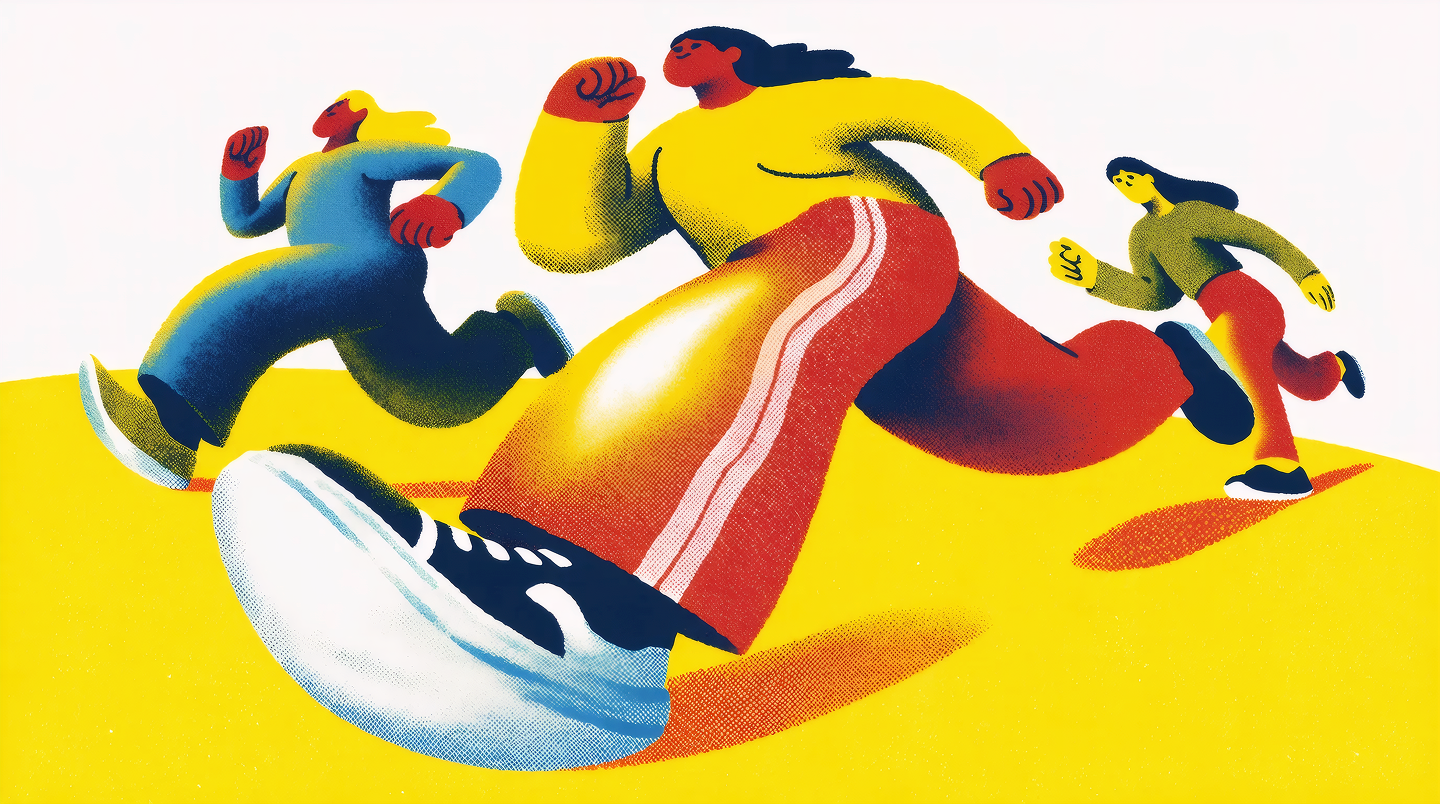
All four images were generated by Krea 2 — vibrant action photo, flat graphic concept art, childlike crayon drawing, and crisp HD sports photography.
"Style should not be a vague prompt word. It should be something you can guide, mix, strengthen, reduce, and push."
Style control: where Krea 2 pulls ahead
Style transfer is where the two platforms diverge most clearly.
Midjourney uses parameters like --sref and --sw for style references — drop in an image URL, get its aesthetic applied to a new prompt. It works, and it's been refined over multiple model versions. But the controls live in text flags, and the system is opinionated about what "style" means.
Krea 2 ships with two dedicated tools:
- Style references (S-Refs) — drop one image into the prompt box and Krea 2 extracts palette, line work, texture, lighting, and composition language, then applies them to anything you generate next. Each reference has a strength slider, so you can dial it from a light direction (low strength) all the way to full visual dominance.
- Mood boards — go beyond four references. Drop in as many images as you want, and Krea analyzes them with custom LLMs and clustering to read style, concept, characters, vibe — everything. The output is a taste profile, a keyword set, and a list of things the system will steer away from. Every generation against that board carries the whole world of your references with it.
If you've ever struggled to escape the default Midjourney "look," this is the part that will feel different.
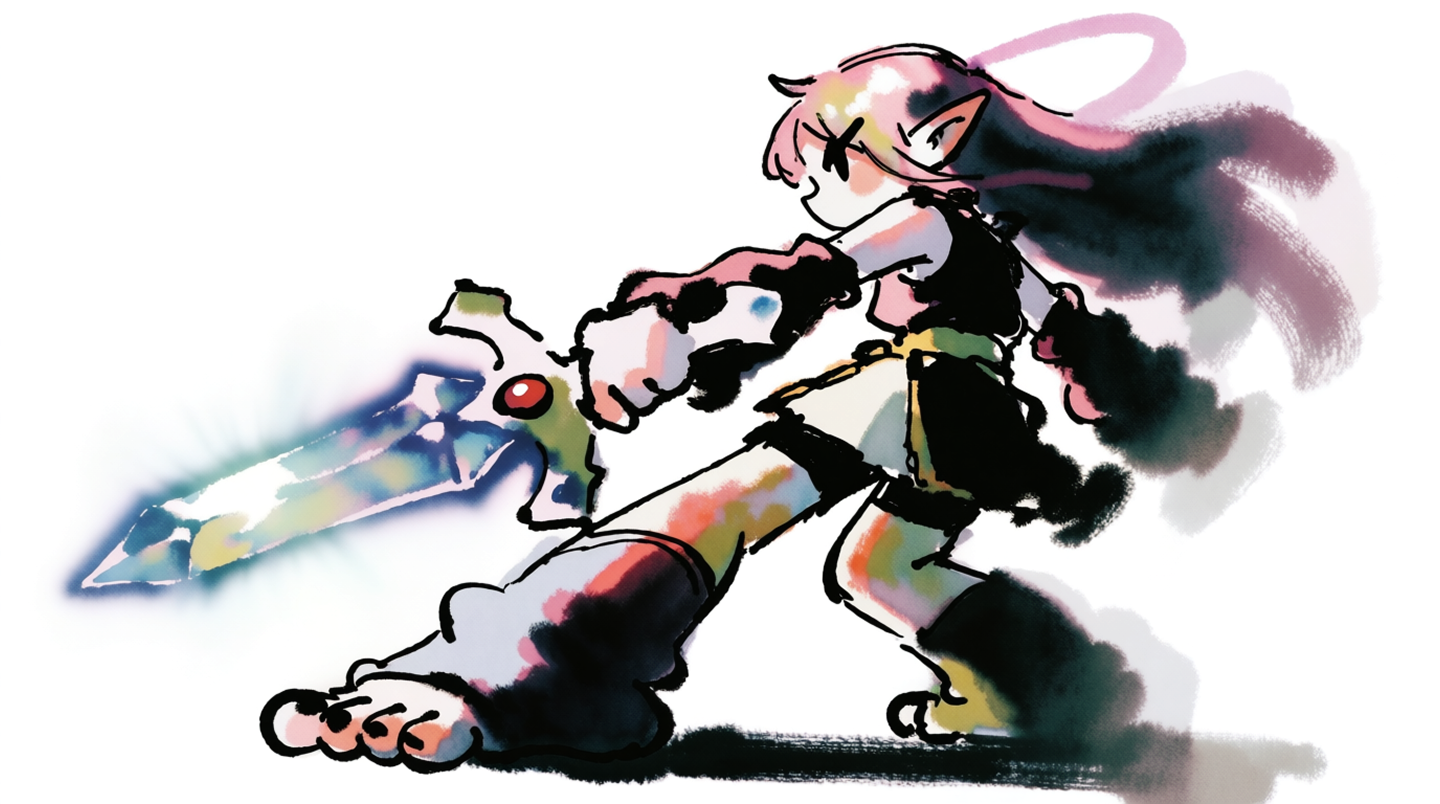
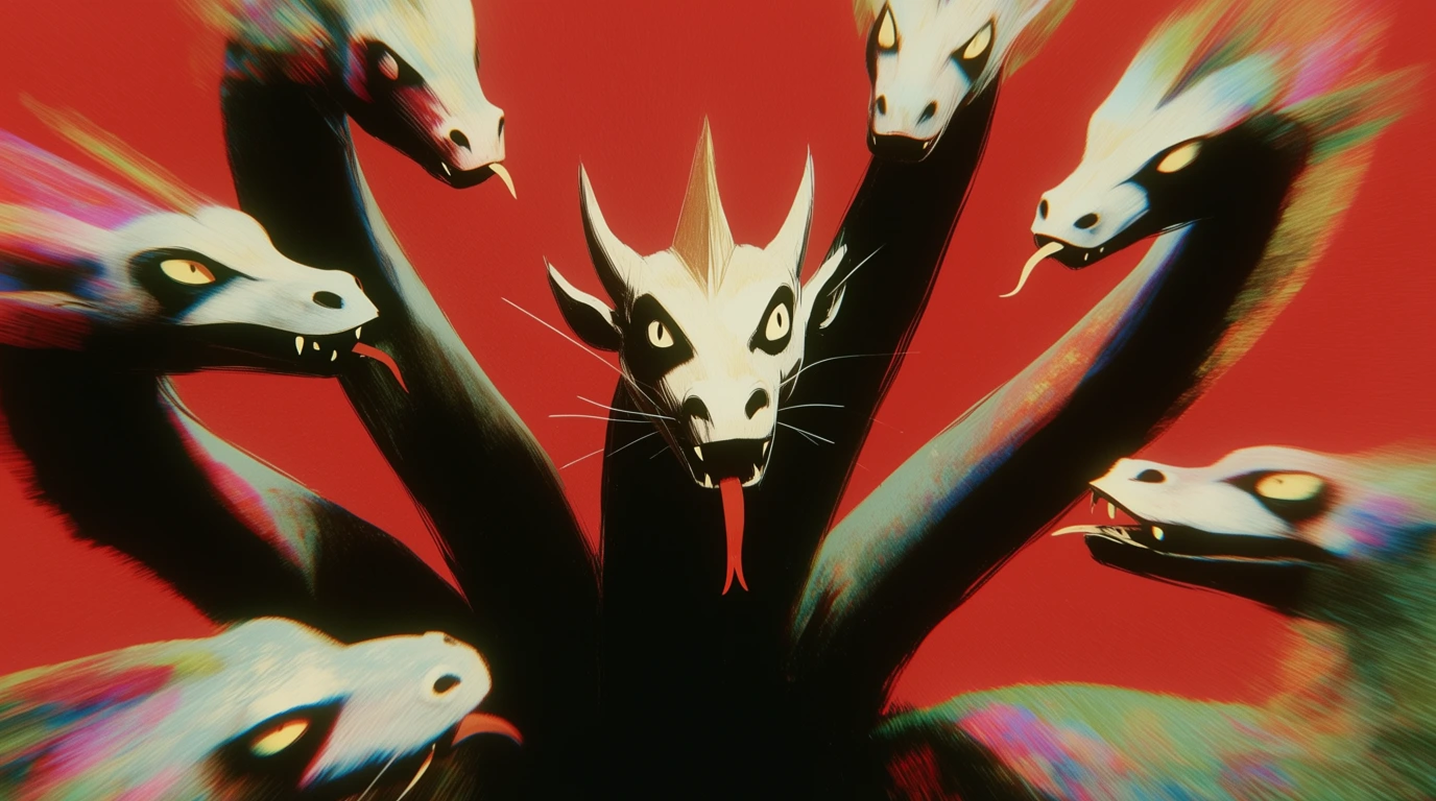
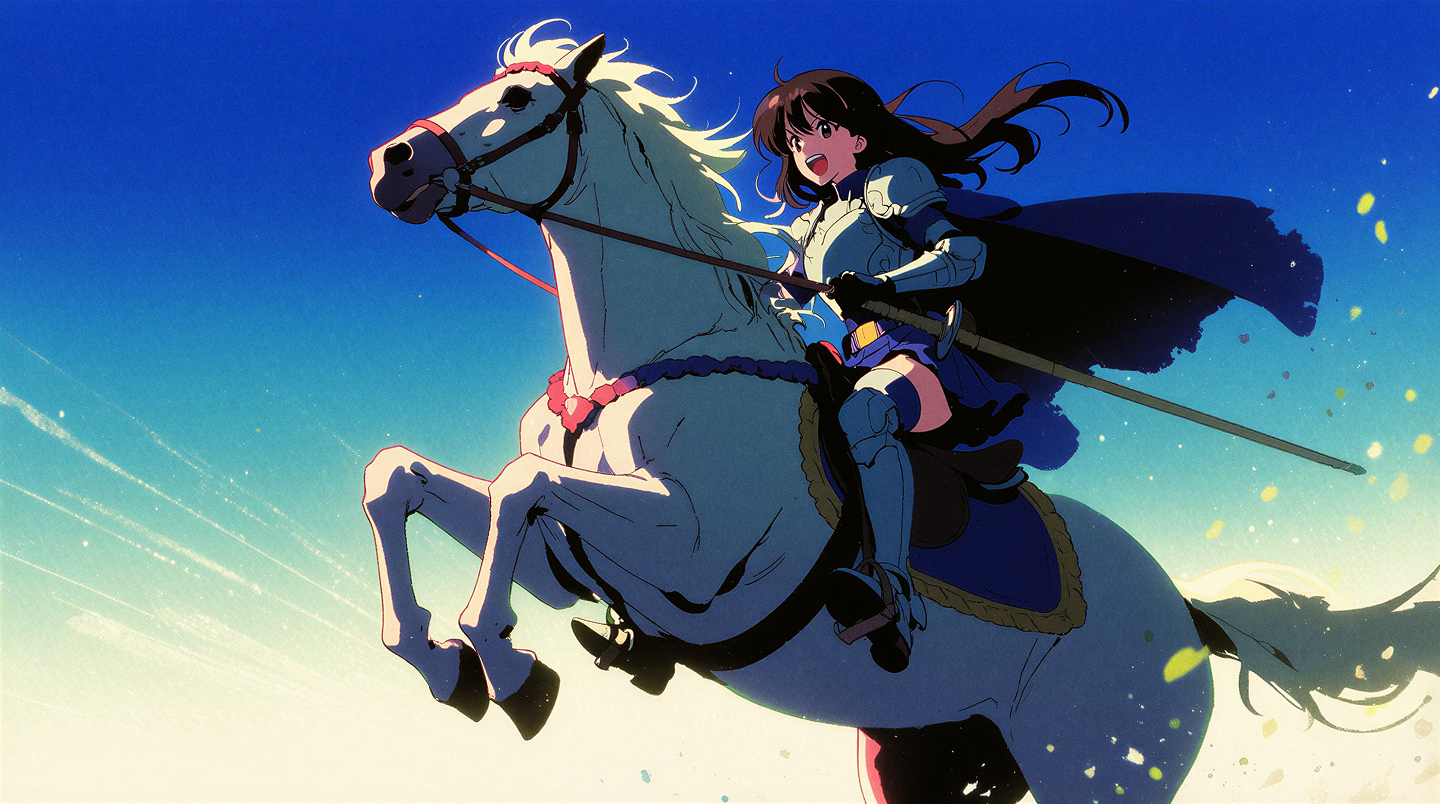
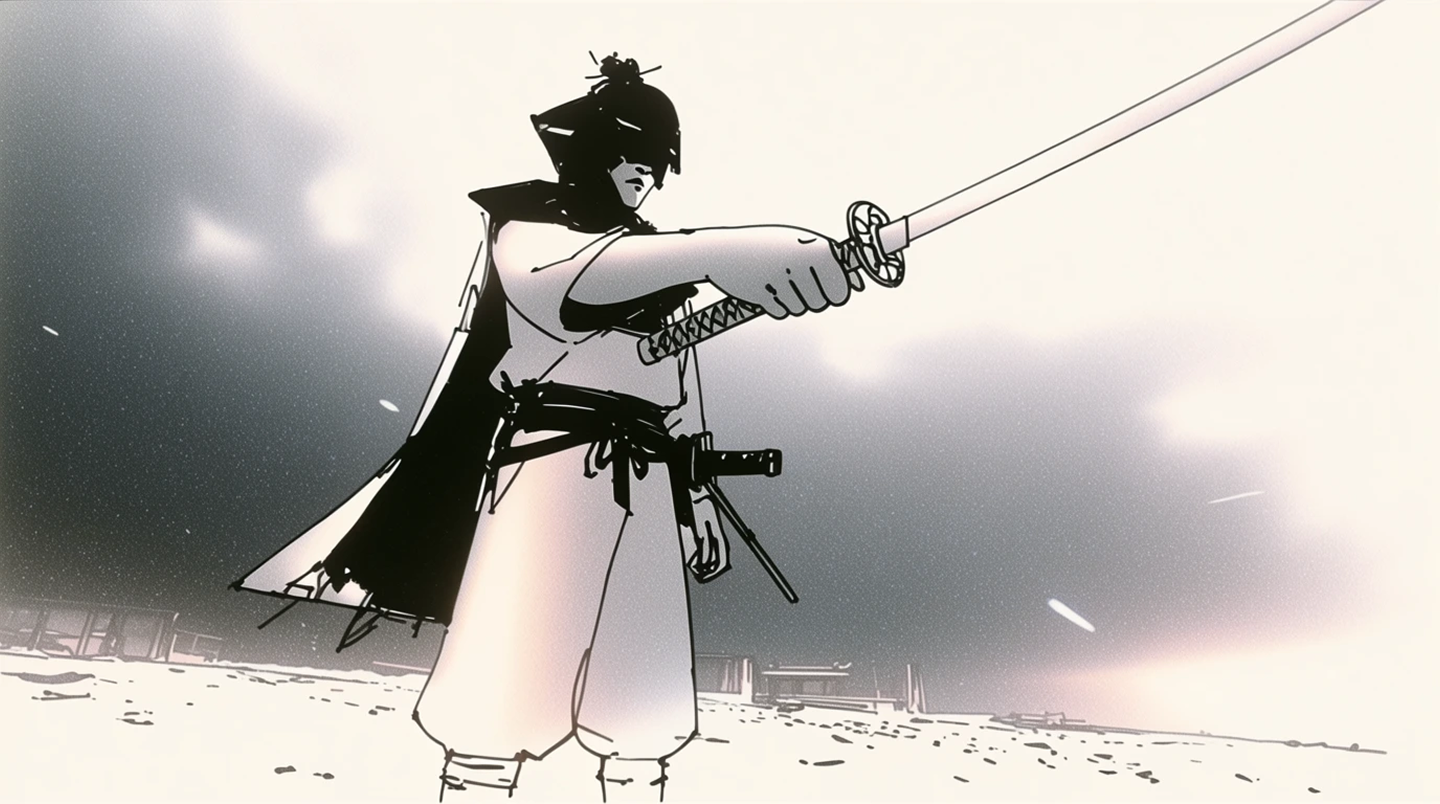
Styles most image models flinch at
Krea 2
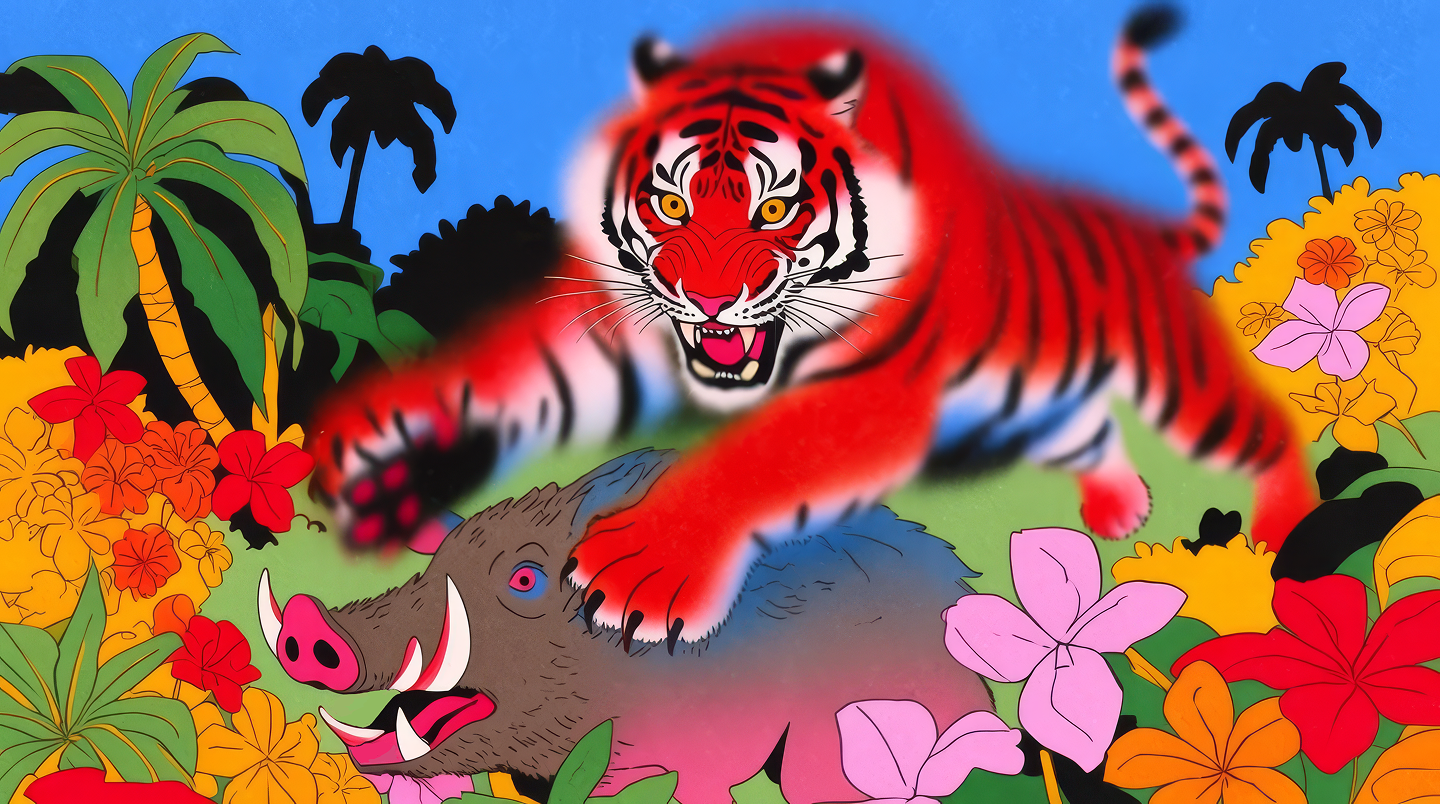
Loose ink-wash sketch, extreme stylization, anime, action illustration. Krea 2 commits to the style instead of polishing it away.
Workflow: real-time canvas vs. queue-based generation
This part hasn't changed dramatically, but it's worth restating.
Midjourney runs through a queue, in Discord or its web app. You prompt, you wait, you get four variations. The cadence rewards patience and prompt craft.
Krea runs a real-time canvas that updates as you type or sketch. Krea 2 plugs into the same workflow — explore exploratively, start vague, follow the threads that come back. Faster iteration, less prompt engineering, more direct manipulation. K2 generations land in ~15 seconds.
Different philosophies, both valid. If you like crafting one perfect prompt and waiting for the reveal, Midjourney's flow fits. If you like steering visually and adjusting in flight, Krea's does.
Feature scope: a single model vs. a creative suite
Midjourney is image generation. That's the product. They do it well and they do it deeply, but if you need video, upscaling, editing, motion transfer, 3D, or training — that's a different tool.
Krea is an integrated suite. Krea 2 is the new flagship image model, but it sits inside the same platform as:
- Text-to-video and motion transfer
- Generative image editing with region annotations
- Upscaling and enhancement
- LoRA training for custom styles and characters
- Image-to-3D
You can generate in Krea 2, edit the result, animate it, upscale it, and train a LoRA on it — without leaving the platform.
Quality
Both models produce high-quality images. The honest answer on quality is it depends on what you're after.
Midjourney tends to win when you want its specific aesthetic — cinematic, dreamy, painterly — and you want it consistently.
Krea 2 tends to win when you want a specific visual direction that isn't the default AI look. The style transfer system was built precisely to escape that gravity. In an independent style-fidelity benchmark, Krea 2 Large landed within 0.14 points of GPT Image 2 — closer to the top of the field than any image model we've shipped before. (Read the benchmark.)
For typography, in-image text, and fine detail editing, both have improved sharply. We'd suggest testing your specific use case rather than trusting either side's marketing.
Pricing
Midjourney starts at $10/month for basic access; serious users land at $30–$120/month. You're paying for image generation and the community experience.
Krea has a free tier (yes, you can try Krea 2 without paying), with paid plans starting at $9/month. That covers image, video, editing, enhancement, training, and real-time generation — one subscription for the full suite.
To celebrate Krea 2 going live to everyone, we're running unlimited Krea 2 generations for all subscribers for one week. Details here.
Which should you pick?
- Pick Midjourney if: you want a strong, consistent aesthetic identity and you're happy operating within it; you enjoy the Discord-native community workflow; image generation is the only thing you need.
- Pick Krea 2 if: you want fine-grained control over visual style; you work with reference images and mood boards; you need video, editing, training, or real-time iteration in the same workflow; you've hit the wall of the generic "AI look" and want out.
Either way, the gap between "AI image generator" and "creative tool" is closing fast. We built Krea 2 to push it the rest of the way.
Frequently asked questions
Yes. Krea has a free tier where you can test Krea 2 and the rest of the platform.
Yes — that's one of its core strengths. Use style references for a single image, or mood boards for larger reference sets that capture concept, vibe, and characters in addition to style.
Krea 2 was designed around explicit style control. Where Midjourney applies a strong default aesthetic, Krea 2 lets you guide style with references, strength sliders, and mood boards — including pushing against the default AI look.
Yes. Krea is a full creative suite — image, video, motion transfer, generative editing, upscaling, LoRA training, and 3D generation, all in one place.
Krea has a free tier and starts at $24/month for paid plans, covering the whole suite. Midjourney starts at $10/month and only covers image generation. Value depends on whether you need more than images.