This is a prompting guide for Krea 2: start with a vague prompt, look at the variety Krea 2 returns, then narrow it down with a style hint. You don’t need a fully-formed idea to get started. Part of the experience is meant to be exploratory — you bring a seed, and the model brings the variety.
Bring a seed, get variety
Type a vague prompt in the image tool and let Krea 2 surprise you.
Open the image toolStart simple
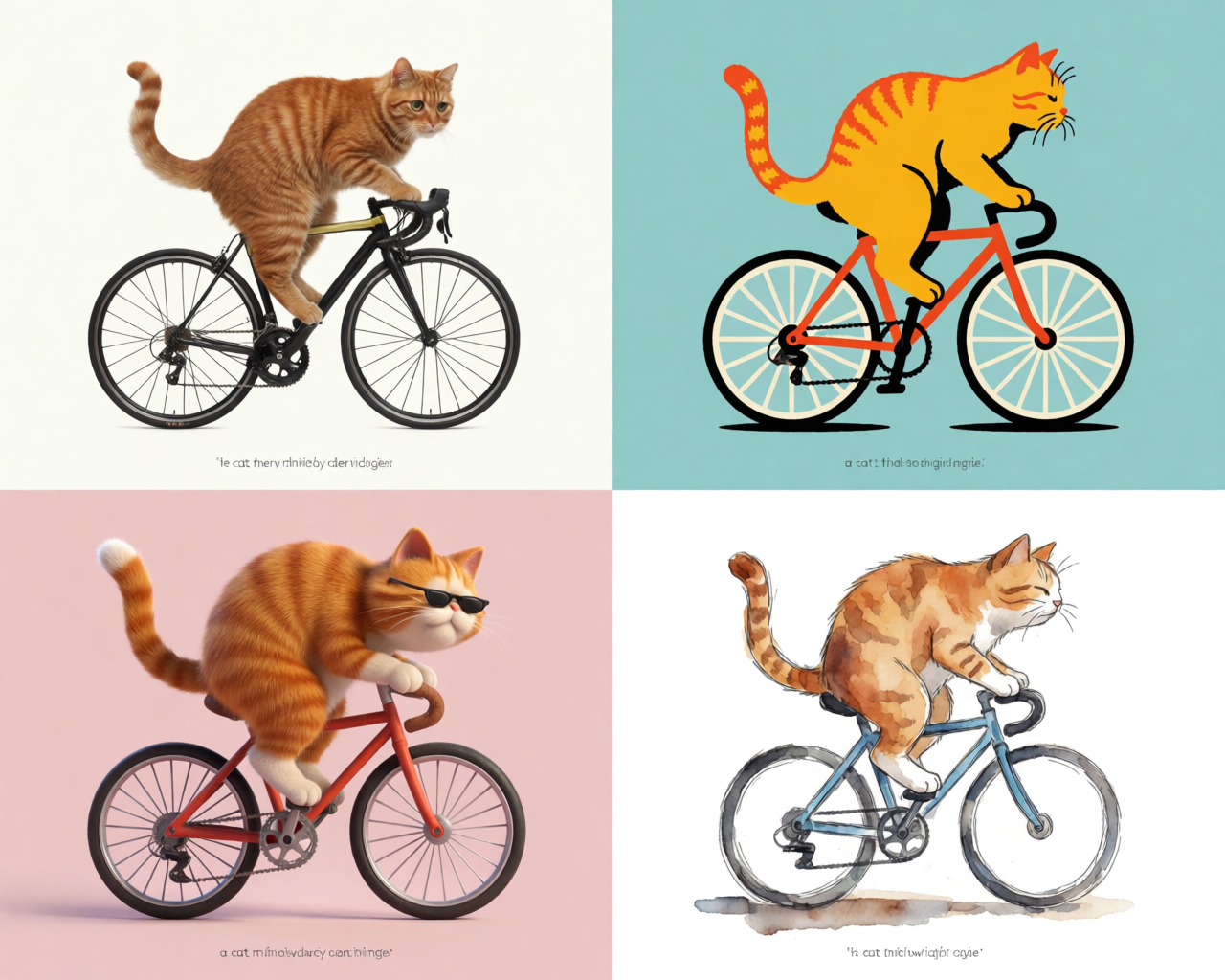
Open the image tool and type something deliberately vague. “A cat riding a bicycle.”
That’s it. Hit generate.
What Krea 2 does with a prompt like that is interesting: instead of locking onto one interpretation, it tries to find the diversity that exists inside the idea. How many different ways are there to render a cat on a bike? You’ll see photography, illustration, 3D animation. Maybe one with sunglasses. Maybe one in a totally unexpected style.
One prompt, three directions
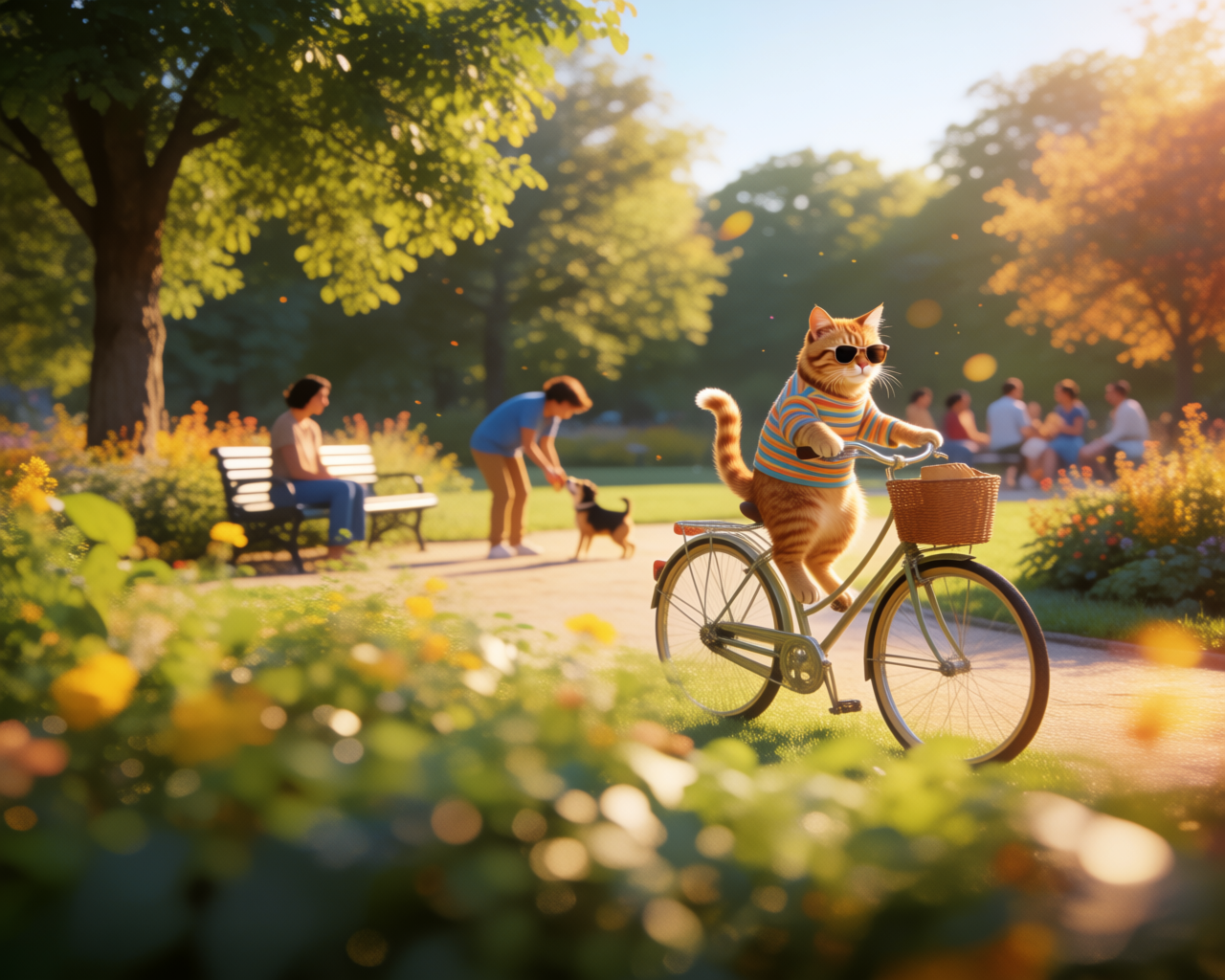

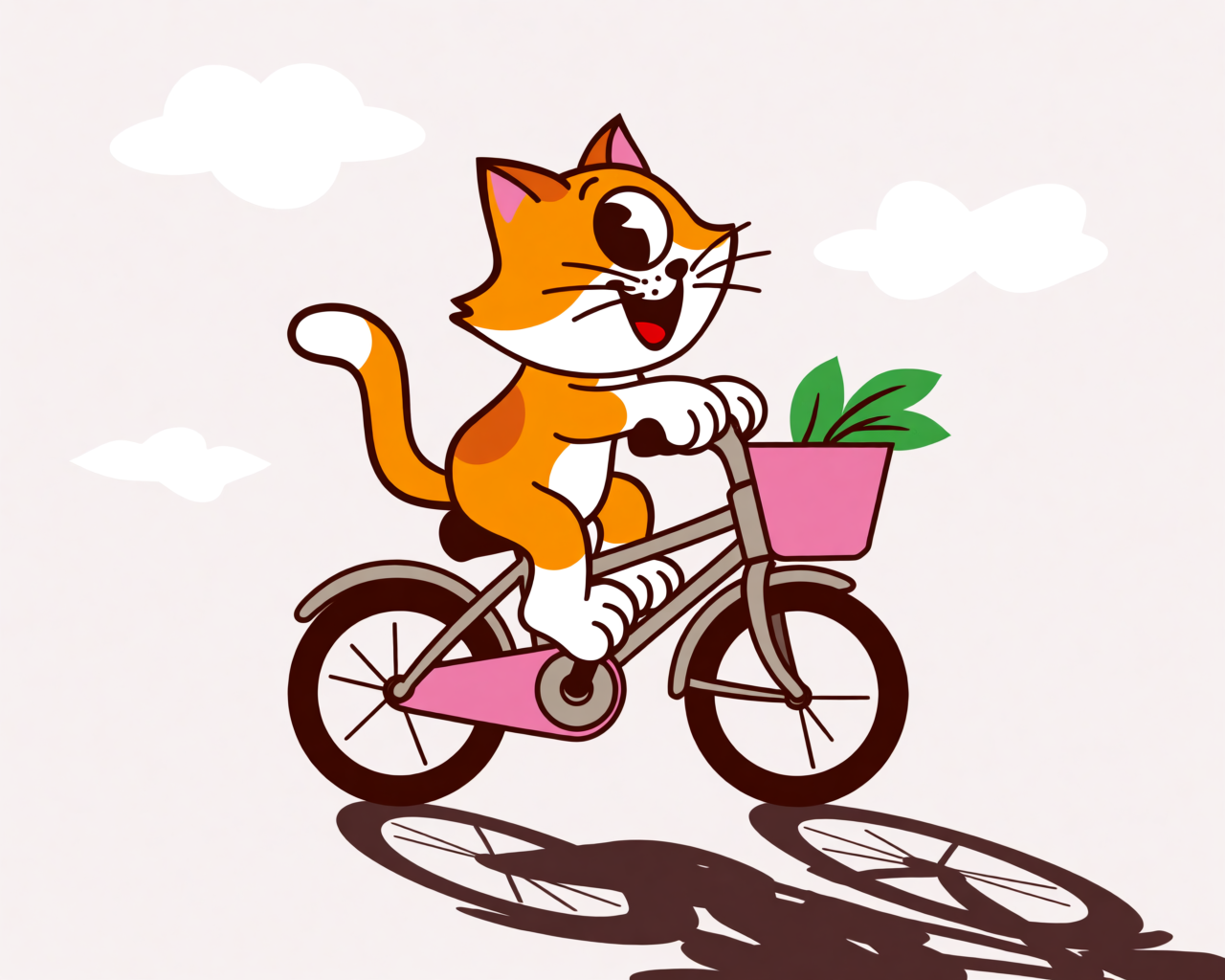
Narrow it down
Once you see something you like, get more specific. Add a style hint — say, “retro cartoon illustration” — and run it again.
You’ll notice Krea 2 still keeps some variety in the output. It hasn’t collapsed to a single answer. But now everything is filtered through that stylistic intent. Same exploratory feel, narrower aperture.
That’s the loop: start vague, see where the model takes you, lock in what works, push deeper.
Why this matters
Most image generators reward you for showing up with a finished prompt. Krea 2 rewards you for showing up curious. The fastest way to get to a good image is often to type the worst possible prompt first, look at what comes back, and follow the thread that interests you, including when you’re sketching out a t-shirt graphic.