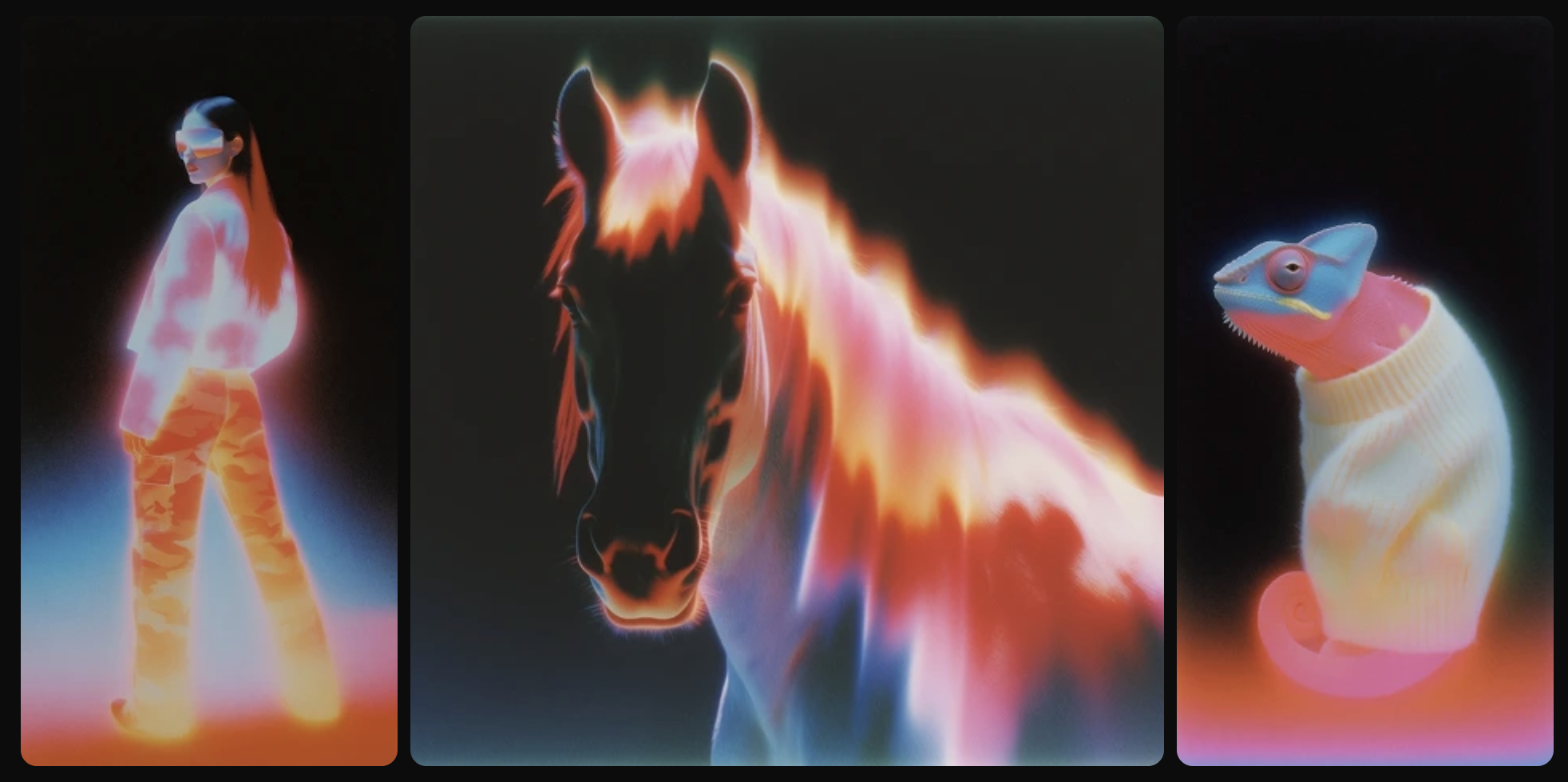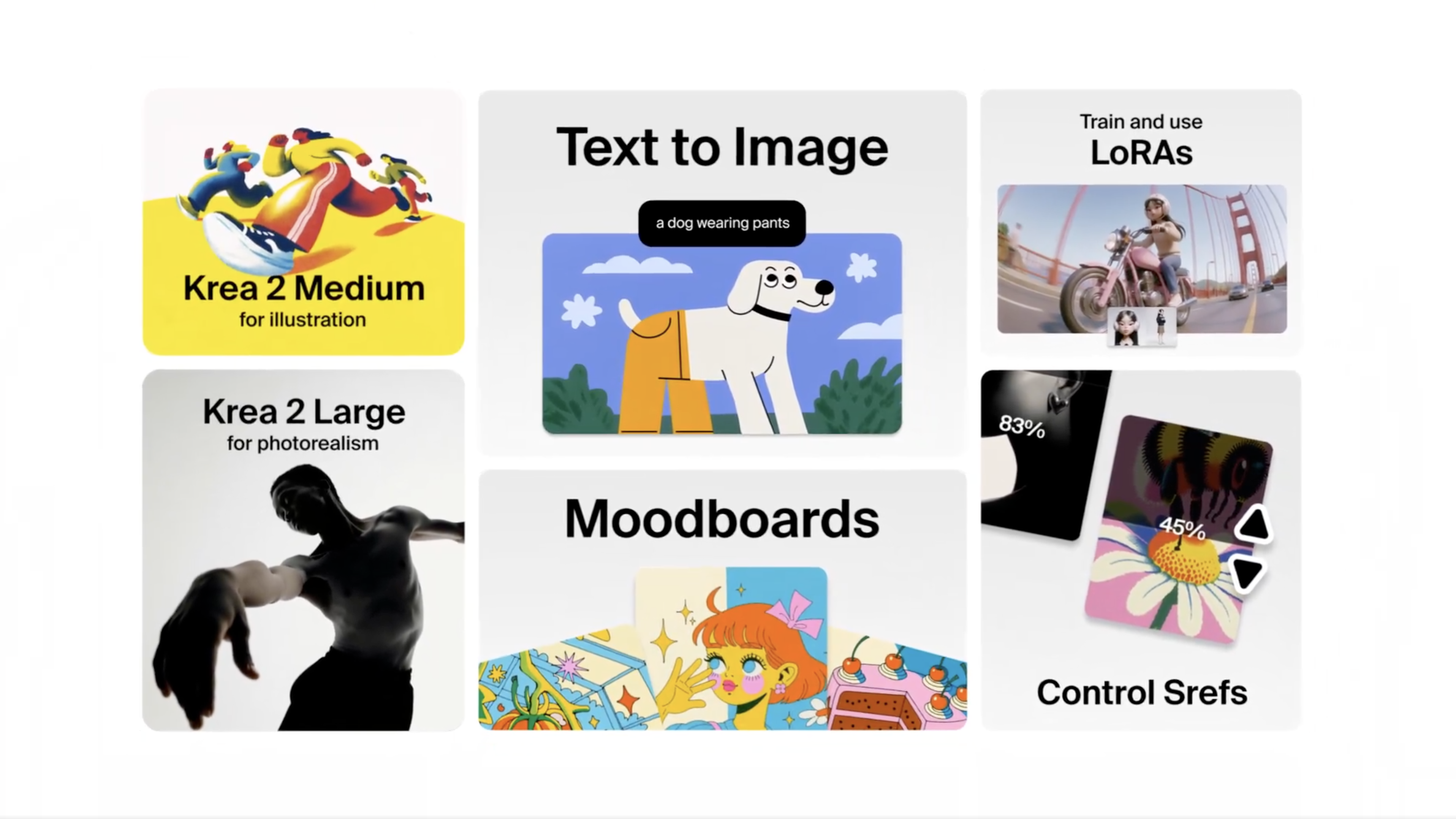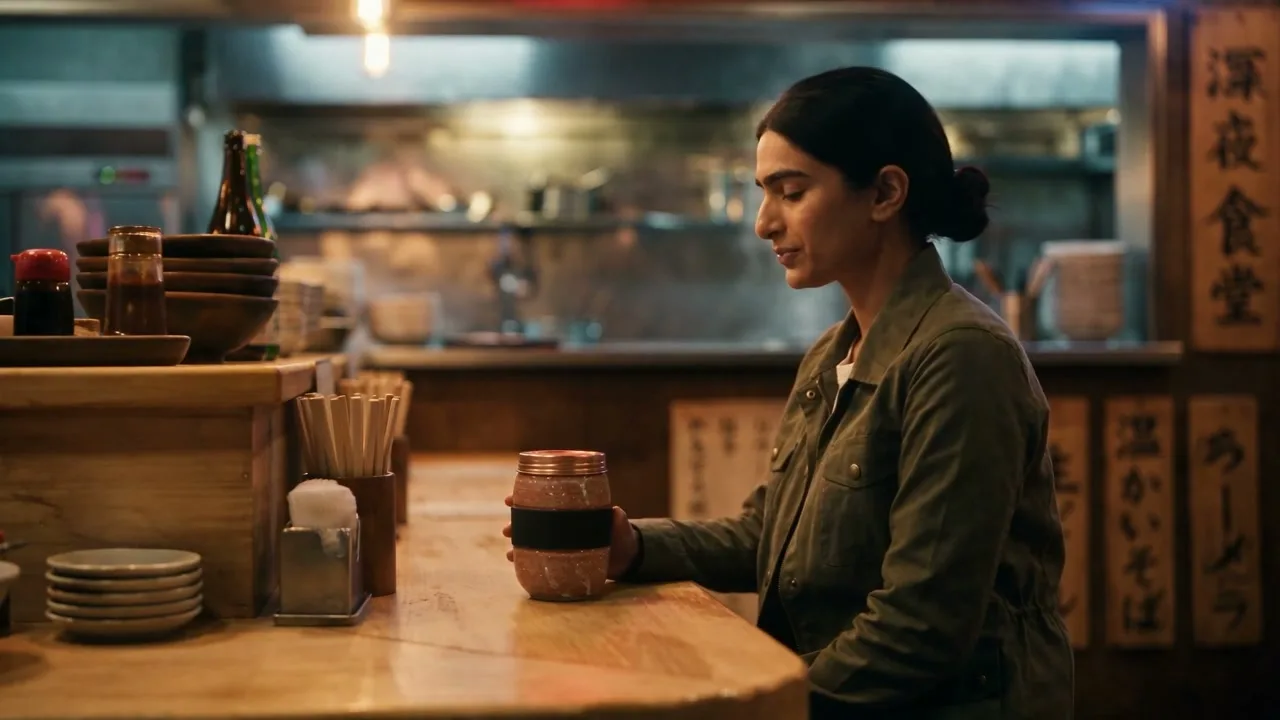
Style references — S-Refs — are one of the most-used features in Krea 2. We spent as much time building the style transfer system as we did on the foundation model itself.
Lock a Style in One Click
Use any image as an S-Ref and carry its look into every new prompt.
Use S-RefsHow it works
You drop an image into the add as style transfer slot in the prompt box. Krea 2 extracts the stylistic components from that image — palette, line work, texture, lighting, composition language — and applies them to whatever you prompt next.
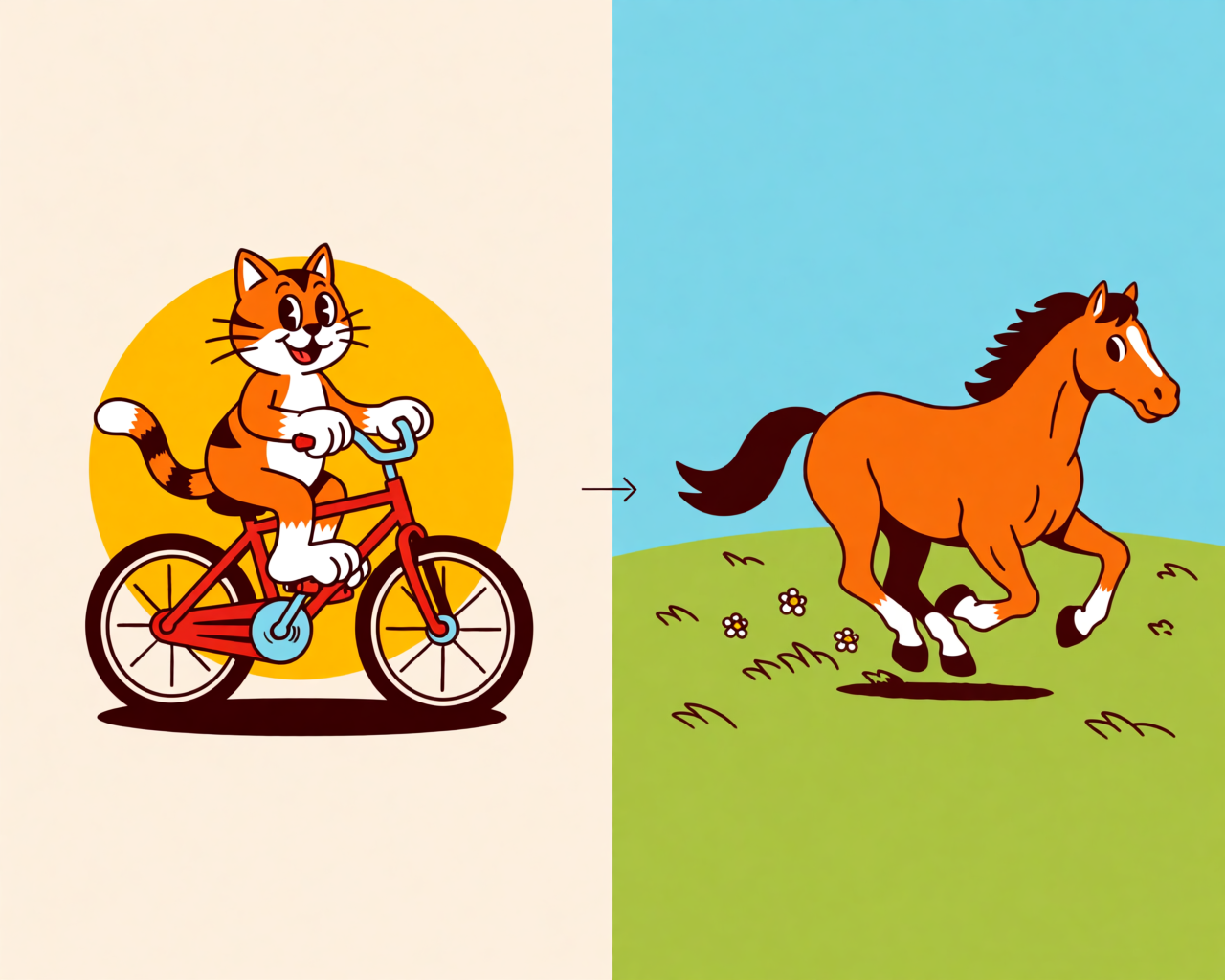
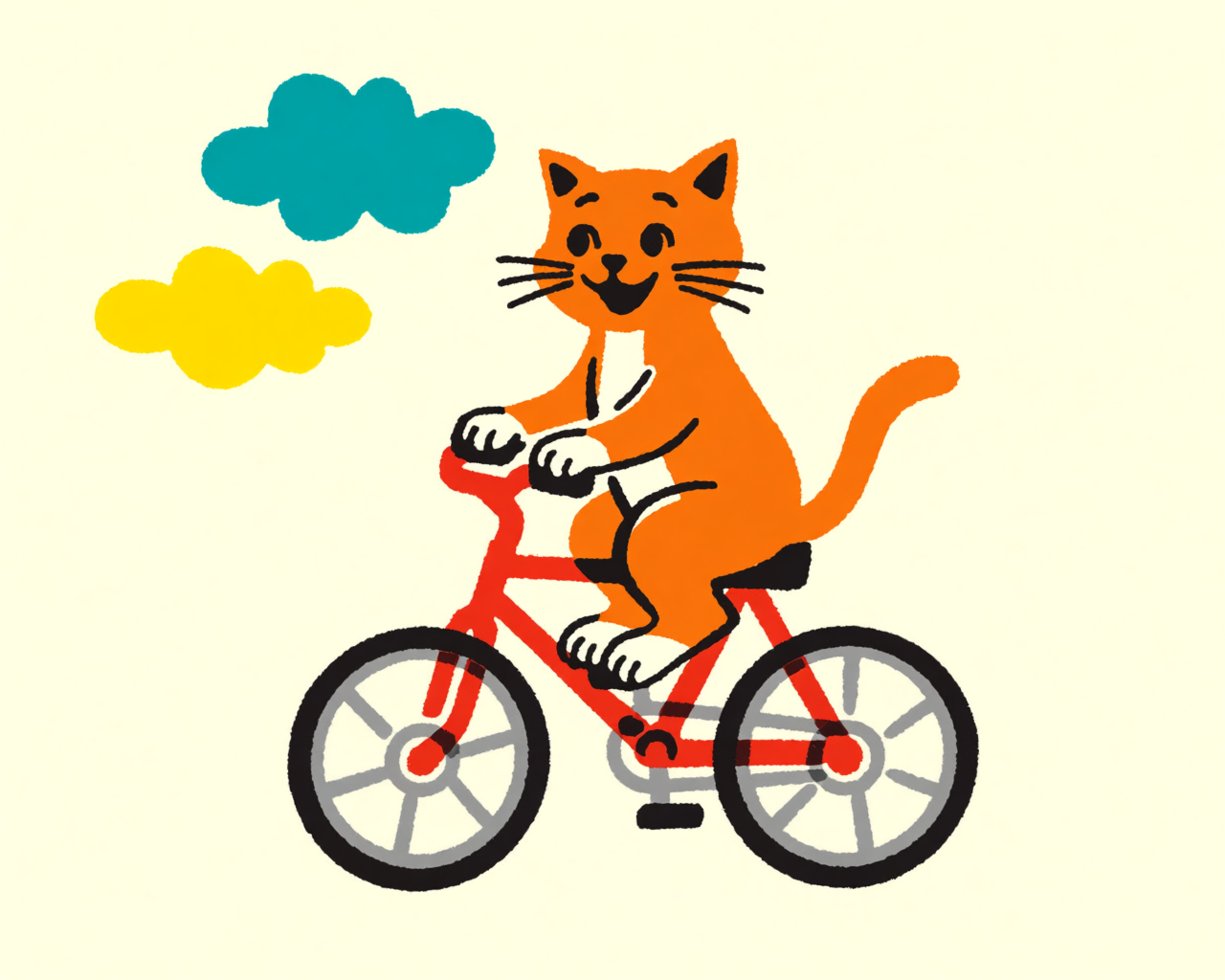
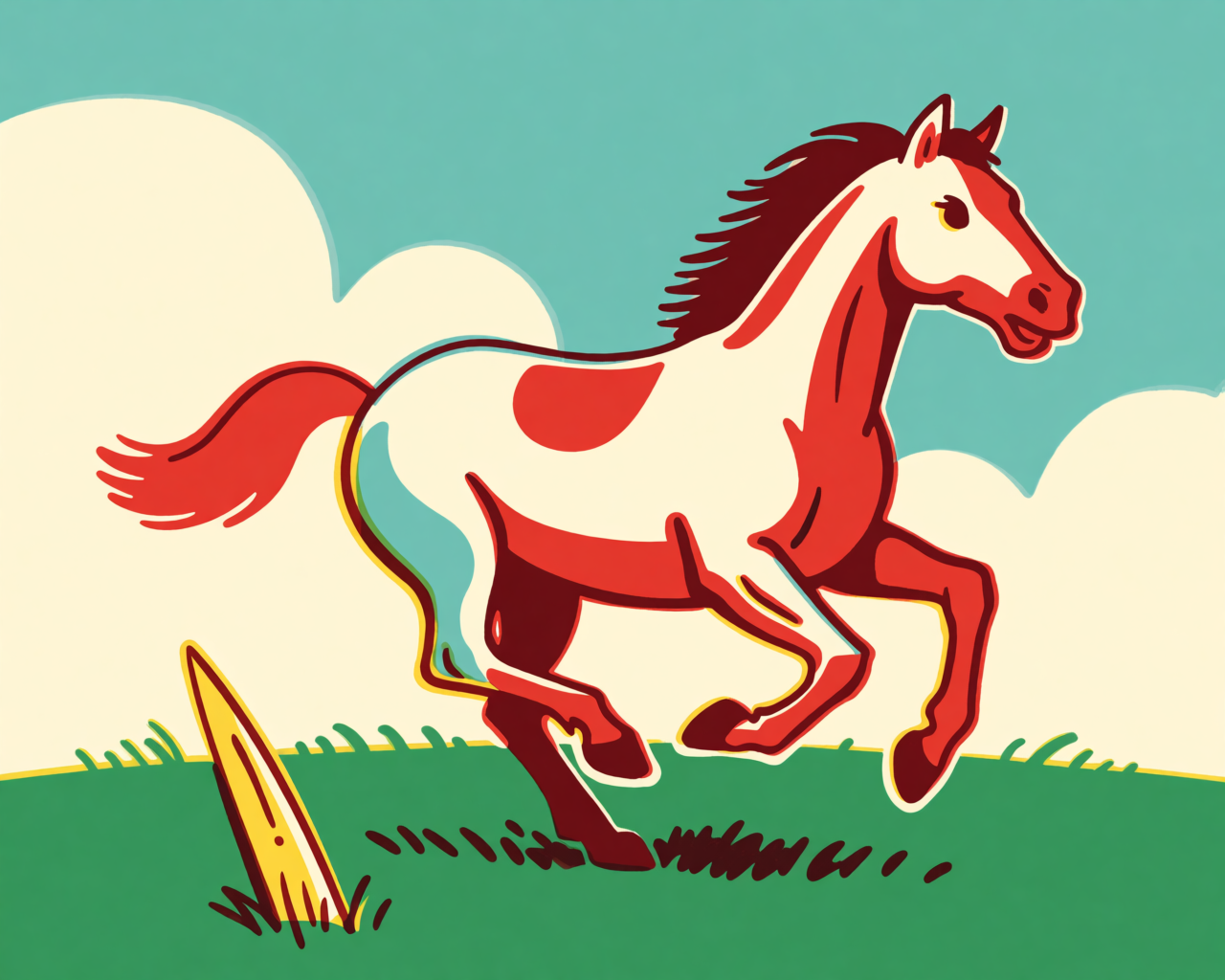
Say you generated a retro cartoon cat on a bicycle and you love the style. Grab that image, drop it in as a style reference, type a new prompt — “a horse galloping in a field” — and hit generate. The model rebuilds the new scene in the same visual world.
Same style, new subject
Strength matters
Every style reference comes with a strength slider. It controls how much influence the reference has on the output.
At 50% (the default), the model balances your prompt against the reference’s visual language. That’s the sweet spot for most cases.
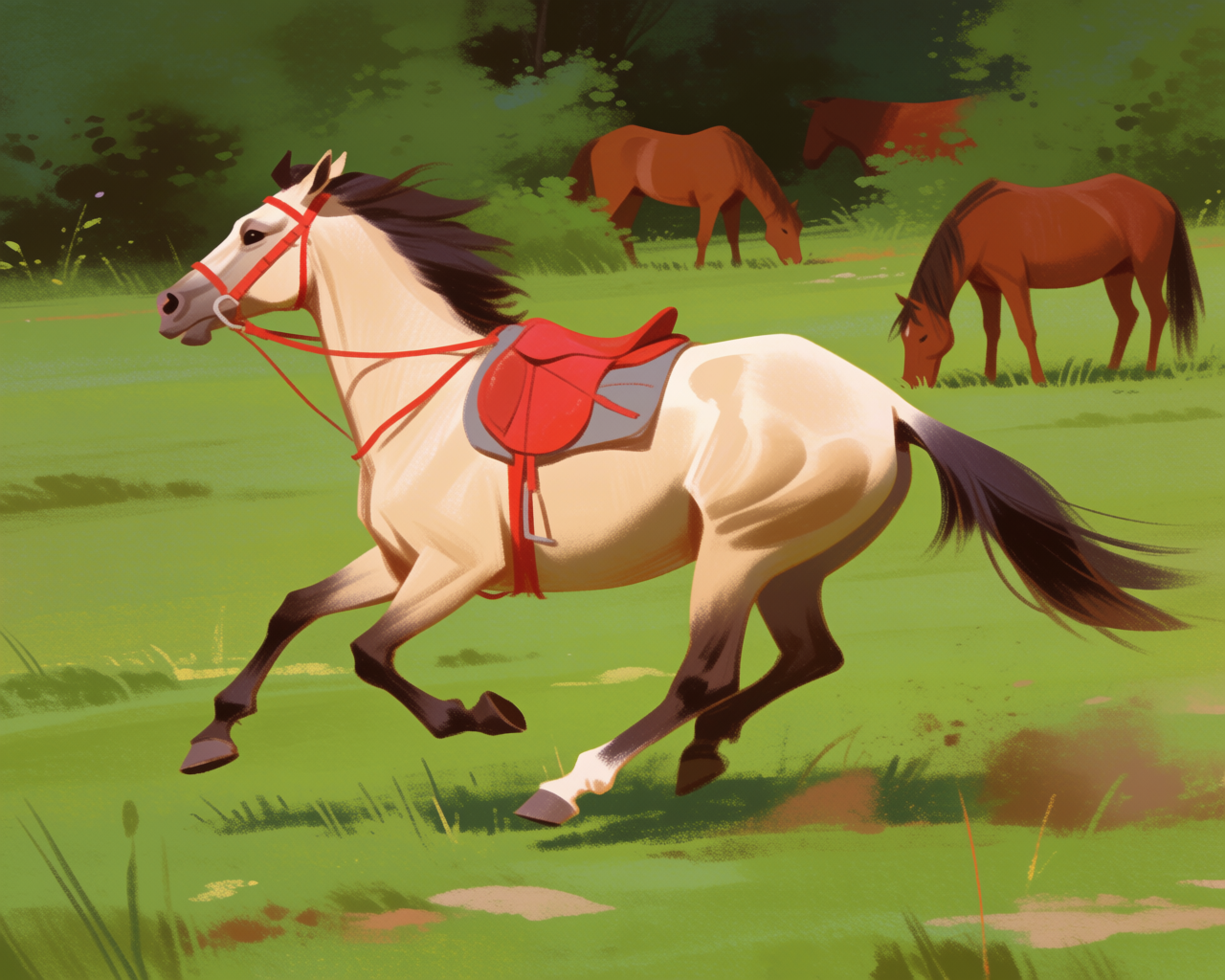
Push it higher and the style dominates — the model will fight to apply every detail of the reference, sometimes at the expense of the subject. Push it lower — say, 20% — and the style influence becomes a tint. The reference’s palette might bleed through, but the model is mostly drawing from the prompt.
At very low strengths, the model can also do strange things: trying to find places to apply the reference’s colors and ending up painting them somewhere unexpected (like onto the horse itself).
Strength: high vs. low
When to use S-Refs
- You found a style in one generation and want to extend it across a series, such as a set of posters for the same event, as in our poster design guide.
- You have a single reference image — a photo, a painting, a sketch — and want Krea 2 to speak its visual language.
- You want surgical control over style transfer. (For more open-ended aesthetic exploration with multiple references, mood boards are usually a better fit.)
S-Refs are the precision tool. Mood boards are the exploration tool. Both can be in your workflow at the same time.
Try style references in Krea 2
Drop in any image and transfer its style to your next generation.
Open Krea 2