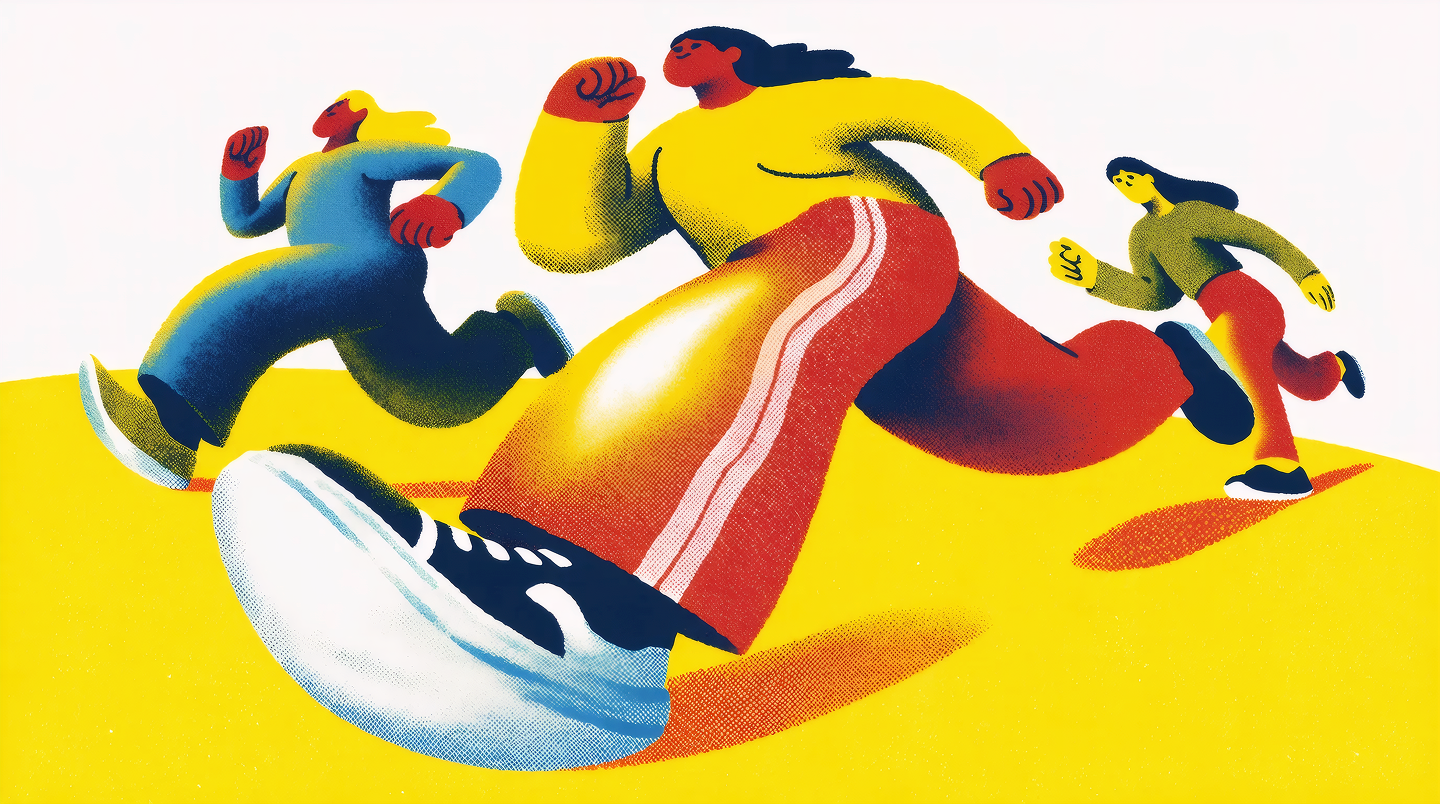
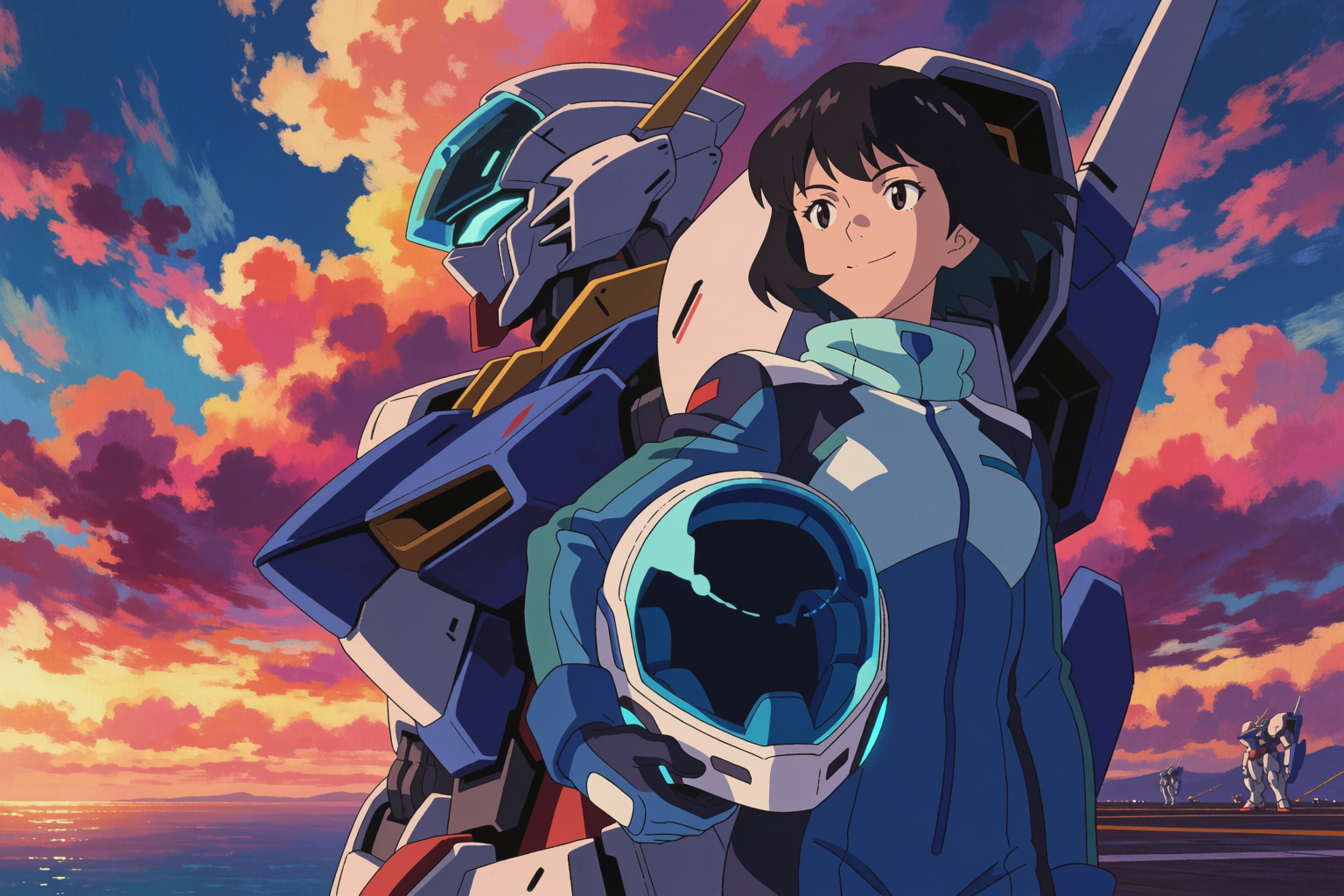
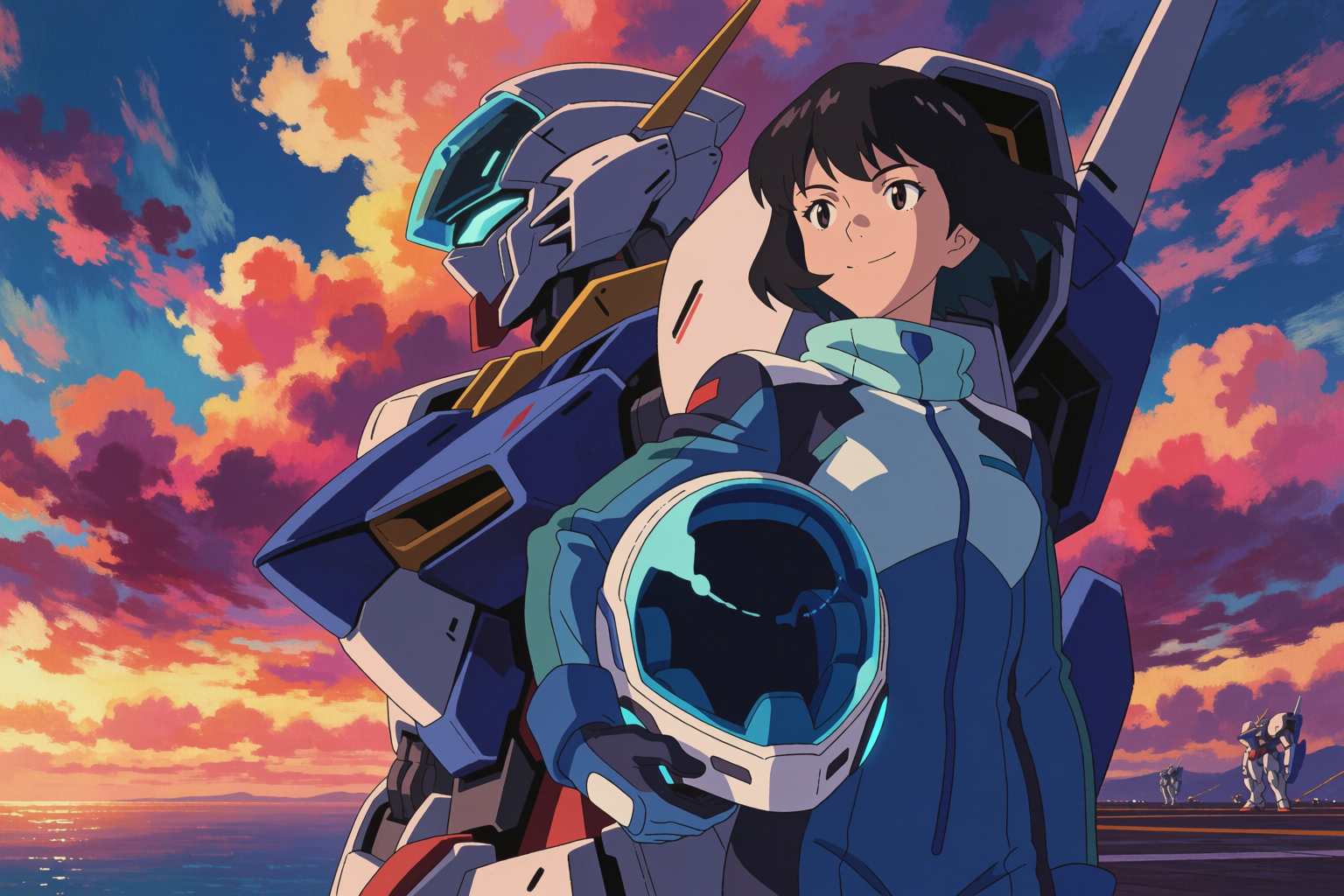
If you make anime art with AI, you are choosing between a handful of models. NijiJourney is the established name. Krea 2 is the new one. This article is an honest look at where each one wins, with every image here generated in Krea 2 so you can judge the model on its work.
We will not run a head-to-head with NijiJourney outputs in this post — comparing AI outputs apples-to-apples across vendors is its own minefield, and you can run those tests yourself on both services. Instead, this is about the shape of the two tools.
NijiJourney: one strong default
NijiJourney is the anime-specialised model from the Midjourney team. Its strengths are real:
- One clear, consistent default anime look — clean, polished, recognisable
- Very fast time-from-prompt to a usable image with minimal prompt-craft
- Strong handling of common anime tropes (school uniforms, fantasy gear, key visual compositions)
If you want anime art and your only requirement is "anime art, please," NijiJourney is a perfectly good first stop.
The trade-off is that "one default look" is also the constraint. The aesthetic NijiJourney lands on is recognisably Niji — and many indie creators and studios have flagged that their output feels visually homogenous across projects. That is a feature for some use cases and a bug for others.
Krea 2: range, control, workflow
Krea 2 is a more general image model with strong anime capability. Its strengths are different:
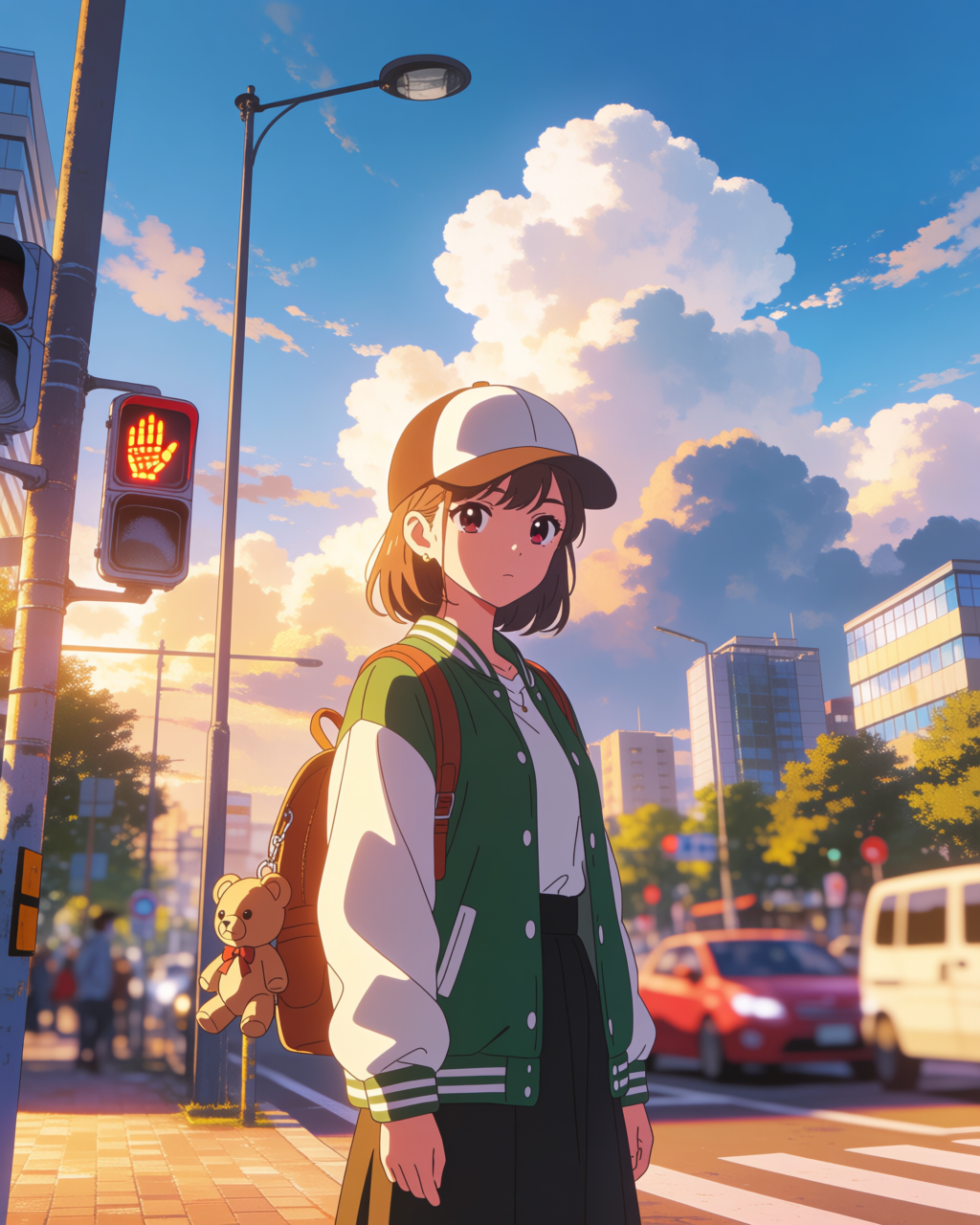
- Range. Many distinct anime aesthetics on cue — Ghibli, Shinkai, Kyoto Animation, Madhouse, 1990s mecha, modern shounen, shoujo, seinen, chibi. The model does not have one default look; it has many.
- Real style control. Style references and mood boards let you pin a specific look from real reference images, not just from prompts.
- Character consistency via LoRAs. Train a LoRA on your character once, and every future generation matches that exact identity.
- Editing. Krea Edit lets you change a specific element of a finished image without regenerating the whole thing — change an expression, swap a costume, fix a hand.
- Sketch input. Drop a rough panel sketch in as an image reference and Krea 2 finishes it (guide).
- Beyond anime. Same model handles photoreal, illustration, 3D-render-style, architecture — useful when an anime project also needs a non-anime asset.
The trade-off is that more control means more decisions. Krea 2 rewards prompt-craft and reference use more than a one-line "anime girl, please."
The range argument, in images
The strongest case for Krea 2 over a single-default model is the breadth. Eight different sub-styles, eight different prompts, one model:
Eight anime sub-styles in one model
All generated with Krea 2 for this article. Same model, eight different aesthetics.
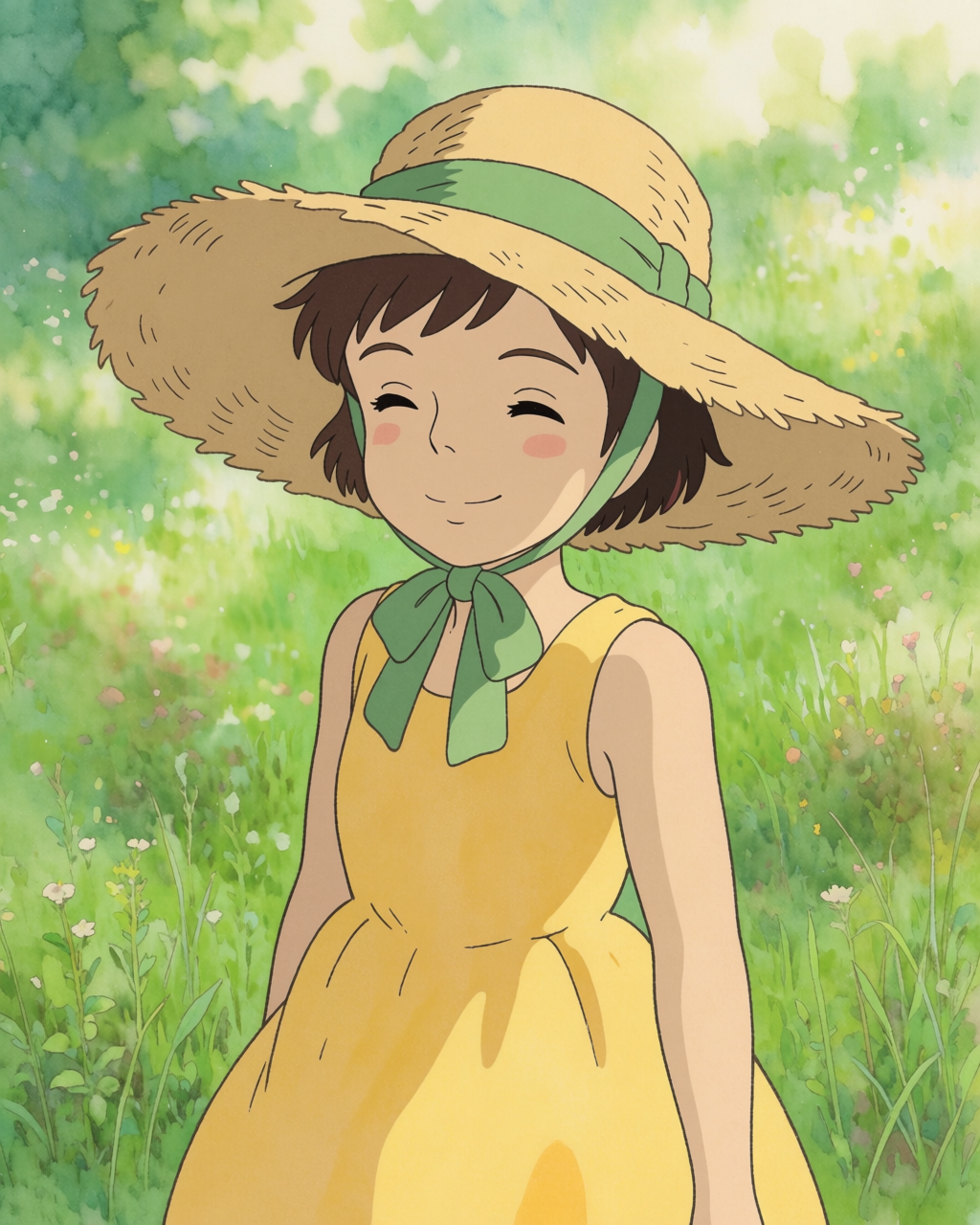
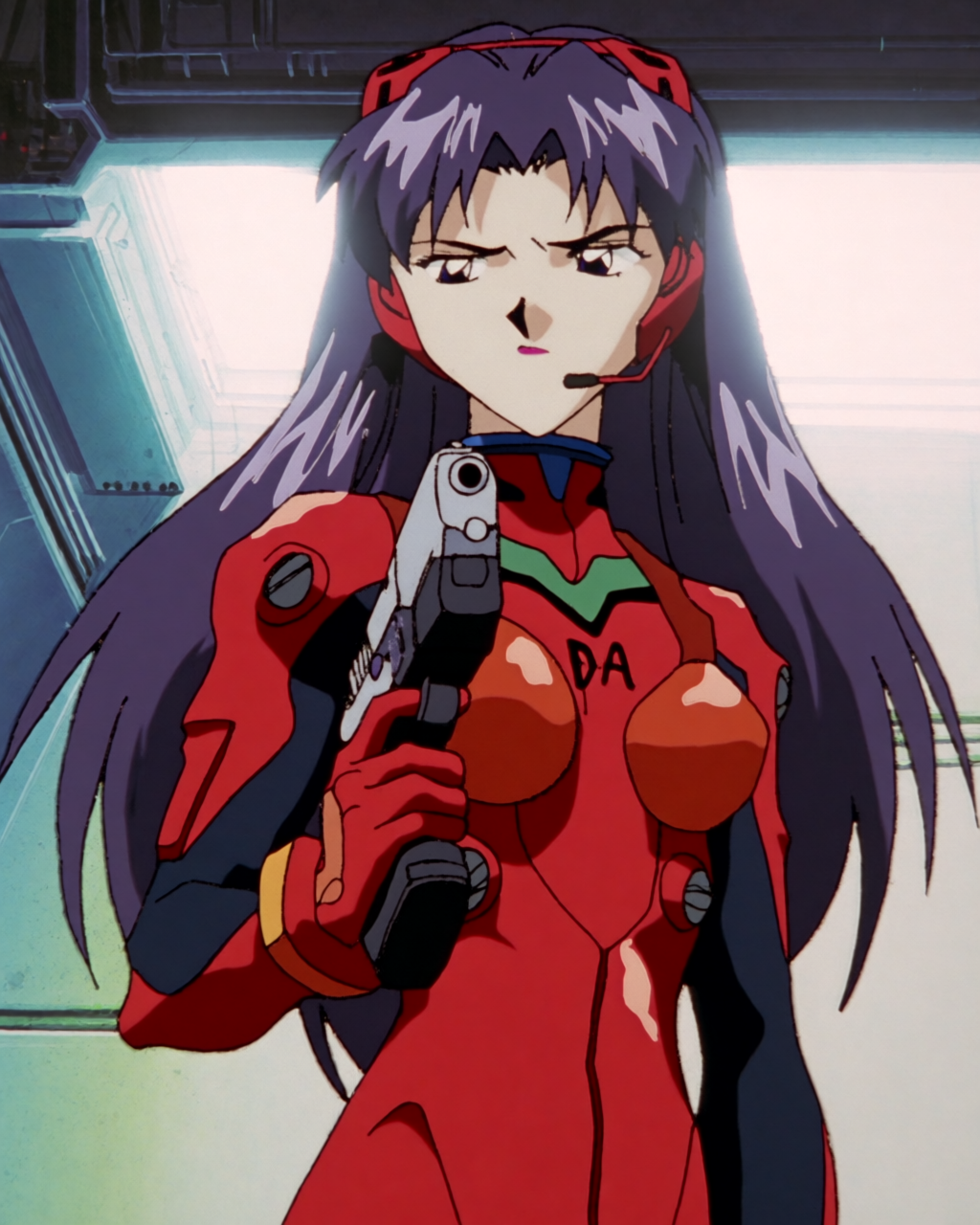
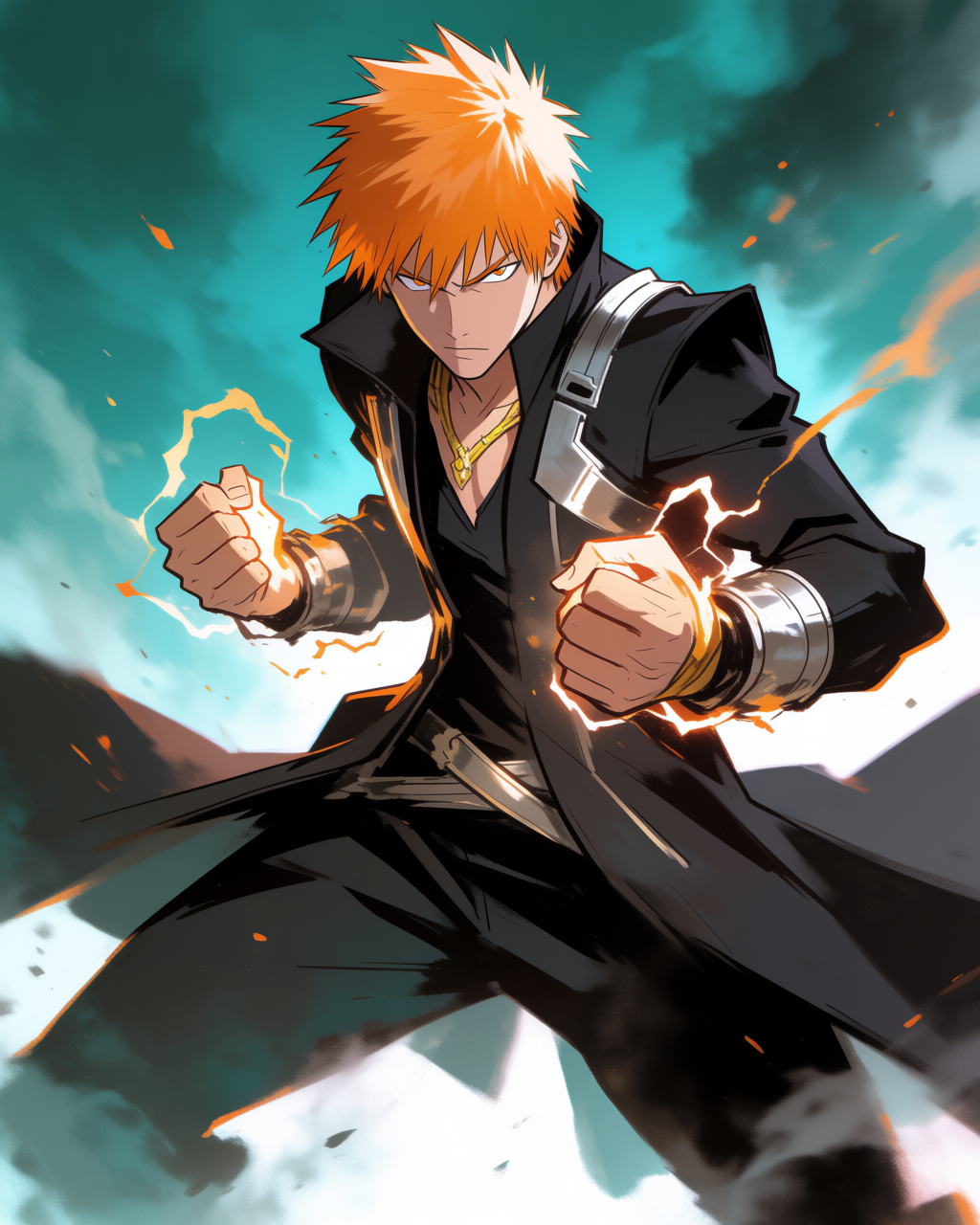
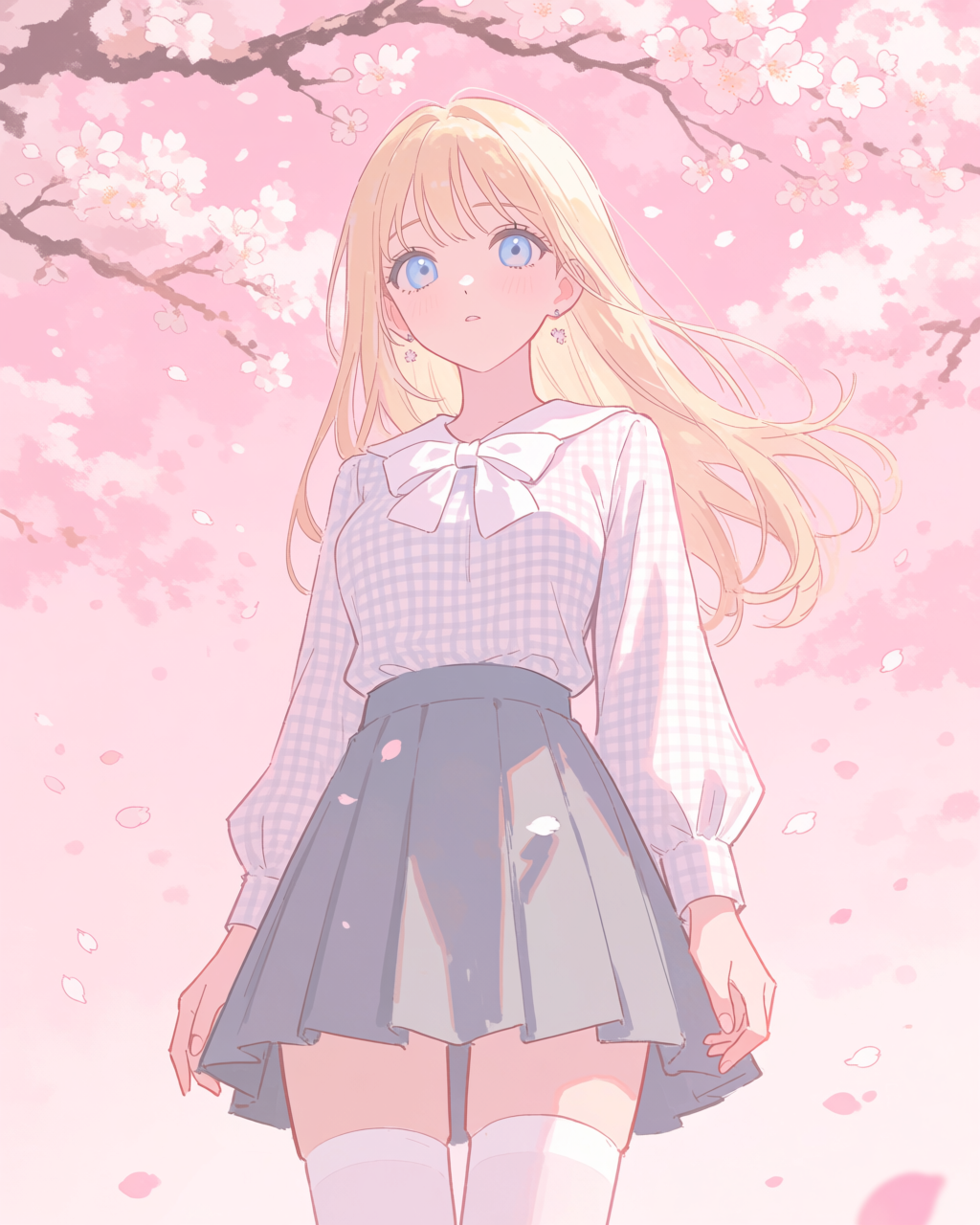
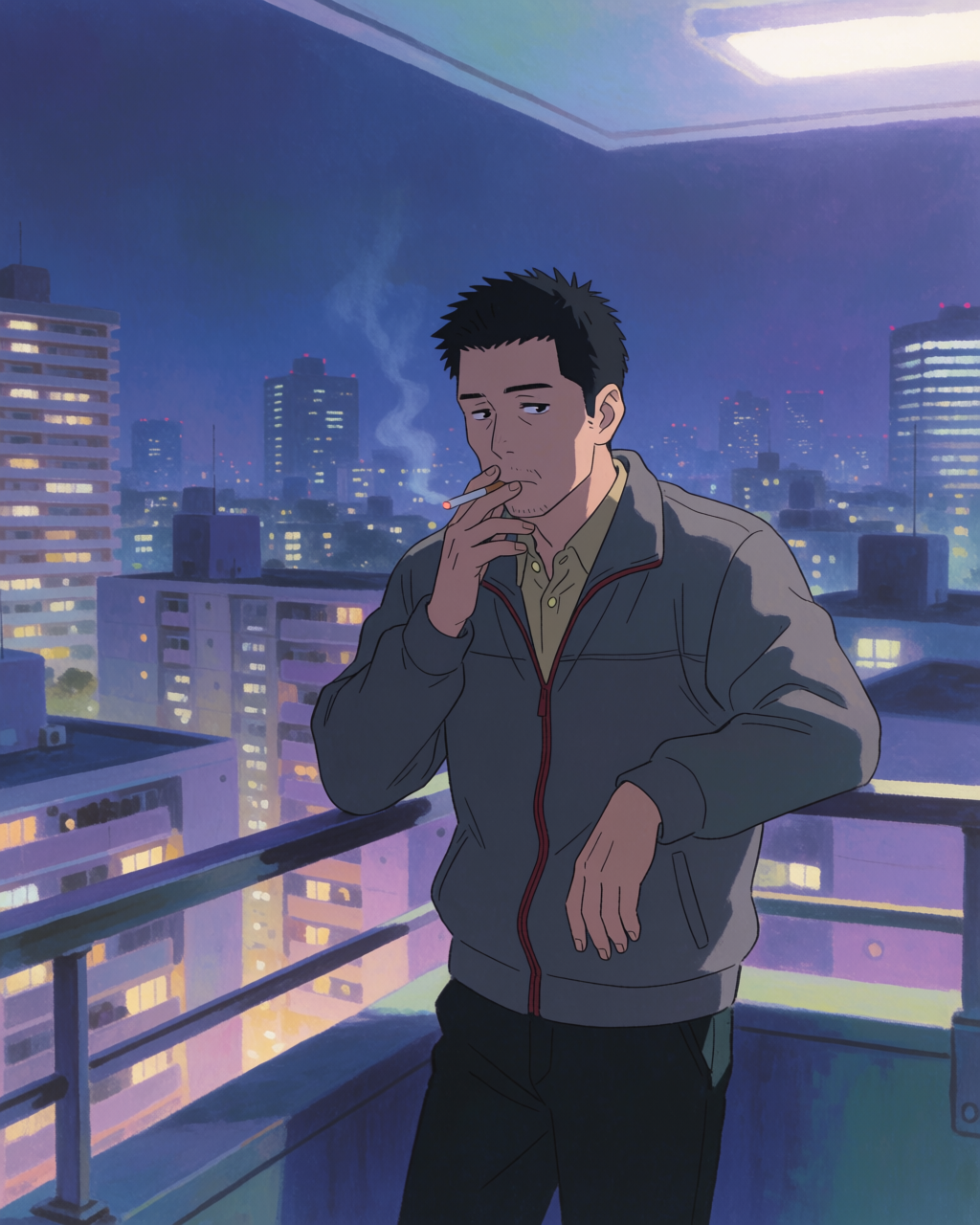
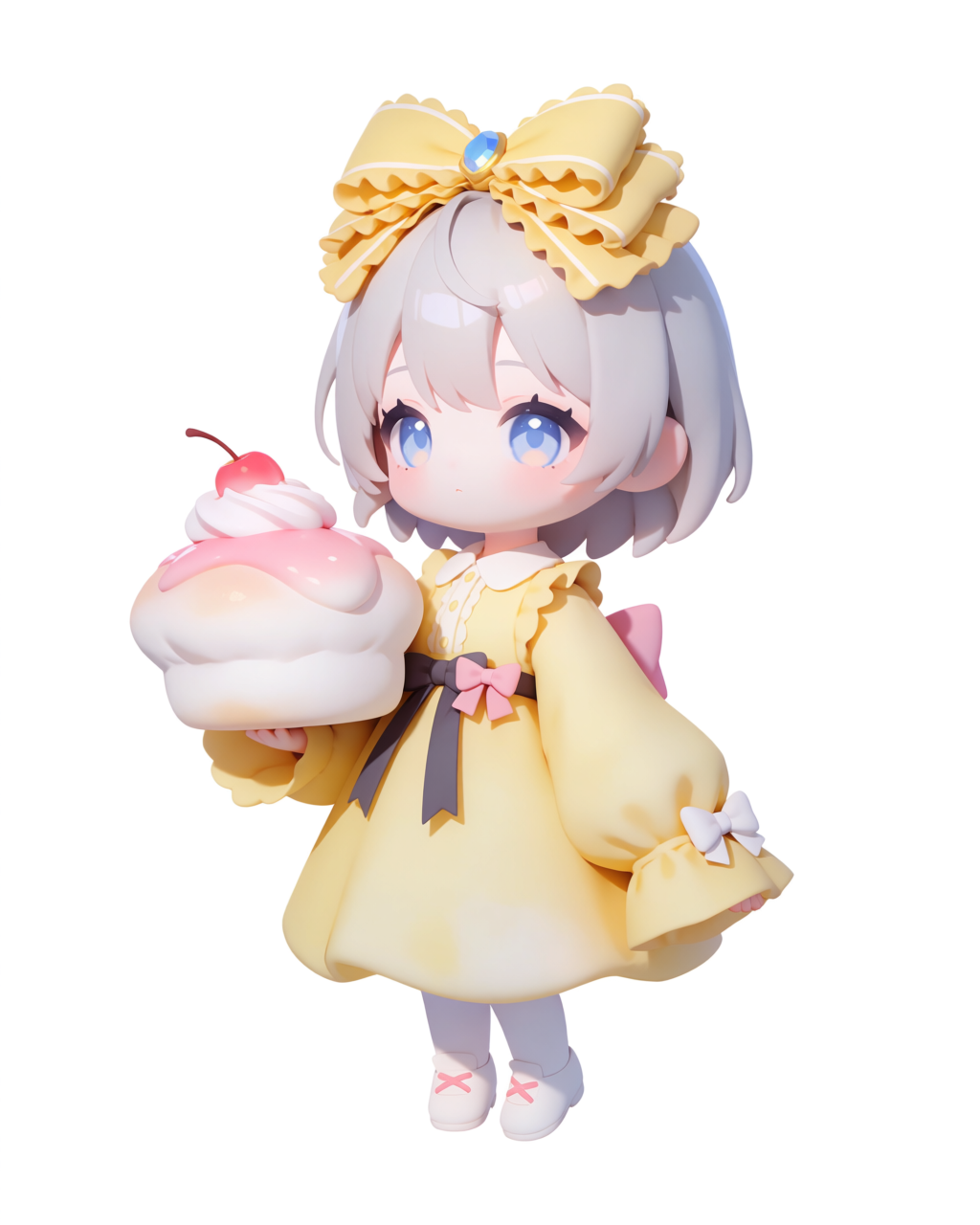
If your project needs to live in a single aesthetic, range matters less. If you are building a body of work across multiple looks — a manga that goes from school-life to fantasy, a YouTube channel that needs Ghibli backgrounds today and seinen tomorrow, a studio testing four pitch decks in four different visual worlds — range is the thing.
Workflow features compared
| NijiJourney | Krea 2 | |
|---|---|---|
| Default anime look | Strong, one look | None — many sub-styles on prompt |
| Style references from image | Limited | Full (guide) |
| Mood boards | No | Yes (guide) |
| Character LoRAs | No | Yes (train) |
| Image editing | Basic | Full Krea Edit |
| Non-anime work | Limited | Full (photo, illustration, 3D, etc.) |
| Best for | Quick standalone anime art | Larger projects, consistency, range |
When to pick which
A fair recommendation:
- Pick NijiJourney if your job is "give me one polished anime image right now, no fuss" and you like the default Niji look.
- Pick Krea 2 if you are building anything bigger than a single image — a manga, a light novel, a VTuber set, an indie animation pitch, a project that needs character consistency, or a project that needs to span multiple anime sub-styles.
The two are not actually mutually exclusive. Plenty of creators use NijiJourney for quick brainstorm passes and Krea 2 for the finished work, especially anything that requires holding a character or a style steady across many generations.
What is different about Krea 2 specifically
Three things, in order of how much they matter for serious anime projects:
- You can pin a specific studio's look with a real frame as a style reference. NijiJourney has one default; Krea 2 has the studio you put in front of it.
- You can keep a character consistent across hundreds of generations by training a LoRA once. NijiJourney has no equivalent.
- You can finish your own rough sketches by using them as image references. NijiJourney is a from-scratch generator; Krea 2 also finishes existing work.
These are workflow differences, not just aesthetic ones. They are the difference between "make me one anime image" and "help me ship a manga."
Try Krea 2 for anime
Free to start. Style references, mood boards, LoRA training, and Edit all included.
Open Krea 2Frequently asked questions
"Better" depends on the job. For one-off polished anime images with no fuss, NijiJourney is excellent. For larger projects that need style range, character consistency, sketch finishing, or editing, Krea 2's feature set covers more of the work.
Yes. Plenty of creators do — NijiJourney for fast standalone art, Krea 2 for project work that requires consistency or range. The two are not exclusive.
Yes. Train a LoRA on your locked character designs (about 20 minutes) and reference it in every future generation. The character's face and silhouette will hold across hundreds of images.
Yes. Krea 2 is a general model with strong anime capability, not an anime-only model. It also handles photoreal, illustration, 3D-render-style, architectural visualisation, and product photography in the same tool.
Open-source anime models can be excellent for specific use cases, especially with the right LoRA stack and a willingness to manage your own infra. Krea 2's pitch is range, ease, and workflow features in one product. Use what fits your project.
Start with one of the articles in this series — Anime backgrounds, Studio aesthetics, Character design, or Sketch to anime panel. Each one focuses on a specific job and shows the prompts that work.