Krea Originals 01 & 02ROCKET and RECESS, two short films made in Krea
Krea Originals are short films from Krea.
The films
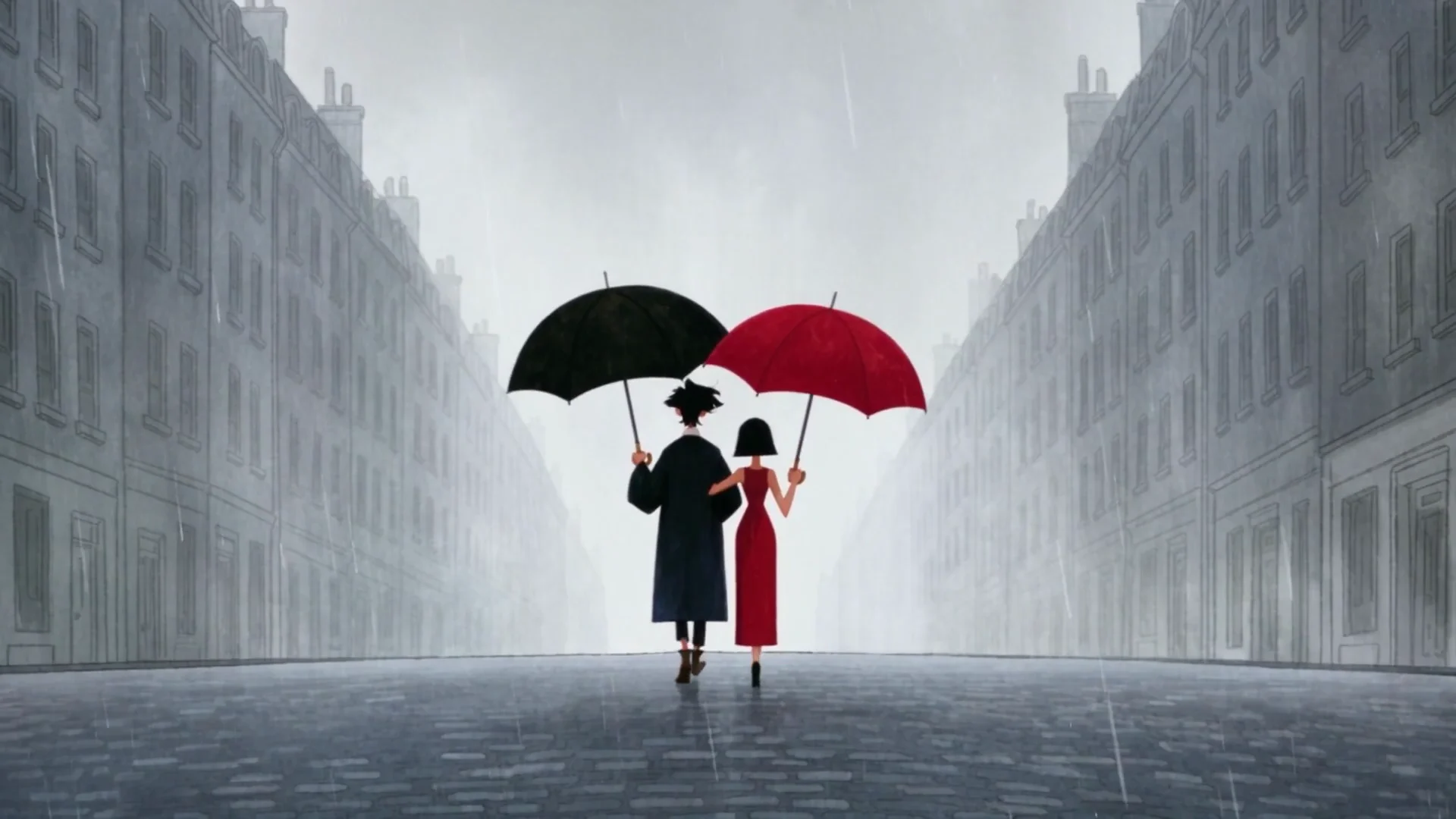
ROCKET is about a girl who builds a rocket. RECESS is about two school friends and a paper fortune teller.
ROCKETKrea Originals 01
RECESSKrea Originals 02
How they were made
For each of these films, everything happened on one Nodes canvas. If you open the canvas, you’ll see it’s organized in a similar way to what a traditional production would be: characters first, then locations, then reference images for the world of the film, and then the shots themselves.
First step: a script for each movie, developed based on the ideas that came from Tomás himself, but with the words of Ana de Alva. From each script, the team lists what the film needed: every character, every prop that matters to the story and every location. Each of those gets their Krea 2 Turbo image node, with raw mode on, 8 steps, guidance at 0 and the project moodboard at 80. Characters are generated as a sheet with three views: the front, the back and a close-up of the face. Locations are generated empty and in 21:9, the same frame as the films. The girl in ROCKET also shows up as an adult. The funny thing is, to get that version, Tomás didn’t use the image of the child as an input; he described her in words (same bob haircut, same big eyes) and generated the older version from that description.
Each scene is a Seedance 2.5 node, up to 30 seconds long with several cuts inside it. The image nodes connect into it, and the prompt refers to them as @Image1, @Image2 and so on, in the same order they’re plugged in. That’s how the same kid and the same classroom carry over consistently across all shots.
In case you’re wondering, no, the prompts weren’t typed into Krea. Tomás wrote them in Claude, using a prompting skill he built, and sent them to the canvas through the Krea MCP. For each shot they give the exact second it starts and ends, the lens in millimeters, how high the camera is, how it moves and what happens on the actor’s face. The prompt for a single 30-second scene can fill a whole page. You can download and use the skill here.
He ran each scene node a few times and kept every take on the canvas, then stitched everything together in Premiere.
Some Krea pro tips
Video costs more to generate than images, so the character sheets and the locations were all approved before anything went to Seedance.
Each kid has one small detail on their face that never changes, such as a mole on one cheek. That makes it much easier to spot when the model slightly drifts.
The fortune teller shots kept coming out wrong until Tomás wrote that part of the prompt in Chinese. Seedance knew the toy by its Chinese name.
A film made in collaboration by @boldtron and @musclebeach.club for @krea.ai
Directed by @seeyousoon
Written by @anadealva
Art Directed by @boldtron @slurp.tv
Music and Sound Design by @figaro___figaro