antrofrog made No Ordinary Love, a flat 2D cartoon, with Midjourney 8.2, Krea 3, and Seedance 2.5, on Krea. The film runs about 59 seconds and has no dialogue. It is cut to Sade’s “No Ordinary Love.”
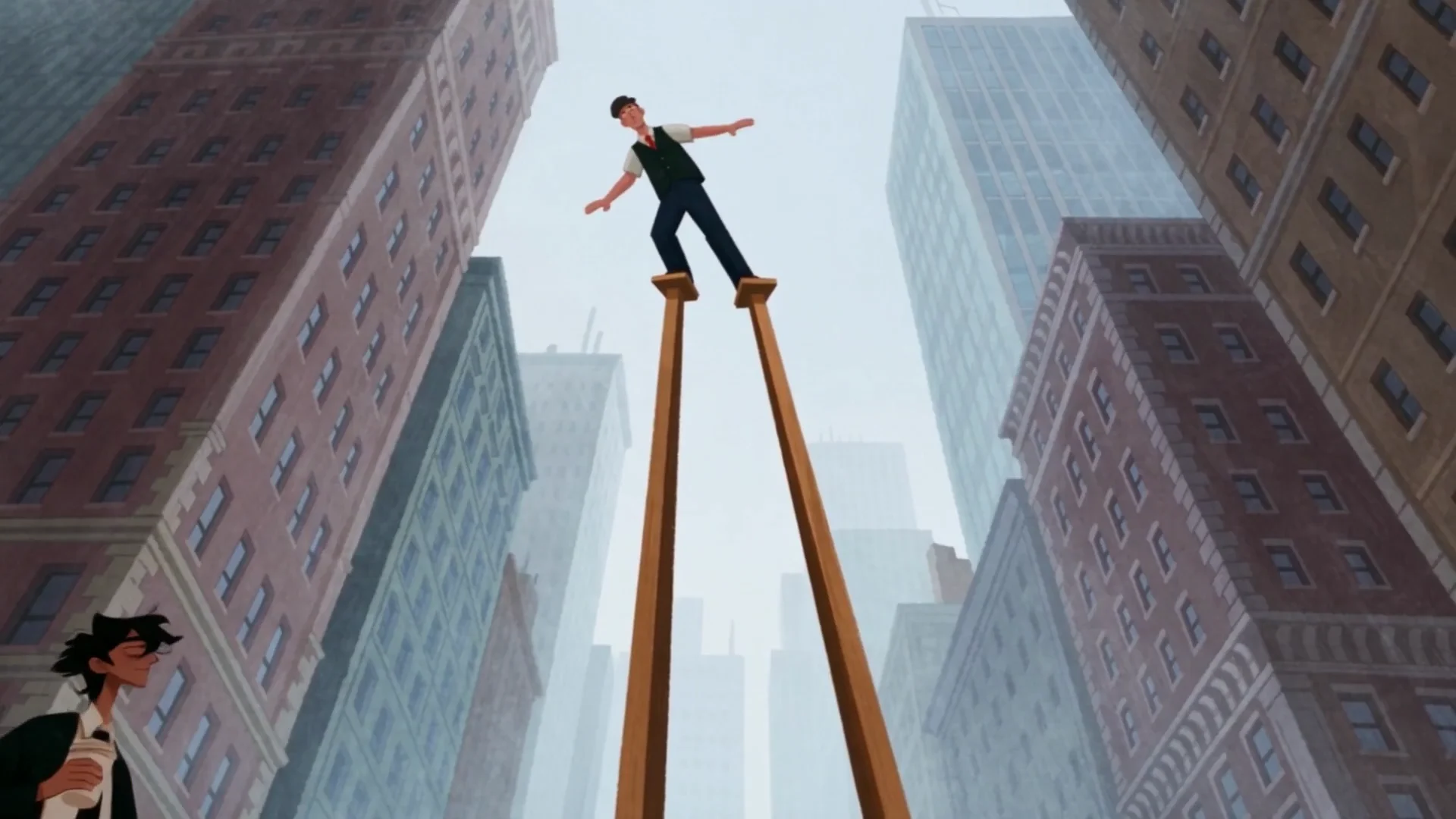
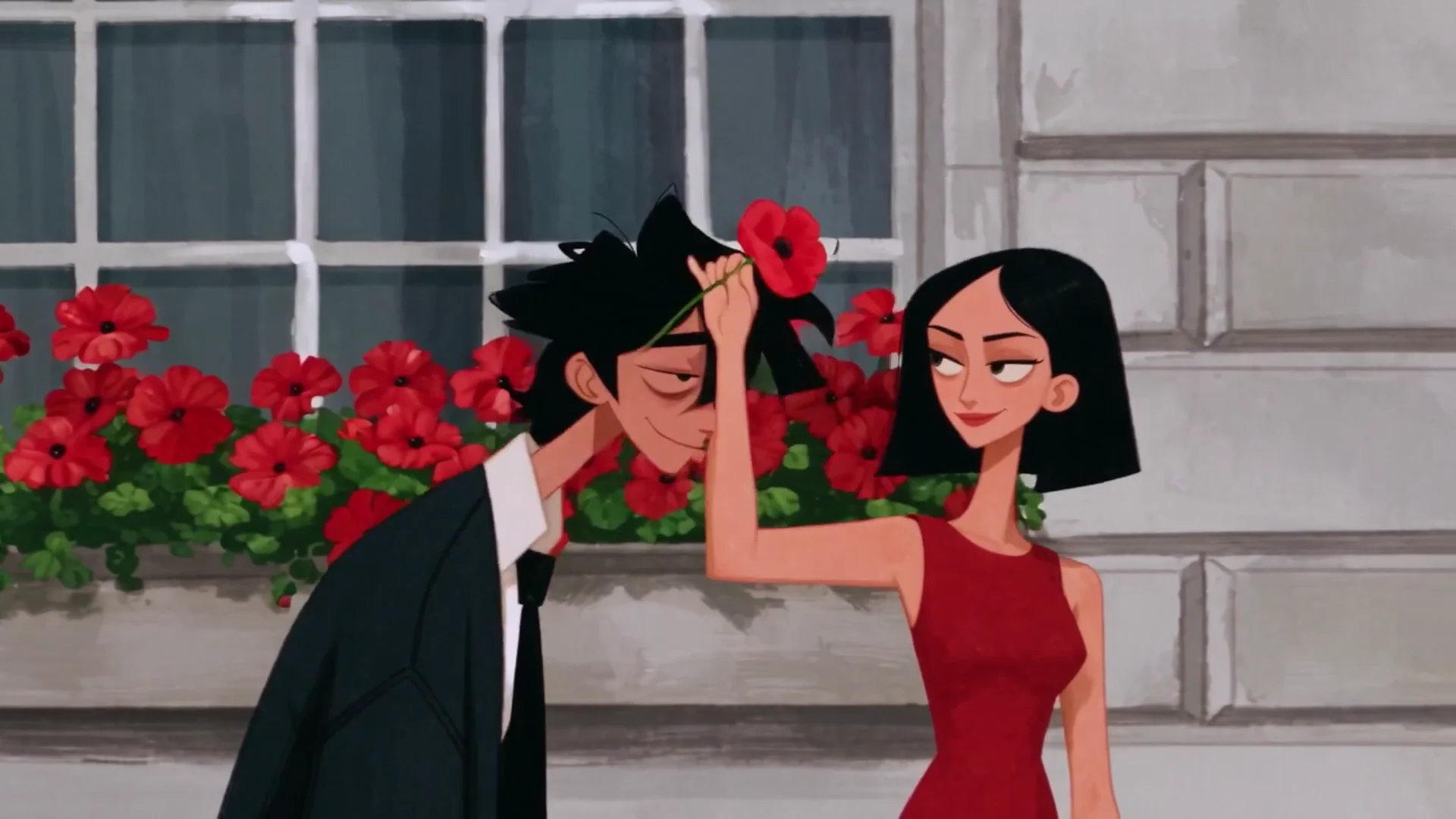
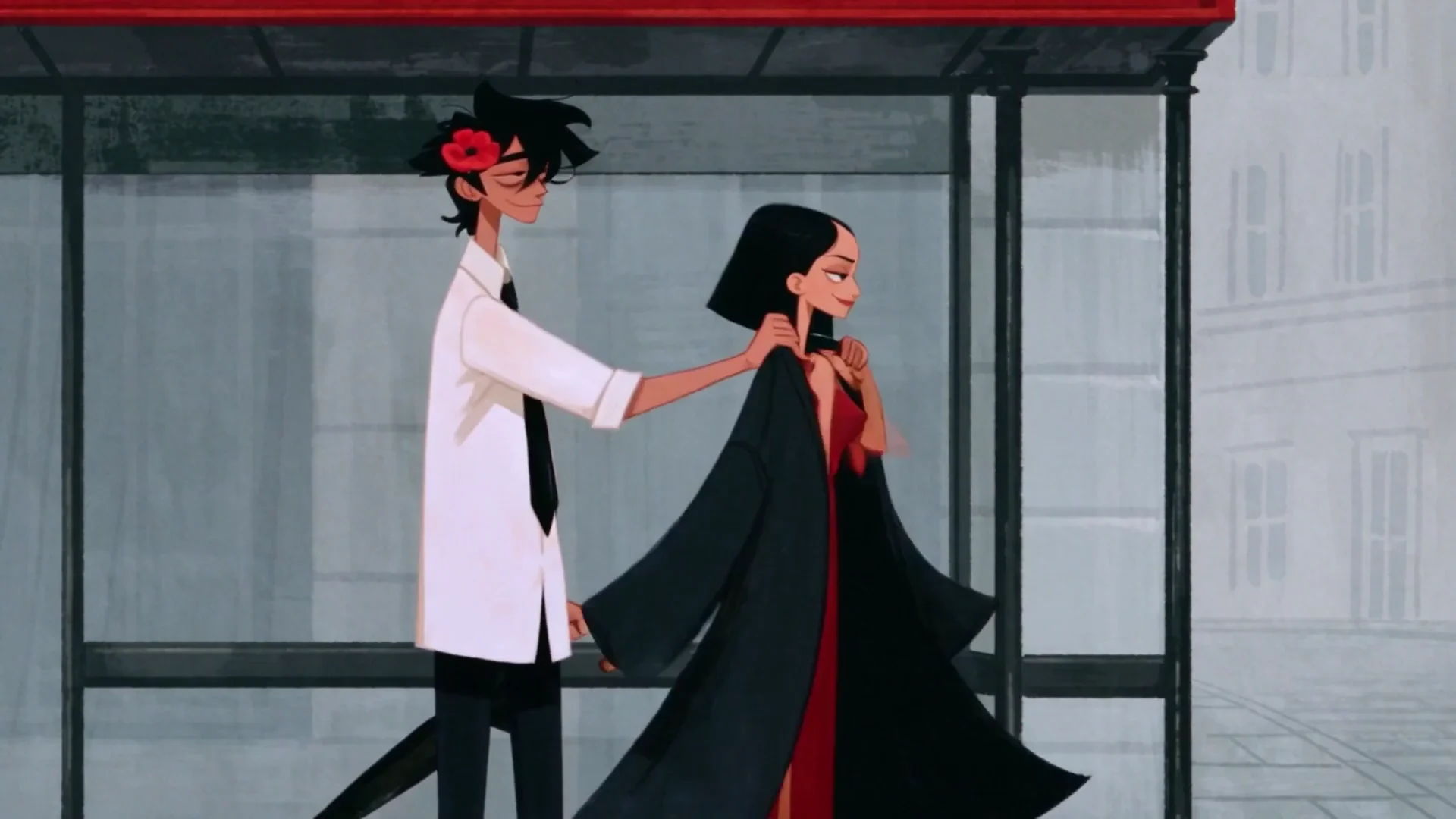
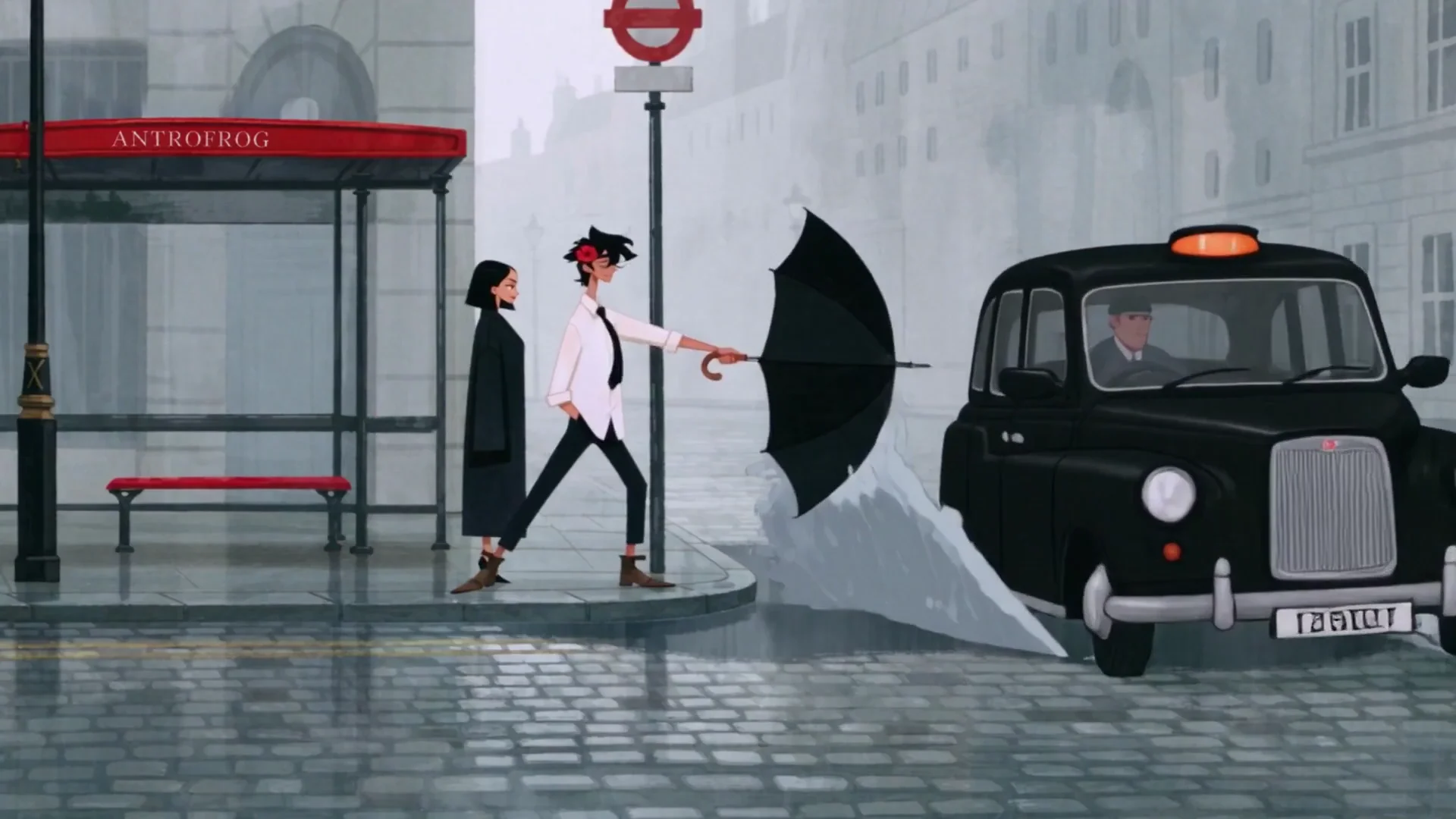
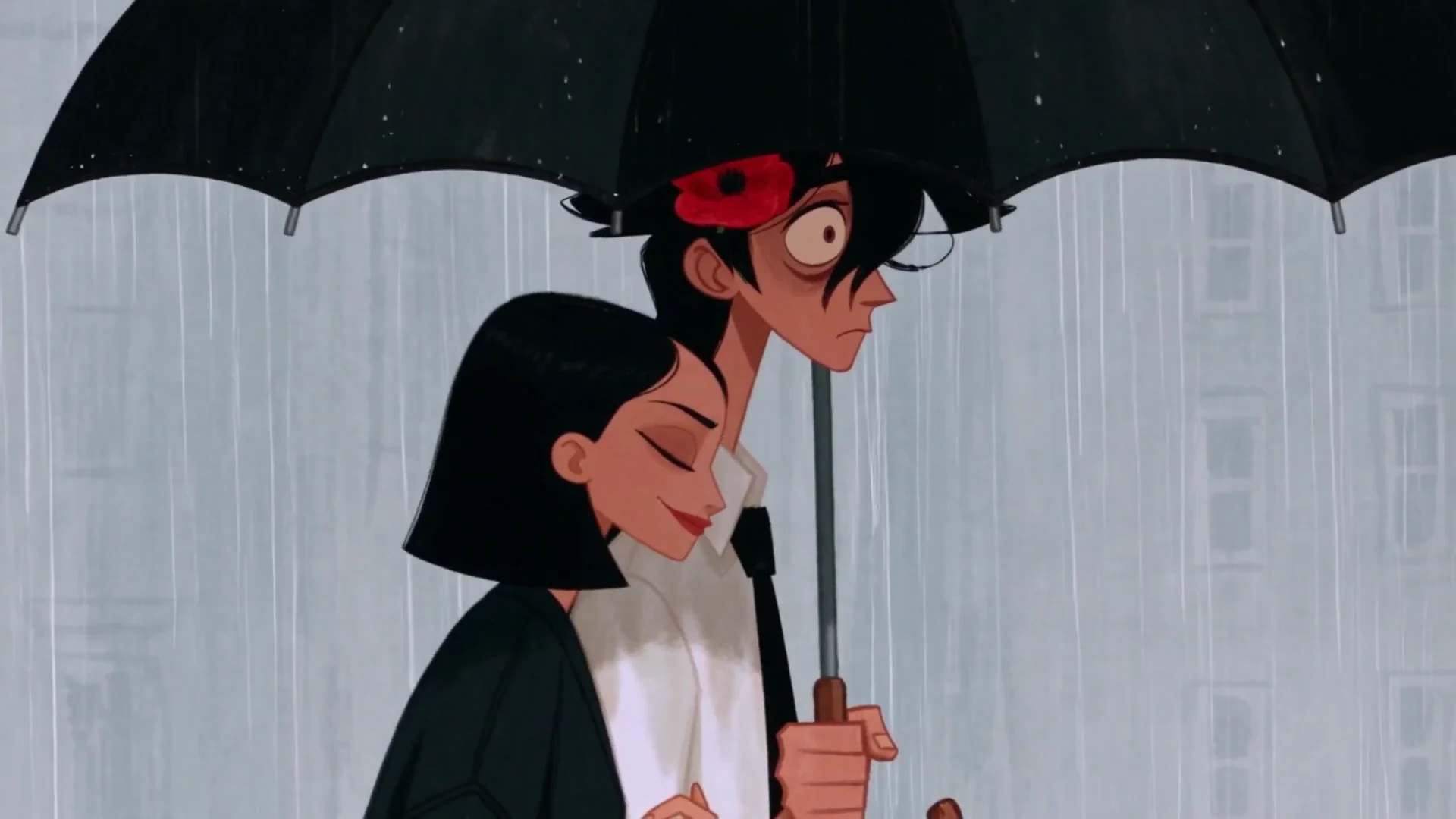
The story is a courtship in rainy London. A tall man in a black suit, George, tries to win a woman in a red dress, Gina. He bows, he offers poppies, and a flock of pigeons forms a heart around him. He gives her his coat at a bus shelter, a black cab soaks him, and they end up under one umbrella. In the last shot they walk away down an empty street, one black umbrella and one red.
antrofrog posted the film on X on October 28, 2026, and Krea reposted it. On November 2, 2026, the post had more than 21 million views and about 187,000 likes. The Instagram post showed 6.4 million likes.
Frames from the film, in story order.
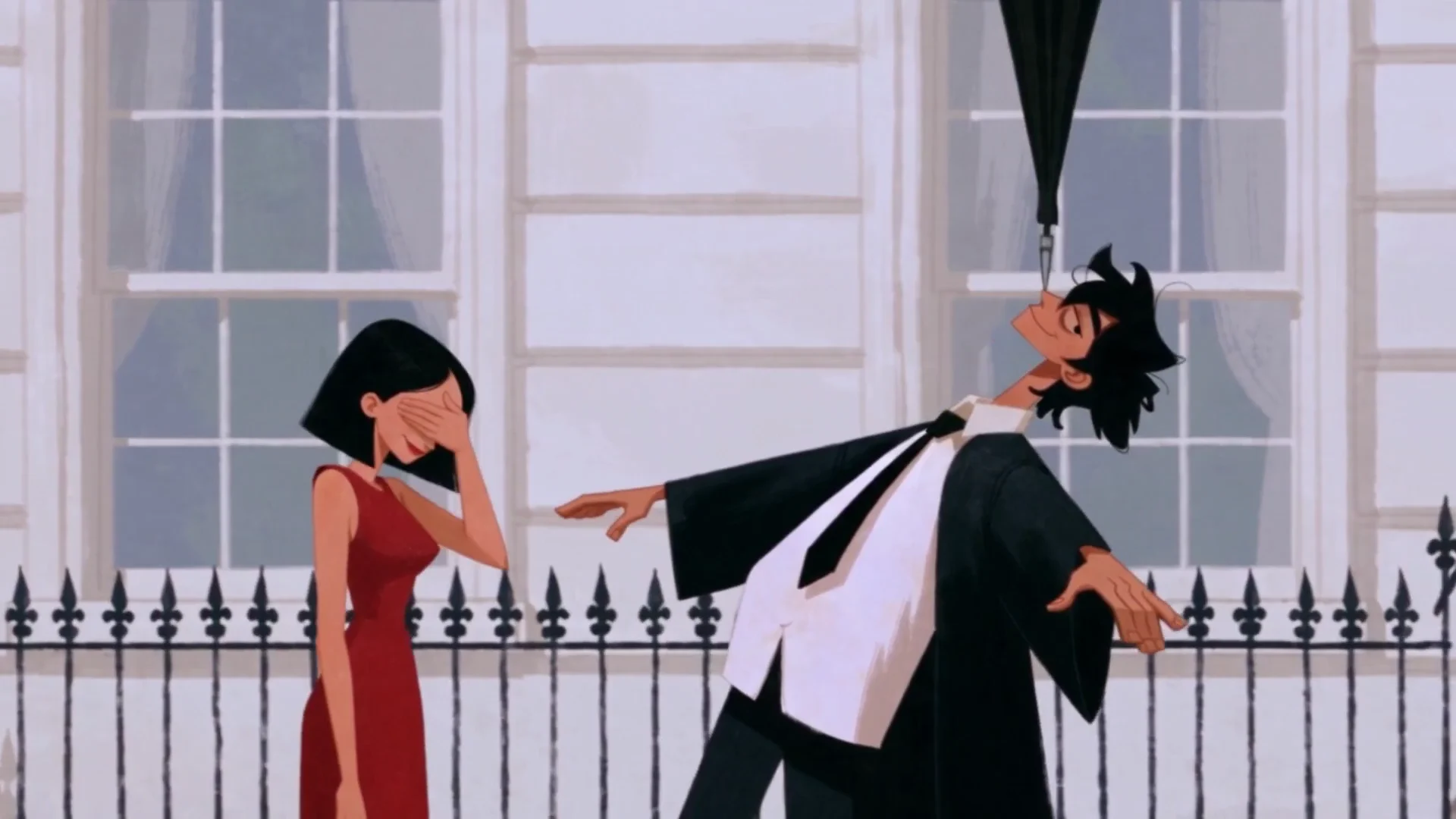
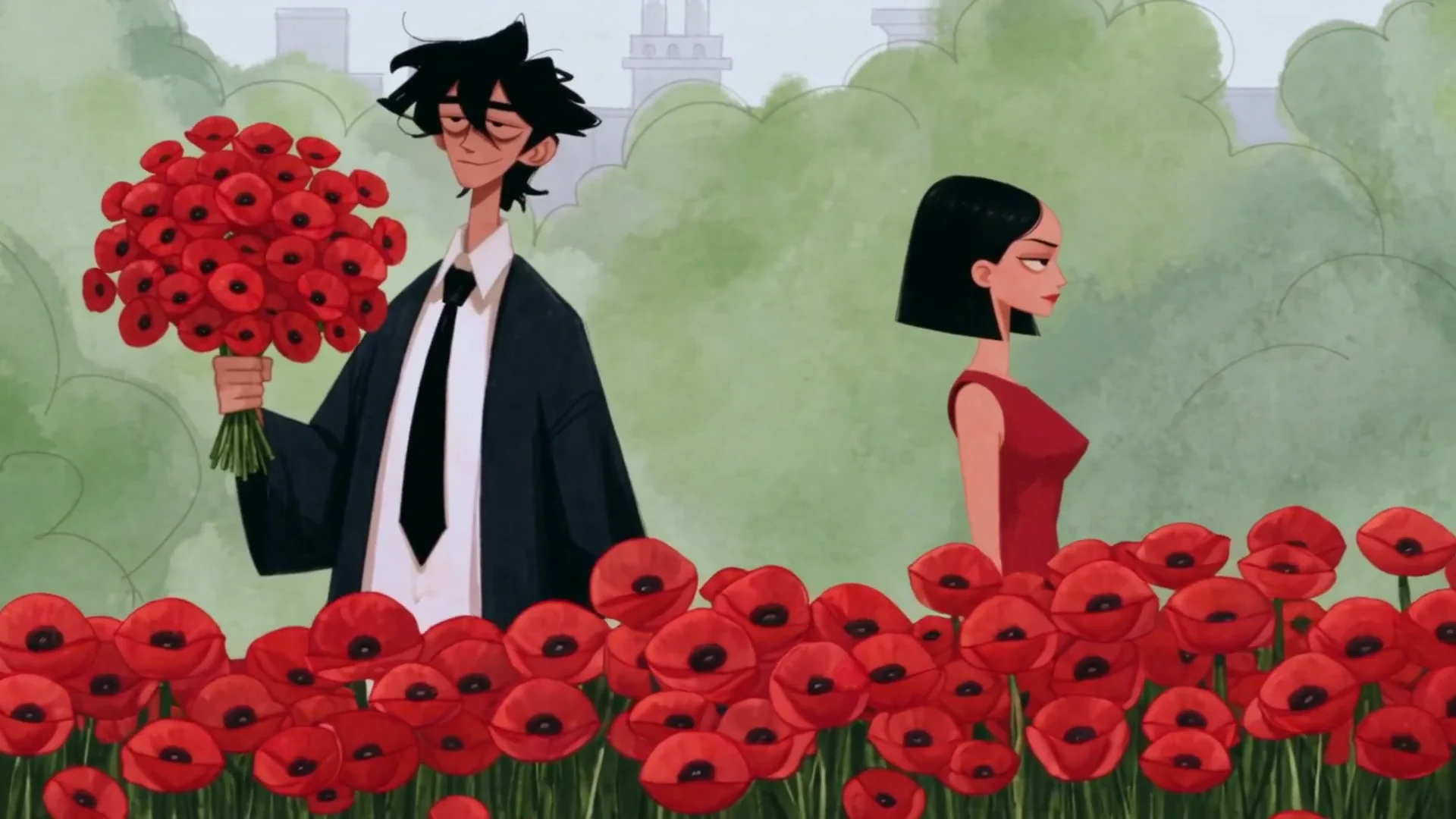
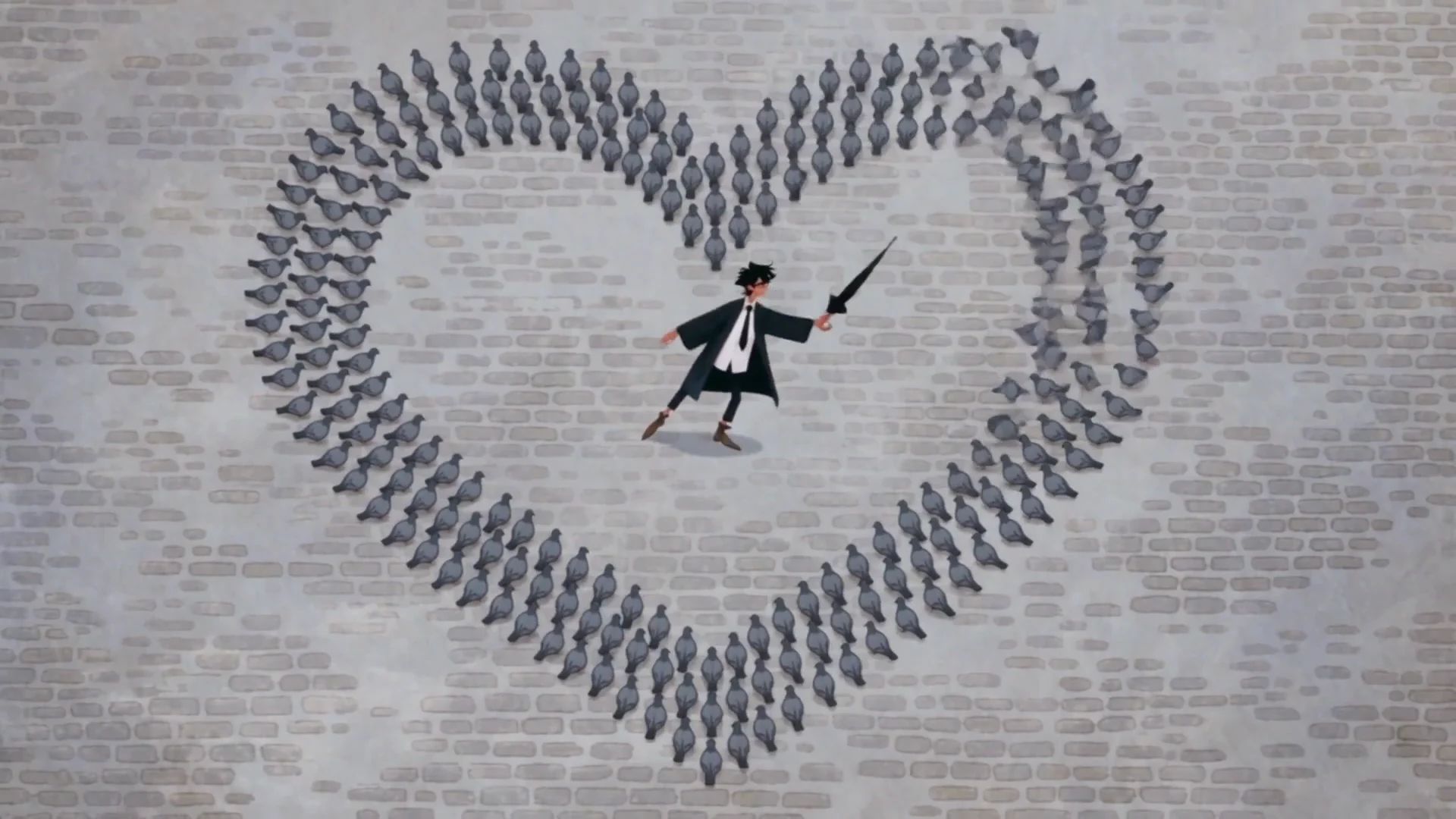
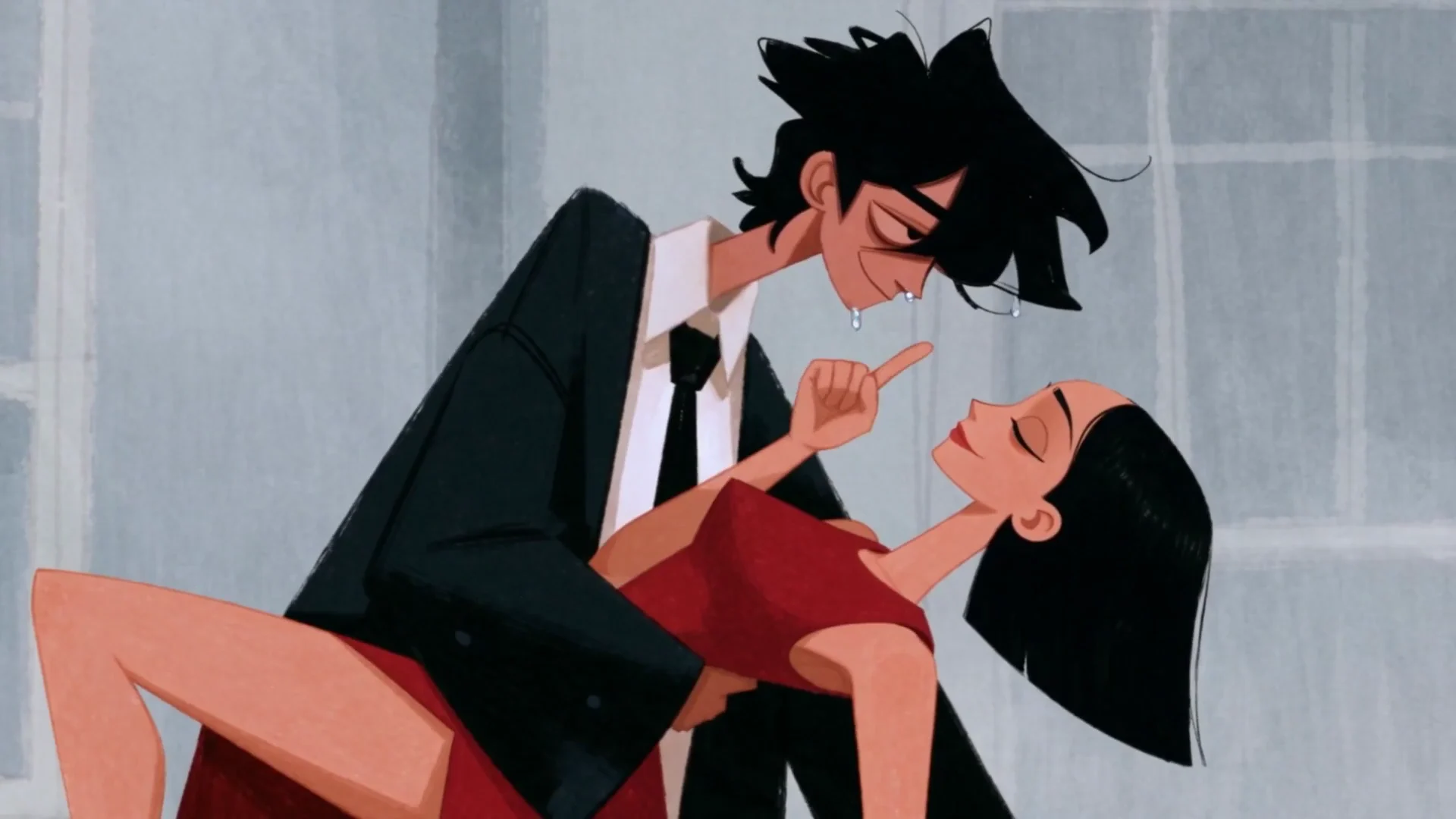
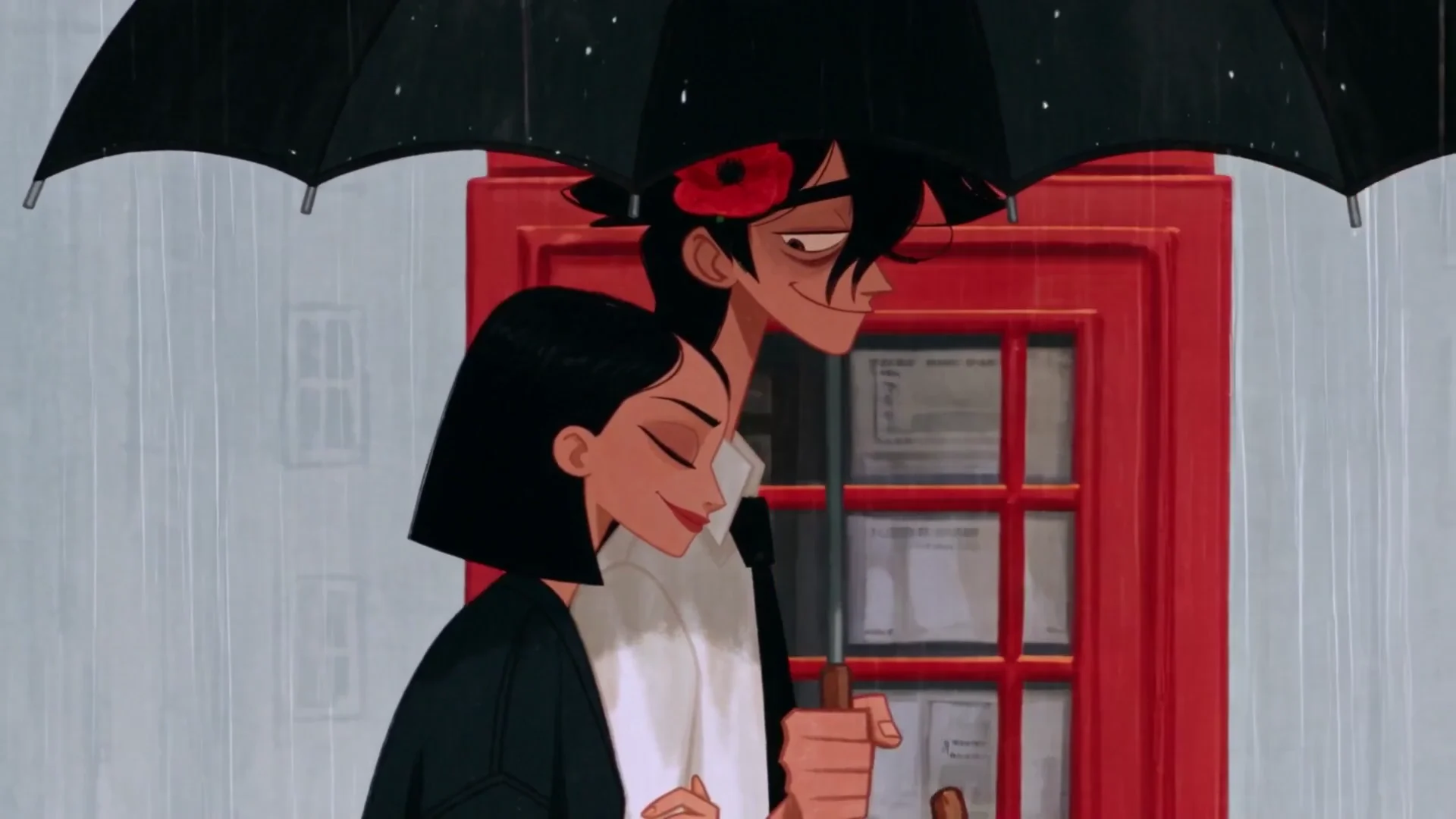
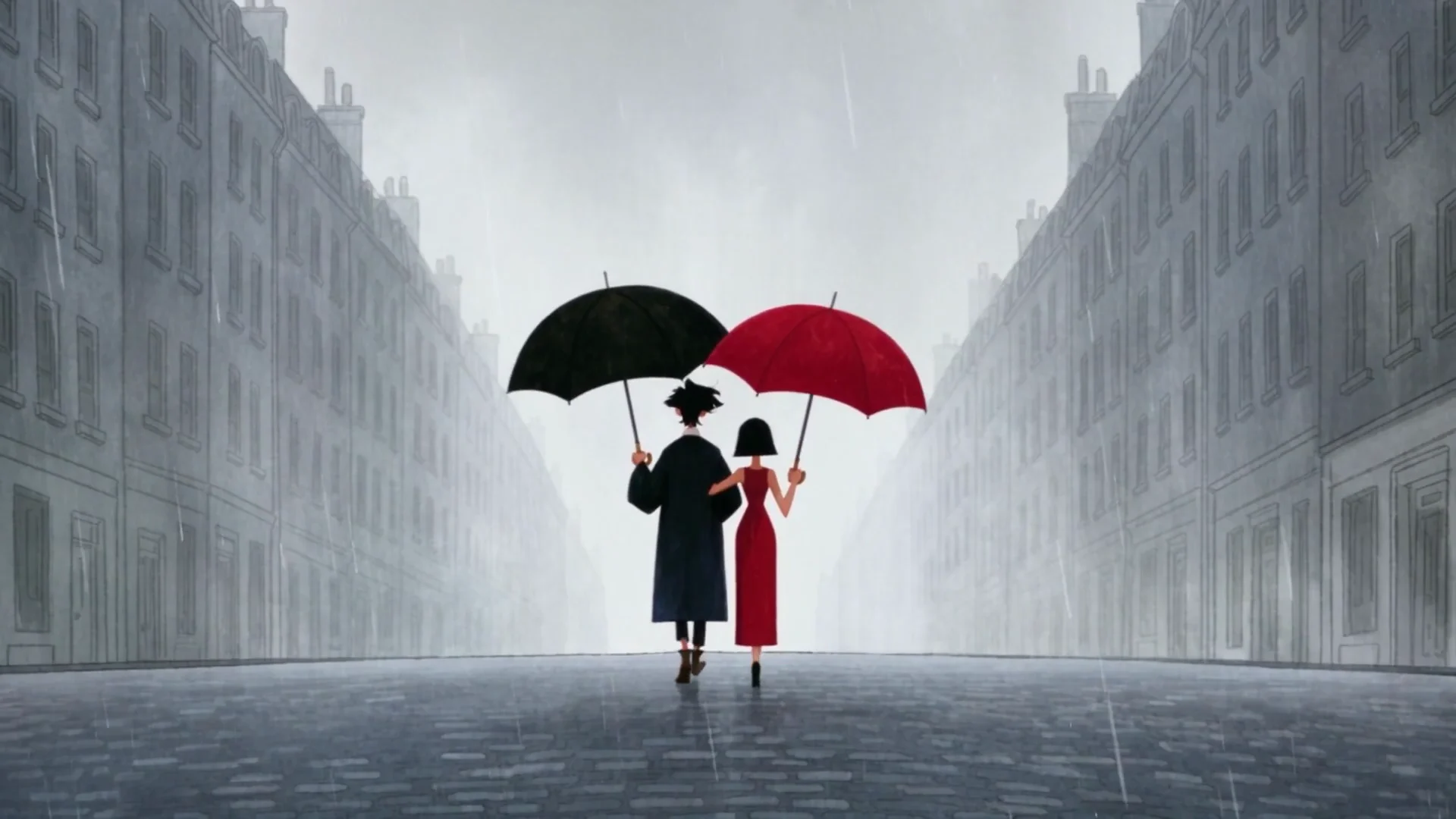
antrofrog has not published his prompts or a shot list. His tool credits are public. The how-to further down shows one way to make a similar two-character short on Krea. Its example prompt was written for this article.
Who made it
antrofrog posts as @antrofrog_ on X and as @antrofrog on Instagram, where he had about 354,000 followers at the time of writing. His Instagram bio reads: “an artist with zero skills / so I just use AI.”
No Ordinary Love is part of a series about George. The next film, Englishman in New York, takes him to Manhattan. It had more than 35 million views on X on November 2, 2026. That film was a collaboration with Krea on Instagram. Its credits name Midjourney 8.2 and Seedance 2.5 on Krea. They do not name Krea 3.
The same character, the same flat style, a new city.
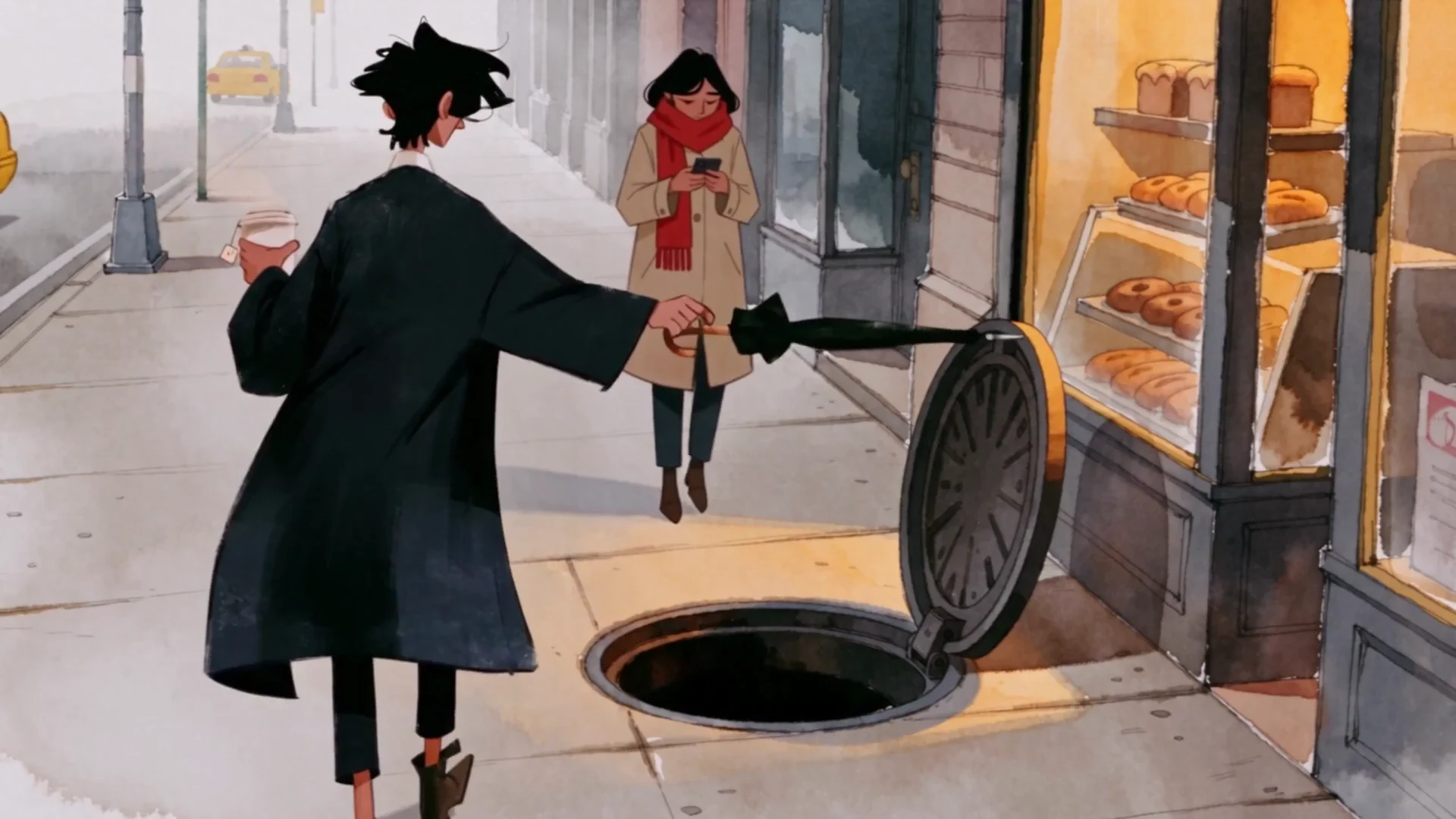
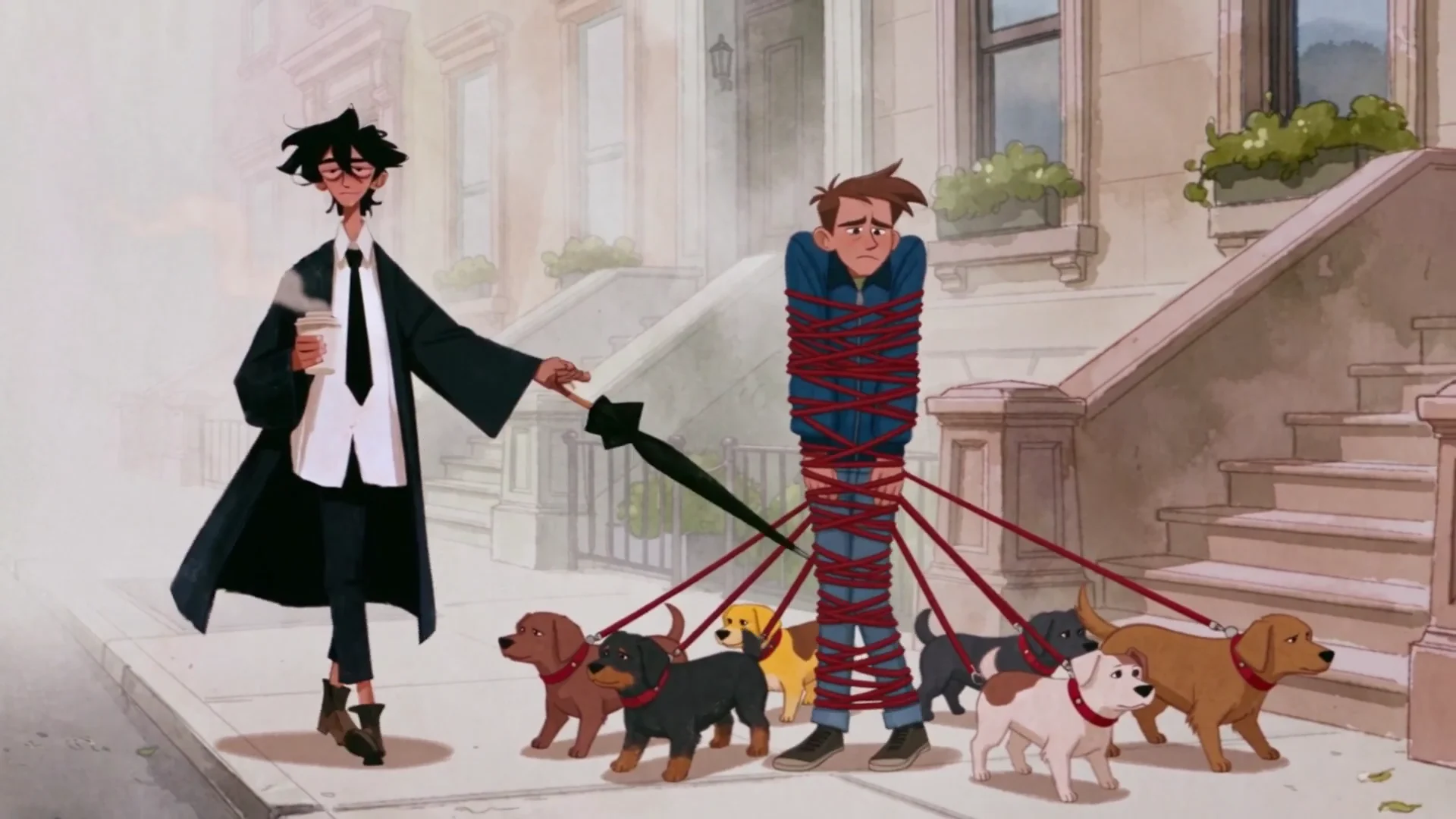
The tool stack, from his credits
In a credits reply on X, antrofrog listed three tools and wrote “Made on @krea_ai”:
- George’s character design: Midjourney 8.2.
- Gina’s character design: Krea 3.
- Animation: Seedance 2.5.
The split is simple. Character design is an image job, so both characters started as stills. Animation is a video job, so Seedance 2.5 on Krea moved those stills. The Seedance 2.5 how-to calls a start frame the most reliable way to lock composition, character, and lighting. Image references do the same job when a second character or a prop enters the shot. antrofrog has not said which of the two he used for each beat. Seedance 2.5 on Krea is available on the Pro plan and above.
Krea 3 is the image model behind Gina. You give it a character and a new pose, place, or light, and you say what must stay the same. It takes up to 8 reference images per edit. It has three modes: fast, high, and ultra. Most edits finish in under 8 seconds at native 2K. Ultra always renders at 2K, reviews several candidates, and can take several minutes. Krea 3 is 10× faster and 3× cheaper than GPT Image 2 and Nano Banana Pro. For more, read Introducing Krea 3 and Krea 3 vs GPT Image 2.
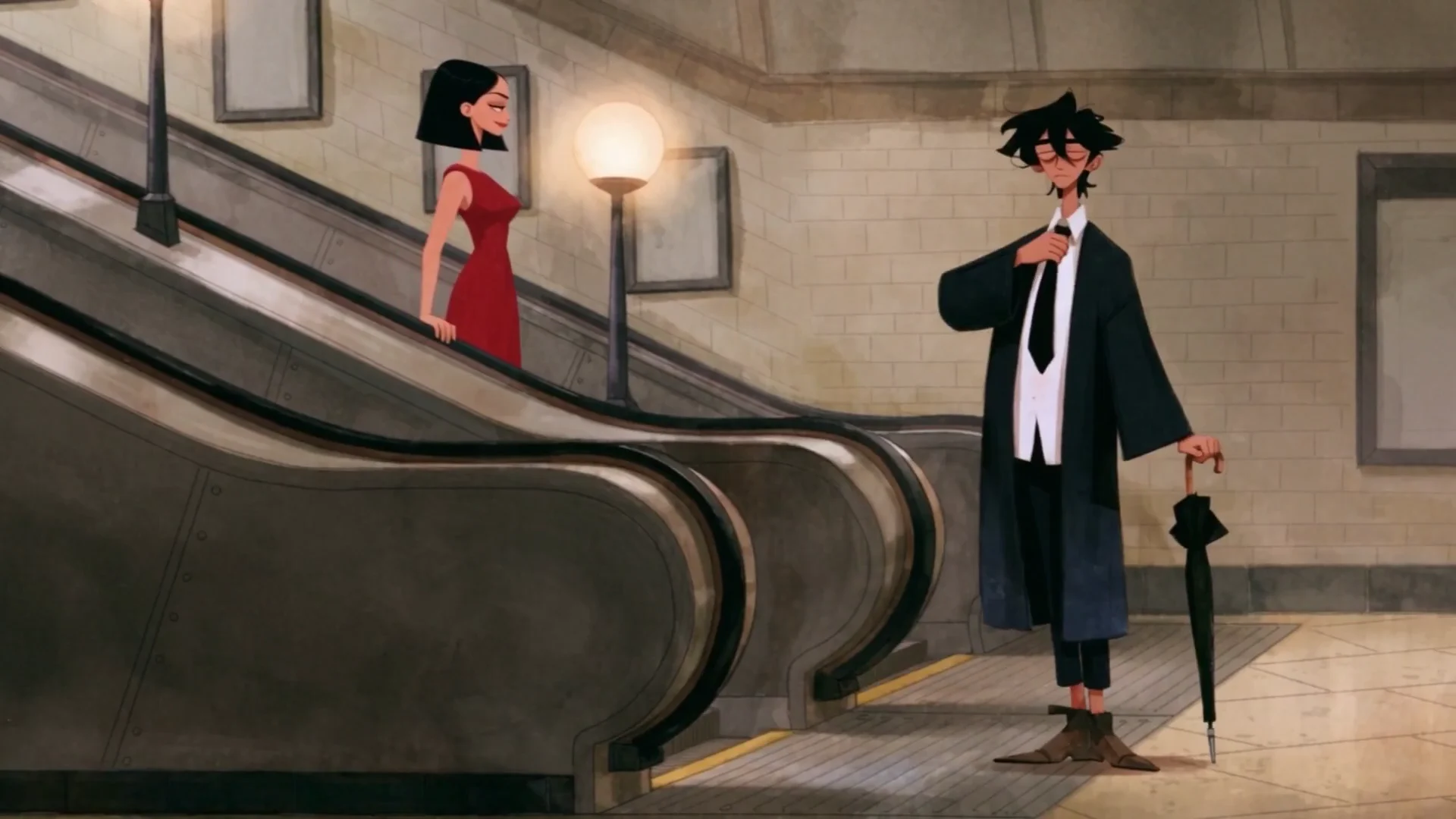
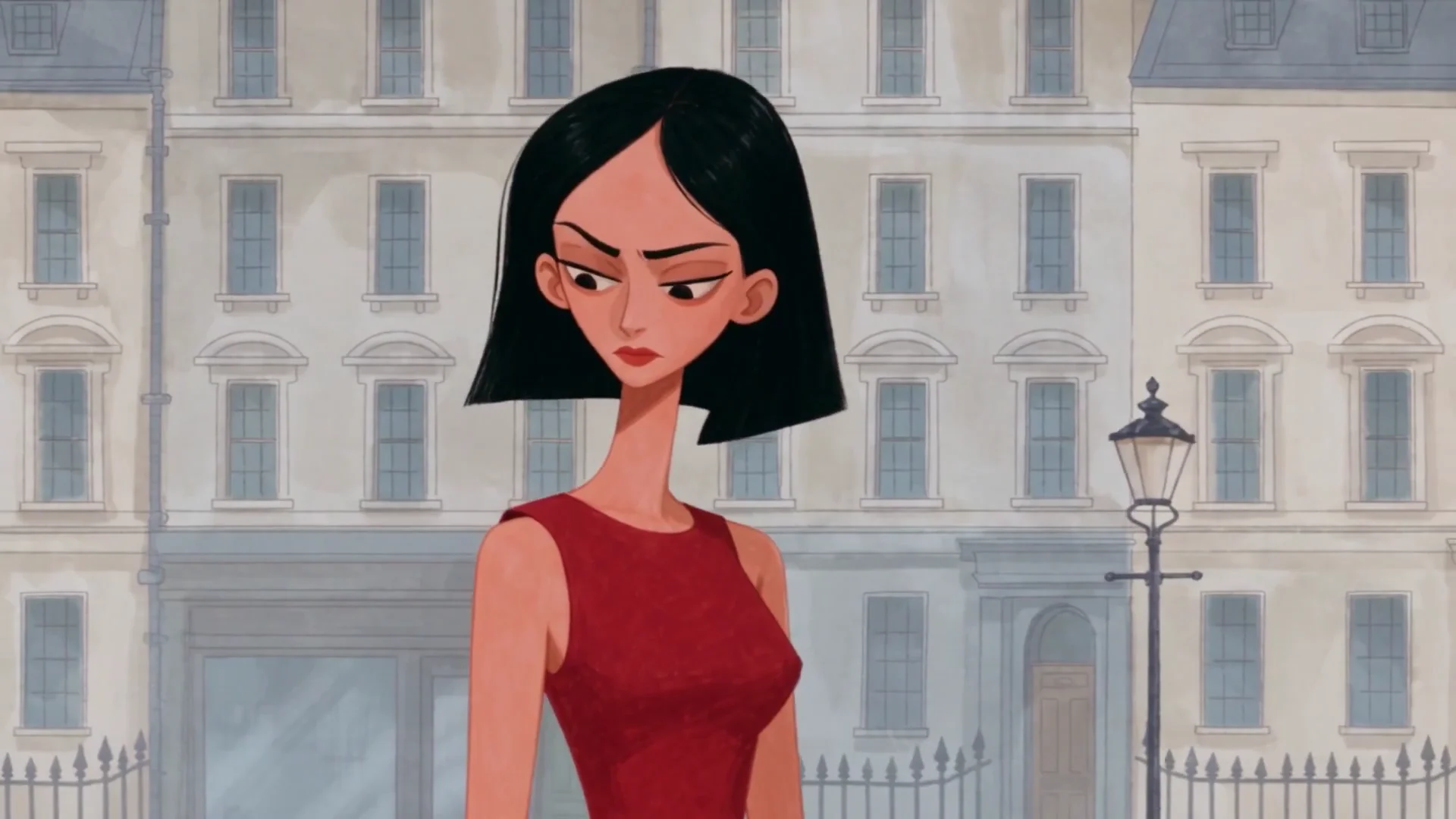
Two characters, two image models
George was designed in Midjourney 8.2. Gina was designed in Krea 3. Frames from No Ordinary Love by antrofrog.
Animate a still on Krea
Open the AI video generator, pick Seedance 2.5, and animate a character still you already designed.
Open the AI video generatorWhat you can see in the cut
These are observations of the finished film. antrofrog has not published the settings behind them.
- The song carries the story. Nobody speaks. The courtship plays out in pictures, against the music.
- There is no lip-sync. Because the characters do not talk, no shot has to match a spoken line.
- Each beat is one action. A bow, a bouquet, a coat on the shoulders, a splash from a cab. One clear action per beat is easy to cut to a phrase of music.
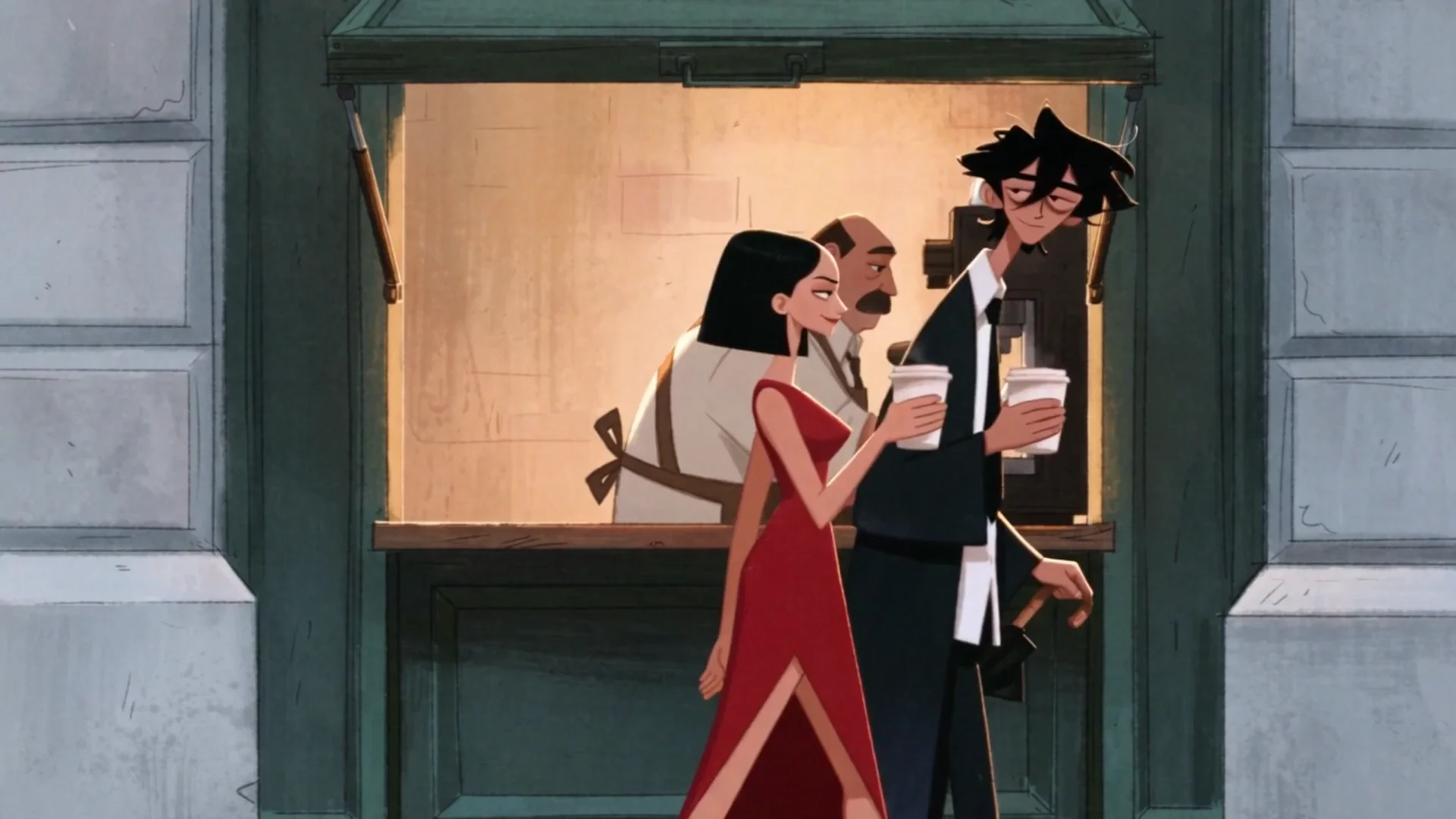
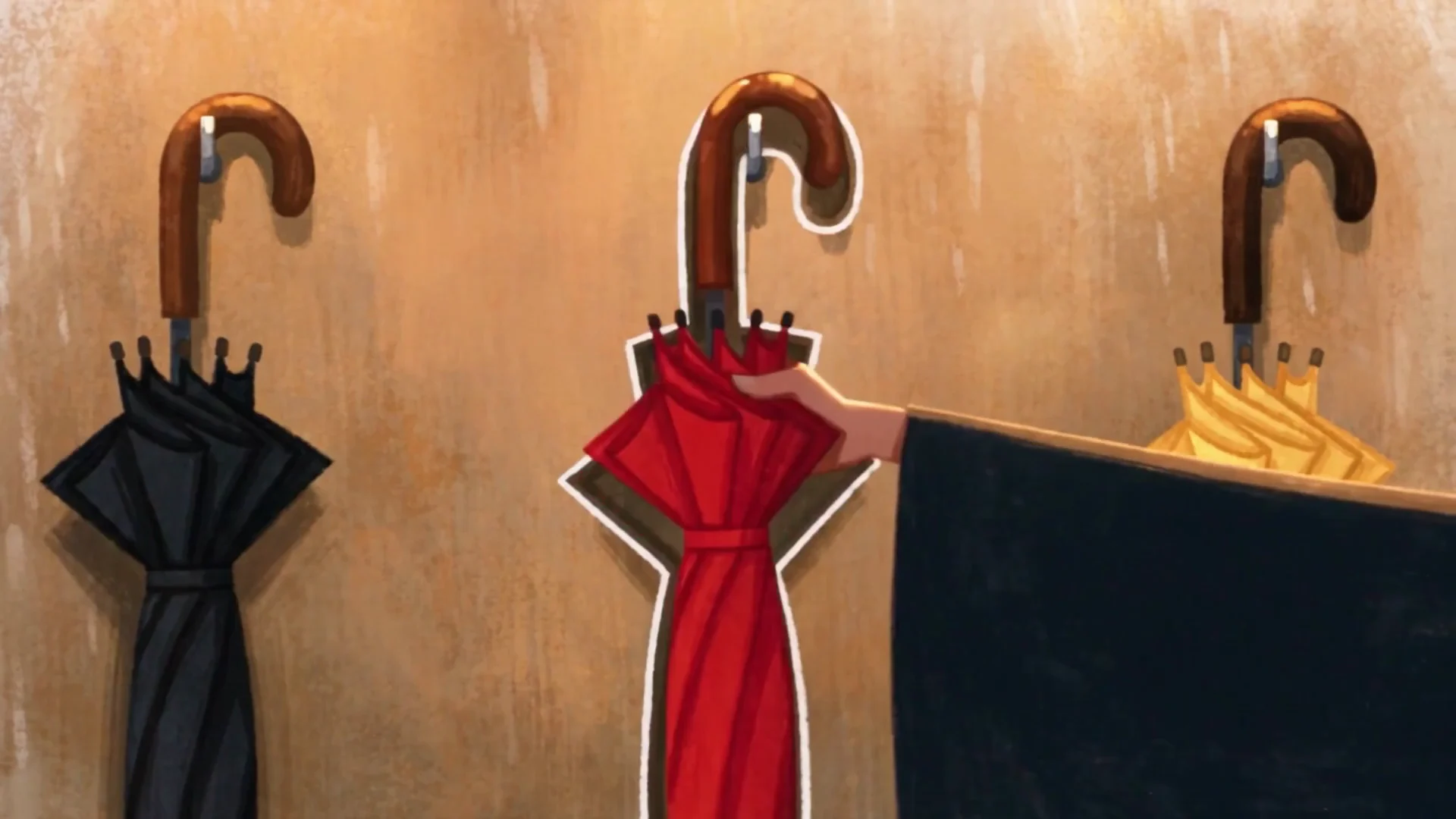
- The places change, the style does not. The film moves through about ten settings: a townhouse, a poppy field, a square, an Underground escalator, a coffee kiosk, a window box, a bus shelter, a phone box, an umbrella shop, and an empty street. All of them share one palette, one line weight, and the same soft rain.
- The characters stay themselves. George keeps his height, his hair, and his black suit. Gina keeps her bob and her red dress. Englishman in New York repeats the test in a new city.
- Props carry the plot. The umbrella appears in almost every beat, and it pays off in the last shot.
One style across many places
Different settings in the same flat style. Frames from No Ordinary Love by antrofrog.
How to make an AI animation like this on Krea
Use this method for a two-character cartoon in one style, cut to a song. Design the characters, design the places, animate short beats, then edit. Krea’s AI video generator does the animation. Give it flat illustrated stills and it works as an AI cartoon generator: a still goes in, and a short moving beat comes out. The prompts below were written for this article. They are not antrofrog’s.
Step 1: Design two characters and save the stills
Write each character down before you generate: silhouette, outfit, palette, and the details that cannot change. For a pair like George and Gina, that list is the height, the hair, the black suit, and the red dress.
Make at least one character in Krea 3. Attach up to 8 reference images and say what each one is for, for example “image 1 is the face, image 2 is the suit.” Use fast mode while you try poses and high mode for the still you will animate. Use ultra when the instruction is less literal than “keep this coat.” Save one clean full-figure still of each character. Add a second pose if the face and the clothes survive the edit. These files are what the video model will see.
You can design the other character in a different image model, as the credits describe for George in Midjourney 8.2. Bring that still into Krea as a reference.
Step 2: Paint the places in the same style
No Ordinary Love changes place almost every beat, but every place looks like it came from the same hand. For a similar cartoon, paint each empty setting in one flat style before you add anyone to it. Keep the palette, the line weight, and the weather the same from plate to plate.
Krea 3 can put a saved character into one of those plates. Pass the character stills and the setting, and say which image is the person and which image is the place. Dedicated style references for Krea 3 are coming soon. Until then, pass one image as the style example and say in the prompt that it sets the line and the palette.
Step 3: Animate short beats in Seedance 2.5
Open Seedance 2.5 in the AI video generator. Put the character still on the start frame, or add both characters as image references. Describe the motion, the camera, and the sound. Let the still carry the suit and the dress.
Krea blocks uploaded images and videos that show realistic human faces, as the how-to notes. A flat illustrated face is the kind of start frame that path allows. Prompt a closed mouth and no dialogue, so the model does not invent a line that you then have to lip-sync.
Keep each generation short. Four to eight seconds is enough for one action. Seedance 2.5 can make clips from 4 to 30 seconds, but a long take is harder to cut to a song. Draft at 480p before you render at full quality. The draft mode guide covers that pass.
Here is an example prompt for one beat in the same vein:
Use the start frame as the first frame. Flat 2D, same line and palette as the still. The man in the black suit stands in the rain beside a red phone box and opens a black umbrella over the woman in the red dress. She does not speak. Her mouth stays still. Camera: locked off, then a short push-in. A pigeon walks through the foreground. Audio: rain on the umbrella and the pavement. No music. No dialogue.Write the other beats the same way: one action, one camera move, and ambient sound only. The prompt formula, with camera and audio lines, is in the Seedance 2.5 prompt guide. For finished prompts on other subjects, see 10 Best Seedance 2.5 Prompts for Cinematic AI Videos and 10 Best Seedance 2.5 Examples + Prompts.
Seedance 2.5 also accepts audio references. Do not attach a commercial recording. Prompt the ambience, and add music in the edit.
Step 4: Cut the shots to music you can use
Download the takes you keep and edit them against the track. The order of the shots is the story, and the phrases of the song are the cuts. Put a change of shot on a change in the music.
Keep the rain and the footsteps that Seedance generated, or replace them, and put the licensed song under the picture. Krea has plugins for Premiere Pro and After Effects, so you can generate a replacement shot without leaving the timeline.
The song is copyrighted
“No Ordinary Love” is a copyrighted composition and a copyrighted recording. antrofrog’s film uses Sade’s record, and that does not give you the right to use it. Do not upload that song, or any other commercial recording, into Seedance or into an editor unless you hold a license.
Use music you composed, a track you have licensed, or music that your publishing platform provides. The pictures can rhyme with the film. The audio has to be yours to use.
Frequently asked questions
How do you make an AI animation like No Ordinary Love?
Design two characters as stills, with at least one made in Krea 3, so the face and the clothes can be reused. Paint each setting in the same flat style. Animate short beats in Seedance 2.5 on Krea, with each still as a start frame or an image reference. Cut the clips to music you have a license for. antrofrog has not published his prompts, so this is a way to make a similar short, not a copy of his project.
What is an AI animation generator?
An AI animation generator turns a prompt, a still, or both into a moving shot. On Krea, Seedance 2.5 is the model antrofrog credited for the animation in No Ordinary Love. It runs in the AI video generator and makes clips from 4 to 30 seconds, from a start frame or image references. You edit the shots together yourself. The Seedance 2.5 how-to walks through a full generation.
What is an AI cartoon generator?
An AI cartoon generator turns flat, illustrated artwork into a moving shot. On Krea, you design the cartoon stills, for example with Krea 3, and then animate them in Seedance 2.5. Illustrated faces also fit the Seedance rule that blocks uploads of realistic human faces.
Which tools did antrofrog use on No Ordinary Love?
In a credits reply on X, he listed Midjourney 8.2 for George, Krea 3 for Gina, and Seedance 2.5 for the animation, and wrote that the film was made on Krea. The next film, Englishman in New York, credits Midjourney 8.2 and Seedance 2.5 on Krea. It does not credit Krea 3.
Did antrofrog share his prompts?
No. He has not published his prompts or a shot list. The example prompt in this post was written for readers who want a similar beat. It is not his wording.
Can I use Sade's recording of No Ordinary Love?
Not unless you have a license. The recording and the composition are copyrighted. Use music you own, a track you have licensed, or music that your publishing platform provides. Do not upload the commercial recording into a generator or an editor.
How do I keep two characters consistent?
Save a clean still of each character. Reuse those files as Krea 3 references and as Seedance 2.5 start frames or image references. Krea 3 takes up to 8 reference images, so say what each image is for. LoRA training and dedicated style references for Krea 3 are coming soon.
Why is there no lip-sync in the short?
The short has no dialogue. The song carries the courtship, and the characters do not talk. For a similar cartoon, prompt a closed mouth and no dialogue, and cut the shots to the music.
Start a two-character short
Design a character still in Krea 3, then animate a short beat with Seedance 2.5. Put a song you have licensed under the cut.
Open the AI video generator