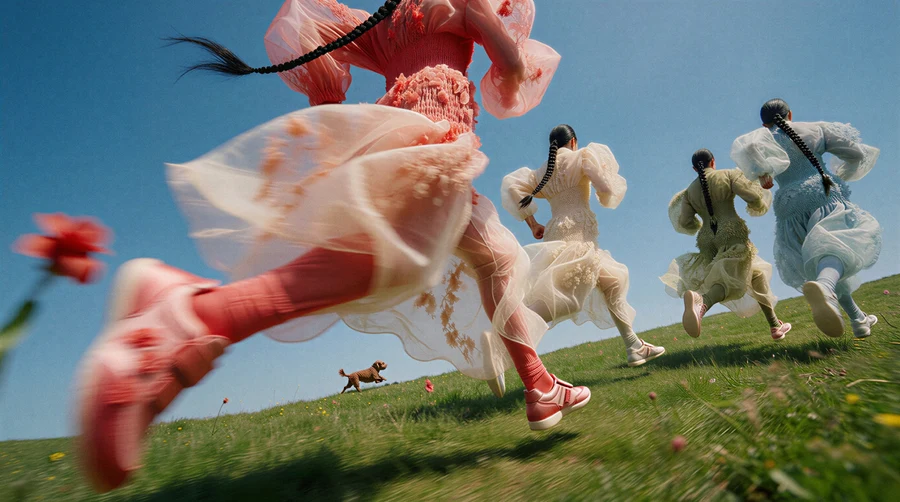
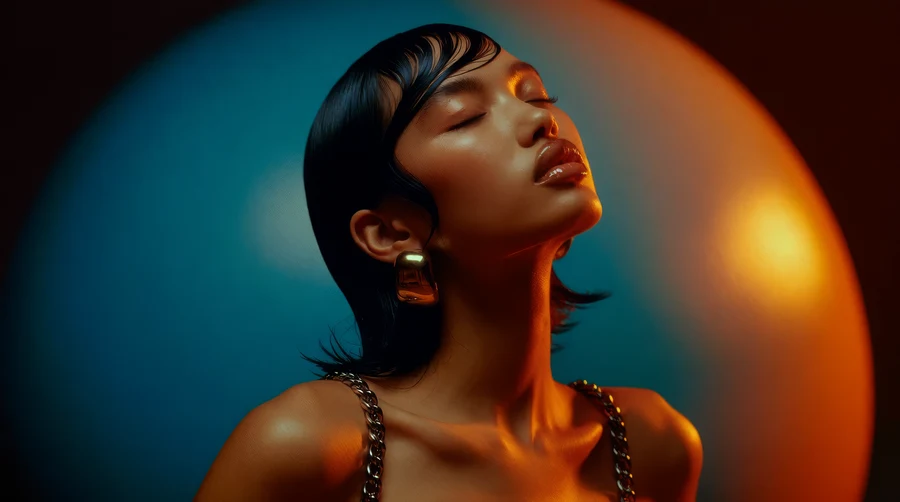
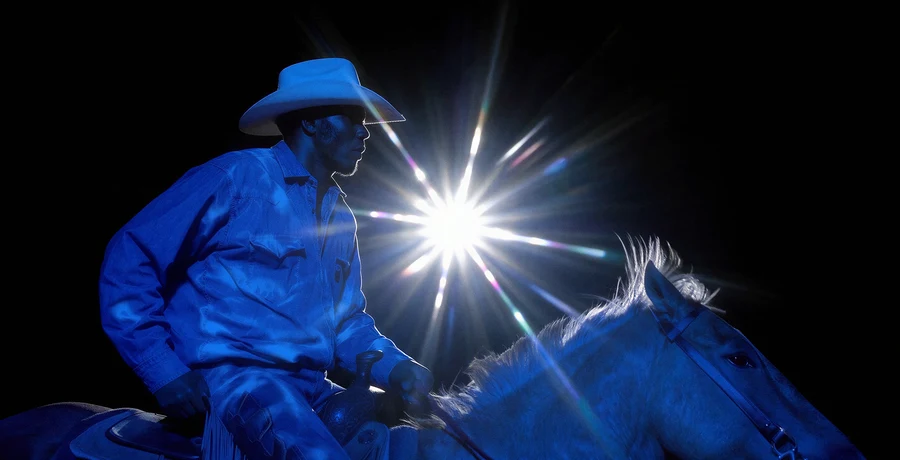
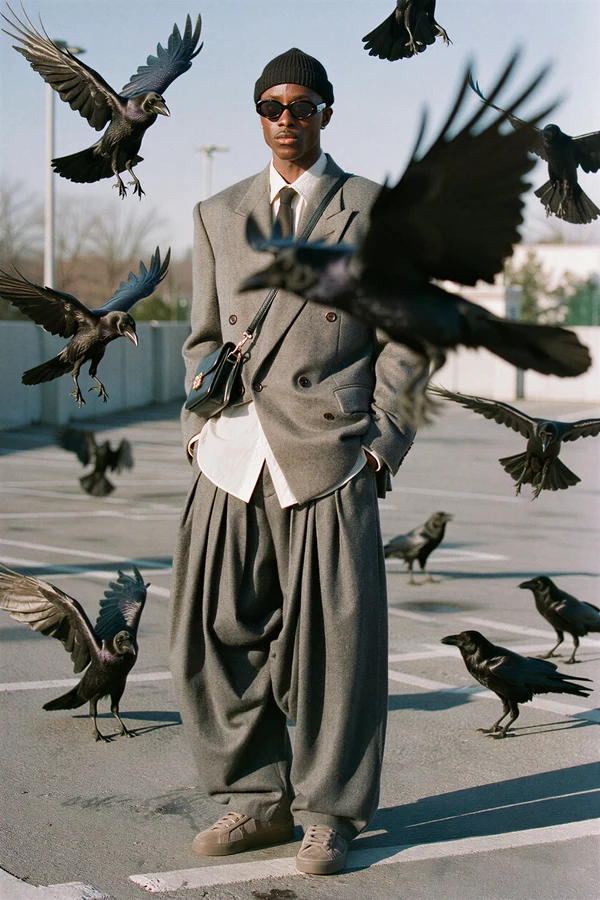
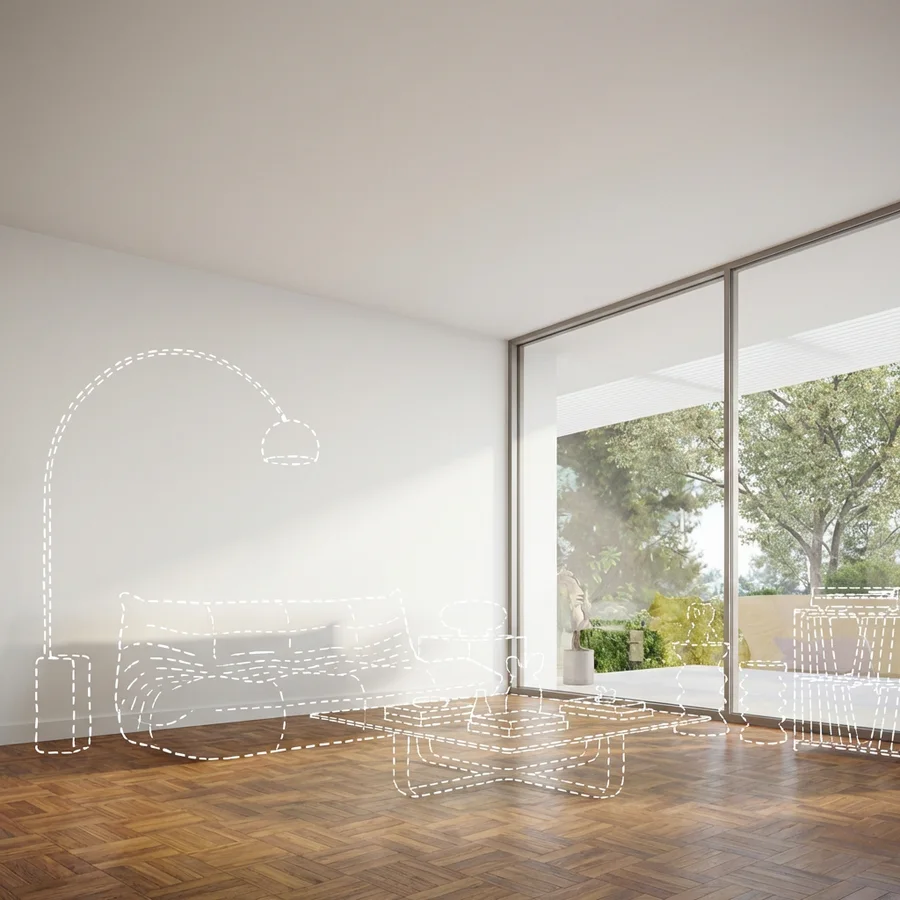
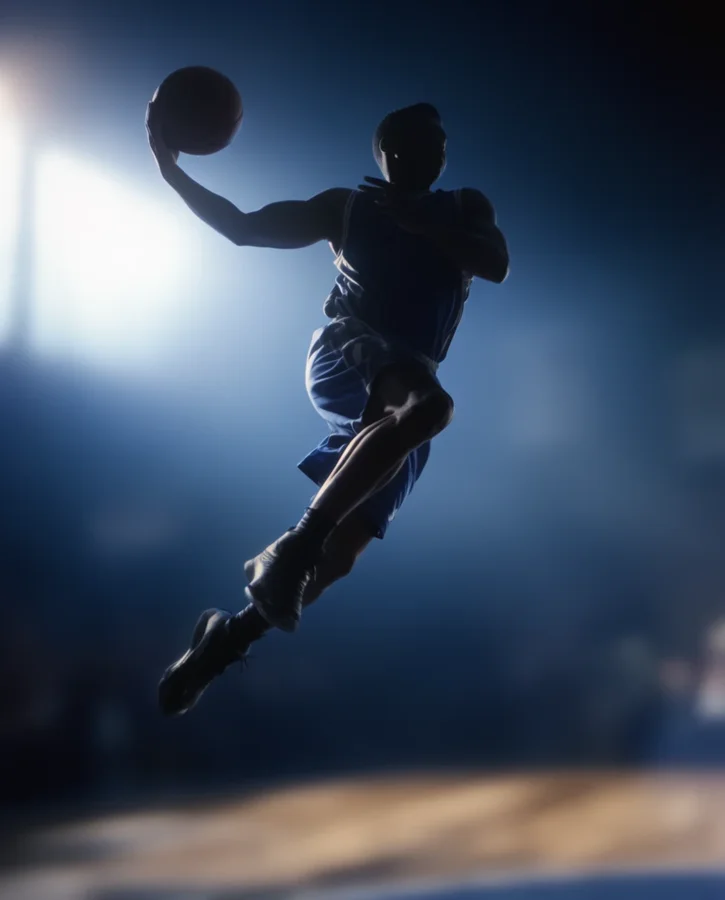
Describe the shot. Krea makes it.
Start with a treatment, a still, or one sentence. Krea Agent develops the look, directs the camera, and generates the shots — then refines them with you, take by take.
From your first reference to the final result.
Bring the idea. Set the direction. Refine it with Krea Agent, one creative decision at a time.
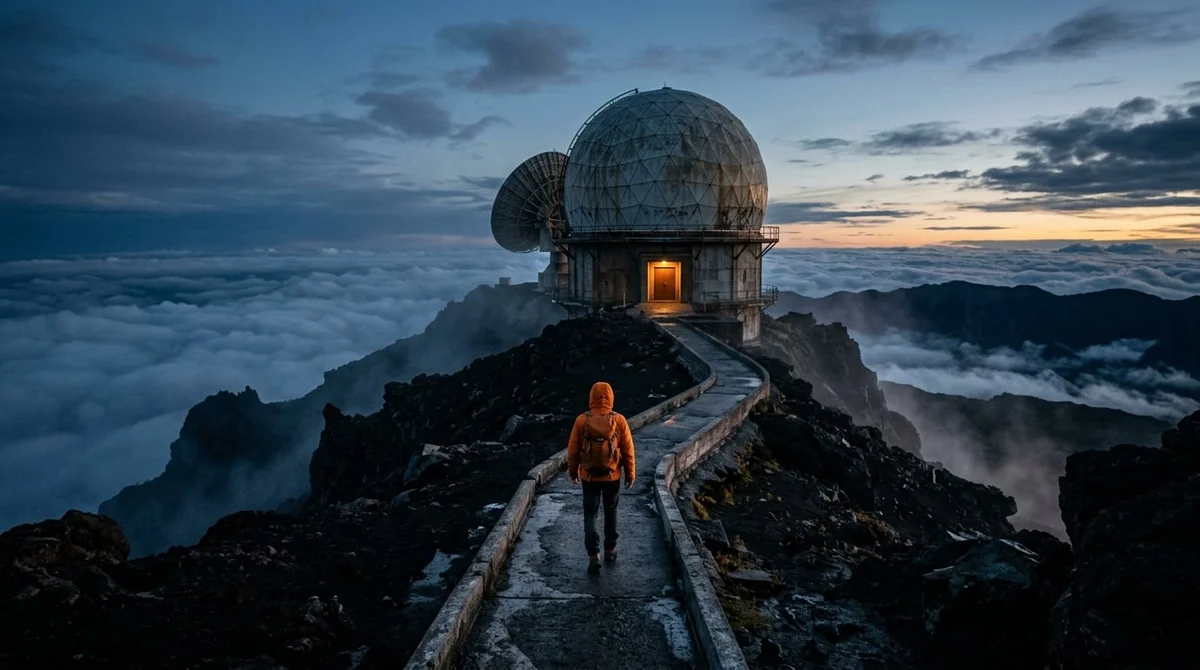
Add your story
Start with a treatment, a reference frame, or one scene idea. Tell Krea Agent who is in it, where it happens, and what the audience should feel.
Start with your referencesSet the scene
Describe the angle, the action, the light, and the pace. Try an establishing shot, a tracking move, or a close-up, with your references guiding the look.
Build your scene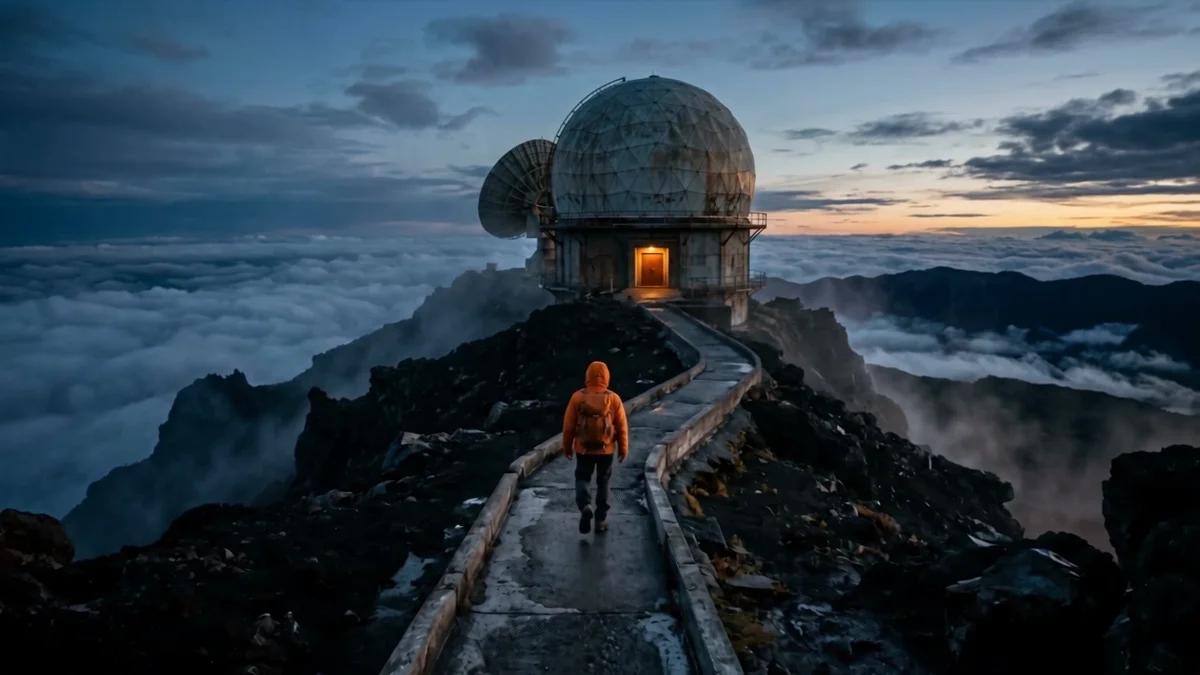
Example direction
Open on the observatory above the clouds and slowly move toward the doorway.
Workshop the take
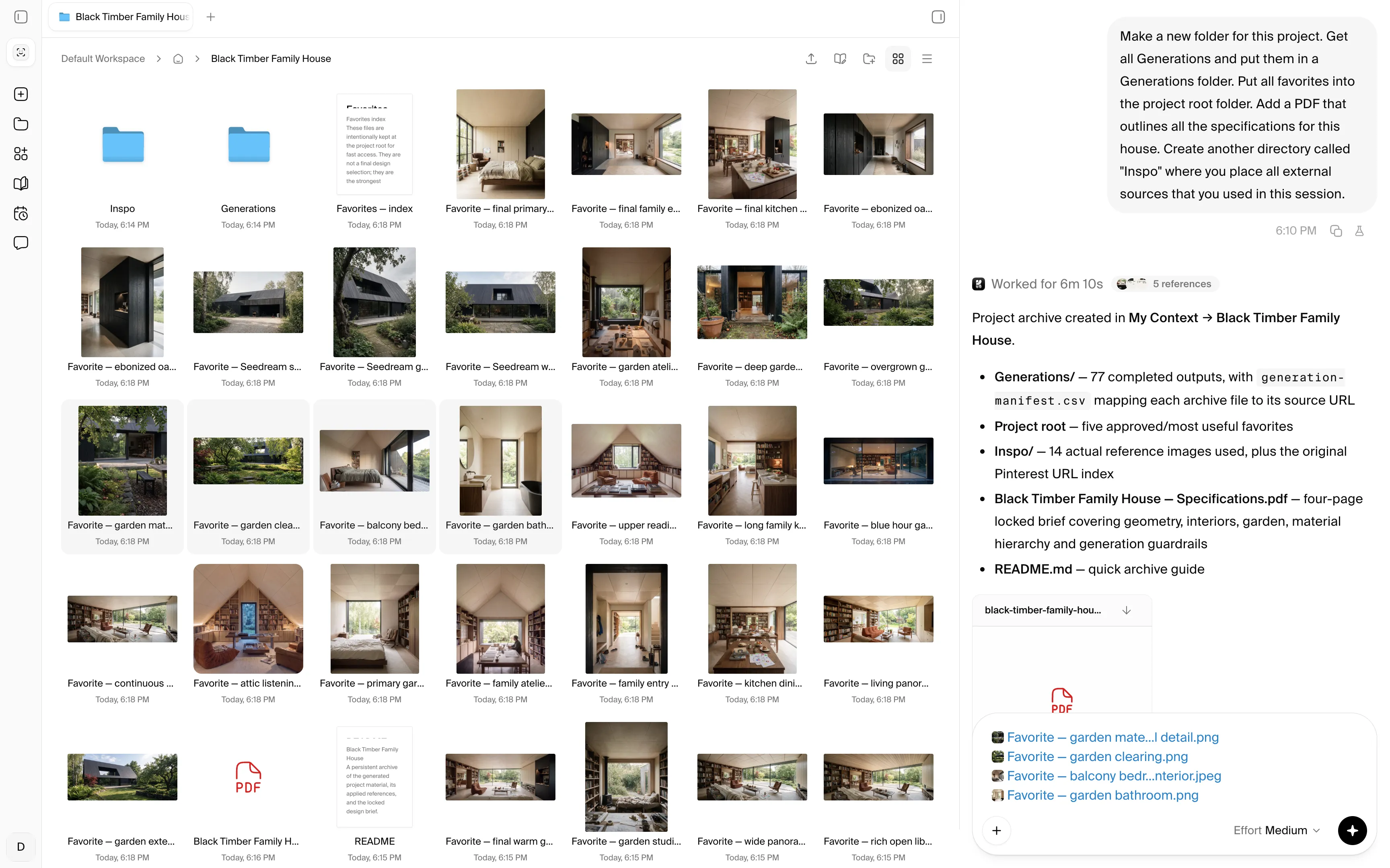
Review each take and adjust movement, framing, and atmosphere in conversation. Approved frames stay as references so the sequence holds together.
Refine with Krea AgentGenerate and publish
Create your final images and videos in the format you need. Download your favorites for campaigns, social posts, or presentations.
Create your first result Krea Agent
“Open on the observatory above the clouds and slowly move toward the doorway”
Try Krea AgentOne story, directed shot by shot.
“Hey Krea, keep the treatment, references, and approved shots together”
Krea comes with unlimited self-organizing cloud storage shared with your team. The agent'%3e%3cpath%20id='Vector'%20d='M13.5%205.40762V35.04C13.5%2035.7981%2014.4097%2036.1687%2014.9319%2035.6296L23.1192%2027.4424C23.2747%2027.2837%2023.4866%2027.1929%2023.7088%2027.1897H35.2821C35.4469%2027.1874%2035.6075%2027.1367%2035.7438%2027.044C35.8802%2026.9513%2035.9863%2026.8206%2036.0491%2026.6682C36.1119%2026.5157%2036.1285%2026.3482%2036.097%2026.1864C36.0655%2026.0245%2035.9871%2025.8755%2035.8717%2025.7578L14.9319%204.80116C14.8142%204.68572%2014.6652%204.60738%2014.5033%204.57585C14.3415%204.54431%2014.174%204.56096%2014.0215%204.62374C13.8691%204.68652%2013.7384%204.79266%2013.6457%204.929C13.553%205.06535%2013.5023%205.22591%2013.5%205.39077V5.40762Z'%20fill='%23000000'%20stroke='%23000000'%20stroke-width='3'/%3e%3c/g%3e%3cdefs%3e%3cfilter%20id='filter0_dd_0_7'%20x='-7.76539'%20y='-2'%20width='64.4308'%20height='64.4308'%20filterUnits='userSpaceOnUse'%20color-interpolation-filters='sRGB'%3e%3cfeFlood%20flood-opacity='0'%20result='BackgroundImageFix'/%3e%3cfeColorMatrix%20in='SourceAlpha'%20type='matrix'%20values='0%200%200%200%200%200%200%200%200%200%200%200%200%200%200%200%200%200%20127%200'%20result='hardAlpha'/%3e%3cfeMorphology%20radius='4'%20operator='erode'%20in='SourceAlpha'%20result='effect1_dropShadow_0_7'/%3e%3cfeOffset%20dy='4'/%3e%3cfeGaussianBlur%20stdDeviation='3'/%3e%3cfeColorMatrix%20type='matrix'%20values='0%200%200%200%200%200%200%200%200%200%200%200%200%200%200%200%200%200%200.1%200'/%3e%3cfeBlend%20mode='normal'%20in2='BackgroundImageFix'%20result='effect1_dropShadow_0_7'/%3e%3cfeColorMatrix%20in='SourceAlpha'%20type='matrix'%20values='0%200%200%200%200%200%200%200%200%200%200%200%200%200%200%200%200%200%20127%200'%20result='hardAlpha'/%3e%3cfeMorphology%20radius='3'%20operator='erode'%20in='SourceAlpha'%20result='effect2_dropShadow_0_7'/%3e%3cfeOffset%20dy='10'/%3e%3cfeGaussianBlur%20stdDeviation='7.5'/%3e%3cfeColorMatrix%20type='matrix'%20values='0%200%200%200%200.145098%200%200%200%200%200.388235%200%200%200%200%200.921569%200%200%200%200.2%200'/%3e%3cfeBlend%20mode='normal'%20in2='effect1_dropShadow_0_7'%20result='effect2_dropShadow_0_7'/%3e%3cfeBlend%20mode='normal'%20in='SourceGraphic'%20in2='effect2_dropShadow_0_7'%20result='shape'/%3e%3c/filter%3e%3c/defs%3e%3c/svg%3e) keeps your treatment, character references, and approved frames in every new shot .
keeps your treatment, character references, and approved frames in every new shot .
'%3e%3cpath%20id='Vector'%20d='M13.5%205.40762V35.04C13.5%2035.7981%2014.4097%2036.1687%2014.9319%2035.6296L23.1192%2027.4424C23.2747%2027.2837%2023.4866%2027.1929%2023.7088%2027.1897H35.2821C35.4469%2027.1874%2035.6075%2027.1367%2035.7438%2027.044C35.8802%2026.9513%2035.9863%2026.8206%2036.0491%2026.6682C36.1119%2026.5157%2036.1285%2026.3482%2036.097%2026.1864C36.0655%2026.0245%2035.9871%2025.8755%2035.8717%2025.7578L14.9319%204.80116C14.8142%204.68572%2014.6652%204.60738%2014.5033%204.57585C14.3415%204.54431%2014.174%204.56096%2014.0215%204.62374C13.8691%204.68652%2013.7384%204.79266%2013.6457%204.929C13.553%205.06535%2013.5023%205.22591%2013.5%205.39077V5.40762Z'%20fill='%233B82F6'%20stroke='%233B82F6'%20stroke-width='3'/%3e%3c/g%3e%3cdefs%3e%3cfilter%20id='filter0_dd_0_7'%20x='-7.76539'%20y='-2'%20width='64.4308'%20height='64.4308'%20filterUnits='userSpaceOnUse'%20color-interpolation-filters='sRGB'%3e%3cfeFlood%20flood-opacity='0'%20result='BackgroundImageFix'/%3e%3cfeColorMatrix%20in='SourceAlpha'%20type='matrix'%20values='0%200%200%200%200%200%200%200%200%200%200%200%200%200%200%200%200%200%20127%200'%20result='hardAlpha'/%3e%3cfeMorphology%20radius='4'%20operator='erode'%20in='SourceAlpha'%20result='effect1_dropShadow_0_7'/%3e%3cfeOffset%20dy='4'/%3e%3cfeGaussianBlur%20stdDeviation='3'/%3e%3cfeColorMatrix%20type='matrix'%20values='0%200%200%200%200%200%200%200%200%200%200%200%200%200%200%200%200%200%200.1%200'/%3e%3cfeBlend%20mode='normal'%20in2='BackgroundImageFix'%20result='effect1_dropShadow_0_7'/%3e%3cfeColorMatrix%20in='SourceAlpha'%20type='matrix'%20values='0%200%200%200%200%200%200%200%200%200%200%200%200%200%200%200%200%200%20127%200'%20result='hardAlpha'/%3e%3cfeMorphology%20radius='3'%20operator='erode'%20in='SourceAlpha'%20result='effect2_dropShadow_0_7'/%3e%3cfeOffset%20dy='10'/%3e%3cfeGaussianBlur%20stdDeviation='7.5'/%3e%3cfeColorMatrix%20type='matrix'%20values='0%200%200%200%200.145098%200%200%200%200%200.388235%200%200%200%200%200.921569%200%200%200%200.2%200'/%3e%3cfeBlend%20mode='normal'%20in2='effect1_dropShadow_0_7'%20result='effect2_dropShadow_0_7'/%3e%3cfeBlend%20mode='normal'%20in='SourceGraphic'%20in2='effect2_dropShadow_0_7'%20result='shape'/%3e%3c/filter%3e%3c/defs%3e%3c/svg%3e)
'%3e%3cpath%20id='Vector'%20d='M13.5%205.40762V35.04C13.5%2035.7981%2014.4097%2036.1687%2014.9319%2035.6296L23.1192%2027.4424C23.2747%2027.2837%2023.4866%2027.1929%2023.7088%2027.1897H35.2821C35.4469%2027.1874%2035.6075%2027.1367%2035.7438%2027.044C35.8802%2026.9513%2035.9863%2026.8206%2036.0491%2026.6682C36.1119%2026.5157%2036.1285%2026.3482%2036.097%2026.1864C36.0655%2026.0245%2035.9871%2025.8755%2035.8717%2025.7578L14.9319%204.80116C14.8142%204.68572%2014.6652%204.60738%2014.5033%204.57585C14.3415%204.54431%2014.174%204.56096%2014.0215%204.62374C13.8691%204.68652%2013.7384%204.79266%2013.6457%204.929C13.553%205.06535%2013.5023%205.22591%2013.5%205.39077V5.40762Z'%20fill='%23F6A53B'%20stroke='%23F6A53B'%20stroke-width='3'/%3e%3c/g%3e%3cdefs%3e%3cfilter%20id='filter0_dd_0_5'%20x='-7.76539'%20y='-2'%20width='64.4308'%20height='64.4308'%20filterUnits='userSpaceOnUse'%20color-interpolation-filters='sRGB'%3e%3cfeFlood%20flood-opacity='0'%20result='BackgroundImageFix'/%3e%3cfeColorMatrix%20in='SourceAlpha'%20type='matrix'%20values='0%200%200%200%200%200%200%200%200%200%200%200%200%200%200%200%200%200%20127%200'%20result='hardAlpha'/%3e%3cfeMorphology%20radius='4'%20operator='erode'%20in='SourceAlpha'%20result='effect1_dropShadow_0_5'/%3e%3cfeOffset%20dy='4'/%3e%3cfeGaussianBlur%20stdDeviation='3'/%3e%3cfeColorMatrix%20type='matrix'%20values='0%200%200%200%200%200%200%200%200%200%200%200%200%200%200%200%200%200%200.1%200'/%3e%3cfeBlend%20mode='normal'%20in2='BackgroundImageFix'%20result='effect1_dropShadow_0_5'/%3e%3cfeColorMatrix%20in='SourceAlpha'%20type='matrix'%20values='0%200%200%200%200%200%200%200%200%200%200%200%200%200%200%200%200%200%20127%200'%20result='hardAlpha'/%3e%3cfeMorphology%20radius='3'%20operator='erode'%20in='SourceAlpha'%20result='effect2_dropShadow_0_5'/%3e%3cfeOffset%20dy='10'/%3e%3cfeGaussianBlur%20stdDeviation='7.5'/%3e%3cfeColorMatrix%20type='matrix'%20values='0%200%200%200%200.921569%200%200%200%200%200.546275%200%200%200%200%200.145098%200%200%200%200.2%200'/%3e%3cfeBlend%20mode='normal'%20in2='effect1_dropShadow_0_5'%20result='effect2_dropShadow_0_5'/%3e%3cfeBlend%20mode='normal'%20in='SourceGraphic'%20in2='effect2_dropShadow_0_5'%20result='shape'/%3e%3c/filter%3e%3c/defs%3e%3c/svg%3e)
'%3e%3cpath%20id='Vector'%20d='M13.5%205.40762V35.04C13.5%2035.7981%2014.4097%2036.1687%2014.9319%2035.6296L23.1192%2027.4424C23.2747%2027.2837%2023.4866%2027.1929%2023.7088%2027.1897H35.2821C35.4469%2027.1874%2035.6075%2027.1367%2035.7438%2027.044C35.8802%2026.9513%2035.9863%2026.8206%2036.0491%2026.6682C36.1119%2026.5157%2036.1285%2026.3482%2036.097%2026.1864C36.0655%2026.0245%2035.9871%2025.8755%2035.8717%2025.7578L14.9319%204.80116C14.8142%204.68572%2014.6652%204.60738%2014.5033%204.57585C14.3415%204.54431%2014.174%204.56096%2014.0215%204.62374C13.8691%204.68652%2013.7384%204.79266%2013.6457%204.929C13.553%205.06535%2013.5023%205.22591%2013.5%205.39077V5.40762Z'%20fill='%23953BF6'%20stroke='%23953BF6'%20stroke-width='3'/%3e%3c/g%3e%3cdefs%3e%3cfilter%20id='filter0_dd_0_9'%20x='-7.76539'%20y='-2'%20width='64.4308'%20height='64.4308'%20filterUnits='userSpaceOnUse'%20color-interpolation-filters='sRGB'%3e%3cfeFlood%20flood-opacity='0'%20result='BackgroundImageFix'/%3e%3cfeColorMatrix%20in='SourceAlpha'%20type='matrix'%20values='0%200%200%200%200%200%200%200%200%200%200%200%200%200%200%200%200%200%20127%200'%20result='hardAlpha'/%3e%3cfeMorphology%20radius='4'%20operator='erode'%20in='SourceAlpha'%20result='effect1_dropShadow_0_9'/%3e%3cfeOffset%20dy='4'/%3e%3cfeGaussianBlur%20stdDeviation='3'/%3e%3cfeColorMatrix%20type='matrix'%20values='0%200%200%200%200%200%200%200%200%200%200%200%200%200%200%200%200%200%200.1%200'/%3e%3cfeBlend%20mode='normal'%20in2='BackgroundImageFix'%20result='effect1_dropShadow_0_9'/%3e%3cfeColorMatrix%20in='SourceAlpha'%20type='matrix'%20values='0%200%200%200%200%200%200%200%200%200%200%200%200%200%200%200%200%200%20127%200'%20result='hardAlpha'/%3e%3cfeMorphology%20radius='3'%20operator='erode'%20in='SourceAlpha'%20result='effect2_dropShadow_0_9'/%3e%3cfeOffset%20dy='10'/%3e%3cfeGaussianBlur%20stdDeviation='7.5'/%3e%3cfeColorMatrix%20type='matrix'%20values='0%200%200%200%200.145098%200%200%200%200%200.388235%200%200%200%200%200.921569%200%200%200%200.2%200'/%3e%3cfeBlend%20mode='normal'%20in2='effect1_dropShadow_0_9'%20result='effect2_dropShadow_0_9'/%3e%3cfeBlend%20mode='normal'%20in='SourceGraphic'%20in2='effect2_dropShadow_0_9'%20result='shape'/%3e%3c/filter%3e%3c/defs%3e%3c/svg%3e)

Direct it like you’re on set.
Say what a director would say: tighter framing, slower push-in, colder light, hold the wardrobe. Krea Agent applies it to the shot and keeps the rest of the scene as approved.
Save the steps you repeat — look development, product films, editorial sequences — as workflows. Approved frames stay in context, so the next shot matches the last.
Try Krea AgentImage and video models for every stage of a film
Has
the models

With 150+ image, video, audio and 3D models in one place, a film can use image models for keyframes and look development, then the best video model for each shot, including Krea 2, Seedance 2.5, Veo 3.1, or Kling.
You don’t have to pick a model. Krea Agent matches one to each shot — one for a fast look test, another for a long tracking move — and carries your references between them.
Try Krea AgentExplore Krea Agent workflows
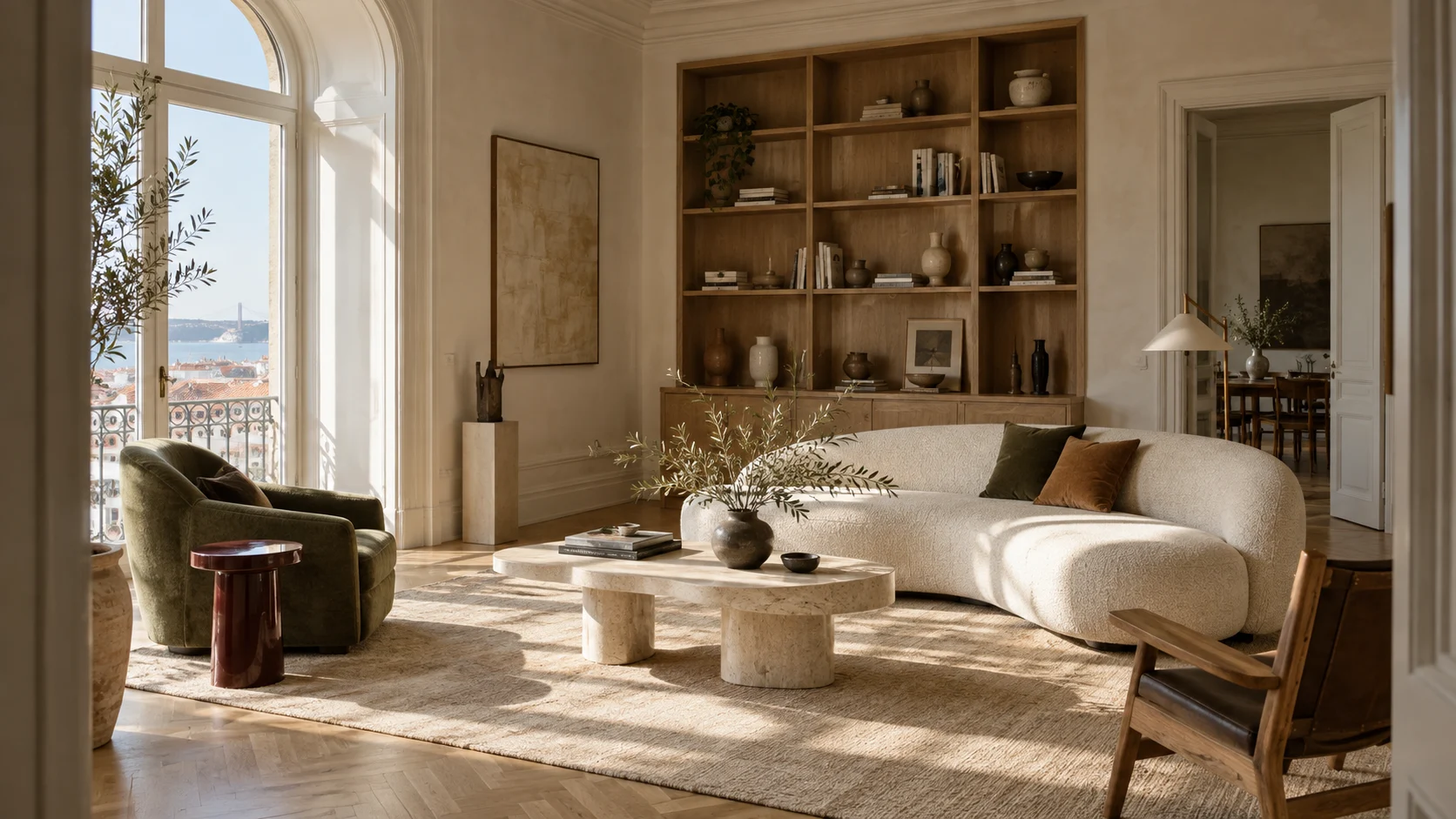
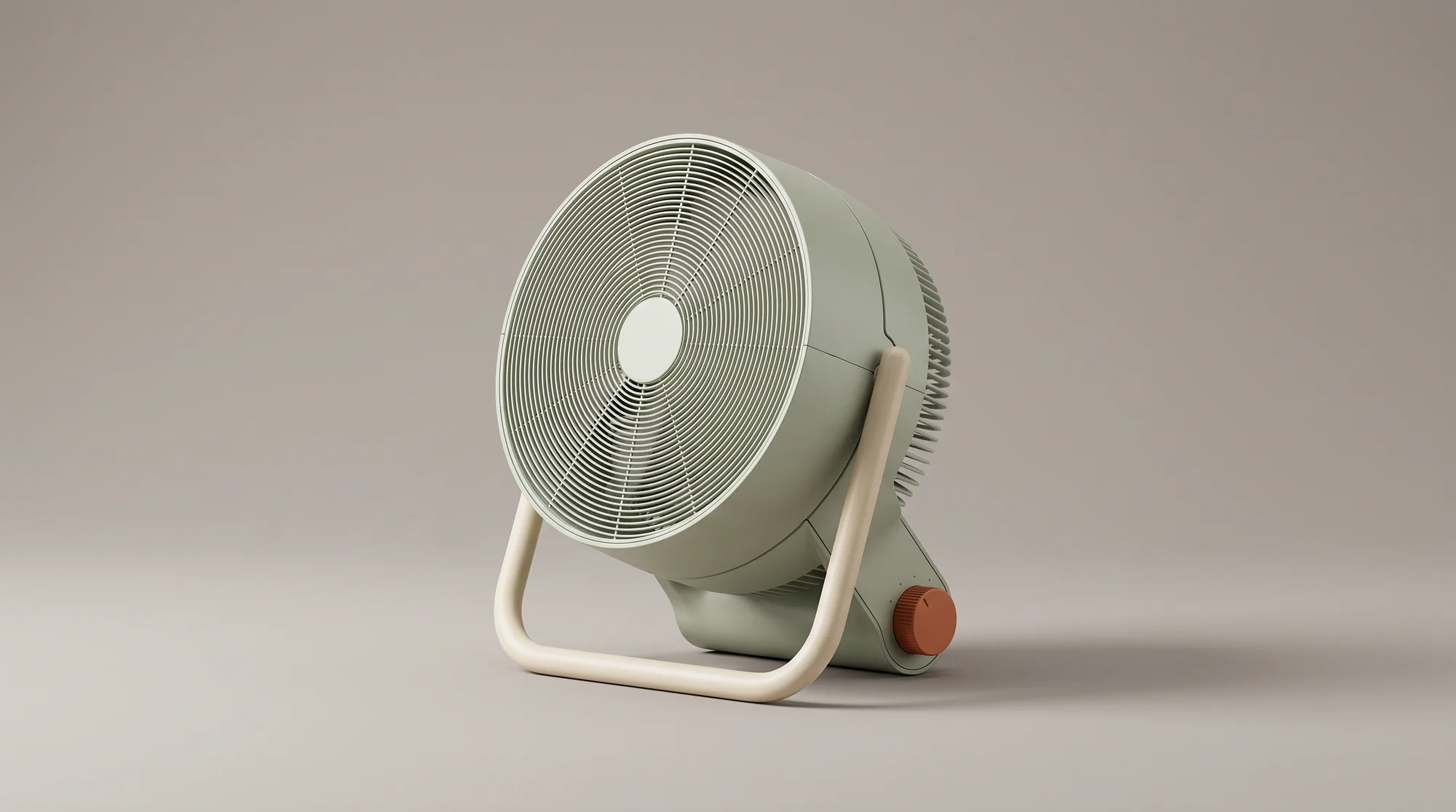
See how creative teams use Krea Agent to turn briefs and references into finished visual campaigns.

Frequently asked questions
Krea turns a treatment, a reference frame, or a scene described in plain language into generated shots. Krea Agent develops the look with image models, generates motion with video models, and refines each take with you in one conversation.
Yes. Describe the subject, setting, action, framing, and mood. Which controls are available depends on the model, and you can refine the brief after the first take.
Yes. Upload an image you have the rights to use and describe the camera move and the action. The image guides the shot, though details can change in generation.
Ask for a close-up, a wide, a tracking move, or an orbit. Results vary by model and scene, so review each take and adjust the direction rather than expect an exact camera path.
Use the same character references and approved frames across the project. They guide continuity, but faces, clothing, and props can drift and may need another take or an edit.
No. Krea is built for developing shots and sequences, not for a finished feature from a single request. Build it shot by shot and cut the selects in your editor.
Clip length depends on the model and its settings. Pick a supported duration for each shot and build longer sequences from your selects.
Yes. Treatments, references, and approved shots live in a shared team library. Repeated steps can be saved as workflows anyone on the team can run.
Do more with Krea
Take every idea further with custom models, real-time exploration, and precise editing tools—all in one creative workflow.