






 Hubungkan ke ChatGPT
Buat

Krea Agen Baru
Deskripsikan, Agen yang membuatnya

Gambar
Krea 3, Nano Banana & lainnya

Video
Seedance, Kling, Veo & lainnya

Gambar ke Video
Ubah foto apa pun jadi video dengan AI

Suara AI
Sulih suara dari naskah apa pun

Waktu nyata
Render instan saat Anda menggambar
Objek 3D
Model dari teks atau gambar
Edit & tingkatkan
Buat video dan gambar dengan Krea MCP, langsung di  Claude
make me an image with Krea 3
Buat video dan gambar
dengan Krea MCP langsung
di Claude dan ChatGPT
Buatan agen Anda dengan Krea
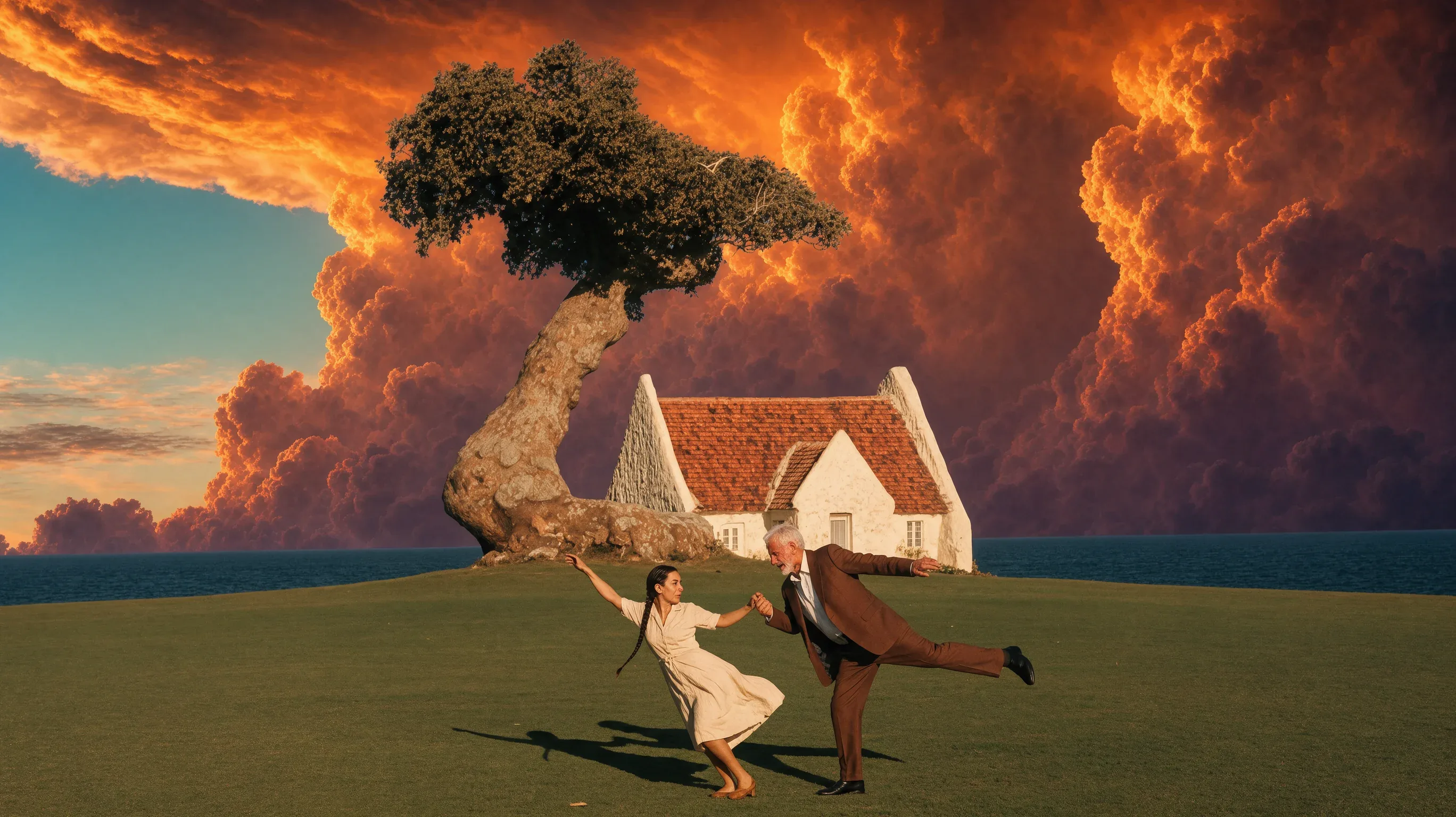

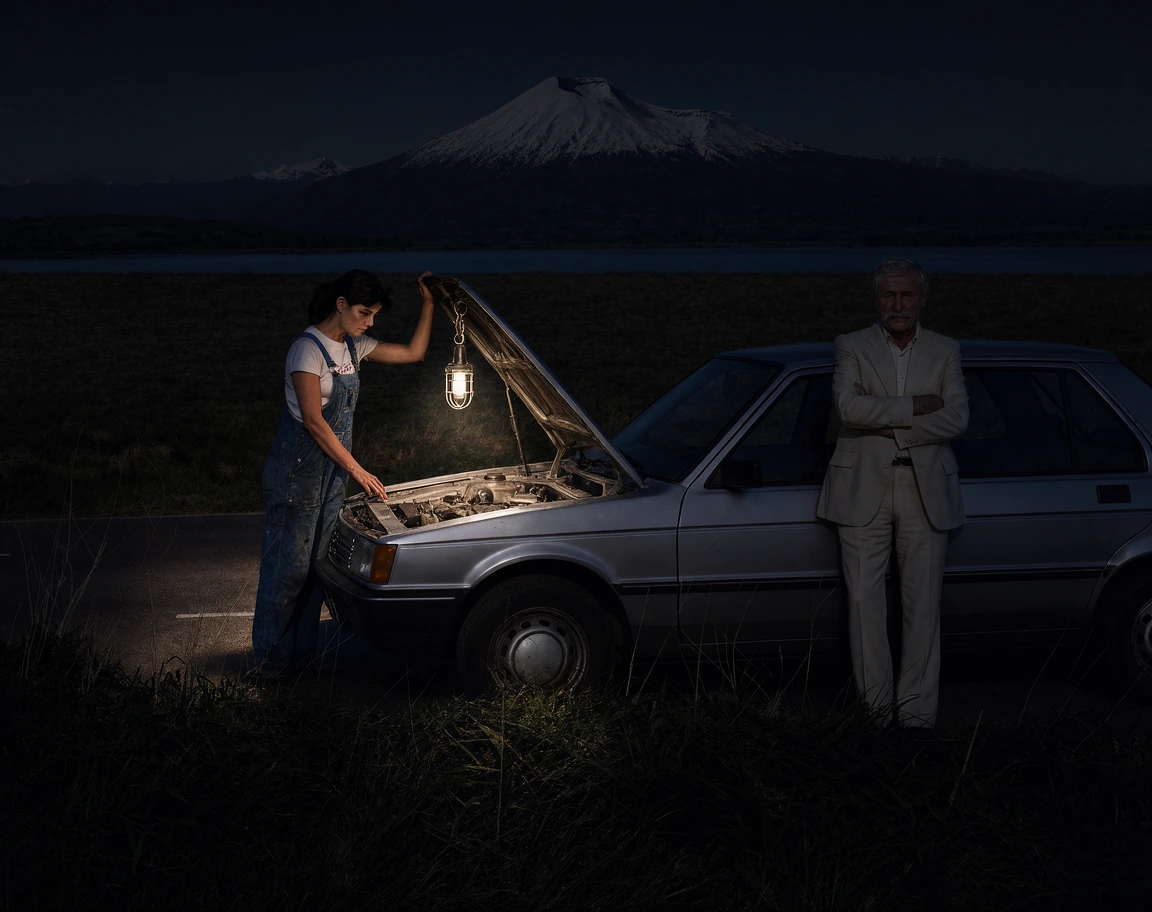
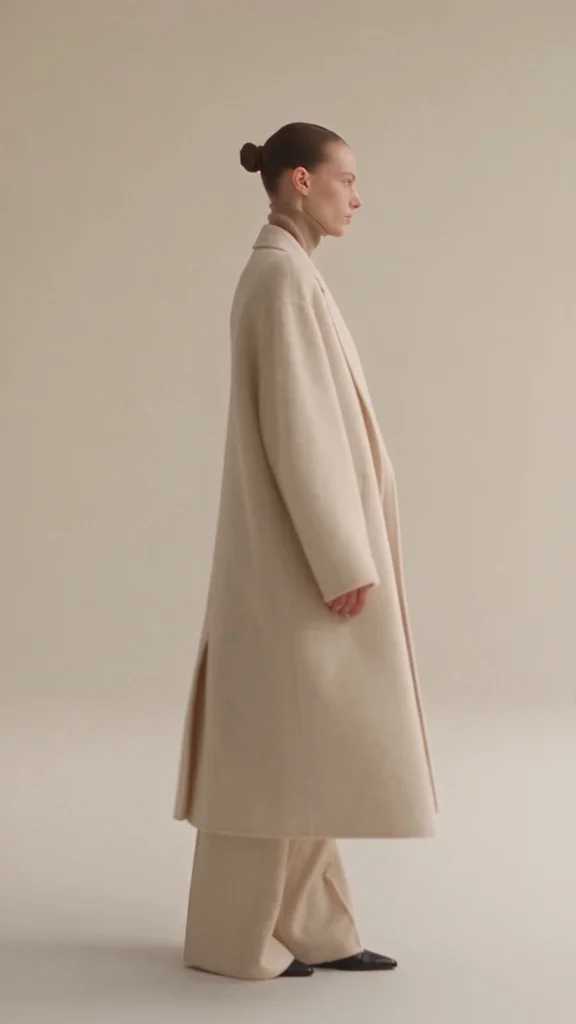
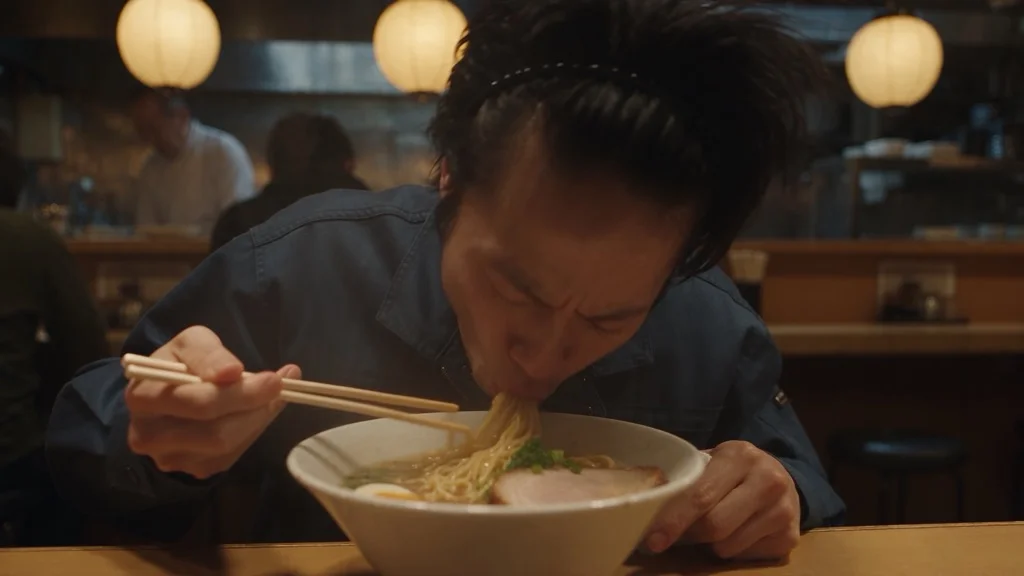
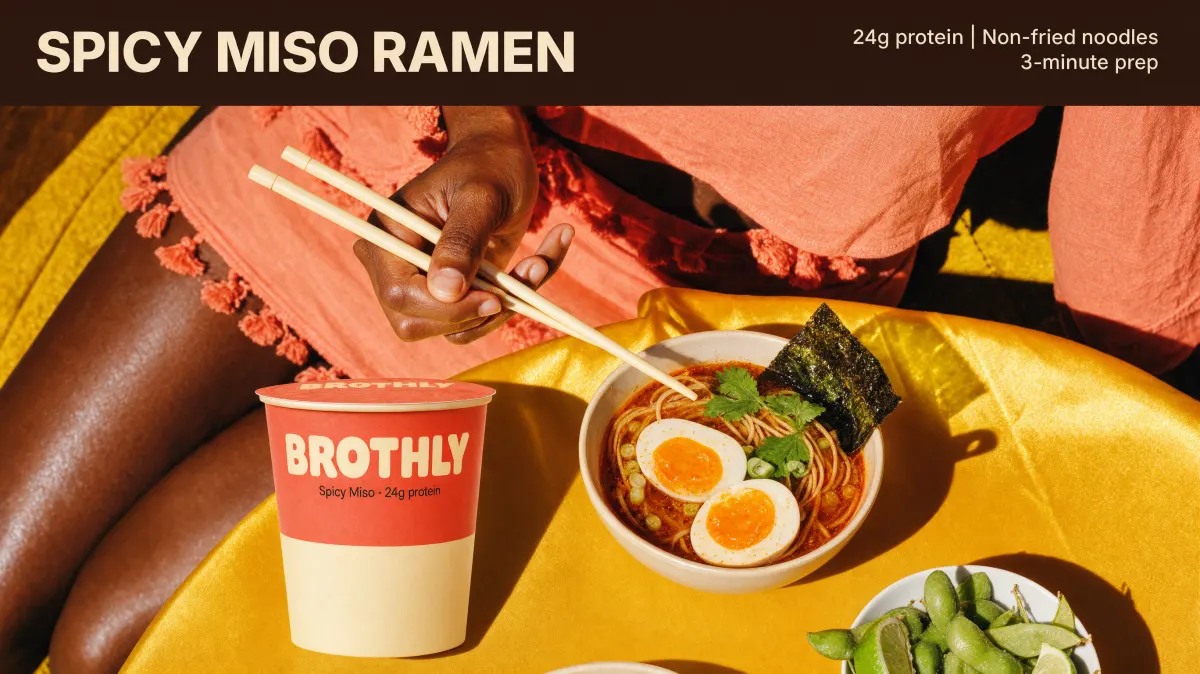
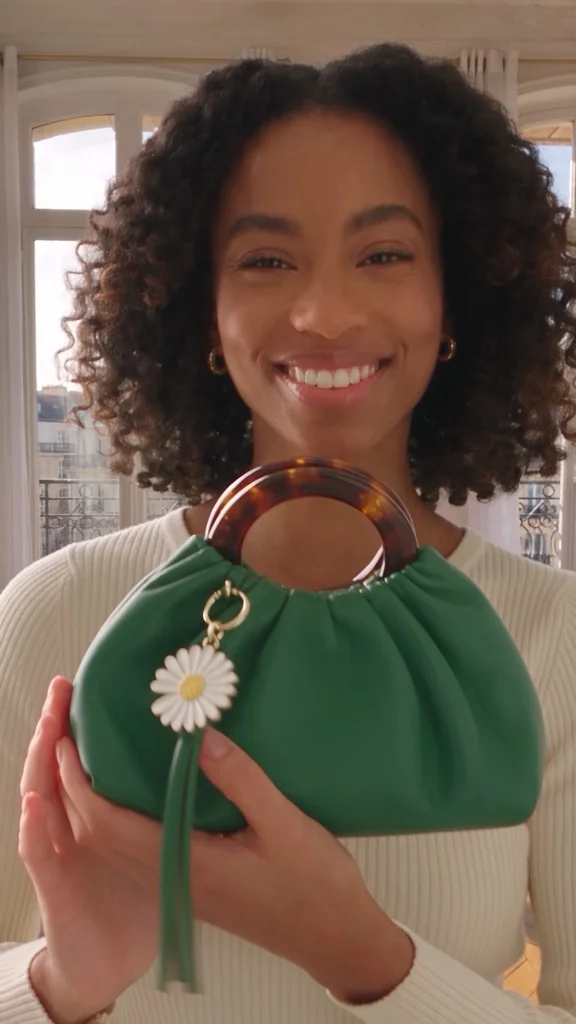
Use Krea MCP and Seedance 2.5 to make a 10-second 16:9 video: a golden-hour tracking shot of a matte-black motorcycle on a cliff road above the Mediterranean, the camera low by its front wheel. A rider in a faded red jacket draws alongside, then a low aerial follows both bikes through cypress trees into the sea haze.
Seedance 2.5
Satu koneksi ke model gambar dan video terdepan di dunia, siap dipakai di dalam agen Anda:
Preset sekali klik untuk Claude
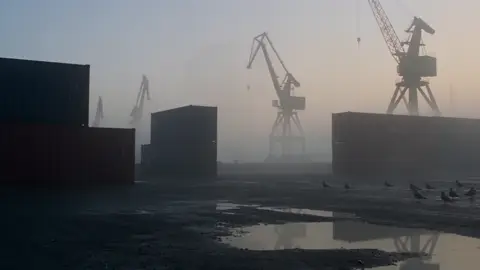
Mecha di pelabuhan saat fajar
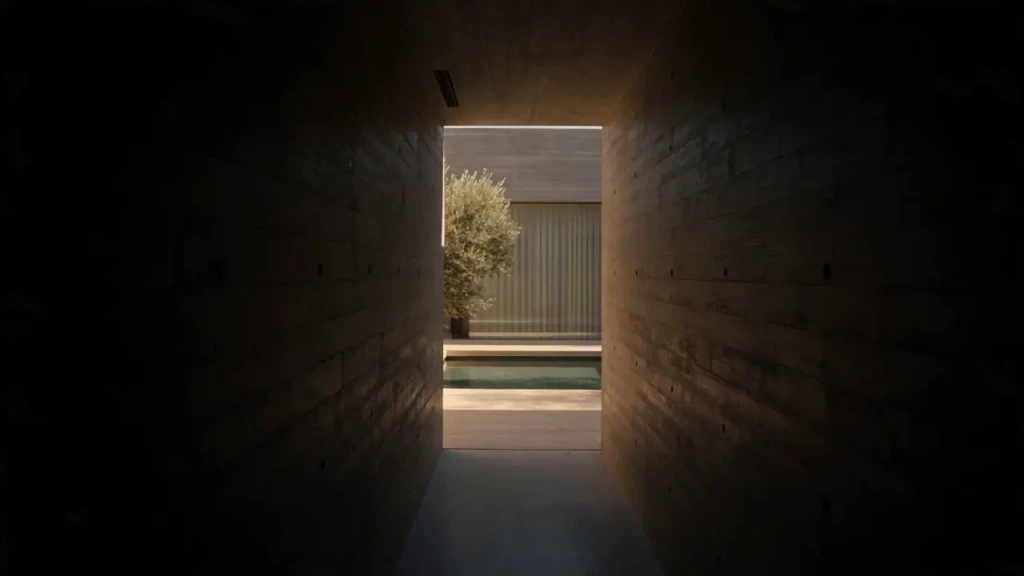
Arahkan walkthrough halaman dalam
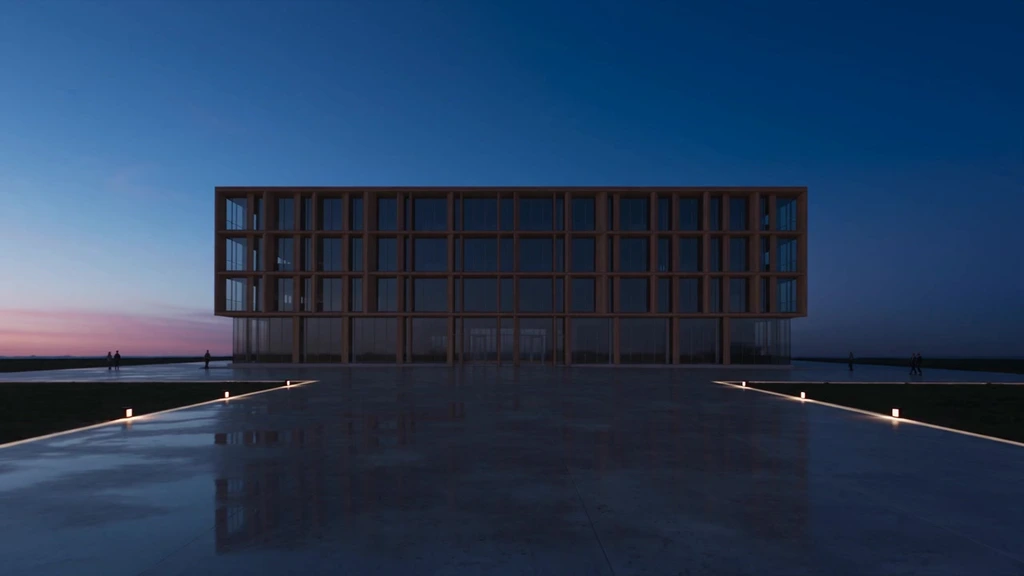
Lampu menyala saat senja

Opening anime

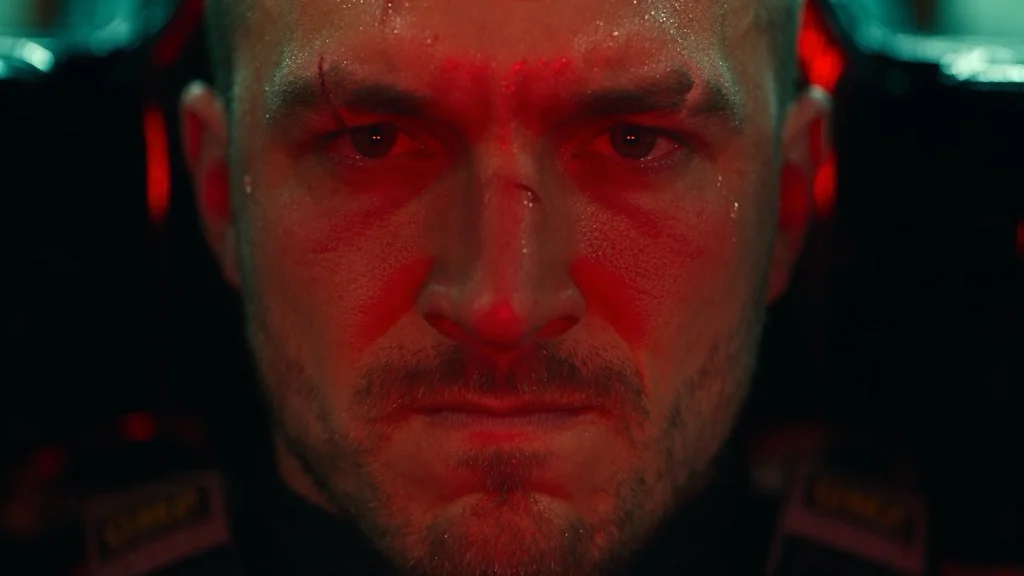
Trailer film balap


Film peluncuran penyedot debu koral
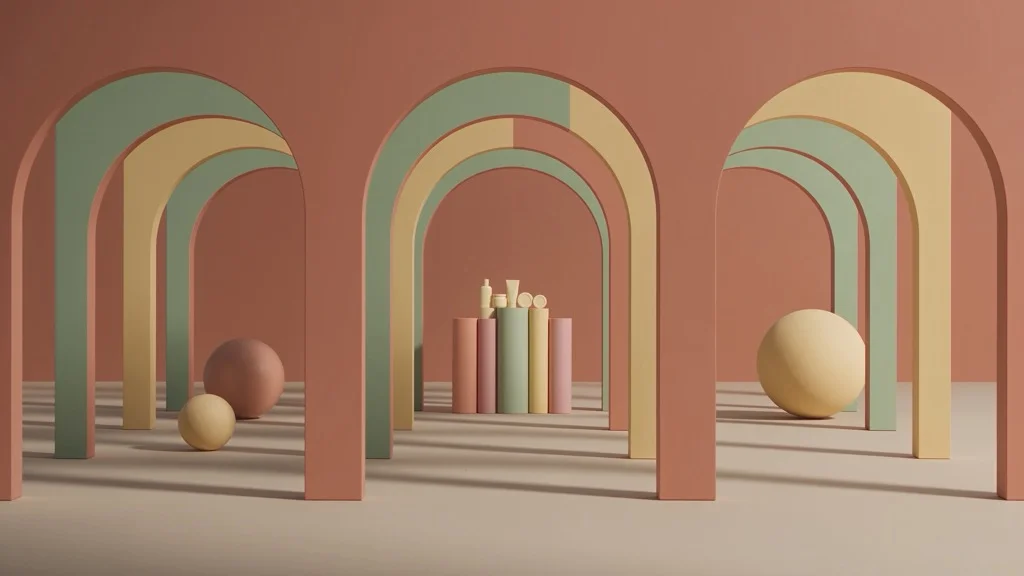
Teaser dunia brand
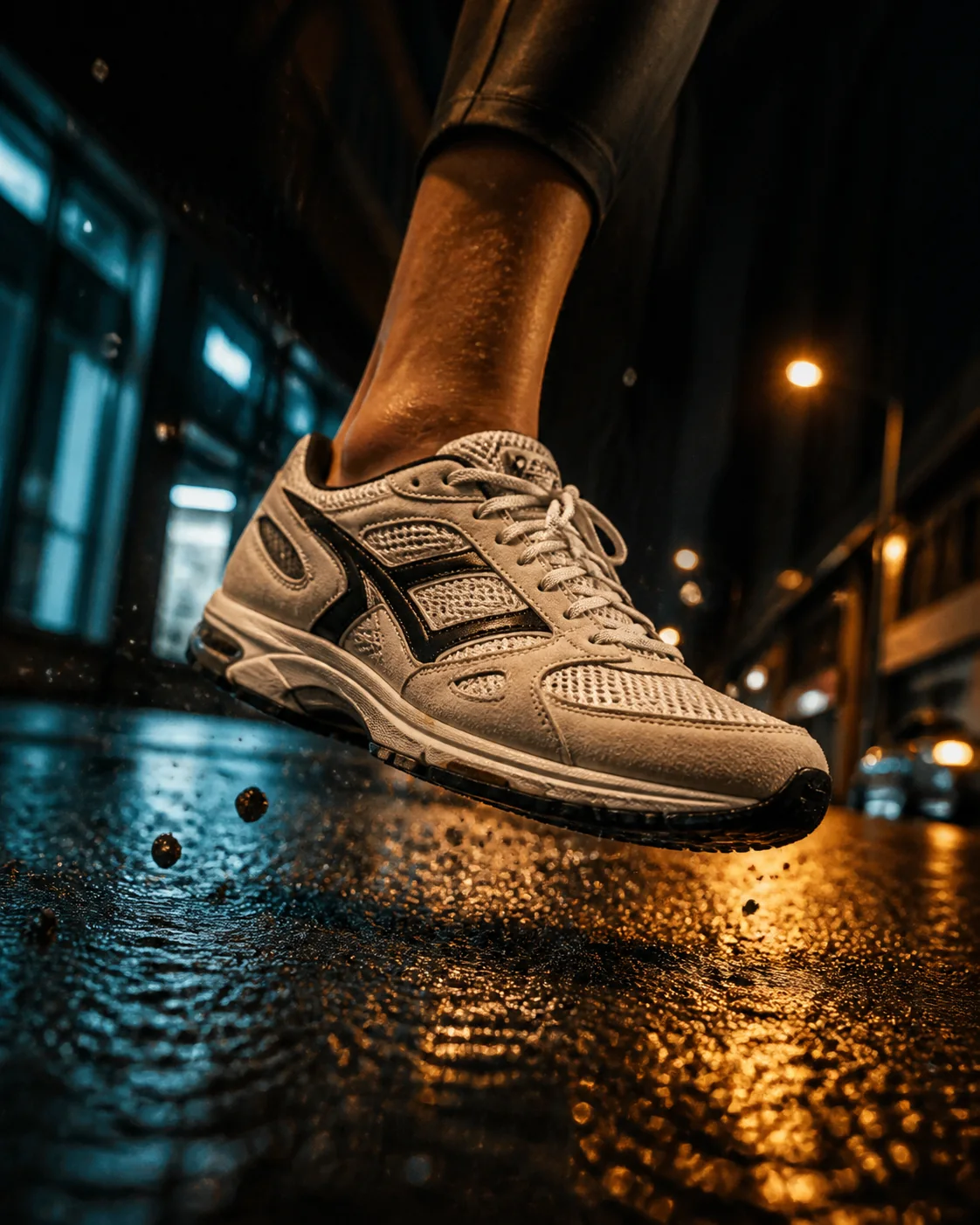
Arahkan film peluncuran penghenti scroll
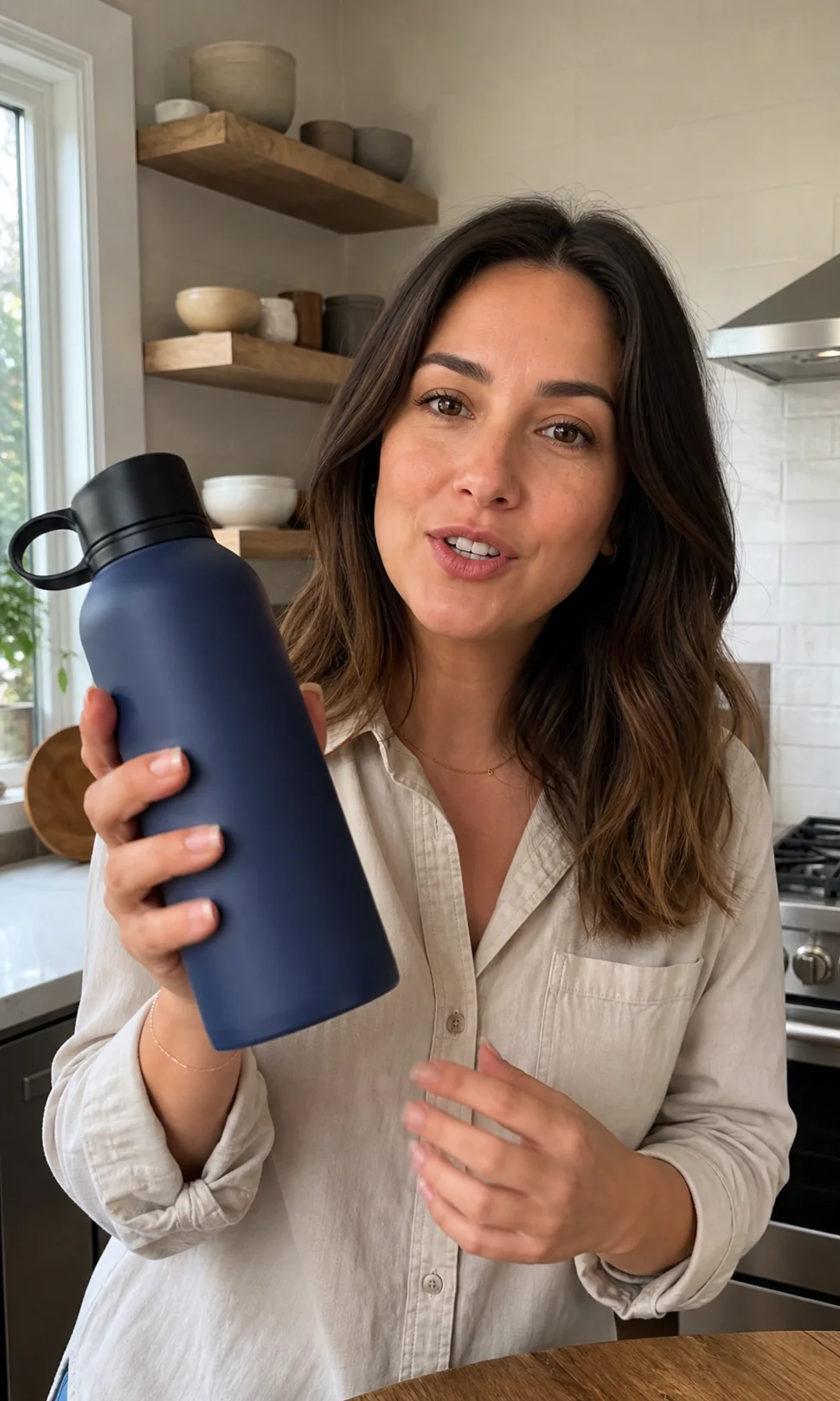
Buat konsep UGC yang natural

Arahkan film kampanye parfum
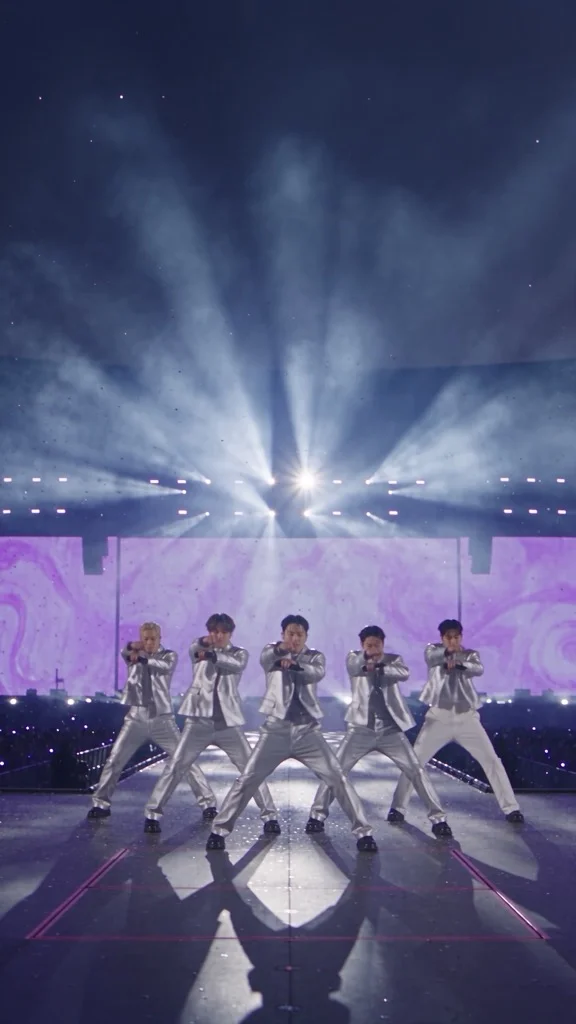
Konser stadion
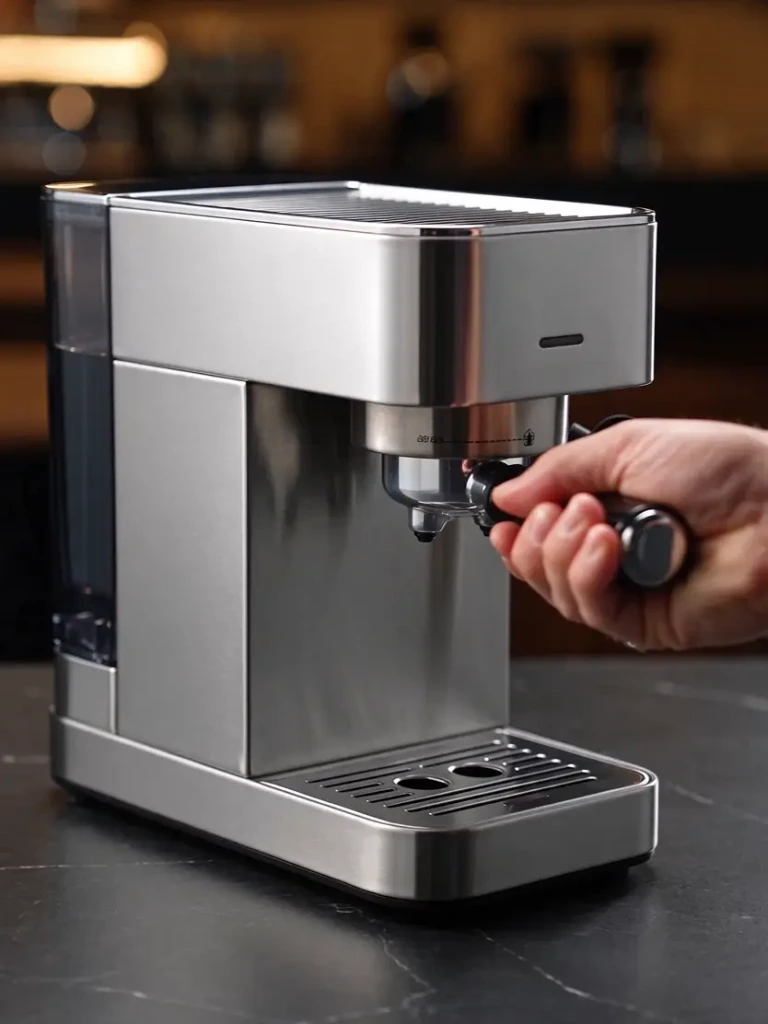
Buat iklan produk espresso

Ganti hewan peliharaannya
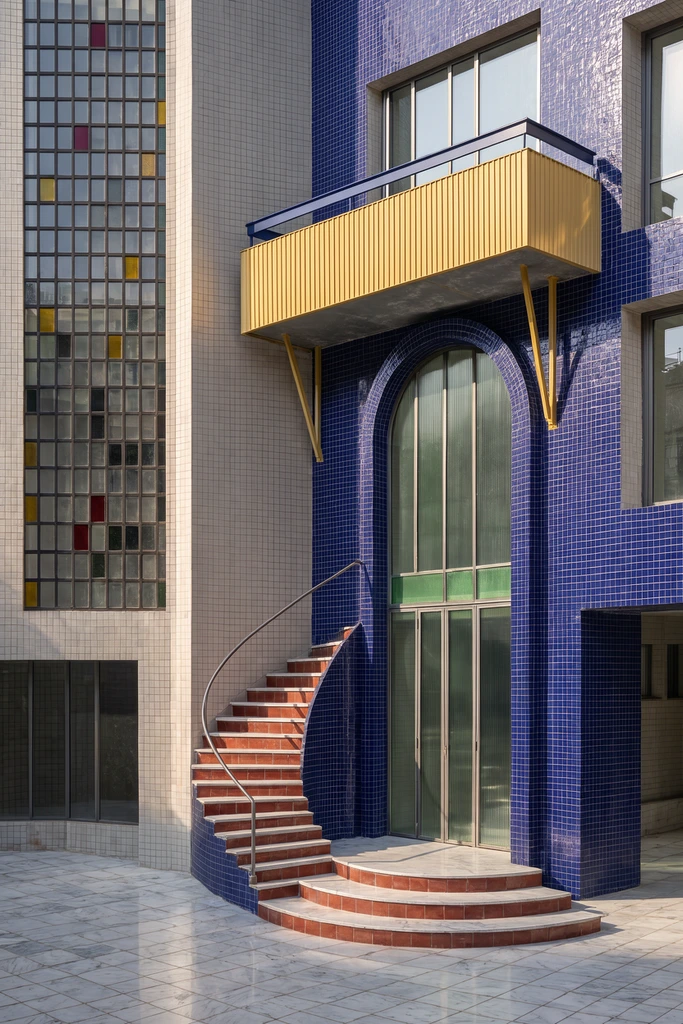
Gambar pintu masuk jadi foto

Buat sekuens pitch sinematik
Arahkan walkthrough halaman dalam
Opening anime
Film peluncuran penyedot debu koral
Arahkan film peluncuran penghenti scroll
Arahkan film kampanye parfum
Buat iklan produk espresso
Gambar pintu masuk jadi foto
Mecha di pelabuhan saat fajar
Lampu menyala saat senja
Trailer film balap
Teaser dunia brand
Buat konsep UGC yang natural
Konser stadion
Ganti hewan peliharaannya
Buat sekuens pitch sinematik
Arahkan film kampanye parfum
Trailer film balap
Arahkan film peluncuran penghenti scroll
Lampu menyala saat senja
Ganti hewan peliharaannya
Mecha di pelabuhan saat fajar
Konser stadion
Film peluncuran penyedot debu koral
Buat konsep UGC yang natural
Opening anime
Gambar pintu masuk jadi foto
Arahkan walkthrough halaman dalam
Buat iklan produk espresso
Teaser dunia brand
Alur kerja Anda dengan MCP
Agen Anda merangkai gambar, video, perbesaran, dan suara di Krea, langkah demi langkah.
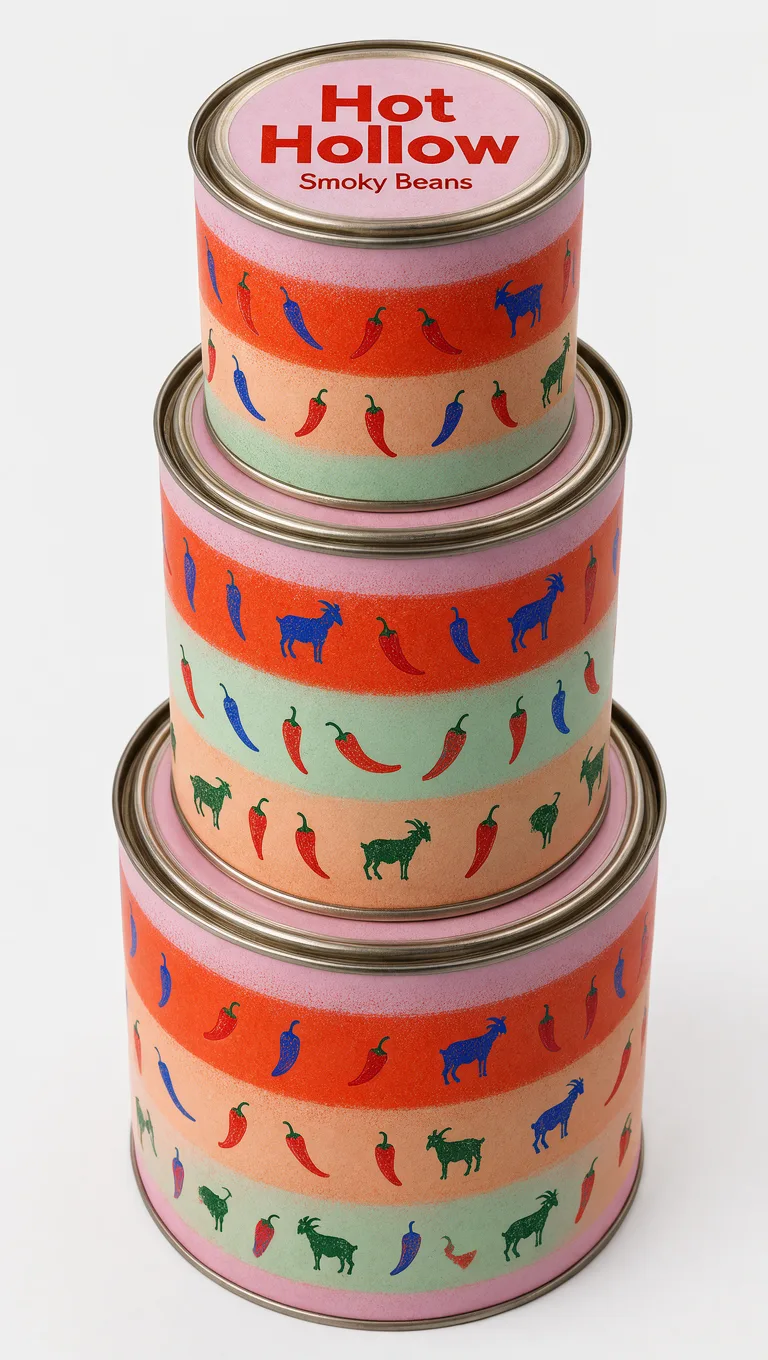
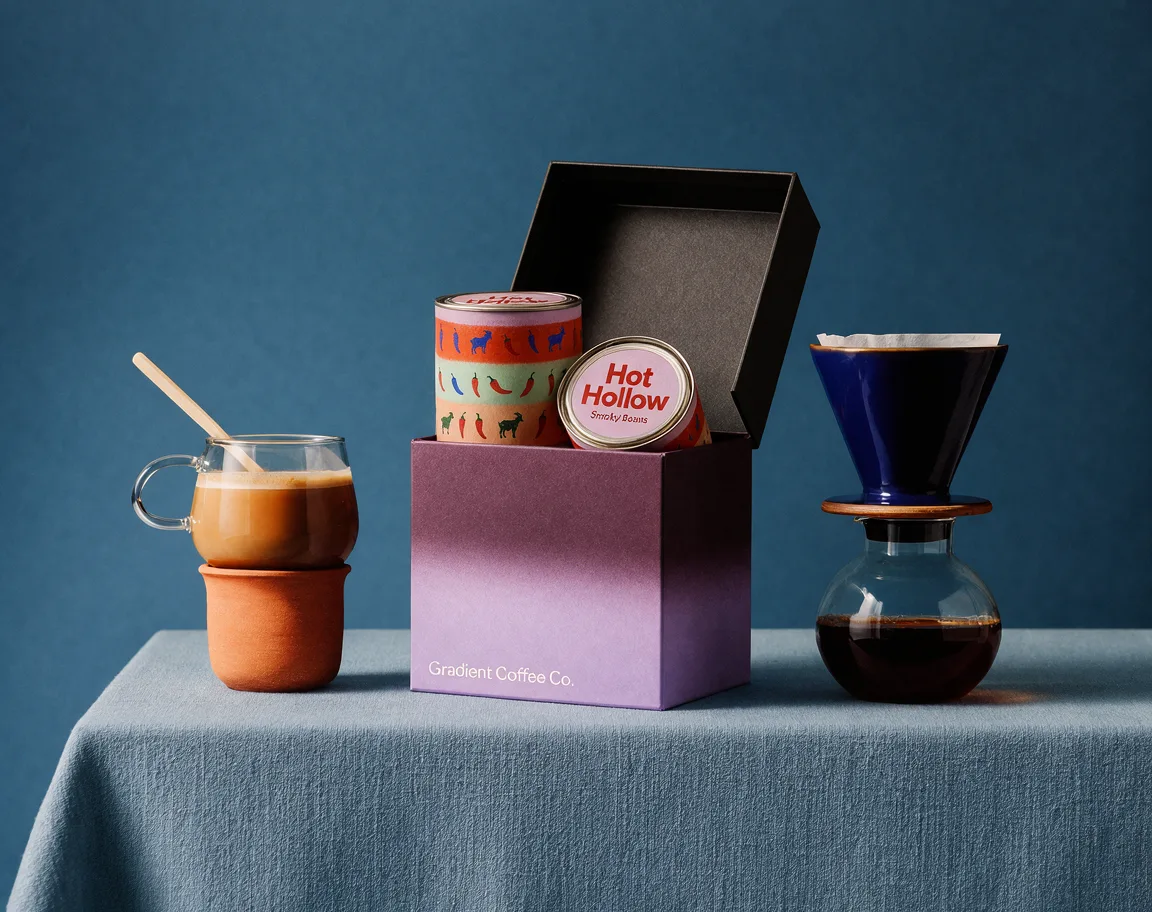
Hubungkan Krea MCP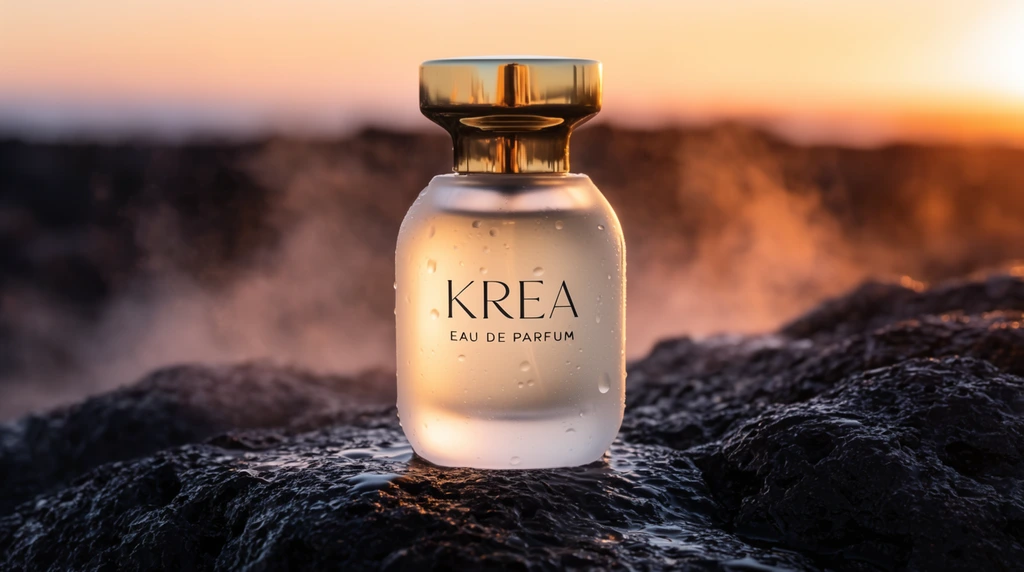 E-commerce
Foto produk jadi set iklan
Use Krea MCP to turn my product photo into an ad set. I will upload the photo first. Keep the product exactly as it is: shape, label, colours and logo. Place it in four scenes: a clean studio sweep, a kitchen counter in morning light, an outdoor café table and a flat lay with matching props. Render each scene at 4:5 for the feed and 9:16 for stories with Nano Banana Pro, then show me all eight images side by side.
- Animasi
Animasikan foto
Use Krea MCP to animate my photo. I will upload it first. Describe what is in the frame, then write a short motion prompt that keeps the subject, the light and the composition. Generate a 6-second clip with Seedance 2.5 using my photo as the start frame, with a slow push-in and subtle natural motion. Show me the clip, and offer two other camera moves to try.
- Film
Storyboard jadi shot bergerak
Use Krea MCP to storyboard a 30-second short about a lighthouse keeper on the last night before the light is automated. First define one visual language: lens, palette and light. Generate six cohesive 2.39:1 storyboard frames that follow the story beat by beat. Ask me which frame is strongest, then animate it into a 6-second shot with Seedance 2.5 and restrained camera movement.
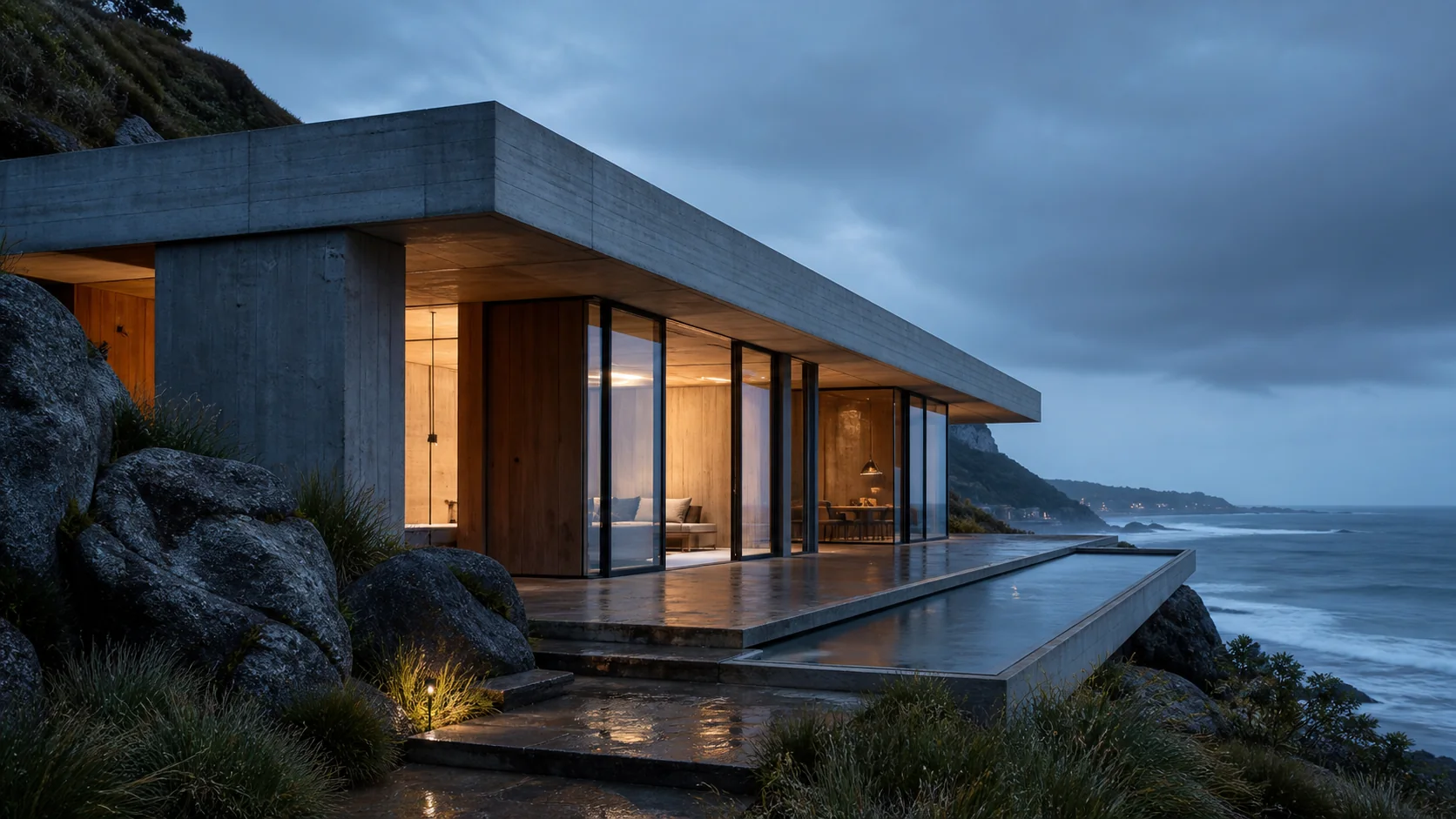 Arsitektur
Sketsa jadi render siap cetak
Use Krea MCP to turn my architectural sketch into a presentation render. I will upload the sketch first. Keep its massing, openings and proportions. Render it in four directions: golden hour, overcast daylight, blue hour and a night view with warm interior light. When I pick one, upscale it with Topaz so it is sharp enough to print at A1.
 UGC
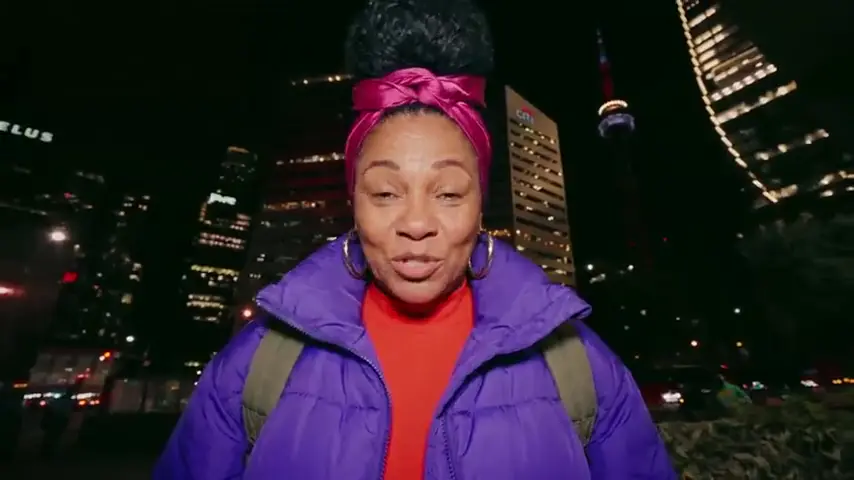
Iklan UGC dengan sulih suara
Use Krea MCP to make a TikTok-style UGC ad for a reusable water bottle. Generate a natural selfie-style frame of a creator holding the bottle in a bright kitchen. Animate it into an 8-second 9:16 clip with Seedance 2.5 in which she talks to camera and takes a sip. Write a 20-word voiceover in a casual tone, generate it with ElevenLabs, and give me the clip and the audio.
 Fashion
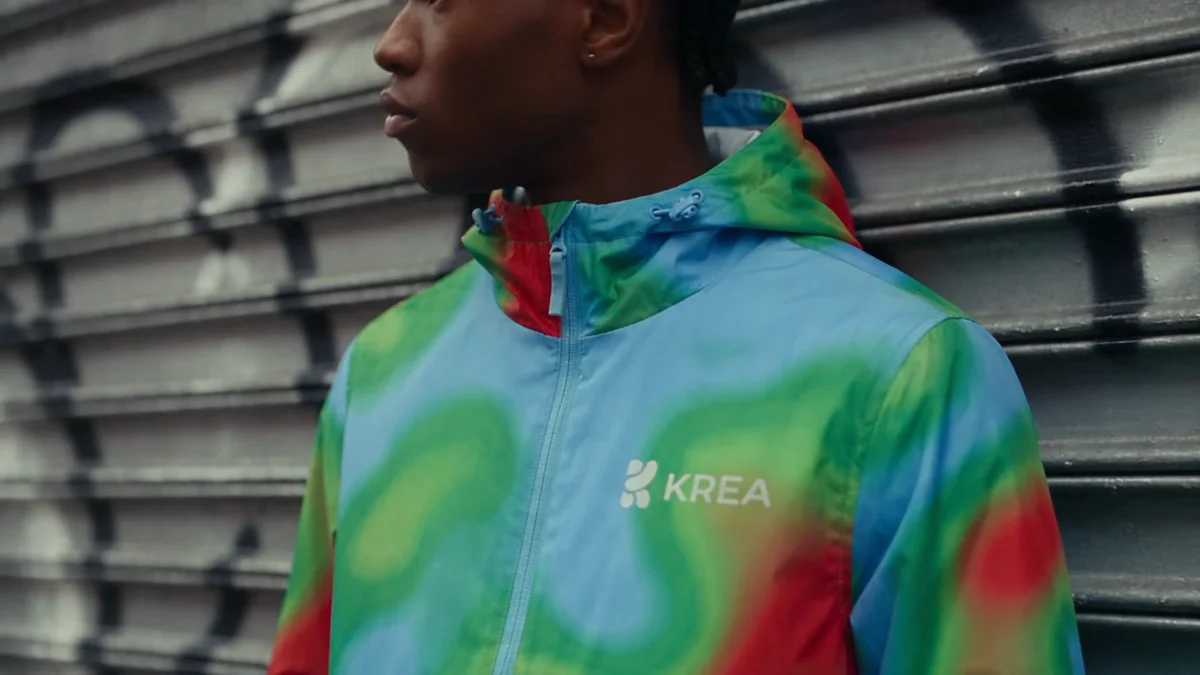
Lookbook dari satu outfit
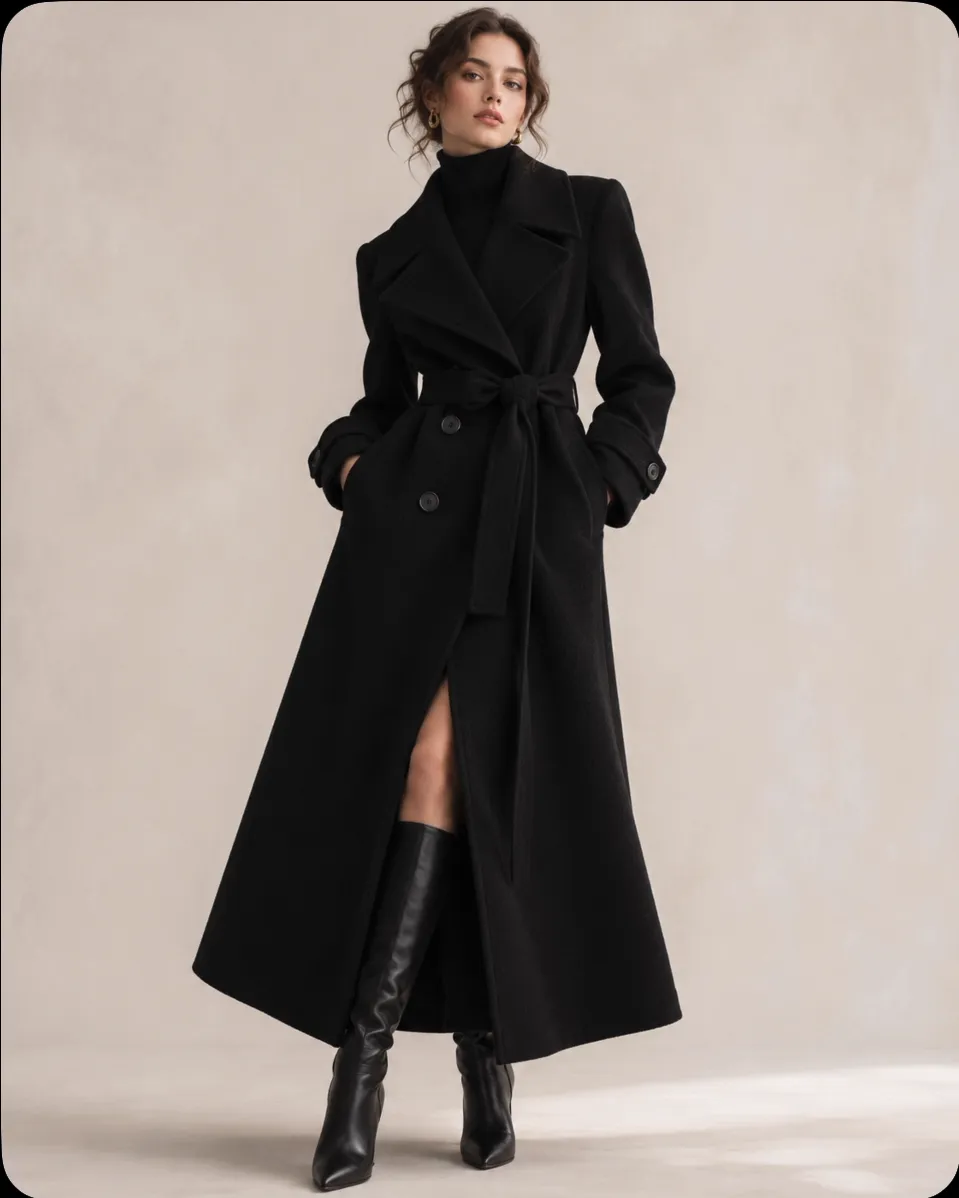
Use Krea MCP to build a six-image lookbook. I will upload photos of the outfit pieces first. Create one model and keep her face, hair and build the same in every image. Dress her in my pieces exactly as they are and shoot six looks: a street corner, a gallery, a café, a rooftop, a studio full length and a close-up of the details. Use 4:5 and an editorial film look.
 Pemasaran
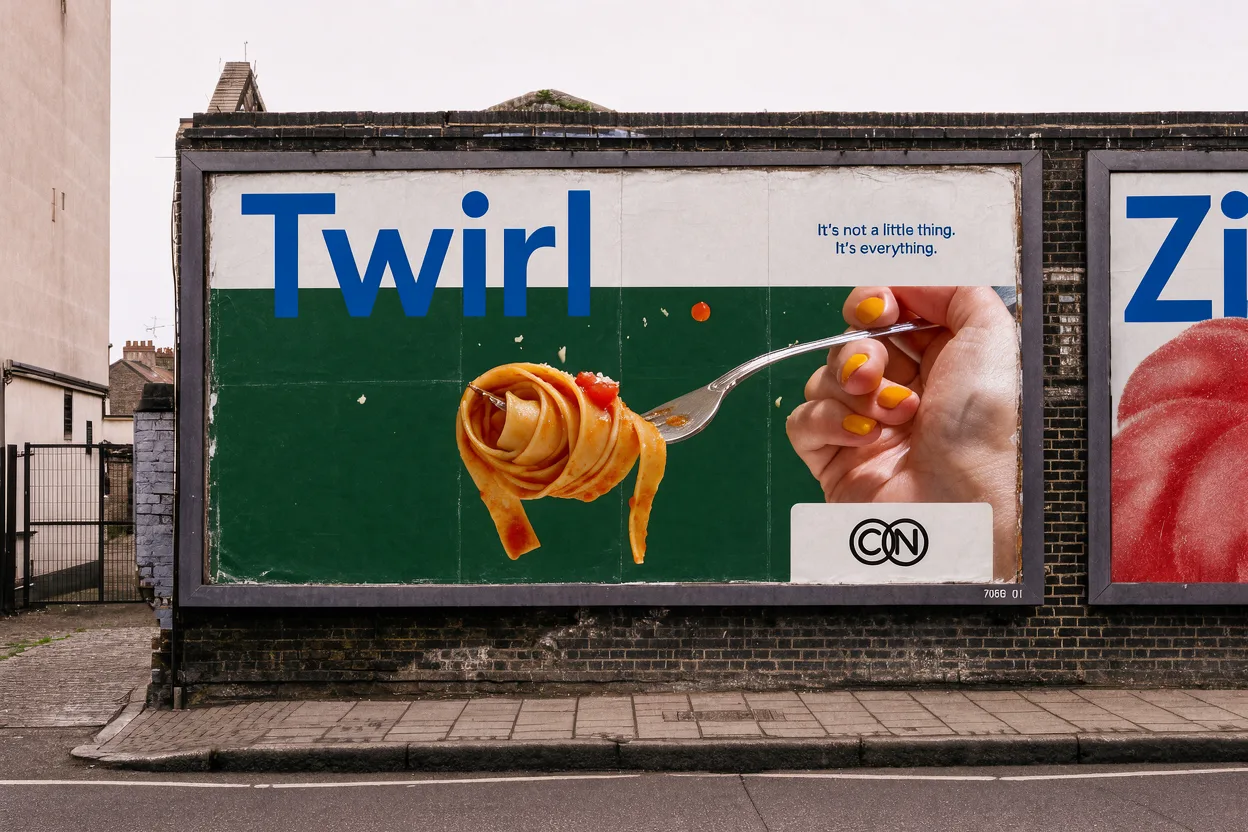
Kampanye dari brief
Use Krea MCP to take a campaign from brief to key visuals. The brief: a summer launch for a small pasta brand that wants to feel warm and Italian. Propose three creative routes with a one-line idea each and one image per route. When I pick a route, make its key visual at 16:9, 4:5 and 9:16, then upscale the 16:9 version for the website hero.
- Periklanan
Film peluncuran dengan suara
Use Krea MCP to make a 6-second launch film for a new running shoe. Generate a hero frame of the shoe on wet asphalt at night. Animate it with Seedance 2.5: the shoe lands hard in a puddle, spins once in mid-air and settles on the court line, with native sound effects. Then generate a 10-second energetic electronic track with ElevenLabs Music to go under it.
Cara menghubungkan
Krea MCP ke Claude
-
Tambahkan Krea ke Claude Tambahkan Krea ke Claude
Claude terbuka dengan Krea sudah terisi. Pastikan alamatnya api.krea.ai, lalu klik “Add”. Aplikasi Claude terbuka dengan Krea sudah terisi. Pastikan alamatnya api.krea.ai, lalu gulir ke bawah dan ketuk “Add”.
Tambahkan konektor Krea Add custom connector
Krea
https://api.krea.ai/mcp
Authentication
Sign in now Detected
Each user signs in through the server’s OAuth flow.
Add
Back
-
Masuk ke Krea Masuk ke Krea
Klik “Connect”, pilih workspace Anda, lalu klik “Authorize”. Pilih workspace Anda dan ketuk “Authorize”.
krea.ai
Connect Claude to Krea
Review the access you’re sharing with this app.
Signed in to Krea as
you@example.com
Choose a workspace
Your workspace
Your team
-
Klik “Always allow” Ketuk “Always allow”
Claude akan meminta izin saat pertama kali memakai Krea. Setelah itu, cukup minta gambar atau video. Claude akan meminta izin saat pertama kali memakai Krea. Setelah itu, cukup minta gambar atau video.
make me an image with Krea 3
Claude wants to use
Generate Image from Krea
Show details
Allow once
Always allow
Decline
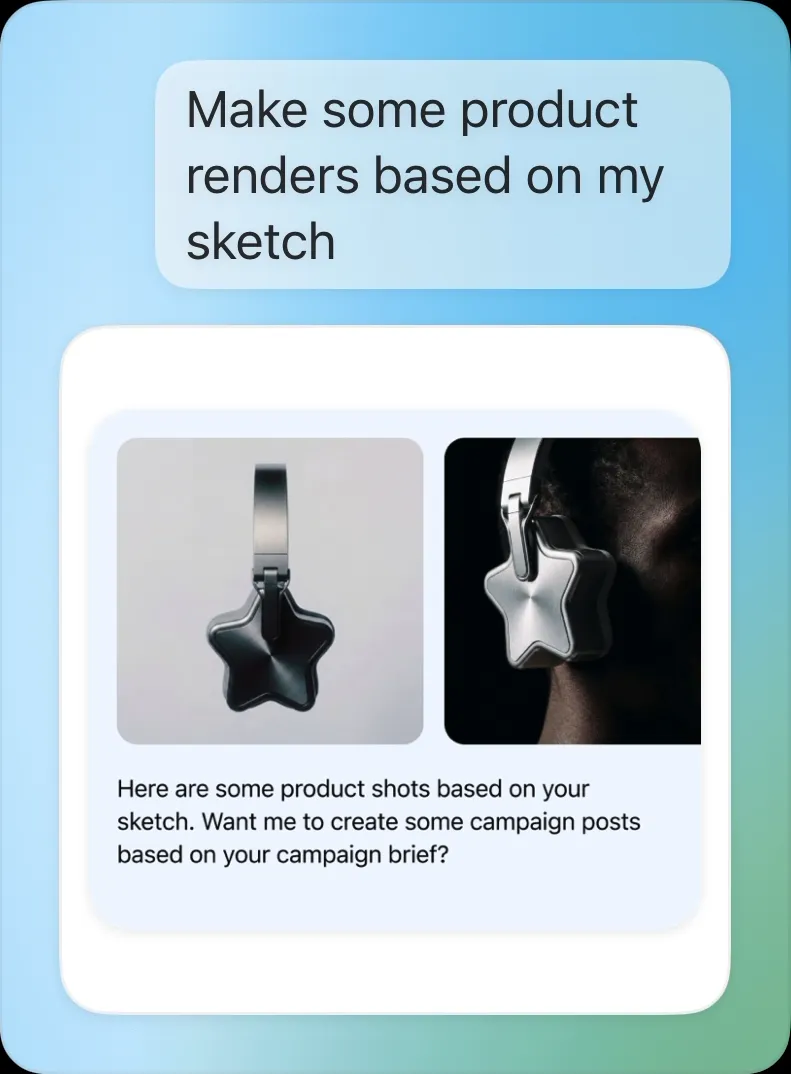
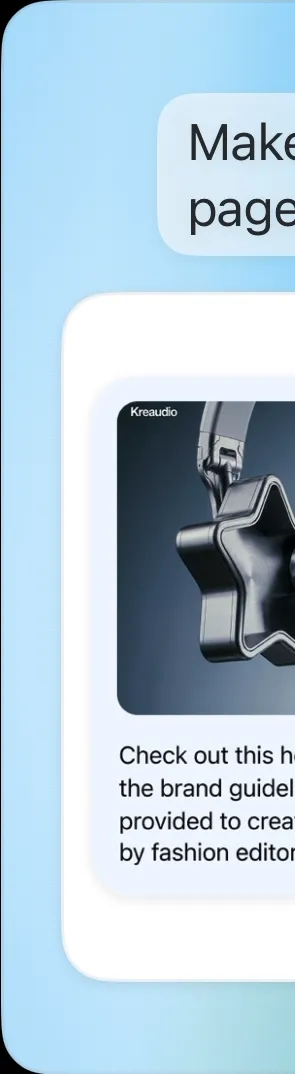
 Tambahkan plugin Krea
 Tambahkan plugin Krea
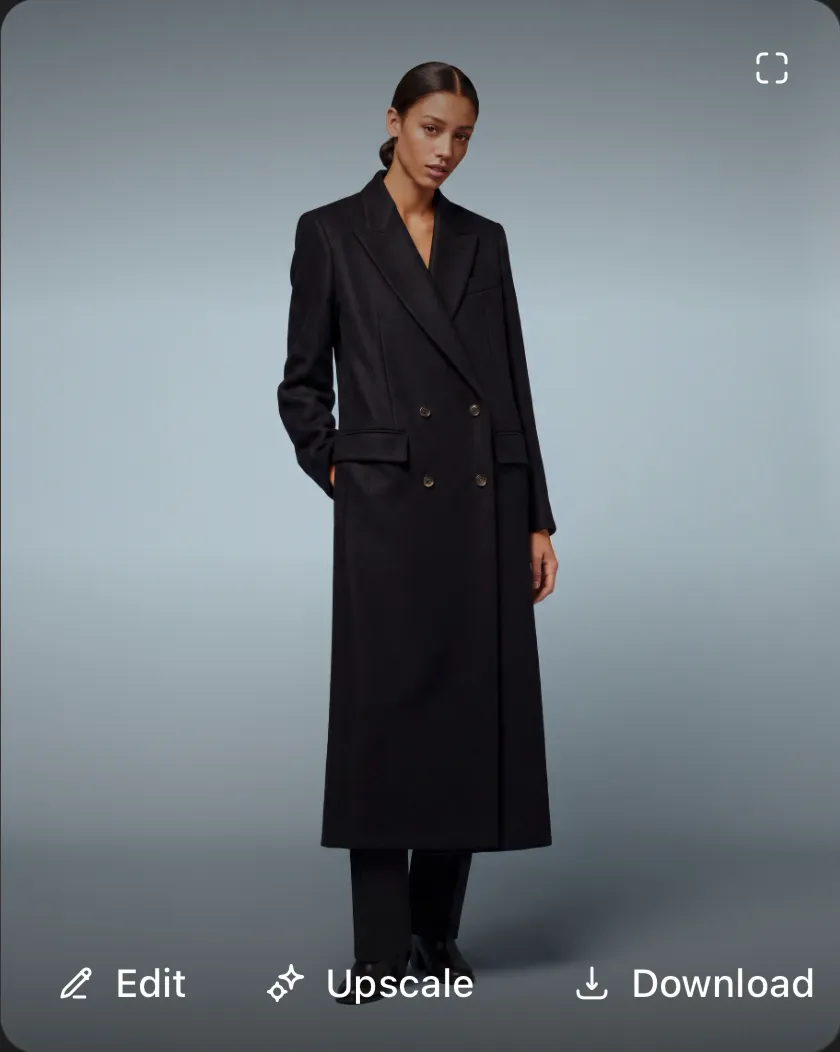
Kru kreatif baru Anda
Krea Bots adalah agen AI yang mengerjakan pekerjaan kreatif sungguhan

Pertanyaan umum
Krea MCP menghubungkan agen AI Anda langsung ke Krea, sehingga agen bisa membuat gambar dan video, meningkatkan aset, dan menjalankan alur kerja kreatif Anda atas nama Anda.
Membuat gambar dan video, meningkatkan dan memperbesar gambar, memakai gaya yang sudah Anda latih, dan menjalankan alur kerja Krea multi-langkah milik Anda sendiri, semuanya dari satu prompt sederhana.
Krea MCP berfungsi dengan Claude, ChatGPT, Claude Code, Codex, Cursor, Grok Bot, OpenClaw, Hermes, dan agen lain yang bisa dihubungkan dengan alat.
Di ChatGPT, Cursor, dan Grok Bot, tambahkan plugin Krea. Di Claude, tambahkan Krea sebagai konektor. Di Claude Code, Codex, dan agen terminal lainnya, kirim permintaan penyiapan di halaman ini, lalu agen akan menambahkan server MCP Krea untuk Anda. Setelah itu, masuk dengan akun Krea Anda. Penyiapannya kurang dari satu menit.
Semua model gambar, video, dan peningkatan di Krea, termasuk Krea 3, Nano Banana Pro, Seedance 2.5, Kling 4.0, Wan 3.0, dan Topaz Bloom 2. Lihat semuanya di pustaka model.
Gambar biasanya selesai dalam hitungan detik. Video dan pekerjaan yang lebih besar berjalan di latar belakang dan muncul begitu siap.
Tidak. Gunakan https://api.krea.ai/mcp sebagai URL server MCP, lalu autentikasi dengan akun Krea Anda saat agen meminta Anda terhubung.
Buka dasbor Krea API untuk playground, harga, dan dokumentasi integrasi. Dokumentasi server MCP membahas autentikasi, alat, dan pemecahan masalah, sedangkan Krea CLI menjalankan Krea dari terminal Anda.
Bawa Krea ke agen Anda
Hubungkan dalam waktu kurang dari satu menit dan mulai membuat gambar dan video tepat di tempat Anda biasa bekerja.