Create






Edit & enhance










Krea 3
Our most advanced image model. Photoreal, editorial, on-brand.
Try Krea 320+ AI tools for images, video, 3D and audio in one app.
Open KreaCreate
Edit & enhance
Luma UNI-1
by Luma
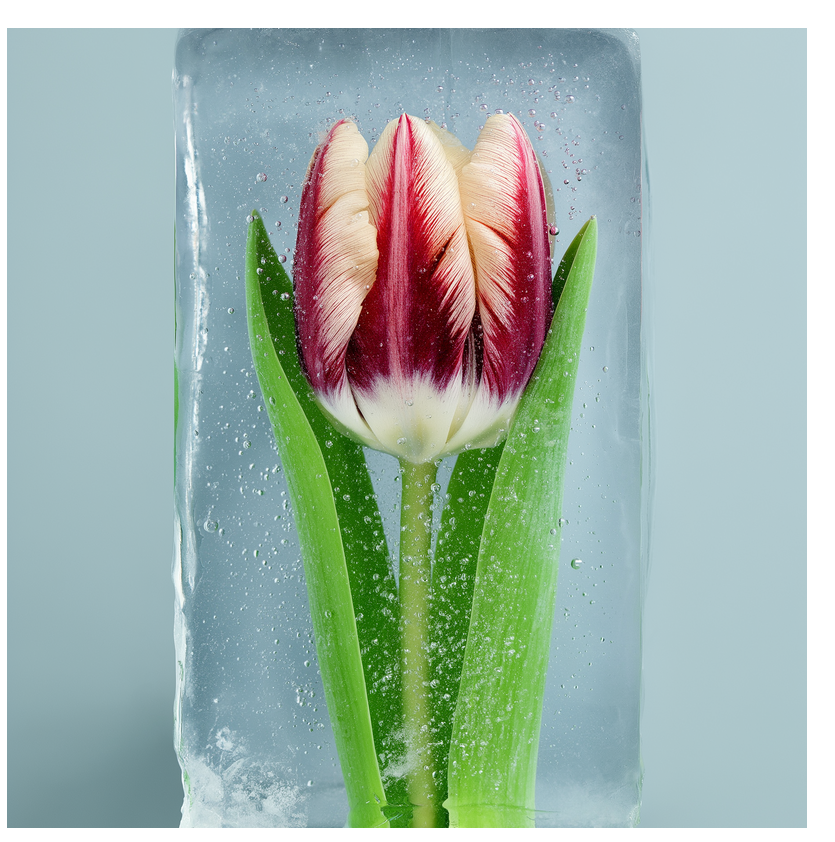
Luma UNI-1 reasons through prompts before generating and supports optional visual references.
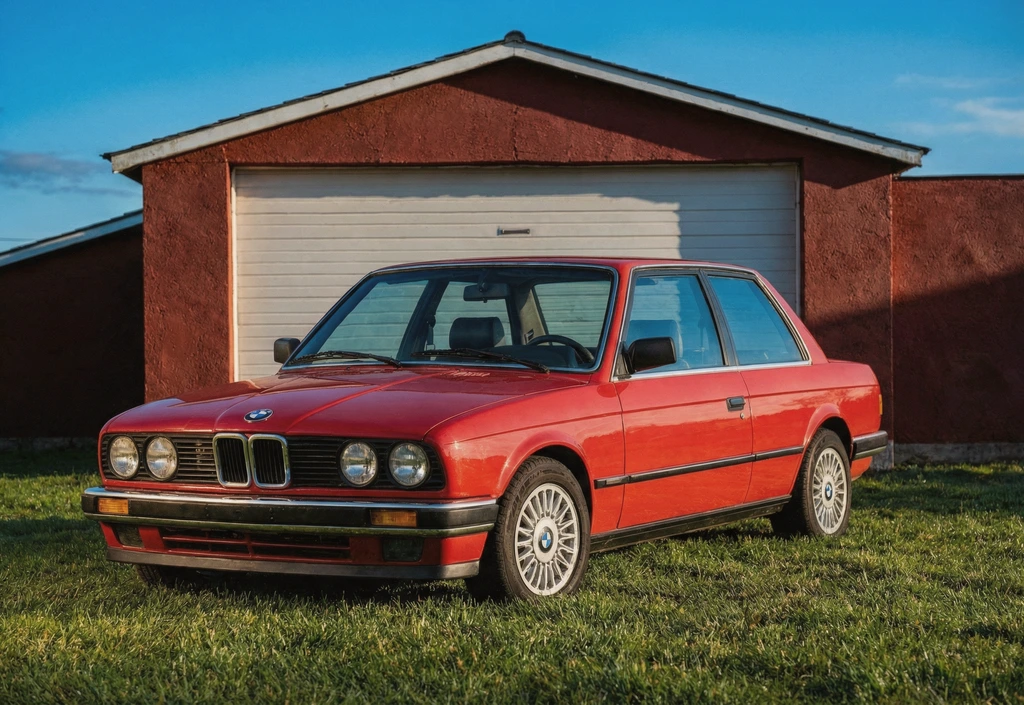
What Luma UNI-1 Can Do
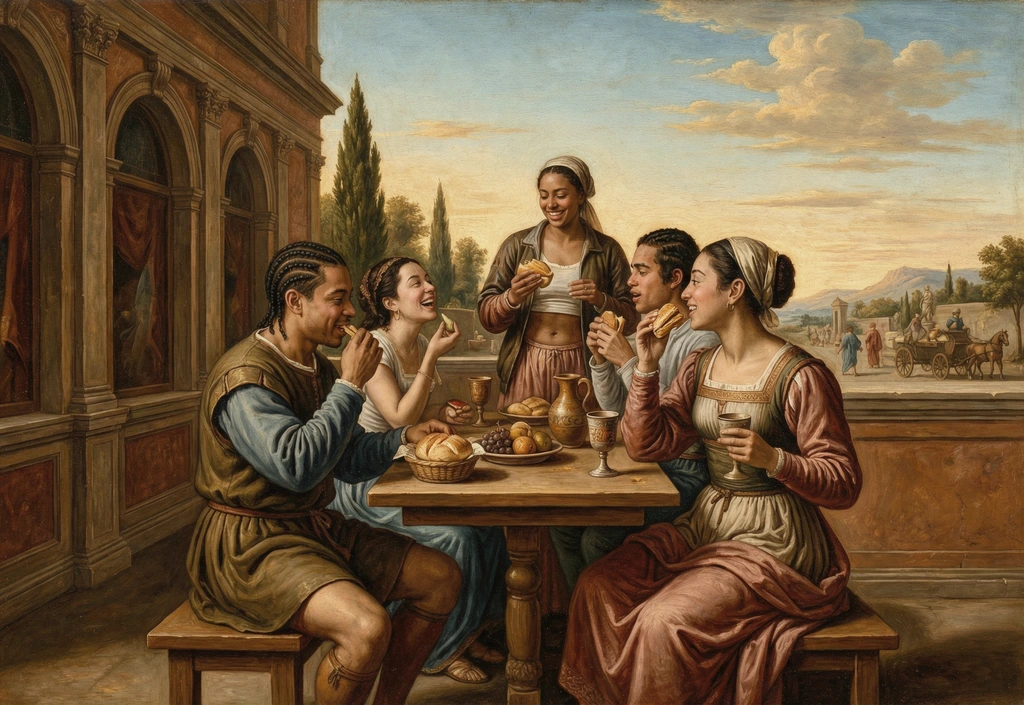
Luma UNI-1 Prompt-to-Image Workflow
Reasoning image model for prompt-faithful text to image. Generate polished visuals quickly from text prompts and iterate without friction.
Try Luma UNI-1
Reference-Guided Generation with Luma UNI-1
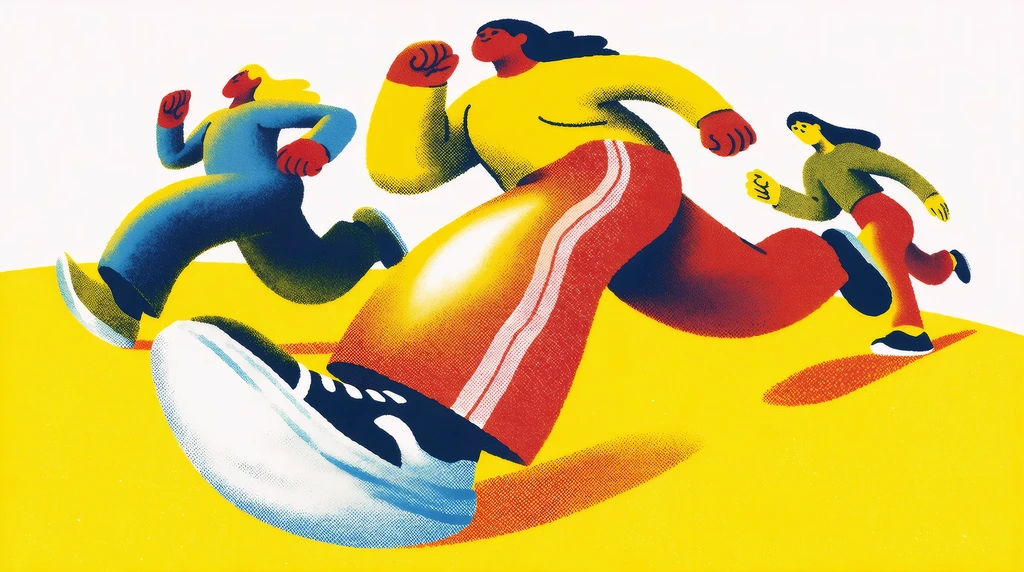
Upload reference images to guide composition, subject, and style while still steering with natural language prompts.
Try Luma UNI-1
Fast Iteration for Creative Teams
Move from concept to final direction faster. These workflows on Krea are designed for rapid variation and decision making.
Try Luma UNI-1Built for Professional Image Creation

Balanced Quality and Speed
Luma UNI-1 reasons through prompts before generating and supports optional visual references.
Try Luma UNI-1
Reliable Prompt Control
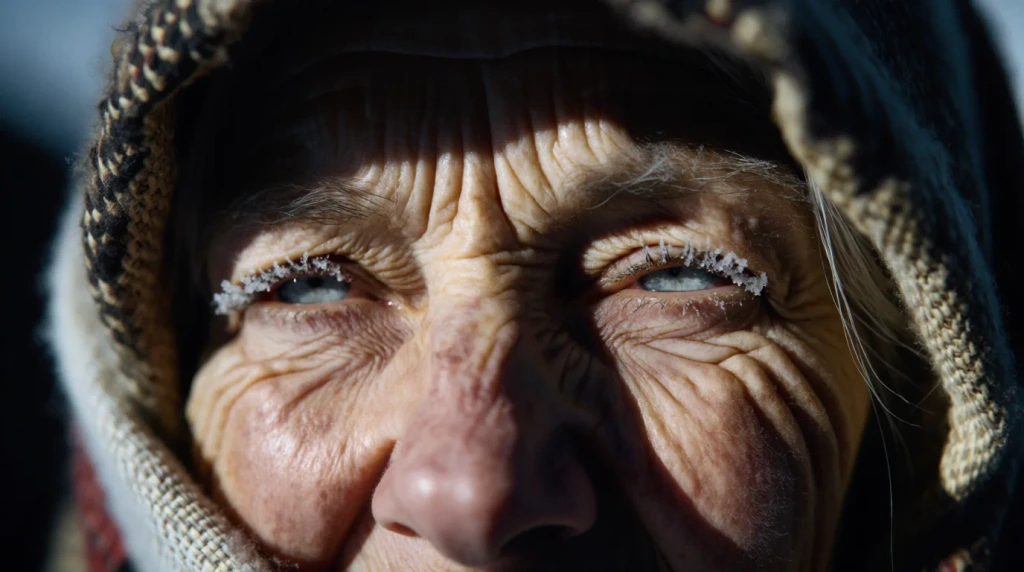
Use detailed prompts to steer style, framing, and subject intent with consistency across iterations.
Try Luma UNI-1
Reference-Aware Creative Direction
Blend references and text guidance to keep outputs aligned with your visual direction and brand style.
Try Luma UNI-1
Production-Ready Outputs
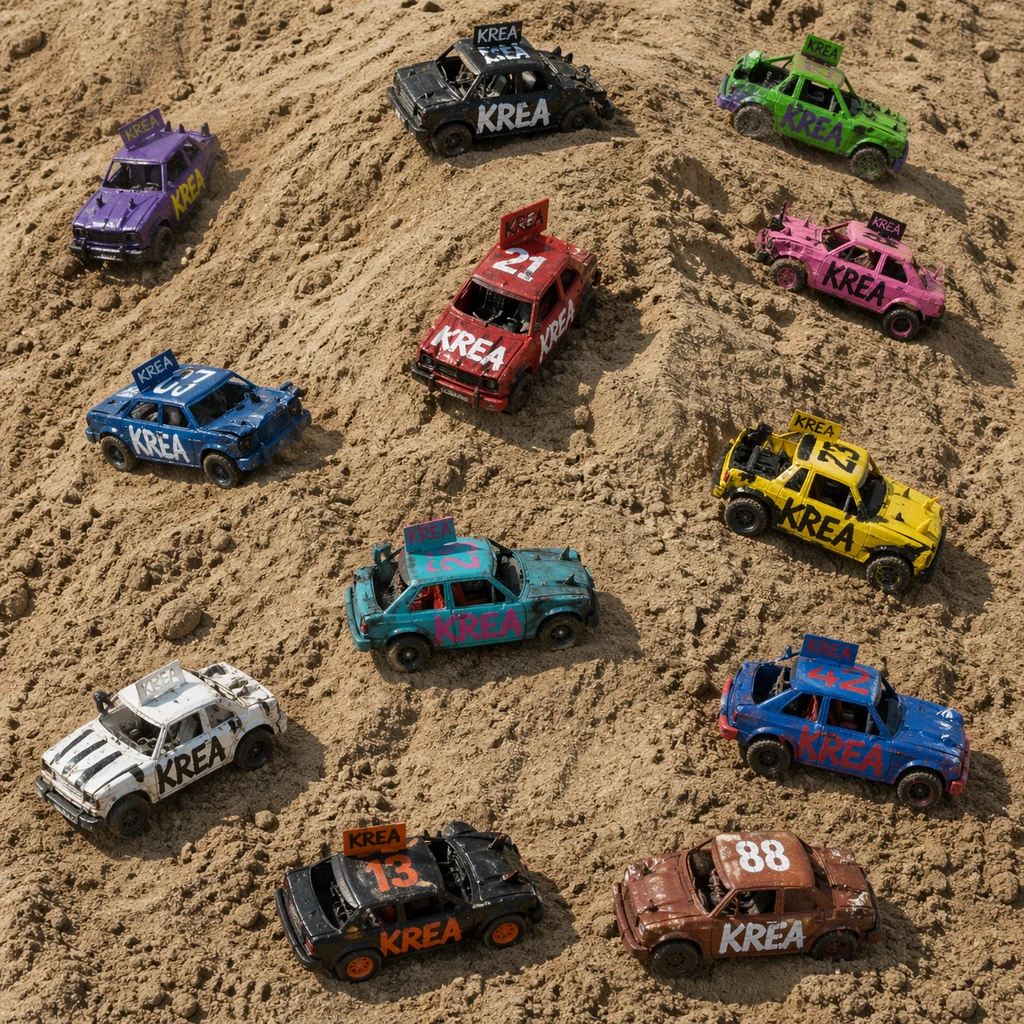
Create assets for social, marketing, concept, and product storytelling workflows with commercial-ready quality.
Try Luma UNI-1Why creators choose Krea for Luma UNI-1
Trusted by over 30 million creators worldwide.
Real reviews on TrustpilotThe platform that just works
So many AI tools out there but I always come back to Krea. It's really the one AI platform that 'just works'.

FYN
Verified review
Best interfaces in the industry
Krea's interfaces are still the best in the industry. Everything looks and feels so clean and easy to use! Imo the easiest to use gen AI website.

Lynn
Verified review
Fast, simple, always up to date
Ultra fast generations. Extremely simple to use. All the latest AI models.

Daniel
Verified review
The only AI subscription I need
KREA is the only AI subscription I have right now besides ChatGPT.

Sophia M.
Verified review
New models the same day
I'm a Krea Max user. It's crazy how fast they add models. I see a new AI model on twitter and the same day krea already offers it.

Wirot Ch.
Verified review
The most powerful creative suite
Still the most powerful AI creative suite out there.

Gravion
Verified review
Plans & Pricing
Free
Get free daily credits to try basic features.
100 units / day
Basic
Access our most popular features
5,000 units / month
Pro
Advanced features and discounts on compute units
20,000 units / month
Max
Full access with higher discounts on compute units
60,000 units / month
For Teams and Enterprises
Workplace management, collaboration, and enterprise customizations
Business
Secure and collaborative workspace for growing teams
80,000 units / month

Enterprise
Enterprise-grade security with dedicated support and admin features
Frequently Asked Questions
Luma UNI-1 is an AI image generation model available on Krea. Reasoning image model for prompt-faithful text to image.
Open the Image Tool, choose Luma UNI-1 from the model selector, enter your prompt, and generate. You can also add references when the model supports them.
Yes. On Krea paid plans, generated images include commercial licensing for campaigns, products, and client deliverables.
Yes. These workflows on Krea are designed for quick iteration so teams can test directions, prompts, and stylistic variations rapidly.
Detailed prompts usually work best with Luma UNI-1. Describe the subject, style, composition, lighting, camera angle, mood, and any important constraints so the model has clear creative direction.
Yes. Luma UNI-1 supports reference-guided workflows on Krea, so you can use images to steer composition, subject identity, or style when the selected mode supports them.
Yes. Krea lets you switch between models in the same creative workflow, so you can test Luma UNI-1 against other image models and choose the output that best fits your project.
Luma UNI-1 is useful for designers, marketers, creative teams, and independent creators who need polished AI-generated images for concepts, campaigns, client work, and production experiments.
From the Blog
Latest news, tutorials, and updates from the Krea team
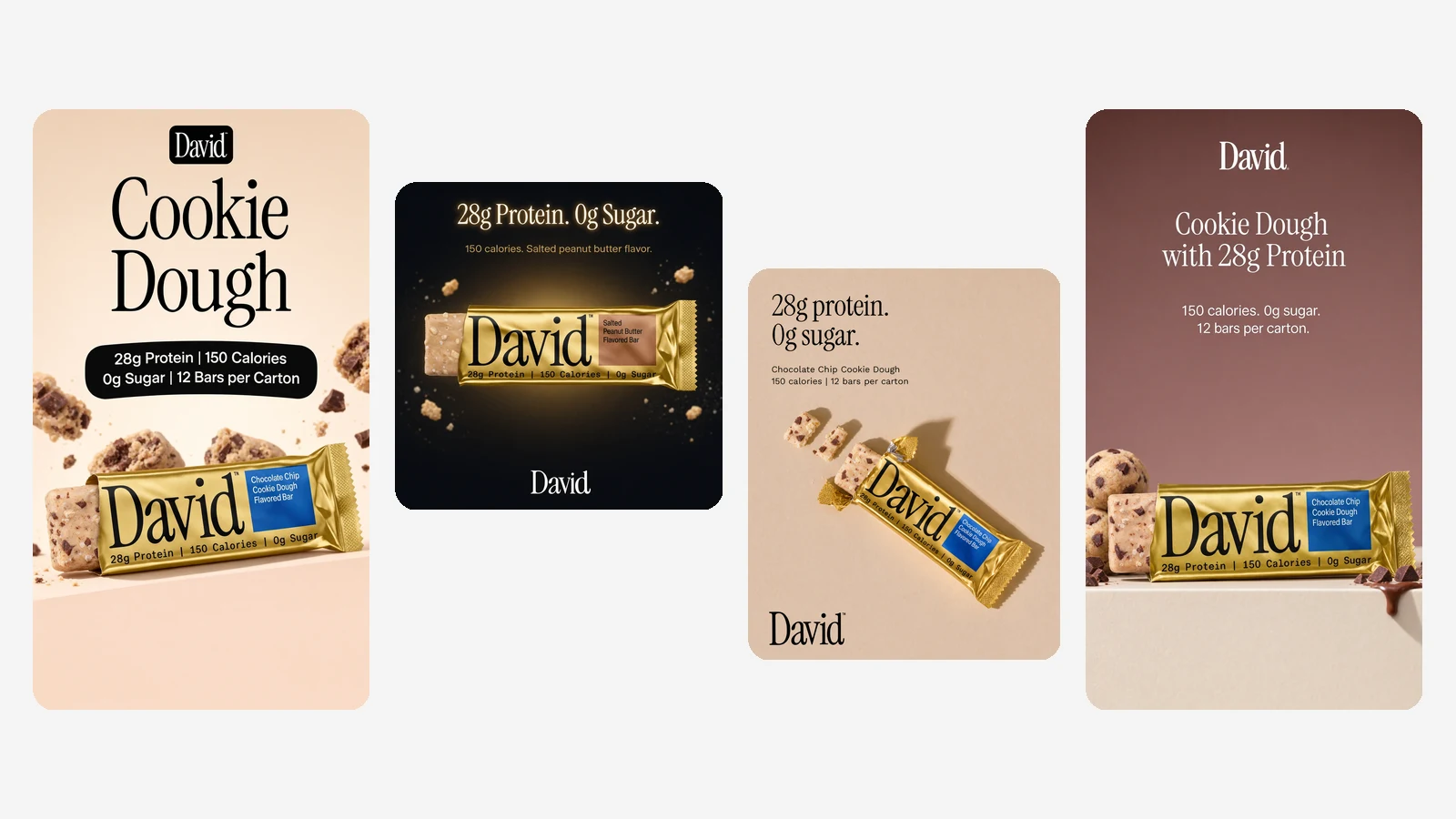
Introducing Ad Studio
Ad Studio turns your website into a brand kit and on-brand ads made with Krea 3. Paste a URL, pick your products and placements, and get a batch of ads in minutes.
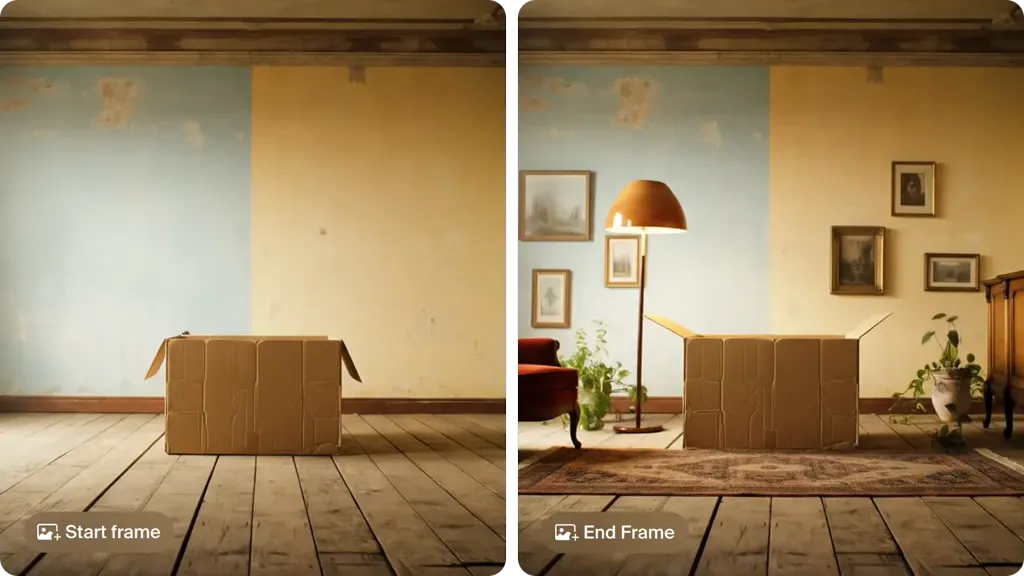
10 Best Image to Video AI Tools in 2026, Prices Checked
The best image to video AI tools in 2026: Krea, Kling 4.0, Veo 3.1 in Google Flow, Runway, Firefly, Luma, Pika, HeyGen, Hailuo and Vidu, with free tiers, prices and clip lengths.
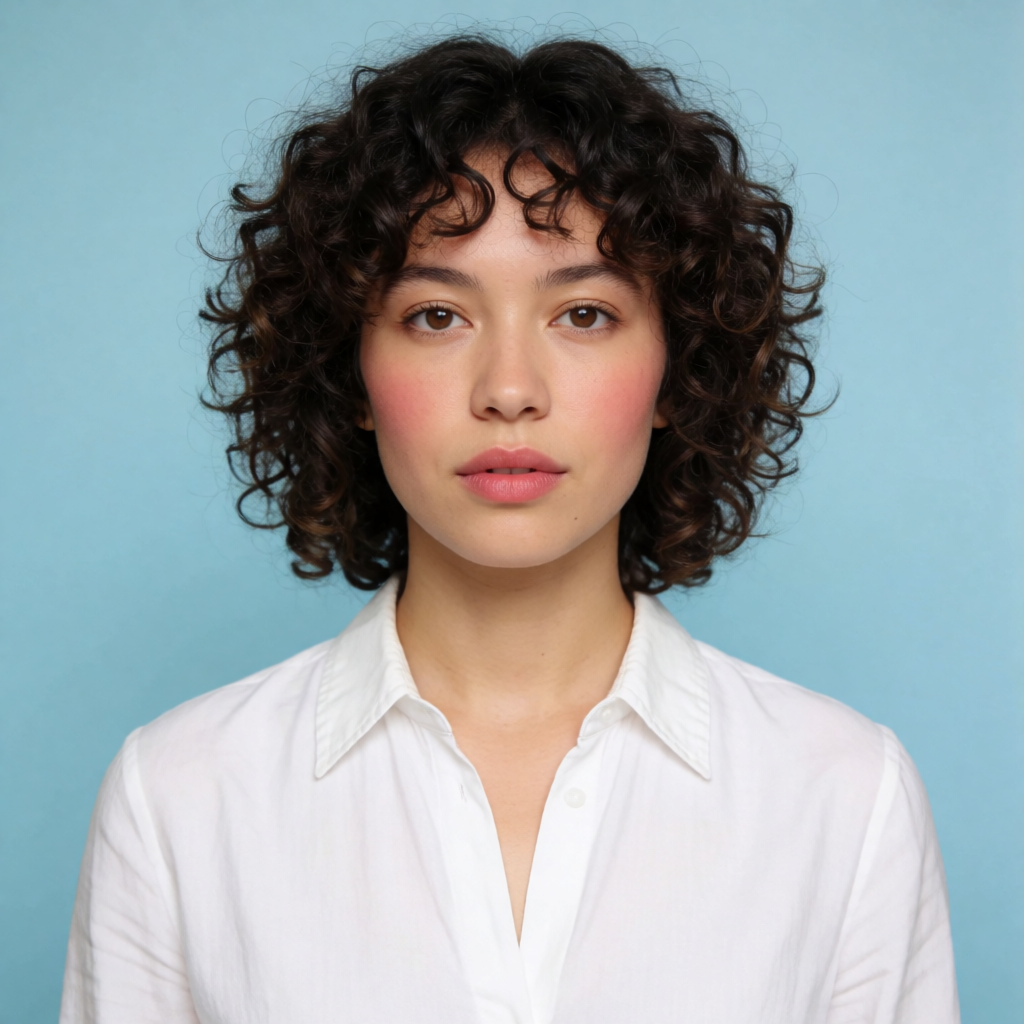
How to AI Face Swap a Photo, Step by Step
How to do an AI face swap on a photo: upload a target image and a source face in Krea, generate the swap, then refine it. Free to start, no account required.
Luma UNI-1 by Luma
Luma UNI-1 reasons through prompts before generating and supports optional visual references.
Try Luma UNI-1More from Luma
Explore other Luma models available on Krea
Explore Other Models
Discover more AI models for images and videos on Krea
Or try every model side by side in Krea's free AI video generator and AI image generator.