
















Step 1
Upload
Add your photo and select the subject or action area to freeze. Frozen Snapshot analyzes motion cues and prepares an AI snapshot preview automatically.
Use Frozen Snapshot to freeze motion in photos with AI. Generate crisp still frames, enhance clarity, and export fast—try it online now.
How to use Frozen Snapshot
Frozen Snapshot makes it simple to create a crisp, frozen-moment look from any image. Follow these quick steps to upload, fine-tune settings, and export a high-quality AI-enhanced snapshot.
Step 1
Add your photo and select the subject or action area to freeze. Frozen Snapshot analyzes motion cues and prepares an AI snapshot preview automatically.

Step 2
Choose a freeze style and tweak sharpness, clarity, and contrast. Refine edges and reduce blur for a clean, high-impact still frame.

Step 3
Generate the final image and download in high resolution. Use your frozen snapshot for social content, ads, thumbnails, or product visuals instantly.
Features
Frozen Snapshot uses AI and machine learning to transform motion-heavy photos into sharp, still-frame snapshots. Generate a clean freeze effect, enhance detail, and reduce blur without complex editing. Fine-tune results with simple controls, then export high-resolution images optimized for web, social, and marketing workflows.
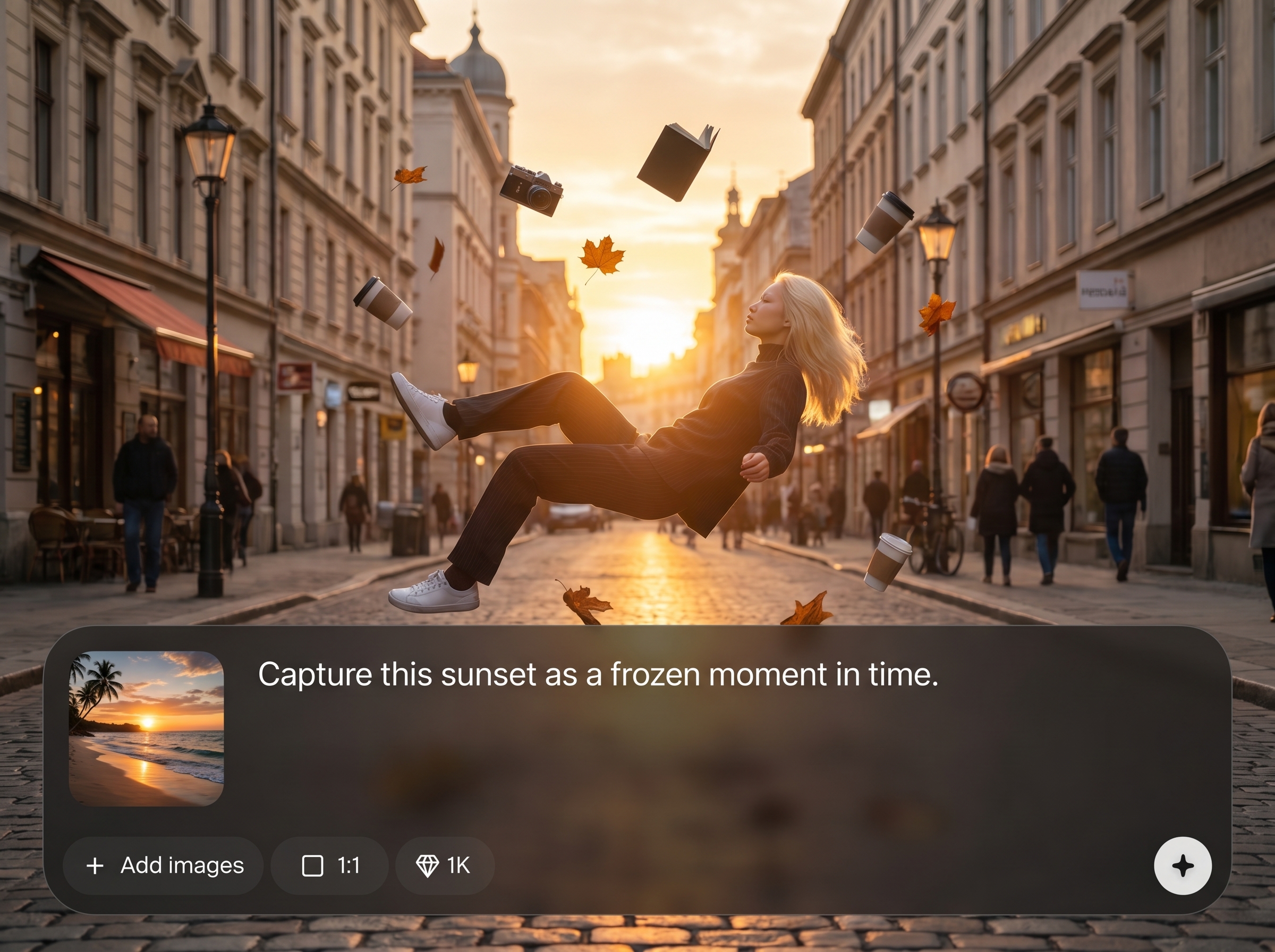
Automatically detects movement and produces a crisp frozen snapshot with improved edges and detail. Ideal for action shots, sports photos, and dynamic scenes that need a clean still frame.
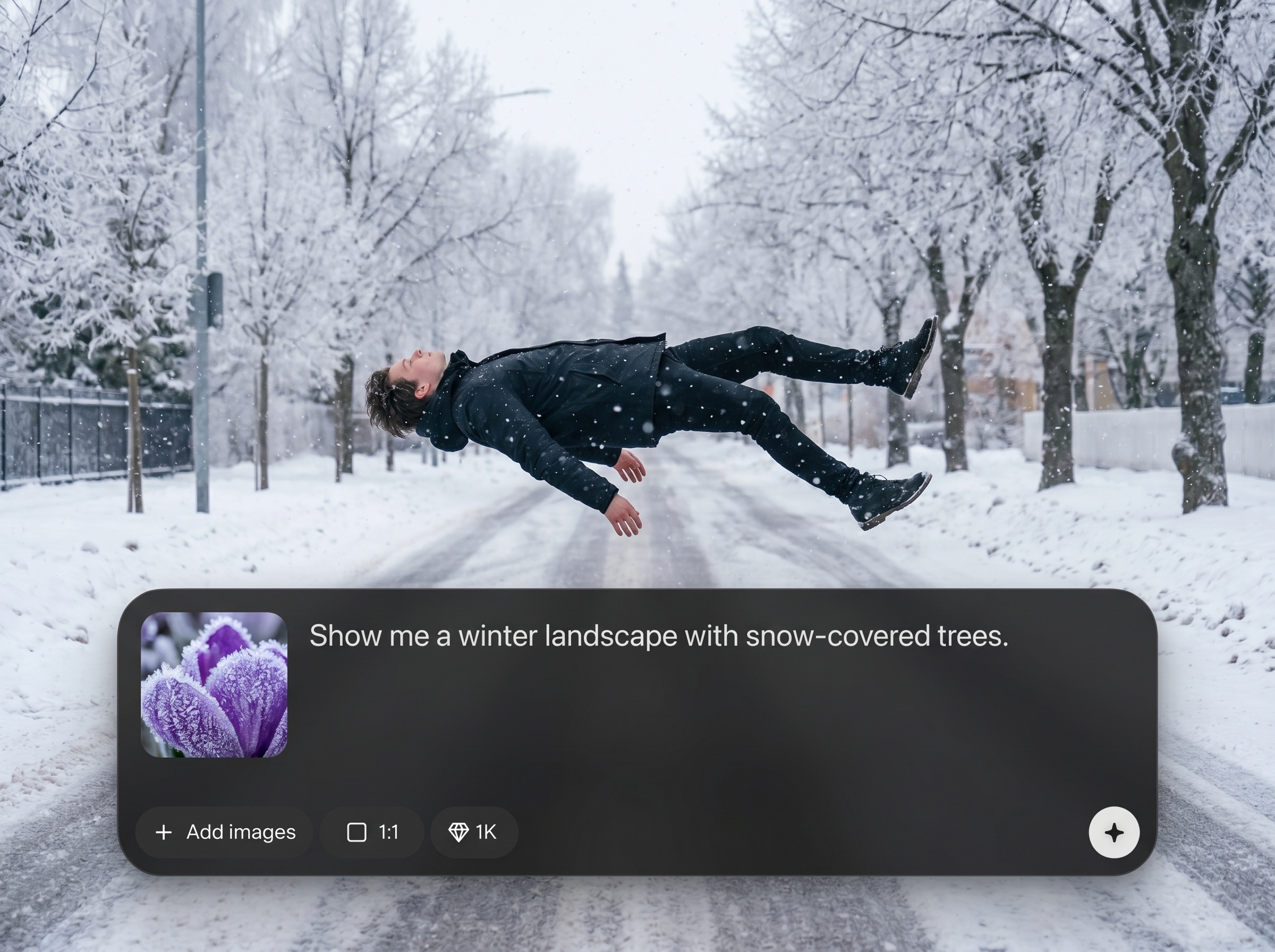
Generate results quickly with an online workflow—no installs required. Preview changes as you adjust sharpness and clarity, then export a finished image in minutes.
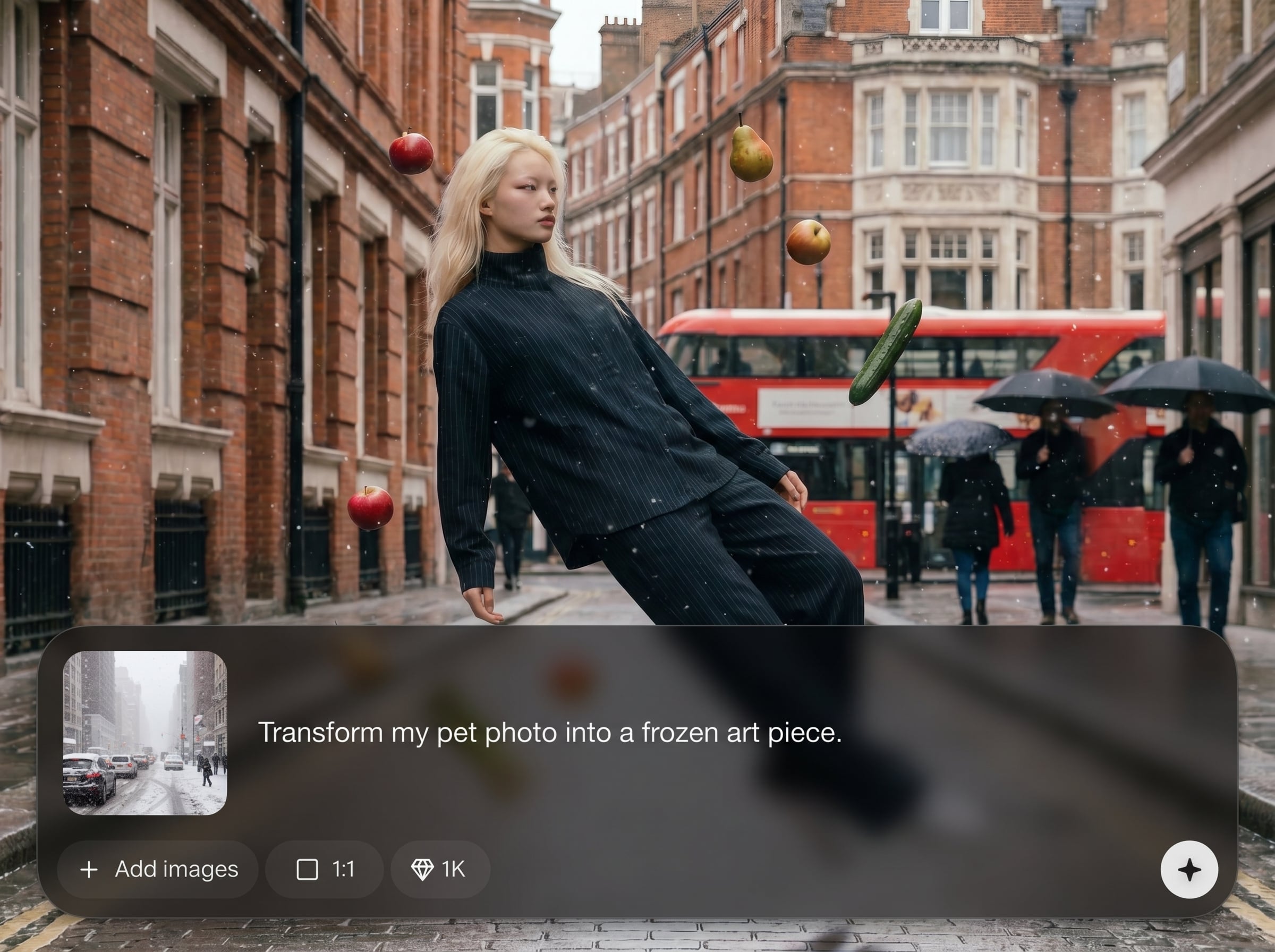
Dial in a dramatic freeze effect with easy sliders for contrast, detail, and blur reduction. Get consistent, polished outputs for marketing graphics and social media.
About
Frozen Snapshot is an AI photo snapshot generator that freezes motion and turns fast action into clean, sharp still images. Upload a photo, choose a freeze style, and let artificial intelligence enhance clarity, edges, and detail. Create dramatic frozen-moment visuals for social posts, ads, and product shots in minutes, right in your browser.
Frozen Snapshot focuses on one job: turning motion-heavy photos into crisp still frames with AI. The workflow is fast, online, and easy to control—so you can get consistent results without complex tools. Generate sharp, high-impact snapshots optimized for social, ads, and web use.
Open Frozen Snapshot, upload an image, and select a freeze style. Adjust sharpness and clarity to match your look, then export a high-resolution snapshot ready for publishing.
Use cases
Discover how different creators use this app in their workflow.
Create eye-catching frozen moments that stop the scroll. Turn action photos into sharp, high-contrast visuals for posts, reels covers, and video thumbnails.
Freeze splashes, spins, and motion styling for clean ad-ready images. Produce crisp still frames that highlight products with minimal manual editing.
Enhance fast movement into clear snapshots for highlights and recaps. Reduce blur and sharpen key subjects to deliver striking, shareable action frames.
Krea is one of the world's leading generative AI platforms. See what others say.
Real reviews on TrustpilotSo many AI tools out there but I always come back to Krea. It's really the one AI platform that 'just works'.

FYN
Krea's interfaces are still the best in the industry. Everything looks and feels so clean and easy to use! Imo the easiest to use gen AI website.

Lynn
Ultra fast generations. Extremely simple to use. All the latest AI models.

Daniel
KREA is the only AI subscription I have right now besides ChatGPT.

Sophia M.
Answers to common questions about using Frozen Snapshot for AI motion-freeze images.
Frozen Snapshot is an AI photo snapshot generator that creates a motion-freeze effect from images. It uses artificial intelligence to sharpen details, reduce blur, and produce crisp still-frame visuals online.
The tool analyzes motion cues and edge information, then applies machine learning-based enhancement to improve sharpness and clarity. You can fine-tune the freeze look with simple controls before exporting.
No. Frozen Snapshot is designed for quick, guided results with minimal setup. Upload an image, adjust a few settings, and generate a polished frozen snapshot without complex editing workflows.
Action shots with clear subjects work best—sports, dancing, splashes, and moving objects. Higher-resolution images typically produce cleaner edges and more detailed AI-enhanced snapshots.
Yes. You can adjust sharpness, clarity, and contrast to control the intensity of the freeze effect. This helps balance natural texture with a crisp, high-impact still frame look.
Yes. Frozen Snapshot runs in your browser, so you can generate AI-enhanced frozen snapshots without installing software. Export high-resolution images when you’re ready to use them.
Download options depend on the export settings, but common formats like JPG or PNG are typically supported. Exports are optimized for sharing, marketing assets, and web-ready performance.
You can choose a subtle, natural enhancement or a more dramatic freeze effect. Adjustments let you match the look to social content, advertising needs, or editorial-style photography.
Frozen Snapshot is built for marketing and business workflows, including ads and product visuals. Always ensure you have the rights to the source image and comply with applicable usage policies.
Start with a clear, high-resolution photo, crop to emphasize the main subject, and apply moderate sharpness first. Then refine contrast and detail for clean edges and a crisp snapshot finish.
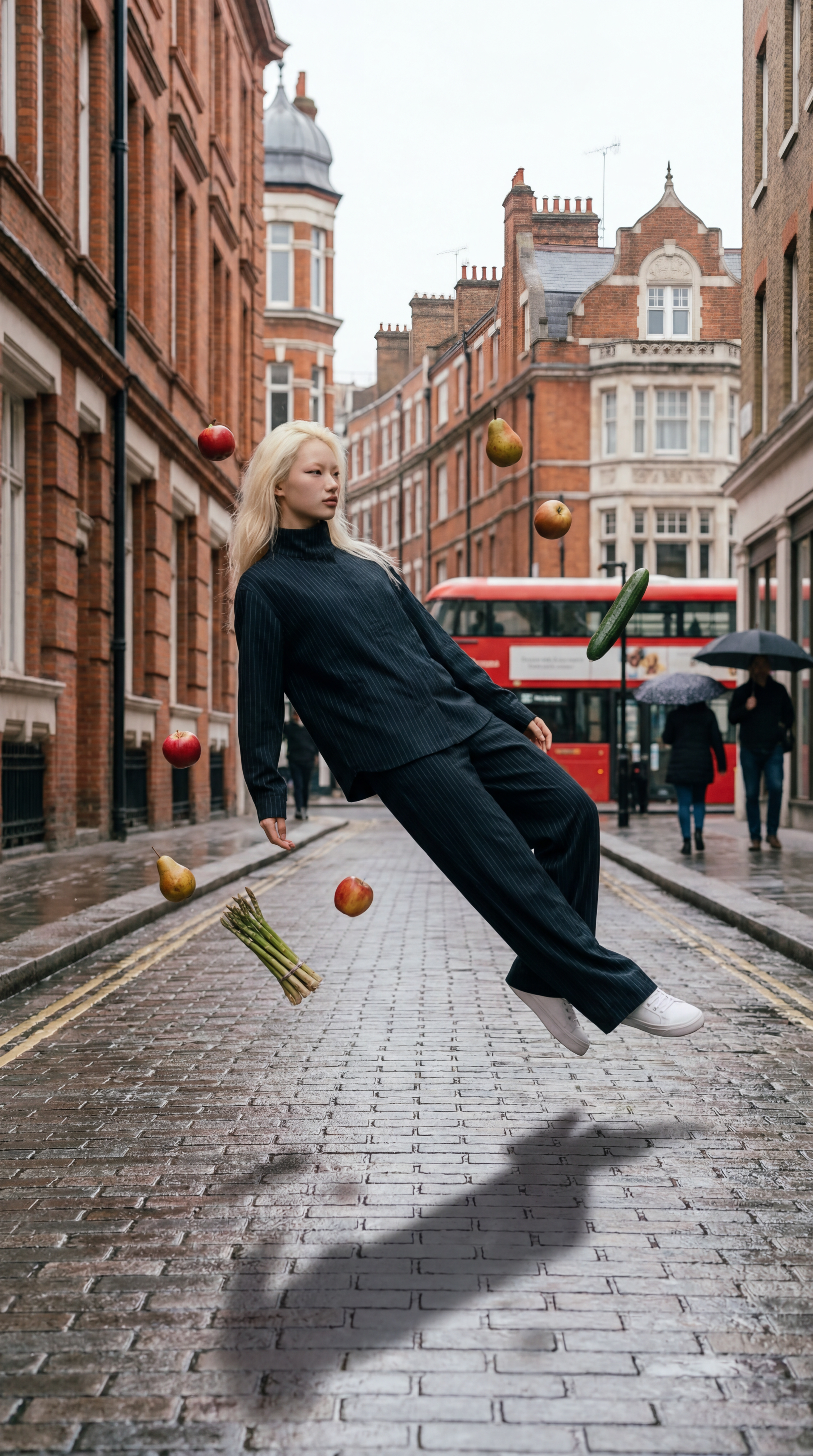
Upload a photo, apply an AI motion-freeze effect, and download a sharp snapshot in minutes.

