
















Step 1
Set inputs
Enter a text prompt or upload a reference image. Choose an intended look like realistic, studio, or stylized, and add notes for materials, lighting, and camera angle.
Generate high-quality AI renders in seconds. Control style, lighting, and detail with smart presets. Try Тест ИИ рендера online and export instantly.
How to use Тест ИИ рендера
This quick guide shows how to create an AI render from text or an image. Choose a style, set quality, and generate multiple variations fast, then export the best result for your workflow.
Step 1
Enter a text prompt or upload a reference image. Choose an intended look like realistic, studio, or stylized, and add notes for materials, lighting, and camera angle.

Step 2
Pick resolution and detail level, then generate several AI renders. Compare options, adjust the prompt or settings, and re-run to refine composition, textures, and mood.

Step 3
Select the best render and export in high quality. Download for presentations, product pages, or design reviews, and keep variations for quick A/B testing and iteration.
Features
Тест ИИ рендера helps you generate consistent AI renders with controllable style, lighting, and detail. Start from text-to-render or image-to-render workflows, then iterate with multiple variations to reach the look you need. Built on machine learning, it speeds up visualization for concepts, mockups, and production-ready assets while keeping output crisp.
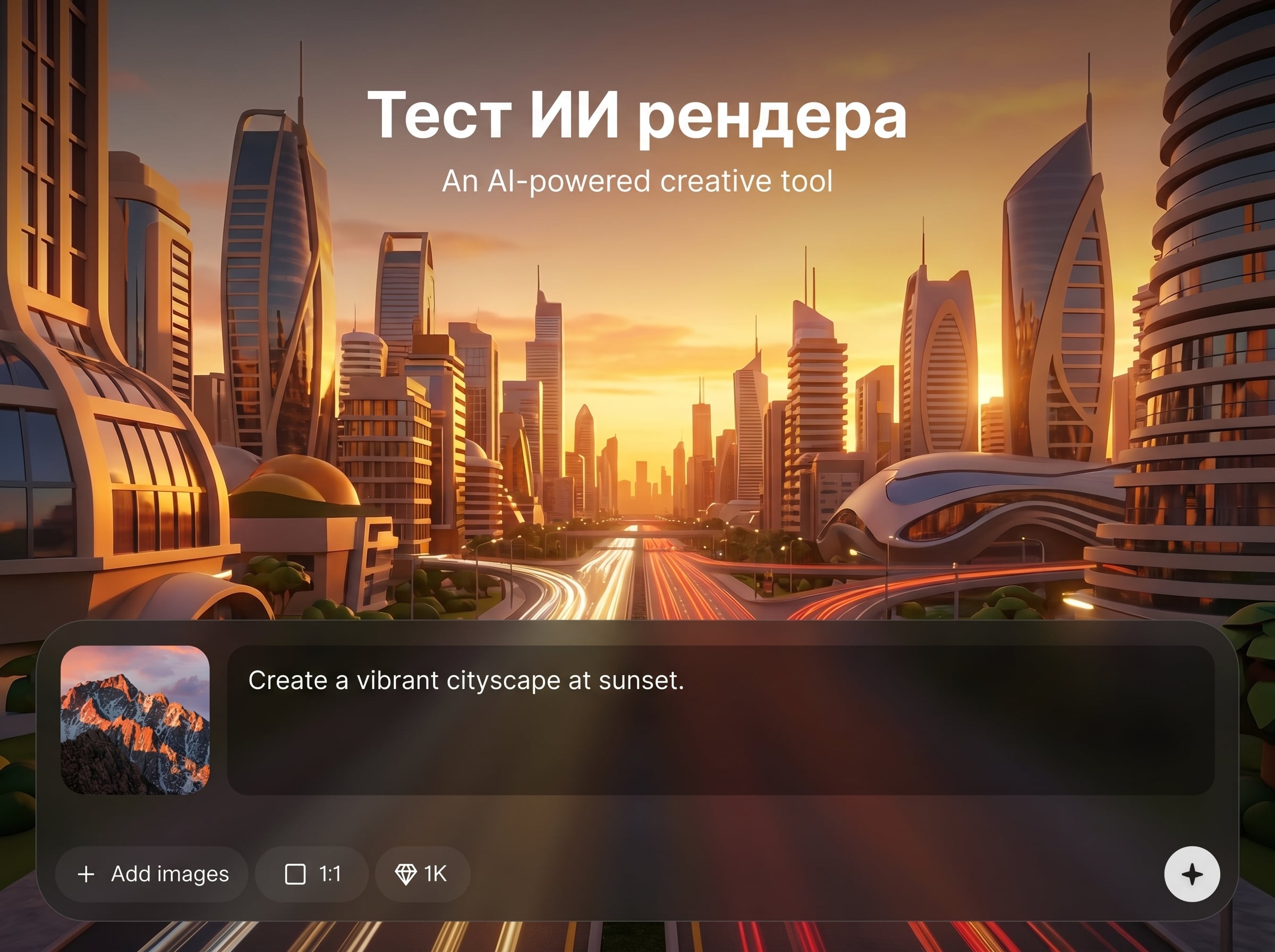
Create renders from prompts with clear control over scene, materials, and mood. Use AI to explore ideas quickly while keeping a consistent direction across multiple generations.
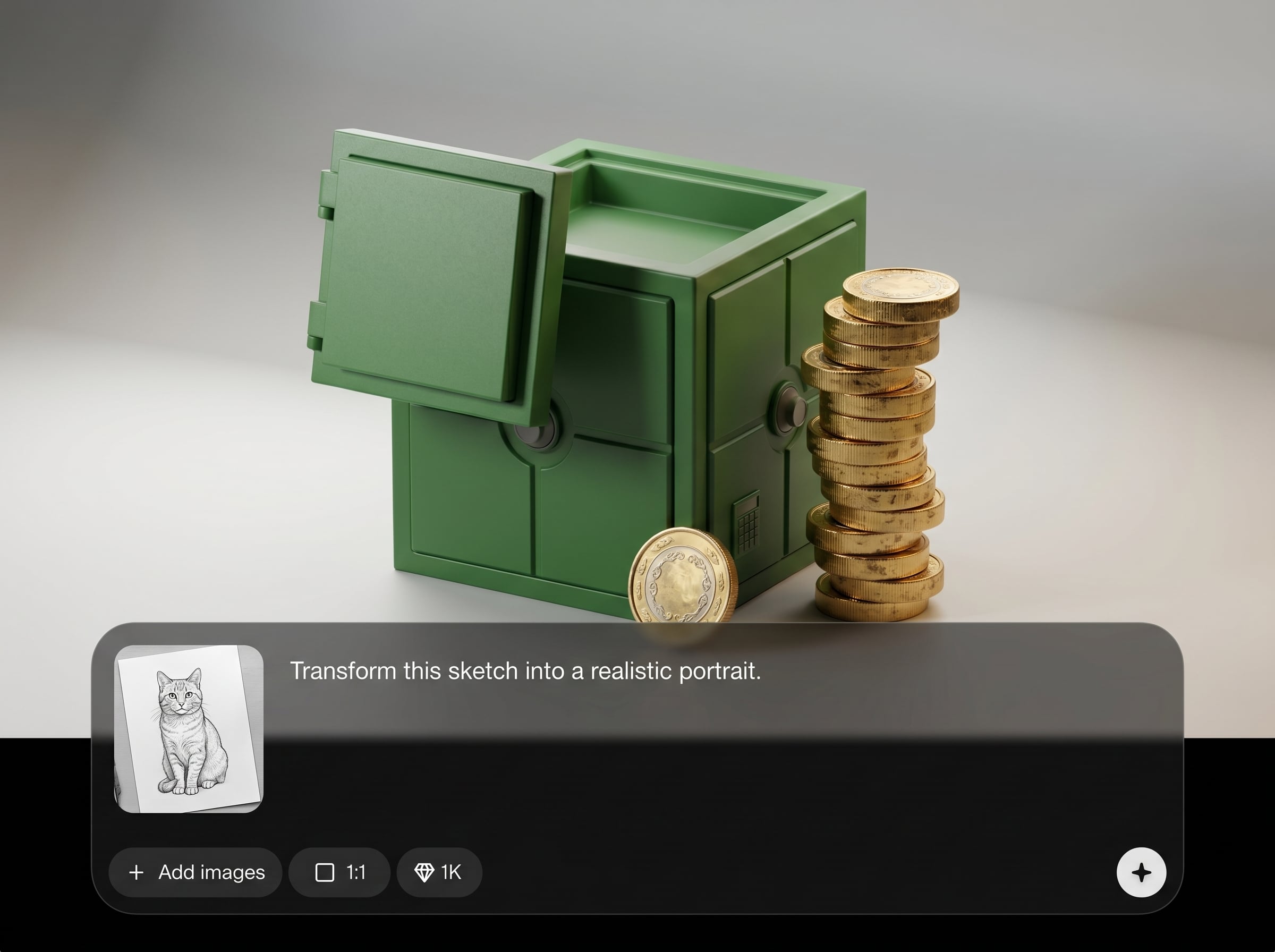
Upload a reference image to preserve structure and improve realism. The artificial intelligence rendering pipeline enhances lighting, textures, and details for cleaner, more presentation-ready results.
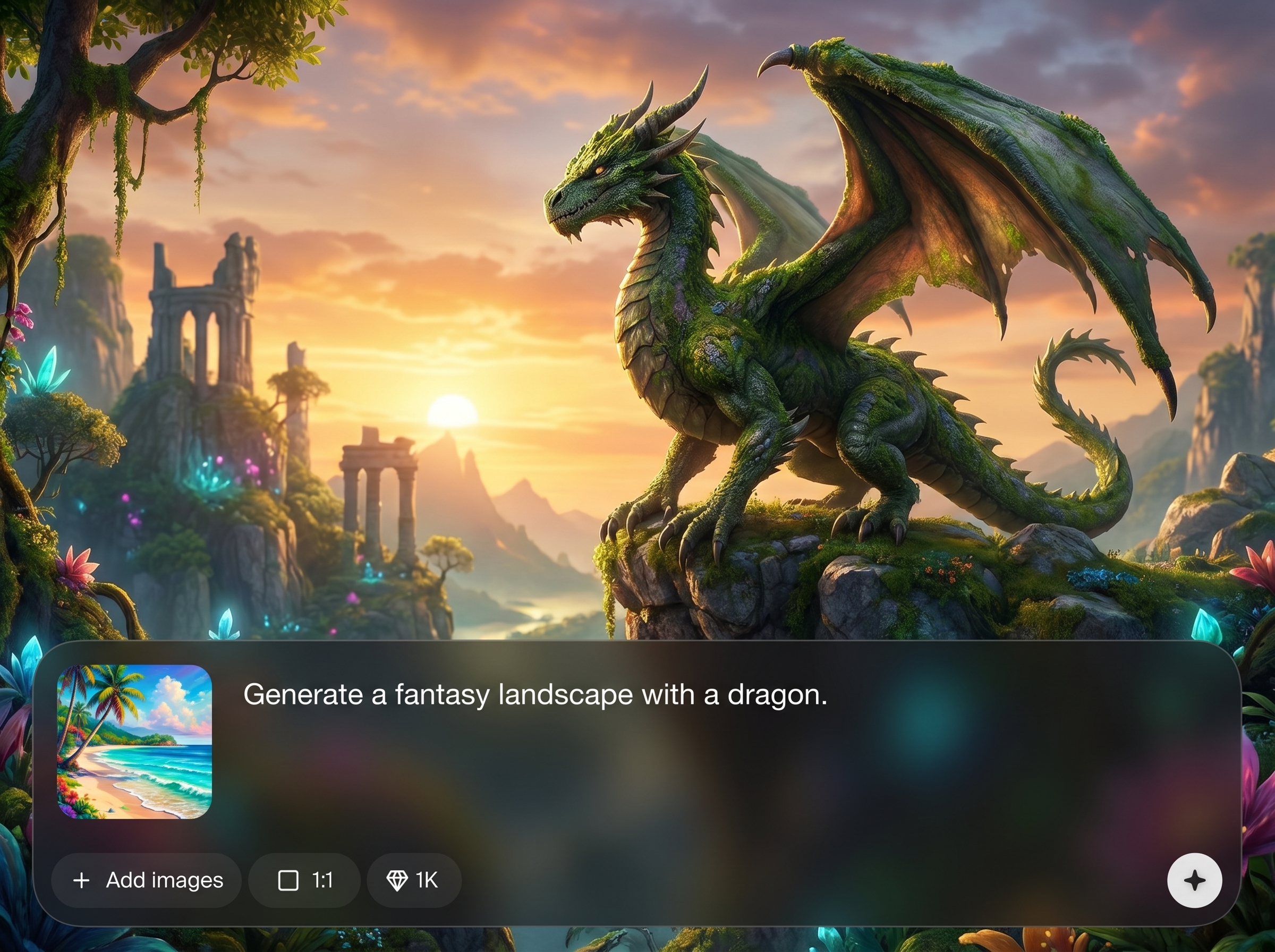
Generate multiple variations in seconds, then refine with small prompt changes. Get high-resolution outputs suitable for product mockups, architecture visuals, and concept art without heavy rendering time.
About
Тест ИИ рендера is an AI render generator that turns prompts or images into polished visuals with realistic lighting, materials, and composition. Use artificial intelligence to iterate fast, test multiple styles, and reach production-ready results without complex setup. Export sharp renders for presentations, mockups, and creative pipelines in a few clicks.
Тест ИИ рендера focuses on fast, controllable AI rendering with practical outputs. Get consistent variations, clean lighting, and sharp detail for product, architectural, or concept visuals. The workflow is built for quick iteration, so you can refine results without complex tools or long render times.
Add a prompt or upload a reference image, choose a style and quality level, and generate variations. Refine with small prompt edits, then export the final render in high resolution for immediate use.
Use cases
Discover how different creators use this app in their workflow.
Generate studio-style renders for products, packaging, and e-commerce visuals. Test materials, colors, and lighting quickly to find the strongest look for conversion.
Create AI architectural renders from prompts or references. Iterate on lighting, exterior materials, and ambience to present multiple design directions with minimal turnaround.
Explore environments, props, and scenes with machine learning rendering. Produce fast variations, then refine the best option into a clear visual target for production.
Krea is one of the world's leading generative AI platforms. See what others say.
Real reviews on TrustpilotSo many AI tools out there but I always come back to Krea. It's really the one AI platform that 'just works'.

FYN
Krea's interfaces are still the best in the industry. Everything looks and feels so clean and easy to use! Imo the easiest to use gen AI website.

Lynn
Ultra fast generations. Extremely simple to use. All the latest AI models.

Daniel
KREA is the only AI subscription I have right now besides ChatGPT.

Sophia M.
Answers to common questions about AI rendering, quality, inputs, and exporting with Тест ИИ рендера.
Тест ИИ рендера is an AI render generator that creates realistic or stylized visuals from text prompts or reference images. It uses artificial intelligence to speed up rendering-style outputs and iteration.
The tool applies machine learning to synthesize lighting, textures, and composition based on your prompt and settings. You generate variations, then refine with small changes until the render matches your intent.
Yes. Use image-to-render to keep overall structure while improving realism and style. Add prompt guidance for materials, mood, and camera framing to steer the AI output more precisely.
Include subject, setting, material, lighting, and camera details. For example: “matte black aluminum, softbox studio lighting, 50mm lens, shallow depth of field.” Specific constraints reduce random results.
Reuse the same prompt structure, style keywords, and reference image when possible. Change only one variable at a time—like lighting or material—to maintain a consistent AI rendering direction.
Yes. It’s designed for fast, clean visuals with controllable lighting and detail. Generate multiple options, select the best render, and export high-resolution images for marketing, listings, and previews.
You can generate high-resolution renders depending on selected settings. Export options are designed for easy sharing and production use, supporting common image workflows for web, slides, and reviews.
Most renders generate in seconds, depending on resolution and complexity. Faster iteration means you can test more styles and compositions in a single session without traditional render wait times.
Turn prompts or images into high-quality renders fast, then export results for mockups, presentations, and reviews.

