
















Step 1
Upload
Drop in a photo or illustration, then select the output size. The tool analyzes content and prepares the image for neural style transfer with stable detail retention.
Use a+风格转换 to apply AI style transfer in seconds. Upload photos, choose an art style, preview results, and export high-res images fast. Try it now.
How to use a+风格转换
This quick guide shows how to use a+风格转换 for AI style transfer from photo to art. Upload your image, choose a style preset, adjust intensity, and export high-quality results in minutes.
Step 1
Drop in a photo or illustration, then select the output size. The tool analyzes content and prepares the image for neural style transfer with stable detail retention.

Step 2
Choose a style preset and tune strength, texture, and color balance. Preview changes instantly to control how much artistic effect is applied to edges and surfaces.

Step 3
Generate several variations, pick the best result, and download in high resolution. Save settings to reuse the same look across a series for consistent visuals.
Features
a+风格转换 combines neural style transfer with practical controls for fast, repeatable styling. Apply art filters to photos while keeping subjects recognizable, then iterate with variations to find the right look. Export high-resolution images for web, print drafts, or design mockups, without complex editing workflows.
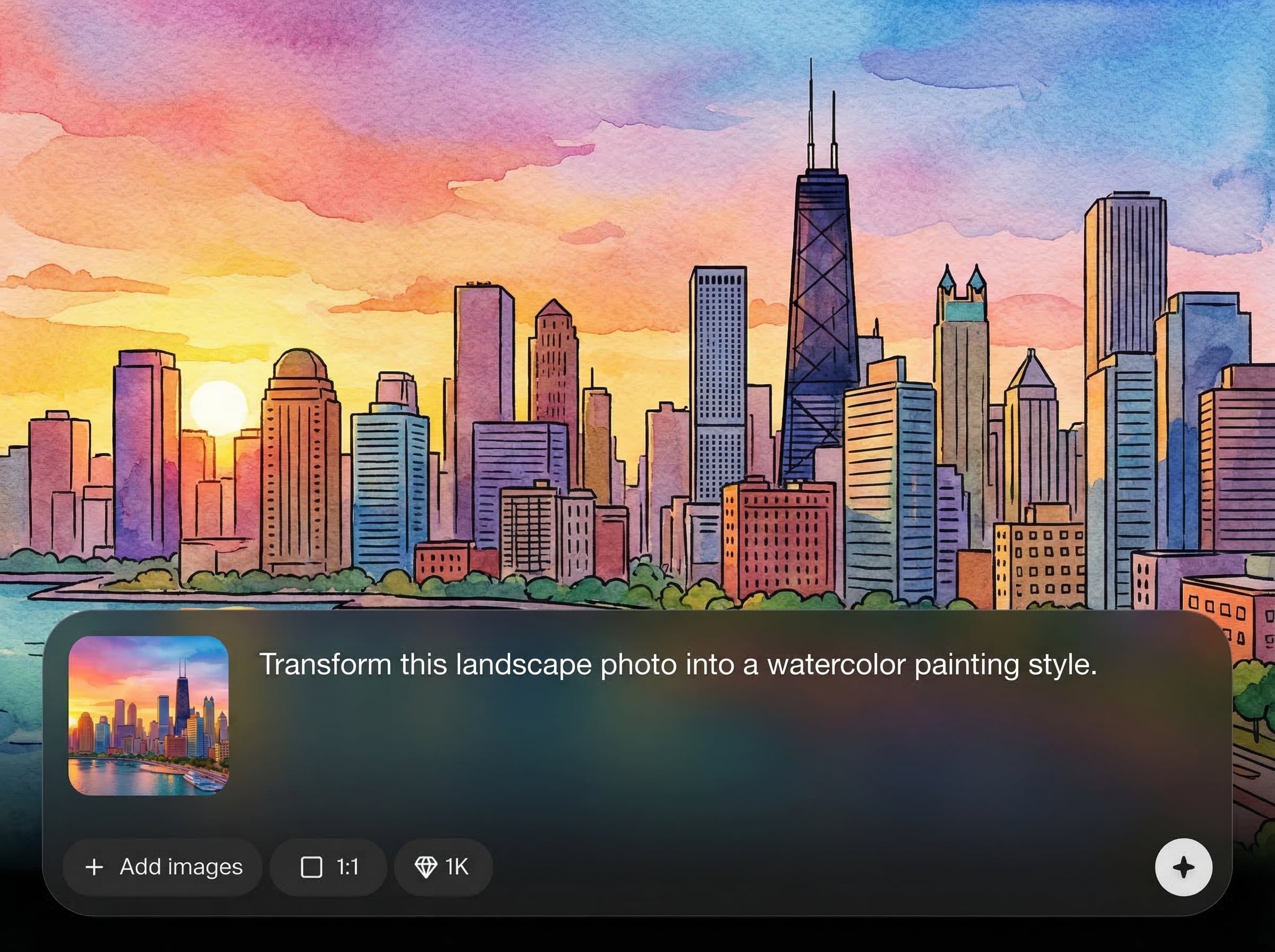
Dial in subtle to bold transformations with adjustable intensity, texture, and color. Keep key shapes and facial details clearer while still achieving a distinct artistic finish.
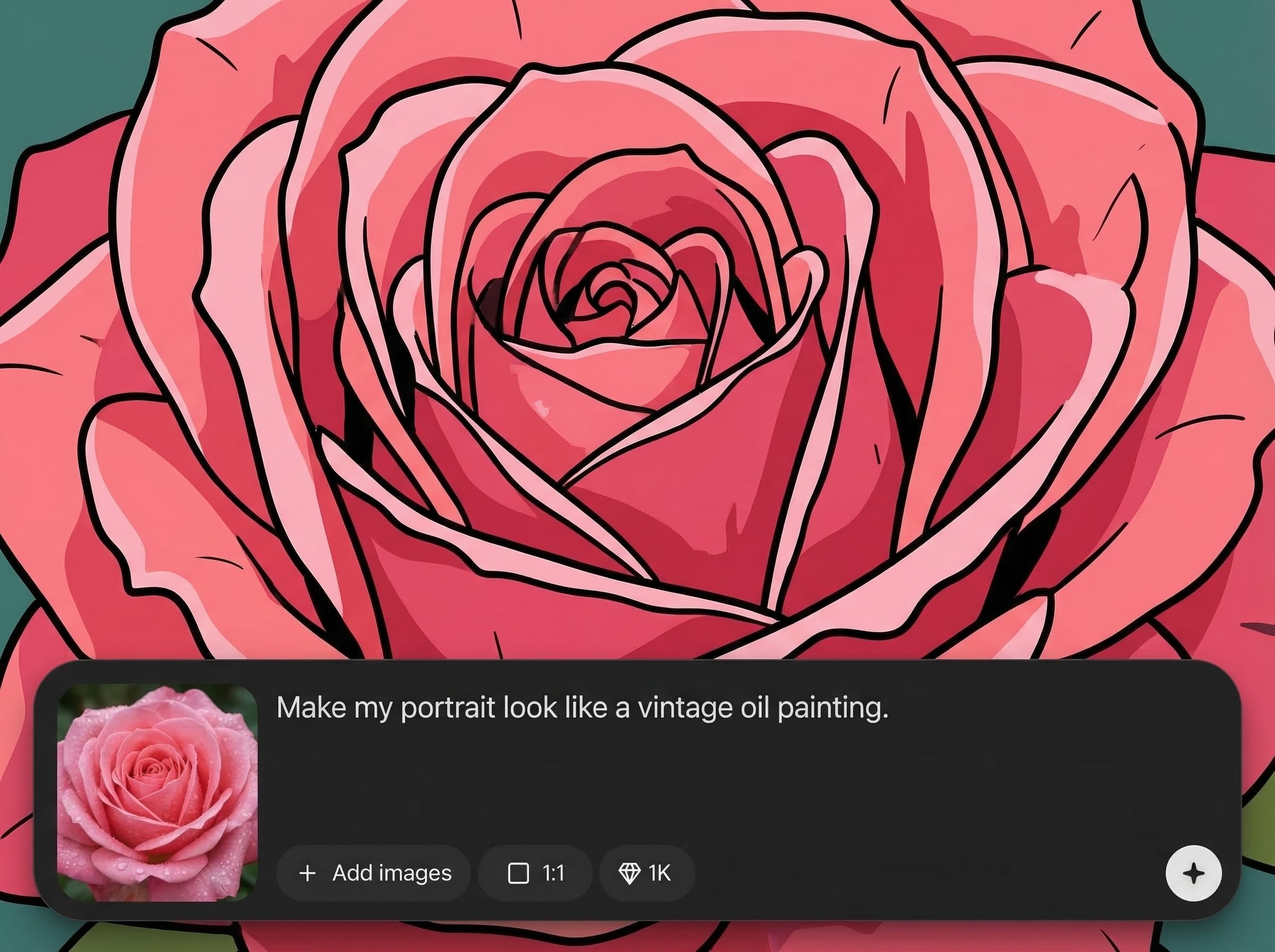
Create multiple style transfer outputs per prompt to compare looks quickly. Iterate on settings and choose the best composition and brush-like texture without starting over each time.
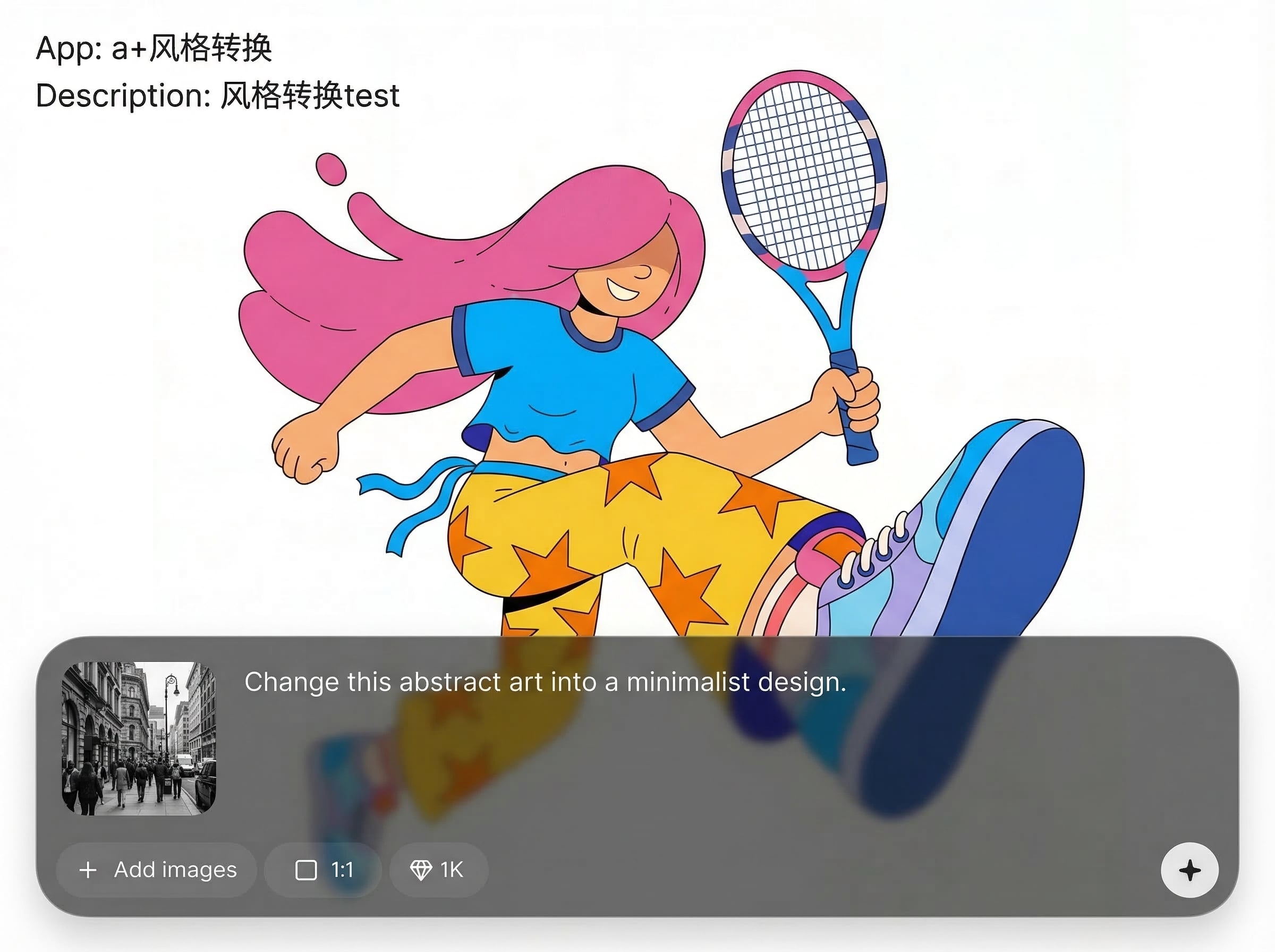
Download clean, high-res results for social media, ads, and design layouts. Maintain sharp edges and consistent color so outputs stay usable across different platforms and formats.
About
a+风格转换 is an AI style transfer tool that turns photos into stylized artwork with clean, consistent results. Upload an image, pick a style, and refine strength and details to match your look. Generate multiple variations quickly for social posts, branding visuals, or concept exploration, then export high-resolution outputs ready to use anywhere.
Choose a+风格转换 for reliable AI style transfer with practical controls and consistent output quality. Generate multiple variations fast, fine-tune strength and color, and export high-resolution images that fit real design and marketing workflows.
Open a+风格转换, upload a photo, pick a style preset, and adjust intensity for the look you want. Generate variations, then download the best high-res result for immediate use.
Use cases
Discover how different creators use this app in their workflow.
Turn everyday photos into eye-catching art styles for feeds, thumbnails, and story backgrounds, while keeping the subject readable and on-brand.
Explore visual directions by applying multiple styles to the same image. Quickly compare palettes and textures for campaigns, packaging, or landing pages.
Stylize product photos or mockups to match a theme, from sketch to painterly looks, then export high-res images for presentations and drafts.
Krea is one of the world's leading generative AI platforms. See what others say.
Real reviews on TrustpilotSo many AI tools out there but I always come back to Krea. It's really the one AI platform that 'just works'.

FYN
Krea's interfaces are still the best in the industry. Everything looks and feels so clean and easy to use! Imo the easiest to use gen AI website.

Lynn
Ultra fast generations. Extremely simple to use. All the latest AI models.

Daniel
KREA is the only AI subscription I have right now besides ChatGPT.

Sophia M.
Answers to common questions about AI style transfer and image export.
a+风格转换 is an AI style transfer tool that converts photos into artistic styles. It applies neural textures and color while preserving the original content, giving fast photo-to-art results online.
Use the style strength and detail controls to adjust how strongly the artistic effect appears. Lower values keep the photo more realistic, while higher values push stronger textures and colors.
Yes. After generating results, you can export high-resolution images suitable for web and design drafts. Choose an appropriate output size to balance clarity, file size, and speed.
You can upload common image formats such as JPG or PNG. Downloads are provided in standard image formats so you can use results in editors, slides, and online publishing workflows.
It works like an AI image generator focused on style transfer. Instead of manual filters, it uses machine learning to map artistic style onto your image with controllable, repeatable results.
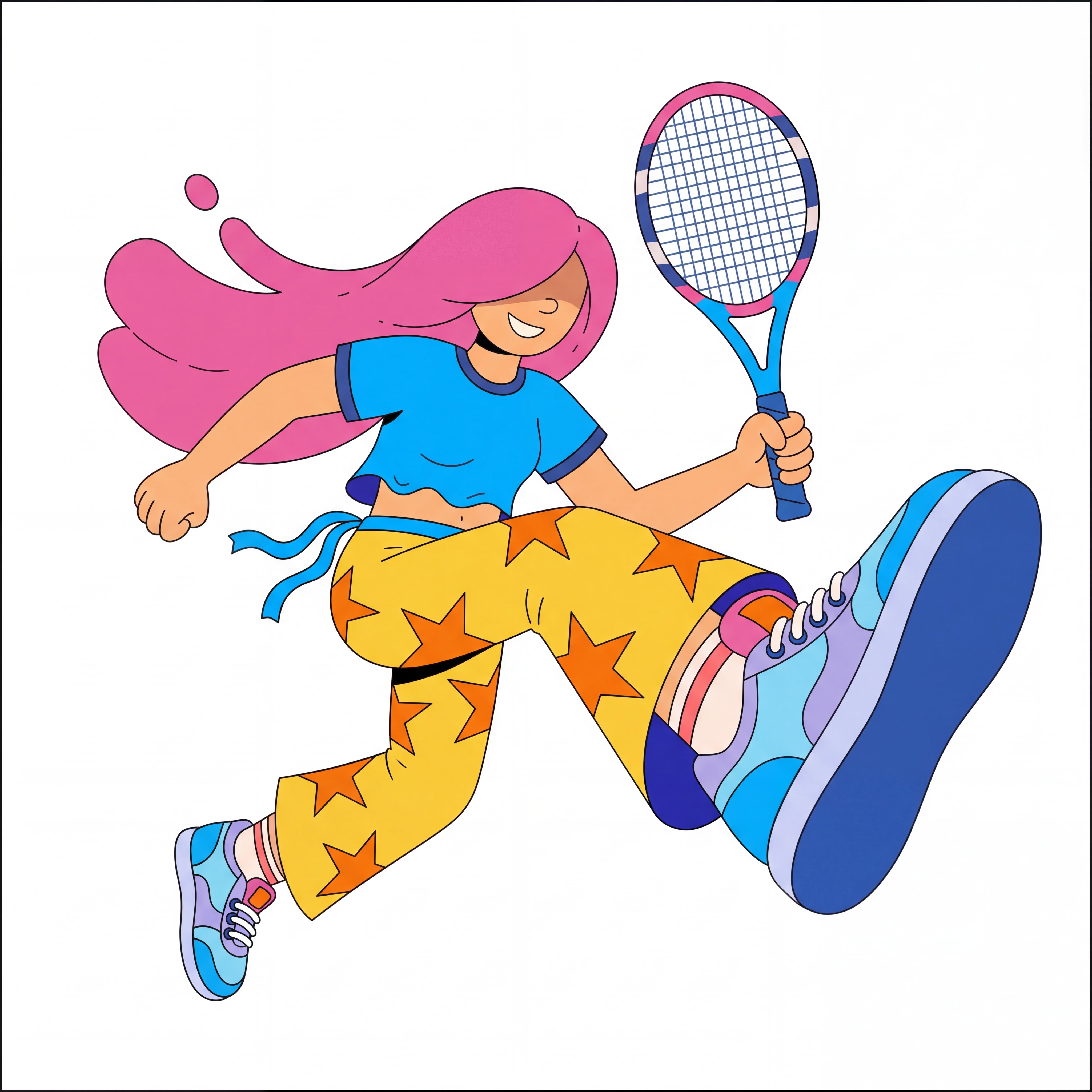
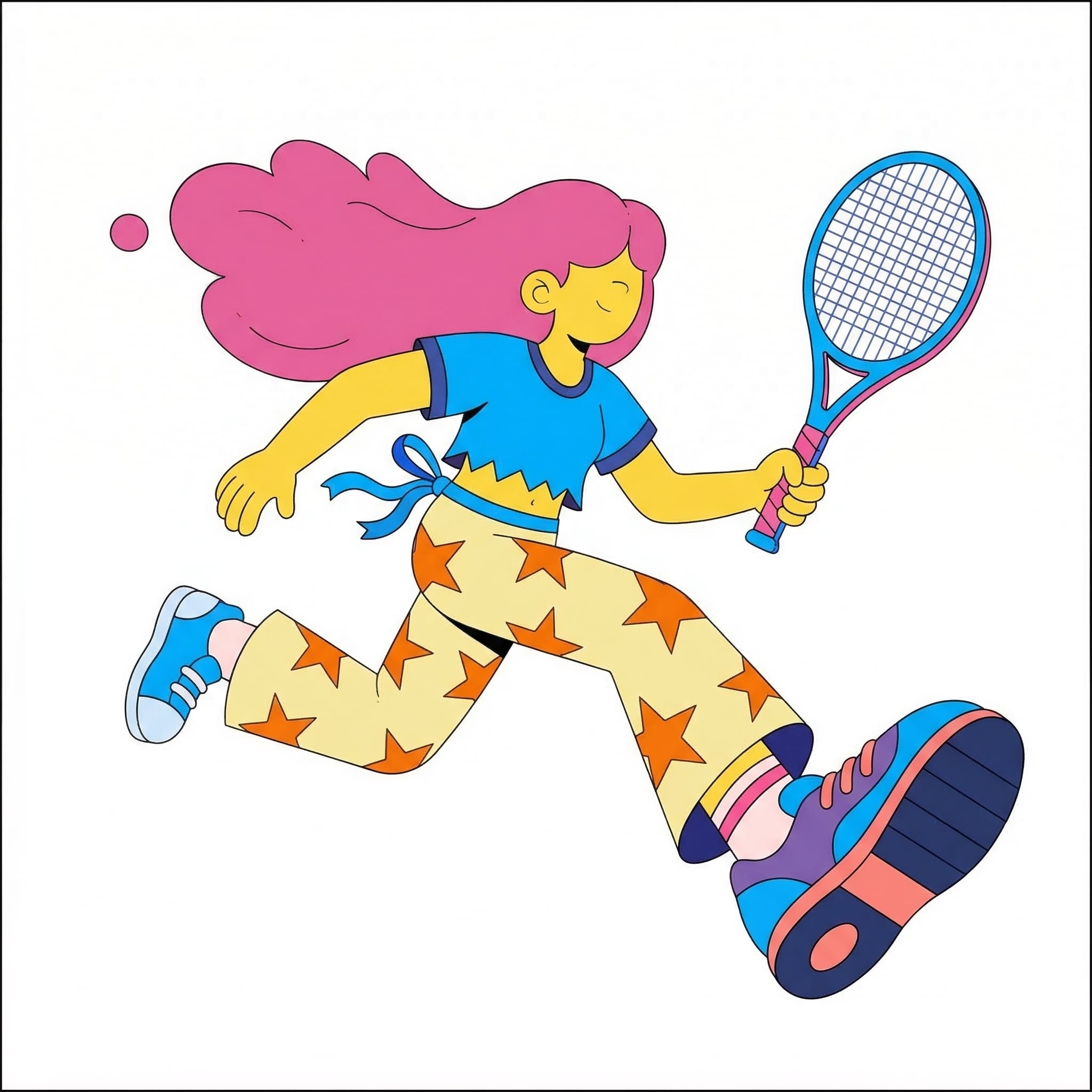
Upload an image, choose a style, and export high-res results in minutes—no complex editing required.

