
















Step 1
Upload
Import your crypto logo (PNG/SVG if available). Use a clean, centered version for best results and consistent edges in the high-res render.
Upload your crypto logo to generate a high-res image and a smooth 360° turntable video in seconds. AI-powered results for branding—try Ledger Coin now.
How to use Ledger Coin
Create professional crypto branding assets in minutes with Ledger Coin. Upload your logo, choose output settings, and generate a crisp high-res image plus a 360° turntable video ready to share.
Step 1
Import your crypto logo (PNG/SVG if available). Use a clean, centered version for best results and consistent edges in the high-res render.

Step 2
Pick background, lighting style, and framing. Set export size and video length so the 360° rotation fits your website, listings, or social posts.

Step 3
Run the AI generator to produce a high-resolution image and a 360 video. Download files instantly and reuse settings to keep every asset on-brand.
Features
Ledger Coin converts a flat crypto logo into premium marketing assets—high-res images and a 360° turntable video. AI-driven enhancement improves sharpness and presentation while keeping your logo recognizable. Export ready-to-post files for token pages, exchanges, banners, and social, without manual rendering or complex animation setup.
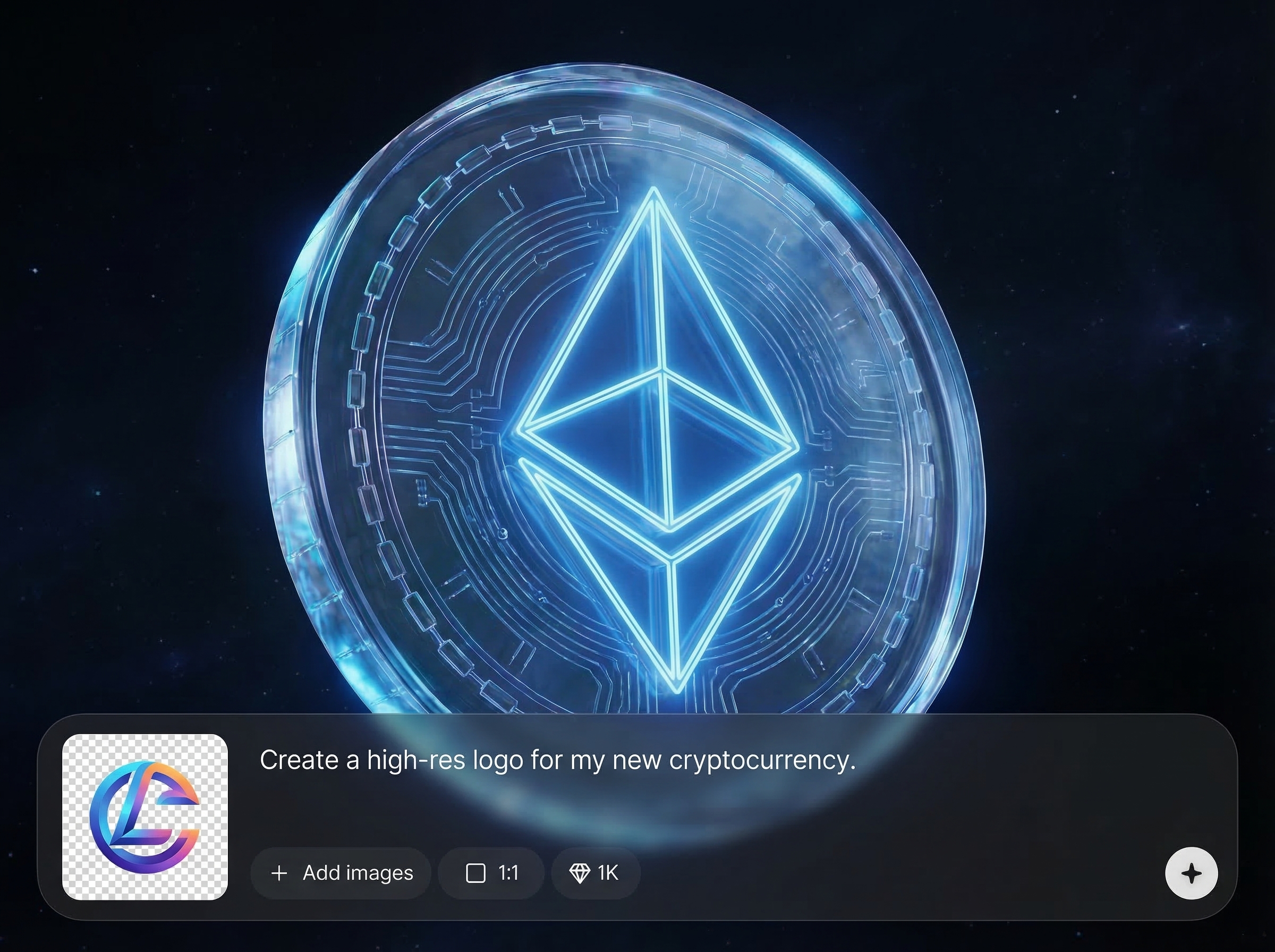
Generate a crisp, high-resolution logo image with improved clarity and cleaner edges. Ideal for profile icons, exchange listings, websites, and print-ready branding exports.
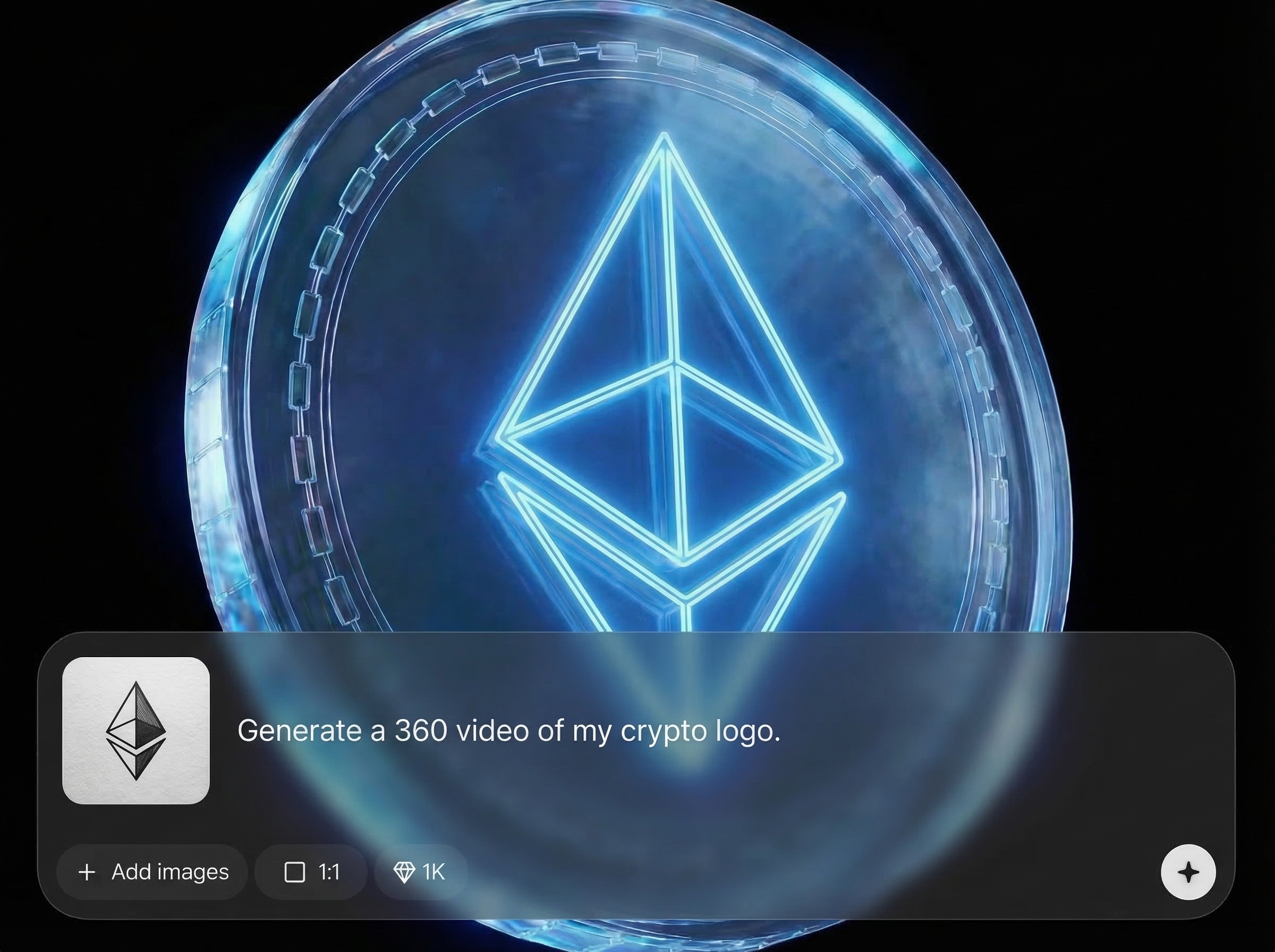
Create a smooth 360° rotation video from your logo for dynamic promos. Great for landing pages, social media, and ads that need motion without full 3D production.
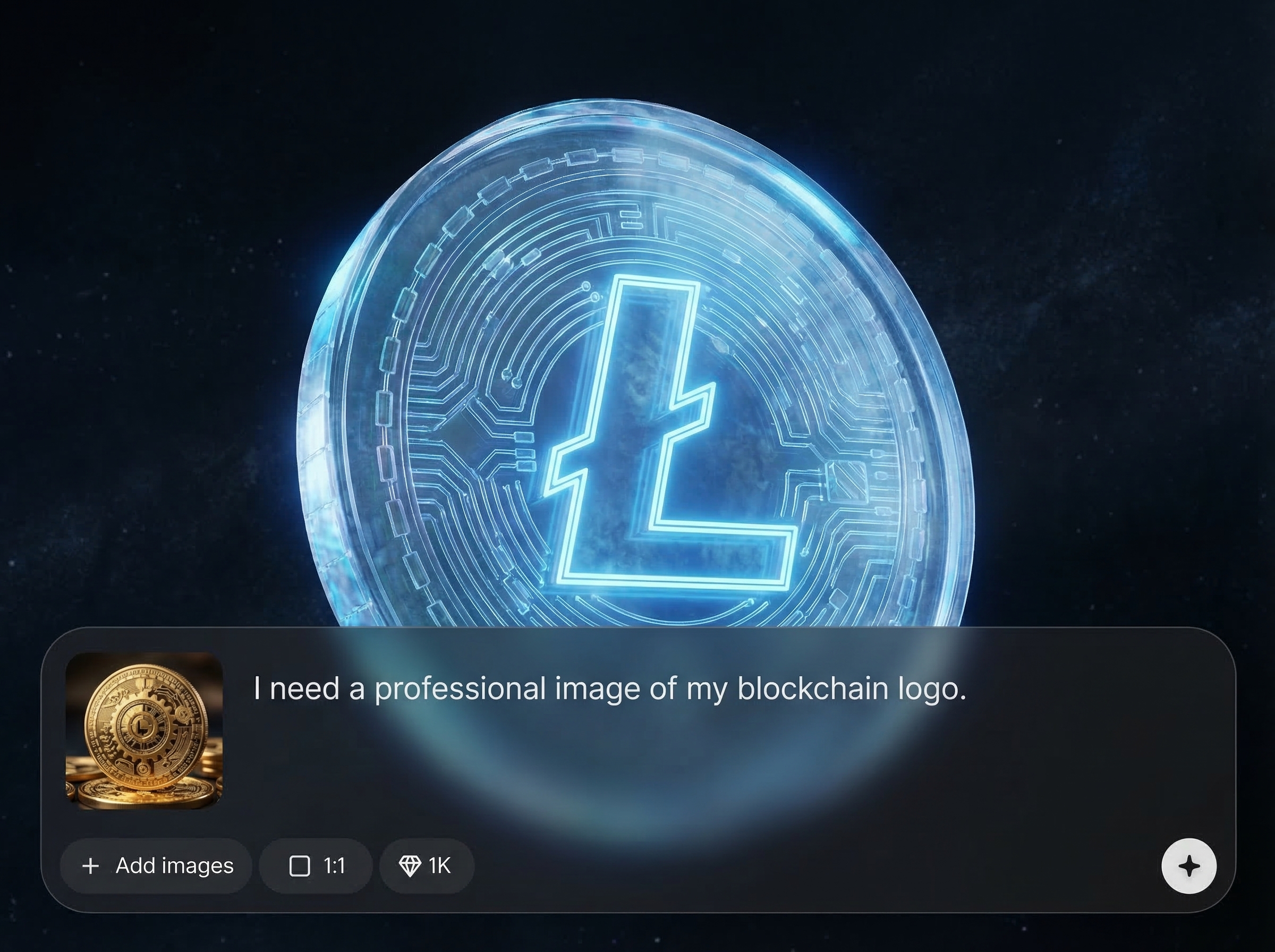
Reuse settings to keep backgrounds, framing, and lighting consistent across assets. Produce multiple variations quickly for campaigns, A/B tests, and multi-channel crypto marketing.
About
Ledger Coin turns your crypto logo into polished, high-resolution visuals and a smooth 360° video. Upload your mark and let AI enhance clarity, lighting, and presentation for listings, websites, and social. Generate consistent branding assets fast, without complex 3D tools or editing workflows.
Ledger Coin focuses on fast, brand-consistent outputs for crypto teams and communities. Generate high-res images and 360° logo videos from a simple upload, with customizable styling and repeatable settings. Get polished assets for listings, websites, and social without complex 3D software or lengthy production cycles.
Open Ledger Coin, upload your crypto logo, and choose background and export settings. Click generate to receive a high-resolution image and a 360° video, then download and publish immediately.
Use cases
Discover how different creators use this app in their workflow.
Generate a high-res logo and 360° video for hero sections, headers, and feature blocks—clean visuals that instantly elevate first impressions.
Export crisp logo images sized for listings and profiles. Keep consistent presentation across platforms without re-editing or rebuilding files.
Post motion-ready 360° logo videos for announcements and ads. Make brand updates more engaging with fast, repeatable AI generation.
Krea is one of the world's leading generative AI platforms. See what others say.
Real reviews on TrustpilotSo many AI tools out there but I always come back to Krea. It's really the one AI platform that 'just works'.

FYN
Krea's interfaces are still the best in the industry. Everything looks and feels so clean and easy to use! Imo the easiest to use gen AI website.

Lynn
Ultra fast generations. Extremely simple to use. All the latest AI models.

Daniel
KREA is the only AI subscription I have right now besides ChatGPT.

Sophia M.
Answers to common questions about generating high-res crypto logos and 360° videos with AI.
Ledger Coin generates two outputs: a high-resolution image and a 360° turntable video. Both are optimized for clean presentation and quick sharing across web, social, and listing platforms.
A transparent PNG or SVG typically gives the best results. Use a centered logo with clear edges and minimal background so the AI can enhance sharpness and produce a clean 360° rotation.
Yes. Choose background, lighting, and framing to match your brand. You can generate multiple variations and keep settings consistent for a unified look across campaigns and platforms.
Generation usually takes seconds to a few minutes depending on settings. You can quickly iterate, preview results, and export final files without manual rendering or animation tools.
The goal is to preserve your logo while improving presentation—clarity, lighting, and polish. Starting with a clean source file helps keep shapes and proportions consistent in both outputs.
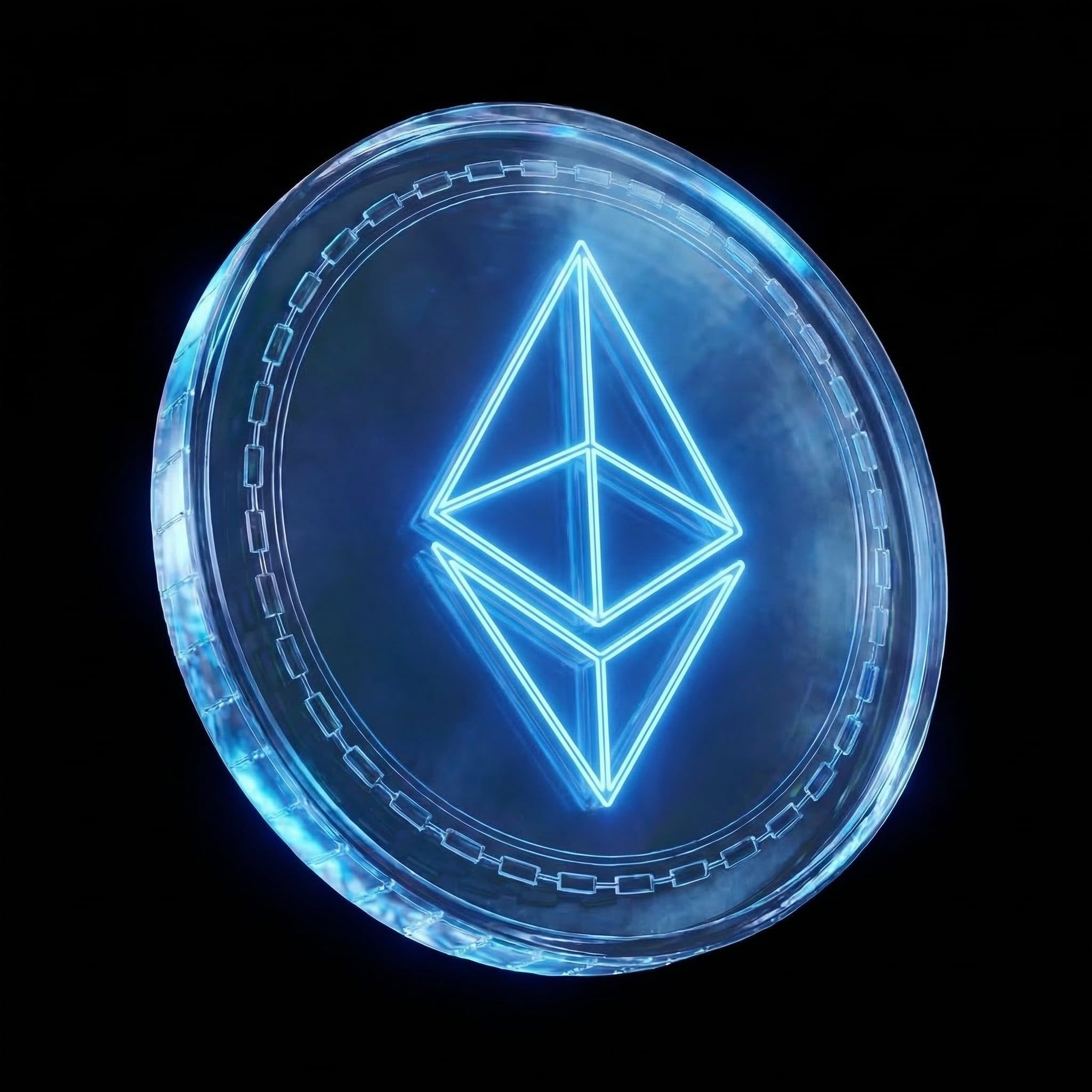
Upload your logo and export a high-res image plus a 360° video for instant, consistent branding.

