
















Step 1
Upload or Prompt
Start with a clear photo for best likeness, or type a text prompt. Select portrait framing and pick a base hexa style to guide the result.
Generate hexa-style portraits in seconds with AI. Upload a photo or describe a look, customize colors and detail, then download high-res results online.
How to use New Hexa Portrait Generator
Follow these quick steps to generate a geometric hexa portrait with AI. Upload a photo or enter a prompt, adjust style controls, and export a high-quality image for any platform.
Step 1
Start with a clear photo for best likeness, or type a text prompt. Select portrait framing and pick a base hexa style to guide the result.

Step 2
Tune geometry strength, color palette, shading, and background. Use variation controls to explore multiple options quickly while keeping the subject consistent.

Step 3
Generate your AI hexa portrait, review the outputs, and refine if needed. Download a high-resolution file suitable for social profiles, print, and design workflows.
Features
New Hexa Portrait Generator converts portraits into clean geometric art with AI-powered consistency. Control polygon detail, color harmony, and lighting to match a specific aesthetic. Create multiple variations quickly, keep results sharp, and export high-resolution images for digital profiles, branding, or print-ready graphics.
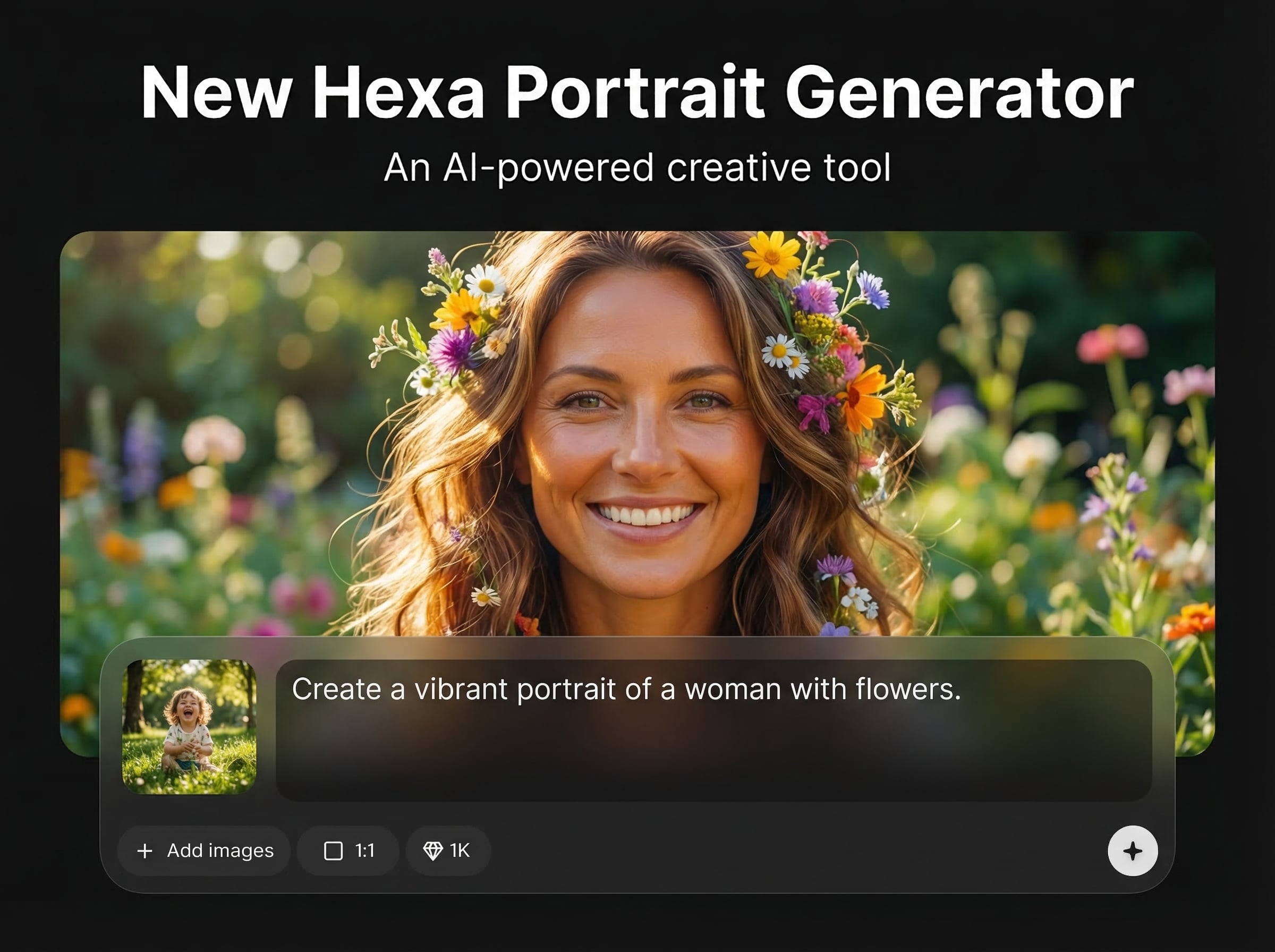
Upload a portrait and generate a geometric hexa look while preserving key facial features. Get stylized results that feel artistic without losing identity and readability.
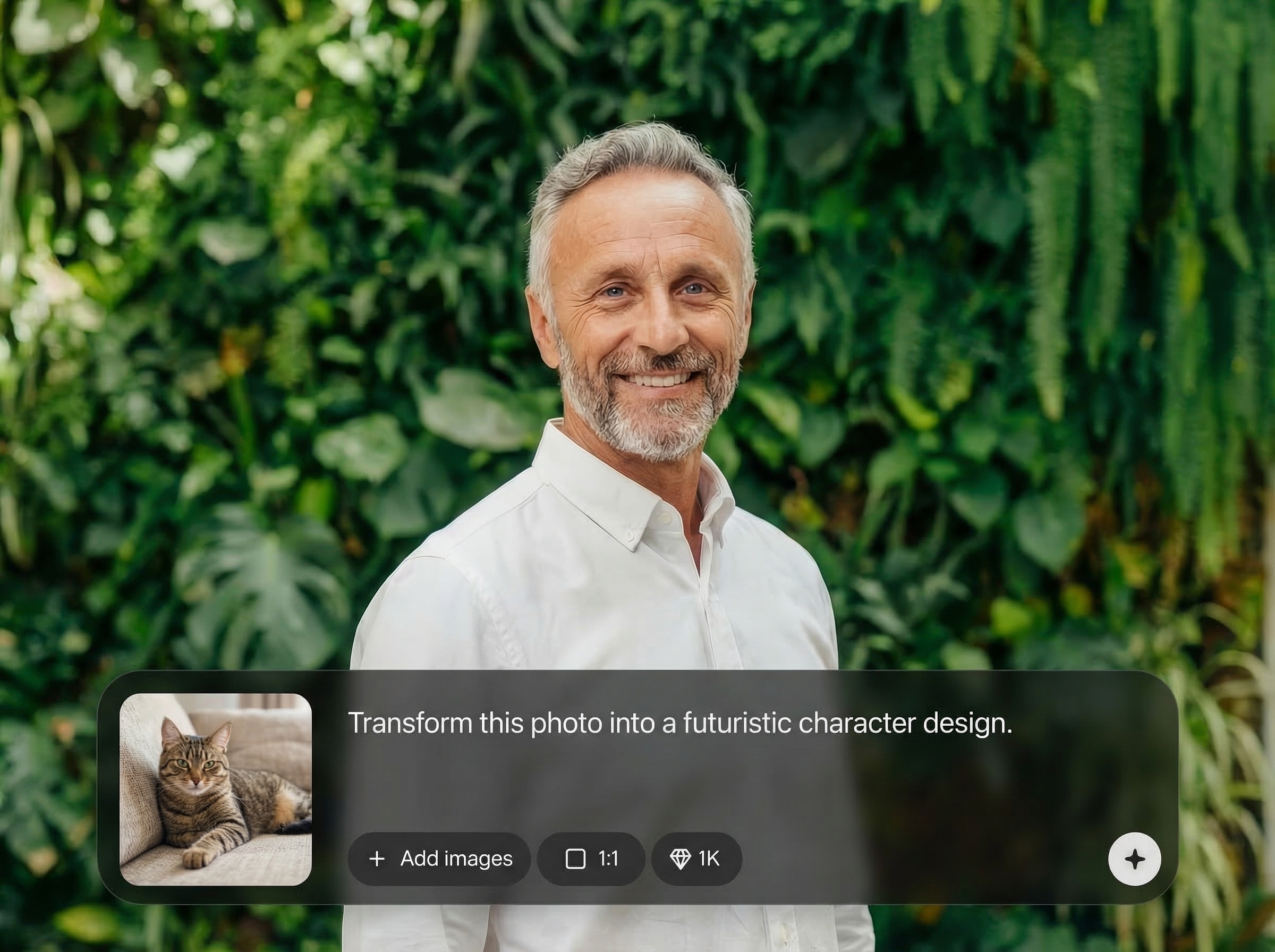
Create multiple AI variations in seconds to compare palettes, geometry density, and backgrounds. Iterate quickly and lock in a direction for campaigns, avatars, or design systems.
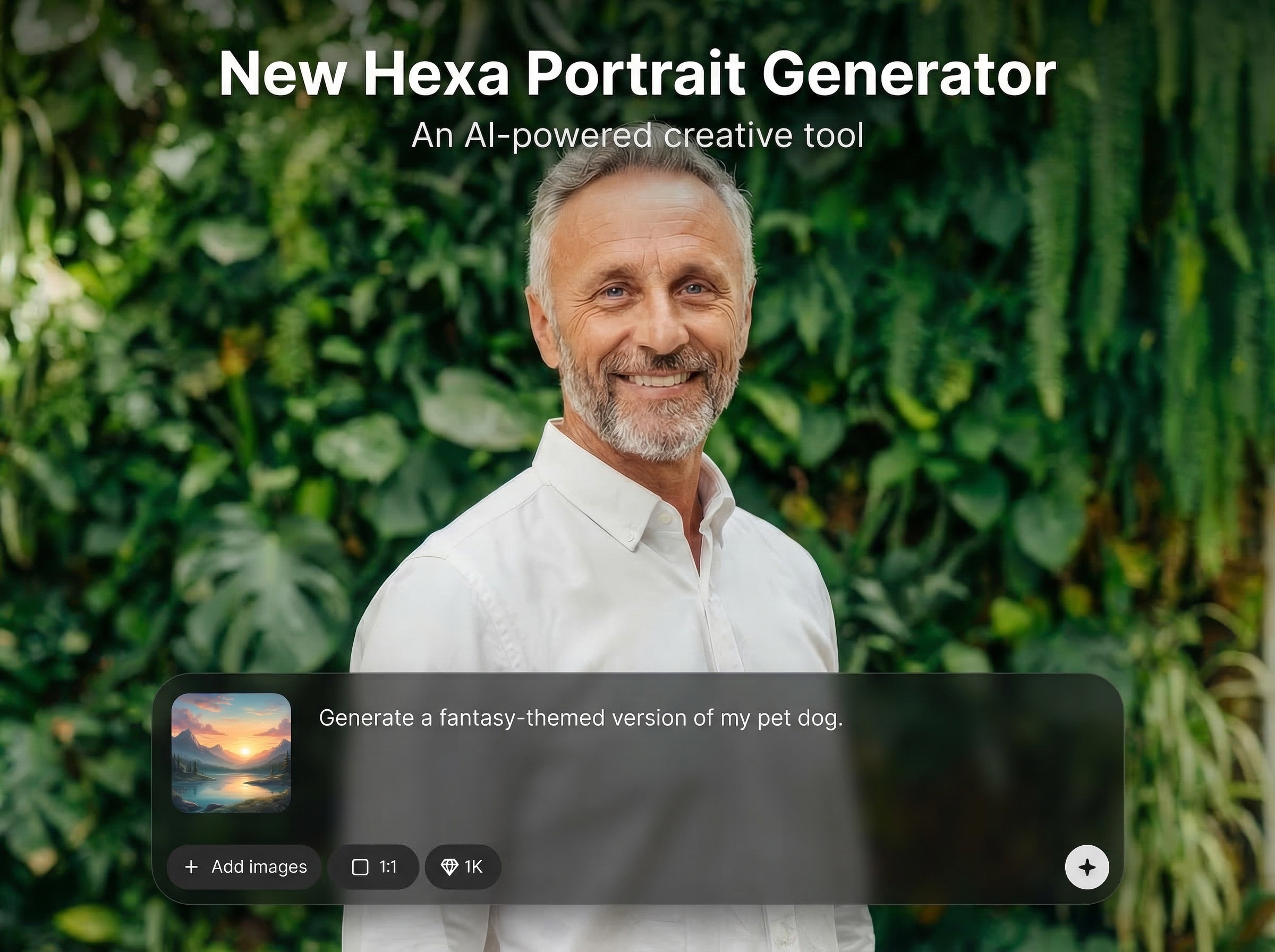
Download crisp, high-res portraits suitable for social media, presentations, and print. Clean edges and balanced color help your hexa portraits stay sharp across sizes.
About
New Hexa Portrait Generator turns photos or prompts into bold hexa-style portraits using AI. Choose geometric intensity, color palettes, and detail levels to match your brand or vibe. Generate multiple variations fast, then export crisp, high-resolution results ready for profiles, posters, and marketing assets.
Get a reliable AI hexa portrait workflow with strong style controls and fast iteration. Generate consistent geometric portraits, explore multiple variations, and export high-resolution results that stay sharp for social, branding, and print-ready design.
Open the tool, upload a portrait or enter a prompt, and pick a hexa style. Adjust palette and detail sliders, generate variations, then download the best result instantly.
Use cases
Discover how different creators use this app in their workflow.
Turn a headshot into a distinctive geometric avatar. Keep a consistent look across platforms with quick palette and background swaps.
Generate stylized portraits for team pages, ads, and landing visuals. Match brand colors and produce multiple options for A/B testing.
Create bold hexa-style portrait art for posters, covers, and merch mockups. Export high-resolution files designed for clean scaling and print.
Krea is one of the world's leading generative AI platforms. See what others say.
Real reviews on TrustpilotSo many AI tools out there but I always come back to Krea. It's really the one AI platform that 'just works'.

FYN
Krea's interfaces are still the best in the industry. Everything looks and feels so clean and easy to use! Imo the easiest to use gen AI website.

Lynn
Ultra fast generations. Extremely simple to use. All the latest AI models.

Daniel
KREA is the only AI subscription I have right now besides ChatGPT.

Sophia M.
Find quick answers about generating hexa portraits, exports, and best input settings.
It’s an AI portrait generator that transforms photos or text prompts into geometric hexa-style artwork. Adjust detail, colors, and shading to produce consistent, high-quality portraits for digital or print use.
No. You can upload a photo for stronger likeness, or use a text prompt to generate a stylized portrait concept. Both options support palette and geometry controls for customization.
Use a well-lit, front-facing image with minimal blur and clear facial features. Then fine-tune geometry strength, color palette, and background to avoid noise and keep edges clean.
Yes. Export high-resolution outputs for profiles, design layouts, or print. If you need a sharper look, increase detail carefully and choose simpler backgrounds for cleaner silhouettes.
Yes. New Hexa Portrait Generator runs online, so you can generate portraits from a browser without complex setup. Create variations quickly and download results when you’re ready.
Upload a photo or write a prompt, customize the style, and download a high-resolution hexa portrait in minutes.

