Editing models got good enough for production work. So why does editing still feel slow?
Over the past year, image editing crossed a quality line. Teams now use it to put products in new scenes, swap materials and colors, and make campaign variants at volume. The catch is that the best editing models also got slower and more expensive. A minute and a quarter of a dollar per edit is fine for one hero shot. For a whole catalog, or for trying ten ideas before lunch, it adds up fast.
Today we’re releasing Krea 3, our new image editing model, and we built it for the other side of that trade. Most edits come back in under 8 seconds, end to end, at native 2K. It costs $0.06 per image at 2K.
Krea 3 also leaves alone what you didn’t ask it to touch. Change the setting around a product and the label stays sharp. Give it a face and an outfit, and the person in the next image is still the same person. It takes up to 6 reference images per edit.
Krea 3 is live today on krea.ai for our 30 million users, and through fal, Hedra, Together AI, Nous Research, OpenRouter and Replicate.
"Editing models are already used across e-commerce, film and advertising, but most of their potential is still held back by speed. Krea 3 removes the tradeoff between speed and quality, delivering high-quality edits in under 8 seconds, end-to-end, at 2K native resolution."
How Krea 3 compares

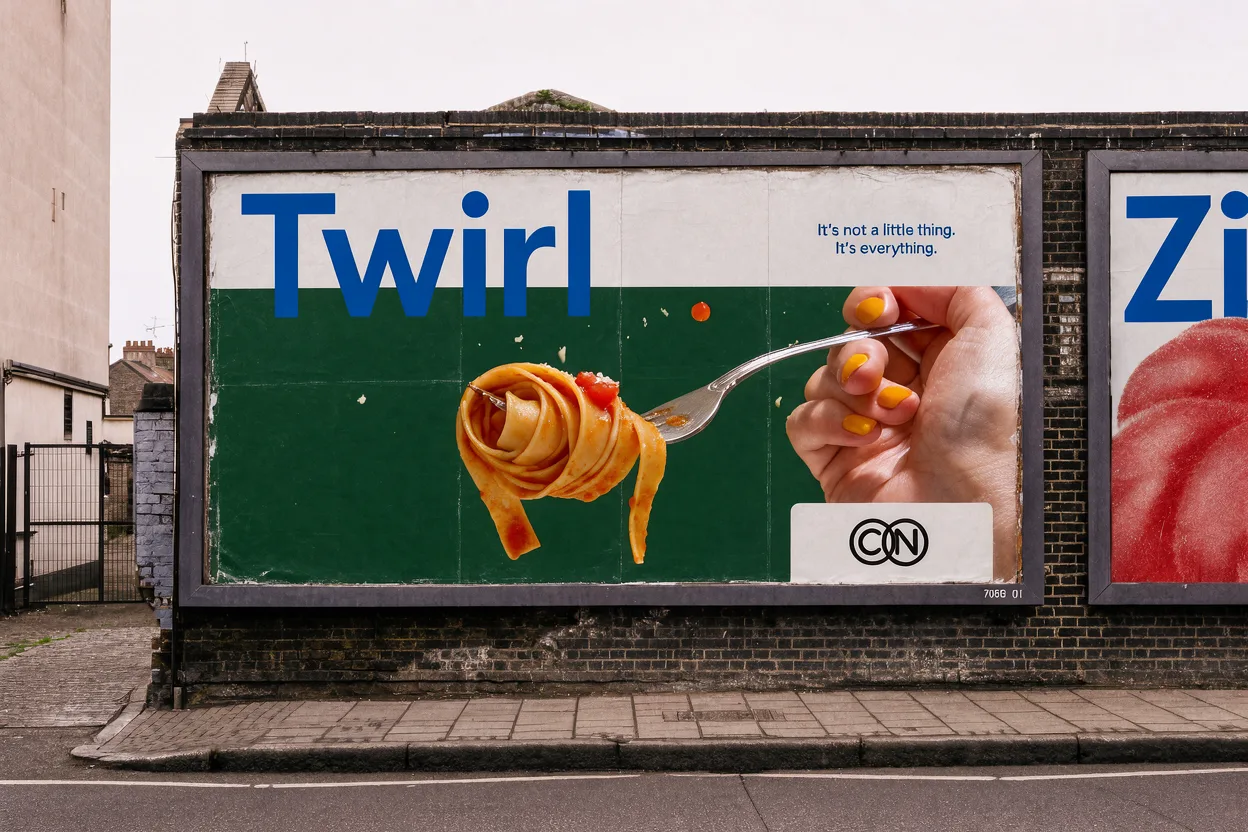
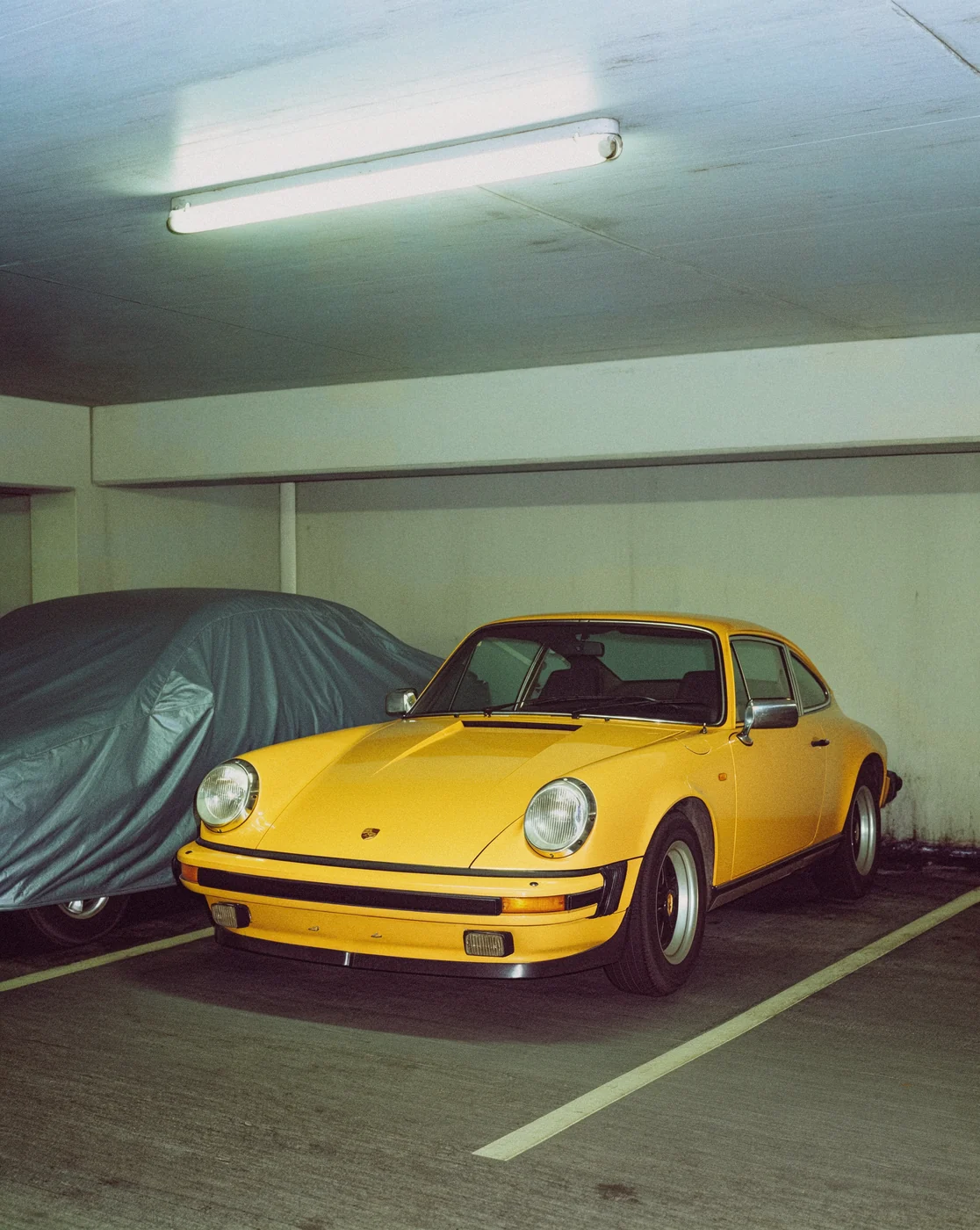
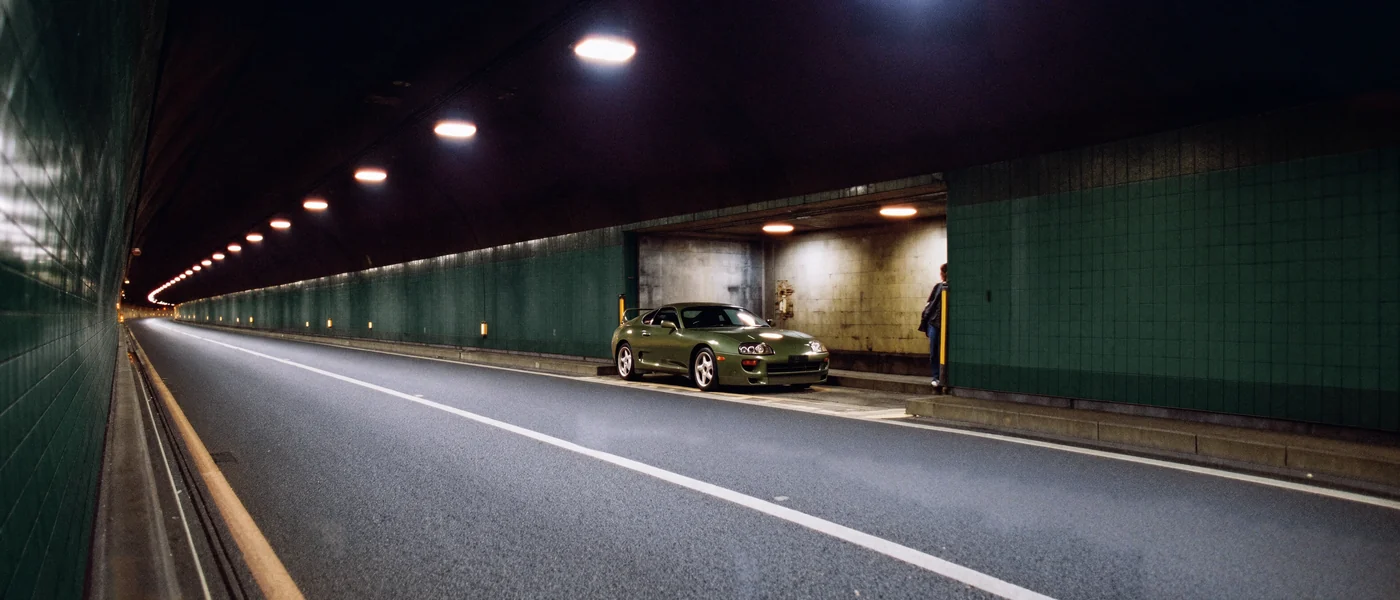
Your product stays your product
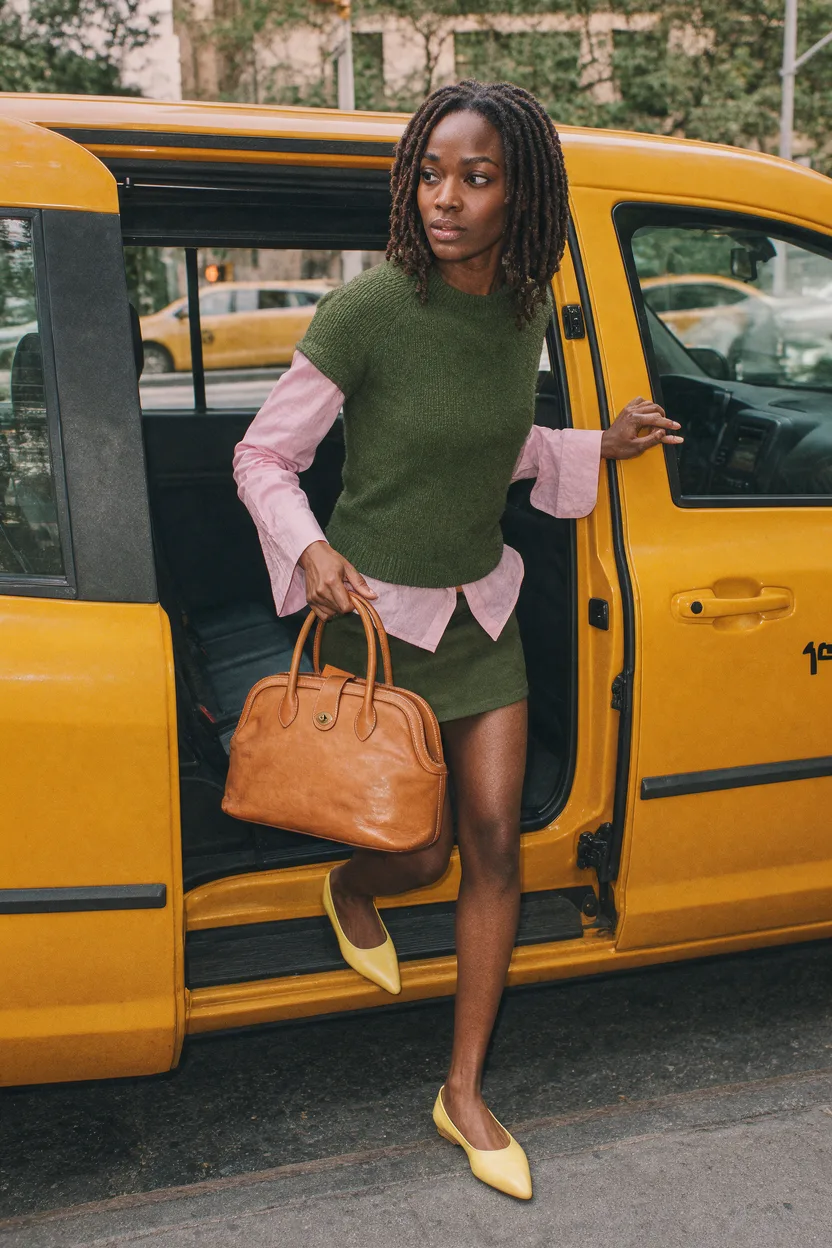
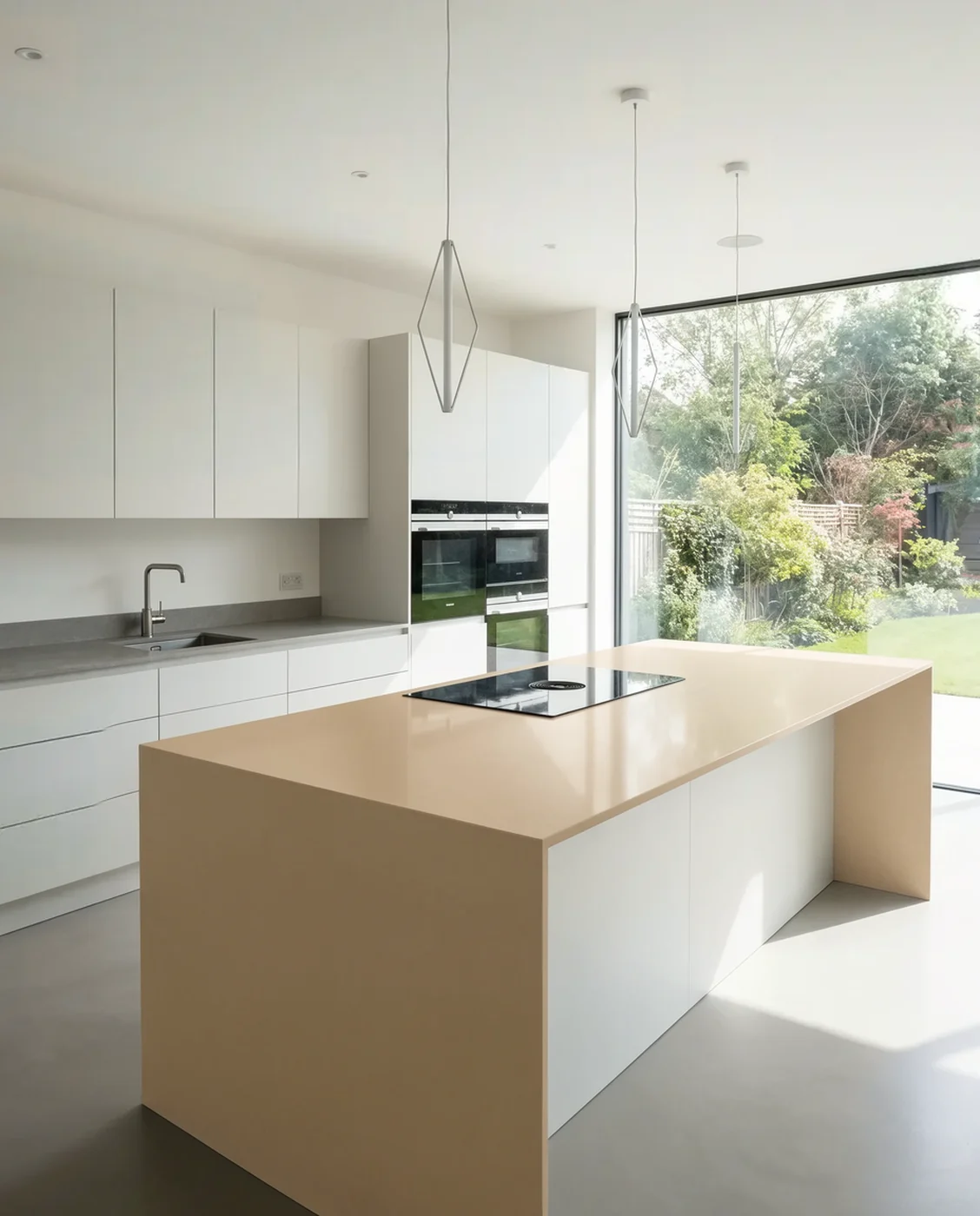
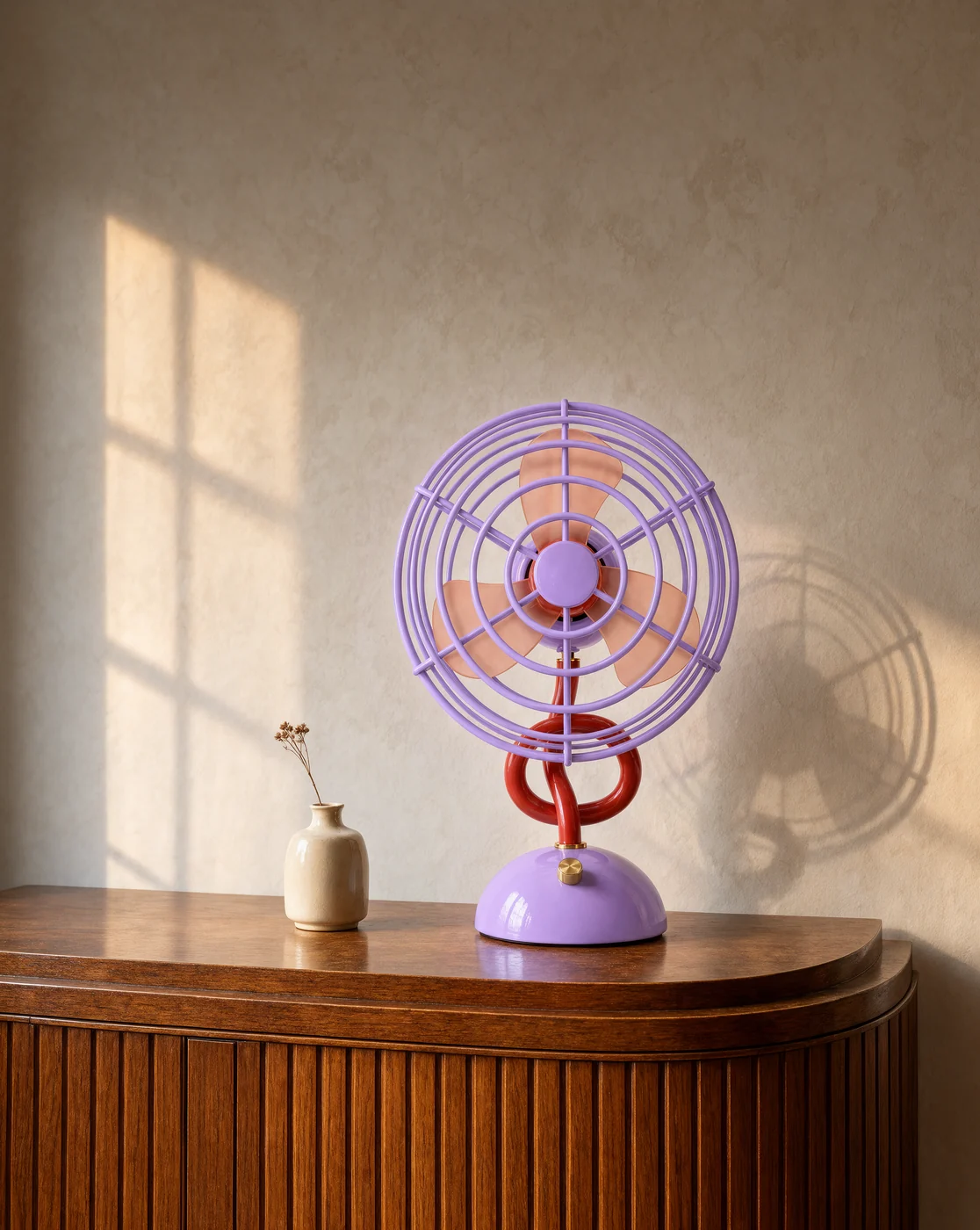
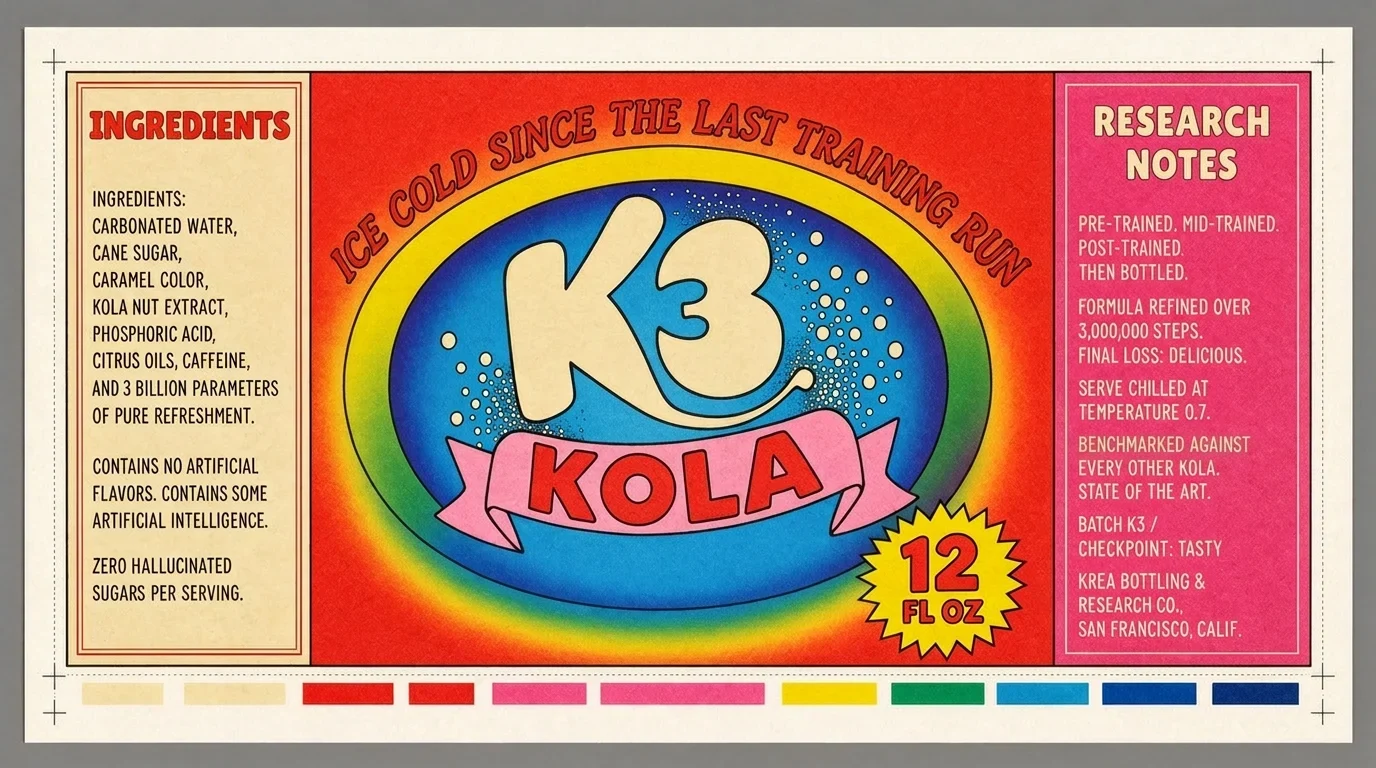
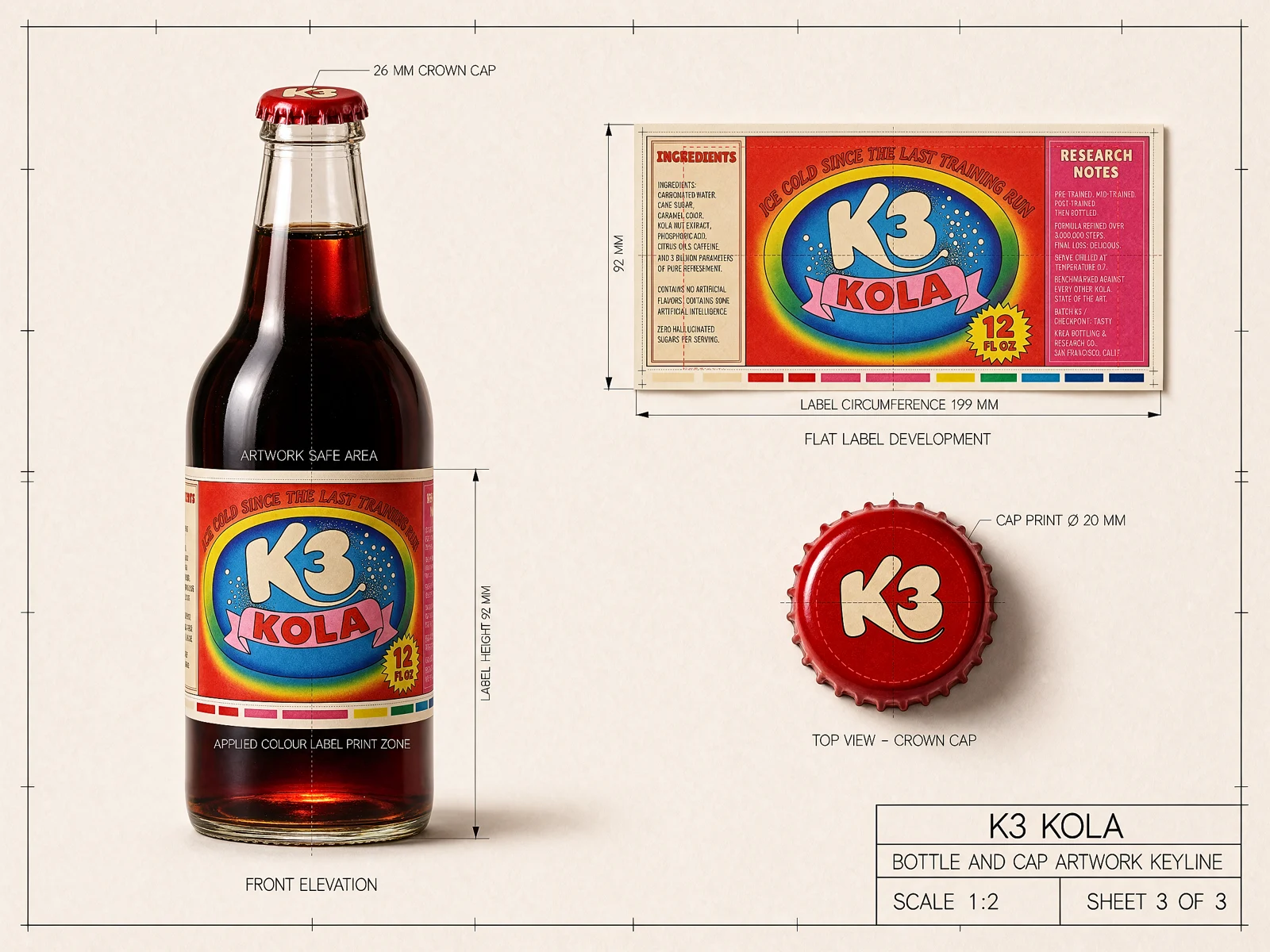
The hardest part of an edit is everything you didn’t ask for. Krea 3 keeps the product as it is, down to the label and the logo, and builds a new scene around it. A packshot on white becomes a campaign photo.
For e-commerce and marketing teams, one product photo can become a lifestyle shot or an on-model shot without the product drifting.
Precision editing
Ask Krea 3 to change one thing and it changes one thing. In the room below we swapped the sofa, the chairs and the table. The rug, the view and the woman reading in the corner are still there.
That matters when you need to update a single product or label and keep the rest of an approved image untouched.
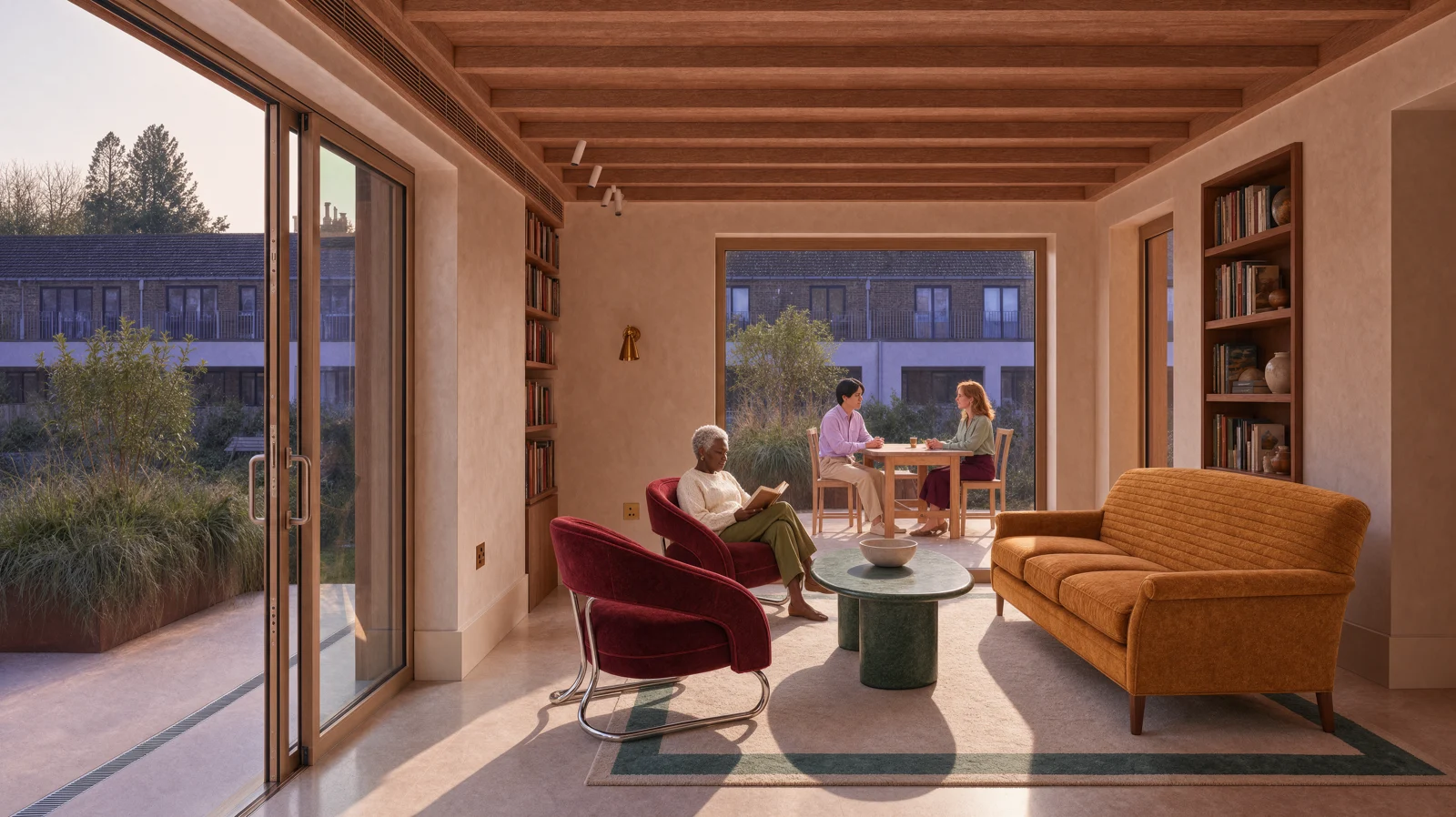
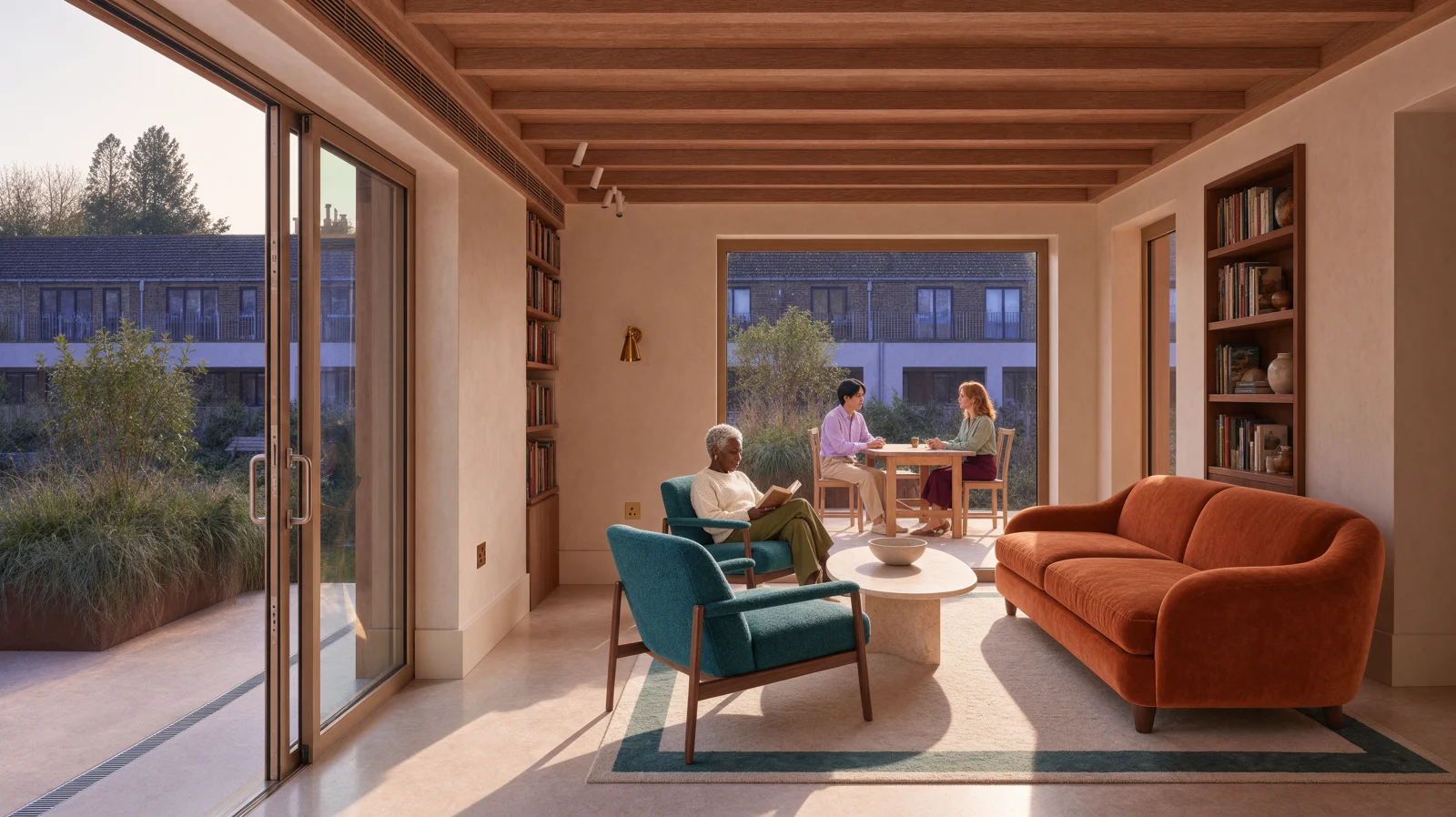 Input Krea 3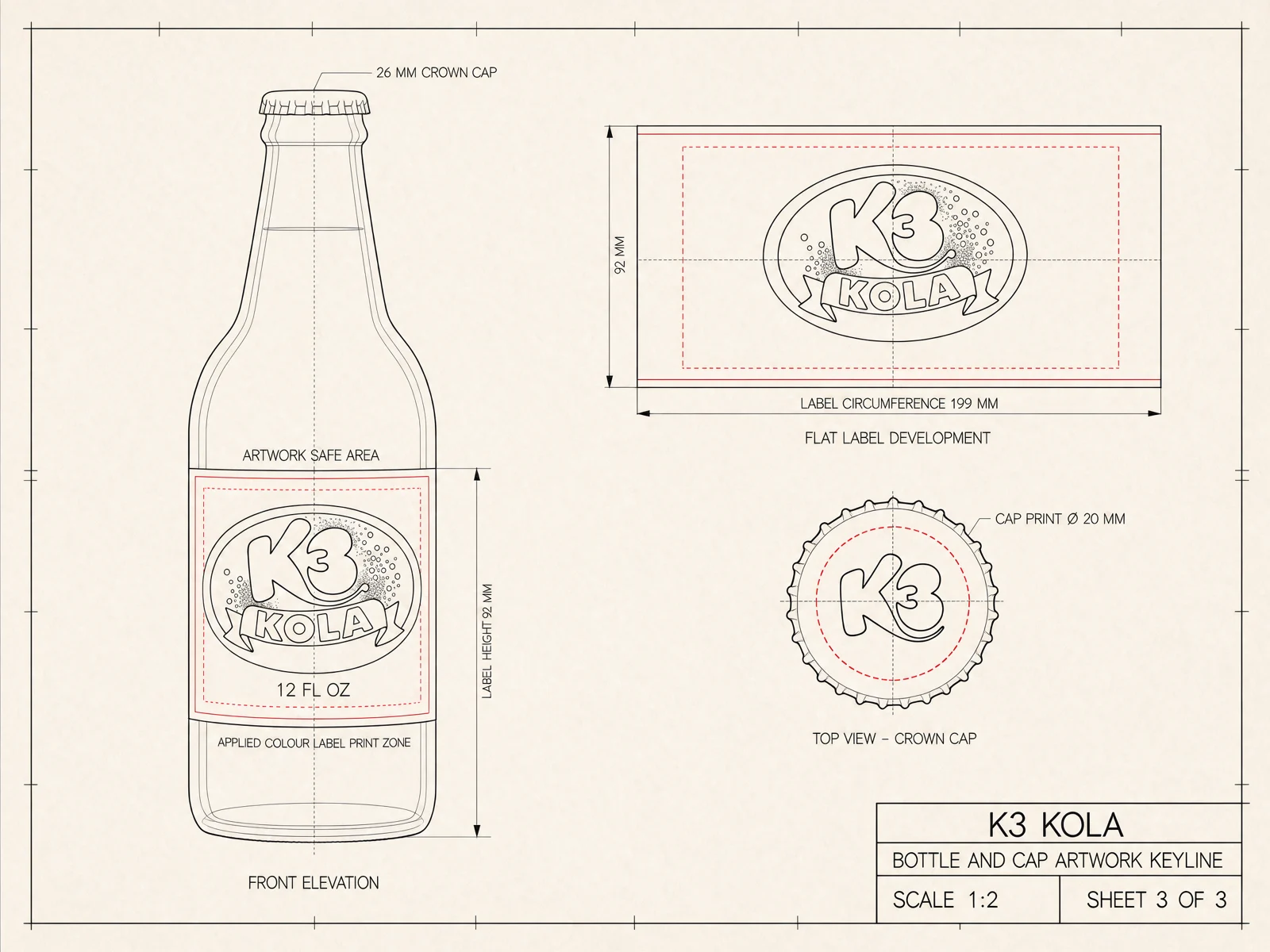
Fast enough to keep going
Speed changes how editing feels. At under 8 seconds an edit, you stop planning prompts and start trying things. While another model is still working on one image, you’ve already looked at four or five.
"For years, image models have made creators choose between the best quality and the speed to actually iterate. Krea 3 removes that tradeoff. When a top-quality edit comes back fast enough to try the next idea right away, the model stops being a step in the workflow and becomes the workflow."
Materials, light and style
Krea 3 can follow a detailed brief. Here it took a line drawing and a flat palette of six colors and turned them into a finished room, with each color where the brief put it. The camera and the architecture didn’t move.
It also has Krea 2’s eye for style, so it works on paintings, vector art and ink drawings and keeps them in their own medium.
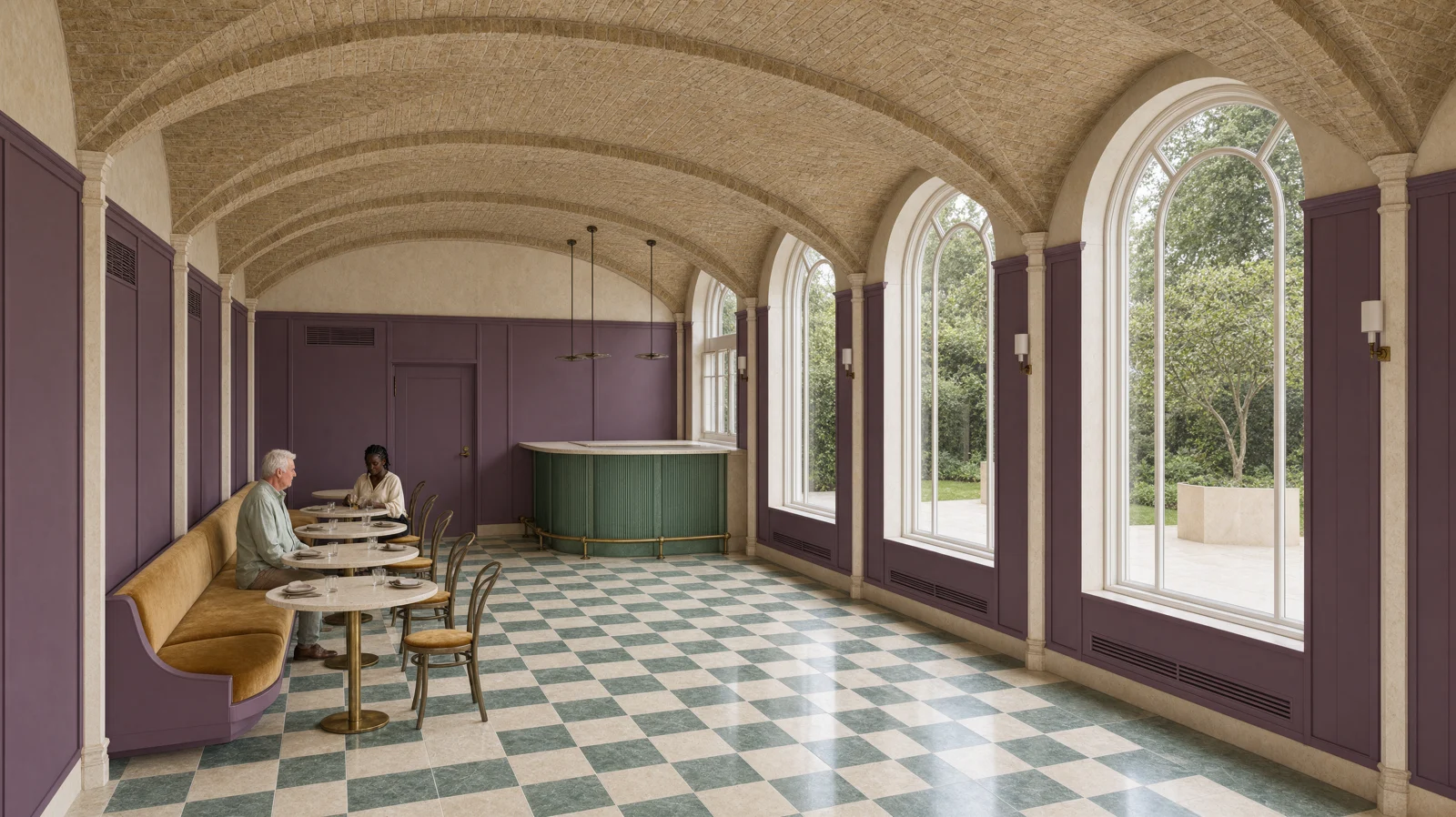
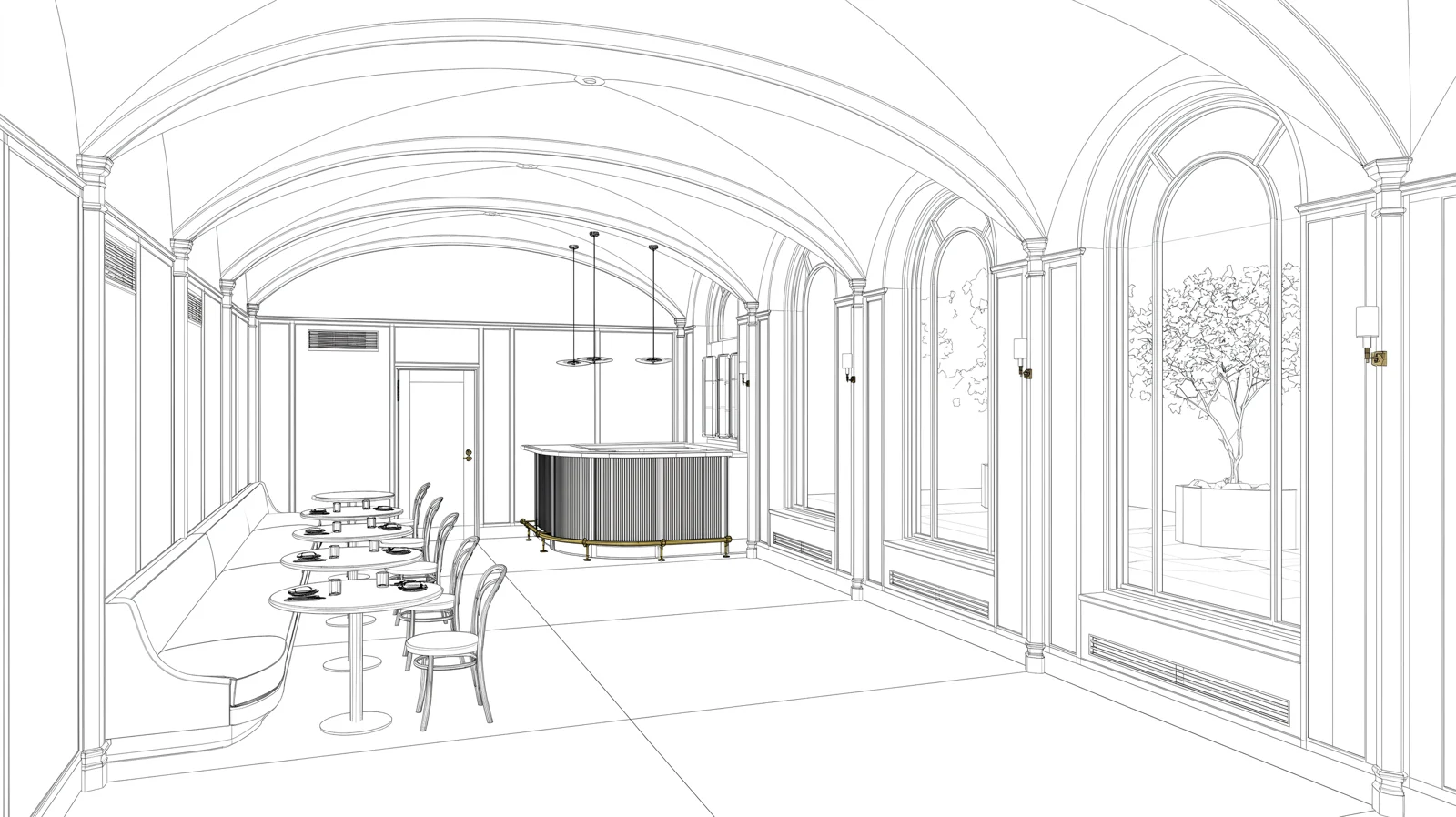 Line drawing Krea 3
 The same character, in every image
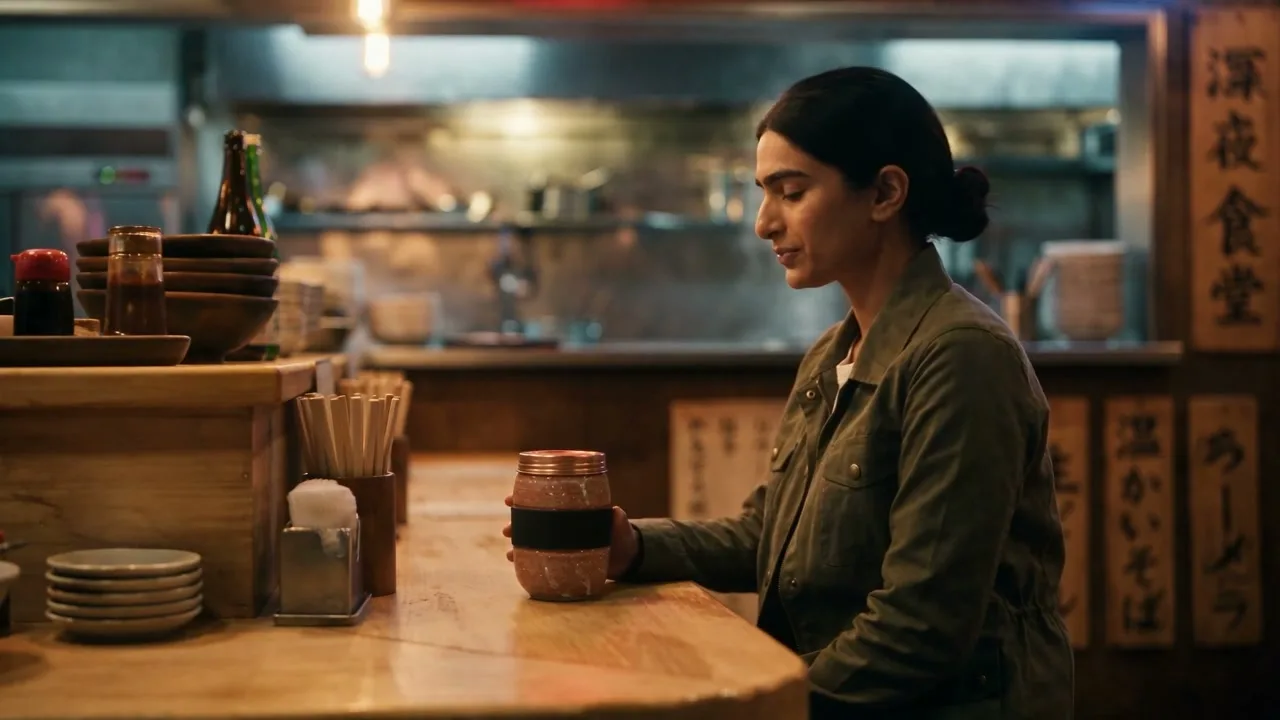
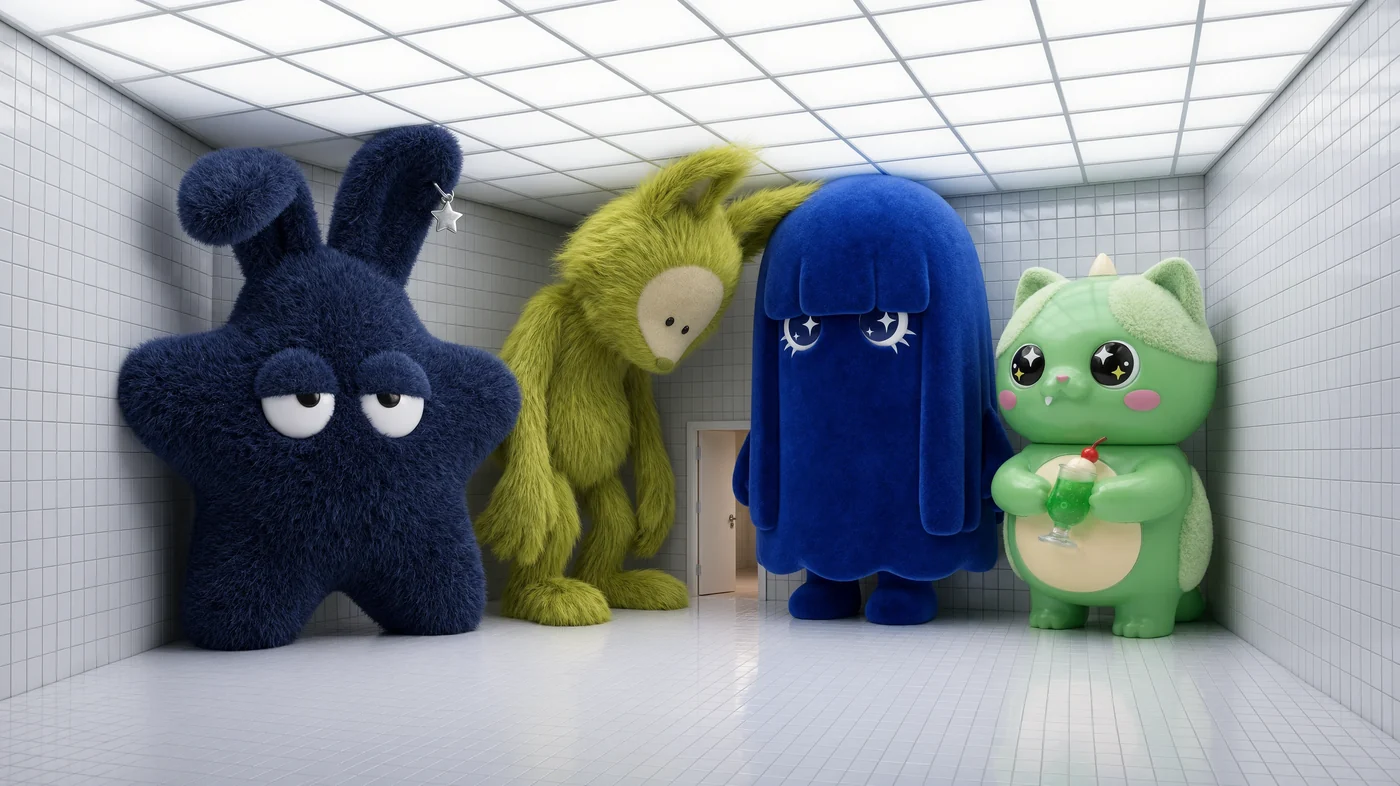
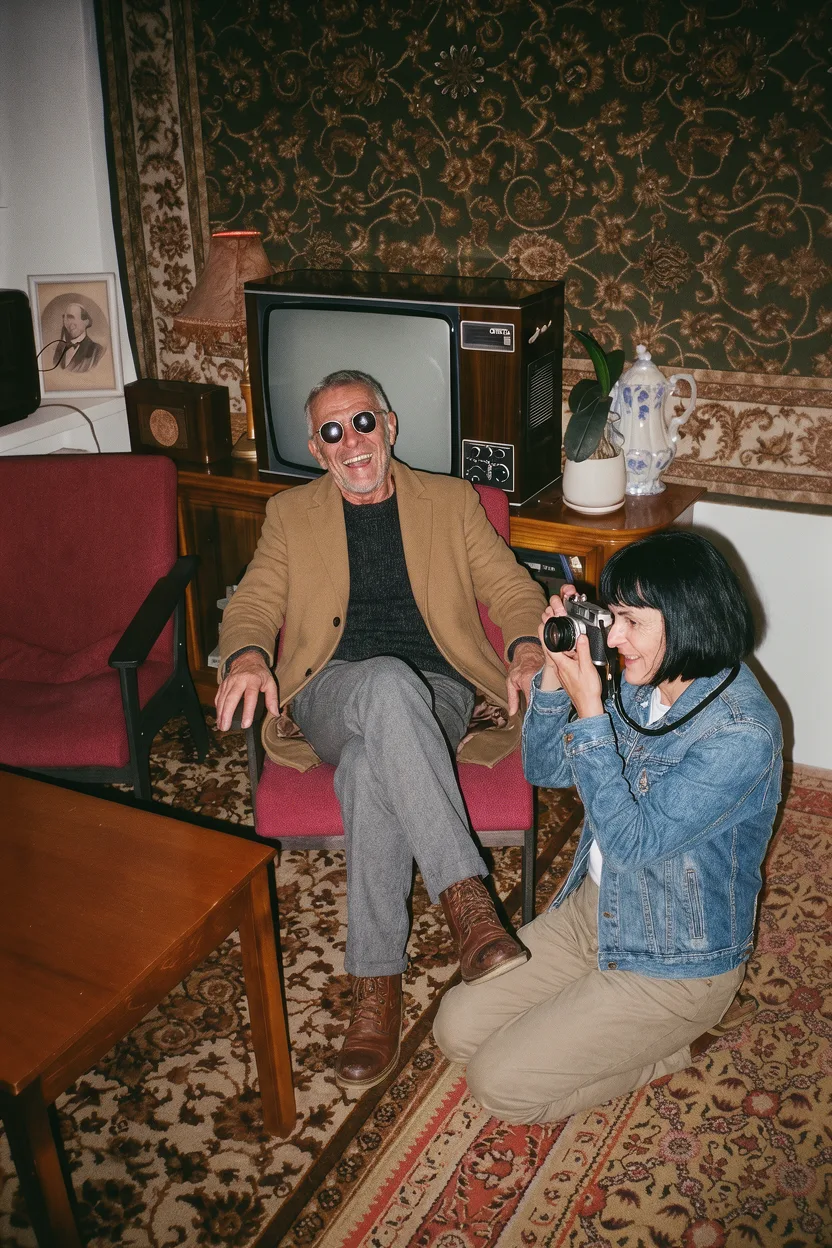
Krea 3 keeps people and characters consistent too. Give it a few references and it can put the same cast on a new street, in a new pose or under new light.
In fashion and film, that’s the difference between one good image and a set you can use. The campaign keeps its model from the first shot to the last. For a consistent look across a series, you can also add style references.
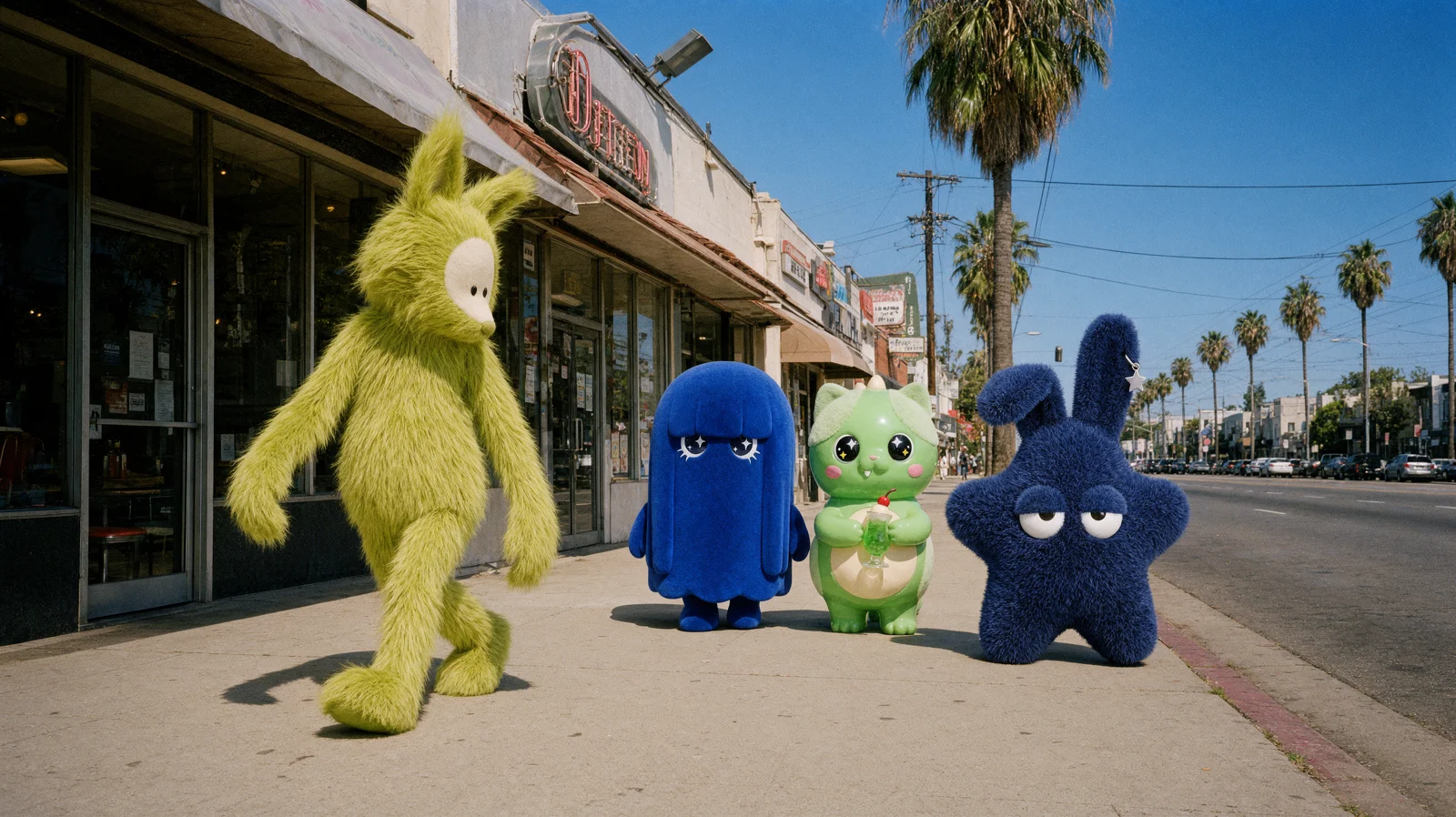
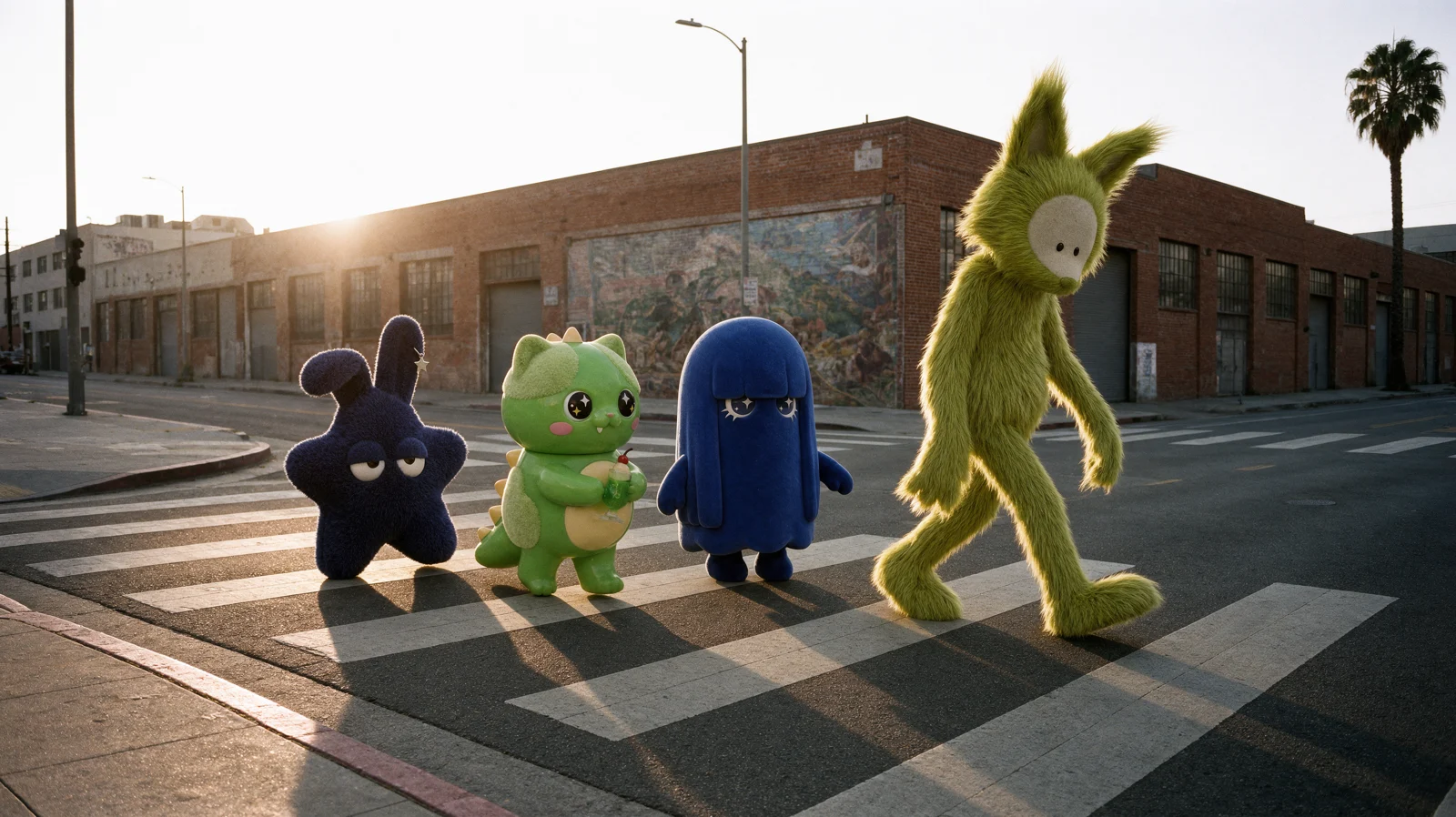
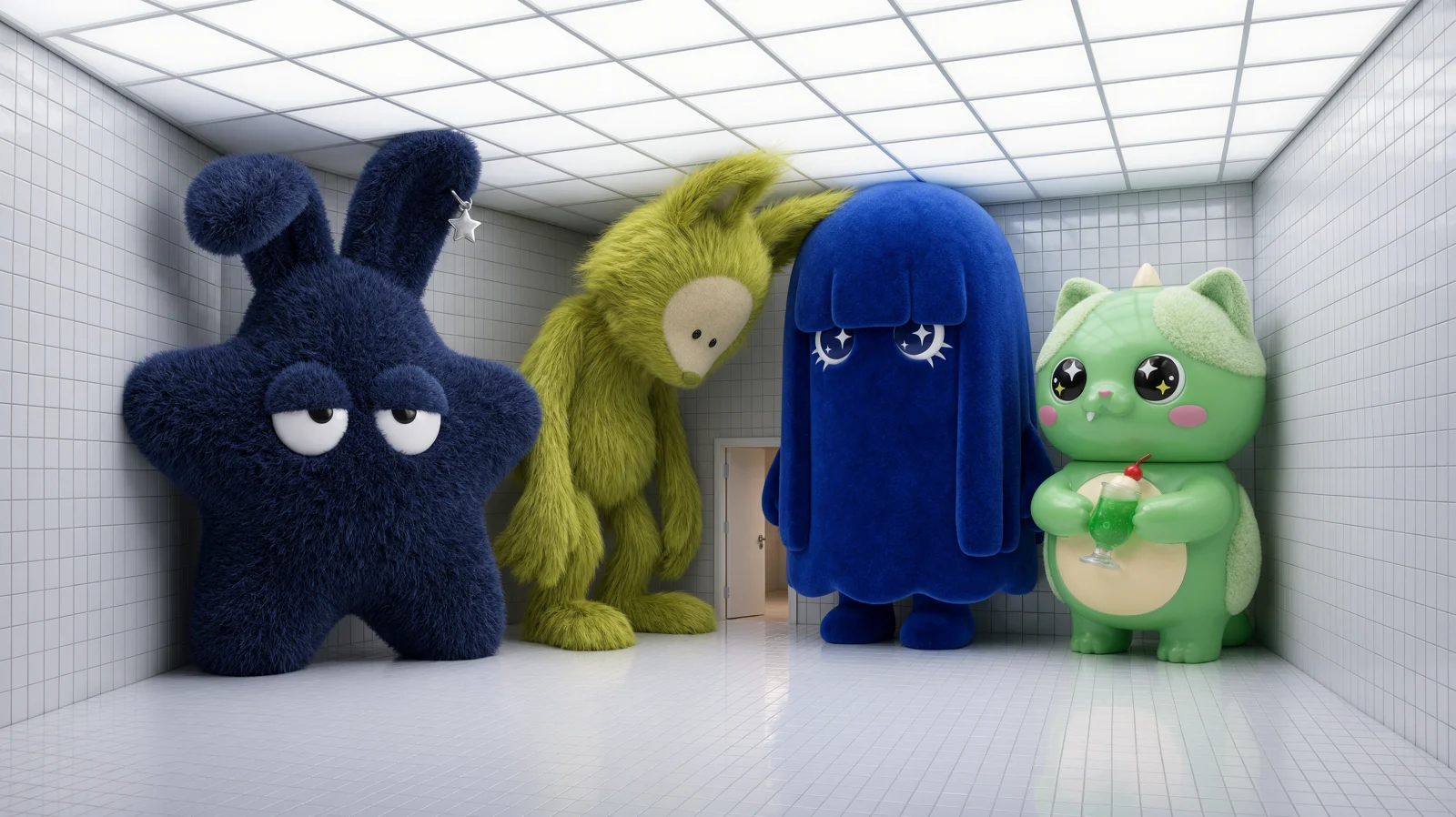
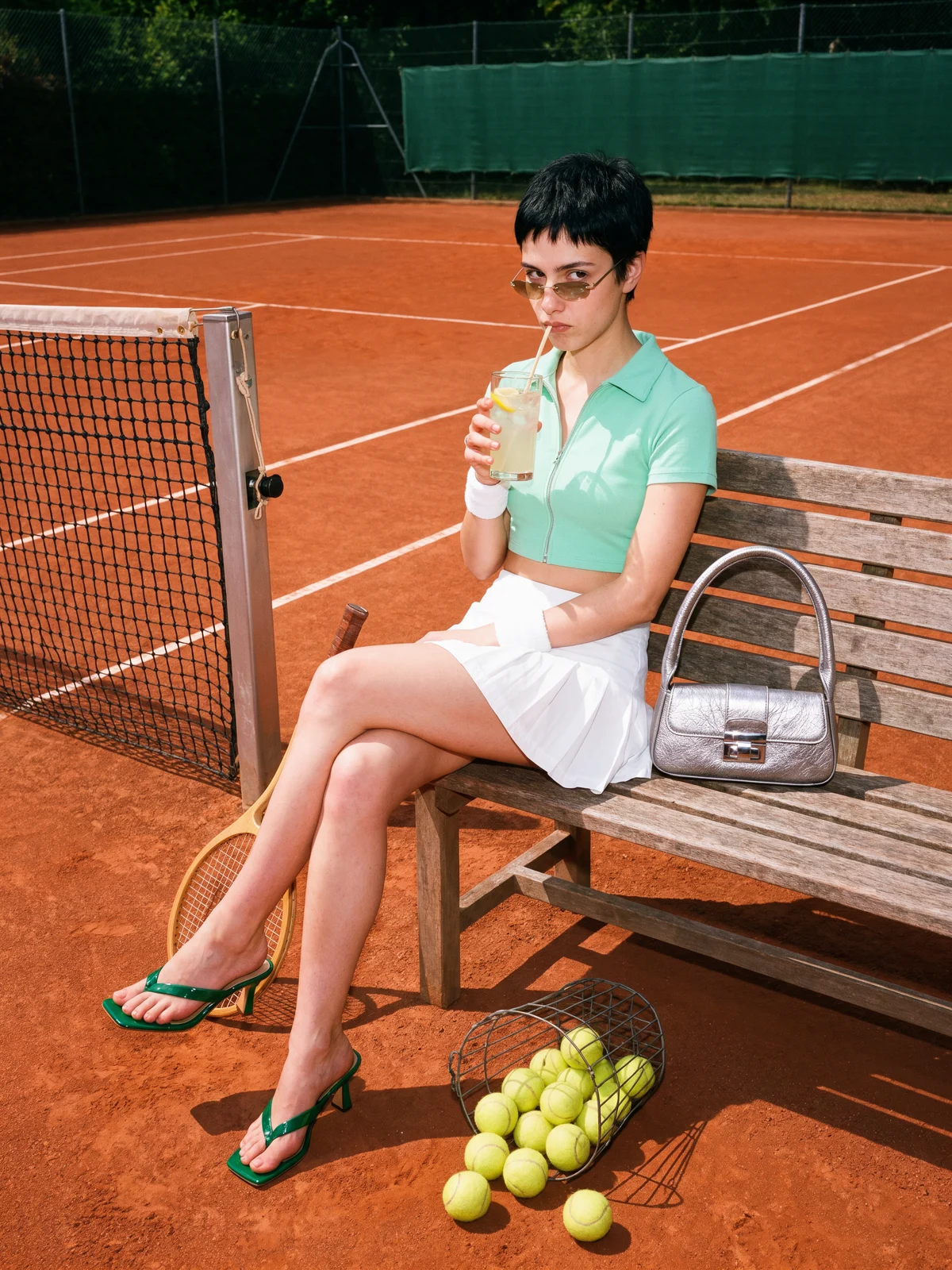
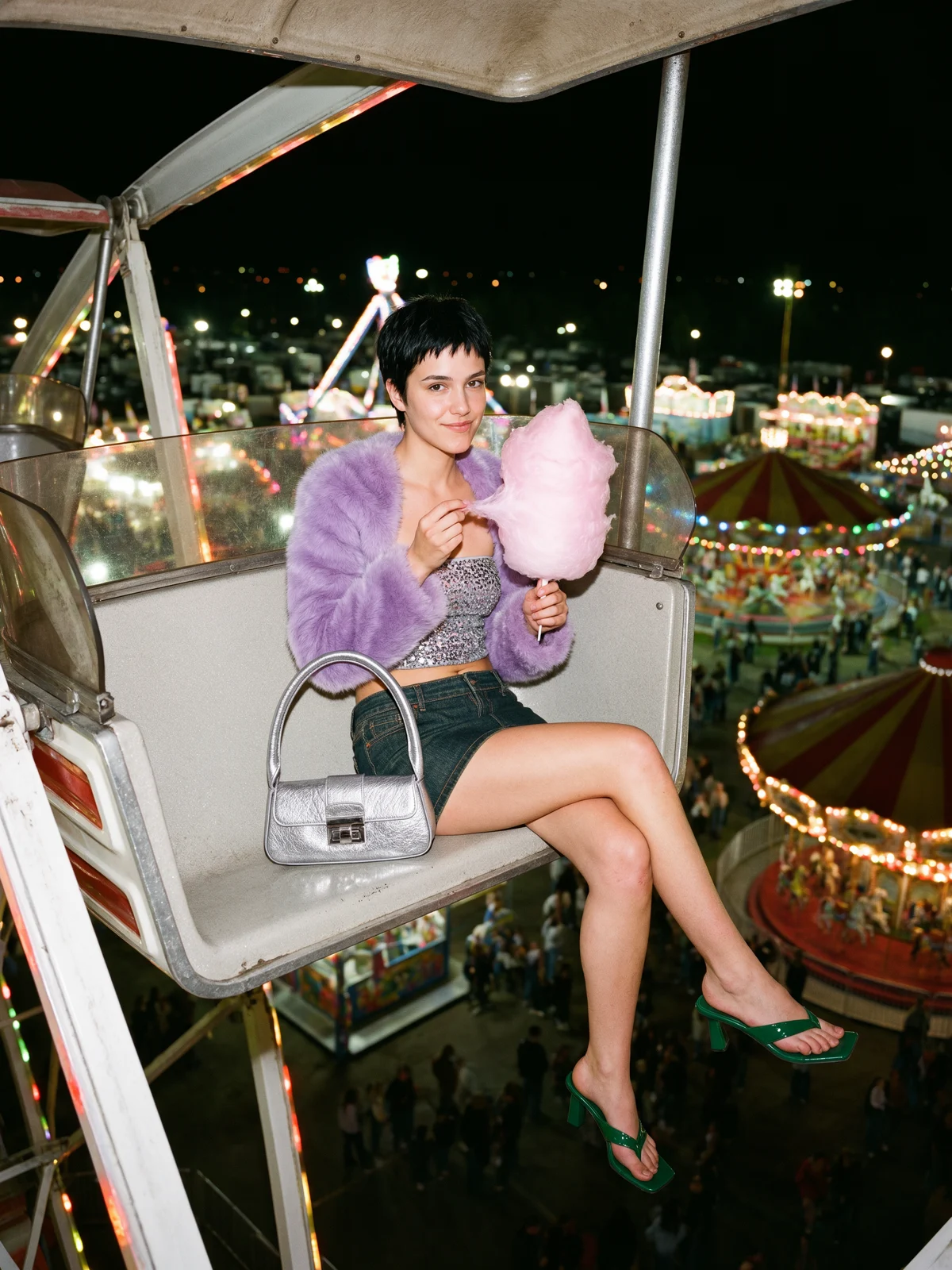
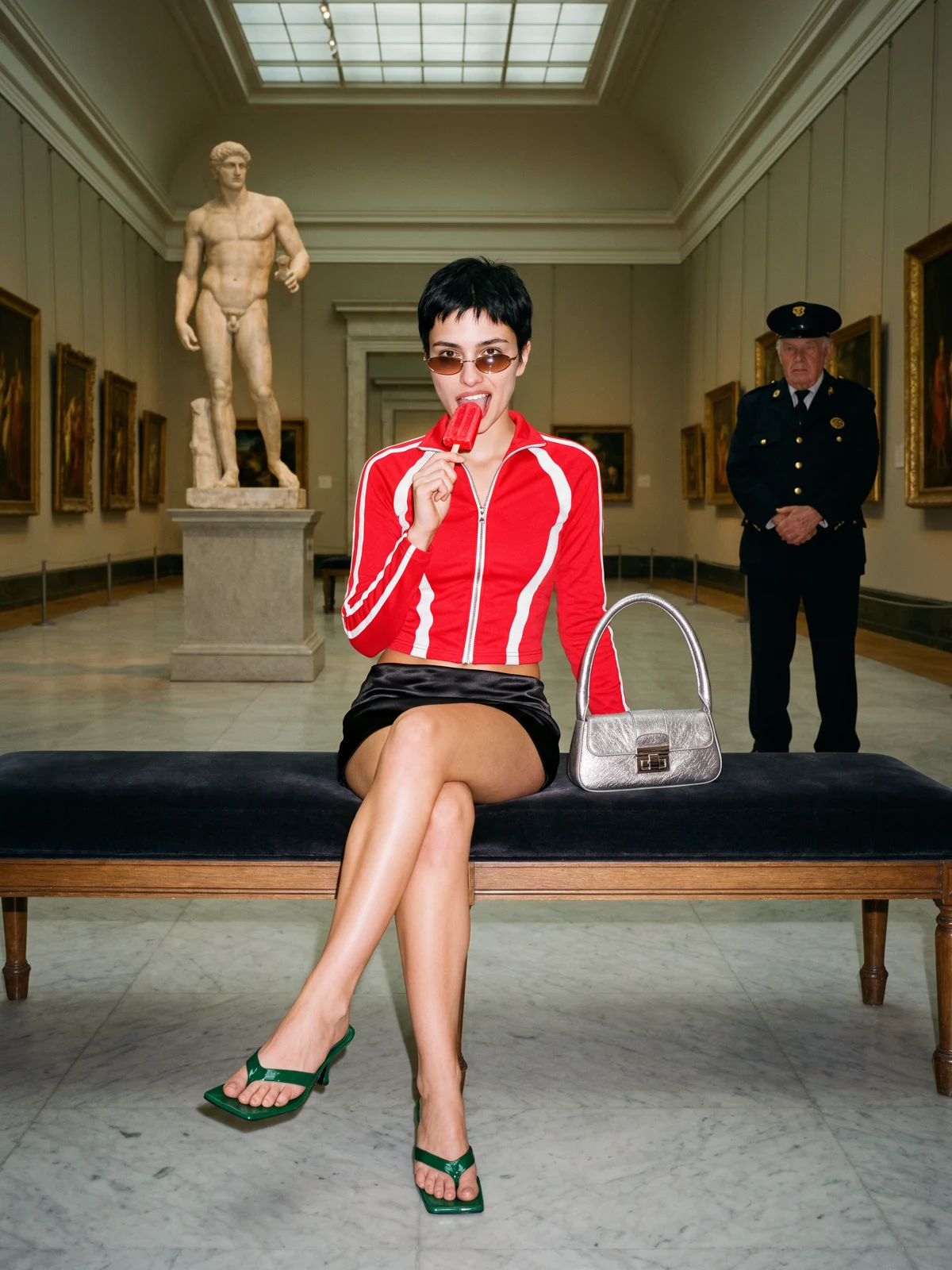
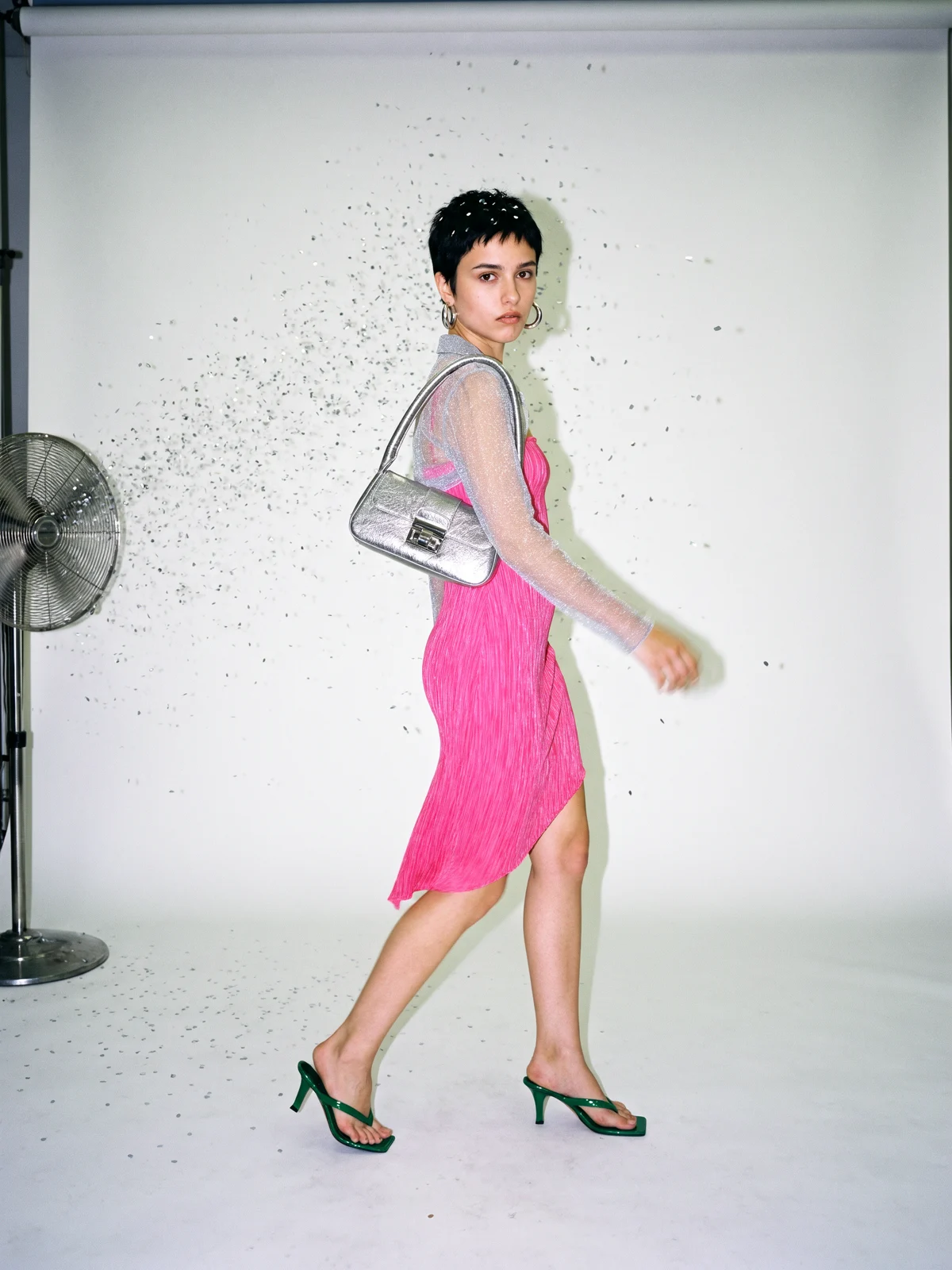
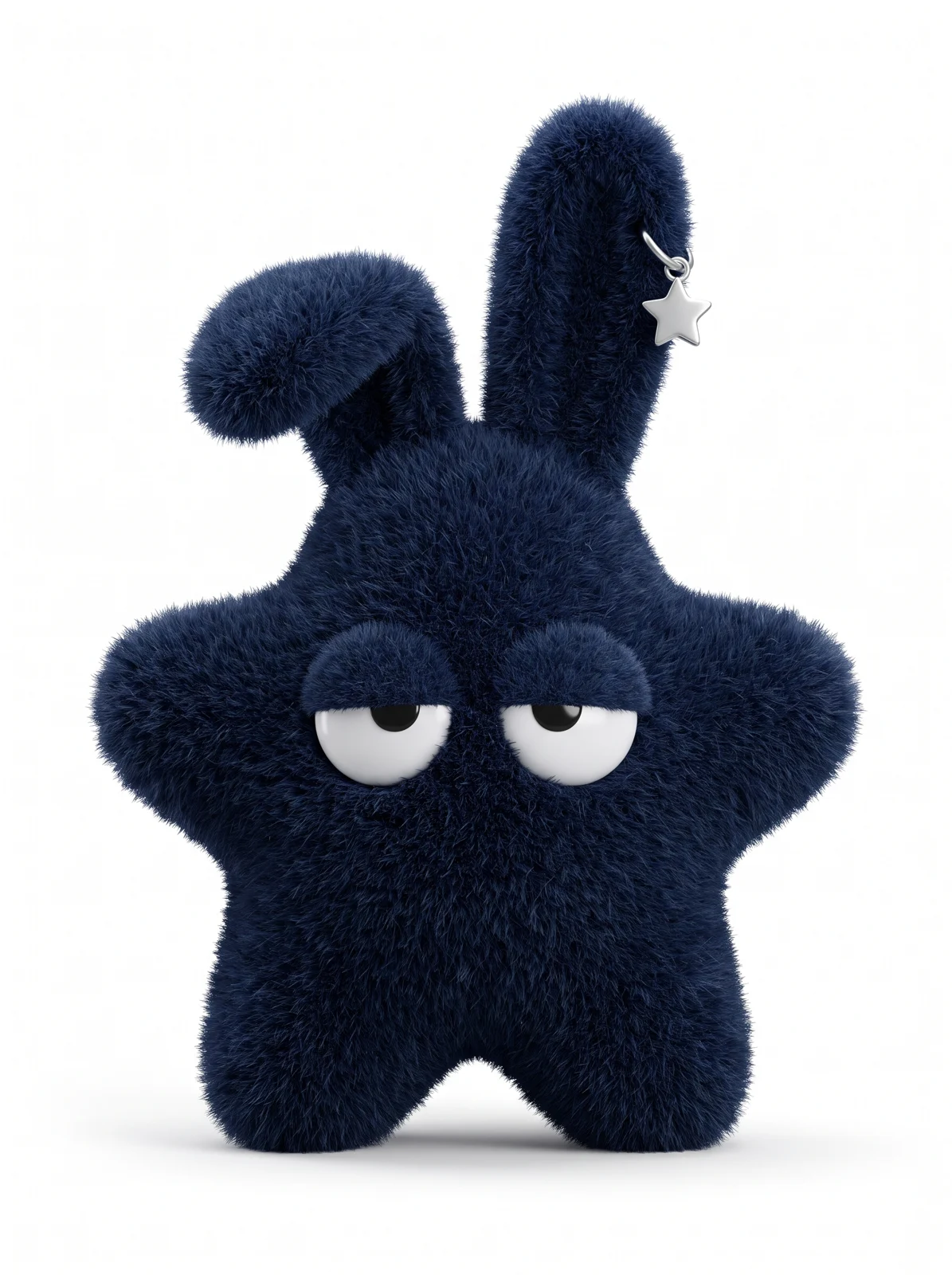
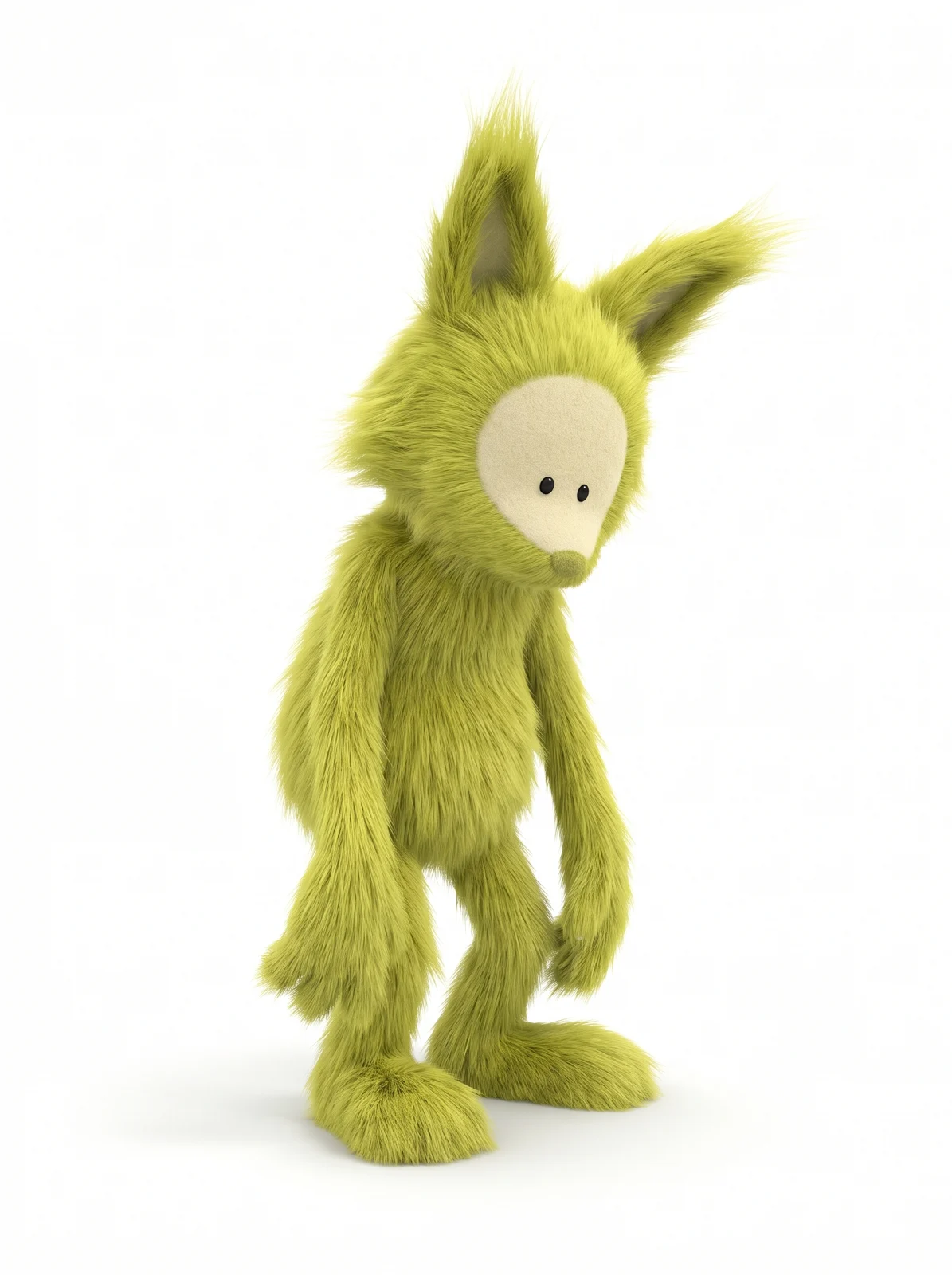
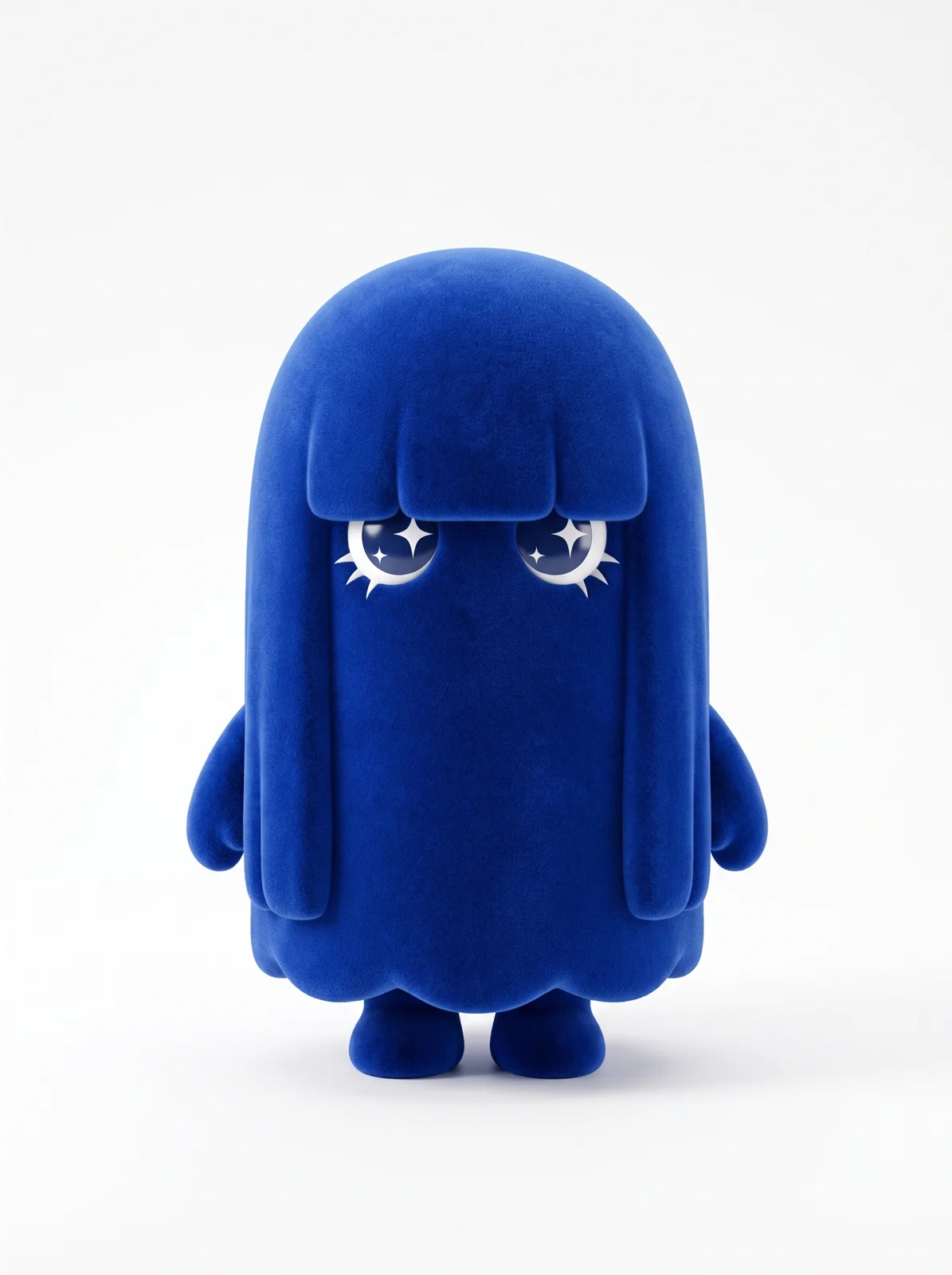
 “Editorial street-style photograph on 35mm film. Reproduce the four characters from the references exactly. Only their poses change.” Prompt shortened. Four character references. Krea 3, 2K, 16:9.
Structure your prompts for better results
Most of the prompts behind these examples follow the same pattern:
- Start with what stays. “Keep the product exactly as it is” works, and it helps to name what matters, like the label or the logo.
- Then describe the change the way a photographer would: the scene, the light, the camera.
- With several images, say what each one is for, for example “image 1 is the room, image 2 is the sofa”.
- Use “only” when the edit should touch one thing: “Remove only the woman in the red coat.”
From a sketch to a finished image
Sometimes it’s quicker to draw an idea than to describe it. A marker sketch, a moodboard or an old polaroid already has the design in it, and Krea 3 follows it closely to make a finished photo.
Add a line about the material and the light, and an architect or a product designer can see a room or an object before it’s built.
Krea 3 in the API
Krea 3 is in the Krea API, and our partners serve it too. Teams already use it to:
- turn a phone snapshot of a product into a studio packshot, or into a set of colorways
- localize a poster, or adapt one ad to a new format
- try materials and light on a building before anything is built
Pixelcut put early versions of Krea 3 in front of its users:
"We've been testing K3 since its early checkpoints, and the Krea team has done an incredible job. We put it in front of real Pixelcut users, and the results were very impressive. What stood out most was the lighting. The product shots look like they were lit by a professional photographer, not generated by AI. Most of our customers are small businesses that can't afford a studio shoot for every product. K3 gives them that same beautiful, studio-quality lighting while staying true to the original product. That's exactly what they need to sell online."
Pricing and availability
Krea 3 is on krea.ai today, at $0.06 per image at 2K and $0.03 at 1K. At that price, it makes sense to run it on every image in a catalog.
Enterprise teams can talk to us about access.
What’s next
Krea 3 isn’t real time yet. Our fastest setup finishes an edit in about 4 to 5 seconds, and we want to get that lower.
We also want more resolution for less compute. Training at 2K was one of the biggest wins this cycle. Next we’ll look at architectures that handle high resolution more cheaply.
And we want Krea 3 to understand more ways of asking. Sometimes it’s easier to circle something, or to write the instruction on the image, than to put it into words. We’re building the training data for that now.