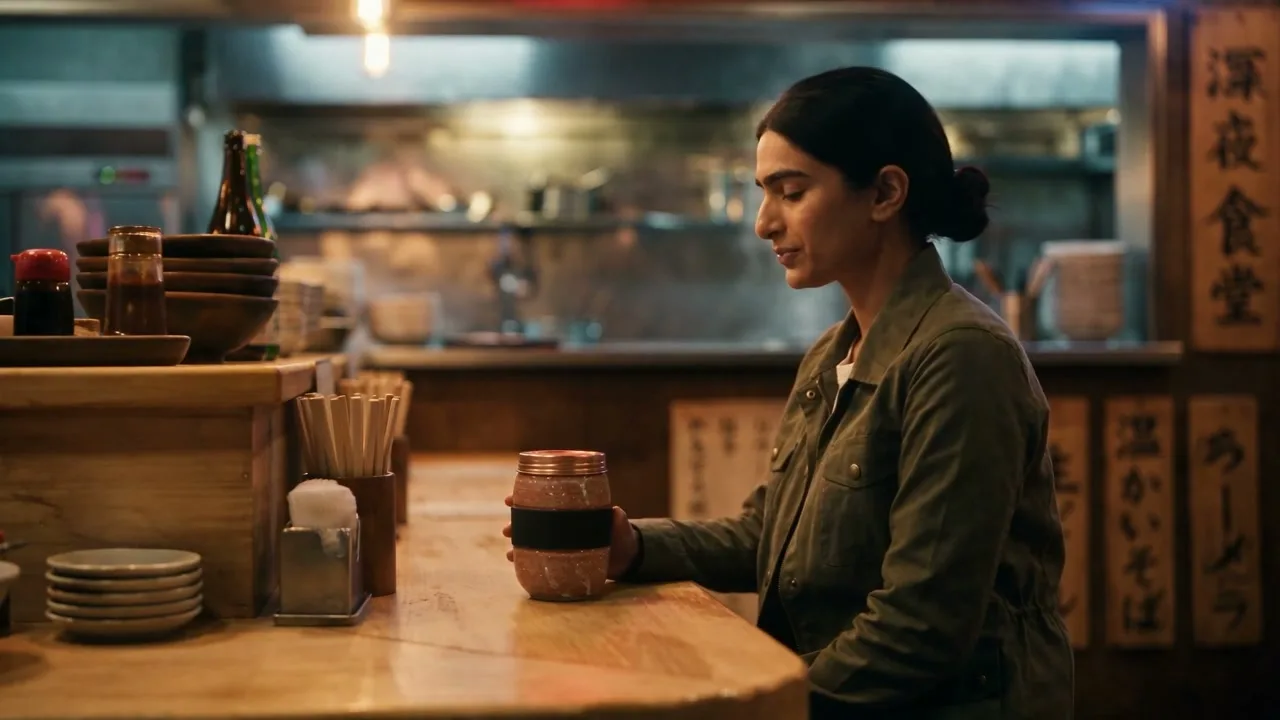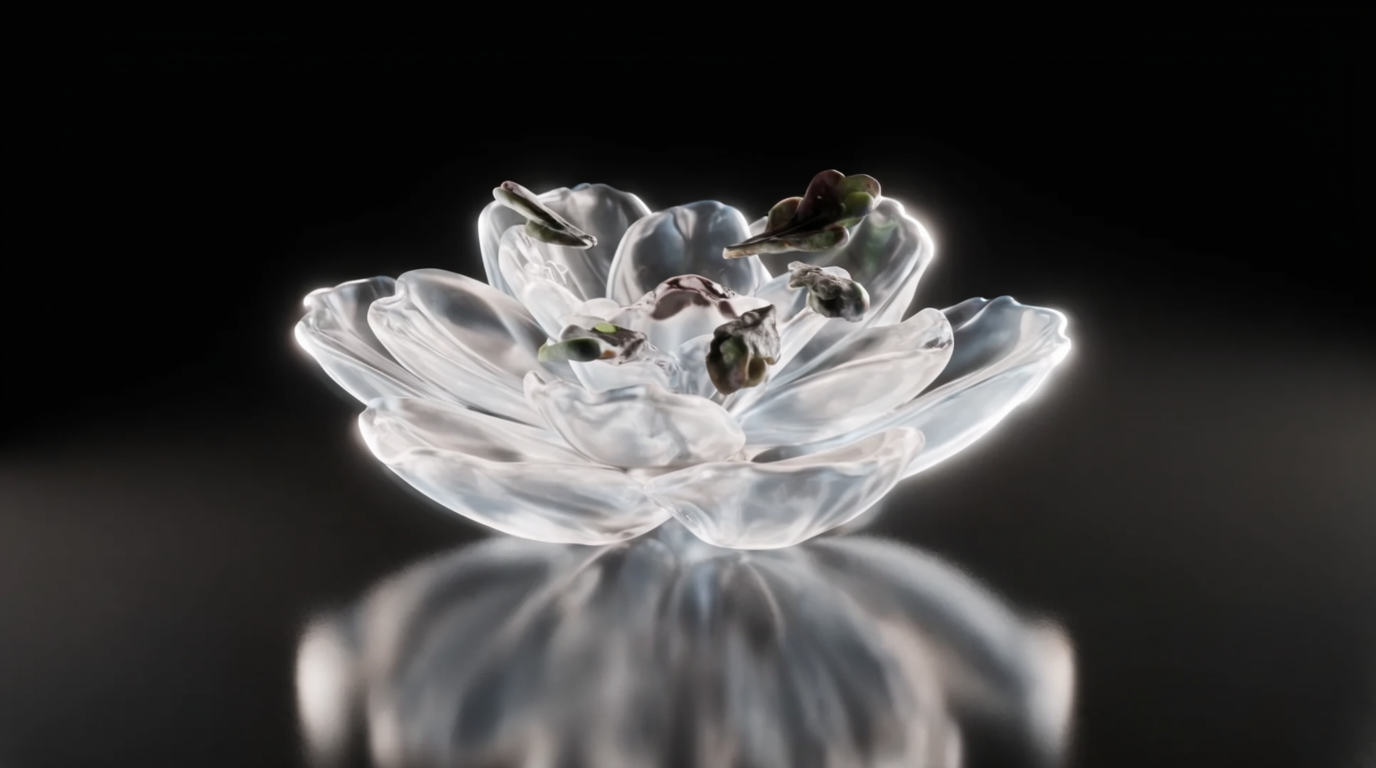
Krea 2 is the perfect starting point for stunning animation with Seedance 2.0 — all inside a single Krea workflow. Here’s how it comes together.
Animate your Krea 2 stills
Pick Seedance 2.0 in the video tool and bring an illustration to life.
Start animating1. Build your style in Krea 2
Start by generating an illustration style asset with Krea 2. Use a style reference, a mood board, or a LoRA alongside your prompt to keep results cohesive across shots.
In this run, we’re applying cartoon-style references to generate the characters and objects for the sequence. Render your outputs at 16:9 so they sit cleanly inside video.
2. Open Video and pick Seedance 2.0
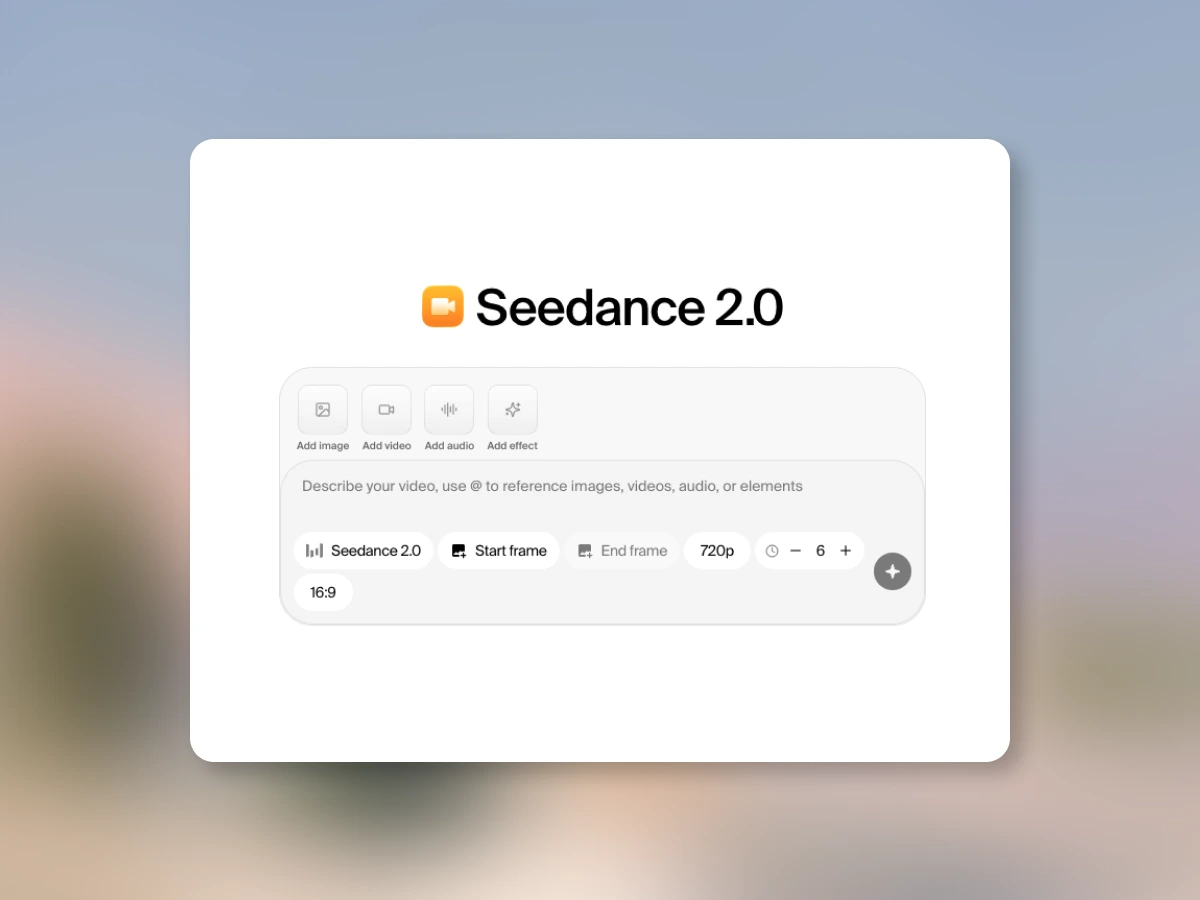
Jump into the video tool and select Seedance 2.0 as your model. Use your Krea 2 image as the start frame of the shot.
If you have extra characters, props, or environments you want featured, hit Add image and bring in multiple Krea 2 generations. Reference them directly in your prompt so Seedance knows exactly what to place where.
3. Direct each shot
Prompt the duration and action for each shot individually — clear direction gets you the cleanest motion. Then hit generate. A few minutes later your illustration is alive: clean, fluid animation in a style that’s distinctly yours.
Why this combo works
Krea 2’s aesthetic range plus Seedance 2.0’s motion fidelity is a tight pairing for AI animation — slick, detailed, and stylistically singular. No tool-hopping, no style drift.
How will you bring Krea 2 to life?