











 ChatGPT에 연결
만들기
편집 및 향상
Krea MCP로 영상과 이미지를  Claude에서 바로 생성하세요
make me an image with Krea 3
영상과 이미지를
Krea MCP로 바로 생성
Claude, ChatGPT에서
에이전트가 Krea로 만들 수 있는 것
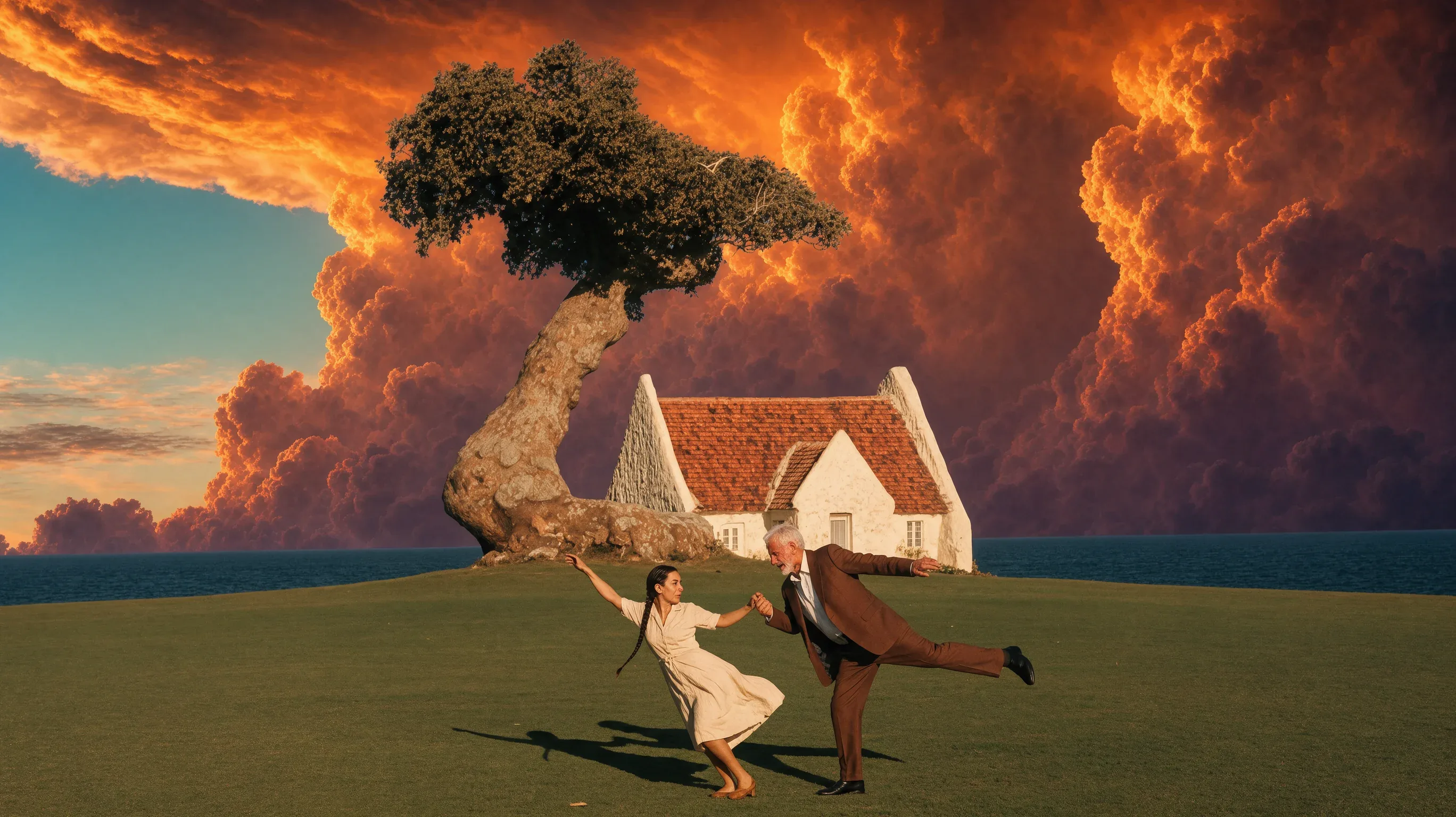

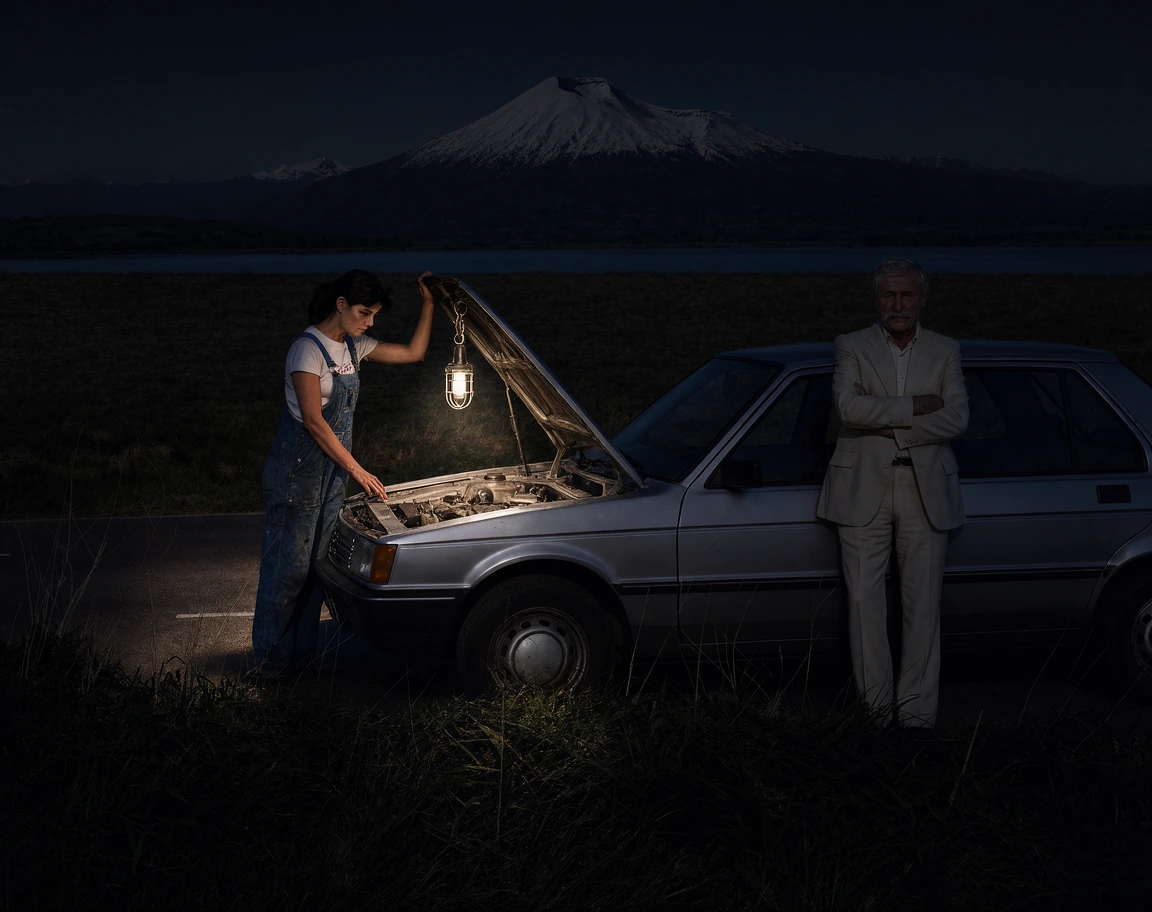
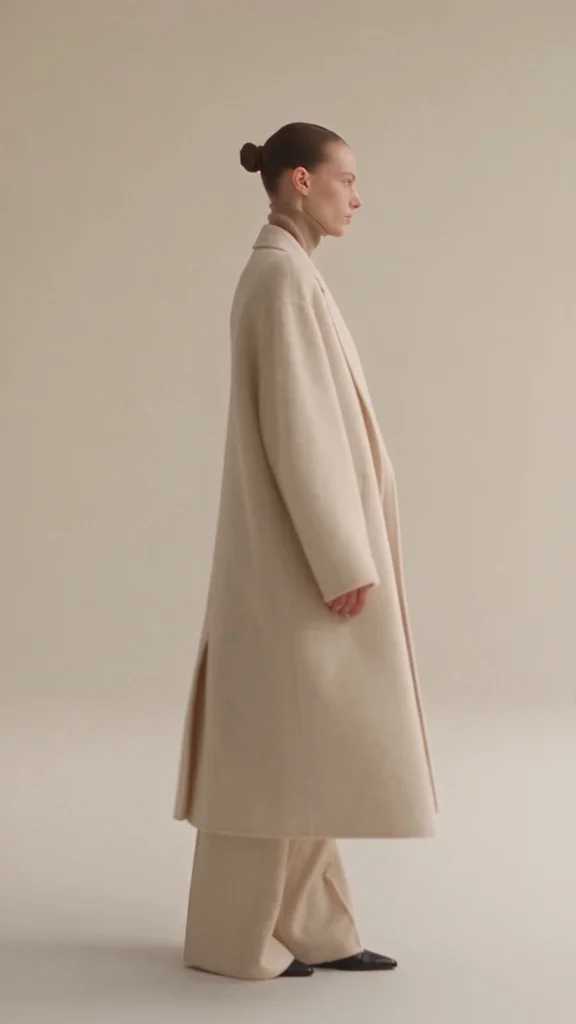

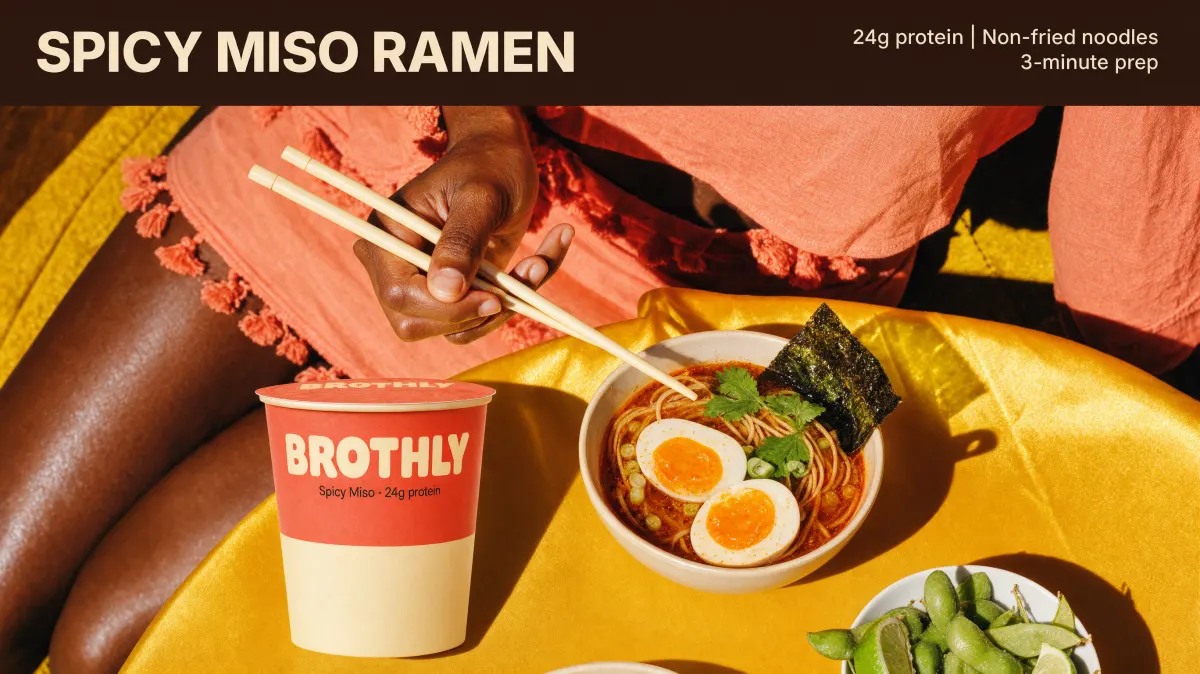
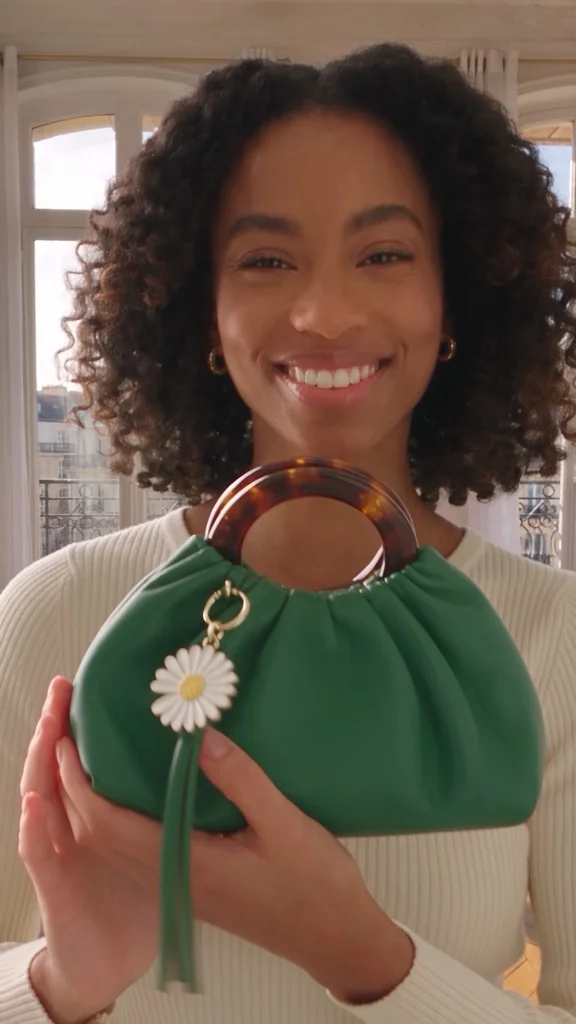
Use Krea MCP and Seedance 2.5 to make a 10-second 16:9 video: a golden-hour tracking shot of a matte-black motorcycle on a cliff road above the Mediterranean, the camera low by its front wheel. A rider in a faded red jacket draws alongside, then a low aerial follows both bikes through cypress trees into the sea haze.
Seedance 2.5
연결 한 번으로 세계 최고의 이미지·영상 모델을 에이전트 안에서 바로 사용하세요:
원클릭 프리셋 Claude용
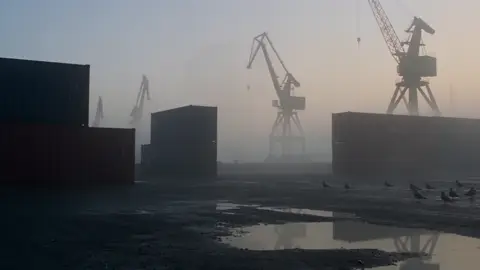
새벽 항구의 메카
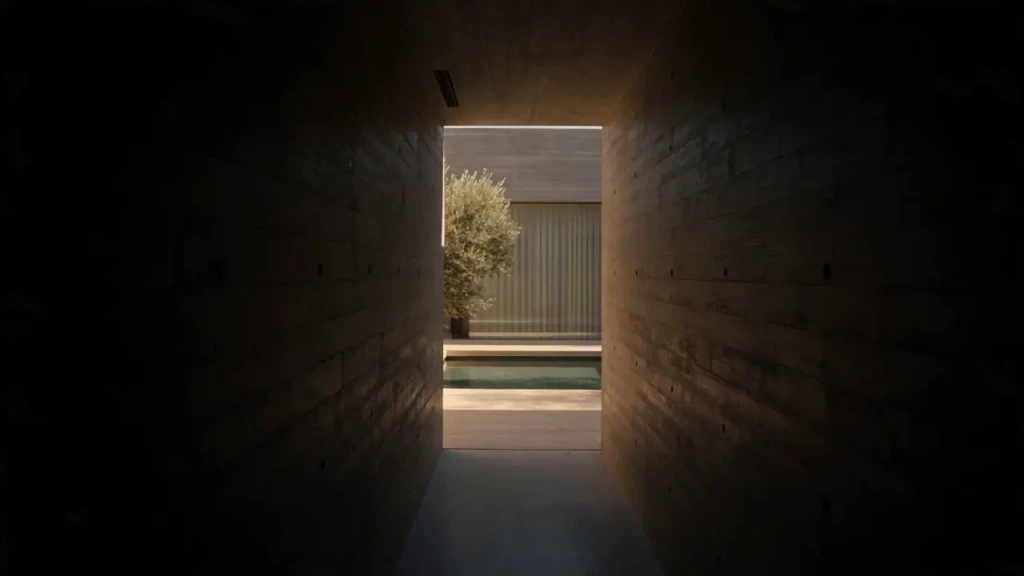
안뜰 워크스루 연출하기
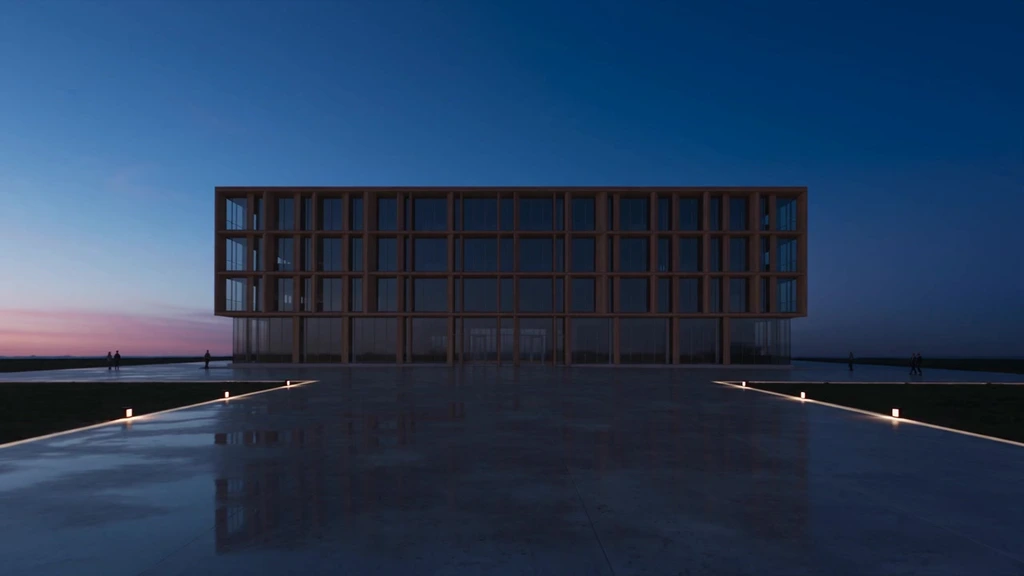
해 질 녘 조명 점등

애니메이션 오프닝

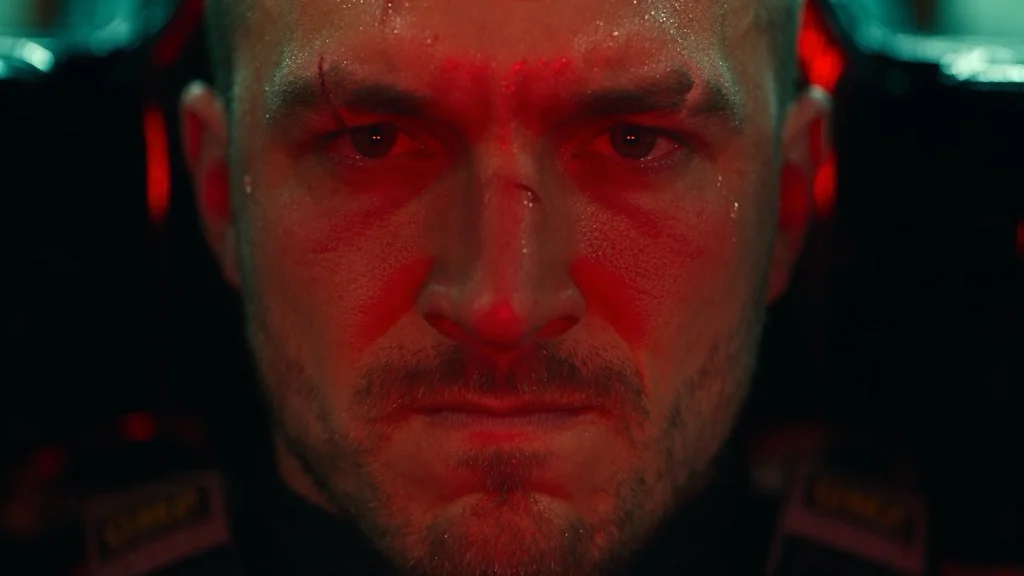
레이싱 영화 예고편


코럴 청소기 출시 필름
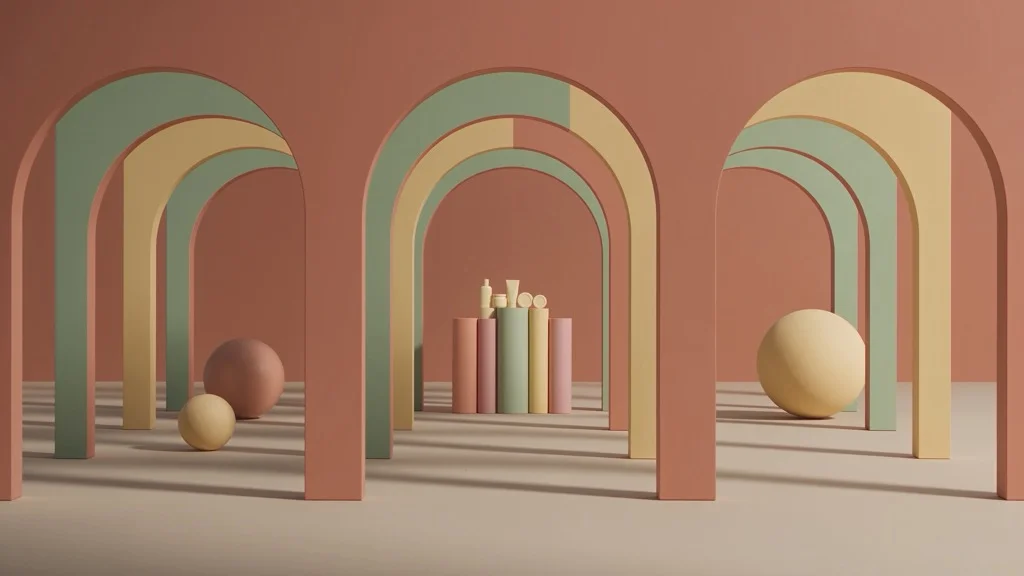
브랜드 세계관 티저
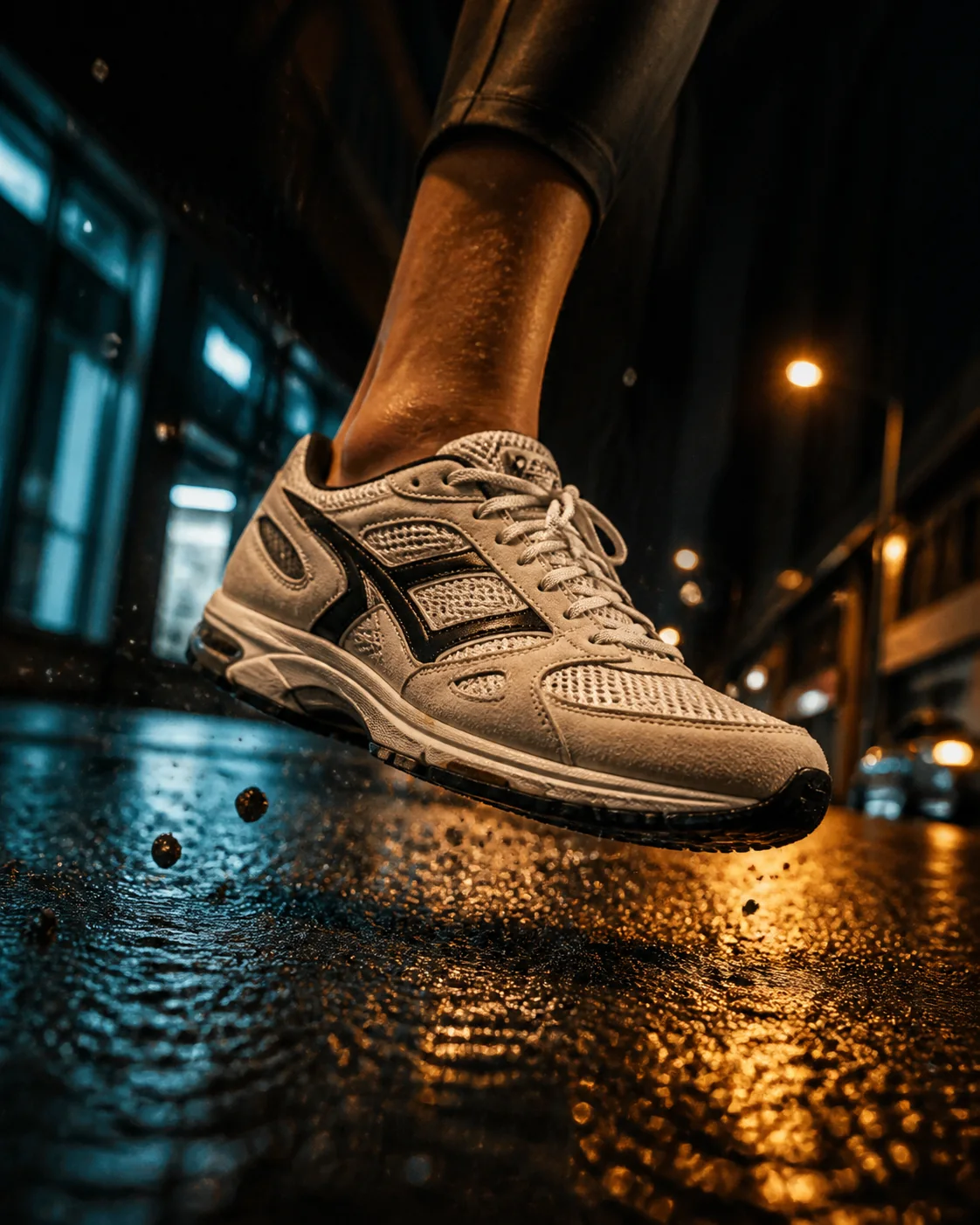
스크롤을 멈추는 출시 필름 연출하기
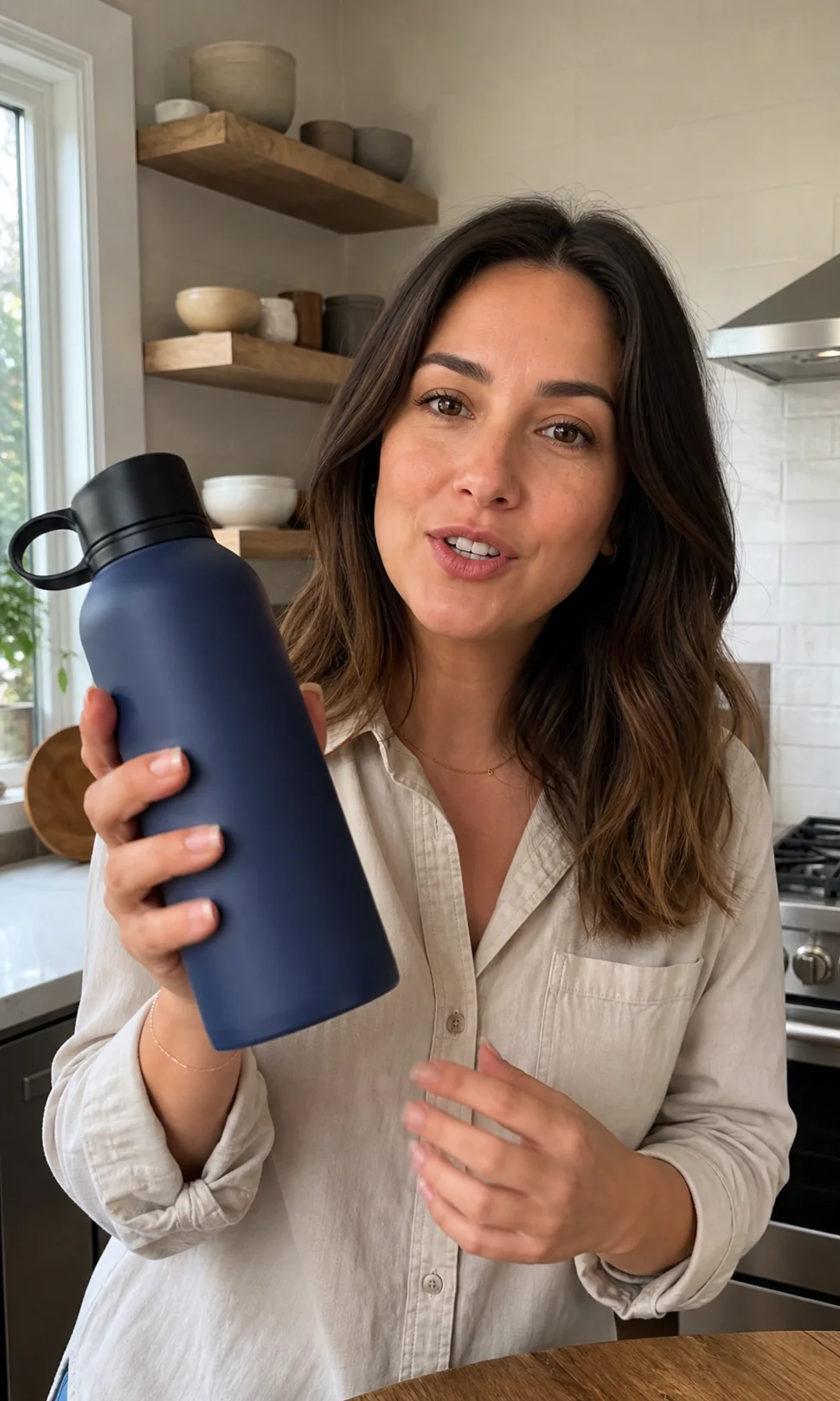
자연스러운 UGC 콘셉트 만들기
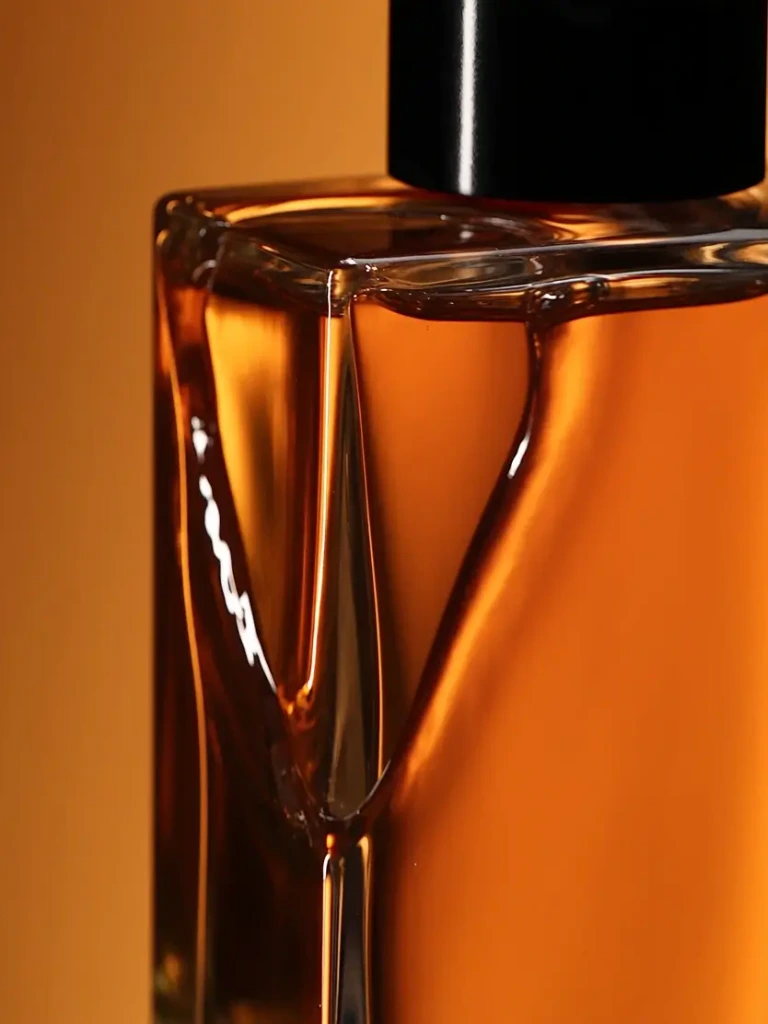
향수 캠페인 필름 연출하기
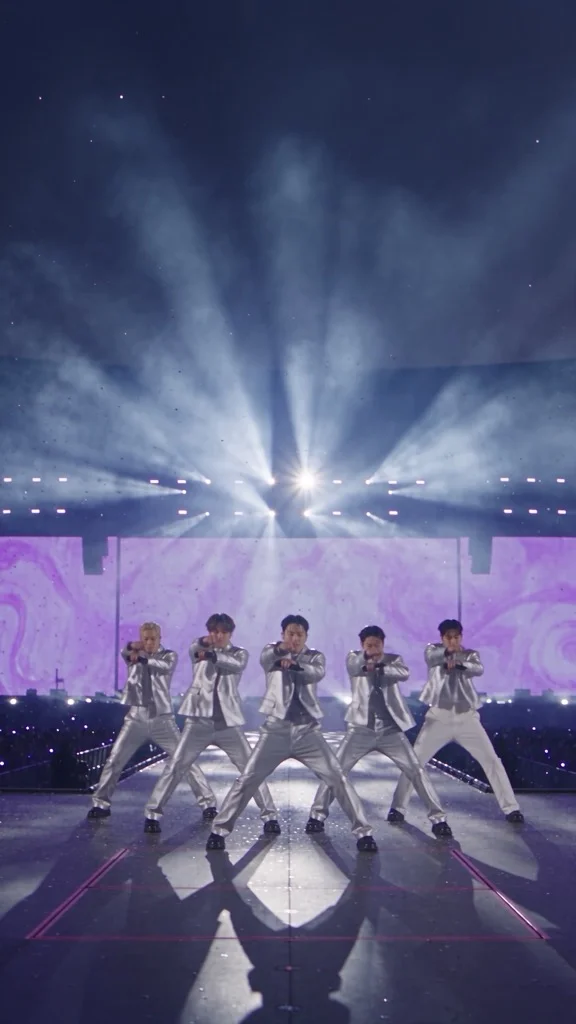
스타디움 콘서트
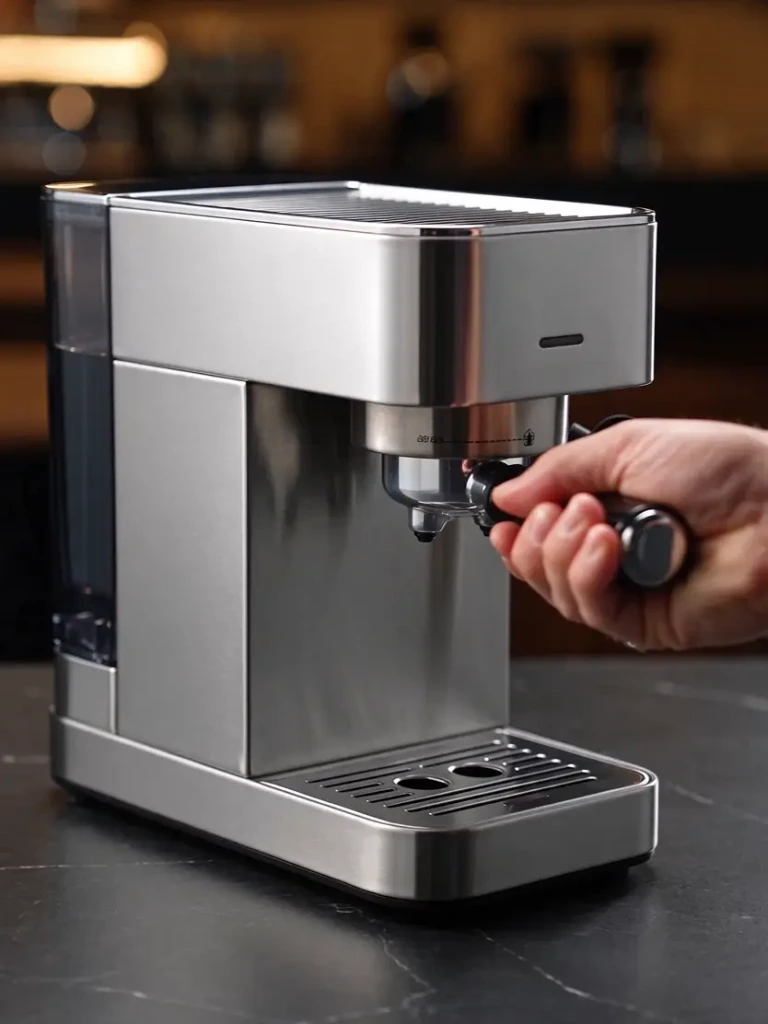
에스프레소 제품 광고 만들기

반려동물 바꾸기
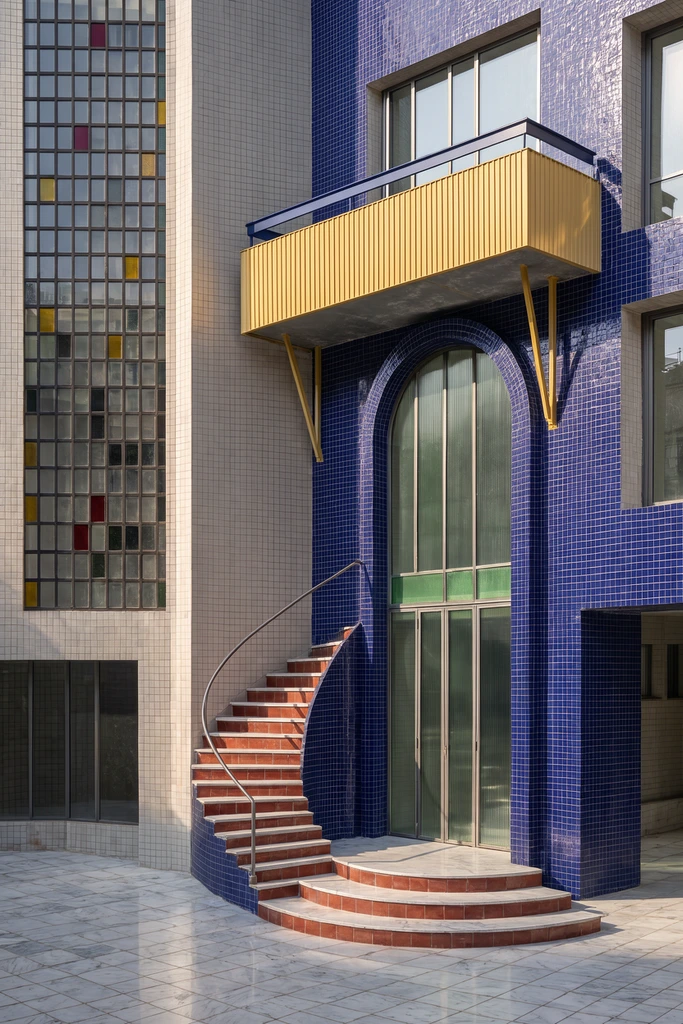
현관 도면을 사진으로

시네마틱 피치 시퀀스 만들기
안뜰 워크스루 연출하기
애니메이션 오프닝
코럴 청소기 출시 필름
스크롤을 멈추는 출시 필름 연출하기
향수 캠페인 필름 연출하기
에스프레소 제품 광고 만들기
현관 도면을 사진으로
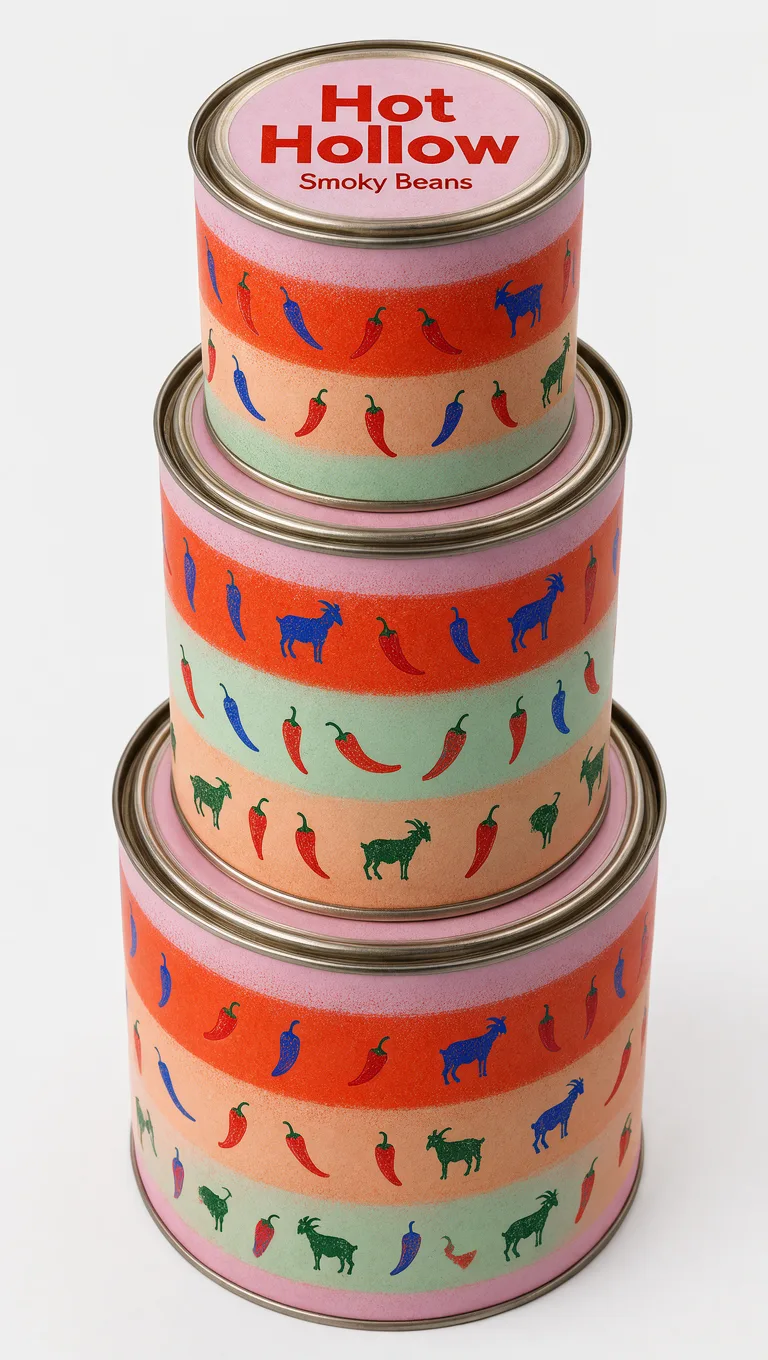
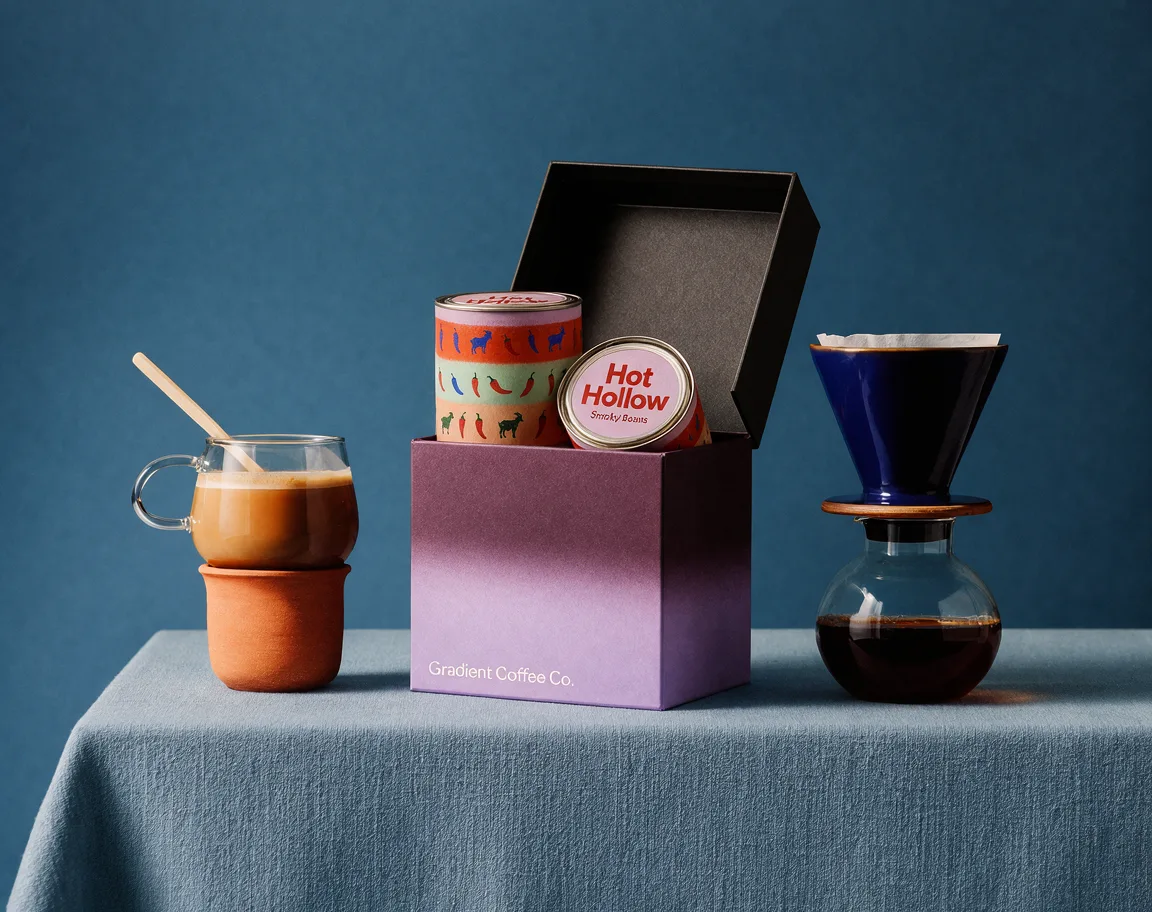
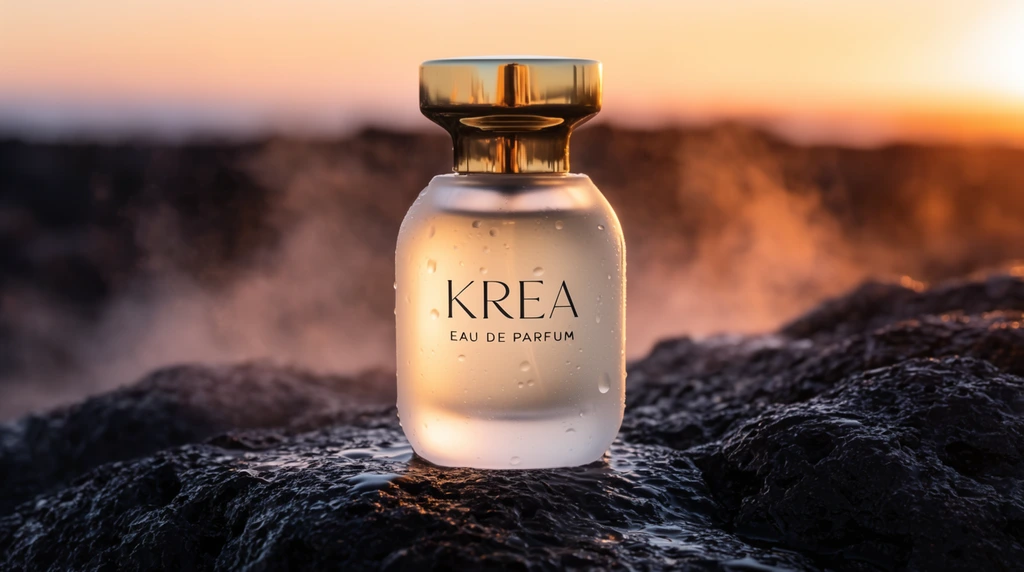 이커머스
제품 사진을 광고 세트로
Use Krea MCP to turn my product photo into an ad set. I will upload the photo first. Keep the product exactly as it is: shape, label, colours and logo. Place it in four scenes: a clean studio sweep, a kitchen counter in morning light, an outdoor café table and a flat lay with matching props. Render each scene at 4:5 for the feed and 9:16 for stories with Nano Banana Pro, then show me all eight images side by side.
- 애니메이션
사진을 움직이는 영상으로
Use Krea MCP to animate my photo. I will upload it first. Describe what is in the frame, then write a short motion prompt that keeps the subject, the light and the composition. Generate a 6-second clip with Seedance 2.5 using my photo as the start frame, with a slow push-in and subtle natural motion. Show me the clip, and offer two other camera moves to try.
- 영화
스토리보드를 움직이는 샷으로
Use Krea MCP to storyboard a 30-second short about a lighthouse keeper on the last night before the light is automated. First define one visual language: lens, palette and light. Generate six cohesive 2.39:1 storyboard frames that follow the story beat by beat. Ask me which frame is strongest, then animate it into a 6-second shot with Seedance 2.5 and restrained camera movement.
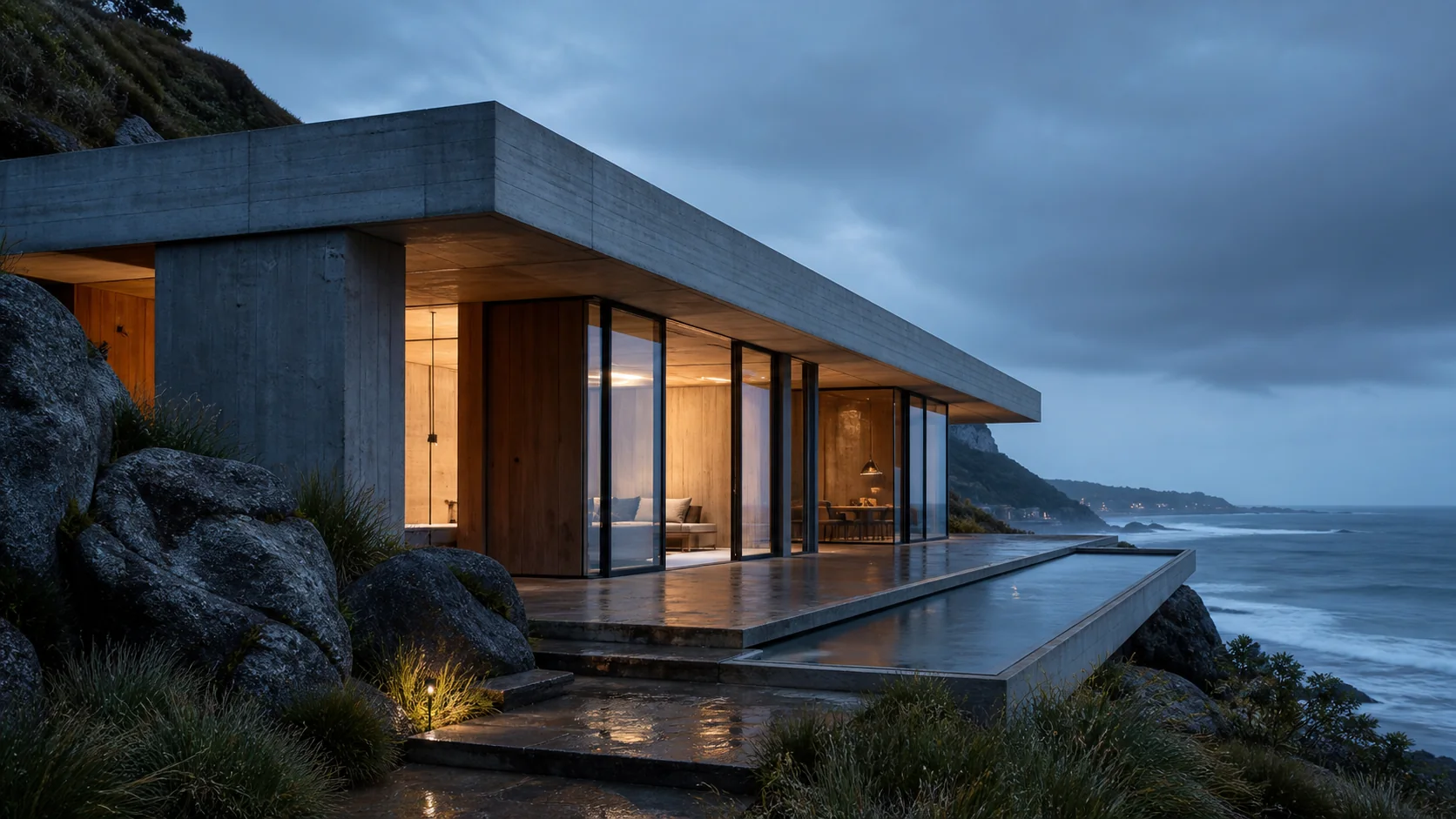 건축
스케치를 인쇄용 렌더로
Use Krea MCP to turn my architectural sketch into a presentation render. I will upload the sketch first. Keep its massing, openings and proportions. Render it in four directions: golden hour, overcast daylight, blue hour and a night view with warm interior light. When I pick one, upscale it with Topaz so it is sharp enough to print at A1.
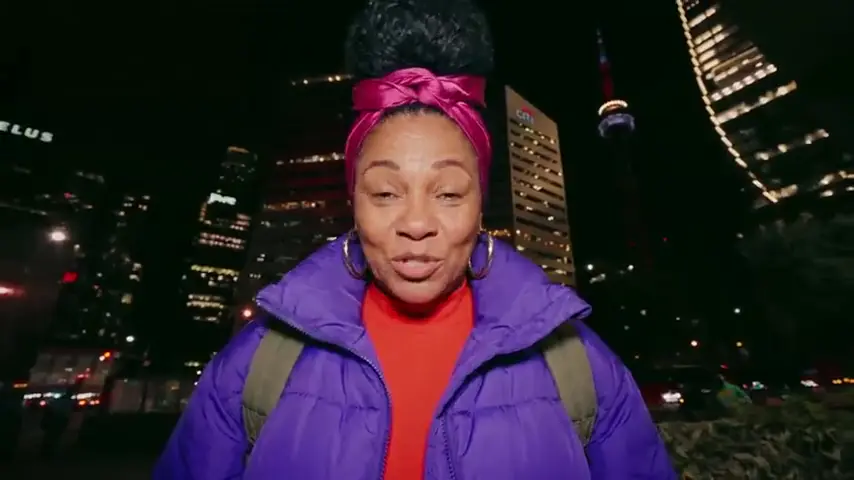 UGC
보이스오버를 넣은 UGC 광고
Use Krea MCP to make a TikTok-style UGC ad for a reusable water bottle. Generate a natural selfie-style frame of a creator holding the bottle in a bright kitchen. Animate it into an 8-second 9:16 clip with Seedance 2.5 in which she talks to camera and takes a sip. Write a 20-word voiceover in a casual tone, generate it with ElevenLabs, and give me the clip and the audio.
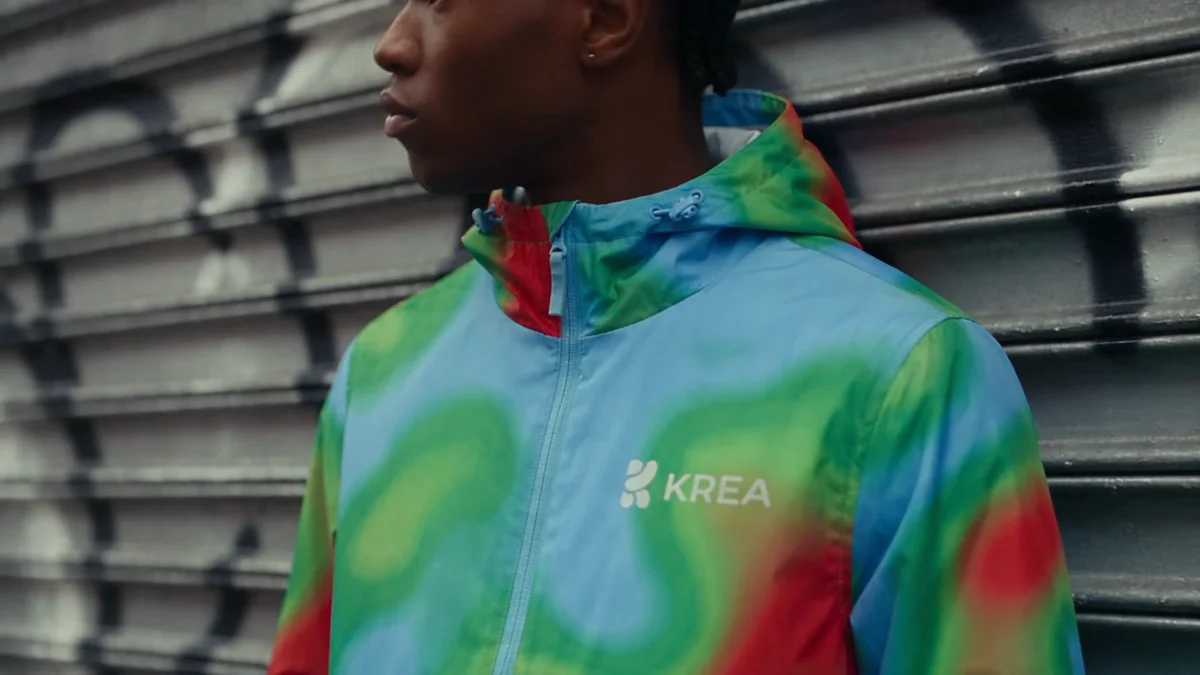 패션
의상 한 벌로 만드는 룩북
Use Krea MCP to build a six-image lookbook. I will upload photos of the outfit pieces first. Create one model and keep her face, hair and build the same in every image. Dress her in my pieces exactly as they are and shoot six looks: a street corner, a gallery, a café, a rooftop, a studio full length and a close-up of the details. Use 4:5 and an editorial film look.
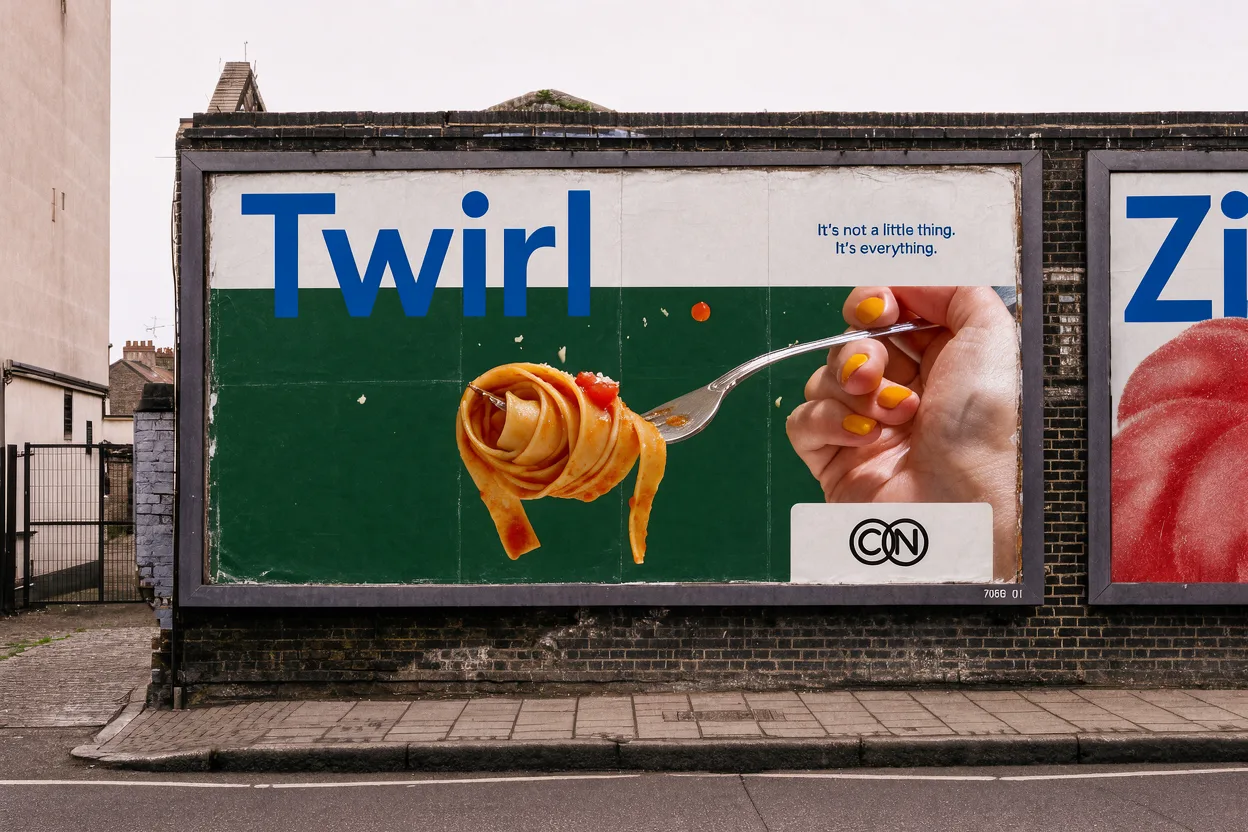 마케팅
브리프로 만드는 캠페인
Use Krea MCP to take a campaign from brief to key visuals. The brief: a summer launch for a small pasta brand that wants to feel warm and Italian. Propose three creative routes with a one-line idea each and one image per route. When I pick a route, make its key visual at 16:9, 4:5 and 9:16, then upscale the 16:9 version for the website hero.
- 광고
사운드가 있는 출시 필름
Use Krea MCP to make a 6-second launch film for a new running shoe. Generate a hero frame of the shoe on wet asphalt at night. Animate it with Seedance 2.5: the shoe lands hard in a puddle, spins once in mid-air and settles on the court line, with native sound effects. Then generate a 10-second energetic electronic track with ElevenLabs Music to go under it.
Krea MCP 연결 방법
Claude에서
-
Claude에 Krea 추가하기 Claude에 Krea 추가하기
Krea 정보가 입력된 상태로 Claude가 열립니다. 주소가 api.krea.ai인지 확인한 다음 “Add”를 클릭하세요. Krea 정보가 입력된 상태로 Claude 앱이 열립니다. 주소가 api.krea.ai인지 확인한 다음 아래로 스크롤해 “Add”를 탭하세요.
Krea 커넥터 추가 Add custom connector
Krea
https://api.krea.ai/mcp
Authentication
Sign in now Detected
Each user signs in through the server’s OAuth flow.
Add
Back
-
Krea에 로그인하기 Krea에 로그인하기
“Connect”를 클릭하고 워크스페이스를 선택한 다음 “Authorize”를 클릭하세요. 워크스페이스를 선택하고 “Authorize”를 탭하세요.
krea.ai
Connect Claude to Krea
Review the access you’re sharing with this app.
Signed in to Krea as
you@example.com
Choose a workspace
Your workspace
Your team
-
“Always allow” 클릭하기 “Always allow” 탭하기
Claude가 Krea를 처음 사용할 때 허용 여부를 묻습니다. 그다음부터는 이미지나 영상을 요청하기만 하면 됩니다. Claude가 Krea를 처음 사용할 때 허용 여부를 묻습니다. 그다음부터는 이미지나 영상을 요청하기만 하면 됩니다.
make me an image with Krea 3
Claude wants to use
Generate Image from Krea
Show details
Allow once
Always allow
Decline
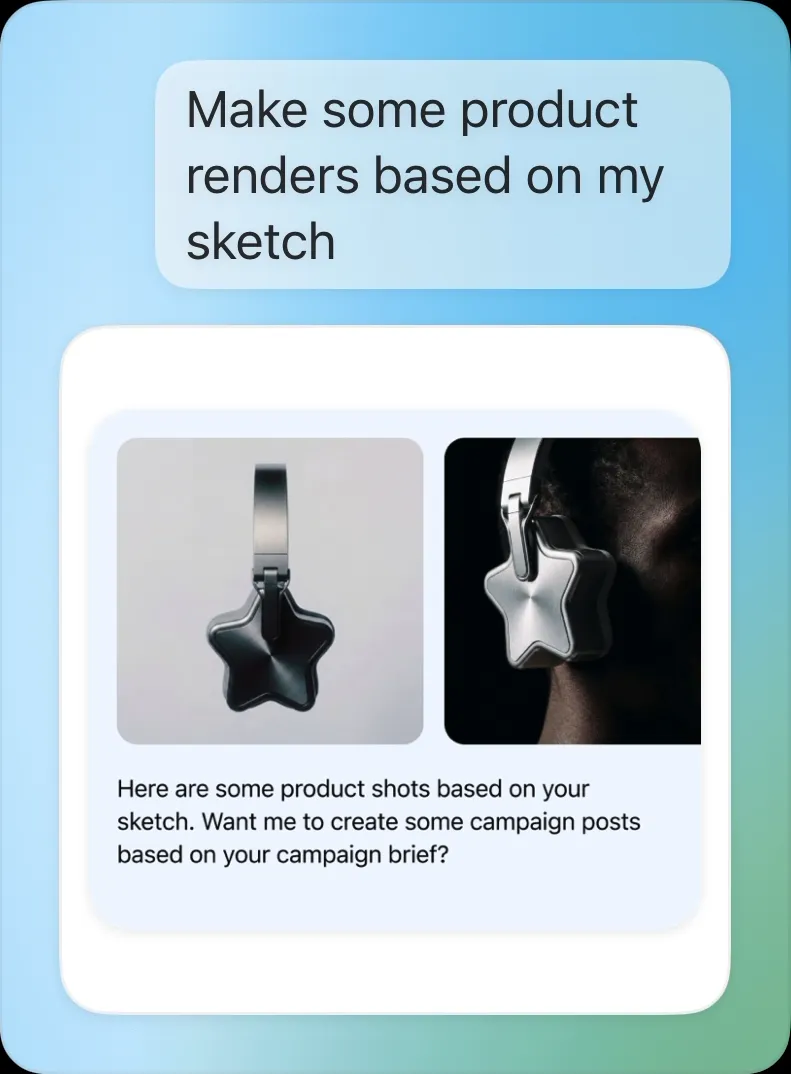
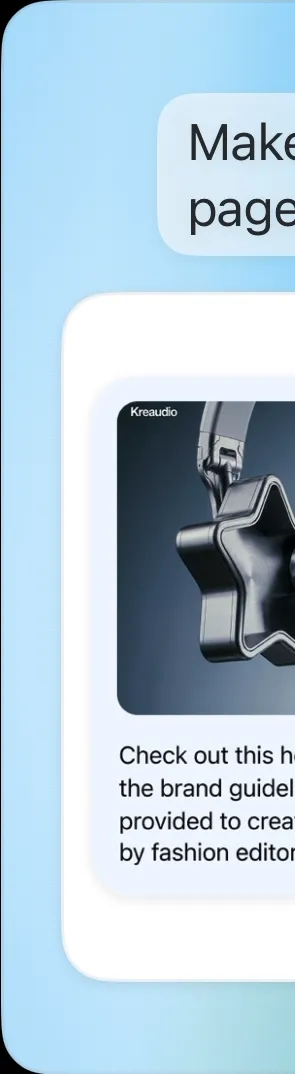
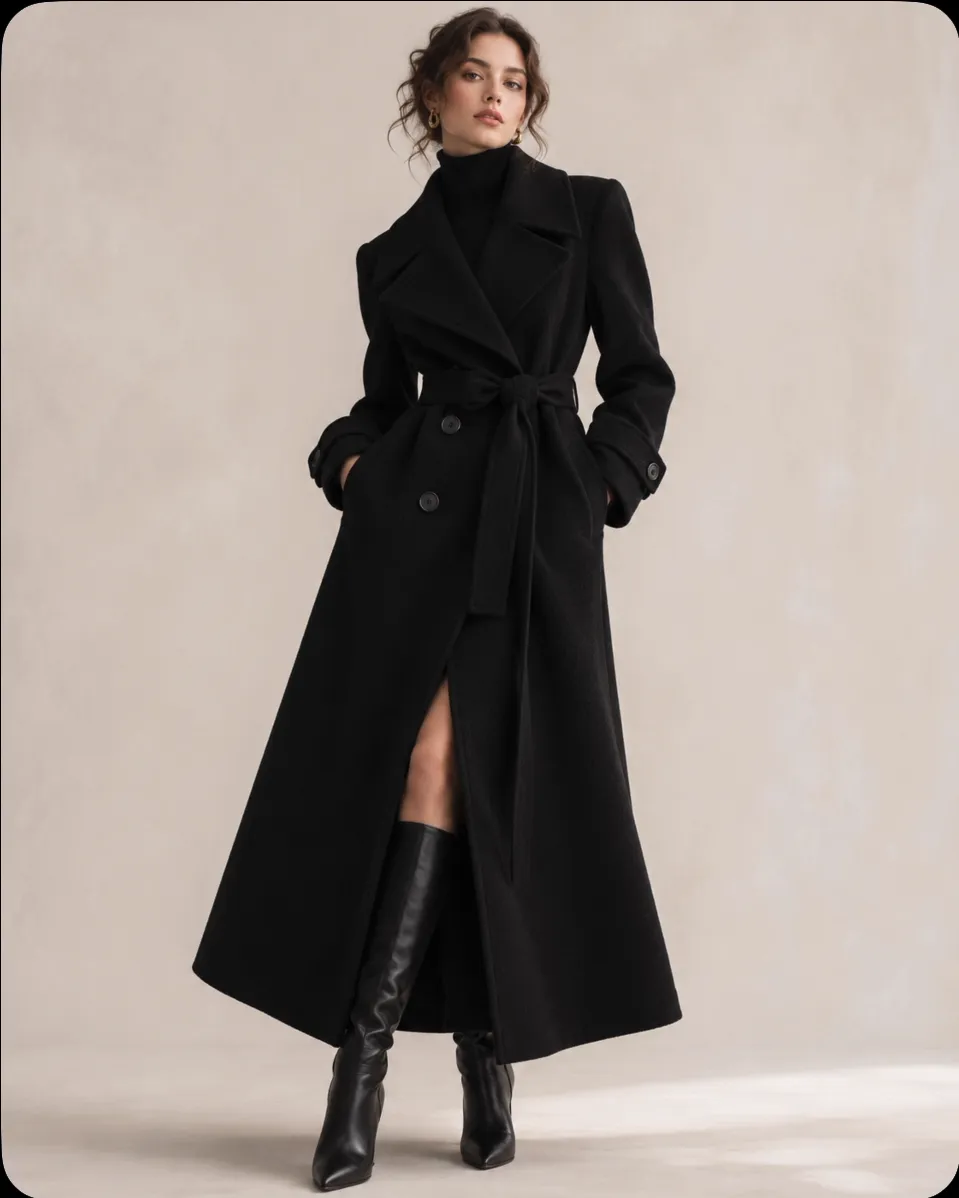
 Krea 플러그인 추가
 Krea 플러그인 추가
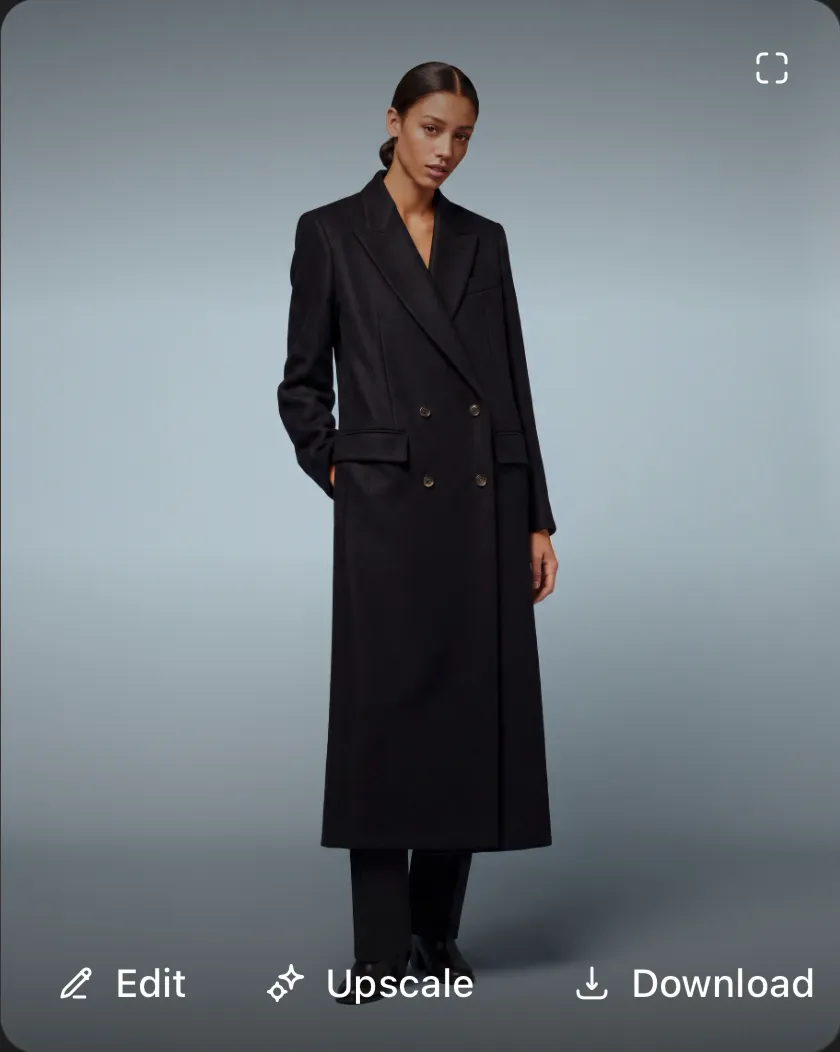

자주 묻는 질문
Krea MCP는 AI 에이전트를 Krea에 직접 연결합니다. 에이전트가 사용자를 대신해 이미지와 영상을 생성하고, 에셋을 고화질로 변환하고, 크리에이티브 워크플로우를 실행할 수 있습니다.
이미지 생성과 영상 생성, 이미지 고화질 변환 및 업스케일, 학습한 스타일 사용, 직접 만든 여러 단계의 Krea 워크플로우 실행까지, 모두 간단한 프롬프트 하나로 할 수 있습니다.
Claude, ChatGPT, Claude Code, Codex, Cursor, Grok Bot, OpenClaw, Hermes를 비롯해 도구 연결을 지원하는 다른 에이전트에서 사용할 수 있습니다.
ChatGPT, Cursor, Grok Bot에서는 Krea 플러그인을 추가하세요. Claude에서는 Krea를 커넥터로 추가하세요. Claude Code, Codex 같은 터미널 에이전트에서는 이 페이지의 설정 요청을 보내면 에이전트가 Krea MCP 서버를 대신 추가해 줍니다. 그다음 Krea 계정으로 로그인하세요. 설정은 1분도 걸리지 않습니다.
Krea 3, Nano Banana Pro, Seedance 2.5, Kling 4.0, Wan 3.0, Topaz Bloom 2를 포함해 Krea의 모든 이미지, 영상, 고화질 변환 모델을 사용할 수 있습니다. 모델 라이브러리에서 전체 모델을 살펴보세요.
이미지는 보통 몇 초 안에 완성됩니다. 영상이나 규모가 큰 작업은 백그라운드에서 실행되며 준비되는 대로 결과가 전달됩니다.
아니요. MCP 서버 URL로 https://api.krea.ai/mcp 주소를 사용하고, 에이전트가 연결을 요청하면 Krea 계정으로 인증하세요.
Krea API 대시보드에서 플레이그라운드, 요금, 연동 문서를 확인하세요. MCP 서버 문서에서는 인증, 도구, 문제 해결을 다루며, Krea CLI를 쓰면 터미널에서 Krea를 실행할 수 있습니다.
Krea를 내 에이전트로
1분 안에 연결하고, 평소 작업하던 바로 그곳에서 이미지와 영상을 생성하세요.