
단계 1
Krea Video에서 Kling 모델 선택
Krea Video를 열고 Kling 4.0 또는 선택기의 다른 모델(Kling 3.0, Kling 3.0 Turbo, Kling o3, Kling o3 Pro, Kling o1)을 고르세요.
Krea에서 Kling 4.0, Kling 3.0, Kling 3.0 Turbo, Kling o3, Kling o3 Pro, Kling o1로 영상을 생성하세요.
작동 원리
첫 프롬프트부터 완성된 Kling 비디오까지 네 단계로 진행됩니다.
단계 1
Krea Video를 열고 Kling 4.0 또는 선택기의 다른 모델(Kling 3.0, Kling 3.0 Turbo, Kling o3, Kling o3 Pro, Kling o1)을 고르세요.
단계 2
장면을 설명하거나 시작 프레임을 업로드하세요. 둘 다 사용해도 됩니다. Kling 4.0, Kling 3.0, Kling o3, Kling o3 Pro, Kling o1은 종료 프레임도 넣을 수 있습니다.
단계 3
Kling 4.0은 보통 약 4분, Kling 3.0은 약 2분, Kling o3는 약 1분이 걸립니다. 클립이 길수록 더 오래 걸립니다.
단계 4
완성된 클립을 다운로드하세요. Krea 유료 플랜에서는 생성한 영상에 상업적 이용 라이선스가 포함됩니다.
Kling 4.0은 3~30초, Kling 3.0, Turbo, o3, o3 Pro는 3~15초, Kling o1은 5초 또는 10초입니다.
Kling 4.0 and Kling 3.0 Turbo render at 720p or 1080p. Kling o3 Pro is 1080p. Kling o3 is 720p.
Kling 4.0, Kling 3.0, Kling o3, Kling o3 Pro, Kling o1은 시작 프레임과 종료 프레임을 지원합니다. Kling 3.0 Turbo는 시작 프레임만 지원합니다.
Kling 3.0, Kling o3, Kling o3 Pro는 영상과 함께 오디오를 생성합니다.
Kling 4.0, 3.0, 3.0 Turbo, o3, o3 Pro, o1을 Krea Video 선택기에서 고를 수 있습니다.
Kling 4.0은 약 4분, Kling 3.0은 약 2분, Kling o3는 약 1분이 걸립니다.

선수들이 일정한 보폭으로 움직이는 스포츠 하이라이트를 생성하세요. 공은 적절히 튀고 곡선을 그립니다. 카메라는 왜곡 없이 플레이를 따라갑니다.
스포츠 비디오 생성댄스 동작이 자연스럽게 위치 사이를 전환합니다. 그룹 안무는 여러 댄서 간의 동기화를 유지합니다. 신체는 자연스러운 무게와 관성을 가지고 움직입니다.
안무 애니메이션
Prompt 예시
이 페이지의 Kling 예시 비디오에 사용된 실제 프롬프트 — 각 클립은 생성에 사용된 정확한 프롬프트와 함께 제공됩니다. 복사하여 직접 사용해 보세요.
Krea의 Kling은 하나의 선택기에서 고를 수 있는 영상 모델 라인업입니다. 최신 모델인 Kling 4.0은 720p 또는 1080p로 3~30초 클립을 만들며, 시작 프레임, 종료 프레임, 참조 이미지와 참조 영상을 지원합니다. Kling 3.0, Kling o3, Kling o3 Pro는 네이티브 오디오도 생성합니다. 스포츠, 액션, 댄스처럼 움직임이 또렷하게 보여야 하는 장면에 활용하세요.
Trustpilot의 실제 리뷰So many AI tools out there but I always come back to Krea. It's really the one AI platform that 'just works'.
FYN
검증된 리뷰
Krea's interfaces are still the best in the industry. Everything looks and feels so clean and easy to use! Imo the easiest to use gen AI website.

Lynn
검증된 리뷰
Ultra fast generations. Extremely simple to use. All the latest AI models.
Daniel
검증된 리뷰
KREA is the only AI subscription I have right now besides ChatGPT.
Sophia M.
검증된 리뷰
I'm a Krea Max user. It's crazy how fast they add models. I see a new AI model on twitter and the same day krea already offers it.
Wirot Ch.
검증된 리뷰
Still the most powerful AI creative suite out there.

Gravion
검증된 리뷰
Free
Get free daily credits to try basic features.
100 units / day
Basic
Access our most popular features
5,000 units / month
Pro
Advanced features and discounts on compute units
20,000 units / month
Max
Full access with higher discounts on compute units
60,000 units / month
For Teams and Enterprises
Workplace management, collaboration, and enterprise customizations
Business
Secure and collaborative workspace for growing teams
80,000 units / month
Enterprise
Enterprise-grade security with dedicated support and admin features
Krea Video 선택기에 있는 Kling 버전입니다. Kling 4.0은 참조, 프레임, 클립 길이를 다루는 별도 페이지가 있습니다.
Kling 4.0
선택기에서 가장 최신 Kling 모델입니다. 720p 또는 1080p로 3~30초 클립을 만들며 16:9, 9:16, 1:1, 21:9를 지원합니다. 시작 프레임 또는 시작·종료 프레임으로 애니메이션을 만들 수 있고, 참조 이미지는 최대 9장, 참조 영상은 최대 5개까지 태그할 수 있습니다.
Kling 3.0
네이티브 오디오가 포함된 3~15초 클립. 시작 프레임, 종료 프레임, 멀티 프롬프트를 지원합니다.
Kling 3.0 Turbo
720p 또는 1080p, 3~15초 클립으로 16:9, 9:16, 1:1을 지원합니다. 시작 프레임만 지원하며 네이티브 오디오는 없습니다.
Kling o3
네이티브 오디오가 포함된 720p, 3~15초 클립. 시작·종료 프레임과 함께 이미지, 엘리먼트, 영상 참조를 지원하며 참조 영상은 1개입니다.
Kling o3 Pro
네이티브 오디오가 포함된 1080p, 3~15초 클립. 시작·종료 프레임을 지원하고 16:9, 9:16, 1:1, 자동 중에서 선택할 수 있으며 참조 영상은 1개입니다.
Kling o1
5초 또는 10초 클립. 시작·종료 프레임과 함께 이미지, 엘리먼트, 영상 참조를 지원하며 참조 영상은 1개입니다.
Krea의 Kling AI 영상 생성기는 Krea Video에서 제공하는 Kling 모델 모음입니다. 최신 모델은 Kling 4.0이며, Kling 3.0, Kling 3.0 Turbo, Kling o3, Kling o3 Pro, Kling o1도 같은 선택기에 있습니다. 텍스트나 시작 프레임으로 시작할 수 있고, 대부분의 모델에서는 시작·종료 프레임도 사용할 수 있습니다.
선택기에는 Kling 4.0, Kling 3.0, Kling 3.0 Turbo, Kling o3, Kling o3 Pro, Kling o1이 있습니다. Kling 1.0, 1.5, 1.6, 2.0, 2.1은 지원이 종료되었고, Kling 2.5, Kling 2.5 Turbo, Kling 2.6은 선택기에 없습니다. 최신 모델은 Kling 4 페이지에서 자세히 확인하세요.
Kling 4.0은 720p 또는 1080p로 3~30초 클립을 생성하며 16:9, 9:16, 1:1, 21:9를 지원합니다. 시작 프레임 또는 시작·종료 프레임으로 애니메이션을 만들 수 있고, 참조 이미지는 최대 9장, 참조 영상은 최대 5개까지 태그할 수 있습니다. 전체 사용법은 Kling 4 페이지를 참고하세요.
Kling 4.0은 3~30초, Kling 3.0, Kling 3.0 Turbo, Kling o3, Kling o3 Pro는 3~15초, Kling o1은 5초 또는 10초입니다. 한 번 생성할 때마다 클립 1개가 만들어집니다.
Kling 3.0, Kling o3, Kling o3 Pro는 영상과 함께 오디오를 생성합니다. Kling 4.0, Kling 3.0 Turbo, Kling o1은 Krea 영상 도구에서 네이티브 오디오 지원이 표시되지 않습니다.
네. 선택기의 모든 Kling 모델이 시작 프레임을 지원합니다. Kling 4.0, Kling 3.0, Kling o3, Kling o3 Pro, Kling o1은 종료 프레임도 지원하며, Kling 3.0 Turbo는 시작 프레임만 지원합니다.
Krea 예상 시간 기준으로 Kling 4.0은 약 4분, Kling o3 Pro는 약 3분, Kling 3.0, Kling 3.0 Turbo, Kling o1은 약 2분, Kling o3는 약 1분입니다. 클립이 길수록 더 오래 걸립니다.
Krea 무료 플랜에는 Kling에 사용할 수 있는 일일 컴퓨팅 유닛이 포함됩니다. 유료 플랜에서는 더 많이 생성할 수 있고 상업적 이용 라이선스가 제공됩니다.
네. Krea 유료 플랜에서는 생성한 영상에 상업적 이용 라이선스가 포함되어 캠페인, 제품, 클라이언트 작업 등 다양한 제작 프로젝트에 사용할 수 있습니다.
Kling은 움직임 표현에 초점을 맞춘 라인업으로, 더 긴 클립과 참조 기능이 필요하면 Kling 4.0이 적합합니다. 같은 Krea Video 도구에서 Runway AI 영상 생성기, Veo 3.1, Seedance 2.5로도 생성해 결과를 비교할 수 있습니다.
Latest news, tutorials, and updates from the Krea team
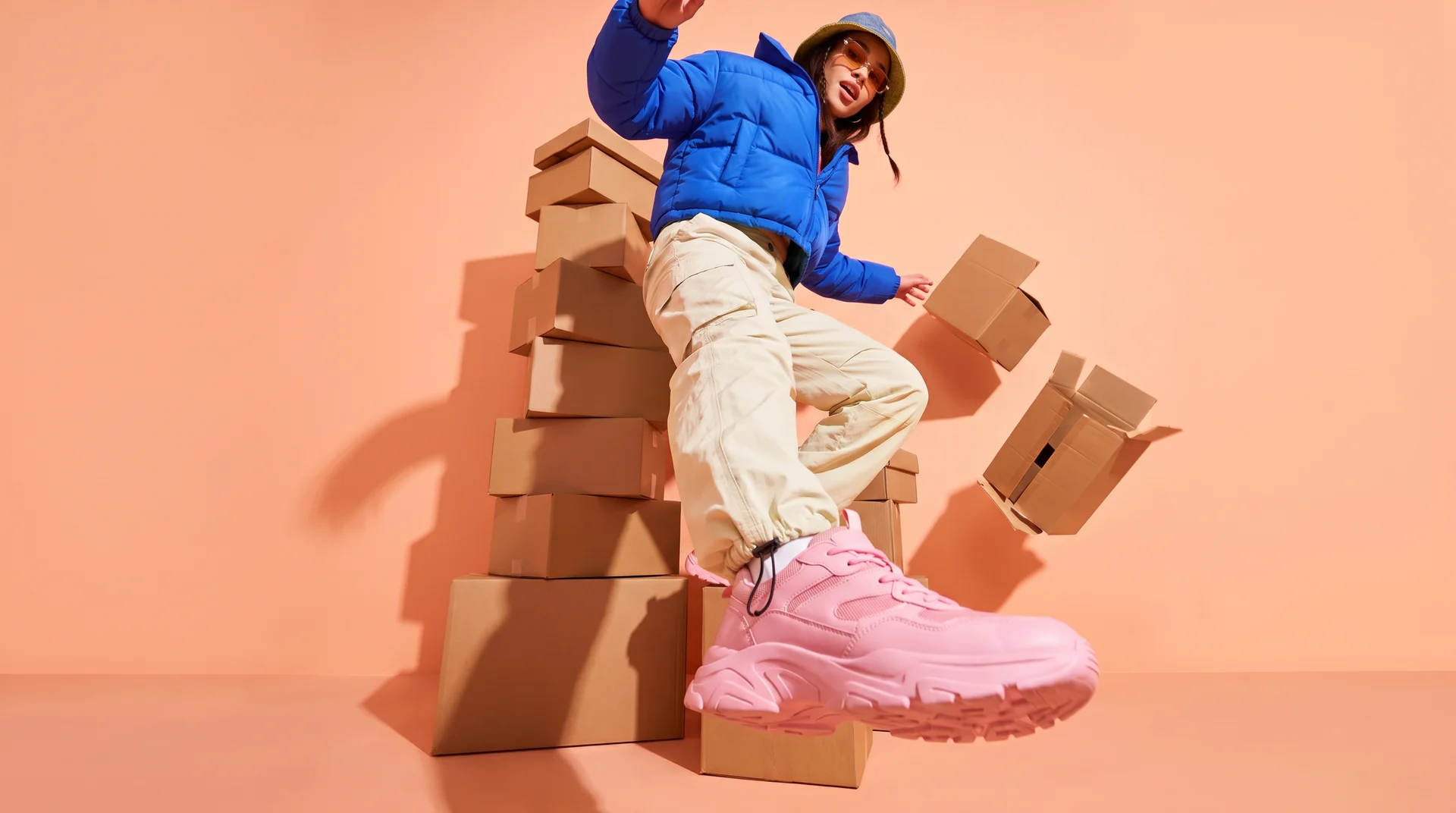
Compare the top 6 AI video models for ecommerce ads in 2026 — Kling, Seedance, Creatify, Runway, Veo, and PixVerse — and which ad job each one fits.
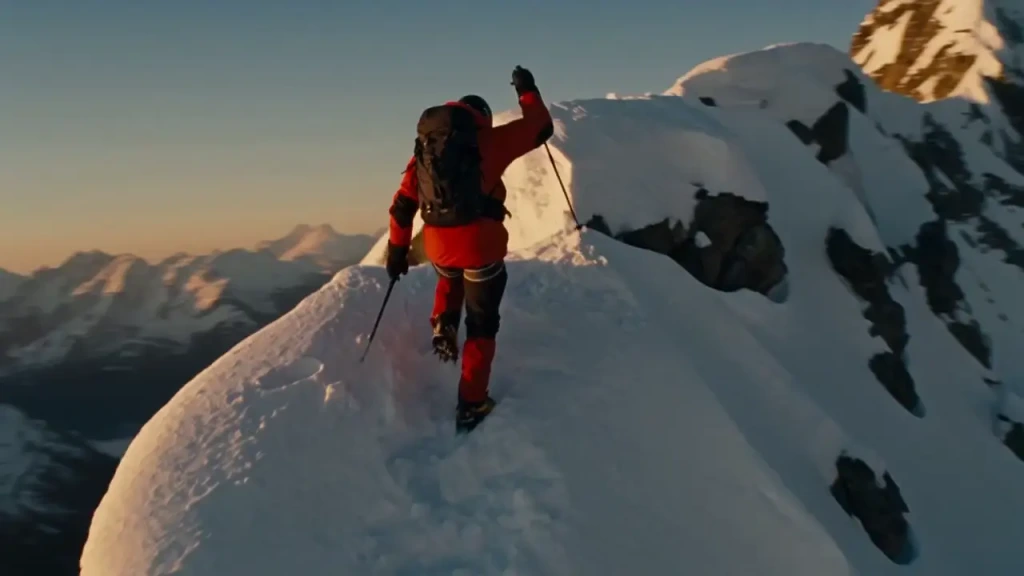
The best cinematic AI video generators of 2026 compared: Seedance 2.5, Veo 3.1, Kling 4, Runway, Luma, and Higgsfield on camera control, clip length, audio, and Seedance 2.5 price.
How a single phone photo became Zoo York, a one-minute AI short made with Krea Agent, GPT Image 2.5, and Seedance 2.5, with every prompt used.
Explore other Kling models available on Krea
Kling o1 Image
ImageFrontier model for complex image references.
Kling 3.0
VideoFrontier model with audio and up to 15s.
Kling 4.0
VideoKling’s newest frontier model, up to 30s at 1080p.
Kling 4.0 Flash
VideoFaster Kling 4.0 tier with up to 20s outputs at 720p.
Kling 3.0 Turbo
VideoFast text and image-to-video model with up to 15s outputs.
Kling o1
VideoIntelligent model that thinks before generating.
Kling o3
VideoAdvanced reasoning model with references.
Kling o3 Pro
VideoAdvanced reasoning model, high-quality 1080p.
Kling Motion Control v3
Motion TransferTransfer motion from one video to another character
Kling Motion Control v2.6
Motion TransferTransfer motion from one video to another character
Kling 1.0 Pro
VideoHigh control with 10s duration.
Kling 2.6
VideoFrontier model with native audio.
Kling o3 Edit
VideoEdit video content directly with text, image, and element references.
Kling o3 Reference
VideoGenerate new shots preserving the cinematic style of a reference video.
이미지와 비디오를 위한 더 많은 AI 모델을 발견하세요
Or try every model side by side in Krea's free AI video generator and AI image generator.
페이지 최종 업데이트