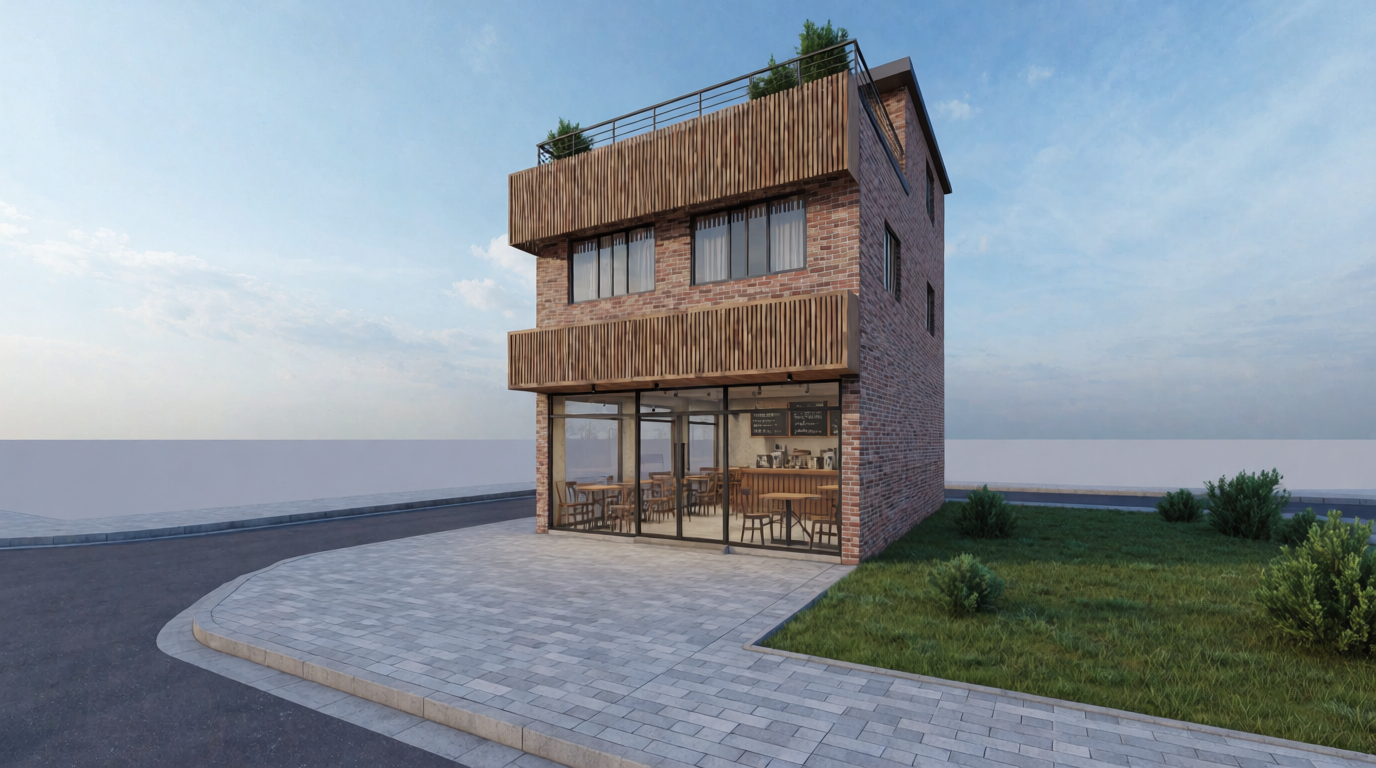
AI floor plan tools are getting useful in two different ways. Some tools generate editable layouts from requirements, sketches, or existing plan images. Others help turn early planning ideas into building concepts, interior directions, and photorealistic renders that are easier to discuss with clients or collaborators.
Quick answer: If you want editable residential floor plan options, start with Maket or Planner 5D. If you want to visualize a building concept, interior layout, facade direction, or client presentation image, use Krea alongside a layout-focused tool.
Last tested: May 28, 2026. Pricing and feature availability can change, so always verify current plan details on each tool’s official pricing page before buying.
What is an AI floor plan generator?
An AI floor plan generator is software that turns requirements, sketches, images, or prompts into layout ideas. Depending on the product, it may create room adjacencies, 2D plans, 3D plans, furniture placement, or early massing concepts. These outputs are useful for ideation, but they still need professional review before construction.
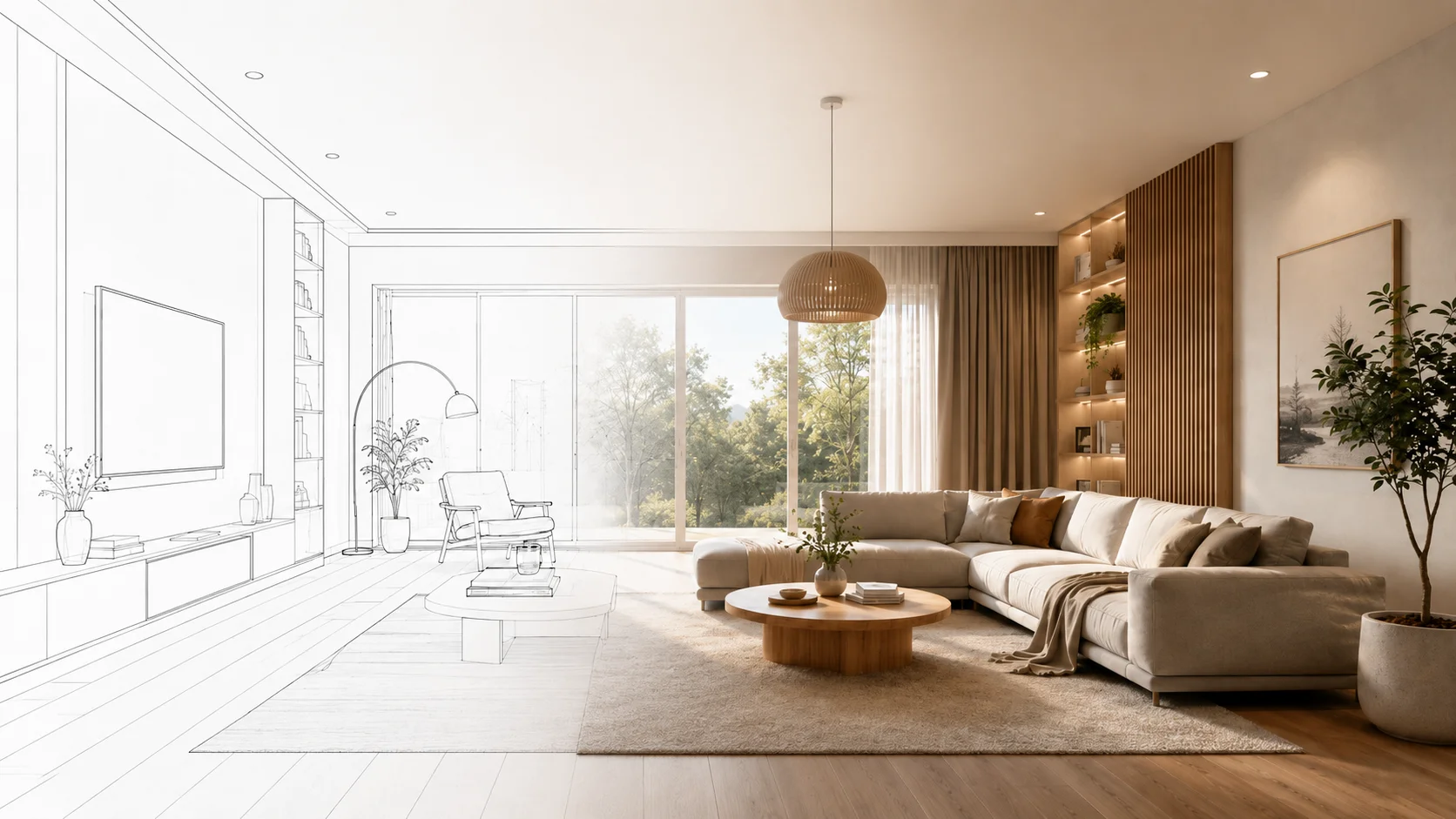
Turn a plan into a render
Describe a layout or site and generate building and interior directions in seconds.
Generate a conceptHow we evaluated these tools
We looked at each tool through the lens of an early design workflow: how quickly it can create options, whether the output is editable, how useful it is for floor plans versus visual concepts, whether it supports sketches or images, how clear the pricing is, and where it fits for architects, interior designers, real estate teams, homeowners, and concept artists.
Krea is evaluated as a concept visualization and rendering tool, not as a CAD or permit drawing tool. The strongest workflow is usually to generate or refine plan logic in a layout-focused product, then use Krea to explore what the selected direction could look and feel like.
Best AI floor plan and building concept tools compared
| Tool | Best for | Output | Pricing tier | Free tier or trial | Standout feature |
|---|---|---|---|---|---|
| Krea | Building concepts, interiors, facade directions, presentation imagery | Images, visual concepts, style directions, references | Free tier plus paid Creator and Business plans on Krea pricing | Free tier available | Fast visual exploration with Krea 2, references, and model comparison |
| Maket | Residential floor plan ideation | 2D plans, plan options, style concepts | Free plan; Plus listed at $20/month | Free plan | Generates residential layout options from project requirements |
| Planner 5D | Homeowners, remodelers, interior planning | 2D/3D plans, plan recognition, room visualization | Basic free; Premium listed from $4.99/month; Professional listed from $14.99/month | Basic free; Professional trial noted | AI floor plan generation plus plan recognition from images |
| Finch | Architecture teams and building design studies | Floor plans, area data, BIM geometry | Free plan; Basic listed at EUR49/user/month; Enterprise annual pricing | Free plan | Constraint-aware design iteration and BIM-oriented output |
| Autodesk Forma | Site planning, massing, early feasibility | Planning studies, massing, analysis, Autodesk workflow outputs | Subscription pricing varies by region and account | Trial availability varies | Early-stage planning with analysis for daylight, wind, noise, and context |
| LookX | Architecture and interior rendering workflows | Sketch-to-render, text-to-render, upscaled images | Free credits; individual paid plans listed from $20/month | Free plan with credits | Architecture-specific rendering with SketchUp and Rhino workflow support |
| Homestyler | Interior design, staging, remodeling | 3D rooms, floor plans, AI room designs, renders | Free tier; Pro listed from $6.80/month | Free tier | Friendly interior design environment with 3D planning and room visualization |
| Leonardo AI | General concept art, moodboards, game assets | Images, concept art, textures, style studies | Free plan; paid plans listed from $12/month | Free plan | Flexible visual generation beyond architecture-specific use cases |
What these tools actually generate
A useful AI architecture workflow usually has three layers:
- Floor plan generation: room layouts, circulation, furniture blocking, and editable 2D or 3D plans.
- Building concept generation: massing studies, facade directions, site ideas, and style exploration.
- Rendering and presentation: photorealistic interiors, exterior images, moodboards, and design boards.
Some products focus on one layer. Others combine several. For example, Maket positions itself around AI floor plan creation for residential layouts, while Planner 5D focuses on AI floor plan creation, plan recognition, and 2D/3D visualization. Finch is aimed more at building design teams that need floor plans, area calculations, and BIM geometry. Autodesk Forma fits earlier-stage planning, analysis, and concept exploration.
Krea is useful in the concept and rendering layer. Once you have a rough plan, program, site description, or design direction, you can quickly visualize what that idea might feel like, then use Krea Enhancer, Krea Video, or Krea Realtime to continue exploring the direction.
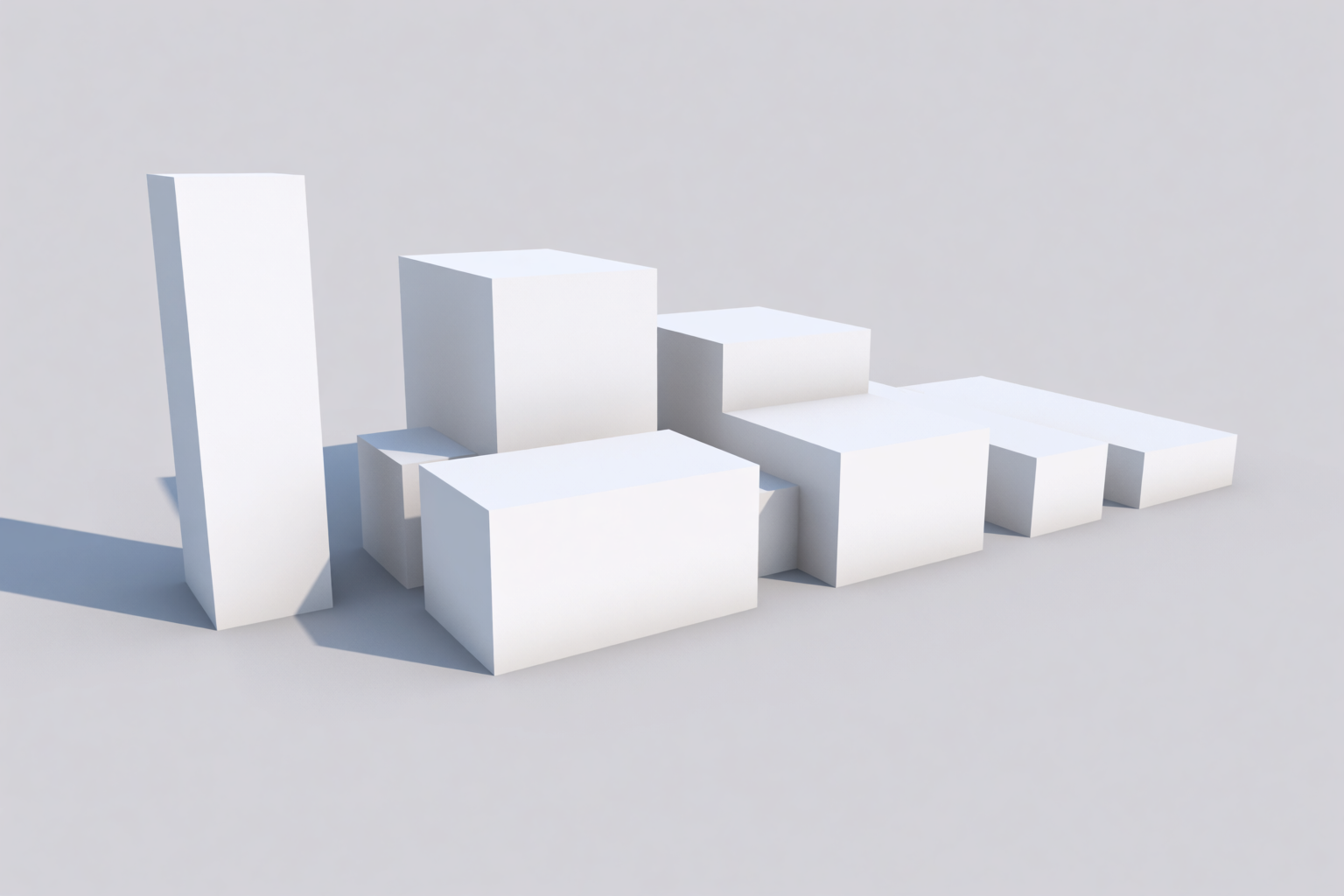
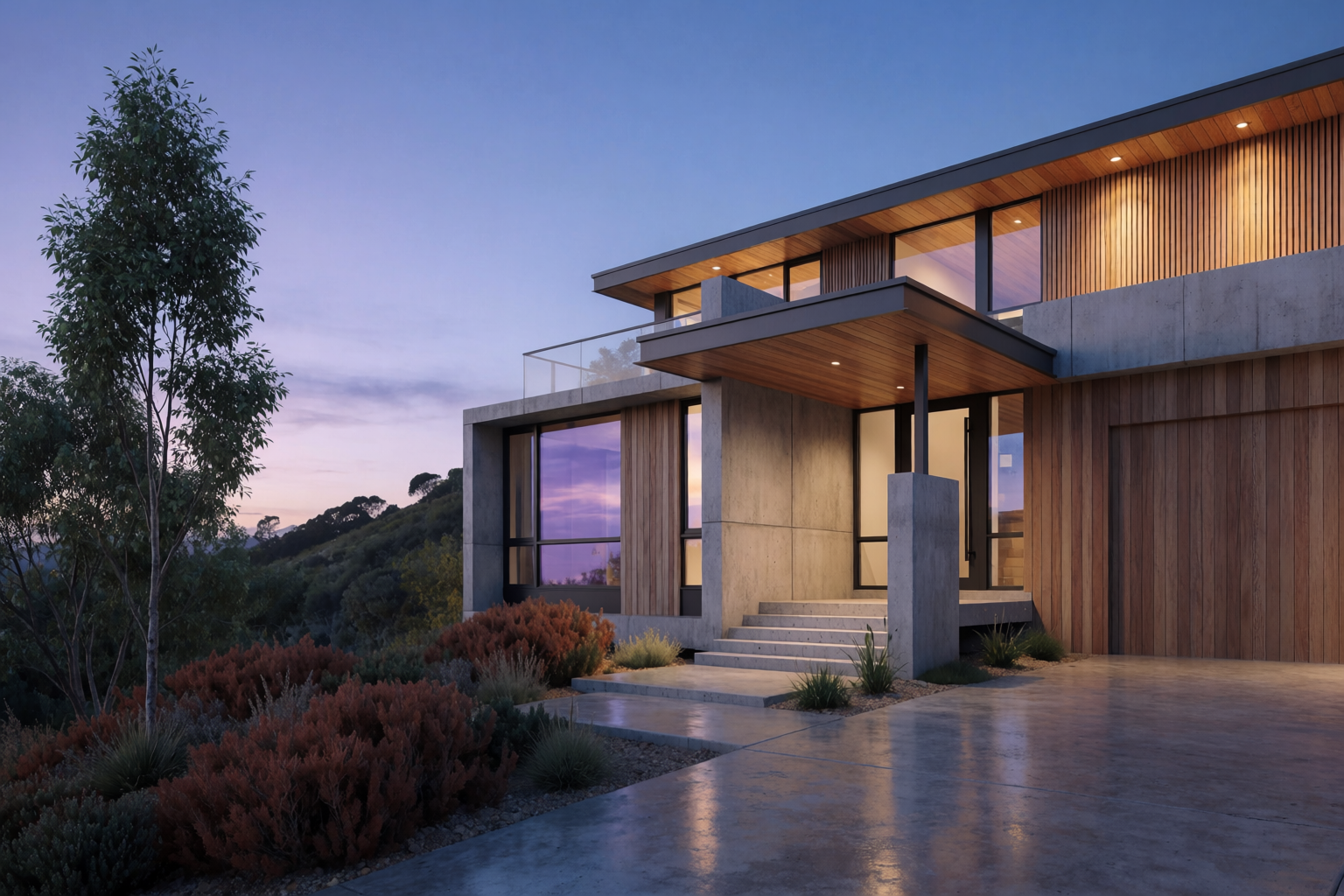
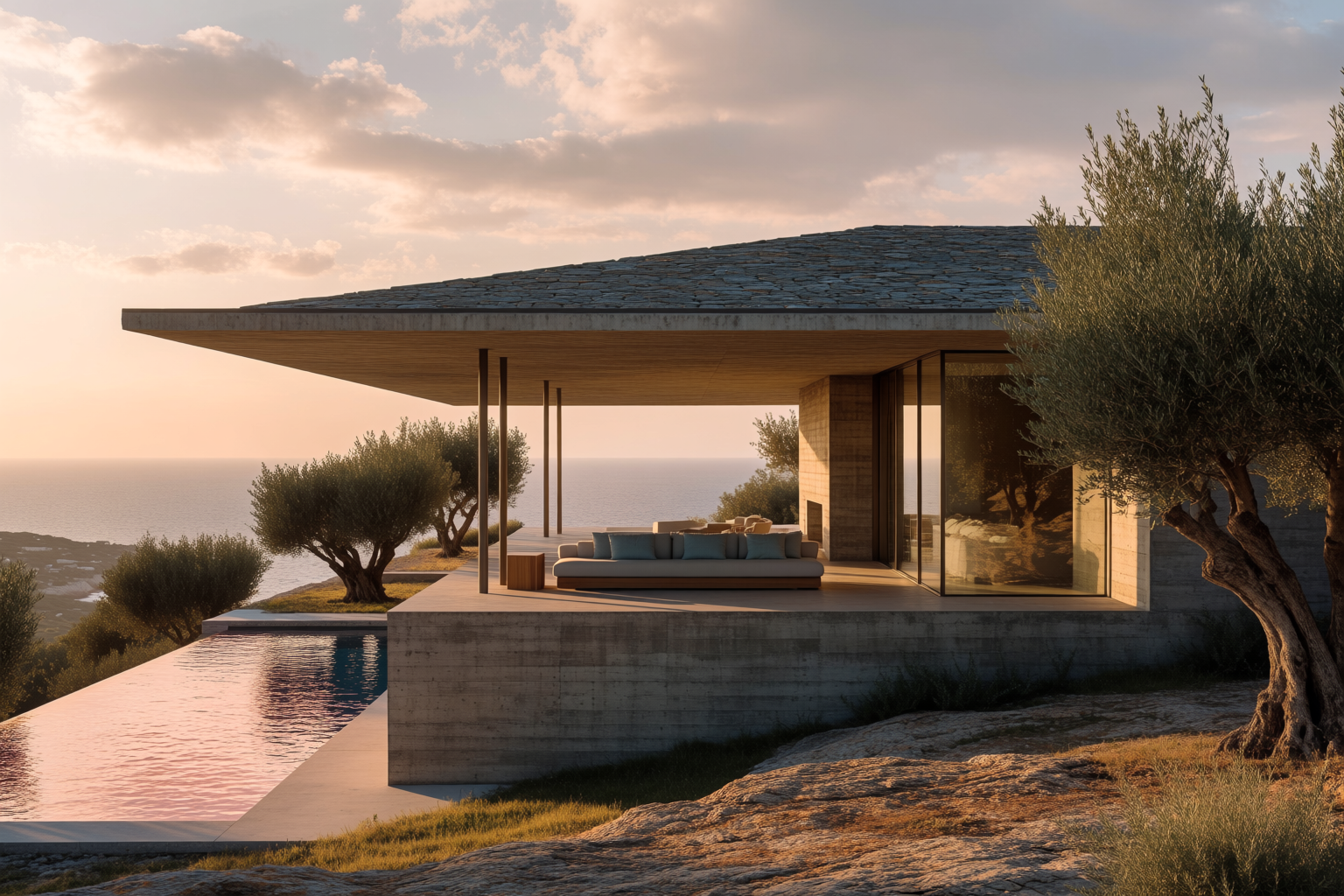
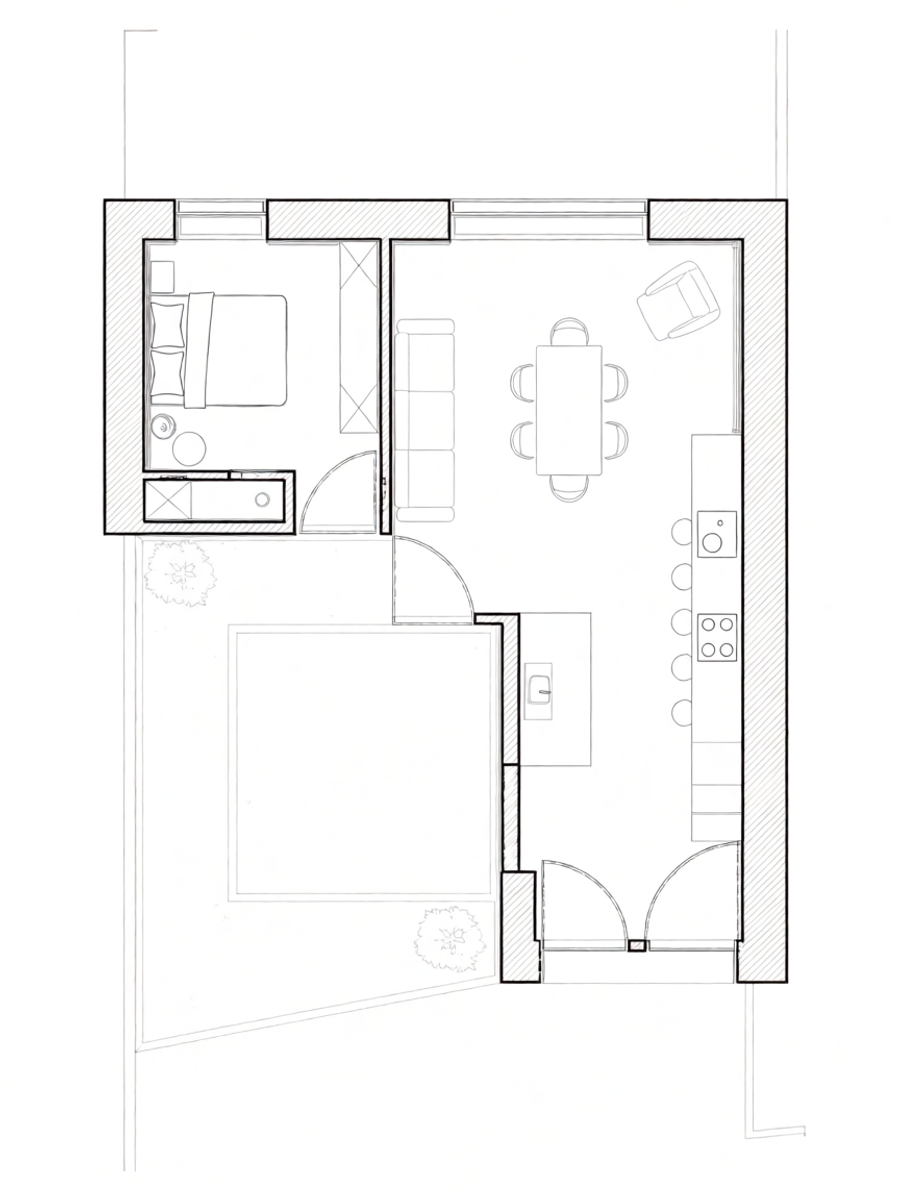
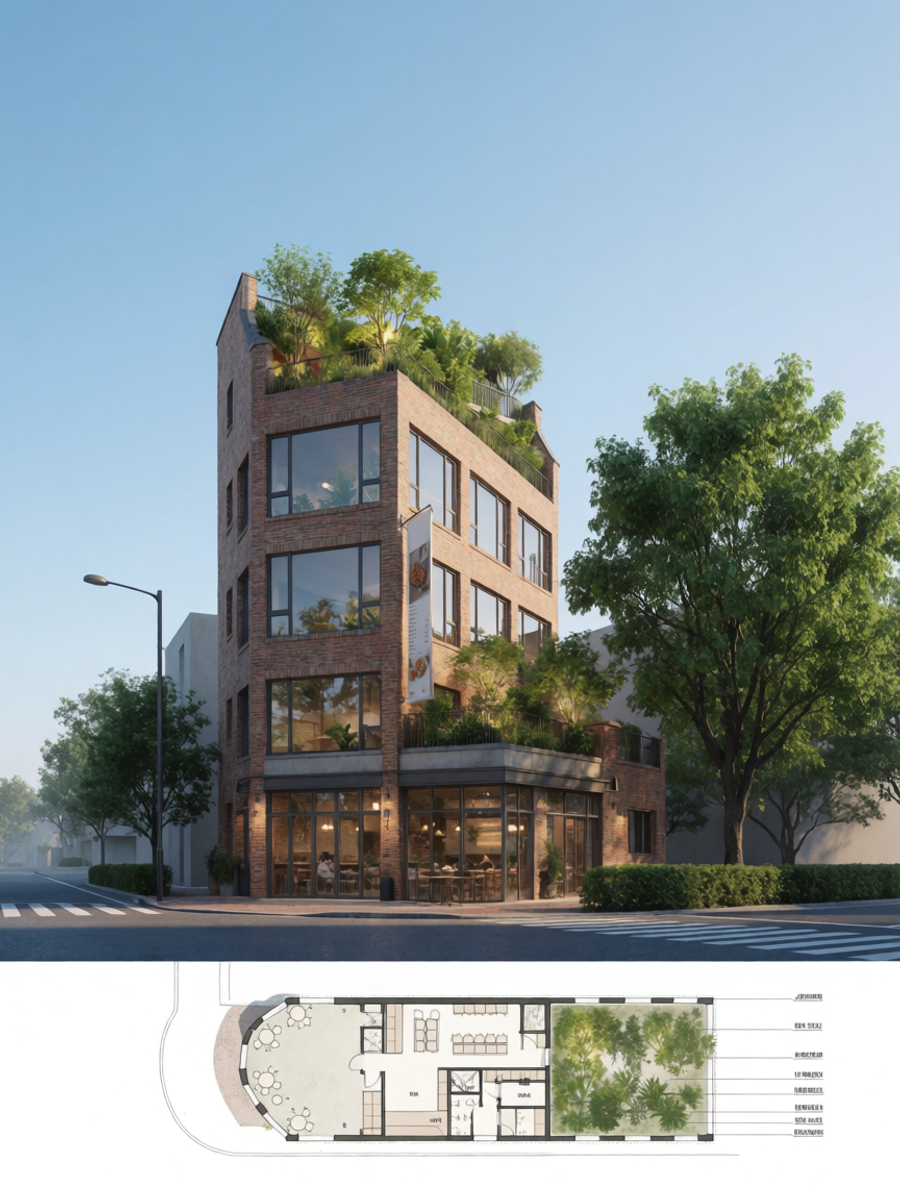
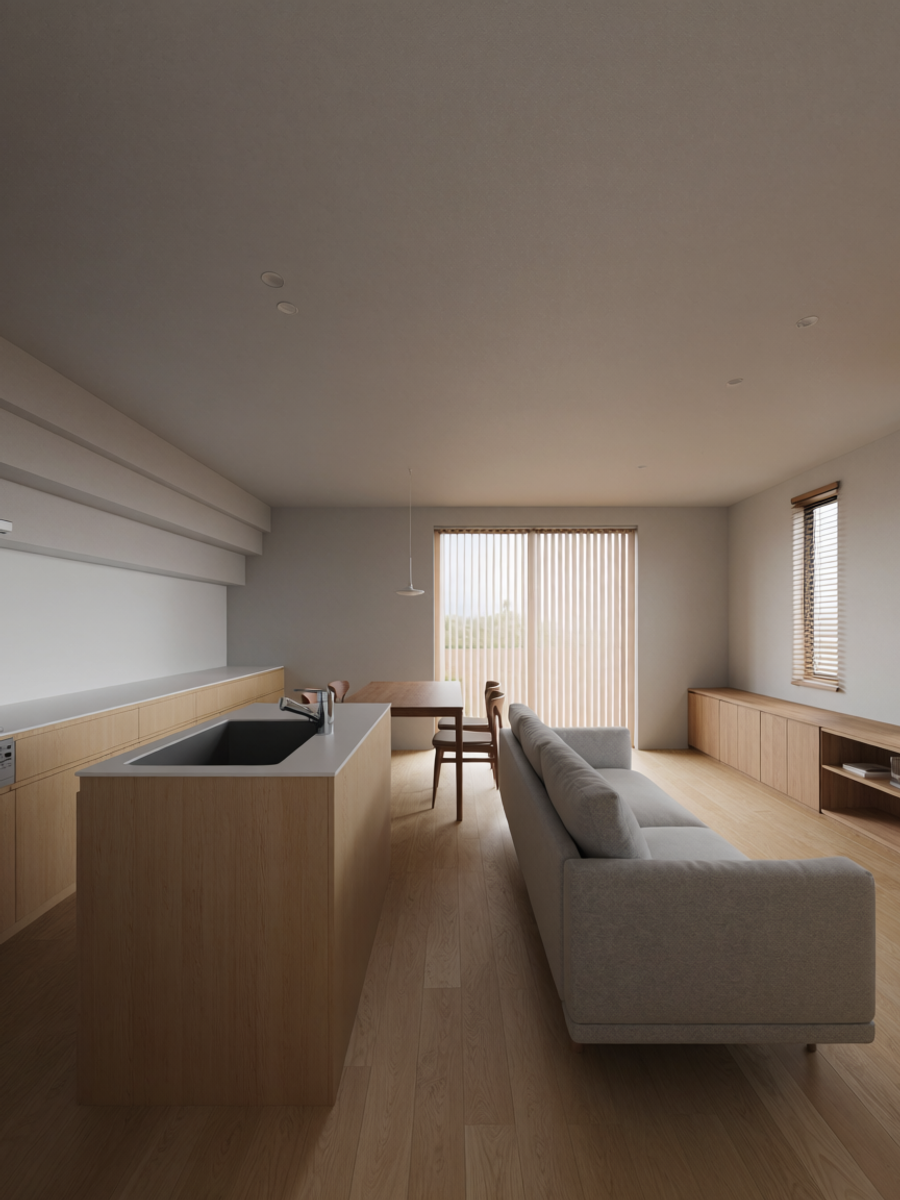
Portrait building concepts generated with Krea 2
Krea 2
Generated in Krea from architectural planning prompts
The best AI tools for floor plans and building concepts
Krea
Krea is best for quickly visualizing building concepts, interiors, facade directions, moodboards, and presentation imagery. It is not a CAD or permit drawing tool. The strength is speed: you can describe a plan, upload visual references, test different models, compare outputs, and turn rough spatial ideas into images that are easier to discuss.
A practical Krea workflow starts with plan logic: “compact courtyard house, two bedrooms, open kitchen and living room, private rear garden, warm brick, clerestory light.” From there, you can generate several visual directions, compare model outputs, refine the prompt, and use references to steer material palette, camera angle, style, and lighting. For architecture-specific inspiration, the Krea architecture page and Krea interior design page show where this fits in a broader design workflow.
Pricing: Krea has a free tier and paid Creator and Business plans on Krea pricing.
Pros: Fast visual iteration; strong for interiors, facades, moodboards, and presentation images; works well after a rough plan or site direction exists.
Cons: Not a CAD/BIM tool; does not validate code, dimensions, structure, or MEP constraints; output should be treated as concept imagery.
Concrete use case: Generate three visual directions for the same apartment layout: warm minimal, gallery-like concrete, and colorful family-friendly interior. Use the strongest image direction as the visual brief for the next design pass.
Maket
Maket is more directly focused on AI floor plans. It is designed around generating residential layouts from requirements like rooms, shape, and square footage, then refining those plans and visualizing style directions.
Pricing: Maket lists a free plan and a Plus plan at $20/month.
Pros: Strong residential floor plan focus; useful for fast option generation; approachable for early home design studies.
Cons: Best fit is residential rather than every building type; generated plans still need professional review; visual output may need a dedicated rendering tool for presentation polish.
Concrete use case: Generate several single-family home layouts for a narrow lot, choose the best adjacency logic, then use Krea to visualize exterior massing and interior atmosphere.
Planner 5D
Planner 5D is useful for homeowners, remodelers, real estate workflows, and interior design planning. It supports AI-generated floor plans, floor plan recognition from uploaded images, and 2D or 3D visualizations.
Pricing: Planner 5D lists a Basic free plan, Premium from $4.99/month, and Professional from $14.99/month after a free trial.
Pros: Friendly interface; useful 2D/3D planning flow; supports plan recognition from images.
Cons: Less specialized for professional architecture constraints than BIM-first tools; complex commercial projects may outgrow it; export and collaboration needs should be checked before committing.
Concrete use case: Upload a rough sketch or existing apartment plan, convert it into an editable layout, test furniture arrangements, then generate a Krea interior concept for client discussion.
Finch
Finch is built for architecture and building design teams. It emphasizes generating building designs, exploring options at scale, and producing detailed floor plans, area calculations, and BIM geometry.
Pricing: Finch lists a Free plan, Basic at EUR49/user/month, and Enterprise at EUR14,500/year for three seats.
Pros: Better fit for professional design teams; useful for area and planning logic; BIM-oriented output can connect to a more technical workflow.
Cons: More expensive than consumer planning tools; may be more tool than a homeowner needs; still requires design judgment and technical validation.
Concrete use case: Test multiple apartment block layout options against area targets, choose promising schemes, then use Krea to generate facade studies and presentation imagery.
Autodesk Forma
Autodesk Forma is aimed at early-stage planning and design. It helps teams explore design concepts, evaluate site conditions, and connect planning work into a broader Autodesk workflow.
Pricing: Autodesk pricing depends on subscription, region, and account context. Check the official Forma page for the current offer and trial availability.
Pros: Strong for feasibility and site analysis; useful for teams already using Autodesk tools; connects early planning with downstream professional workflows.
Cons: Not the simplest choice for quick residential sketches; pricing and procurement can be heavier than creator tools; best value appears in professional team workflows.
Concrete use case: Study massing, daylight, noise, wind, and density for a development site, then use Krea to explore facade and presentation directions for selected concepts.
LookX
LookX is an AI platform specifically oriented toward architecture and interior design. It includes text/sketch-to-render workflows, style tools, prompt assistance, upscaling, and plugins for SketchUp and Rhino.
Pricing: LookX lists a free plan with credits, individual paid plans from $20/month, and team plans from $269/month.
Pros: Architecture-specific rendering features; useful sketch-to-render workflows; good fit for designers who already work in SketchUp or Rhino.
Cons: Credit systems can require planning; not primarily a floor plan generator; image quality depends heavily on references and prompt direction.
Concrete use case: Take a rough facade sketch from a massing model, generate several material directions, then compare the strongest LookX outputs against Krea 2 variations.
Homestyler
Homestyler is strongest for interior design and home planning workflows. Its AI tools include room design, image-to-image interior exploration, 3D planning, floor planner features, and AI render options.
Pricing: Homestyler lists a free tier, Pro from $6.80/month, Master from $11.80/month, and Team from $19.60/seat/month.
Pros: Strong for interiors, staging, and home remodels; approachable 3D planning tools; useful for non-technical users.
Cons: Less suited to professional building systems or code review; exterior architecture workflows are not the main focus; advanced output needs may require paid plans.
Concrete use case: Stage a real estate listing, test three furniture layouts, then use Krea to generate a more editorial hero image for marketing.
Leonardo AI
Leonardo AI is a broader image-generation platform. It is not a dedicated floor plan generator, but it can still be useful for moodboards, concept art, interiors, visual asset exploration, and game environment references.
Pricing: Leonardo AI lists a free plan and paid plans starting at $12/month.
Pros: Flexible general image generation; useful beyond architecture; strong fit for concept art and visual asset workflows.
Cons: Not a measured floor plan tool; not architecture-specific; needs careful prompting and references for design consistency.
Concrete use case: Generate environment art or game asset references for a sci-fi interior, then use Krea to create alternate style directions and presentation-ready images.
Free AI floor plan generators
There are free or free-start options, but the limits matter. Maket, Planner 5D, Finch, LookX, Homestyler, Leonardo AI, and Krea all offer some kind of free tier, free plan, or free credits. That is enough for testing fit, but serious work often runs into limits around exports, credits, commercial features, collaboration, or higher-quality rendering.
For a free-first workflow, start with a layout tool that can produce or recognize the plan, then move to Krea Image for visual exploration. Keep your best prompts and references so you can reproduce a direction once you decide the plan is worth developing.
AI floor plan from sketch or image
This is a specific search intent because many people do not start from a written prompt. They start from a scan, a listing plan, a hand sketch, or a phone photo of a layout. Planner 5D is especially relevant here because it highlights floor plan recognition from uploaded images.
Sketch-to-plan workflows are helpful for remodeling, real estate, and interior design, but they need careful checking. Dimensions can be wrong, walls can be misread, and door or window logic can drift. After the rough plan is digitized, use a visual tool like Krea to explore materials, light, camera angle, and atmosphere.
AI floor plans for architects, interior designers, real estate, and homeowners
Different audiences should choose different tools:
- Architects: Finch and Autodesk Forma are stronger when layout logic, feasibility, analysis, and professional workflows matter. Krea is useful for concept visualization and client-facing exploration.
- Interior designers: Homestyler, Planner 5D, LookX, and Krea are good fits for room planning, furnishing, visual direction, and presentation images.
- Real estate teams: Planner 5D and Homestyler help with layout recognition, staging, and listing visuals. Krea can help create polished marketing images from a chosen direction.
- Homeowners: Maket and Planner 5D are easier starting points for residential plan ideas. Krea helps turn those ideas into images that are easier to evaluate and share.
- Game and environment artists: Leonardo AI and Krea are more useful than CAD-like tools when the goal is asset concepts, interior moods, or worldbuilding rather than measured construction.
Mobile availability
Mobile access matters if you are collecting site references, sketching on the move, or reviewing ideas with clients. Planner 5D, Homestyler, and Leonardo AI have mobile-friendly consumer workflows. Krea is strongest as a web creative workspace, but it is also useful when paired with images captured from a phone, screenshots, sketches, or reference boards.
For professional architecture teams, mobile availability is usually less important than export quality, collaboration, versioning, and whether the output can move into CAD, BIM, or a presentation workflow.
How architects can use AI without losing control
The safest way to use AI in architecture is to separate ideation from documentation. Let AI help you move quickly through rough options, then bring the selected direction back into professional tools and human review.
A practical workflow looks like this:
- Write a short program: site type, number of rooms, approximate area, priorities, constraints, and style direction.
- Generate floor plan options in a layout-focused tool like Maket, Planner 5D, or Finch.
- Select the strongest plan logic: circulation, adjacencies, daylight, private/public zones, and outdoor connection.
- Use Krea or another rendering tool to visualize the building or interior direction.
- Refine the chosen direction in CAD, BIM, or a professional architecture workflow.
This lets AI compress the messy early stage without pretending that a generated plan is finished architecture.
What to check before using an AI-generated plan
AI can produce confident-looking layouts that still fail basic real-world requirements. Before treating a generated plan seriously, check:
- Door swings, corridor widths, stair logic, and bathroom clearances.
- Window placement, daylight, ventilation, privacy, and orientation.
- Structural spans, shafts, service zones, and wet-wall alignment.
- Local zoning, accessibility, egress, fire safety, and building code requirements.
- Whether dimensions are real, editable, and exportable.
For client-facing work, the best AI output is often not the final plan. It is the conversation starter that helps everyone decide what should be developed next.
FAQ
Frequently asked questions
Can AI generate floor plans?
Are there free AI floor plan generators?
Can AI generate floor plans from a sketch?
Can Krea generate floor plans?
What is the best AI tool for floor plans?
What is the difference between AI floor plan tools and CAD?
Are AI-generated floor plans accurate?
Can AI replace an architect?
How do architects use AI for building concepts?
Visualize building concepts in Krea
Start with a plan idea, site description, or interior layout prompt, then generate architectural directions with Krea.
Try Krea Image