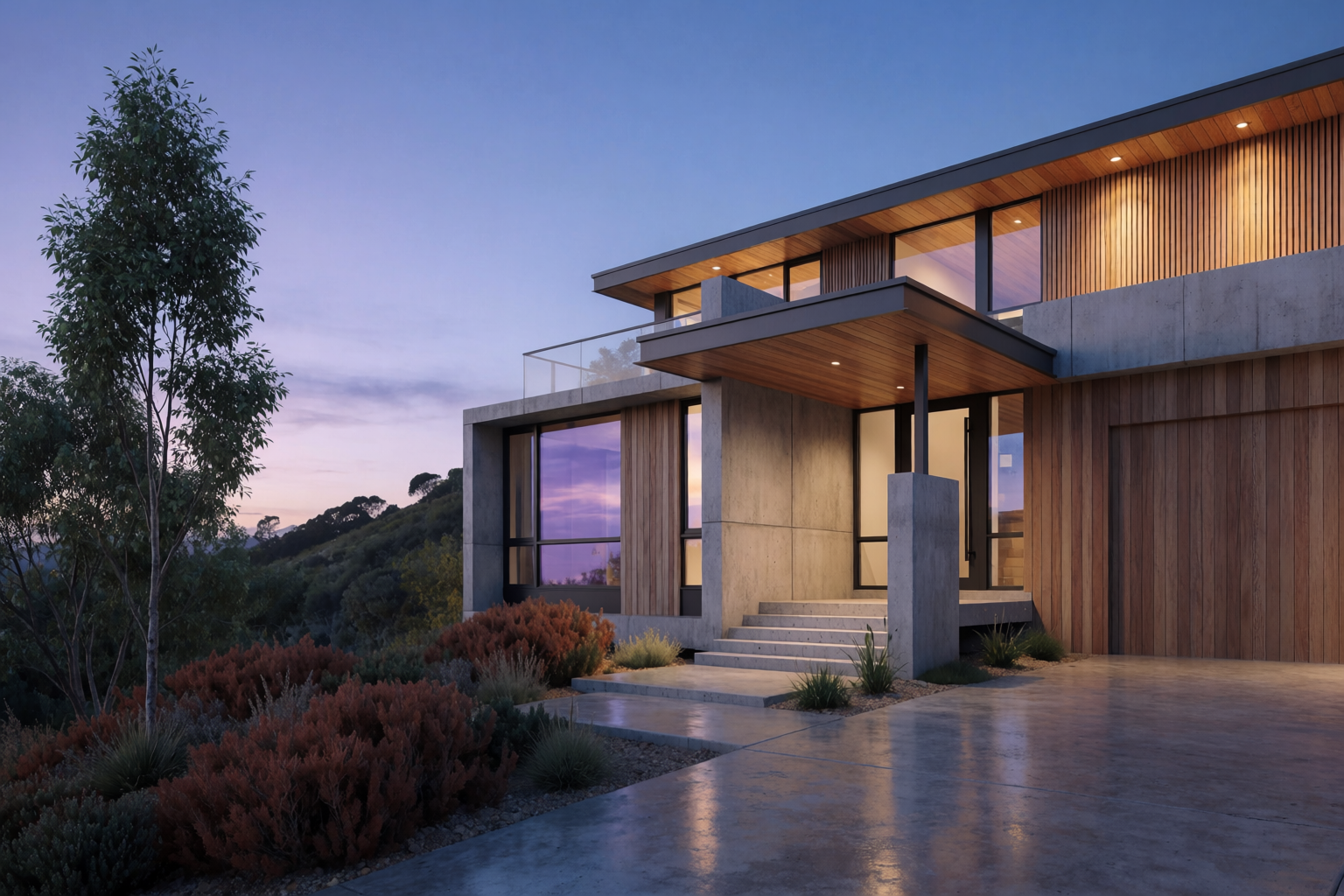
The moment a client says “I love the design — but what would it look like in stone instead of concrete?” is the moment a traditional visualization pipeline starts a multi-day re-render. With Krea 2, it is a five-minute conversation.
This article walks through material and lighting variations of the same building — the kind of comparisons that make or break the material spec.
How material studies work
- Generate a hero render of the building you want to study.
- For each variation, write a tight prompt that changes only the material or the lighting. Keep every other word identical.
- Generate. Compare side by side. Decide.
The trick is consistency in the prompt. Drift in any non-material word will produce visual drift in non-material ways.
Compare four facades in minutes
Swap stone, timber, concrete, and zinc on the same building — no re-render required.
Swap a materialOne building, four materials
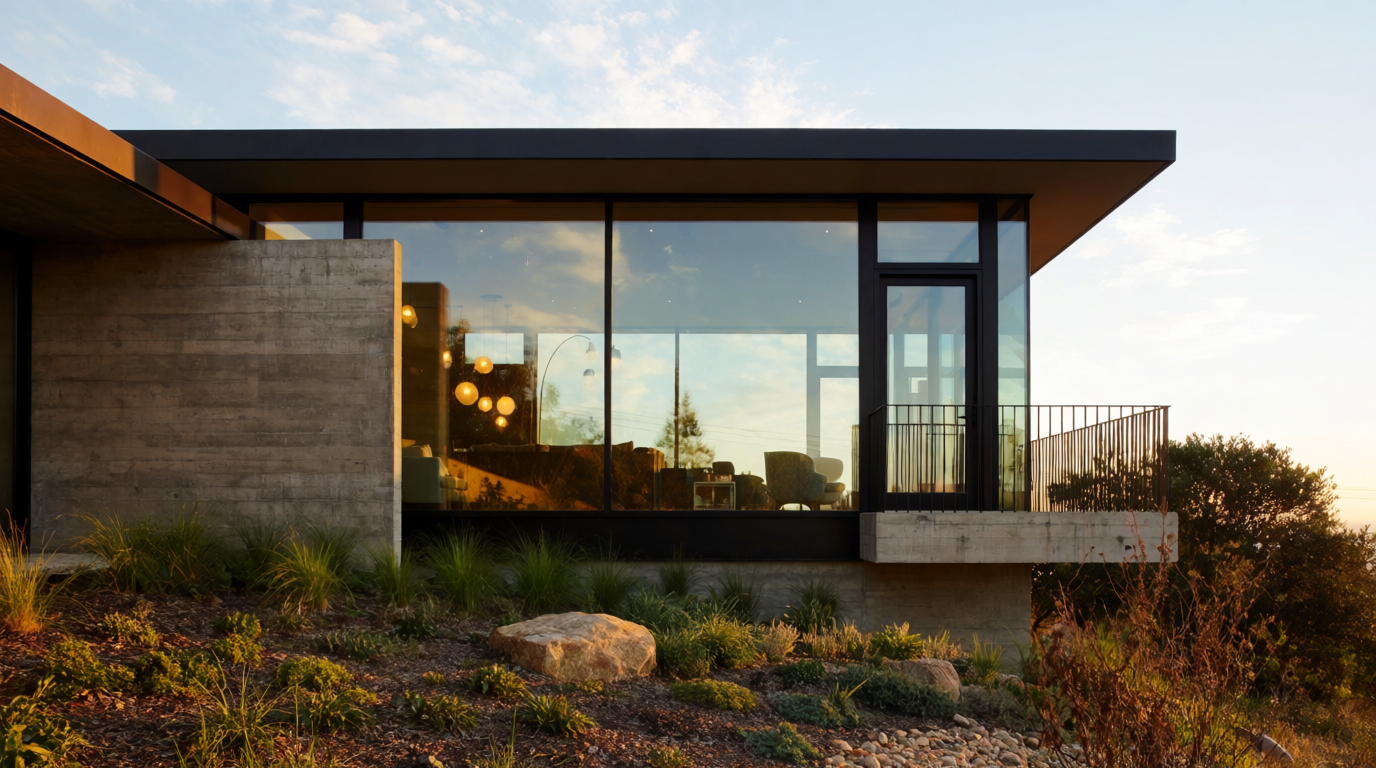
Same hillside house, same plant palette, same time of day. Four facade materials.
Material studies — same building, different facade
Fair-faced concrete, vertical cedar timber, natural limestone block, dark zinc standing seam.
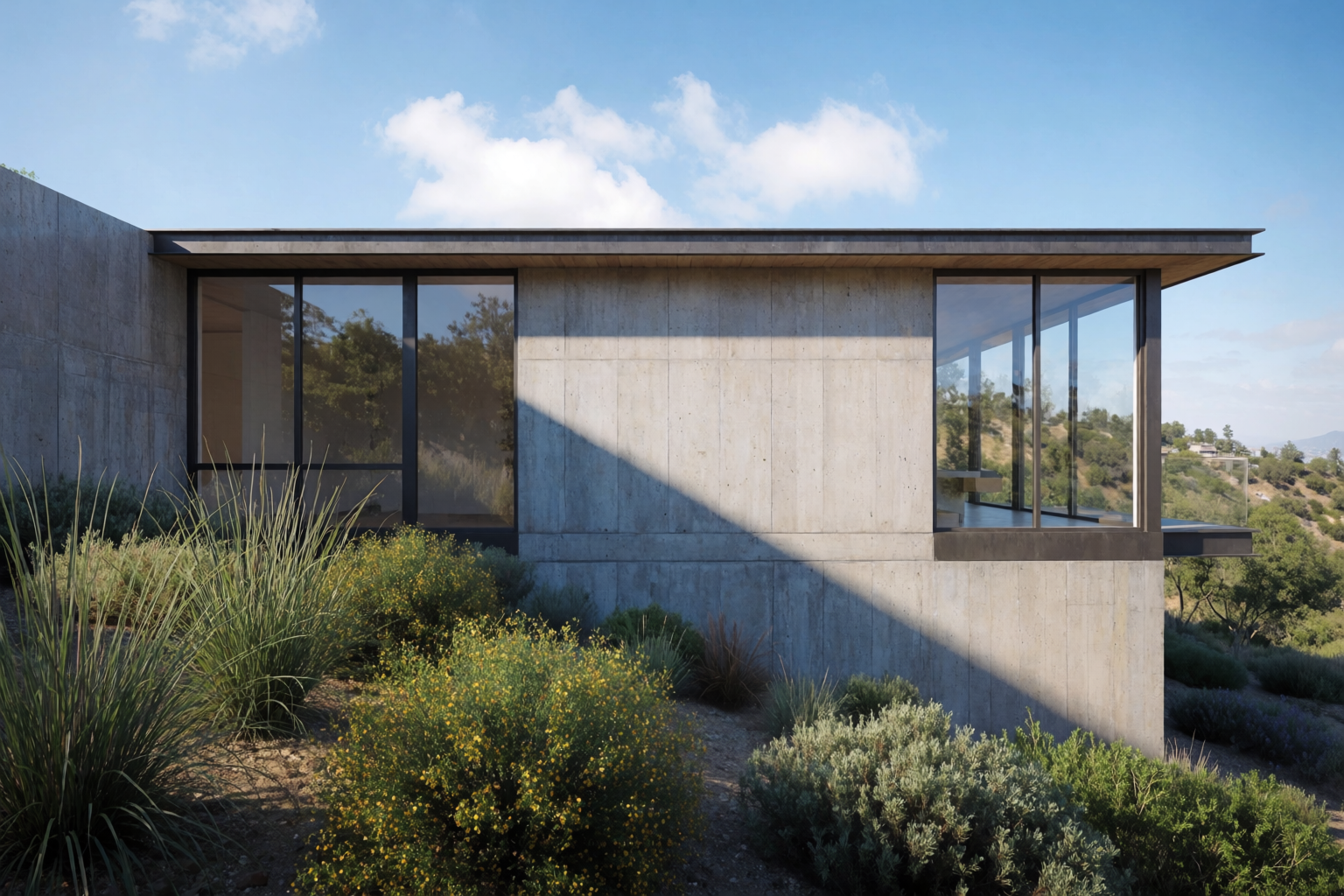
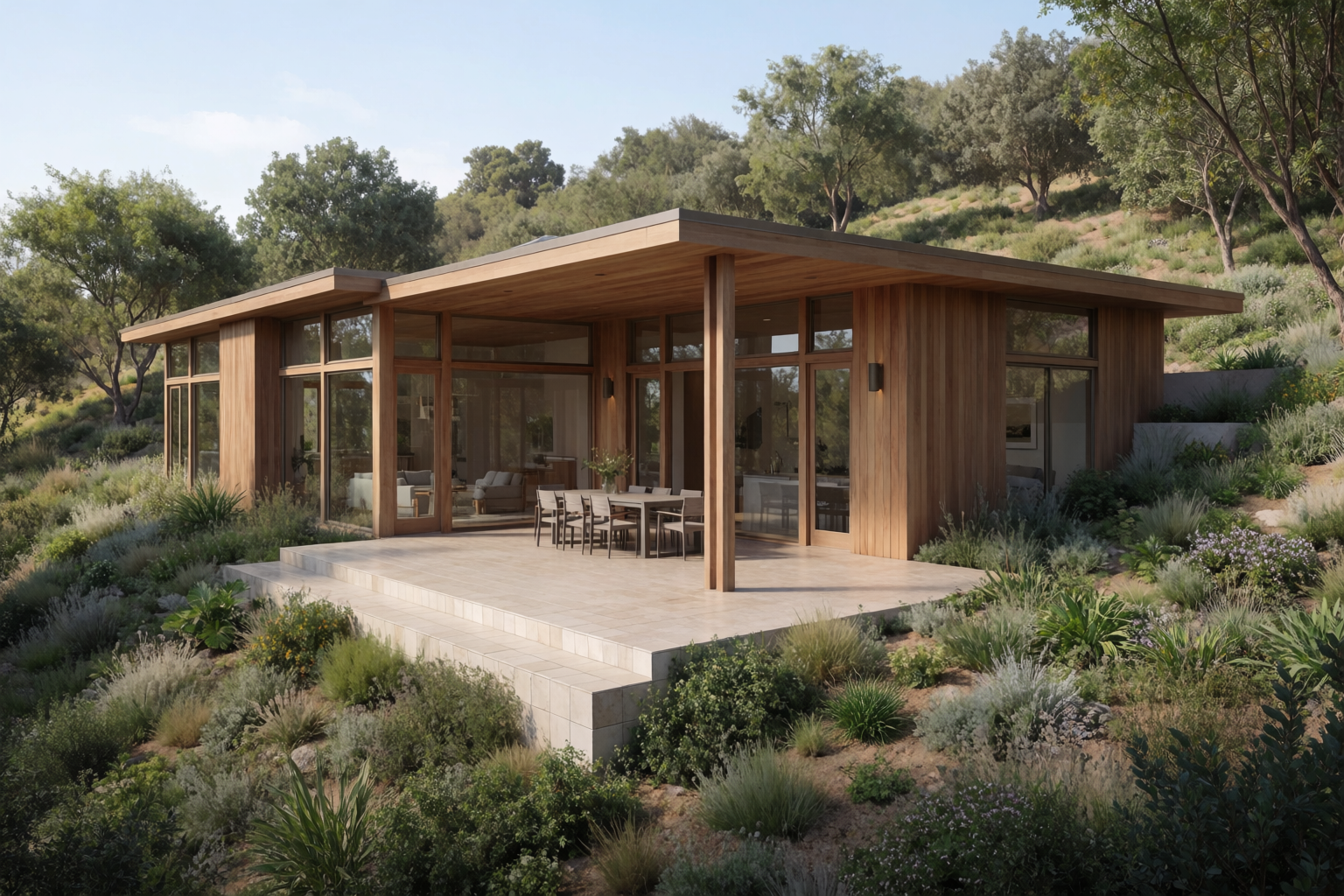
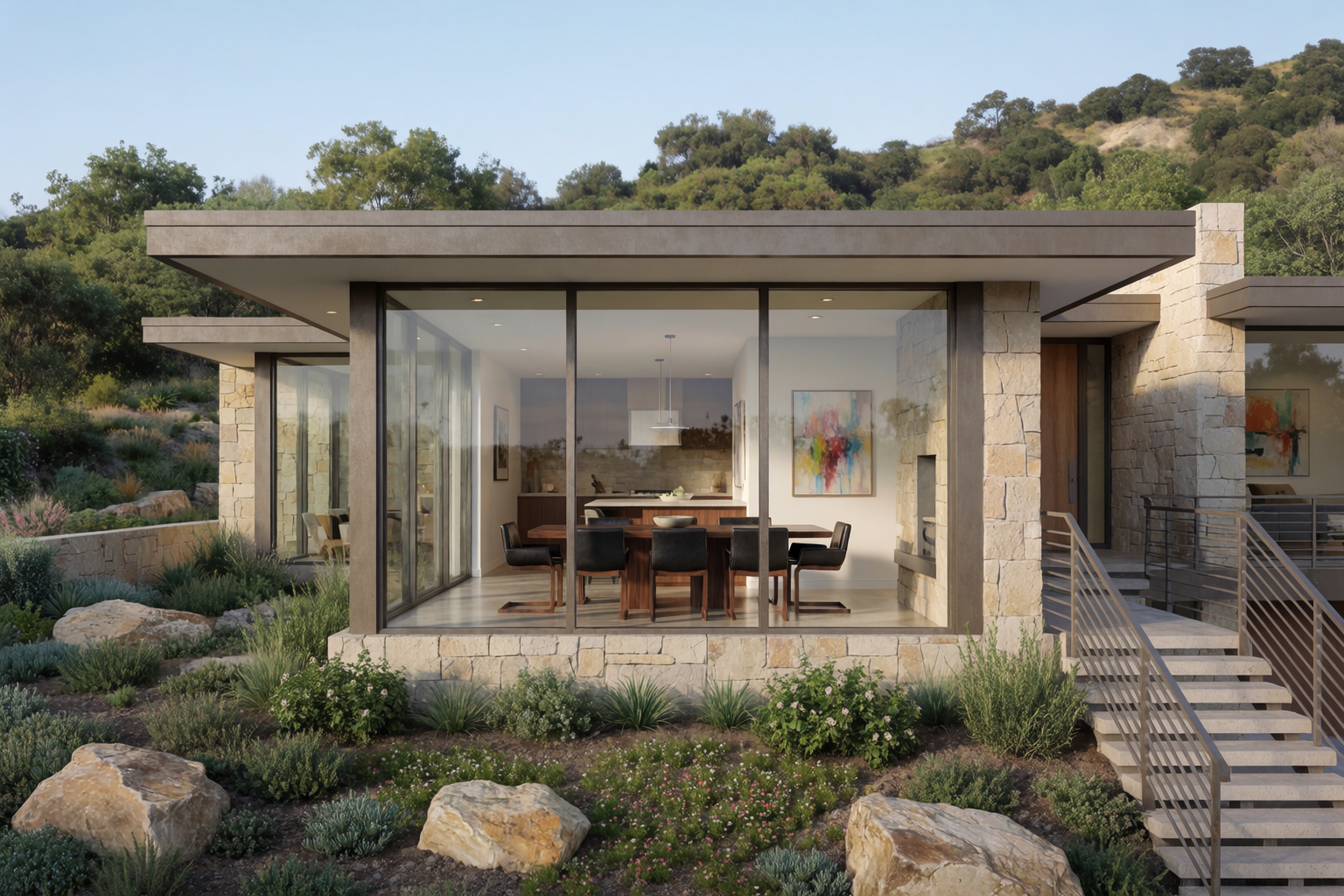
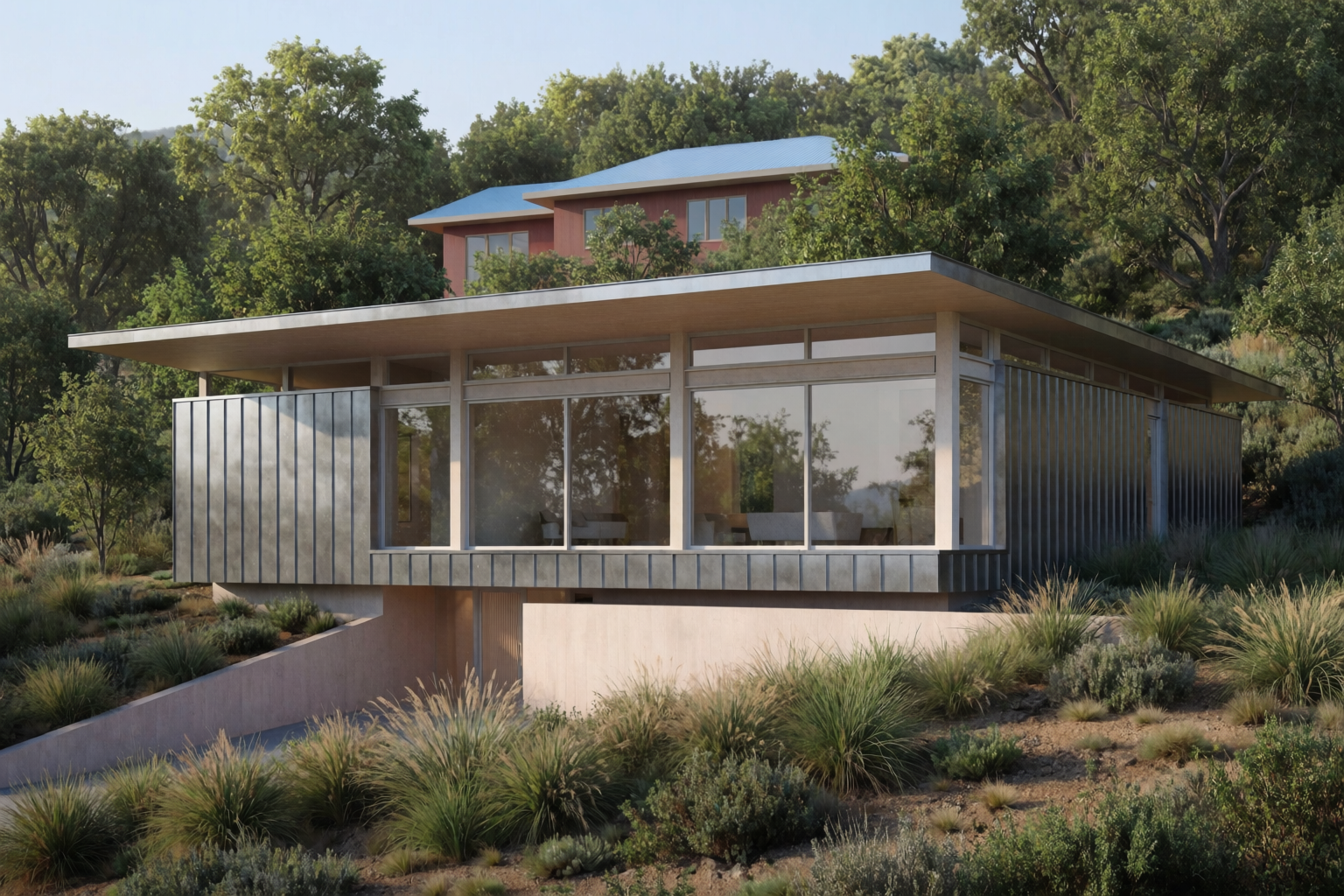
The prompts vary in exactly one phrase. Everything else — “contemporary single-family hillside house,” “flat roof,” “floor-to-ceiling windows,” “native landscaping,” “midday clear light” — stays the same.
One building, four lights
Same hillside house, same material spec (warm timber and concrete), four times of day and weather conditions.
Lighting studies — same building, different time
Early morning golden, midday clear, soft overcast, dramatic stormy late afternoon.
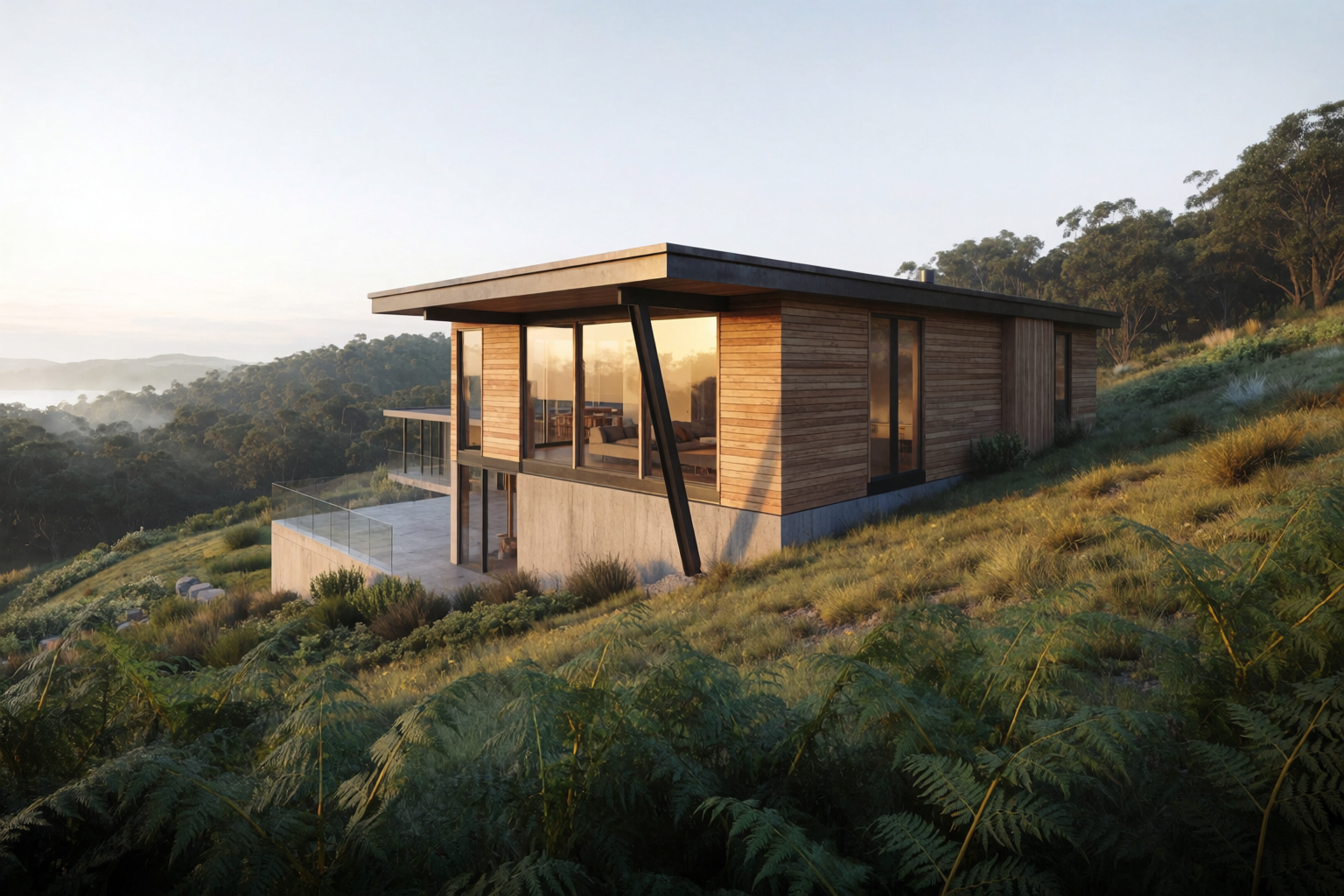
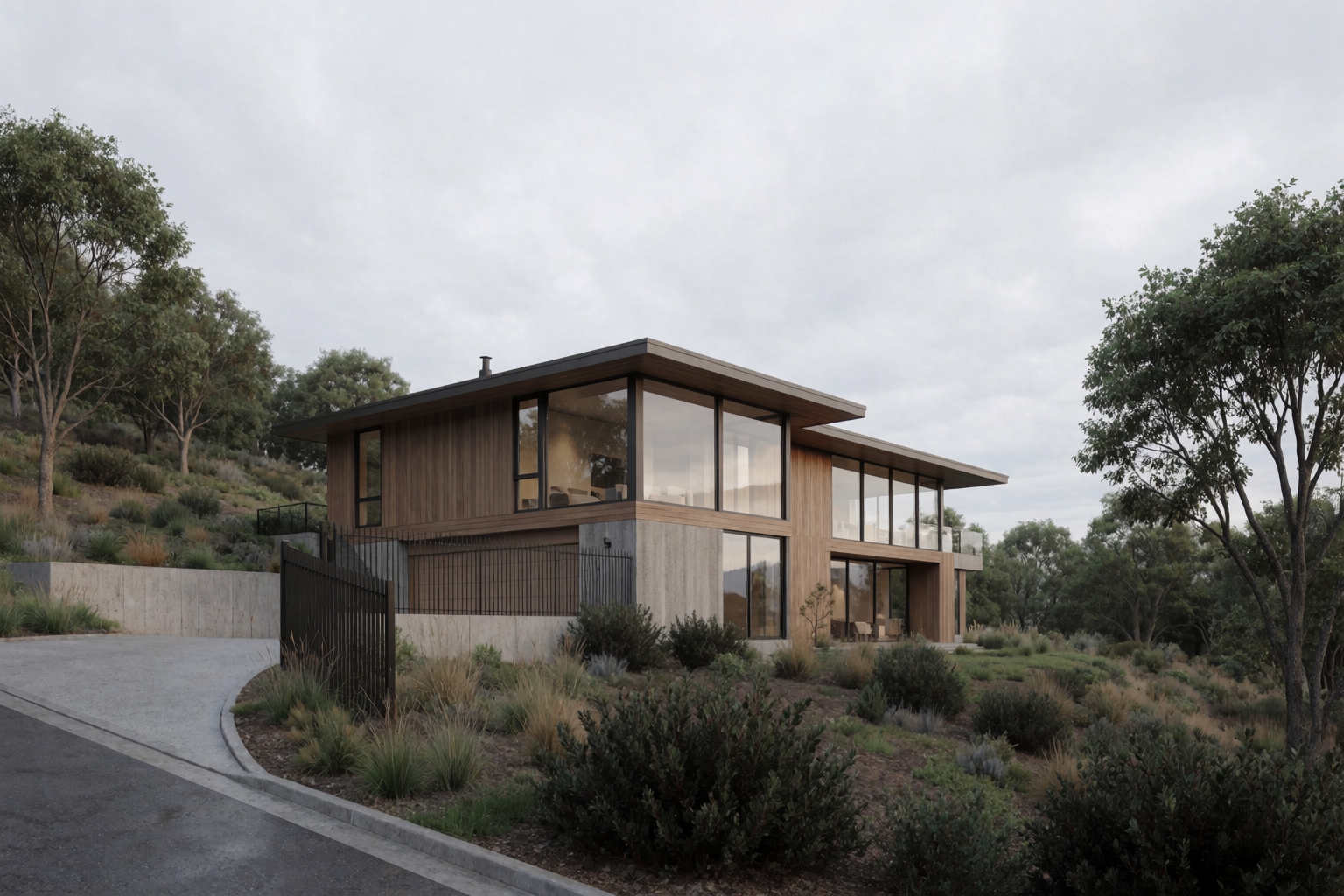
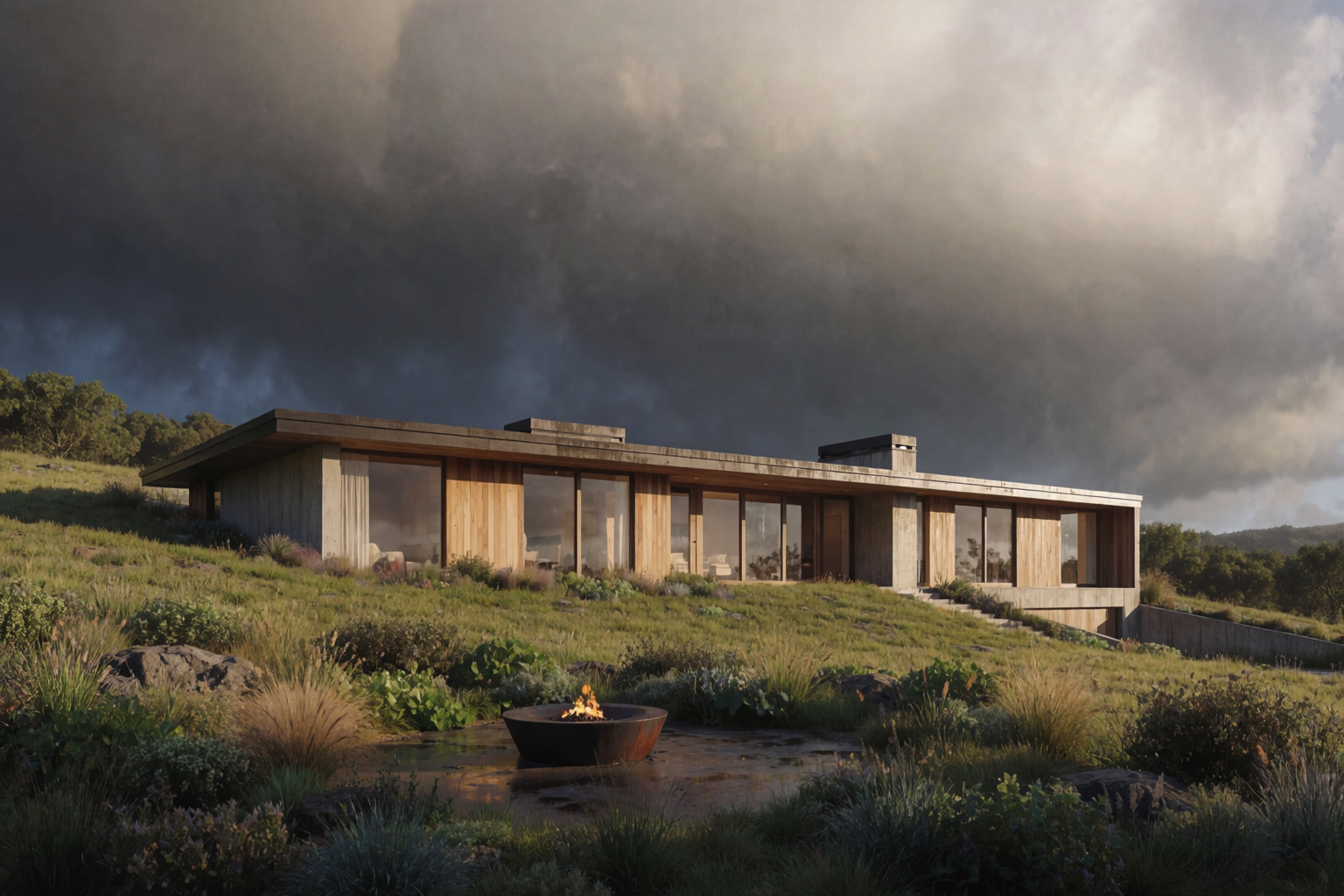
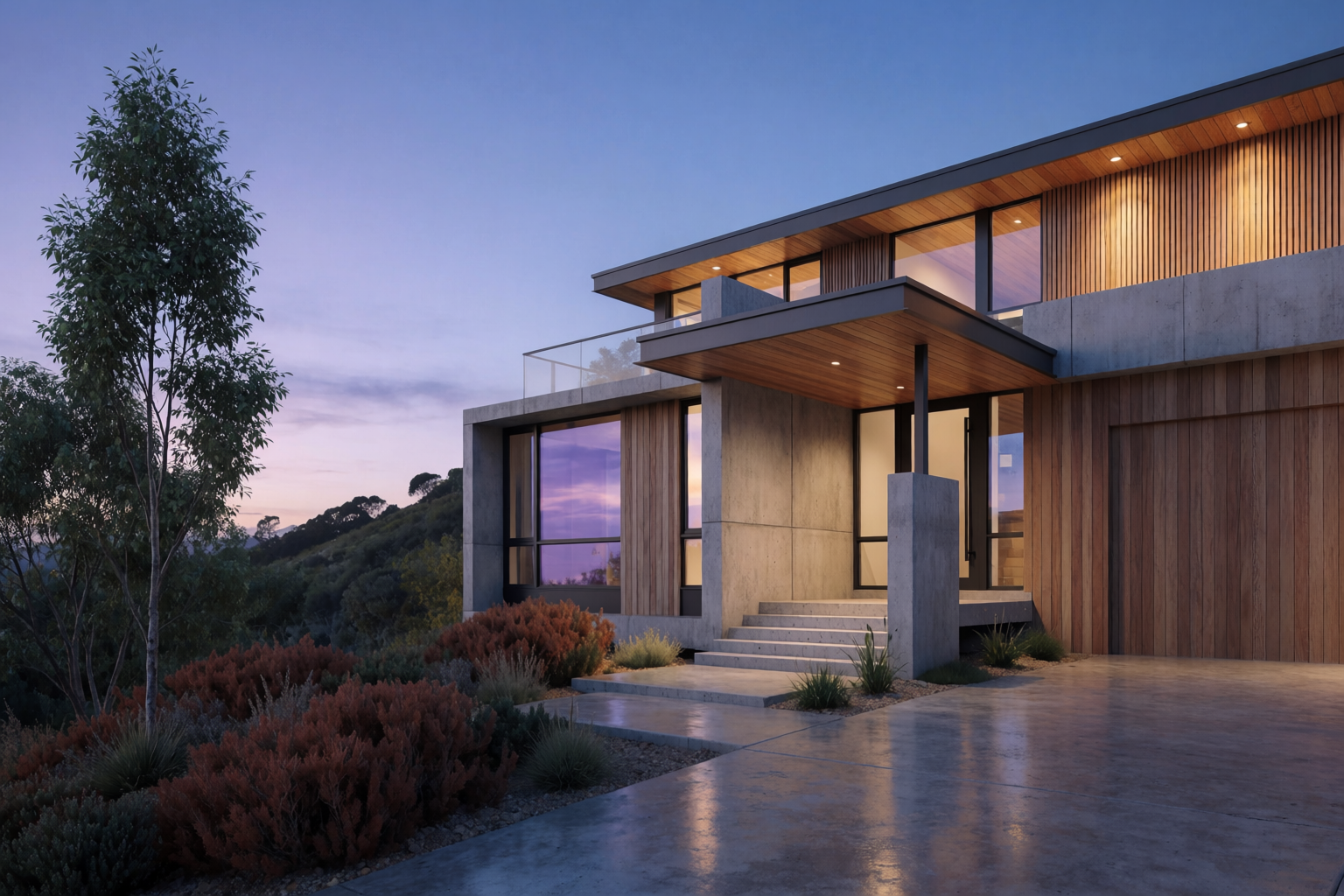
Lighting studies are arguably more useful than material studies for client communication — they show how the building will feel at different moments of the day, not just how it will look in the catalogue.
Prompt patterns for material studies
- Lock everything except the material. Use the same base prompt for every variation, changing only the material phrase. Drift kills the comparison.
- Name materials with precision. “Fair-faced concrete” is not the same as “polished concrete” is not the same as “board-formed concrete.” Specificity matters.
- Match the lighting to the material. Some materials read best in specific conditions — concrete in overcast, timber in golden hour, zinc in dramatic side light, stone in midday. Pair them deliberately.
- Generate the full grid before judging. Looking at one material in isolation is misleading. Always view the full set side by side.
Prompt patterns for lighting studies
- Pick a single material spec and lock it. Material drift across lighting variations defeats the purpose.
- Specify the light precisely. “Soft early morning golden light from the side, long shadows, mist in the foreground” is much stronger than “morning light.”
- Include the weather. Rain, fog, overcast, clear, stormy. Each one changes the feel completely.
- Add or remove people for time of day. Morning has commuters. Midday has nobody. Evening has pedestrians. Night is empty. The model will respect human density cues.
Where this fits in a project
Material and lighting studies are the deliverable for two specific conversations:
- Final material selection with the client. The point in a project where the design is locked but the spec is open. Four facade variations in a side-by-side grid resolve months of arguments.
- Presentation atmosphere. The point where you have to pick the one render for the marketing site, the planning submission, the client deck. Generating six lighting variations of the same locked design and choosing the strongest is how professional viz studios have always worked. Now you can do it in an hour.
Run a material study in Krea 2
Free to start. Side-by-side comparison and Krea Edit included on every plan.
Open Krea 2