Photorealistic architectural rendering is one of the clearest places where AI can save time, but the phrase can mean a few different things. Sometimes you need to turn a rough prompt into a beautiful concept image. Sometimes you need to render a SketchUp, Revit, Rhino, or Archicad model without losing the design. Sometimes you need fast visual options for a client before the final archviz pass begins.
Quick answer: For fast, flexible photorealistic architectural renders from prompts, references, and early visual ideas, start with Krea. For architecture-specific sketch-to-render workflows, compare LookX, Veras, PromeAI, and mnml.ai. For production scenes built from real 3D models, D5 Render is closer to a traditional renderer with useful AI assists.
Last tested: May 28, 2026. AI render tools change quickly, especially pricing, credit systems, and model access, so always confirm current details on each product’s official pricing page before buying.
What counts as a photorealistic AI architectural render?
A photorealistic AI architectural render is an image that makes a building, interior, landscape, or urban scene look convincingly real. The best tools handle believable materials, daylight, scale, reflections, camera perspective, furniture, landscaping, and atmospheric detail without making the architecture feel melted or inconsistent.
The important question is not only “does the image look real?” It is also “does the image preserve the design?” For early concept work, a beautiful variation may be enough. For client approvals, real estate, competitions, or documentation-adjacent work, the render needs to respect geometry, openings, proportions, materials, and spatial intent.
Create a photoreal render now
Prompt a facade or interior and get a client-ready visual direction before any 3D modeling.
Open Krea ImageHow we evaluated these tools
We looked at each AI rendering tool through a practical architecture workflow:
- Can it create convincing photorealistic architecture or interiors?
- Does it work from prompts, sketches, screenshots, photos, or 3D models?
- How well does it preserve geometry and design intent?
- Is it better for early concepts, client presentations, real estate, or production rendering?
- Is pricing clear enough for solo creators, studios, or teams?
Krea is evaluated as a fast visual ideation and rendering tool. It is not CAD or BIM, and it should not replace technical documentation. Its strength is moving quickly from a brief, reference, sketch, or layout idea into high-quality visual directions.
Best AI architectural render tools compared
| Tool | Best for | Input style | Output | Pricing note | Standout feature |
|---|---|---|---|---|---|
| Krea | Fast photorealistic concepts, interiors, facades, moodboards | Prompts, references, image guidance | High-quality generated images and variations | Free tier plus paid plans on Krea pricing | Fast model comparison and visual exploration with Krea 2 |
| LookX | Architecture and interior sketch-to-render workflows | Text, sketches, references, plugins | Architecture-specific renders and upscaled images | Free plan, individual plan listed at $20/month, team plan listed at $269/month | Architecture-focused rendering with SketchUp and Rhino workflow support |
| Veras | Rendering from existing design models | Revit, SketchUp, Rhino, Forma, Archicad, Vectorworks, web | AI render variations from model screenshots or geometry | Pricing handled through EvolveLAB/Chaos purchase and licensing flow | Geometry override controls for preserving or loosening model fidelity |
| PromeAI | Sketch rendering, architecture concepts, interiors, product-style visuals | Sketches, screenshots, photos, prompts | Sketch-to-render, architecture generator, interior/exterior visuals | Free plan lists 10 coins/month; paid plans use monthly coin allowances | Broad design toolset with sketch rendering and region editing |
| mnml.ai | Architecture-specific rendering and enhancement | Prompts, sketches, plans, existing renders | Interior, exterior, landscape, masterplan, enhancer outputs | Free trial; credit-based paid plans with rollover rules | Purpose-built architecture rendering tools and render enhancer |
| Midjourney | Highly aesthetic concept images and moodboards | Text prompts and image references | Polished concept renders and visual directions | Paid plans listed from $10/month | Strong image taste and atmospheric architectural concepts |
| Leonardo AI | General photoreal concept generation and asset workflows | Prompts, references, trained styles | Images, textures, concept art, design visuals | Free plan; paid individual plans listed from $12/month | Flexible model ecosystem beyond architecture-only use cases |
| D5 Render | Production visualization from actual 3D scenes | 3D models, live sync, materials, references | Real-time ray-traced renders, animations, AI-assisted scenes | Community free plan; Pro listed at $30/month; Teams listed at $59/month | Traditional real-time renderer with AI concept, material, and post tools |
Krea
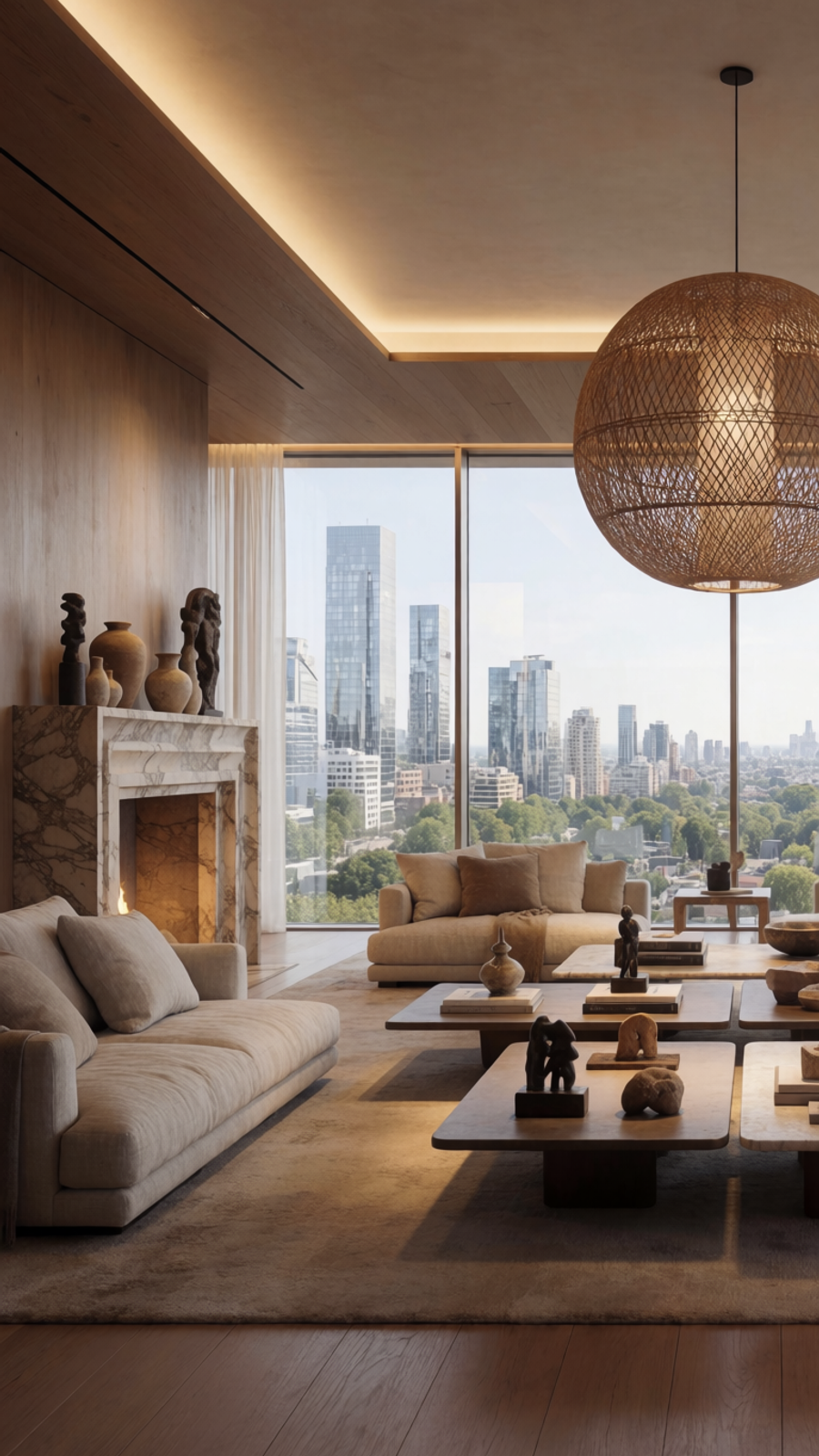
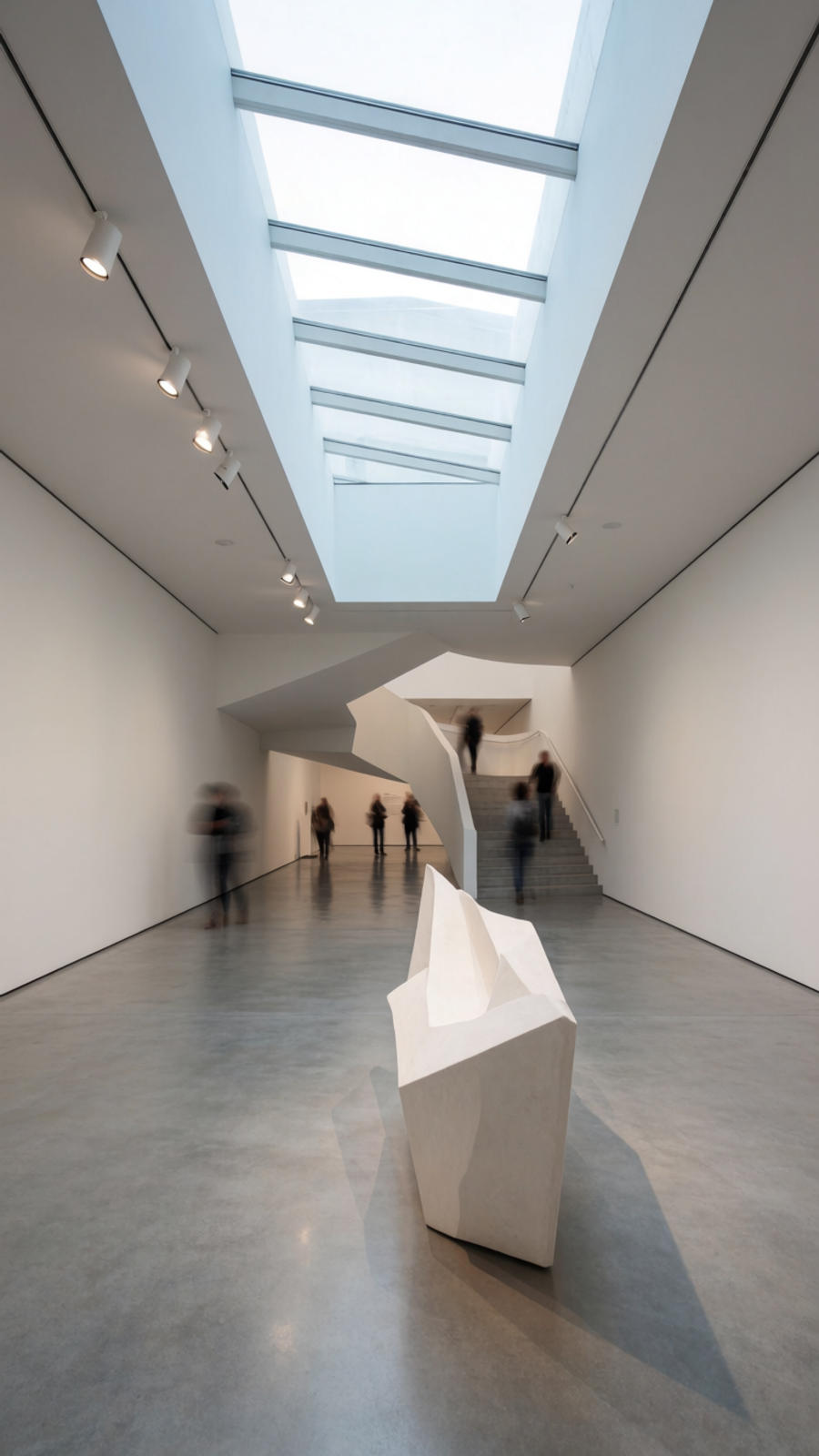
Krea is the best starting point when you want to generate photorealistic architectural directions quickly. You can write a prompt, bring in references, compare model outputs, refine a mood, and generate polished visuals before committing to a slower 3D or CAD workflow.
Krea is especially useful for early exterior concepts, interior atmospheres, facade studies, real estate-style hero images, competition moodboards, hospitality interiors, and design alternatives. If you already have a floor plan, sketch, massing screenshot, or material direction, you can use that as the creative brief for a more realistic render.
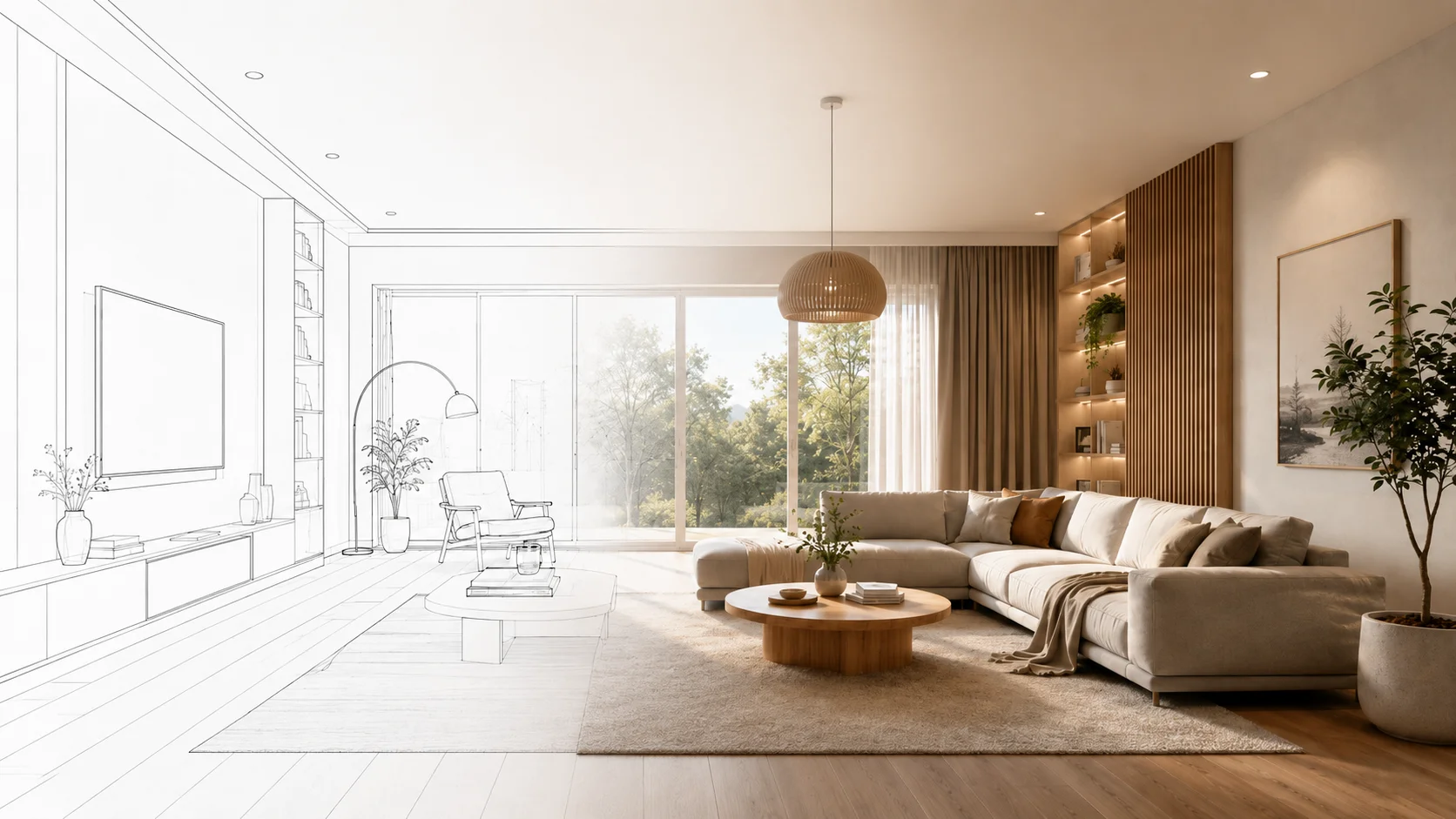
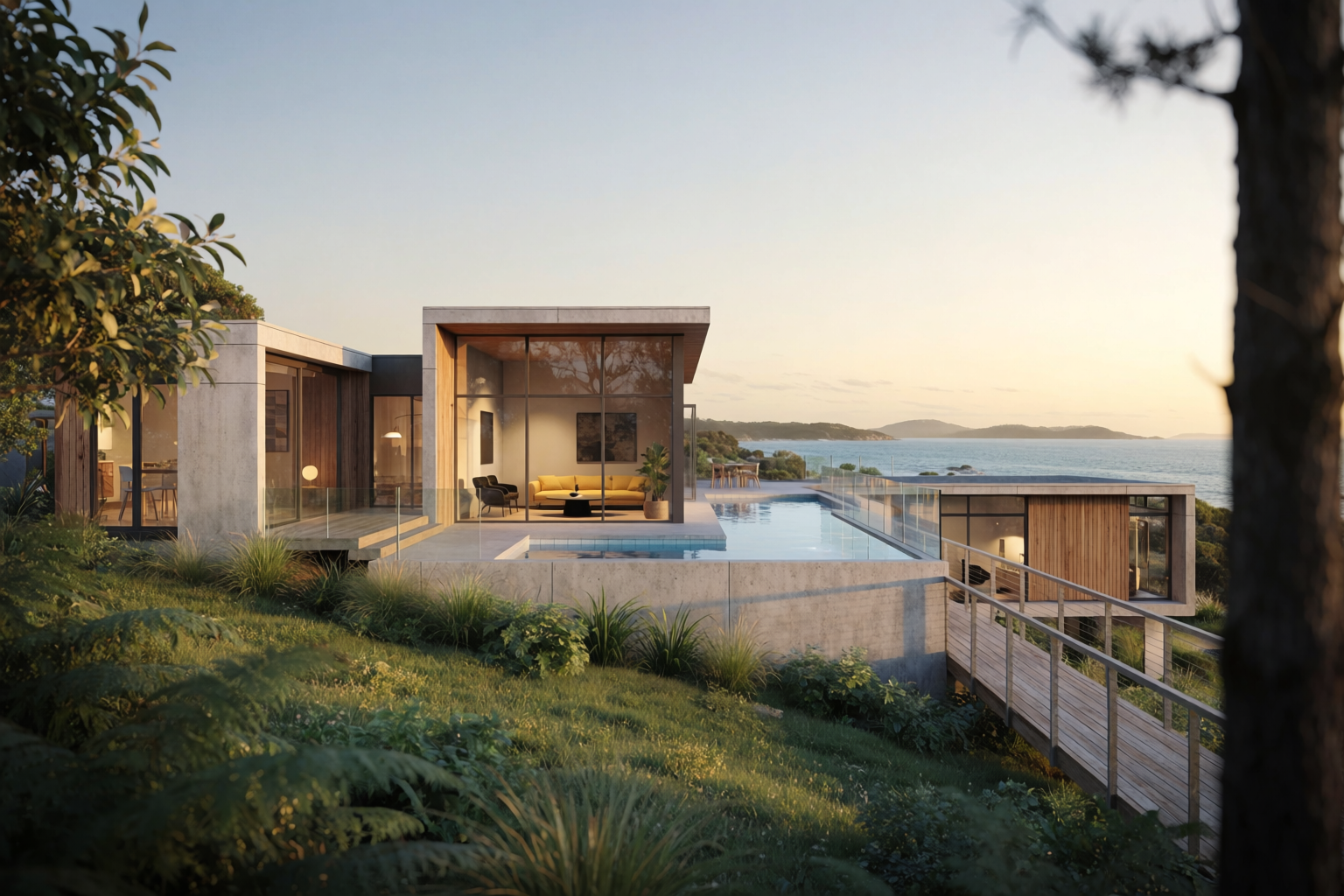
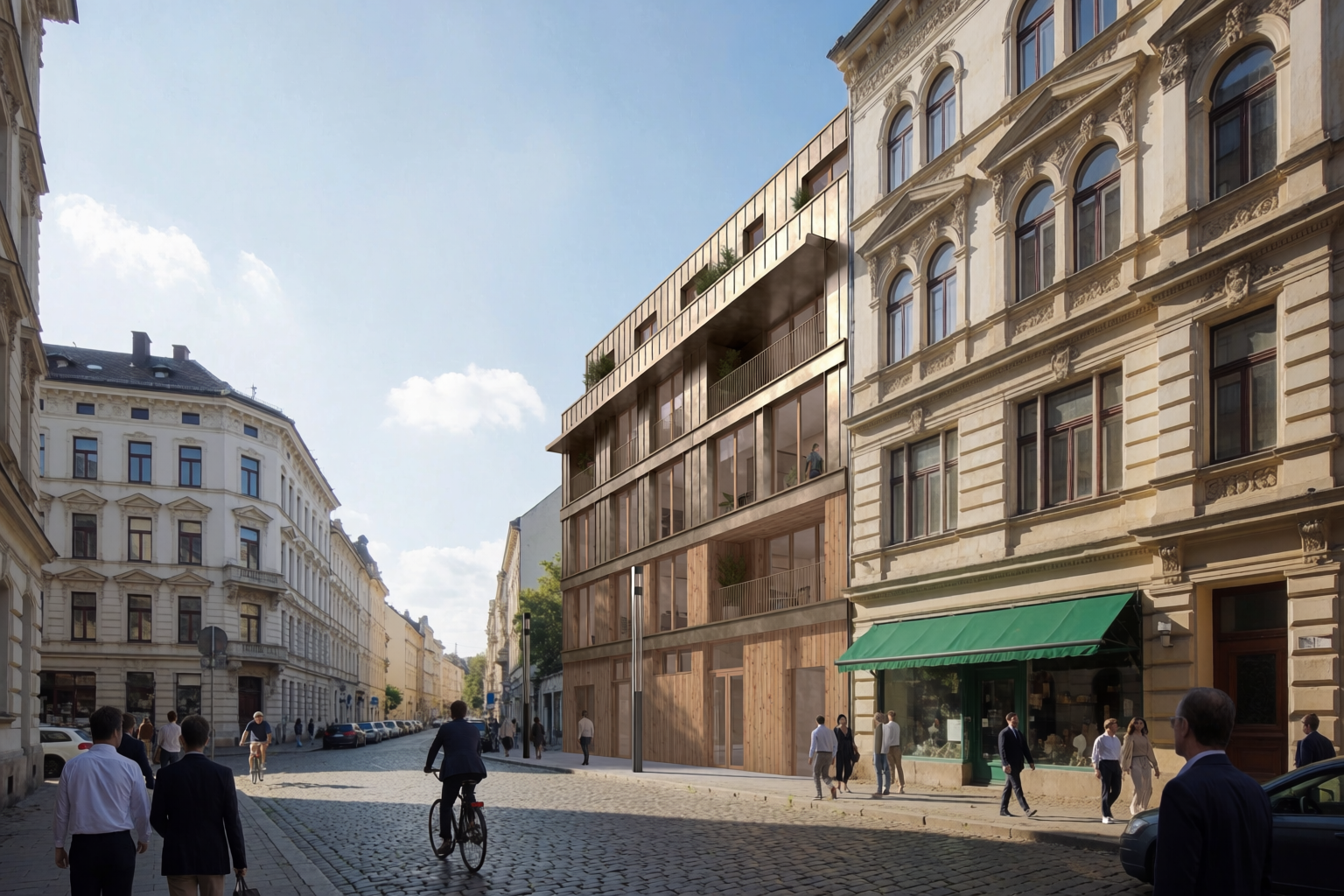
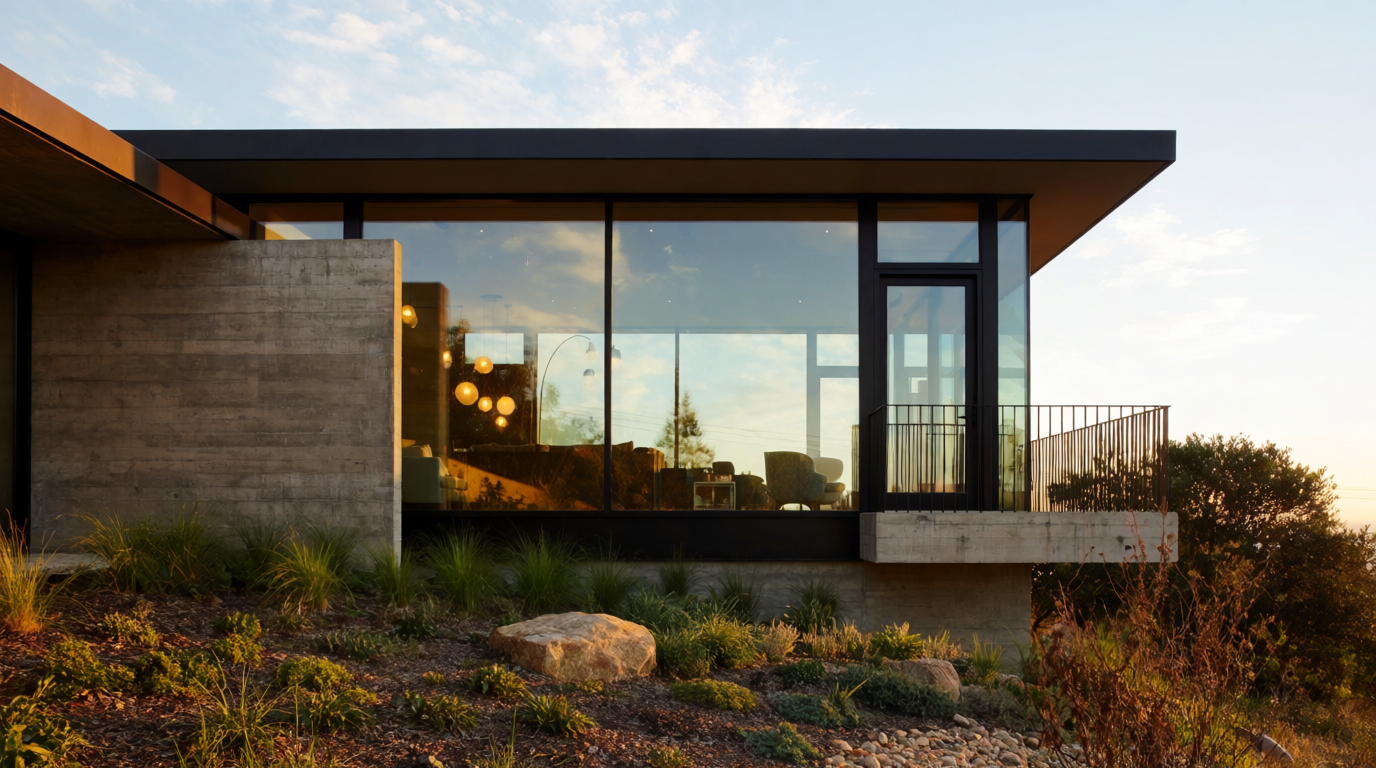
3x2 portrait architectural render showcase generated with Krea 2
Krea 2
Generated in Krea from architectural rendering prompts
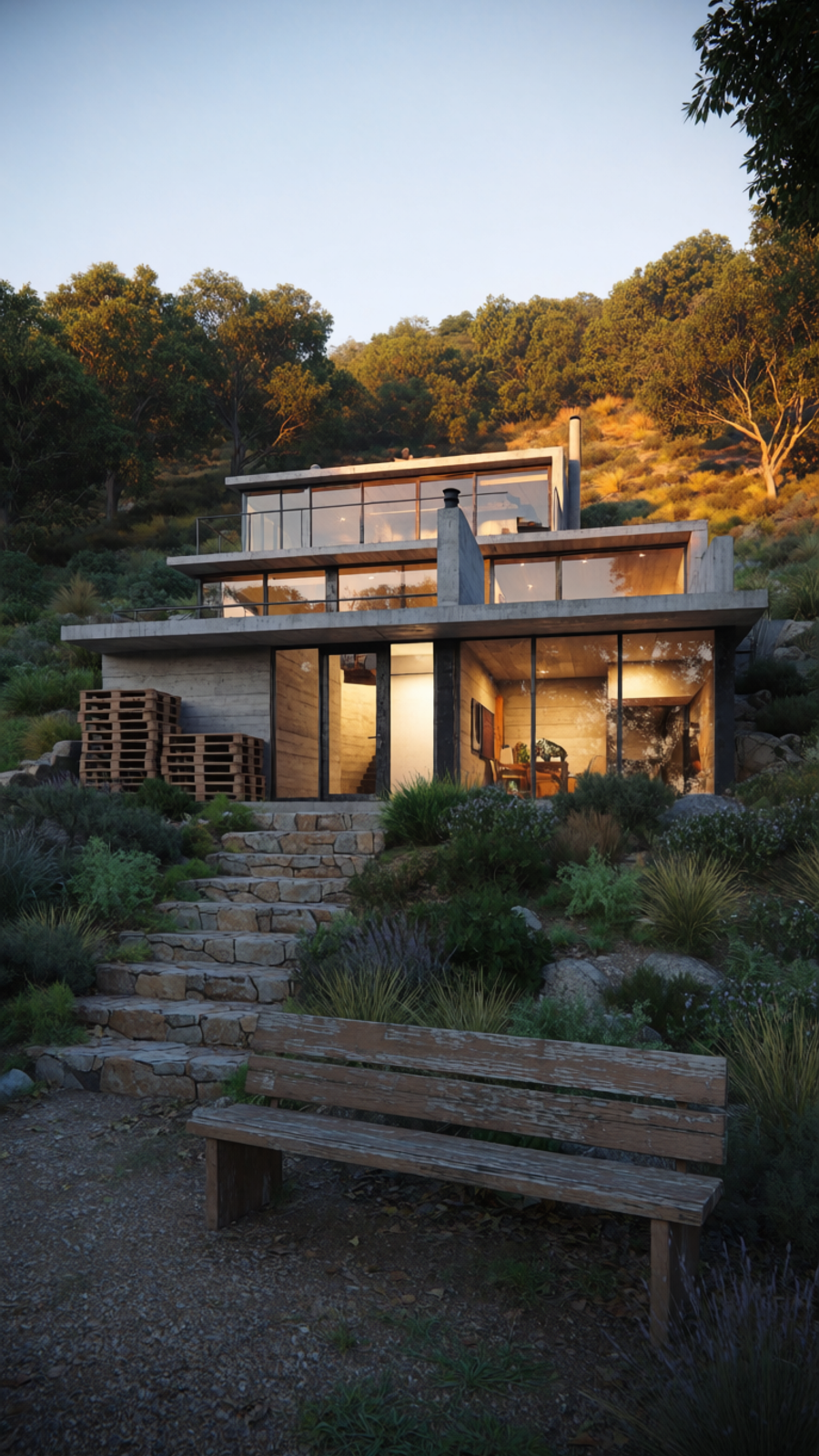
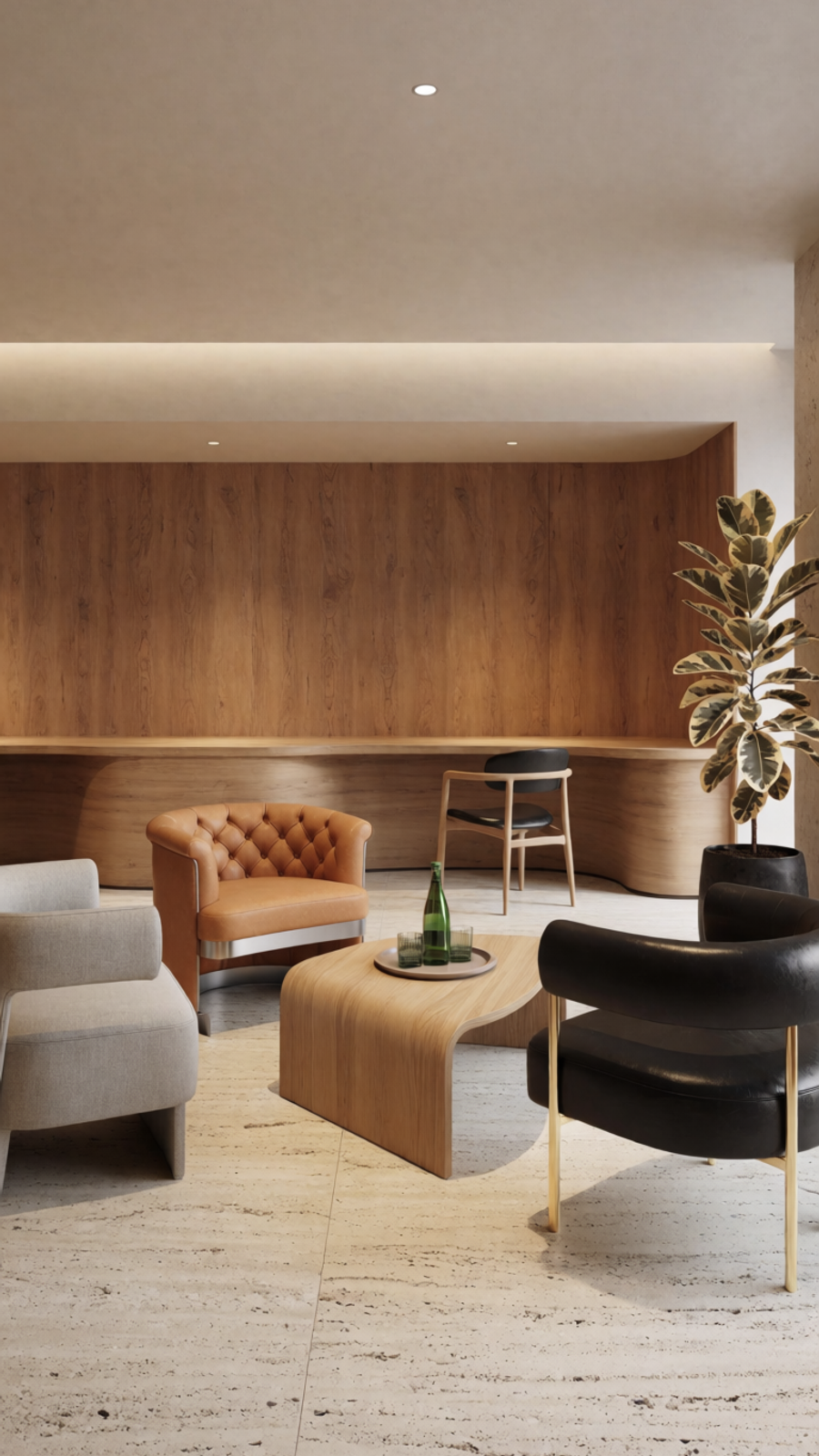
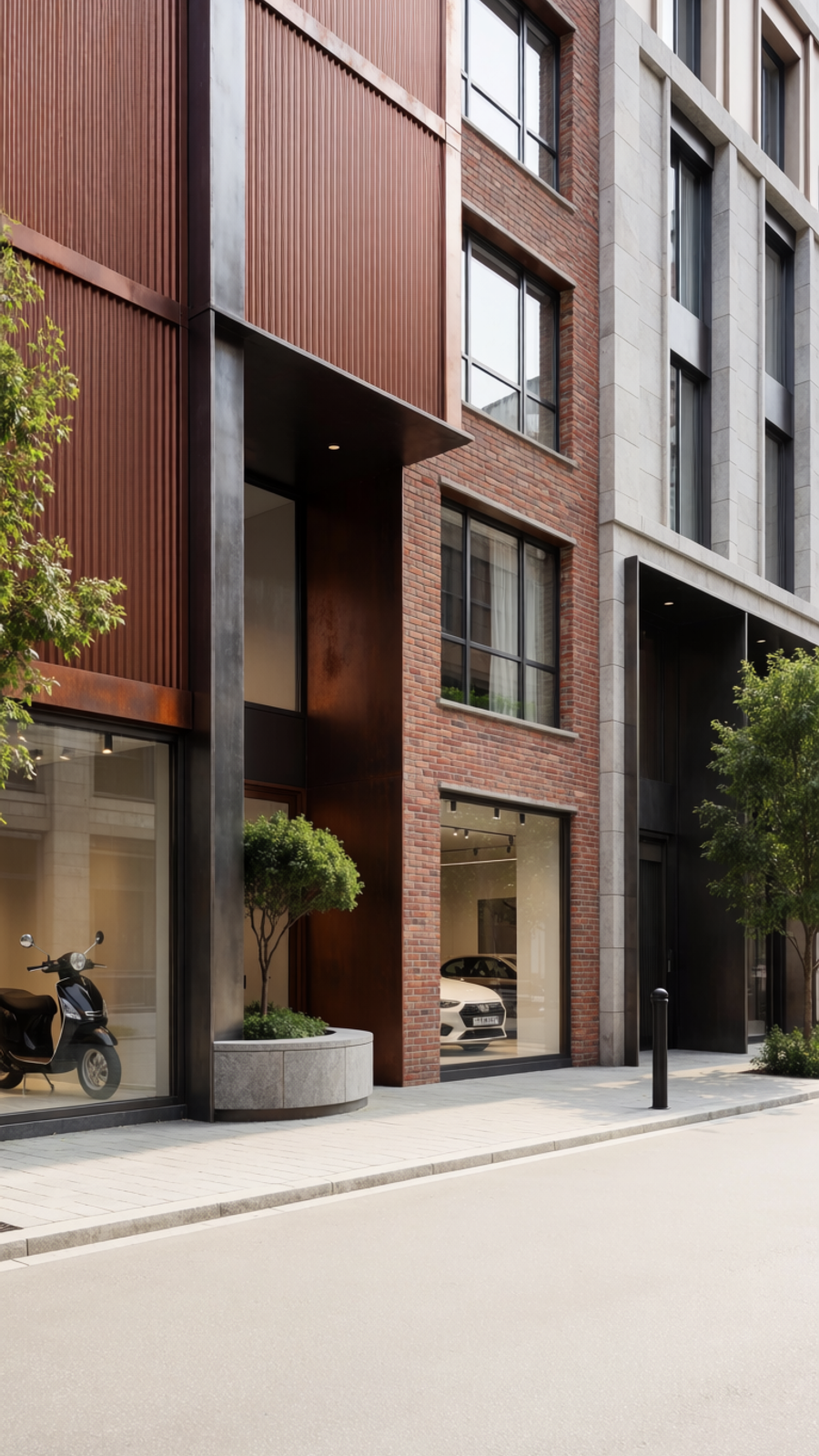
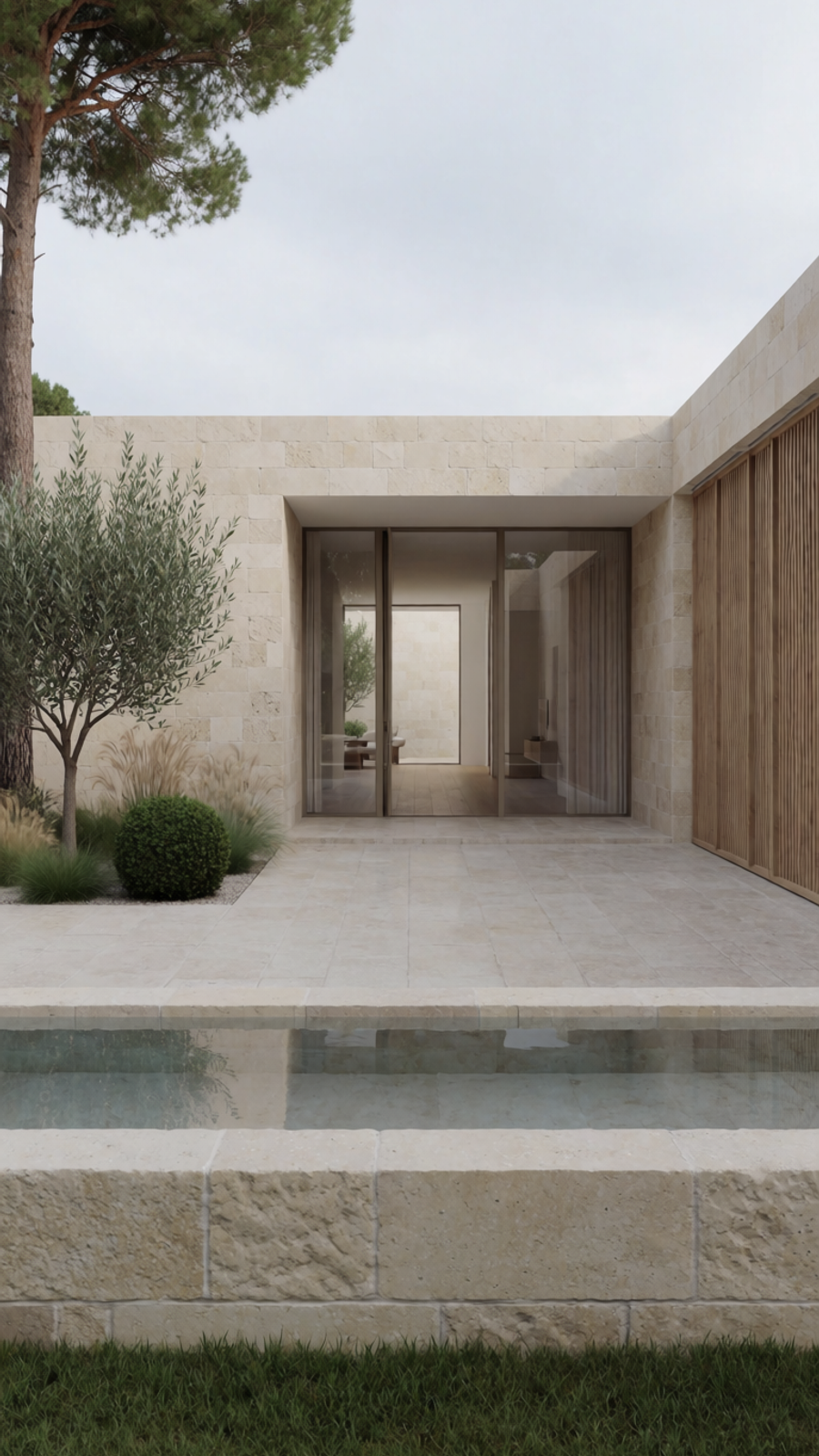
Pricing: Krea has a free tier and paid plans on Krea pricing.
Pros: Fast iteration; strong for photoreal concepts, interiors, facade mood, and material atmosphere; works well with references and visual comparison.
Cons: Not a measured CAD/BIM renderer; will not automatically preserve exact geometry unless the workflow is set up carefully; technical validation still belongs in professional tools.
Best use case: A studio needs three photoreal directions for the same boutique hotel lobby before modeling every detail. Generate options in Krea, choose the strongest mood, then develop the final model and render package.
LookX
LookX is built specifically for architecture and interior design. It is a strong option when your workflow involves sketches, reference images, Rhino, SketchUp, or architecture-focused visual exploration.
It is less generic than a broad image generator. That can be helpful when the brief is spatial: a cafe interior, a museum lobby, a courtyard house, a landscape pavilion, a facade renovation, or a competition image that needs to feel architectural rather than purely cinematic.
Pricing: LookX lists a free Basic plan, an individual monthly plan at $20/month with a 7-day trial, an annual plan at $199/year, and a team plan at $269/month.
Pros: Architecture-specific; unlimited image generations on paid individual plans; useful plugin and team workflow positioning.
Cons: Credit details still matter for advanced features; users may need time to tune prompts and references; less useful if you need measured documentation.
Best use case: Take a SketchUp screenshot of a facade study and test several cladding, lighting, and planting directions before presenting the scheme.
Veras
Veras is strongest when you already have a design model and want AI to work from that substrate. EvolveLAB describes Veras as an AI visualization app that plugs into design authoring tools and can also be used on the web. It supports workflows around SketchUp, Revit, Rhino, Autodesk Forma, Archicad, and Vectorworks.
The most important idea is control. Veras includes a geometry override slider, so users can decide whether the output should stay close to the model or explore more freely. That matters in architecture because pure text-to-image tools can produce beautiful buildings that are not the building you designed.
Pricing: Veras purchasing and subscription management run through the EvolveLAB and Chaos ecosystem. Check the current Veras buy/licensing flow for exact plan details.
Pros: Better fit for model-connected architecture workflows; supports major design tools; geometry override is useful for balancing fidelity and creativity.
Cons: More relevant after you have model context; may be heavier than a simple prompt-based workflow; exact pricing should be confirmed through the official purchase flow.
Best use case: A Revit model is too rough for a full render pass, but the team needs realistic material and lighting options for a client meeting.
PromeAI
PromeAI has a broad design toolset that includes sketch rendering, AI architecture generation, interior remodel workflows, exterior renovation, region rendering, and image enhancement. It is useful when the input is rough and the output needs to become visually convincing quickly.
PromeAI is especially relevant for designers who want a suite of visual tools around one image: generate, edit, replace, upscale, relight, or transform a sketch into something more realistic.
Pricing: PromeAI lists a free plan with 10 coins per month. Its paid member tiers are coin-based, with Base, Standard, and Pro plans showing monthly coin allowances such as 500, 2,000, and 6,000 coins.
Pros: Many architecture and design workflows in one platform; useful for sketches and screenshots; region rendering and editing can help refine specific parts of an image.
Cons: Coin systems need planning; outputs still require review for geometry and realism; exact prices may vary by billing setup or locale.
Best use case: Convert a loose facade sketch into several realistic render directions, then use region editing to change glazing, landscaping, or entry canopy details.
mnml.ai
mnml.ai is another architecture-specific AI rendering platform. Its toolset is organized around design tasks like Interior AI, Exterior AI, Landscape AI, Sketch AI, Masterplan AI, Render Enhancer, Virtual Staging, and 4K upscaling.
That makes it a strong fit for users who want architecture-specific workflows rather than a general image generator. It can be useful for early stage visualization, enhancing base renders, and generating design variants without building every detail from scratch.
Pricing: mnml.ai offers a free trial and credit-based paid plans. The official pricing page notes that main tools use credits per design, auxiliary tools use fewer credits, and unused subscription credits can roll over up to a limit.
Pros: Purpose-built architecture rendering tools; good range of interior, exterior, landscape, and masterplan workflows; render enhancement is useful when you already have a base image.
Cons: Credit usage requires tracking; not a replacement for CAD/BIM; exact plan value depends on how many renders you generate monthly.
Best use case: Improve a draft exterior render, then generate alternate facade and landscape treatments for a design review.
Midjourney
Midjourney is not architecture-specific, but it remains one of the strongest tools for atmospheric visual concepts. If the goal is a beautiful image that sells a mood, Midjourney can be excellent.
The tradeoff is fidelity. Midjourney can produce elegant houses, towers, hotels, interiors, and urban scenes, but it may not preserve exact geometry or technical detail unless the workflow is carefully controlled. Treat it as a concept and moodboard engine, not a production render pipeline.
Pricing: Midjourney lists Basic, Standard, Pro, and Mega plans at $10, $30, $60, and $120 per month, with annual discounts.
Pros: Strong visual taste; excellent atmosphere and composition; useful for moodboards and competition-style imagery.
Cons: Not built around CAD/BIM; can invent design details; prompt iteration may drift from the actual architecture.
Best use case: Explore cinematic facade mood, interior lighting, and competition-board aesthetics before choosing a more technical render direction.
Leonardo AI
Leonardo AI is a general visual generation platform with image, video, design, and motion tools. It is not an architecture-only renderer, but it can be useful for photoreal interiors, moodboards, material concepts, textures, and environment references.
It is a good fit when architectural rendering overlaps with broader creative production: game environments, productized interiors, commercial campaign visuals, or visual asset development.
Pricing: Leonardo AI lists a free plan, Essential at $12/month, Premium at $30/month, and Ultimate at $60/month, plus team and API options.
Pros: Flexible model ecosystem; useful beyond architecture; free and paid plan options are clear.
Cons: Less architecture-specific; may require more prompt and reference control; not designed for measured model fidelity.
Best use case: Generate a photoreal interior moodboard and supporting material references for a retail, hospitality, or game environment project.
D5 Render
D5 Render is different from the prompt-first AI tools above. It is a real-time rendering workflow for actual 3D scenes, with AI features layered into visualization. D5 describes AI tools for spatial concept generation, material workflows, atmosphere matching, post-production enhancement, and style transfer.
If the task is final visualization from a real model, D5 belongs in the conversation. It is closer to traditional archviz than a pure AI image generator, and that makes it better for scenes where geometry, camera path, material setup, and animation matter.
Pricing: D5 lists a free Community plan, Pro at $30/month, and Teams at $59/month on its official site.
Pros: Strong production visualization workflow; real-time path tracing; model/live sync ecosystem; AI features support rather than replace rendering craft.
Cons: Requires 3D scene setup and compatible hardware; slower to start than prompt-first AI tools; not the fastest path for loose concept ideation.
Best use case: A final client presentation needs reliable geometry, materials, entourage, lighting, and animation from an actual architectural model.
Which AI render tool should you choose?
Choose based on what you already have:
- Only a prompt or design brief: Start with Krea, Midjourney, or Leonardo AI.
- A sketch, screenshot, or rough model view: Try Krea, LookX, PromeAI, mnml.ai, or Veras.
- A real Revit, SketchUp, Rhino, or Archicad model: Consider Veras or D5 Render.
- A draft render that needs polish: Try Krea, mnml.ai Render Enhancer, D5 AI post-production, or PromeAI editing tools.
- A client presentation due soon: Use Krea for rapid visual direction, then move the selected option into a model-preserving workflow if the design needs to stay exact.
The best workflow is often hybrid. Generate a few visual directions with AI, pick the mood, then use CAD, BIM, or real-time rendering tools to bring the chosen direction back under design control.
How to get more realistic AI architectural renders
Photorealism depends as much on the prompt and references as the model. A good architectural render prompt usually includes:
- Building type and context: hillside house, boutique hotel lobby, mixed-use street, gallery interior.
- Camera and lens: eye-level view, 35mm architectural photography, wide-angle interior, dusk exterior.
- Materials: travertine, board-formed concrete, walnut millwork, oxidized metal, brick, linen, low-iron glass.
- Light: golden hour, overcast daylight, soft indirect lighting, warm interior glow, realistic shadows.
- Constraints: preserve existing windows, keep the same facade rhythm, do not change the structural grid.
- Negative cues: no text, no watermark, no distorted windows, no impossible stairs, no extra columns.
For client work, keep one version close to the design and one version more exploratory. That gives the team room to imagine without confusing concept art for a promise.
FAQ
Frequently asked questions
What is the best AI for photorealistic architectural renders?
Can AI generate architectural renders from sketches?
Can AI replace V-Ray, Enscape, Lumion, or D5 Render?
Are AI architectural renders accurate?
What makes an AI architectural render look photorealistic?
Are there free AI architectural render tools?
Should architects use AI renders with clients?
Generate architectural renders in Krea
Start from a prompt, sketch, layout idea, or reference image, then create photorealistic architectural directions with Krea.
Try Krea Image