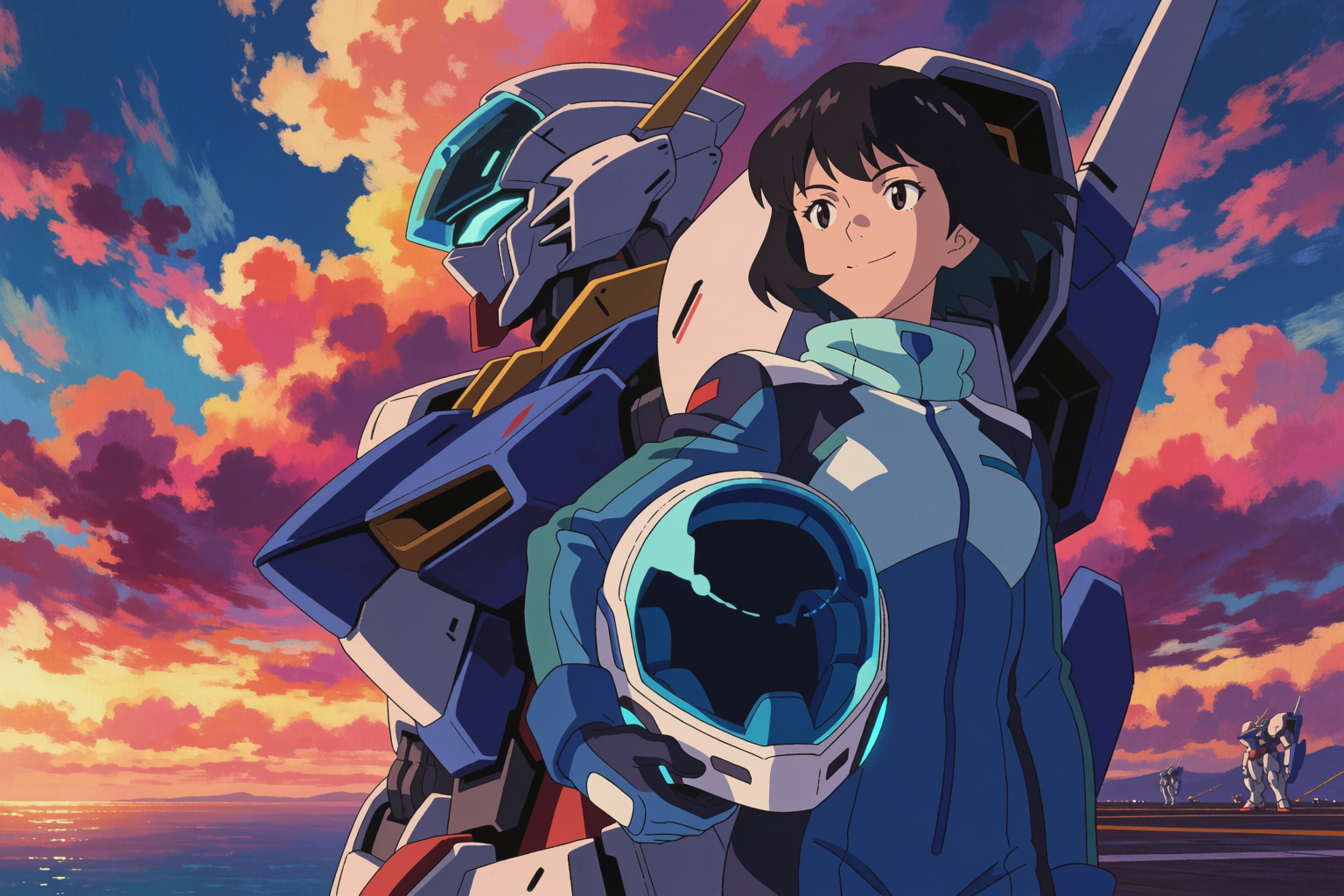
If you make anime art with AI, you are choosing between a handful of models. NijiJourney is the established name. Krea 2 is the new one. This article is an honest look at where each one wins, with every image here generated in Krea 2 so you can judge the model on its work.
We will not run a head-to-head with NijiJourney outputs in this post — comparing AI outputs apples-to-apples across vendors is its own minefield, and you can run those tests yourself on both services. Instead, this is about the shape of the two tools.
NijiJourney: one strong default
NijiJourney is the anime-specialised model from the Midjourney team. Its strengths are real:
- One clear, consistent default anime look — clean, polished, recognisable
- Very fast time-from-prompt to a usable image with minimal prompt-craft
- Strong handling of common anime tropes (school uniforms, fantasy gear, key visual compositions)
If you want anime art and your only requirement is “anime art, please,” NijiJourney is a perfectly good first stop.
The trade-off is that “one default look” is also the constraint. The aesthetic NijiJourney lands on is recognisably Niji — and many indie creators and studios have flagged that their output feels visually homogenous across projects. That is a feature for some use cases and a bug for others.
Make anime art in any style
Generate Ghibli, Shinkai, mecha, and more — every sub-style in one model.
Start generatingKrea 2: range, control, workflow
Krea 2 is a more general image model with strong anime capability. Its strengths are different:
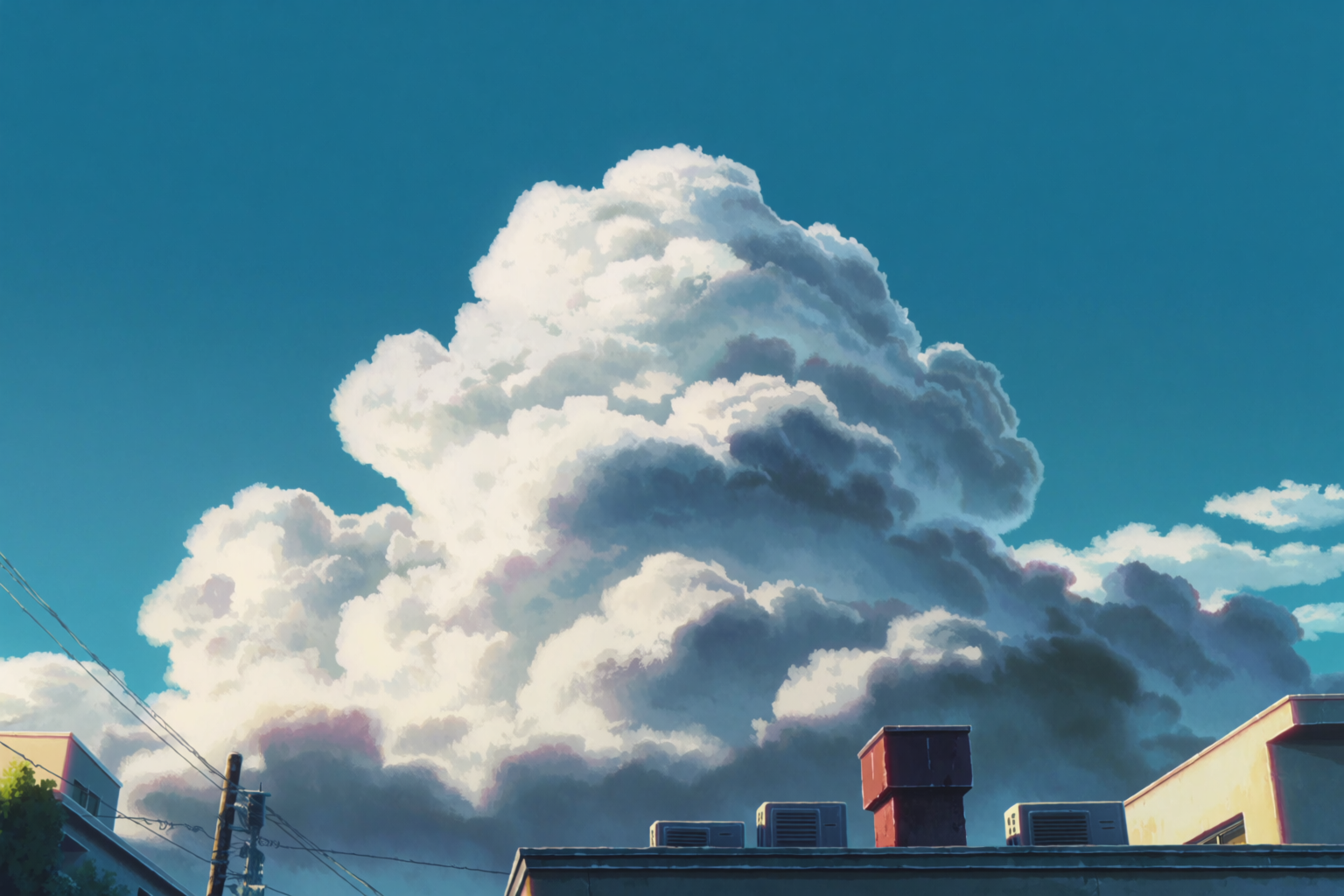
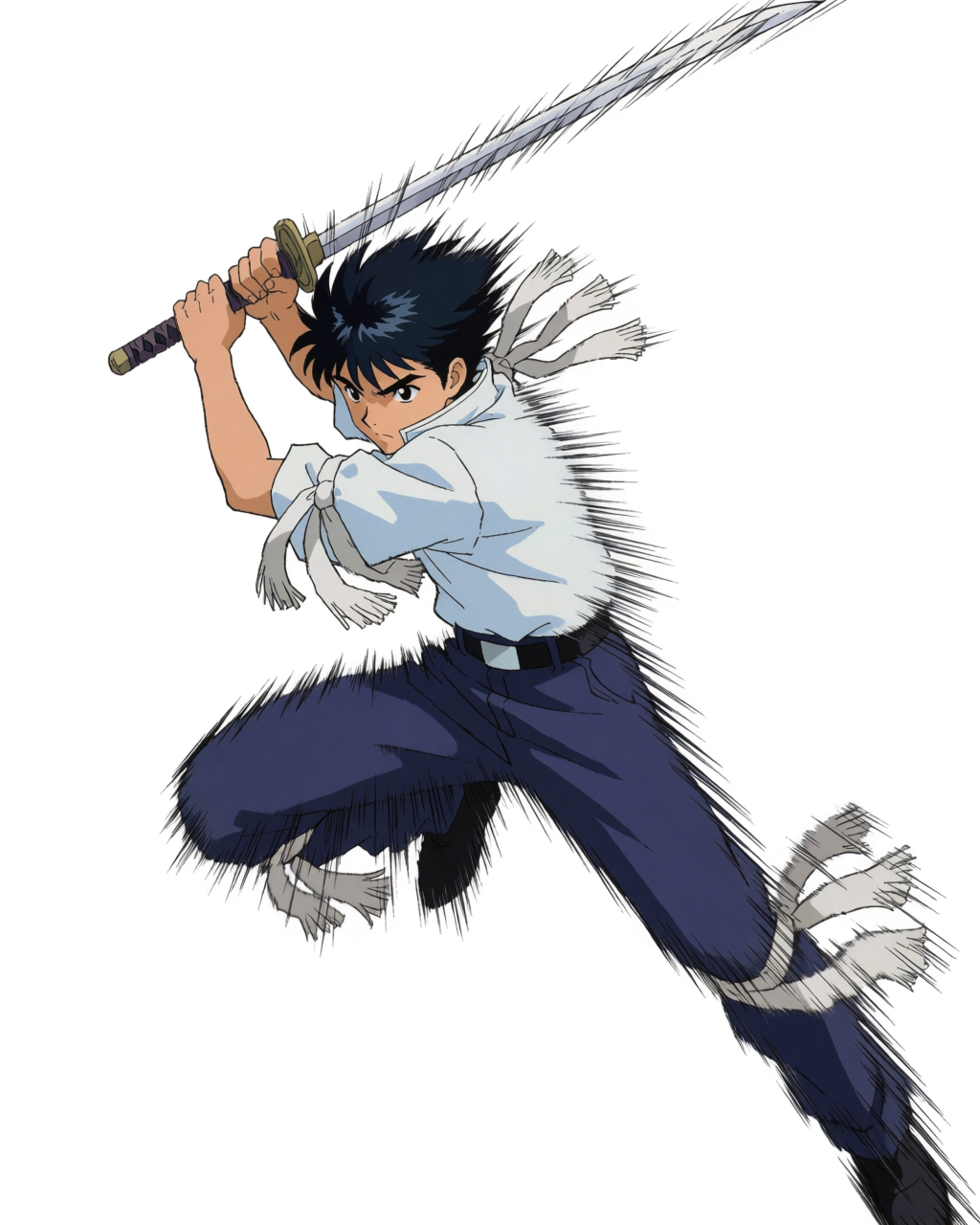
- Range. Many distinct anime aesthetics on cue — Ghibli, Shinkai, Kyoto Animation, Madhouse, 1990s mecha, modern shounen, shoujo, seinen, chibi. The model does not have one default look; it has many.
- Real style control. Style references and mood boards let you pin a specific look from real reference images, not just from prompts.
- Character consistency via LoRAs. Train a LoRA on your character once, and every future generation matches that exact identity.
- Editing. Krea Edit lets you change a specific element of a finished image without regenerating the whole thing — change an expression, swap a costume, fix a hand.
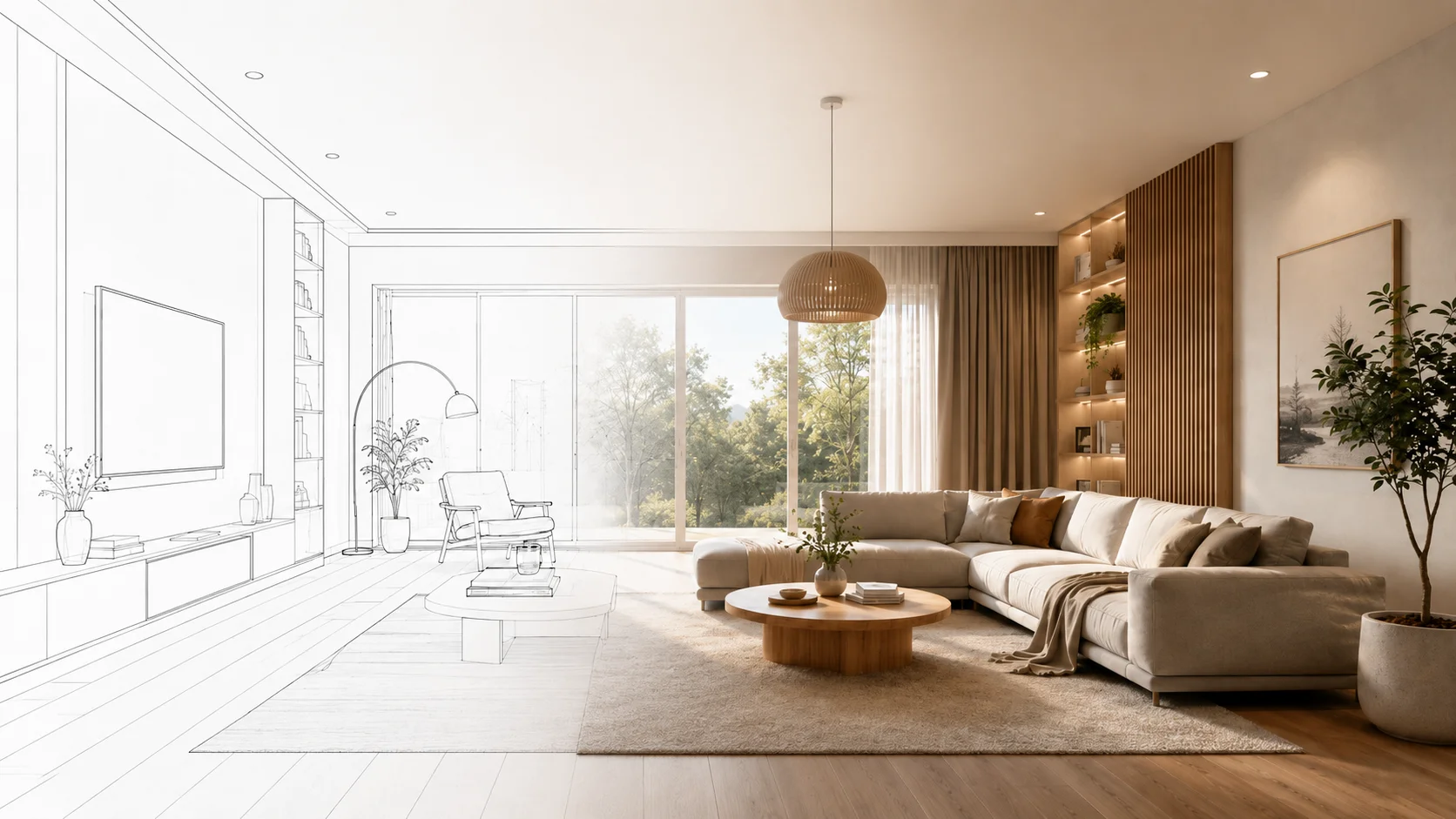
- Sketch input. Drop a rough panel sketch in as an image reference and Krea 2 finishes it (guide).
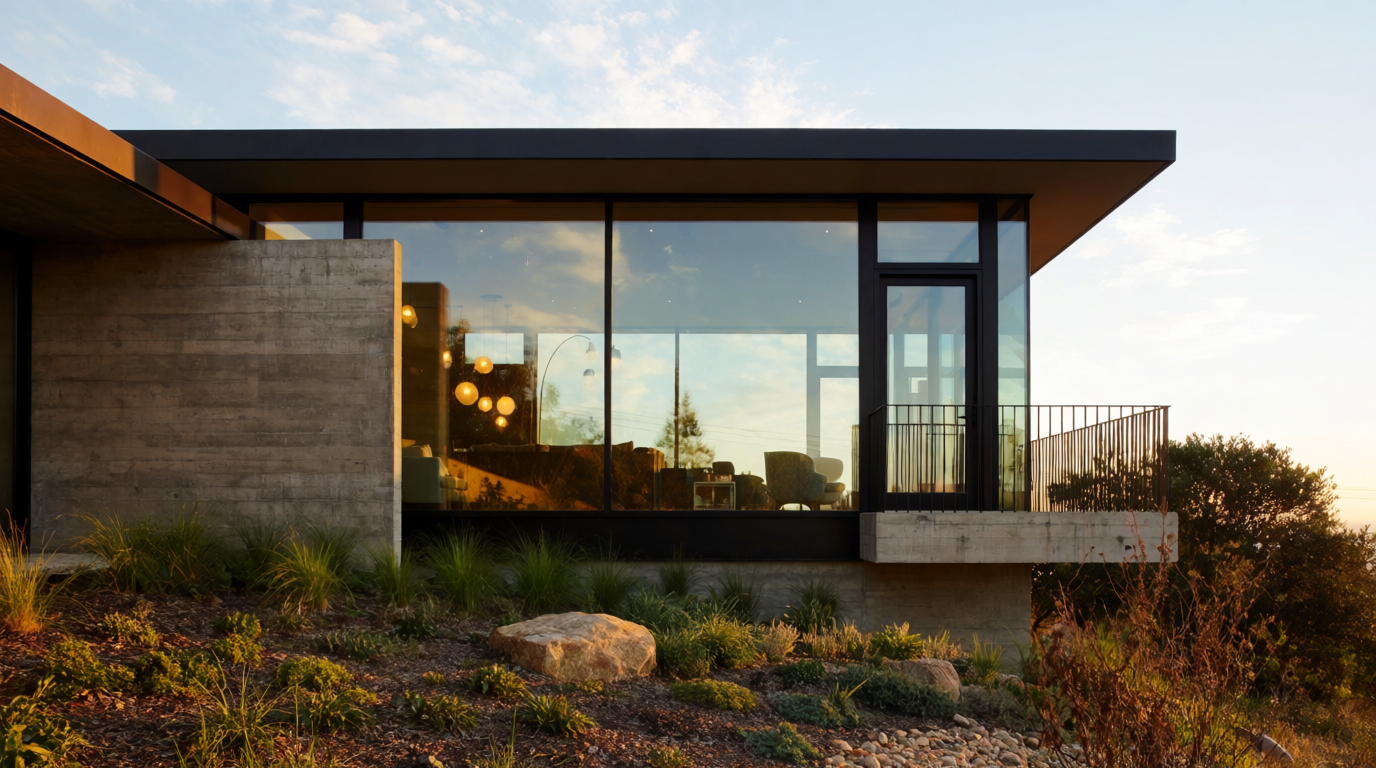
- Beyond anime. Same model handles photoreal, illustration, 3D-render-style, architecture — useful when an anime project also needs a non-anime asset.
The trade-off is that more control means more decisions. Krea 2 rewards prompt-craft and reference use more than a one-line “anime girl, please.”
The range argument, in images
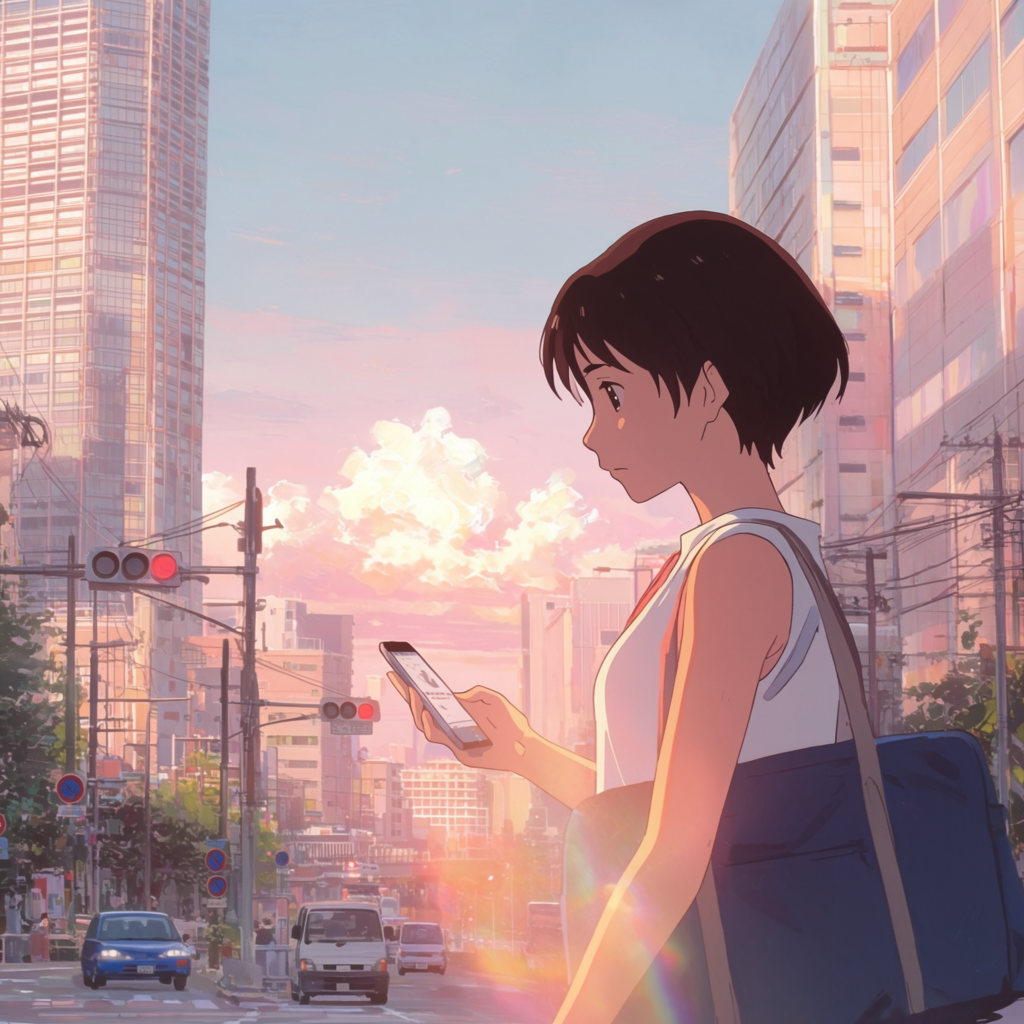
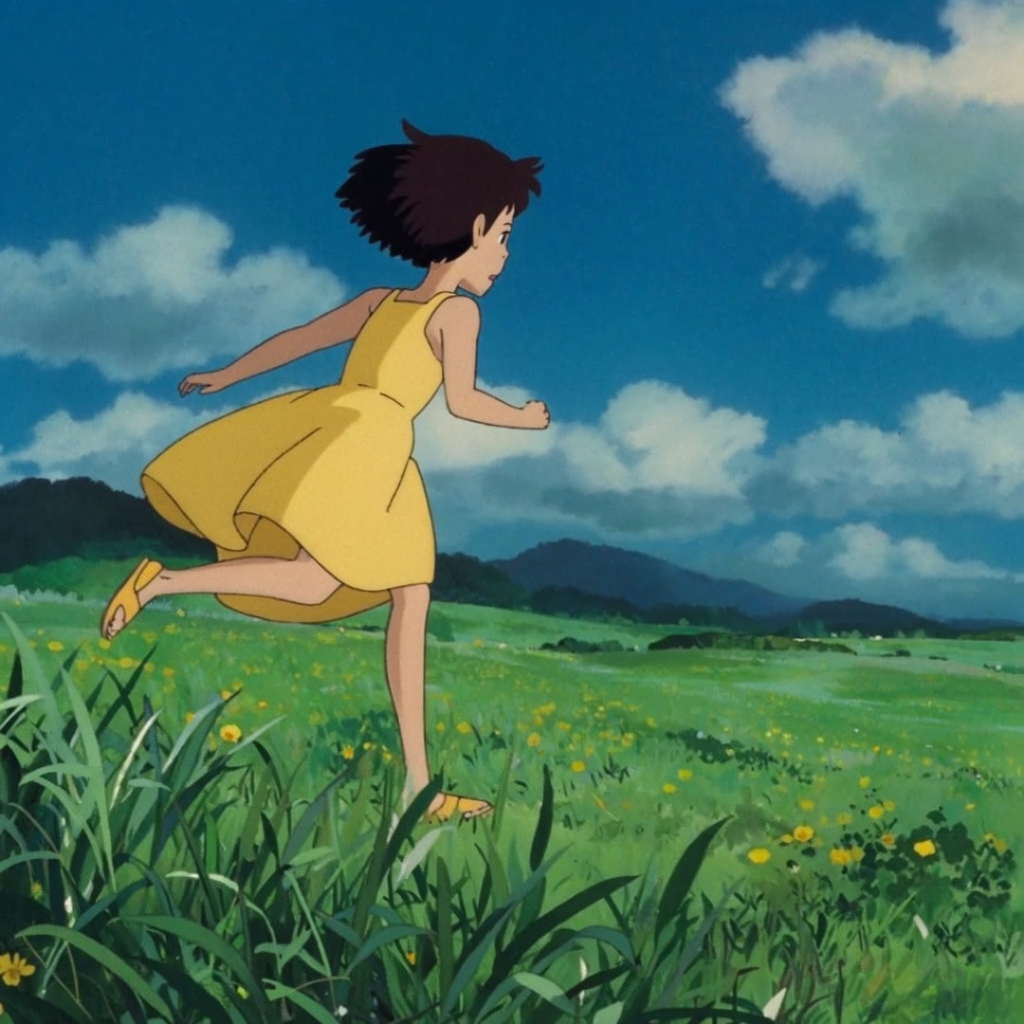
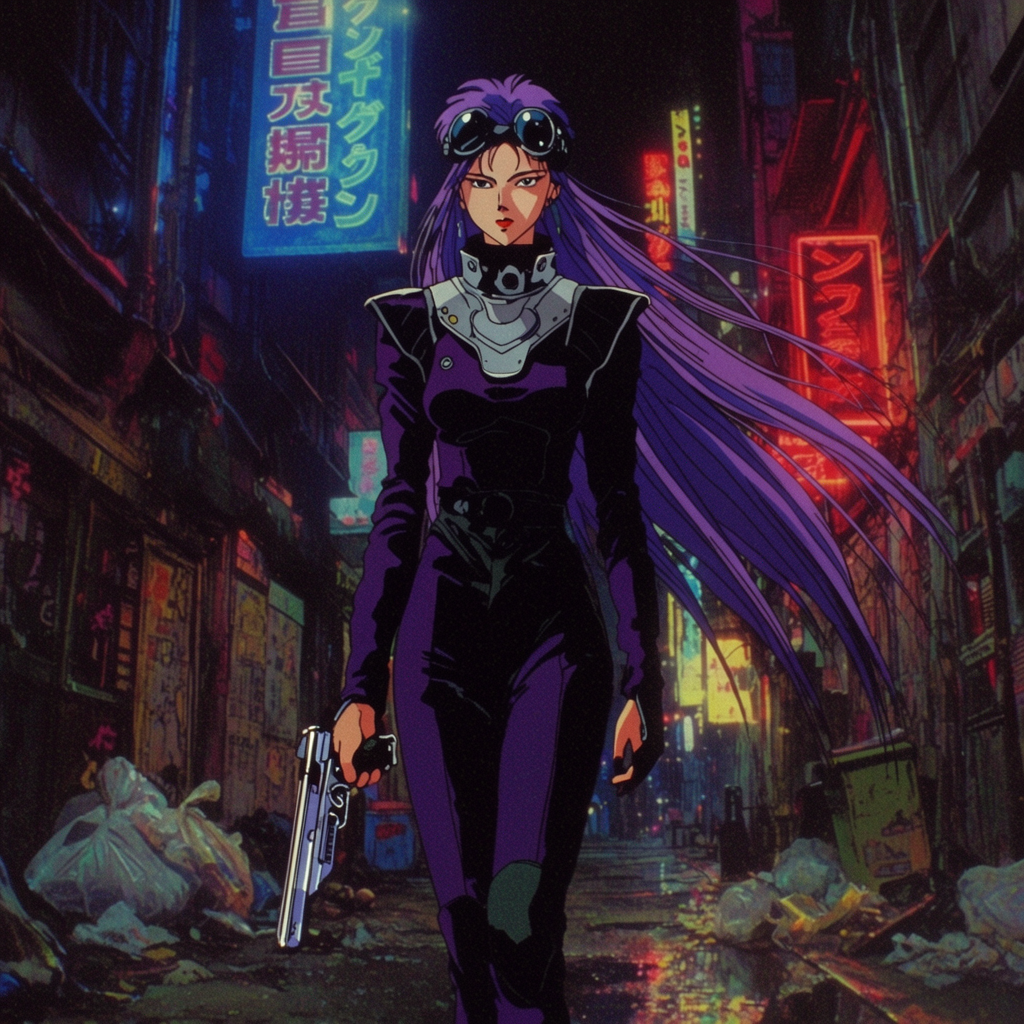
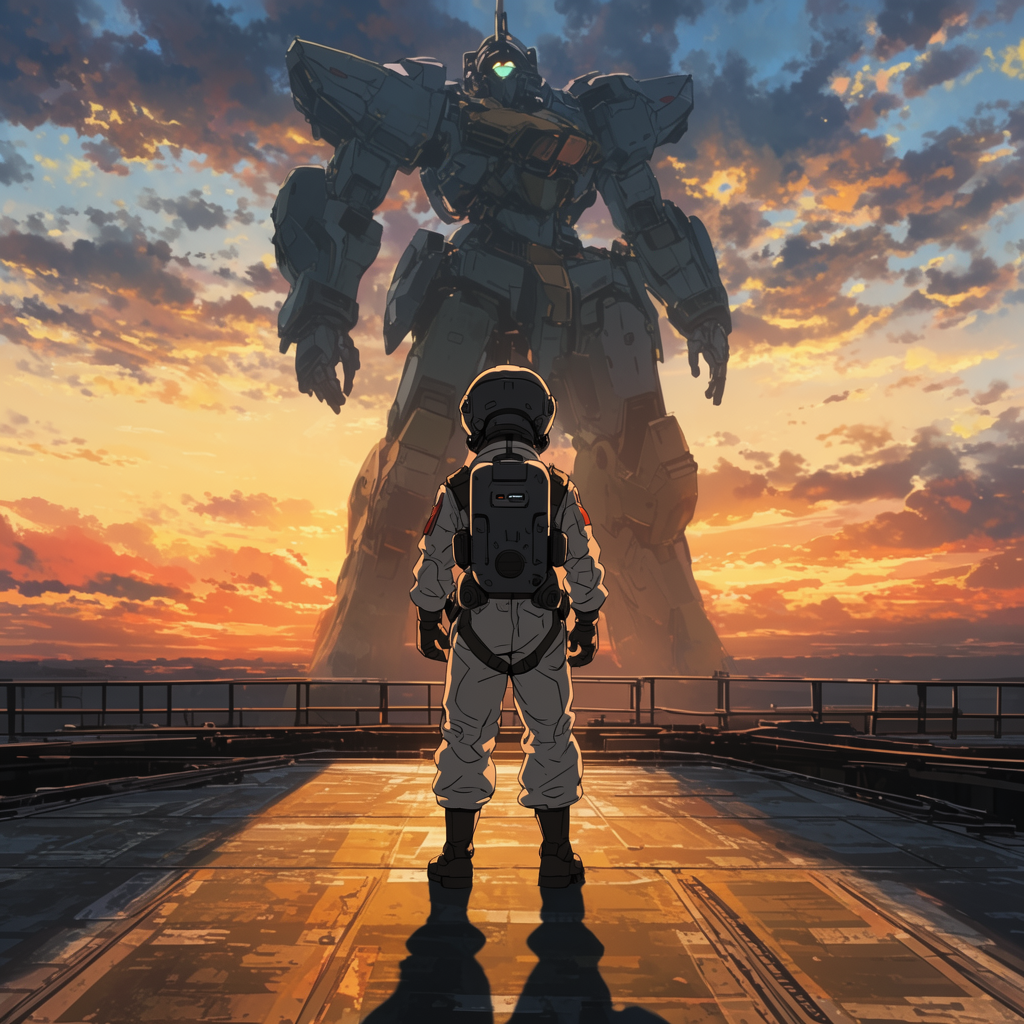
The strongest case for Krea 2 over a single-default model is the breadth. Eight different sub-styles, eight different prompts, one model:
Eight anime sub-styles in one model
All freshly generated with Krea 2 Large for this article. Same model, eight different aesthetics.
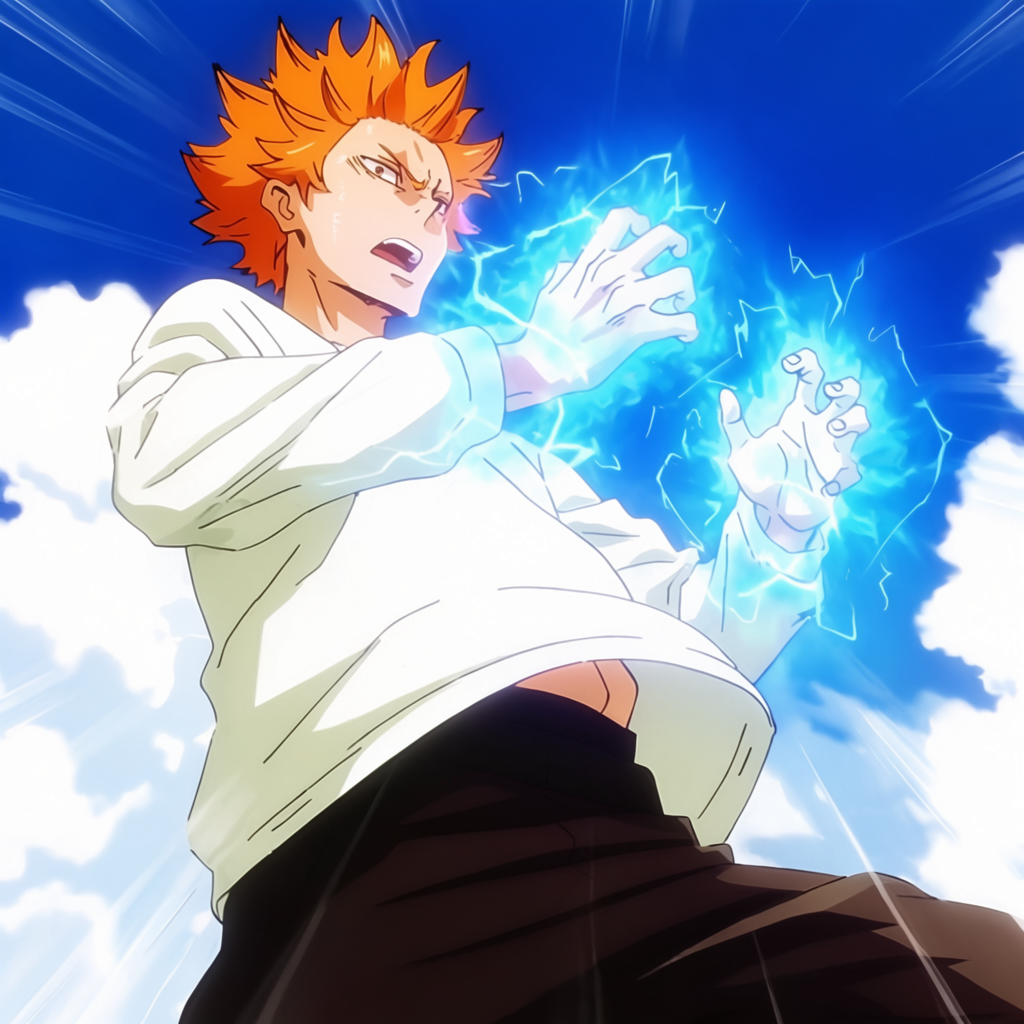
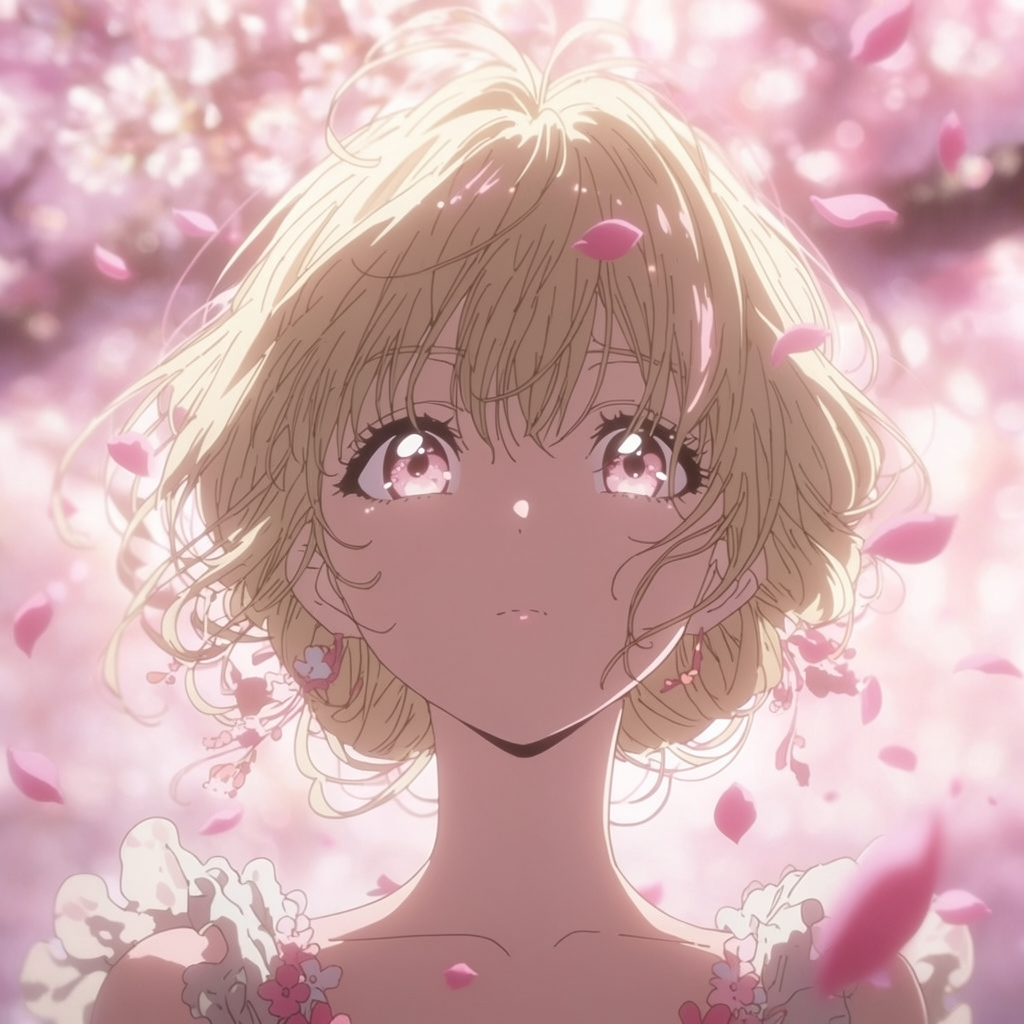
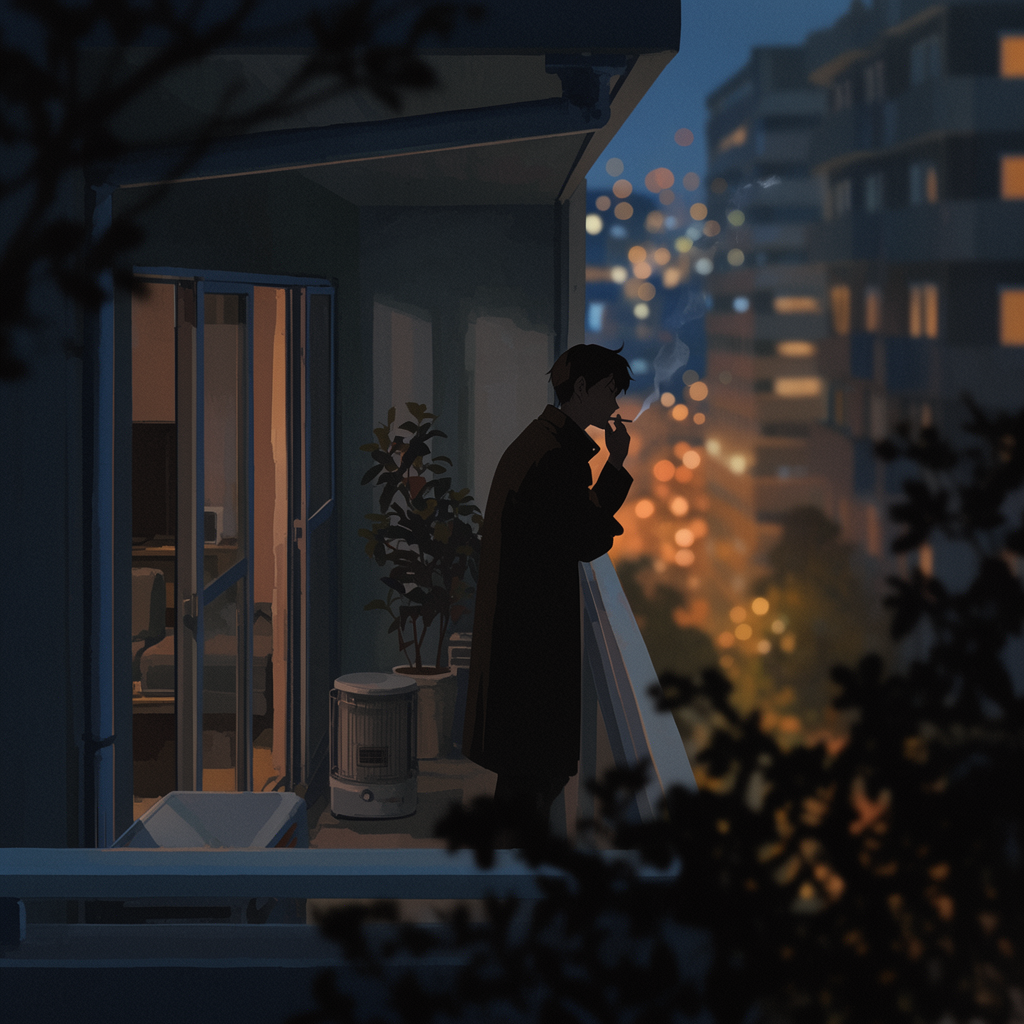
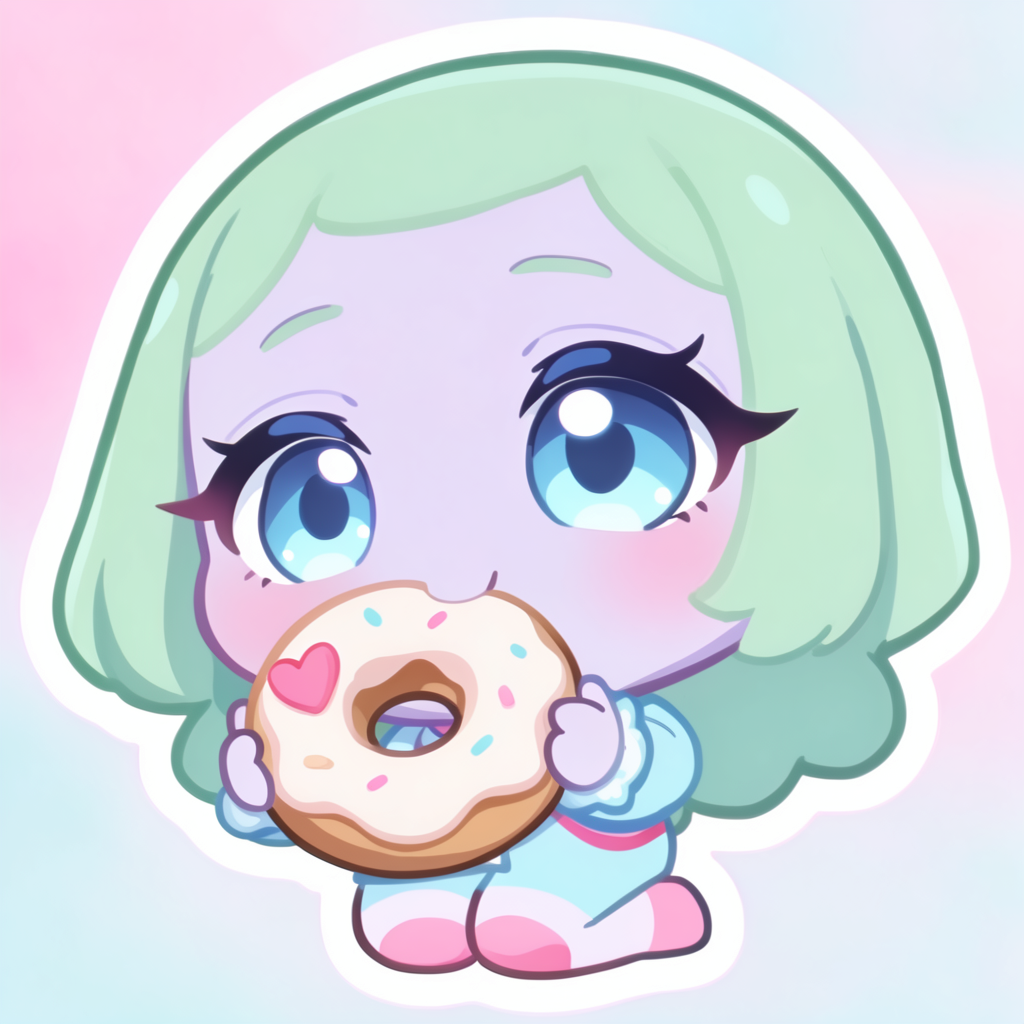
If your project needs to live in a single aesthetic, range matters less. If you are building a body of work across multiple looks — a manga that goes from school-life to fantasy, a YouTube channel that needs Ghibli backgrounds today and seinen tomorrow, a studio testing four pitch decks in four different visual worlds — range is the thing.
Workflow features compared
| NijiJourney | Krea 2 | |
|---|---|---|
| Default anime look | Strong, one look | None — many sub-styles on prompt |
| Style references from image | Limited | Full (guide) |
| Mood boards | No | Yes (guide) |
| Character LoRAs | No | Yes (train) |
| Image editing | Basic | Full Krea Edit |
| Non-anime work | Limited | Full (photo, illustration, 3D, etc.) |
| Best for | Quick standalone anime art | Larger projects, consistency, range |
When to pick which
A fair recommendation:
- Pick NijiJourney if your job is “give me one polished anime image right now, no fuss” and you like the default Niji look.
- Pick Krea 2 if you are building anything bigger than a single image — a manga, a light novel, a VTuber set, an indie animation pitch, a project that needs character consistency, or a project that needs to span multiple anime sub-styles.
The two are not actually mutually exclusive. Plenty of creators use NijiJourney for quick brainstorm passes and Krea 2 for the finished work, especially anything that requires holding a character or a style steady across many generations.
What is different about Krea 2 specifically
Three things, in order of how much they matter for serious anime projects:
- You can pin a specific studio’s look with a real frame as a style reference. NijiJourney has one default; Krea 2 has the studio you put in front of it.
- You can keep a character consistent across hundreds of generations by training a LoRA once. NijiJourney has no equivalent.
- You can finish your own rough sketches by using them as image references. NijiJourney is a from-scratch generator; Krea 2 also finishes existing work.
These are workflow differences, not just aesthetic ones. They are the difference between “make me one anime image” and “help me ship a manga.”
Try Krea 2 for anime
Free to start. Style references, mood boards, LoRA training, and Edit all included.
Open Krea 2