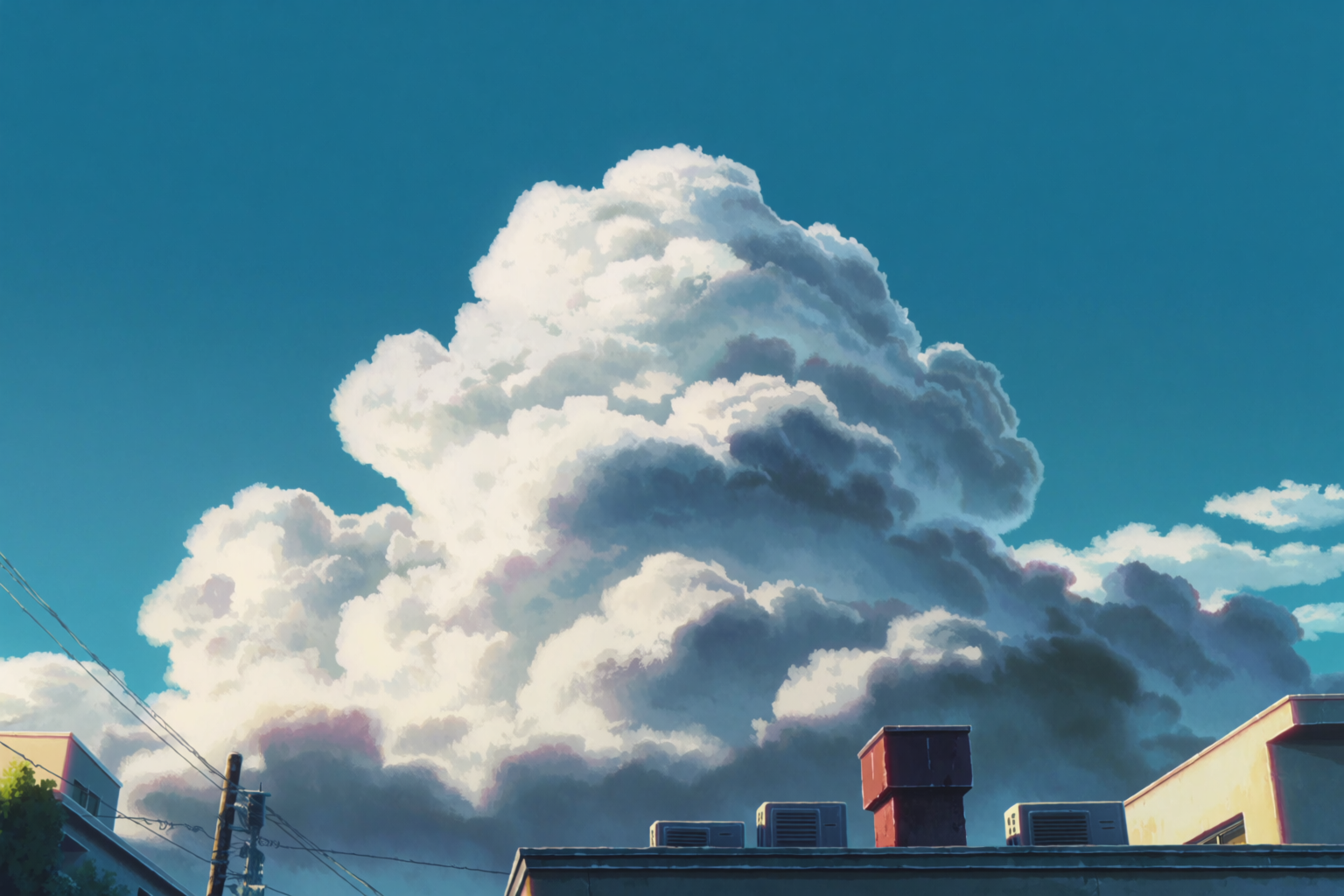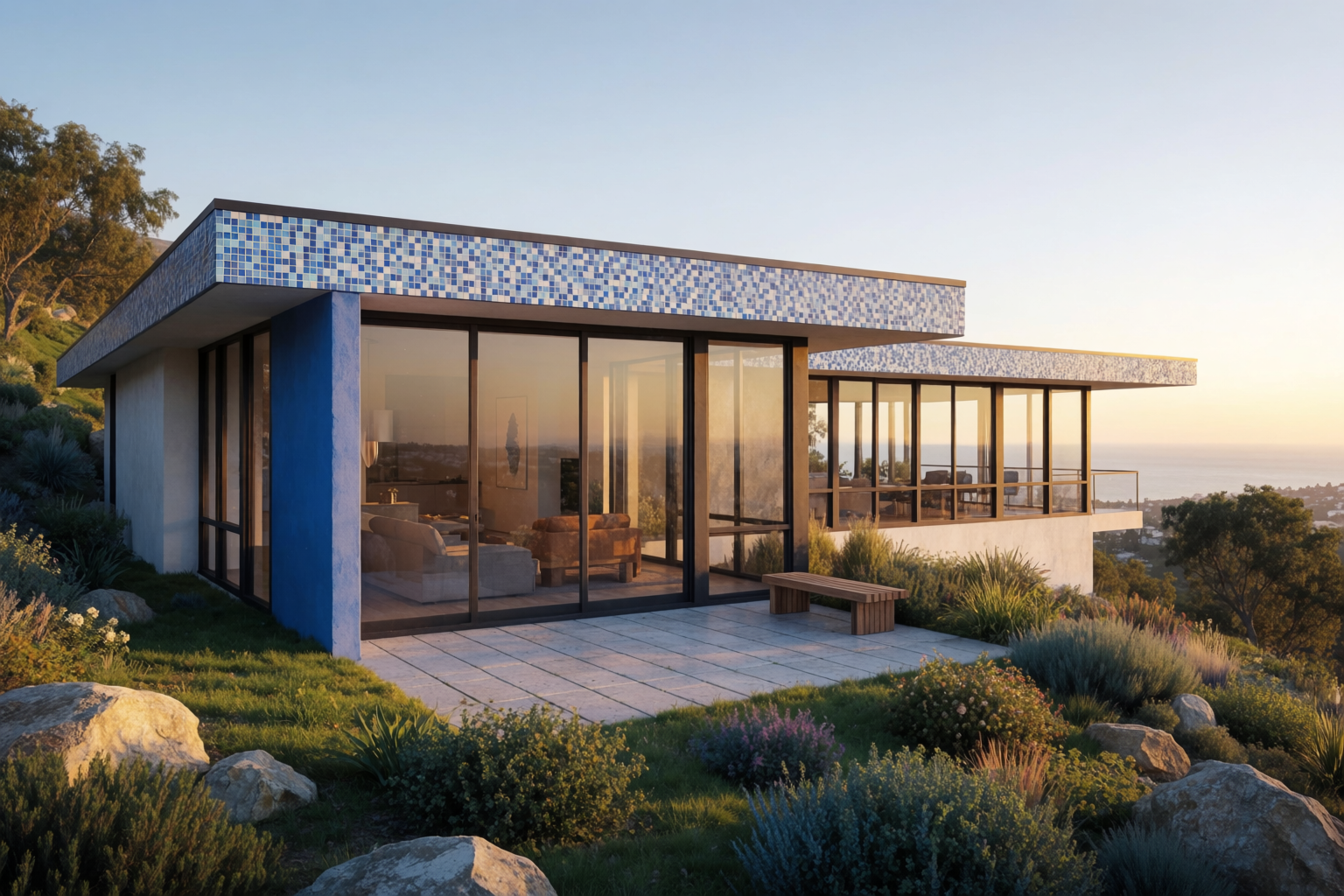
The bottleneck in indie manga and comic work is not the idea. It is not the storyboard. It is finishing — taking a rough panel sketch and turning it into a polished page with line work, shading, color, and atmosphere.
Krea 2 closes that gap. Drop a rough sketch in, describe the finish you want, and the model produces a polished panel that honors the composition. This article walks through the workflow with four panel types.
How it works
The workflow is straightforward:
- Sketch the panel rough — composition, gesture, framing. It does not need to be clean. Pencil construction lines on white paper are enough.
- Upload the sketch as an image reference in Krea 2.
- Write a tight prompt for the finished look — characters, lighting, mood, style.
- Generate. Iterate on the prompt until the panel reads.
The sketch tells Krea 2 what is happening and where. The prompt tells Krea 2 what it should look like finished. Both matter; neither is enough alone.
Turn a sketch into a panel
Upload a rough pencil sketch and get a polished anime panel that keeps your composition.
Try Krea 2Action panel
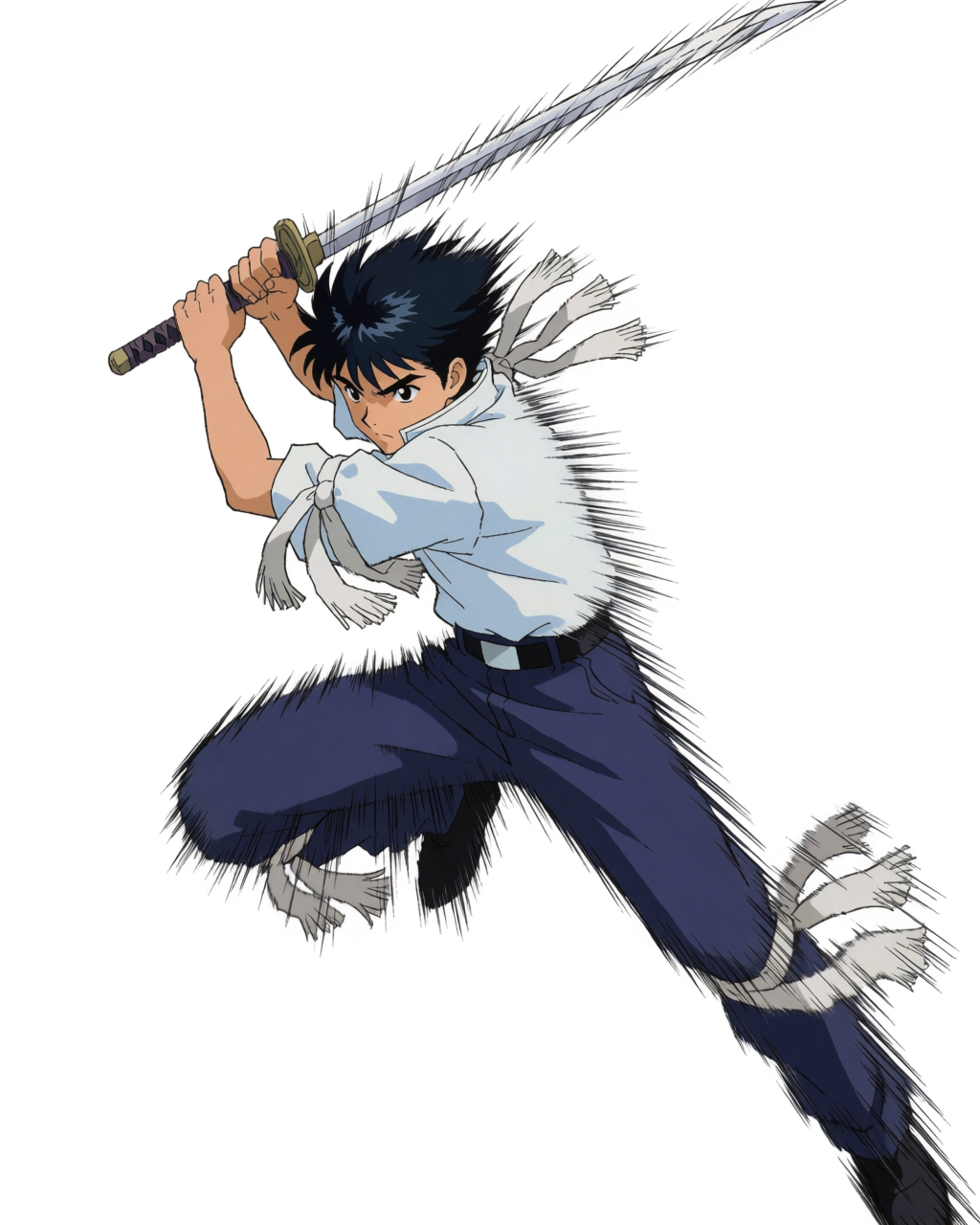
Action panels need motion, weight, and a clear focal beat. The sketch gives the model the figure’s gesture and the framing. The prompt gives it the lighting and the punch.
Action panel — sketch to finish
Rough pencil construction on the left, finished color panel on the right.
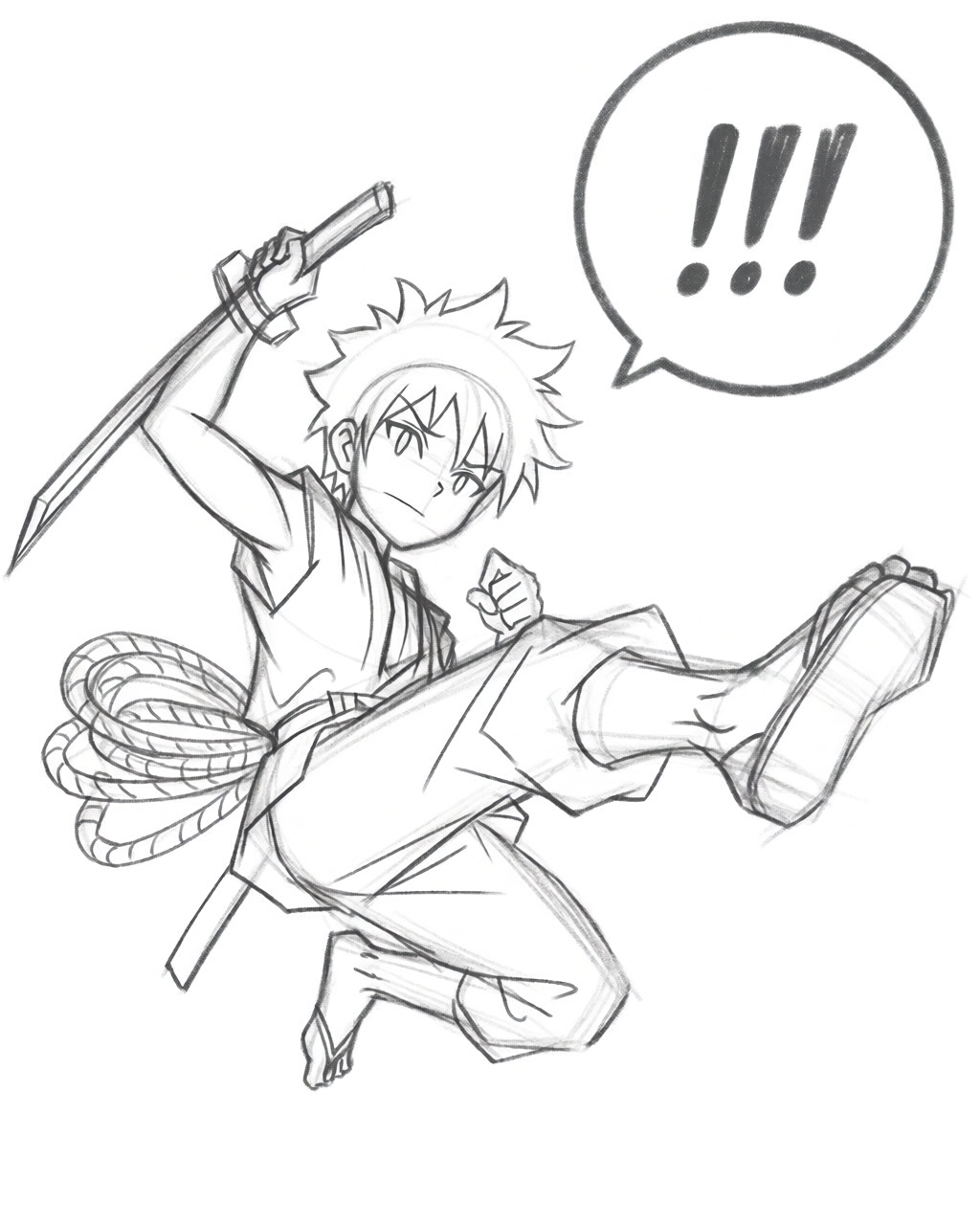
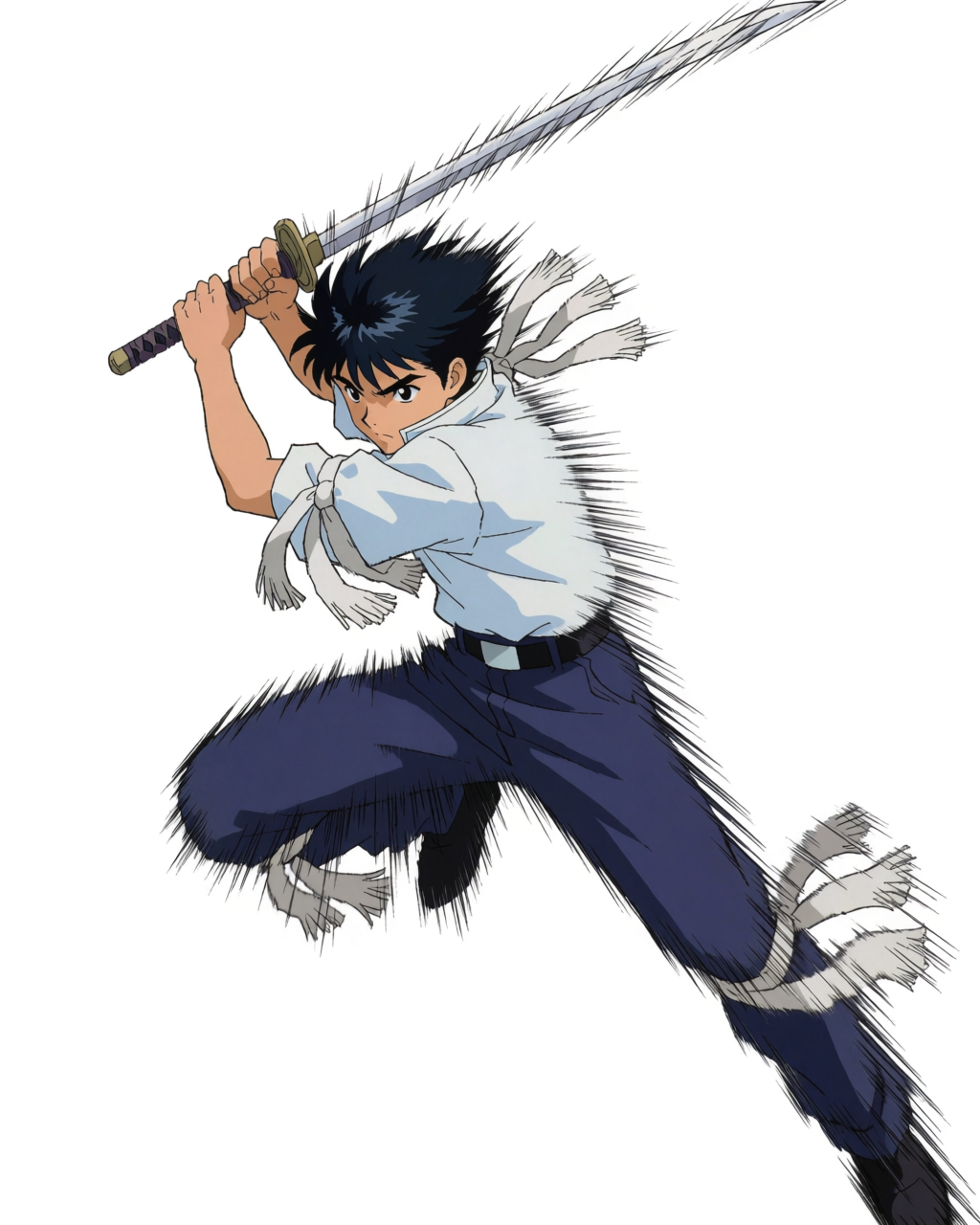
The prompt that took the sketch to the finish: “Finished anime manga panel, swordsman mid-leap with sword raised, dynamic motion lines radiating from the figure, dramatic cel-shaded color, cool blue palette with white sword flash, polished comic panel finish.”
Emotional close-up
Close-ups need the opposite of action panels — stillness, intimacy, careful light on a face. The sketch holds the composition. The prompt brings the warmth.
Emotional close-up — sketch to finish
A loose pencil rough of a tearful close-up, finished with warm golden-hour light.
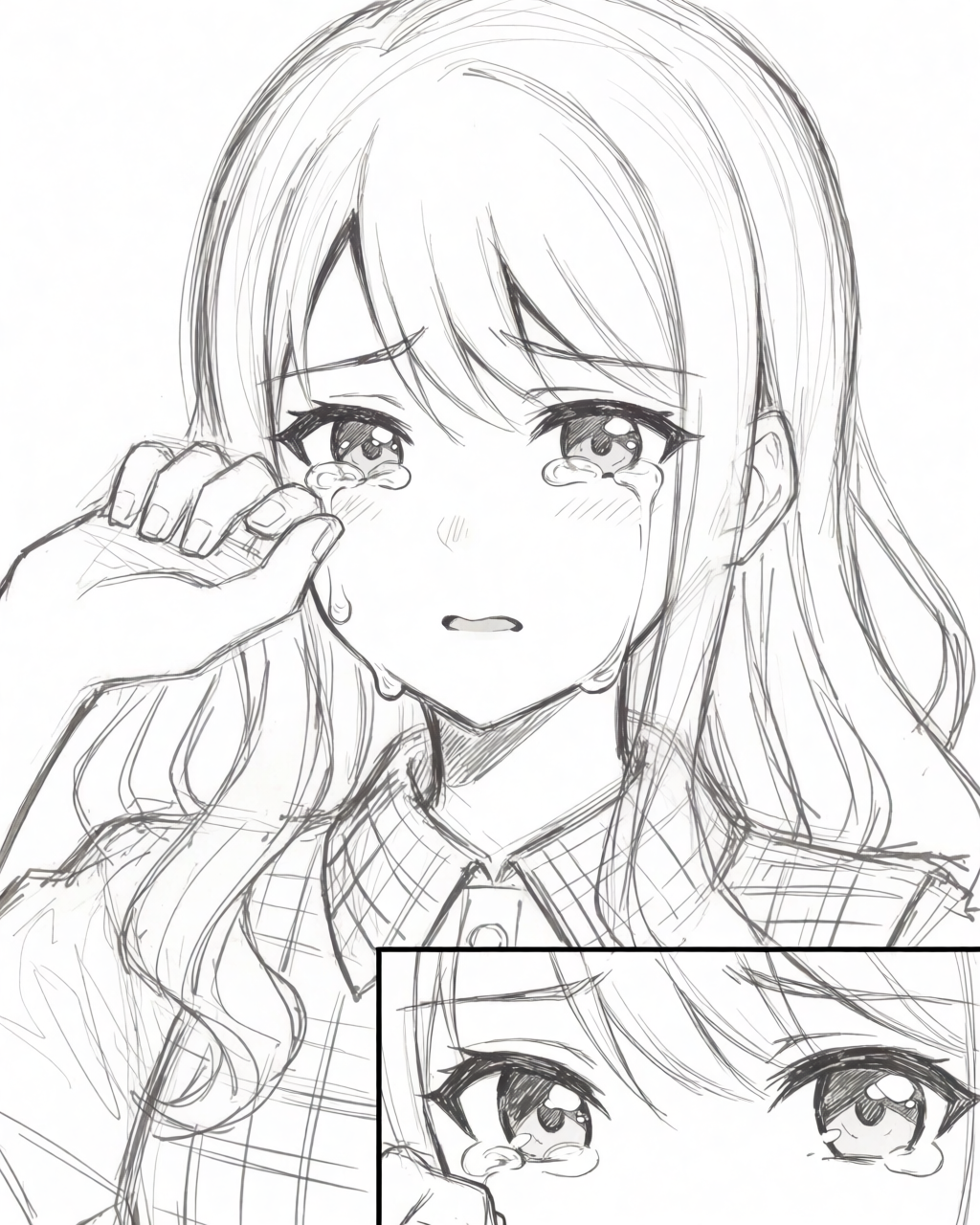
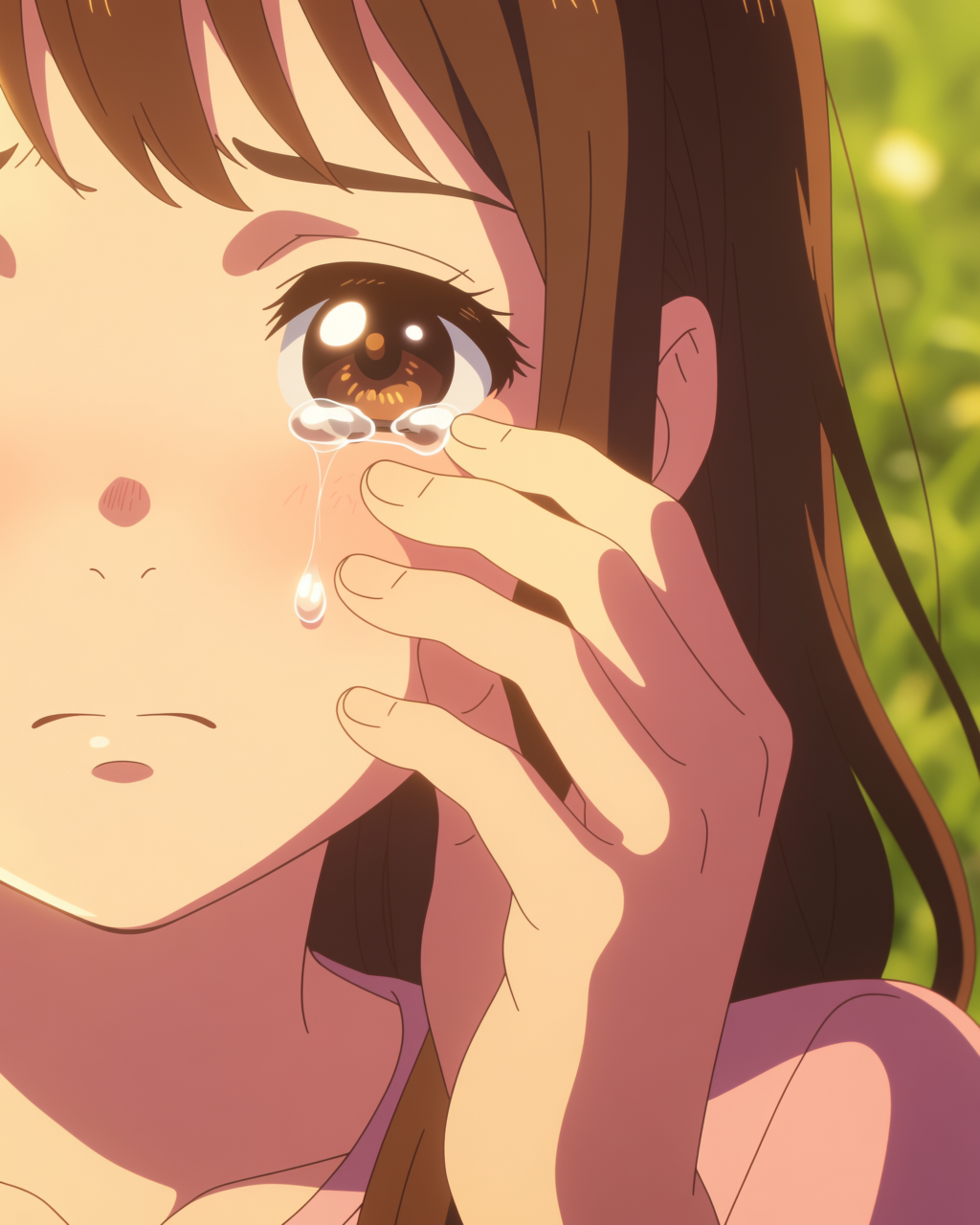
Prompt for finish: “Finished anime manga close-up, young girl with long brown hair crying, hand wiping a tear, golden hour warm lighting on her face, soft pink and gold palette, glistening tear, polished anime art.”
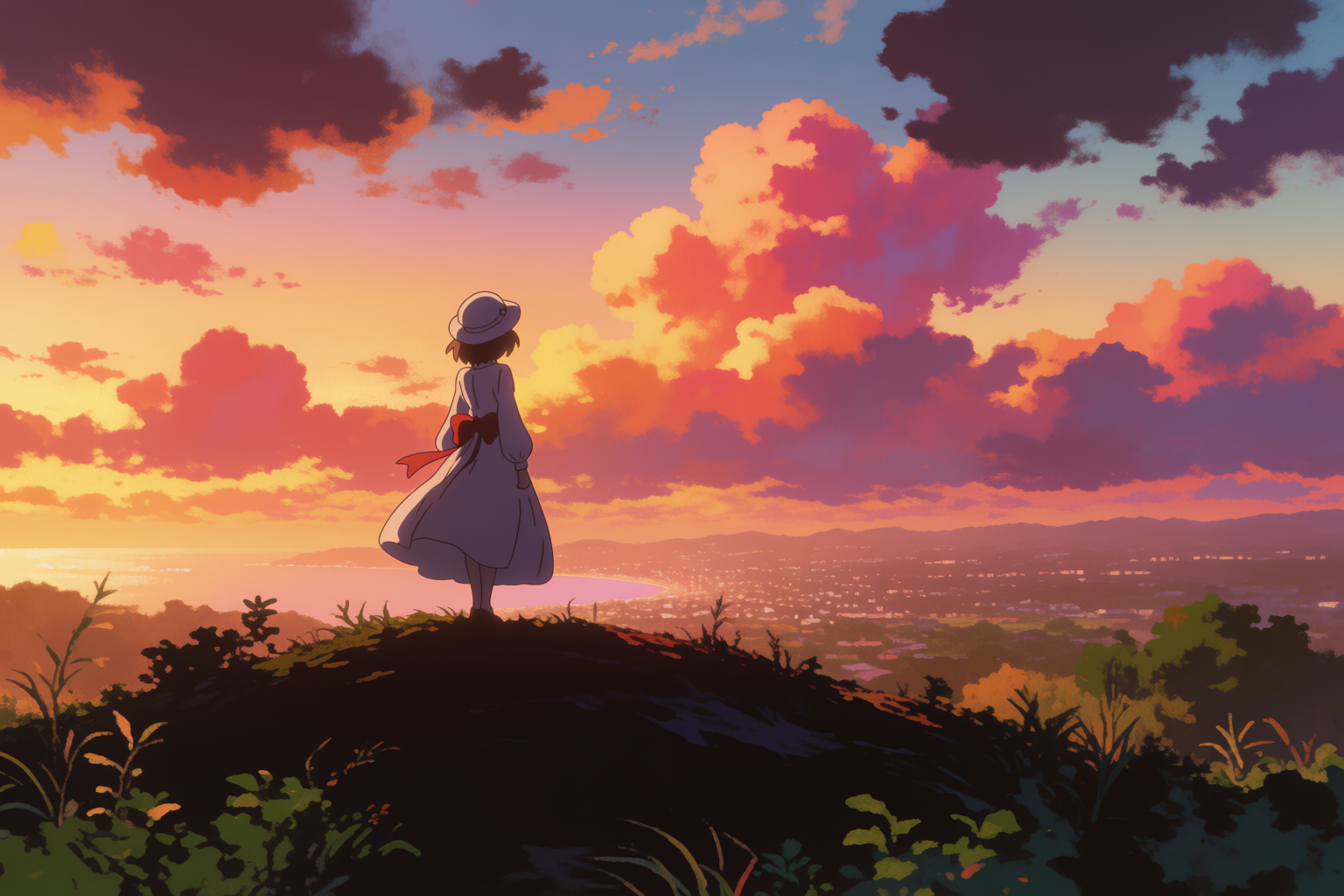
Establishing wide
Establishing panels set scene and scale. Two small figures on a hilltop are enough — the sky does the heavy lifting. The sketch shows where to place the figures. The prompt sets the time of day.
Establishing wide — sketch to finish
Loose hilltop rough on the left, Shinkai-style sunset on the right.
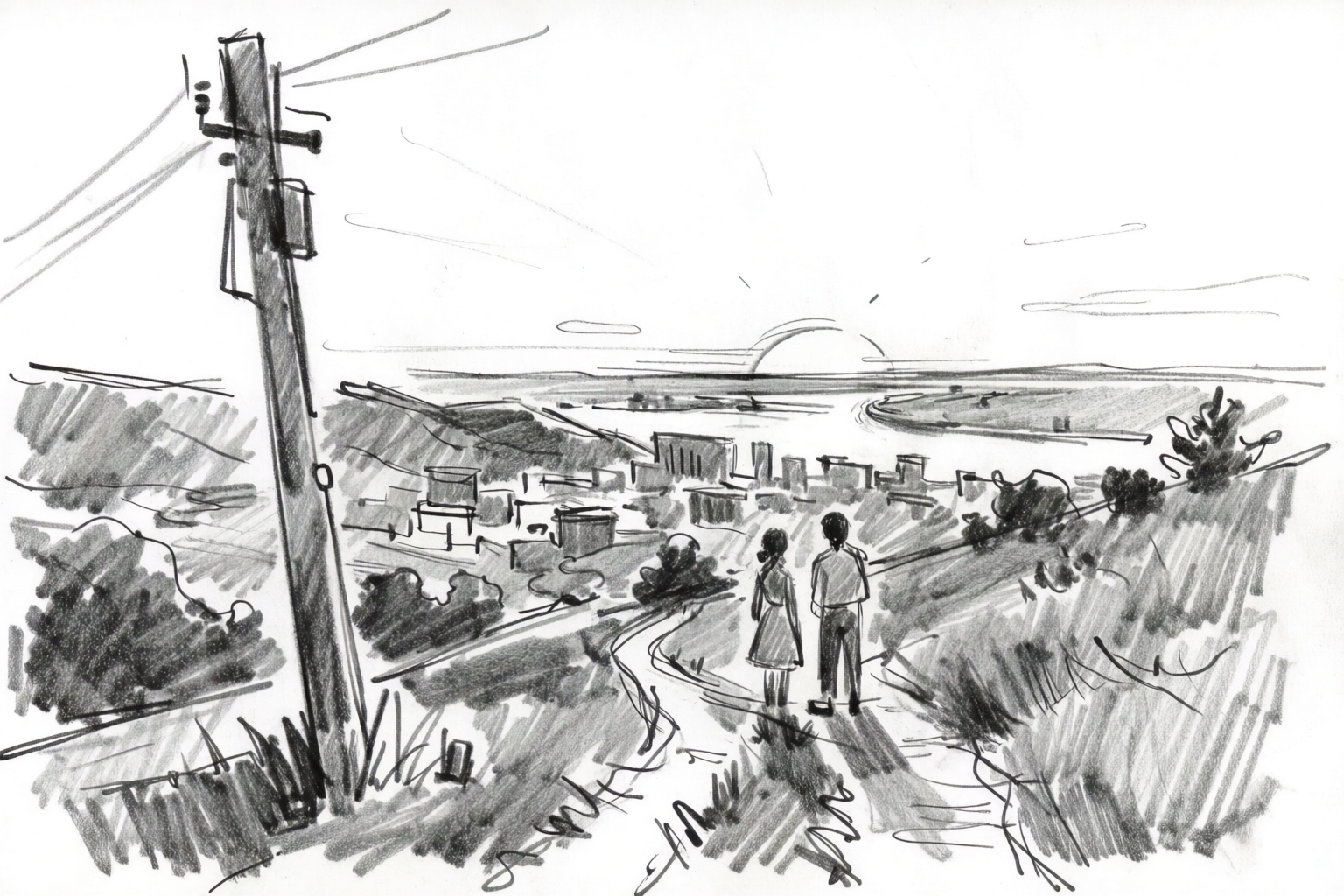
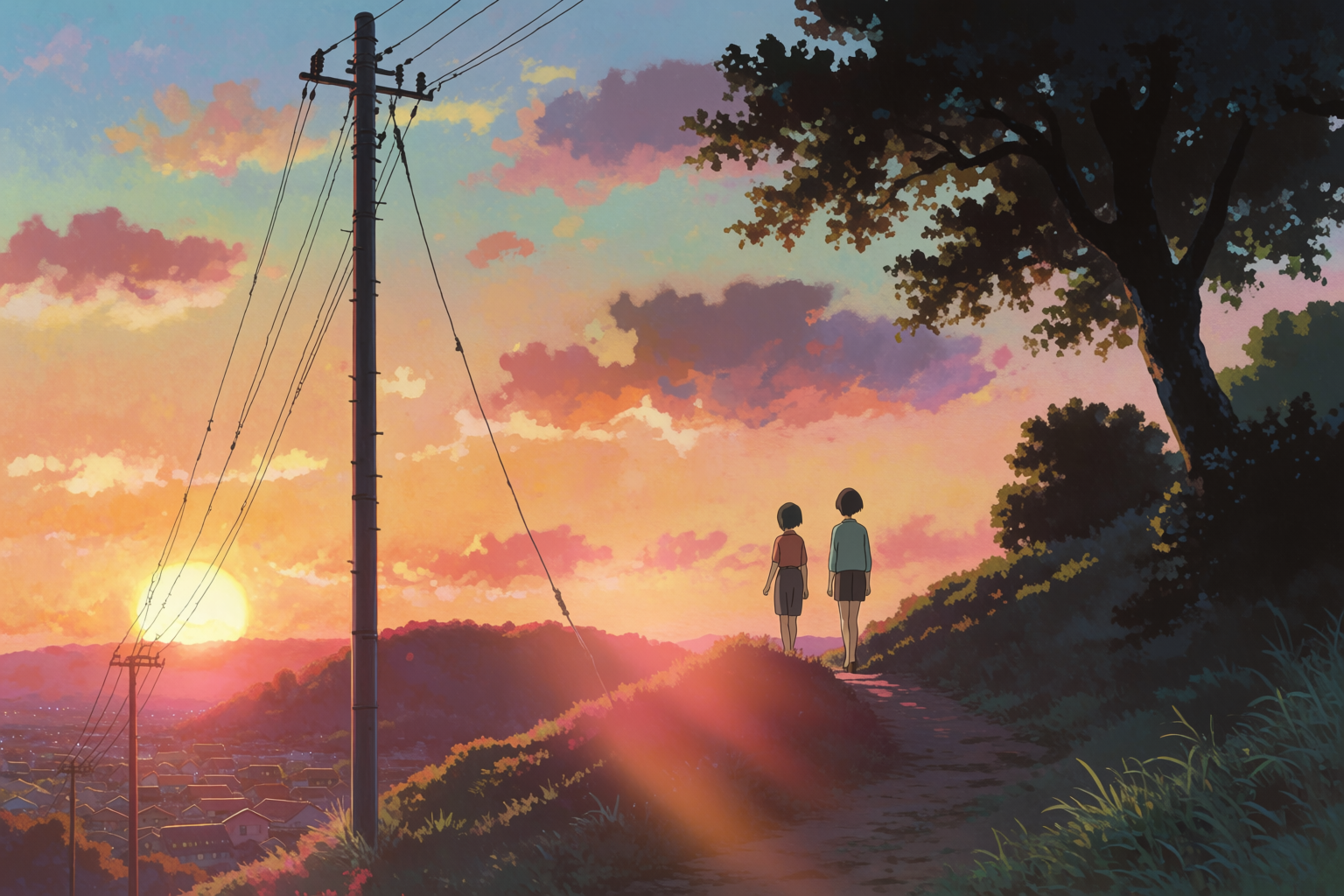
Prompt for finish: “Finished anime manga establishing panel, two small figures walking along a hillside path overlooking a distant town at sunset, painterly Shinkai-style sunset sky, vibrant orange and pink, polished anime panel finish.”
Dialogue panel
Dialogue panels are the workhorse of comics — two characters in a setting, facing each other, holding a beat. The sketch sets the geometry of who is where. The prompt sets the warmth of the space.
Dialogue panel — sketch to finish
A rough of two characters across a cafe table, finished in Kyoto Animation warmth.
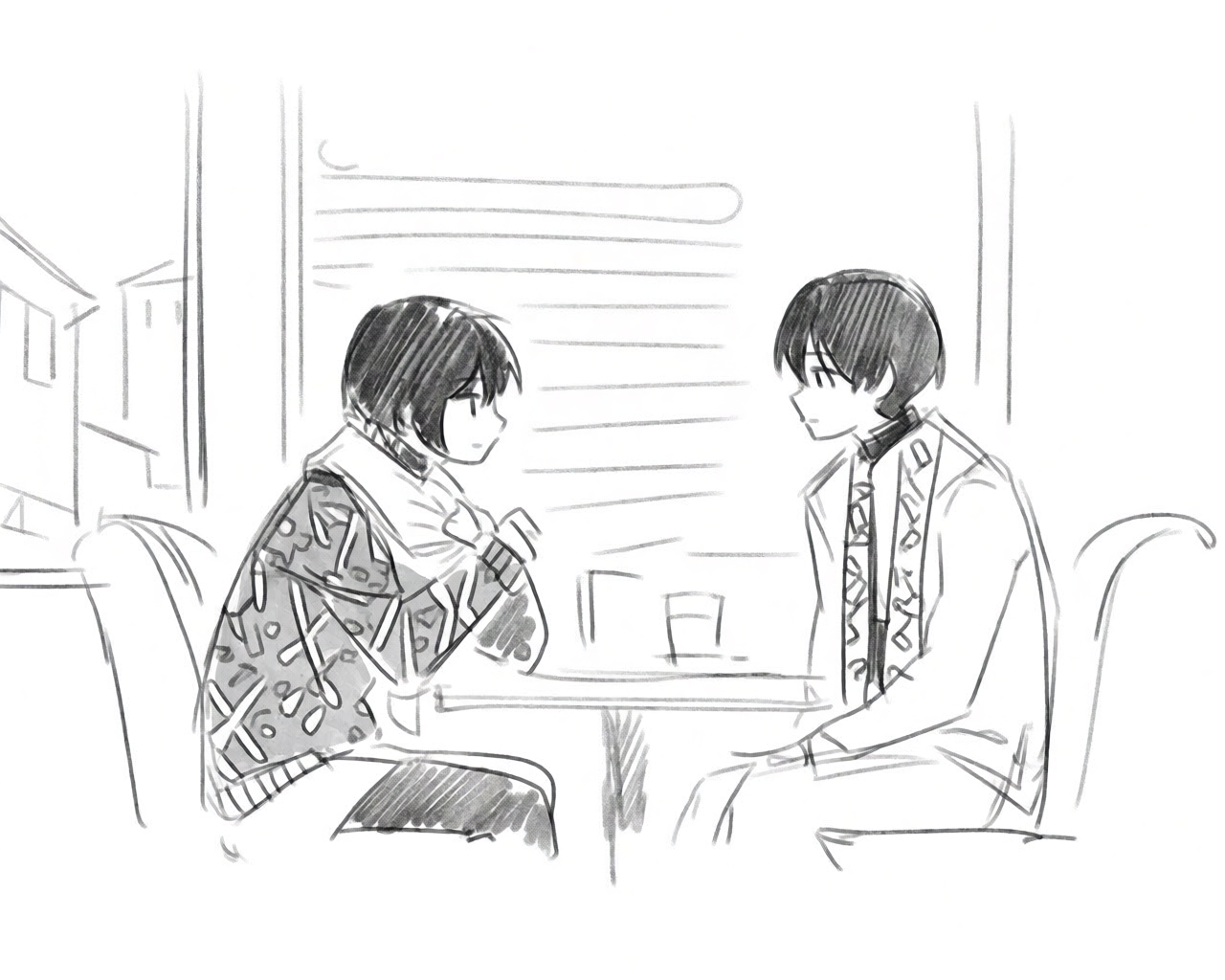
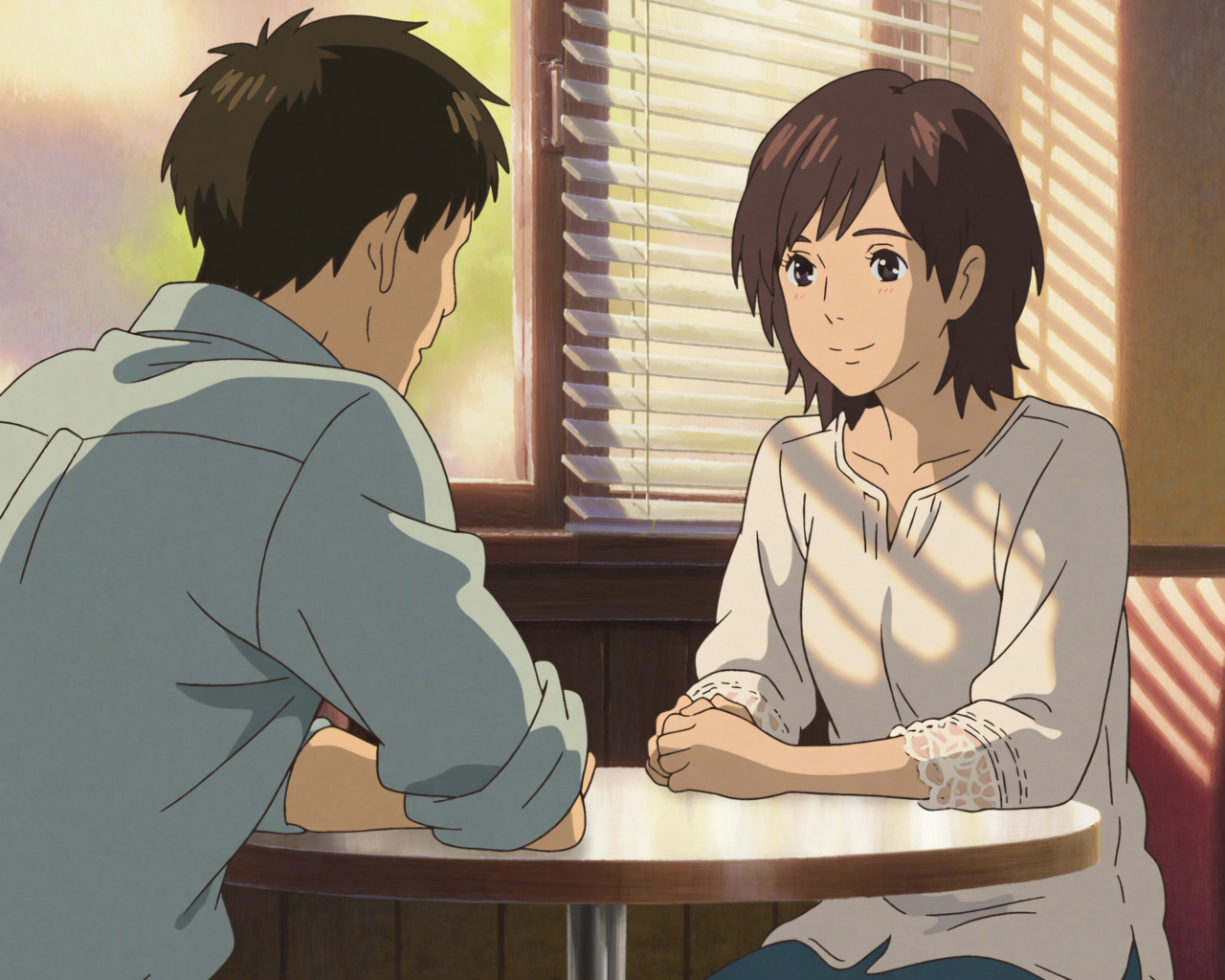
Prompt for finish: “Finished anime manga panel, two characters facing each other across a small cafe table, warm afternoon light through window, painterly Kyoto Animation cel-shaded color, careful background detail, polished anime art.”
Tips that hold across all panel work
- Rough is enough. Krea 2 reads gesture and composition out of very loose construction sketches. Do not waste time cleaning up the sketch before uploading.
- Name the lighting. “Golden hour warm light,” “fluorescent night,” “stormy overcast,” “harsh midday.” Lighting carries more emotion in a panel than any other prompt element.
- Keep the framing in the prompt. “Close-up,” “wide establishing shot,” “medium two-shot,” “low angle.” The model will respect framing words.
- Name the studio you want to finish like. “Polished Kyoto Animation style,” “polished Shinkai style,” “1990s OVA style.” It commits the model to a specific finish.
- Generate multiple options per panel. The cost is low. Pick the one with the right beat for the page.
Where this fits in a manga workflow
The sketch-to-panel pass is one step in a longer pipeline. A typical indie manga workflow with Krea 2 looks like this:
- Character design — sheets, turnarounds, expressions (guide).
- Story and storyboard — written by you, sketched roughly by you, page by page.
- Panel finishing — sketch each panel rough, finish with Krea 2.
- Background pass — generate any backgrounds that need to stand alone (guide).
- Compositing — composite characters and backgrounds, add speech bubbles, typeset.
What used to take a small studio weeks per chapter, one creator can now do in days.
Finish your next panel in Krea 2
Free to start. Image references and Edit work on every plan.
Open Krea 2