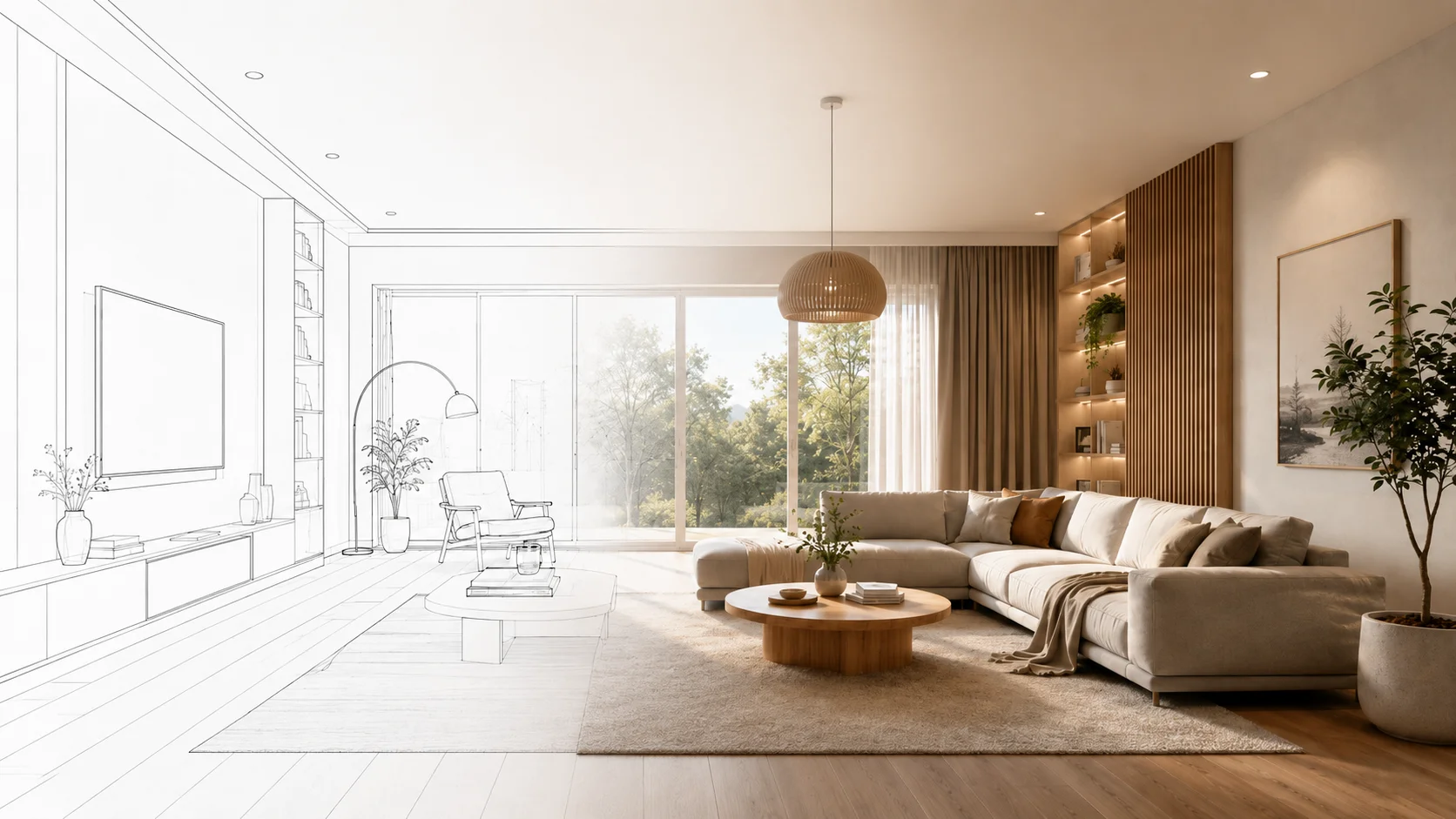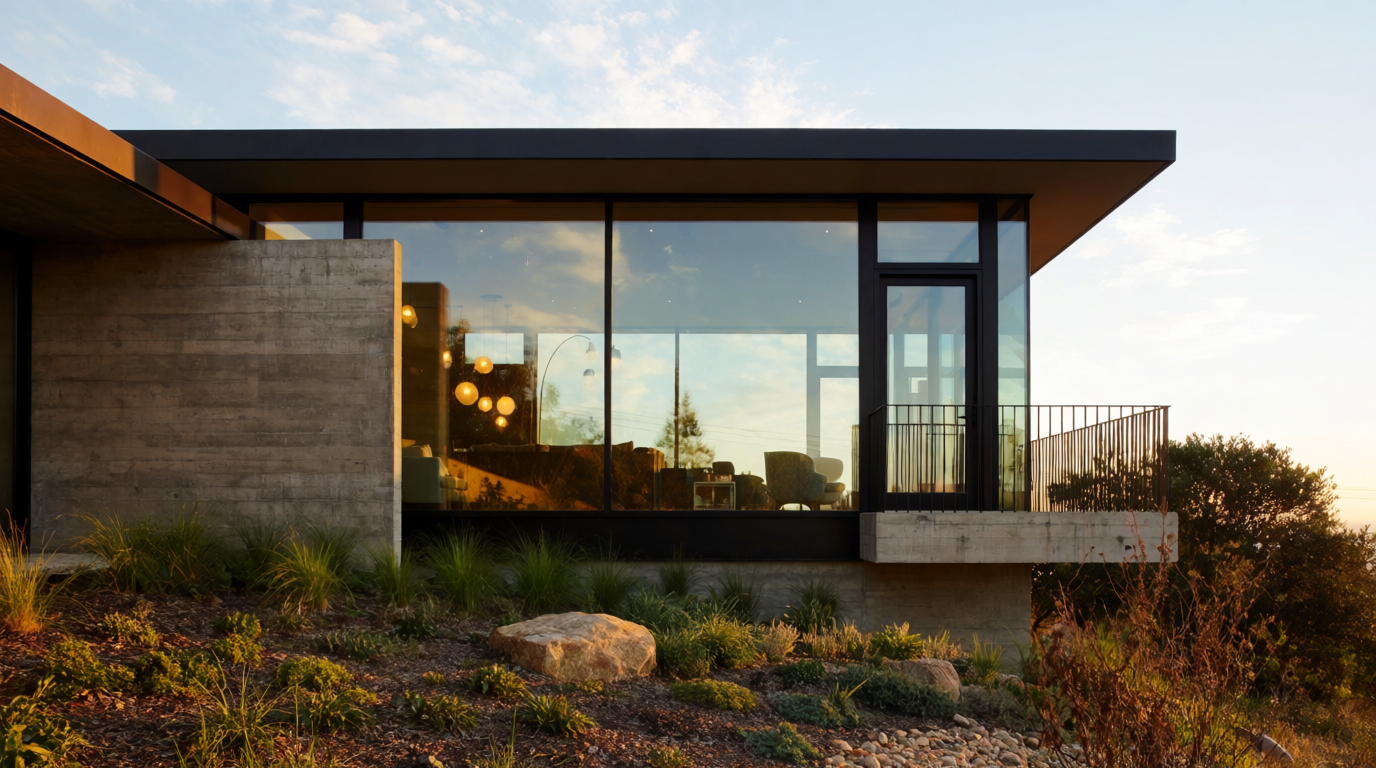
The shell of a building is the half of architecture that wins the pitch. The interiors are the half that wins the move-in date — and, increasingly, the half that wins the magazine feature and the rebooking.
Krea 2 renders interiors with material accuracy that holds up to design-publication scrutiny. This article walks through the room types interior designers and architects build over and over — kitchens, bedrooms, bathrooms, dining rooms, home offices, hospitality lobbies, restaurants — with examples generated for this piece.
Living rooms
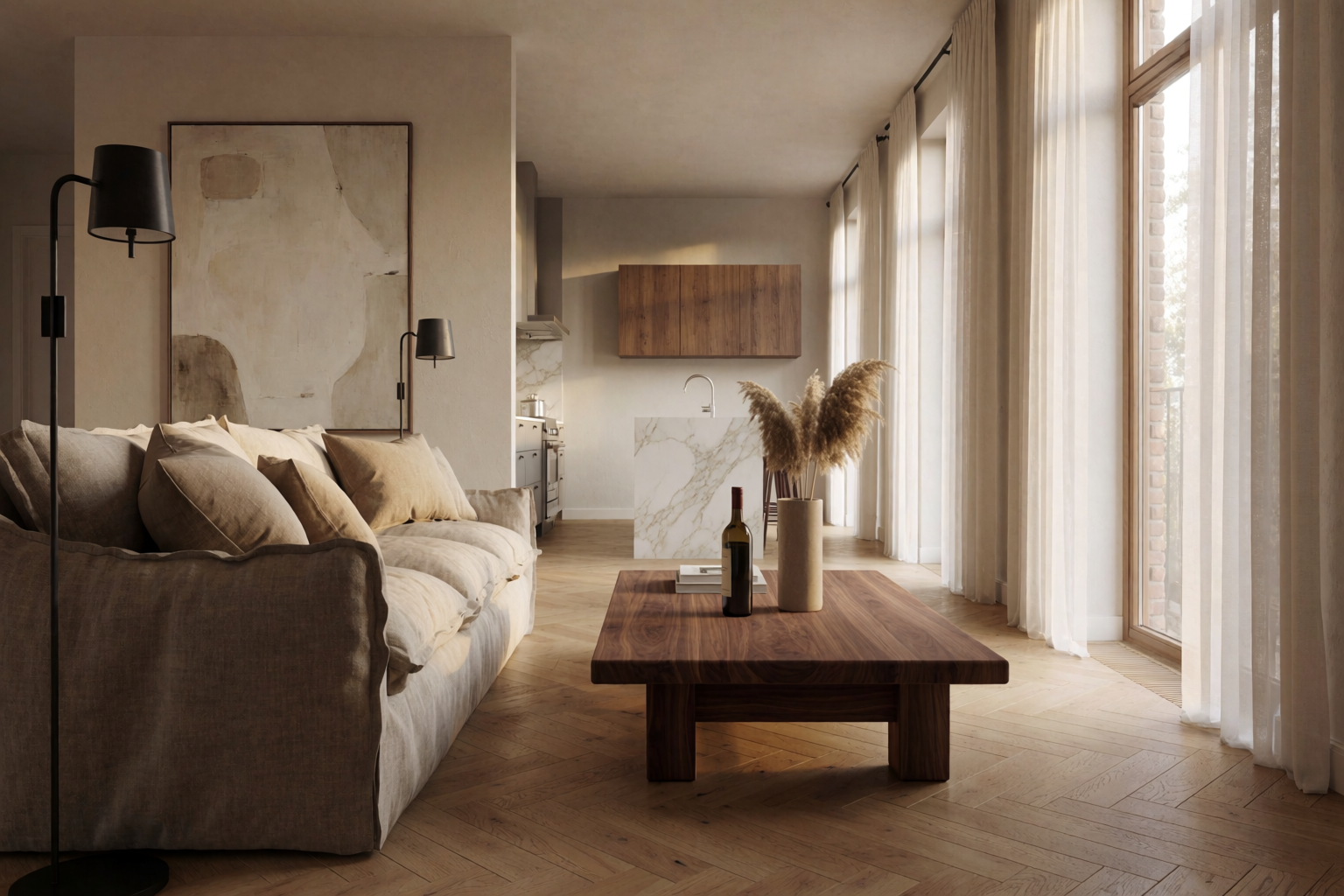
The default brief: warm modern, linen and oak, gentle late-afternoon light. Easy to get wrong, easy for Krea 2 to get right when the materials are named.
Living room and kitchen
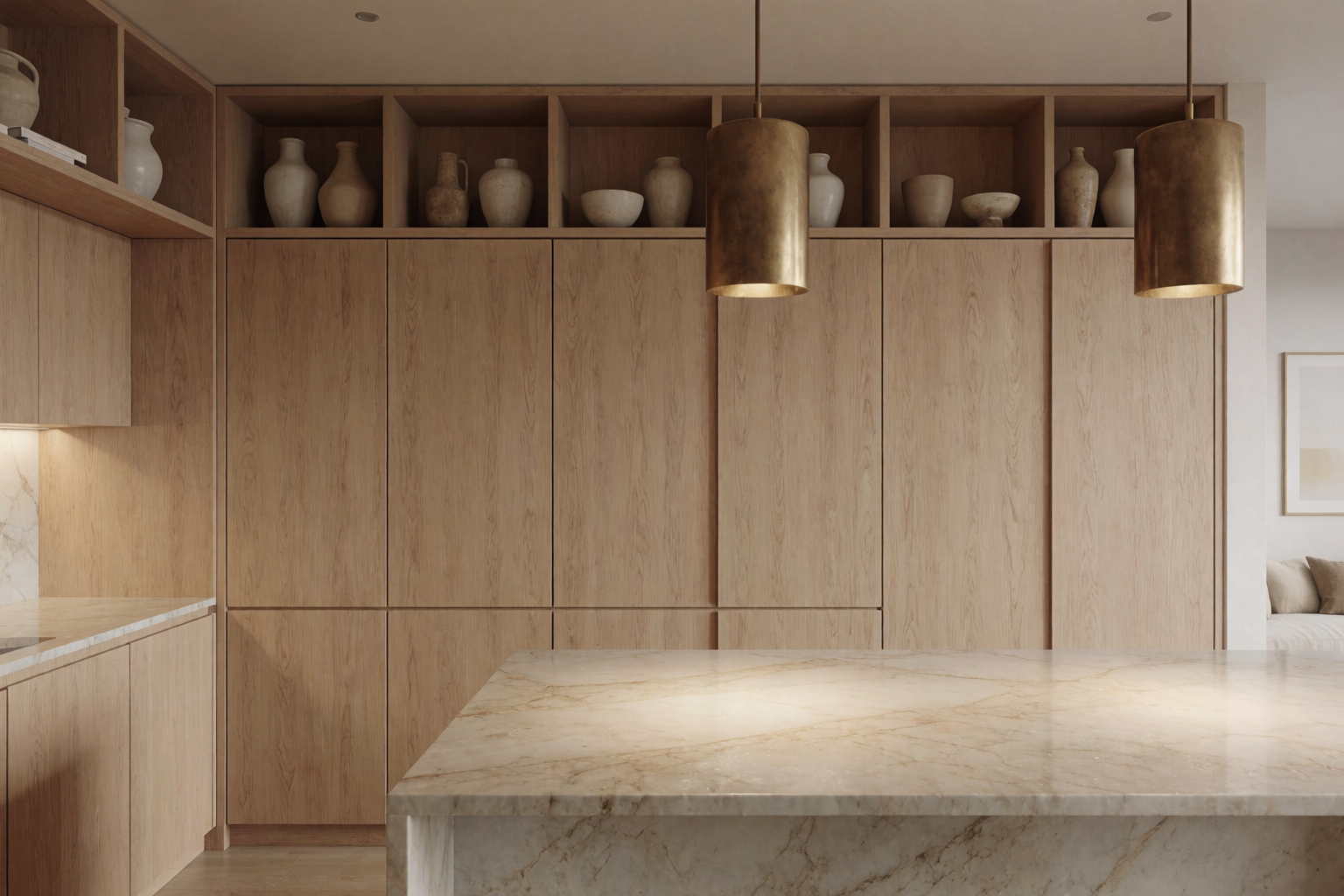
Warm modern living room and a contemporary white oak kitchen with marble island.
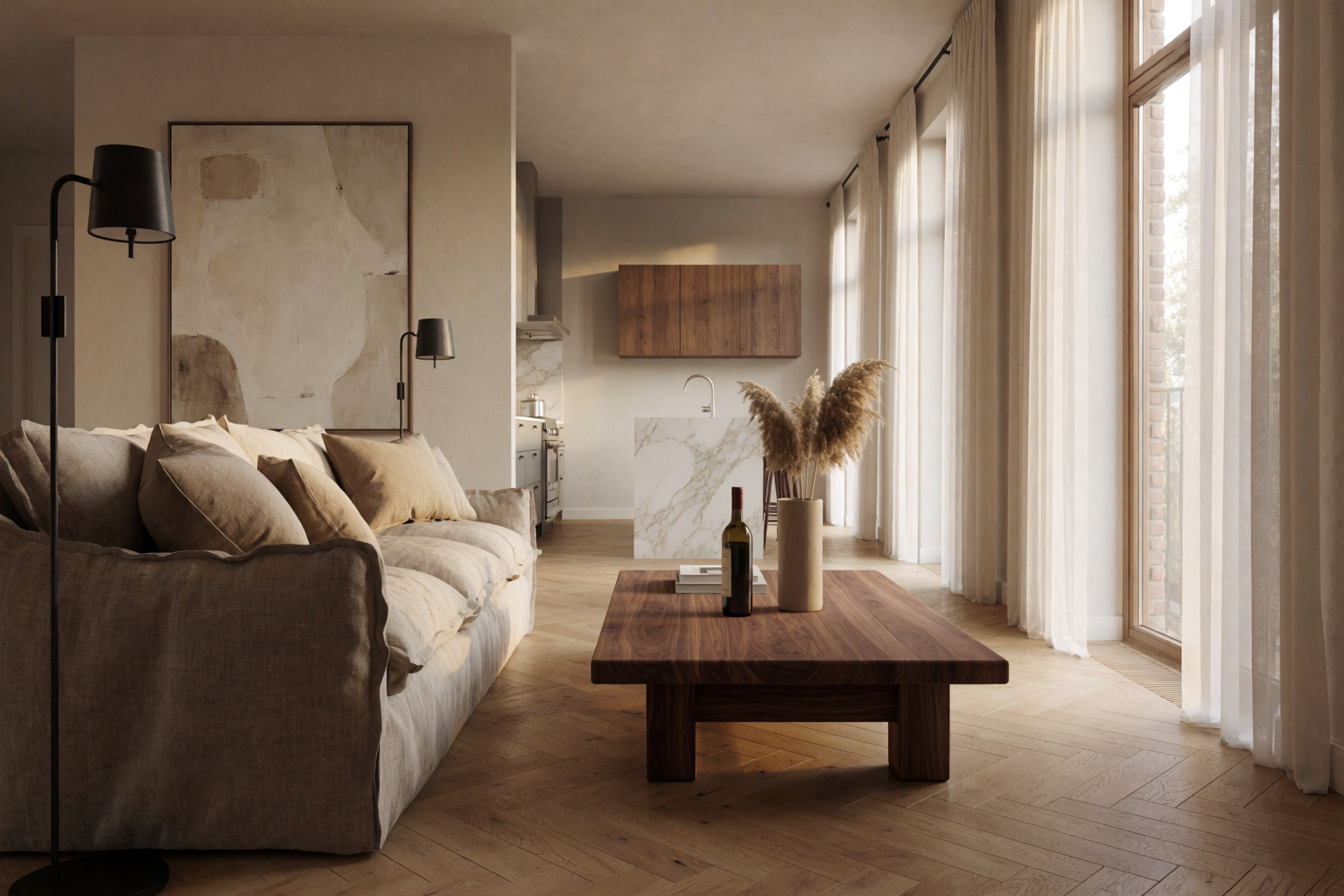
Prompts that work: “deep linen sofa,” “walnut coffee table,” “oak herringbone floor,” “tall windows with sheer curtains,” “late afternoon warm light.” The room is the materials plus the light.
Generate a magazine-ready interior
Name a hero piece, a material palette, and a light, then watch the room appear.
Try Krea 2Kitchens
Kitchens are about three things: the cabinetry, the stone, and the hardware. Get those three right and the kitchen reads. The rest is dressing.
To pull a specific kitchen aesthetic — handleless white oak, honed marble waterfall, brushed brass — name each one explicitly. Generic “modern kitchen” prompts produce generic AI kitchens.
Bedrooms and bathrooms
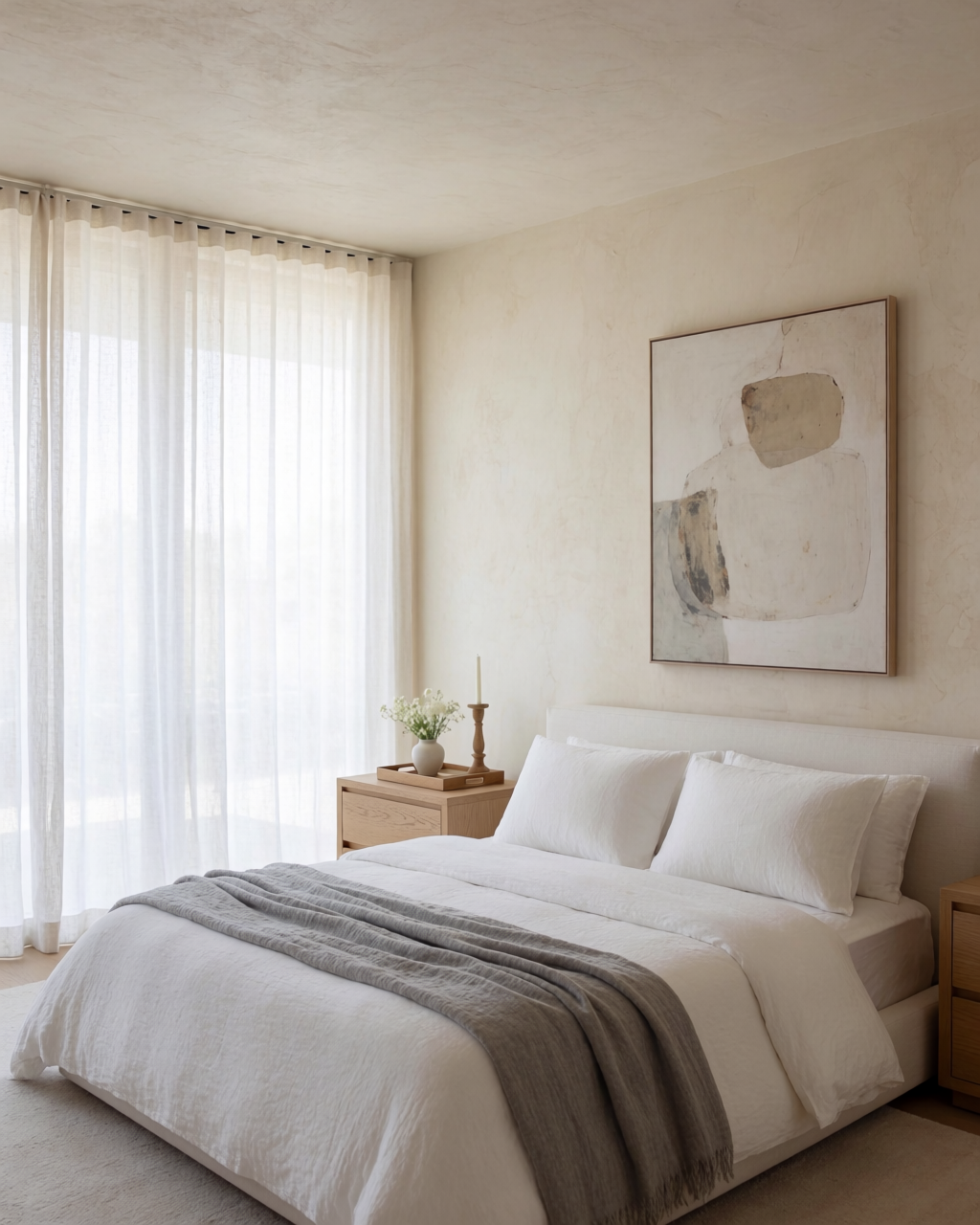
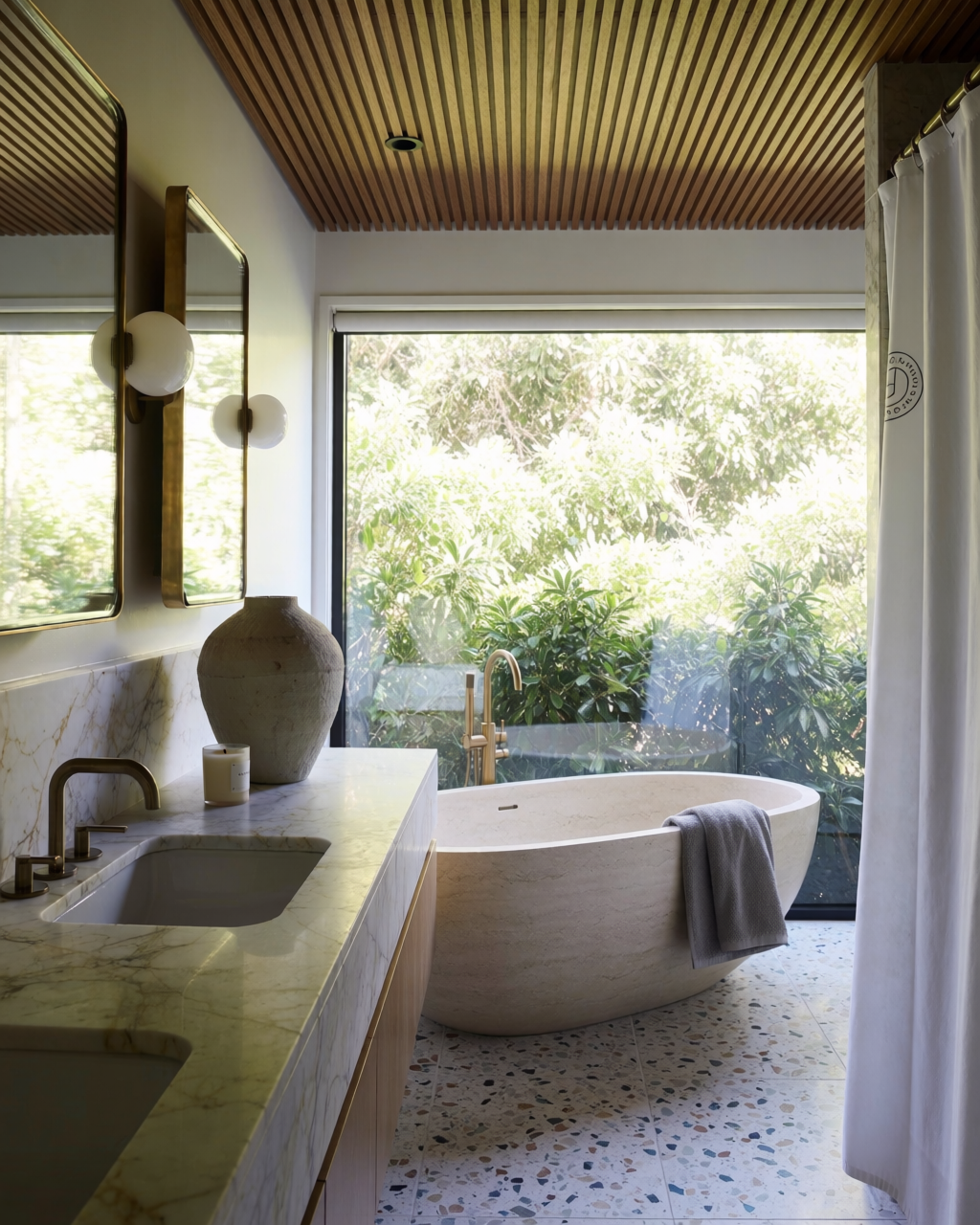
The intimate rooms benefit from restraint. A low platform bed, warm plaster walls, a single piece of art, soft morning light. The bathroom equivalent: stone bathtub, slatted timber ceiling, terrazzo floor, brushed brass.
Bedroom and bathroom
A calm modern master bedroom and a luxe stone-tub bathroom.
Dining and home office
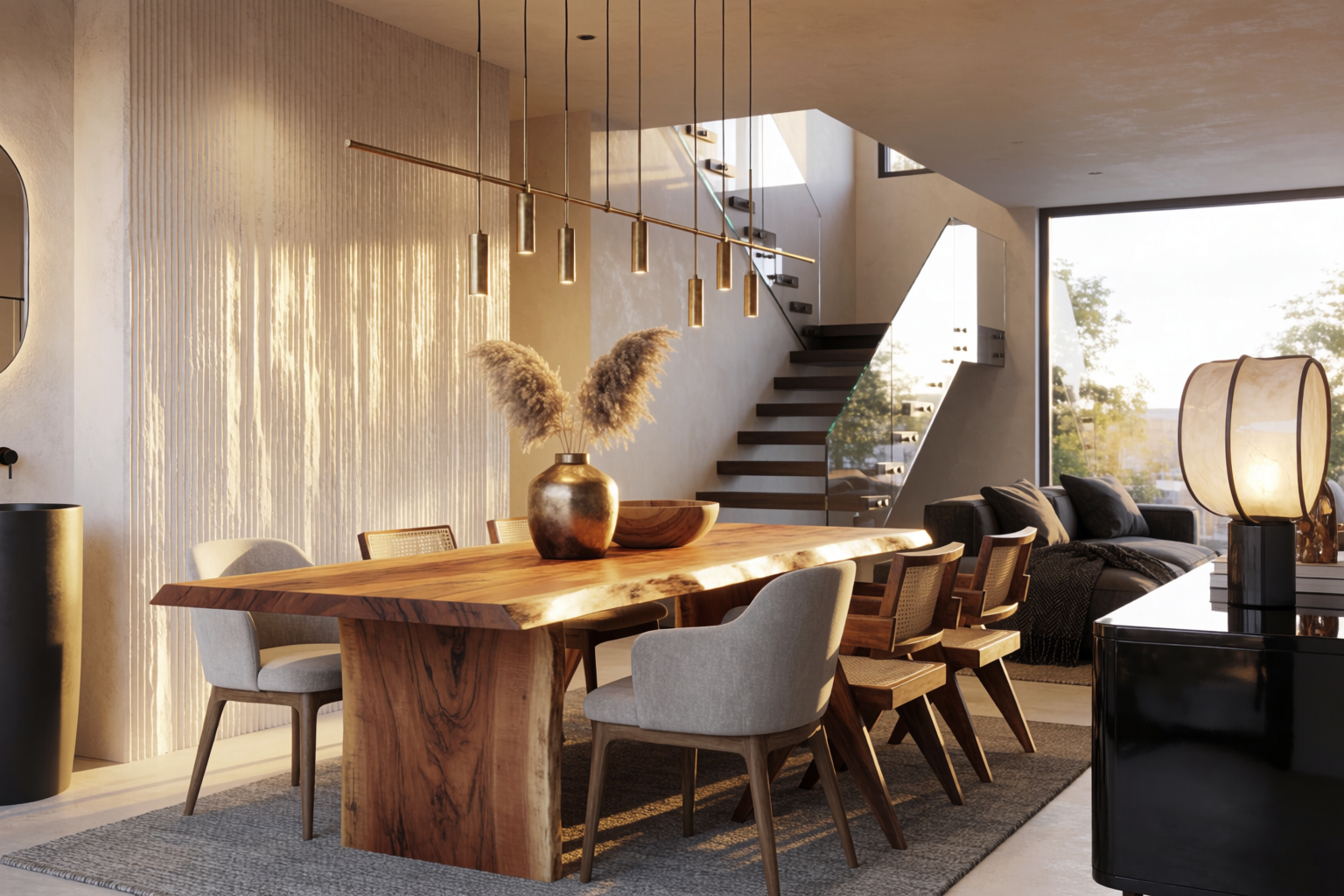
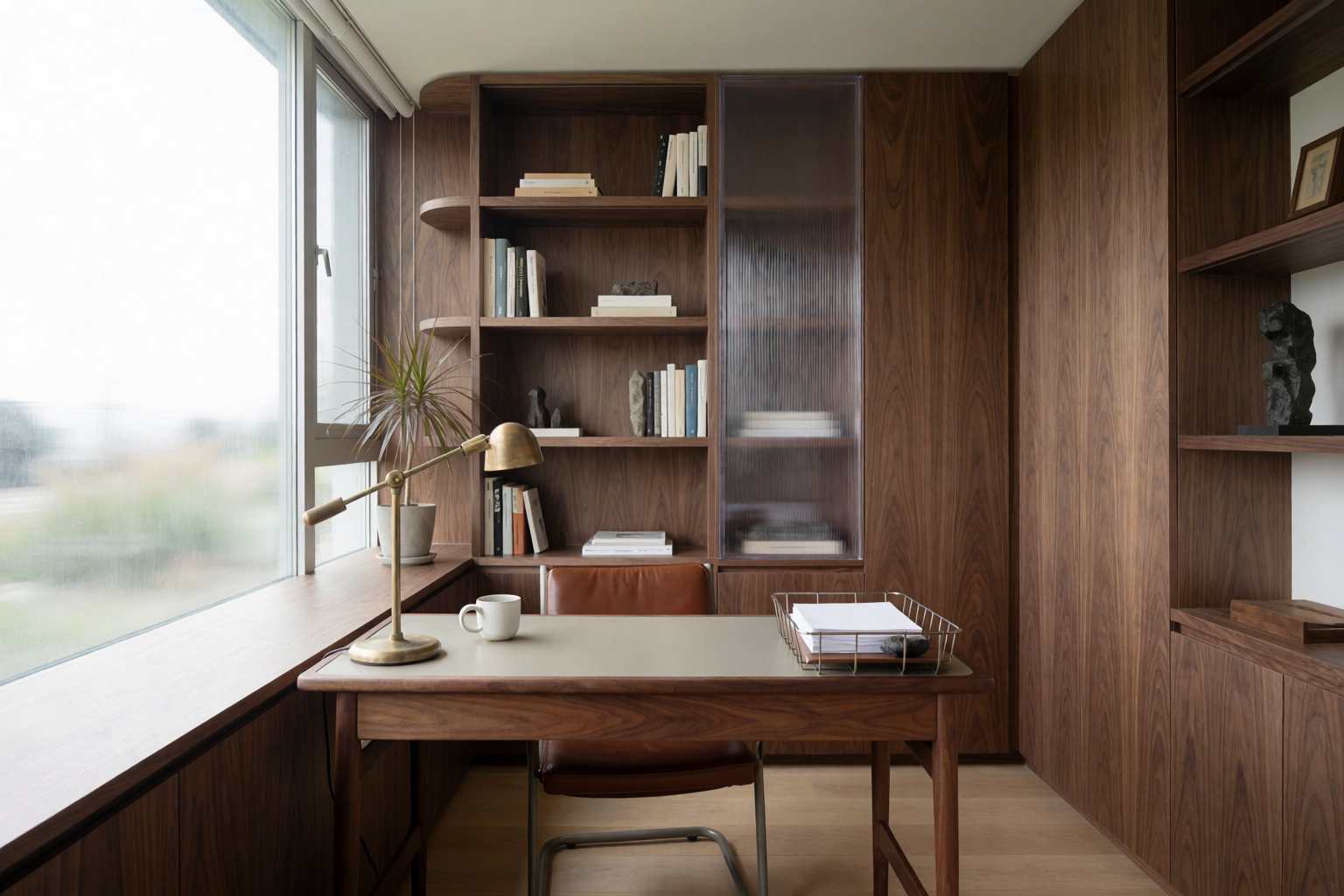
Two rooms that benefit from a single hero element — the table in the dining room, the built-in shelf in the home office. Prompt for the hero element first, then the supporting details.
Dining room and home office
Live-edge oak dining and a quiet walnut-shelved home office.
Hospitality interiors
Where interior design earns its keep at scale — hotels, restaurants, bars, lobbies. The visual language is bolder, the lighting is moodier, the materials are richer.
Hospitality interiors
A boutique hotel lobby and a moody contemporary restaurant.
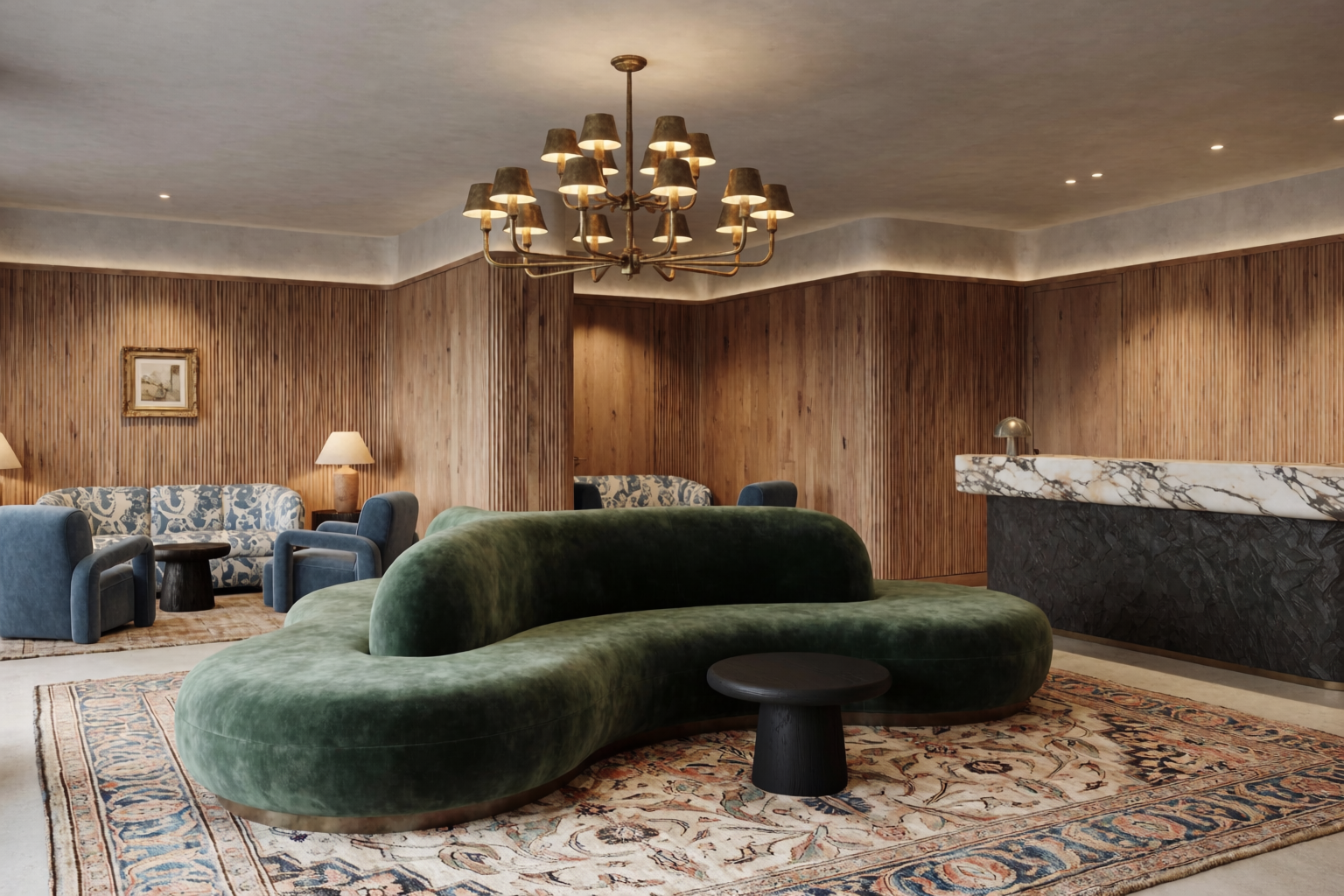
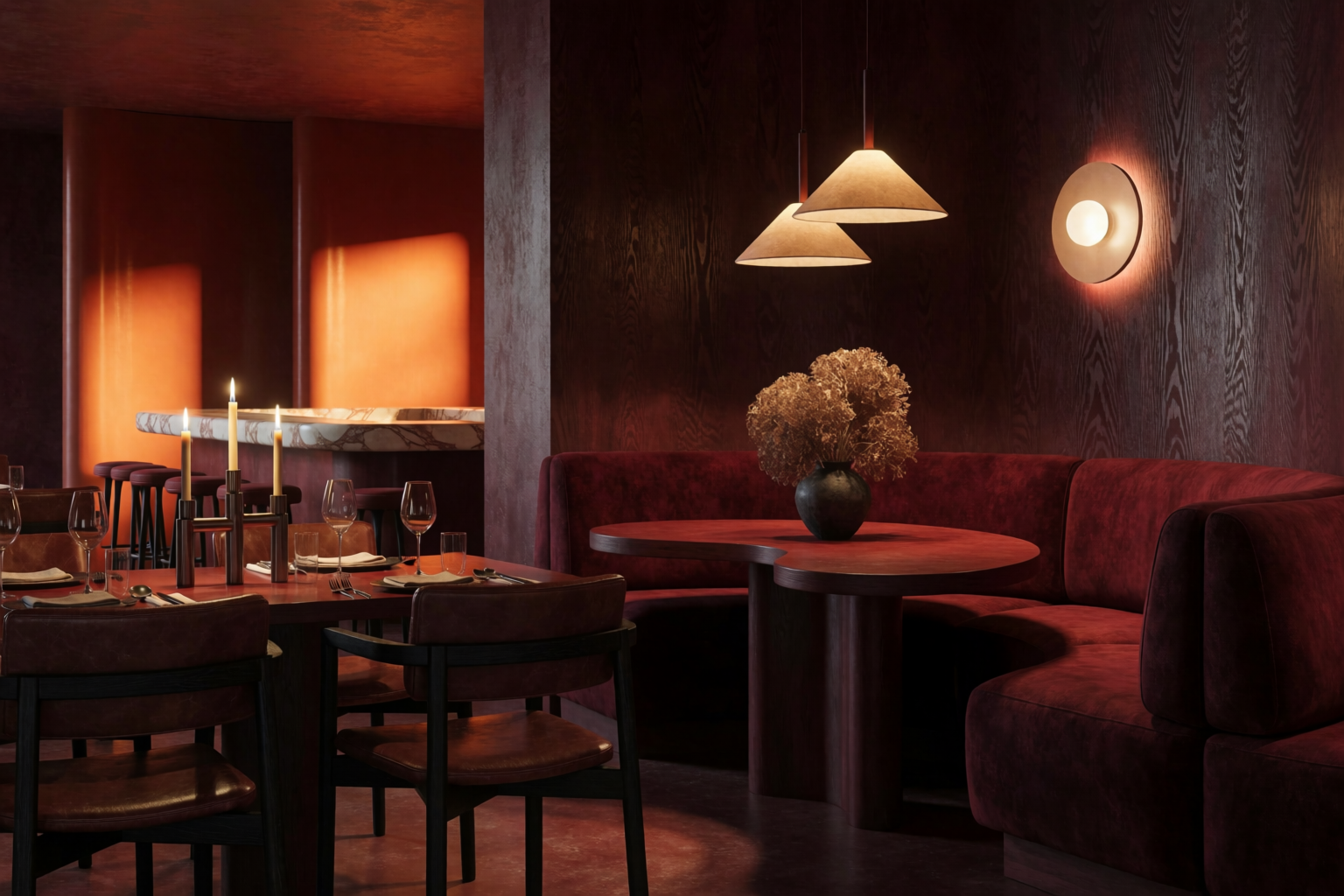
For hospitality, lean into specifics: “sculptural curved sofa in deep green velvet,” “oversized vintage rug,” “dramatic brass chandelier,” “fluted timber walls.” Hospitality interiors are made of icons; name them.
Prompt patterns that work for interiors
- Lead with the hero element. Every great interior render has one — the sofa, the island, the bathtub, the light fixture. Name it first.
- Specify the material palette. “Linen, walnut, brass, oak herringbone.” Three to five named materials per room. More dilutes; fewer reads as generic.
- Name the light. “Late afternoon warm light,” “soft morning daylight,” “evening warm interior lighting,” “diffuse overcast through linen curtains.” Interior renders live or die by their light.
- Include one piece of art or a sculptural object. A single careful piece anchors the room. Avoid asking for “art” generically; name a category (“large abstract canvas,” “ceramic vase collection”).
- Specify the camera. “Three-quarter interior view,” “wide one-point perspective,” “tight detail shot.” Different framings serve different decks.
Where this fits in a design workflow
Interior design with Krea 2 lives in two phases of a real project:
- Mood and direction — early in the project, before any selections are made. Generate a dozen versions of the same room with different palettes to align the client.
- Presentation — at the end of selections, before fabrication. Generate the final room with the specified palette, fixtures, and finishes for the client deck.
For full project consistency across many rooms, build a mood board from the locked palette and apply it on every room render.
Render your next interior in Krea 2
Free to start. Mood boards and Edit included on every plan.
Open Krea 2Frequently asked questions
Can Krea 2 render specific furniture pieces?
How do I match a specific paint color or stone?
Can I generate multiple rooms in the same style?
Can I take a real photo of a room and restyle it?
What about technical interior renders for procurement?
We recently partnered with Henning Larsen Architects to build AI creative tools grounded in real architectural practice.