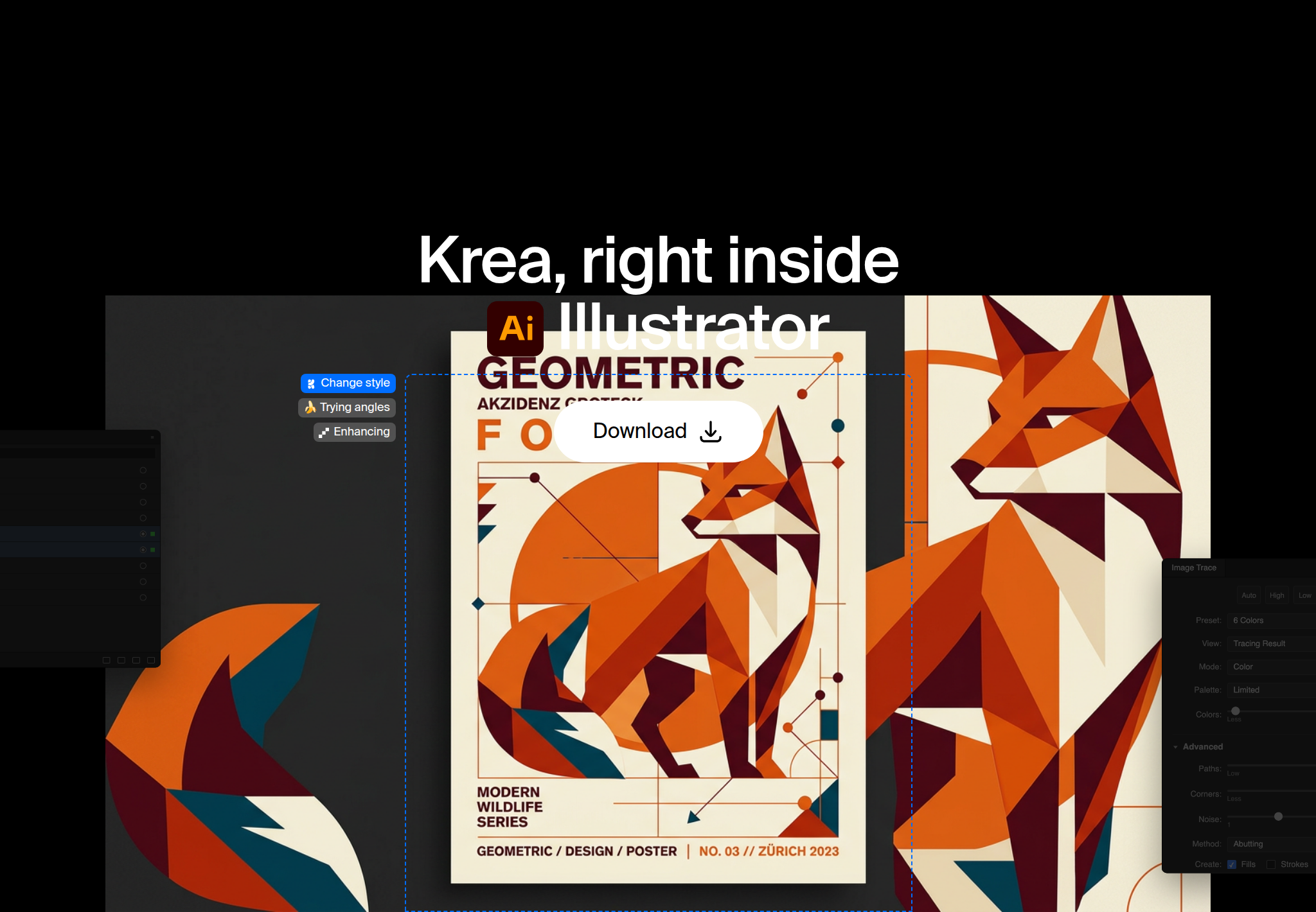
Krea for Illustrator brings Krea’s image generation into your Illustrator document. Generate artwork, turn it into editable vector paths with Image Trace, explore logo and brand directions, and ask Krea Agent to draw shapes, set type, and arrange layers and artboards.
Get Krea for Illustrator
Generate artwork, trace it to paths, and keep working in the same document.
Open the plugin pageCan AI make vector art in Illustrator?
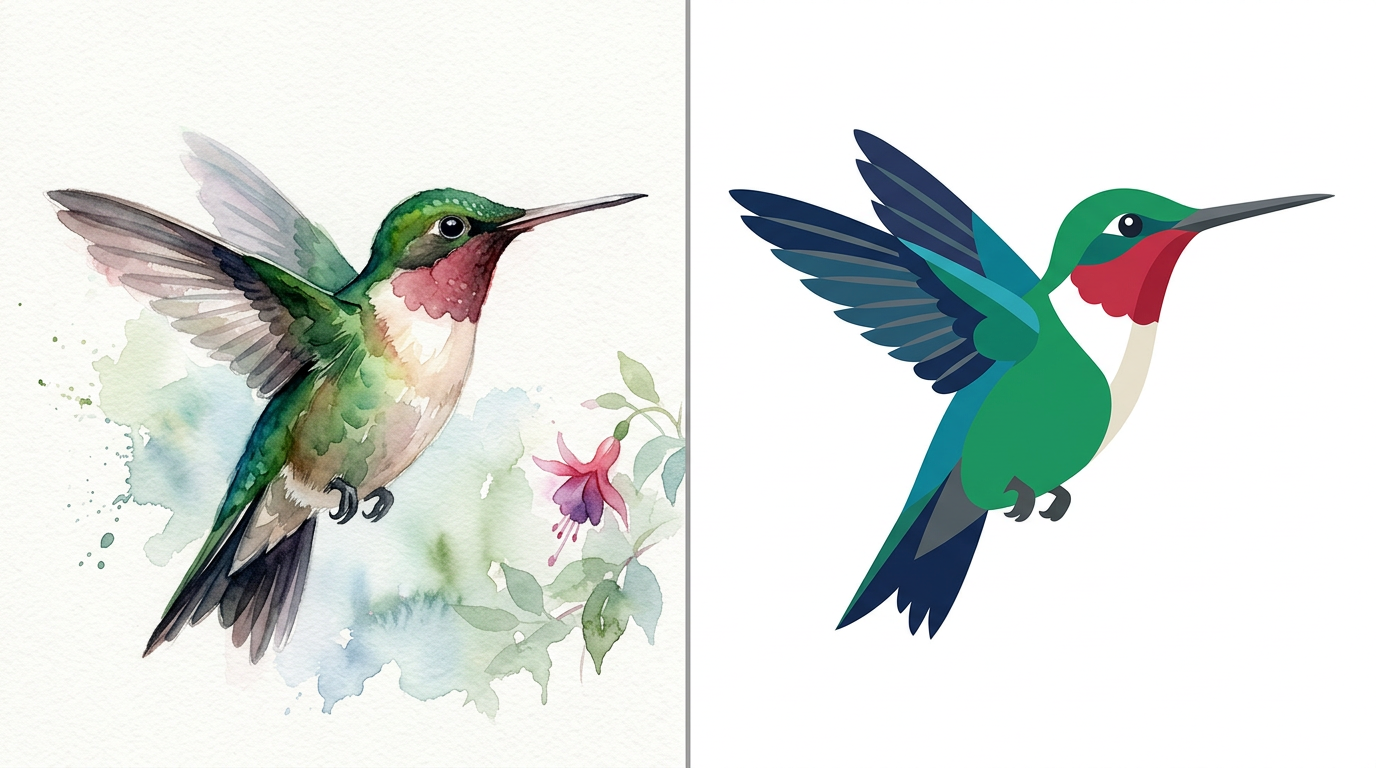
Yes, in two steps. Krea generates the image, then Illustrator’s Image Trace turns it into editable vector paths. From there they’re ordinary Illustrator paths: recolor, reshape, and scale them with the tools you already use.
That’s faster than drawing every anchor by hand, and you stay in control of the final vectors.
Designing a logo in the browser instead? Read how to create a logo. The Illustrator plugin keeps everything in your .ai file.
How do I install Krea in Illustrator?
Krea for Illustrator runs on macOS 12 or later and Windows 10 or later, with Illustrator 2025 or newer. Generation runs on Krea’s servers, so you need a Krea account and an internet connection.
- Download the signed installer for your Mac or PC from the Illustrator plugin page.
- Run it and follow the prompts.
- Restart Illustrator.
- Open the panel from Window → Extensions → Krea.
- Sign in with your Krea account.
See all of Krea’s plugins on Krea plugins.
How do I generate an illustration and trace it?
- Open your document and choose Window → Extensions → Krea.
- Generate an illustration from a prompt, or from artwork you’ve selected.
- Vectorize the result with Image Trace.
- Recolor and reshape the paths in Illustrator.
Trace when the deliverable is a logo, an icon, or a mark that has to scale. Keep the raster when it’s a texture or a poster image that doesn’t need anchors.
How do I explore a logo or a brand direction?
Generate logo concepts and marks from a prompt or from your selected artwork, then refine the strongest one in the file. You can also send a selection or the active artboard to Krea, edit it, and place the result back exactly where it came from.
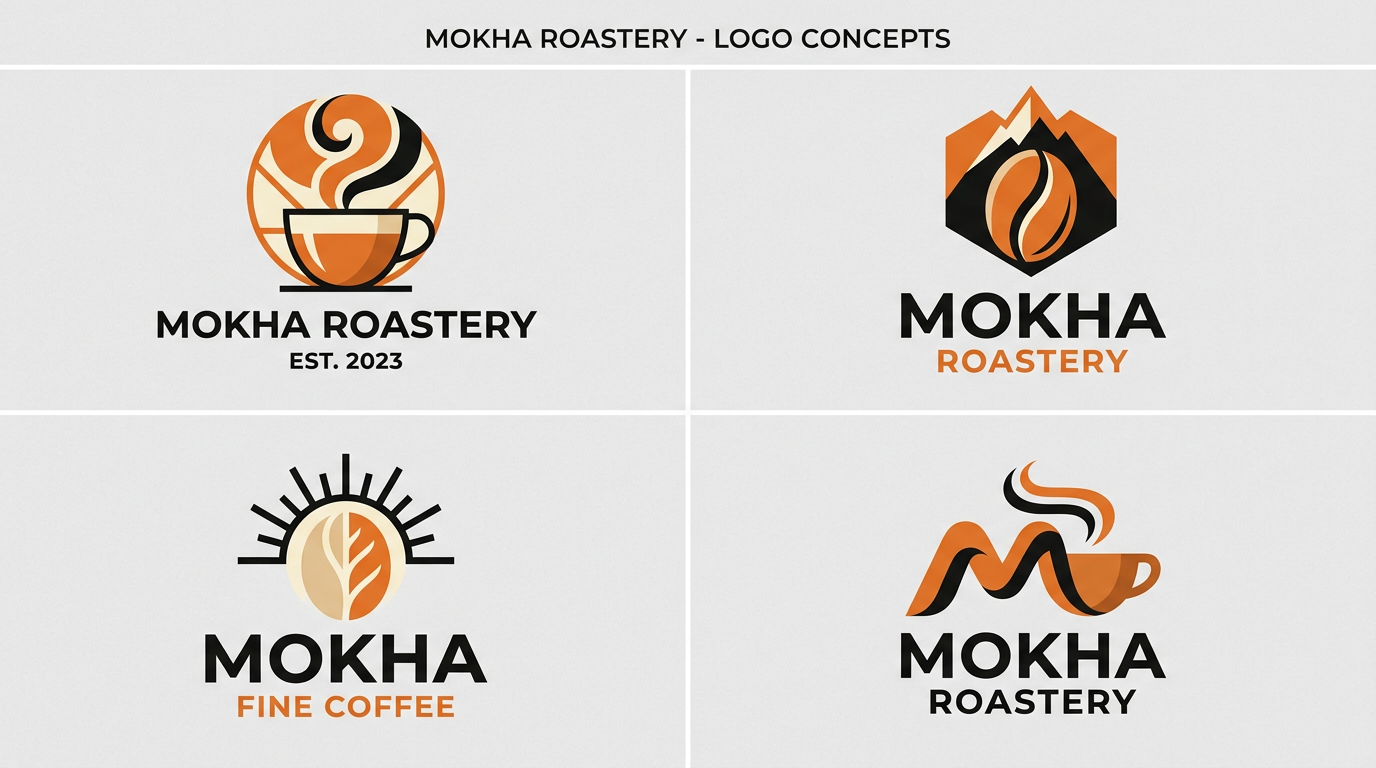
That round trip is what makes it work for brand boards: your artboard and the type you’ve already set stay put, and the new mark lands in the same spot.

- Select the artwork, or stay on the artboard you want to change.
- Send the selection or artboard to Krea.
- Describe the direction: a new mark, a new palette, a tighter symbol.
- Place the result back where it came from.
- Trace it if you need vector outlines next.
What can Krea Agent do inside Illustrator?
Ask Krea Agent to draw shapes, set type, arrange layers and artboards, and check its own work, all inside your document. It builds with you, in the file.

Want to try it in the browser first? Open Krea Agent on the web.
How do I keep an icon set consistent?
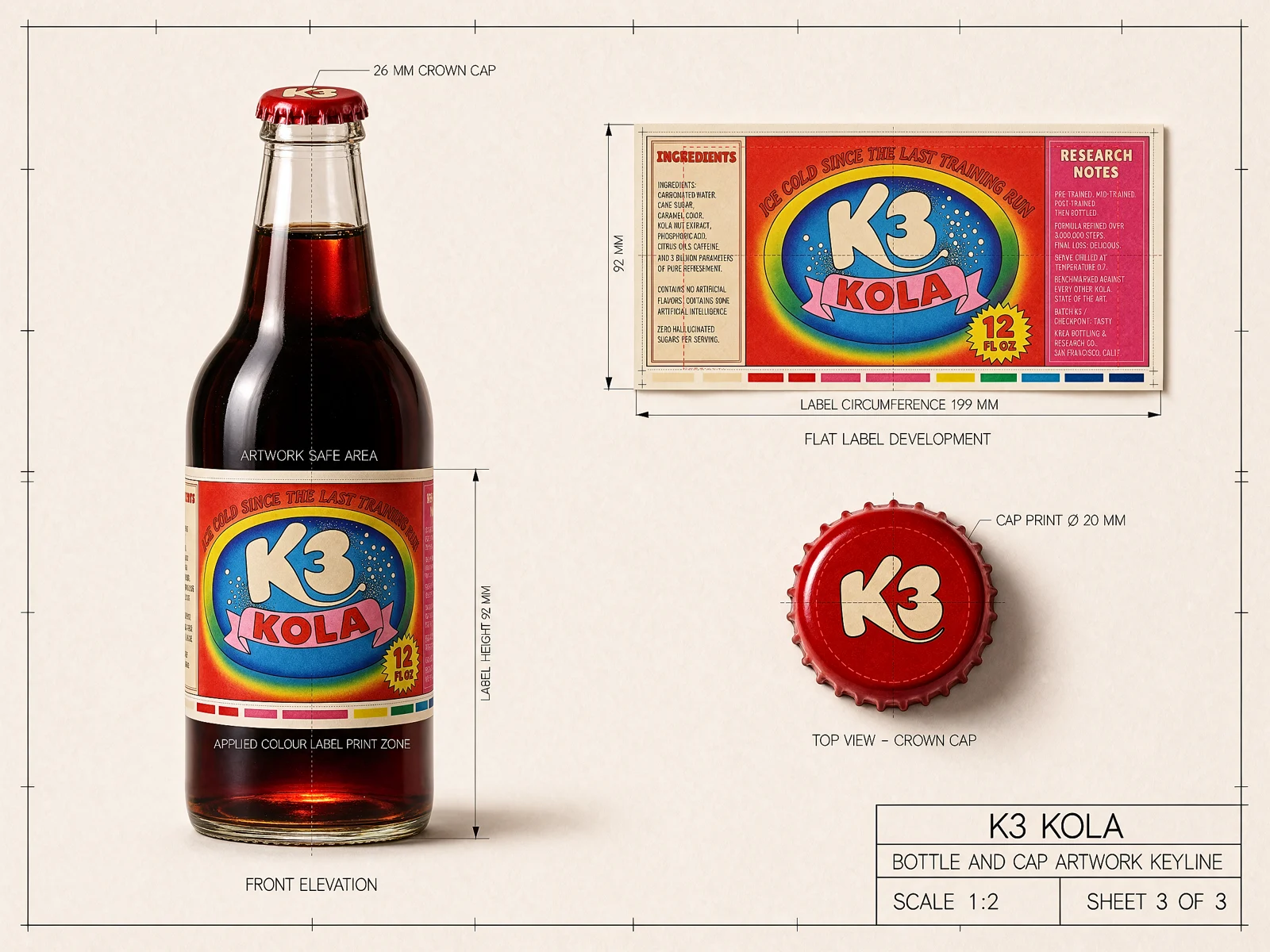
Create matching icons, illustrations, and textures that share one style across a project. Generate the first piece, then ask for the rest of the set in the same style: a family of interface icons, a run of chapter illustrations, a texture library for one brand.

For heavier image editing, try Krea 3 on the web. It takes up to 8 reference images per edit and is 10× faster and 3× cheaper than GPT Image 2 and Nano Banana Pro, with fast, high, and ultra modes. See how it ranks in Krea 3 benchmarks.
Frequently asked questions
Can Krea make vector artwork in Illustrator?
Yes. Krea generates the image, and Illustrator's Image Trace turns it into editable vector paths you can recolor, reshape, and scale.
How do I install Krea for Illustrator?
Download the signed installer from the Illustrator plugin page, run it, restart Illustrator, and choose Window → Extensions → Krea. Then sign in with your Krea account.
Which versions does it support?
Illustrator 2025 or newer, on macOS 12 or later and Windows 10 or later.
Can I edit artwork that is already in the document?
Yes. Send the selection or the active artboard to Krea, edit it, and place the result back exactly where it came from.
What does Krea Agent do in Illustrator?
Krea Agent draws shapes, sets type, arranges layers and artboards, and checks its own work, all inside your document.
Can I use the results commercially?
Paid Krea plans include a commercial license; the free plan does not. Compare plans on Krea pricing before starting client work.
Do I need a Krea account and internet?
Yes. Generation runs on Krea's servers, so you need to be online and signed in to your Krea account.
What is Krea 3?
Krea 3 is Krea's image model on the web. It is 10× faster and 3× cheaper than GPT Image 2 and Nano Banana Pro, takes up to 8 reference images, and offers fast, high, and ultra modes. See the Krea 3 benchmarks.
Get Krea for Illustrator
For Illustrator 2025 or newer. Generate, trace, and place the result back on the artboard.
Get the plugin