“How do we create a logo?” hides a decision with three answers. You can assemble a template logo in a maker like Looka or Canva — fast, cheap, and shared with everyone who picked the same template. You can generate an original mark with an AI image model — unique, but delivered as a raster image that needs vectorization before print. Or you can hire a designer — the right call for a funded brand, at 100x the cost. This guide covers the first two paths: which tool, what it costs, and where it stops.
Every price and quota below comes from the vendor’s published pages, checked in September 2026. Every image in this post is a raw Krea 2 generation from the prompt shown beside it.
The best AI logo generators at a glance
| # | Tool | Best for | Cost to start | Catch |
|---|---|---|---|---|
| 1 | Krea | Original AI-designed marks | Free, 100 compute units/day | Raster output; commercial license is paid |
| 2 | Looka | Template logo plus a full brand kit | Free to design, $20-$65 to download | The $20 tier is one low-res PNG, no vector |
| 3 | Canva | A logo inside a design workflow | Free; Pro from $15/month | Template logos are non-exclusive |
| 4 | Ideogram | Typography-heavy wordmarks | ~10 slow credits/week free | Free images are public |
| 5 | ChatGPT (GPT-Image) | Brief-driven concept exploration | A few free images/day | No design controls, raster only |
| 6 | Adobe Express | Templates with Adobe fonts | Free; Premium $9.99/month | Template sameness |
Generate logo concepts free
Open Krea 2 and run your first logo prompt on today's free compute.
Open Krea 2How we chose and tested
We ran the same brief through each tool: a mark plus wordmark for a small specialty brand, usable on a website header and a storefront sign. We scored originality, text rendering, file formats, and the license you actually get. Prices come from the vendors’ own pages — Looka’s pricing, Ideogram’s plan docs, Canva’s trademark help page, Adobe Express Premium, and Krea’s pricing page. The example images are single raw generations from the stated prompt — no retouching.
1. Krea — original marks from a frontier image model
Krea 2 approaches a logo as a design brief, not a template search. Describe the mark’s geometry, palette, and presentation, and it returns a concept no other user will get. The free plan gives 100 compute units of Krea 2 generation per day, basic upscaling to 2K, and limited LoRA training — enough to explore twenty-plus logo directions daily. Paid plans (from $9/month) add the full model library, editing, the 8K-class Enhancer, and the commercial license.
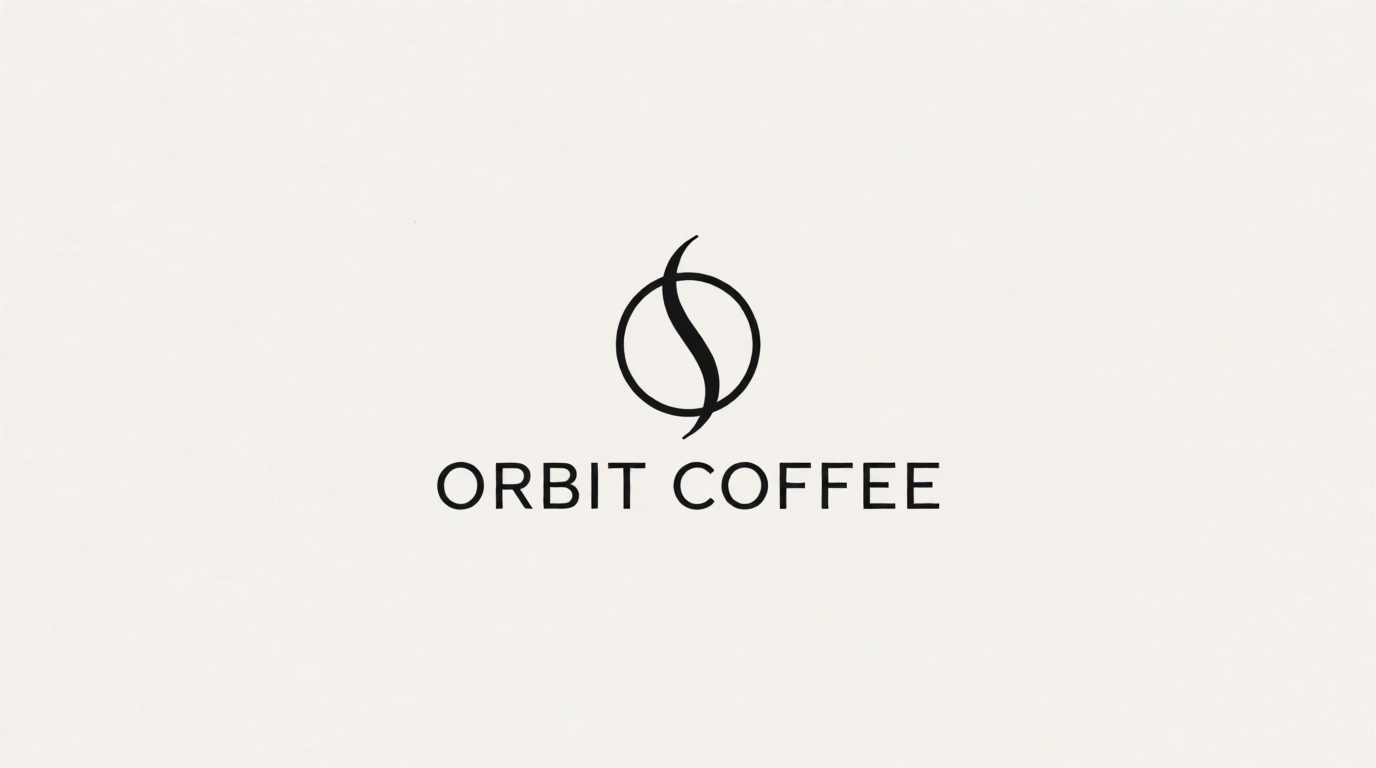
Prompt:
Minimal geometric logo for a specialty coffee brand named “ORBIT COFFEE”: a circle intersected by one rising steam line, flat single-color black mark on an off-white background, wordmark in a clean geometric sans-serif below, centered, generous negative space, brand identity presentation.
Variation tips: name the construction (“a circle intersected by one rising steam line”) instead of the vibe; swap the palette and rerun to get a full concept board from one prompt.
Where it stops: Krea 2 outputs raster images (PNG), not vector SVG files. A production logo needs vectorization — Krea’s free vectorizer app converts a clean PNG mark to SVG in seconds, but a print-grade identity still deserves a manual pass in a vector editor. The free tier also excludes the commercial license: a business shipping this logo commercially needs a paid plan, per Krea’s pricing. And no AI tool clears a trademark for you — an original generated mark is a strong start, not a legal opinion.
Try Krea free — 100 compute units a day, no credit card.
2. Looka — the classic logo maker, priced by download
Looka generates template-based logo options from your industry, name, and color preferences. Designing and previewing is free; you pay to download. Basic is $20 one-time for a single low-resolution PNG — no vector files. Premium is $65 one-time with high-resolution PNG, SVG, EPS, and PDF plus full ownership. Brand Kit subscriptions ($96/year, or $129/year with a website) add social and print assets.
Settings recipe: enter the exact business name and slogan first; pick 3-5 reference logos in the style quiz, not 10 — a tight selection steers the generator harder; lock your two brand colors before browsing, then adjust letter spacing in the customizer.
Where it stops: every option is assembled from a shared symbol library, so a competitor can land one icon away from yours. The $20 tier is unusable for print — treat $65 as Looka’s real price if you need vector files.
3. Canva — good enough when the logo lives inside your designs
Canva’s logo maker is a template editor: pick a layout, swap fonts, icons, and colors. It is free, and if your marketing already lives in Canva, keeping the logo there is convenient. Canva Pro (from $15/month) adds the premium asset library and transparent PNG export.
Settings recipe: start from a near-empty template and rebuild with basic shapes and fonts instead of a finished template; set your exact hex codes before browsing; export at the largest available size.
Where it stops: exclusivity. Canva’s own help page states that logos built from its Free or Pro library content cannot be used in a trademark — only fonts, simple shapes, and lines are exempt, because library content is licensed to every user. A Canva template logo is fine for a hobby project and a liability for a brand you plan to protect.
4. Ideogram — the typography specialist
Ideogram built its reputation on rendering text, which makes it a natural fit for wordmarks and letter-based marks. The free tier has tightened year over year and now refills roughly 10 slow credits per week, with paid plans from about $15/month removing the queue.
Prompt:
Monogram logo for a technology startup named “Vexa”: the letter V built from two overlapping parallelograms, deep blue to cyan gradient, on a dark navy background, modern geometric sans-serif wordmark beneath, centered, identity presentation style.
Variation tips: put the exact brand name in quotes; describe the letter construction geometrically so regenerations keep the same idea while varying the execution.
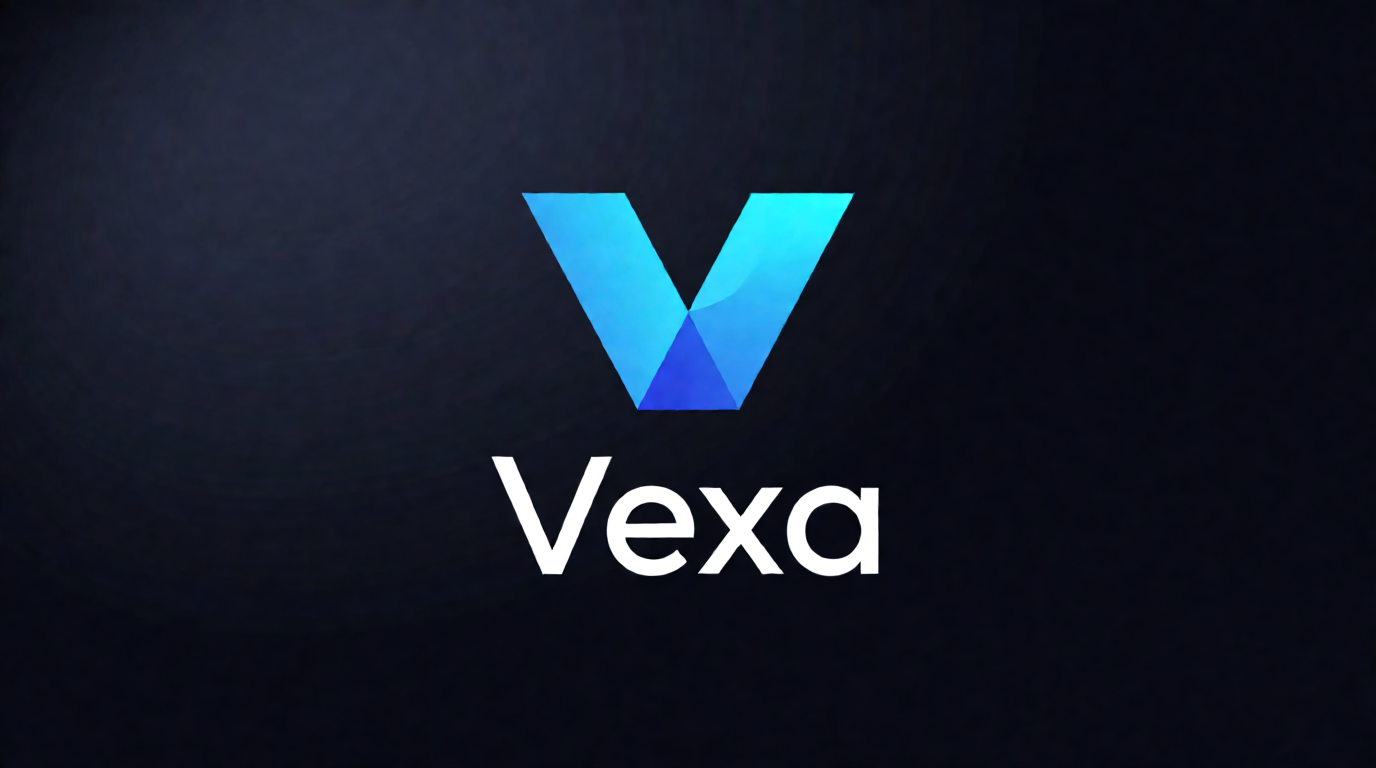
Where it stops: free-tier images are public in Ideogram’s explore feed and cannot be deleted, which rules out confidential brand work before launch. Output is raster here too — the vectorization step applies to every AI generator in this list.
5. ChatGPT — concept exploration by conversation
GPT-Image inside ChatGPT reads a paragraph-long brand brief better than any dedicated logo tool, and iterating by reply (“same mark, but rounder”) is useful at the concept stage. The free tier allows a few images per rolling day — OpenAI publishes no exact cap — so treat it as a sketchbook.
Prompt:
Vintage circular badge logo for a mountain outfitter named “NORTH HOLLOW SUPPLY CO.”: hand-drawn pine trees and one mountain peak inside the ring, text around the border, cream and forest-green two-color palette, distressed print texture, centered on a kraft paper background.
Variation tips: badge logos are the easiest style for AI models to nail — the enclosed circle forgives imperfect spacing; state the palette as two named colors, not a mood.
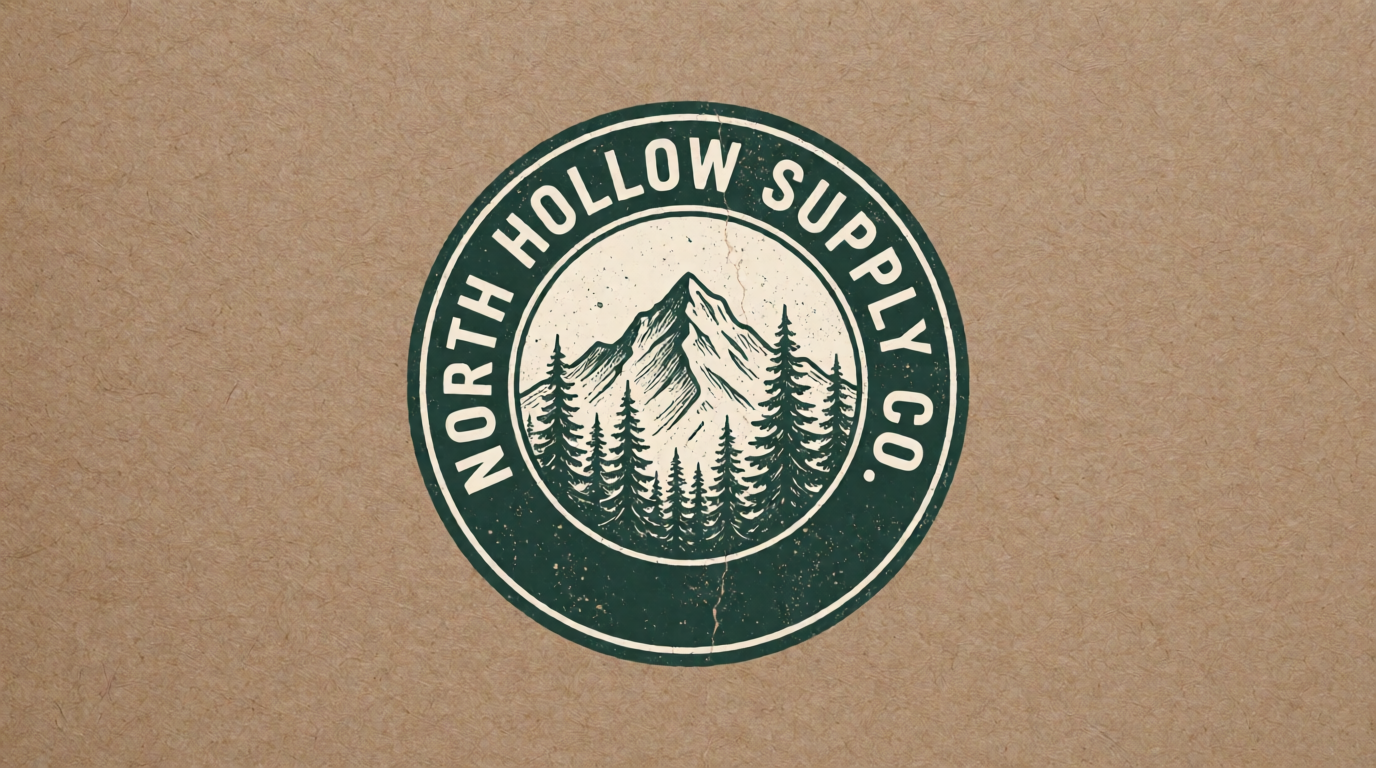
Where it stops: no seeds, no style references, no batch variations — you cannot reliably reproduce a mark you liked. It is a first step, not a pipeline.
6. Adobe Express — templates with better fonts
Adobe Express’s logo maker works like Looka and Canva — answer questions, get template options, customize — with Adobe’s font library as its main draw. The free plan includes the logo maker; Premium is $9.99/month and adds brand kits, more generative credits, and the licensed font catalog.
Settings recipe: pick the industry that matches your typography taste rather than your literal business — it drives the font pairings; export both the full lockup and the icon alone.
Where it stops: the same template-exclusivity problem as Canva, and the options lean corporate. If typography is the point, a generated wordmark gives you something the templates cannot.
What makes a good logo?
“What’s the best logo design?” has a boring, reliable answer: the one that survives shrinking. Four tests separate a working logo from a pretty picture:
- Simple: one idea, drawn once. If you cannot sketch it from memory after one look, it is an illustration, not a logo.
- Legible at 16 pixels: a favicon is the smallest place your logo lives. Thin lines and small text disappear there.
- Works in one color: print, embroidery, and engraving all flatten your gradient. A mark that depends on color effects fails its first merchandise order.
- Distinct in its category: every AI tool will offer a coffee bean for a coffee brand. Take the second-most-obvious idea instead.
Prompt:
Typography-led wordmark concept for a bakery named “Flour & Salt”: warm serif letterforms, a subtle wheat flourish on the ampersand, dark charcoal text on a cream background, centered, minimal, identity presentation style.
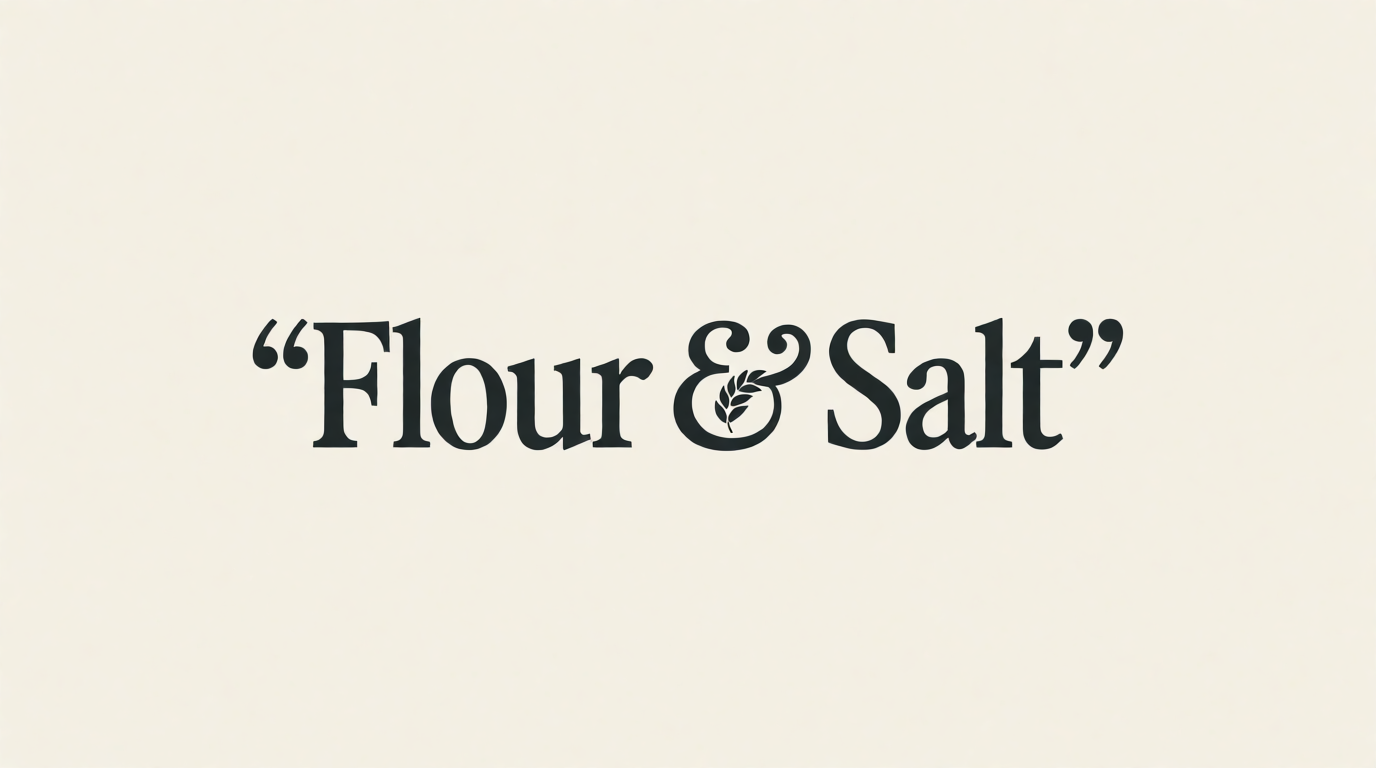
An honest note on that image: Krea 2 rendered the letterforms cleanly — and also drew the prompt’s quotation marks into the mark. Raster models take text literally; keep every character you do not want drawn out of the prompt.
How to create a brand logo, step by step
A brand logo starts from the brand, not from the canvas. The process below works in any of the tools above.
- Write the brief first. One line for what the brand does, three adjectives for how it should feel, and the two places the logo appears most (website header, packaging, signage).
- Pick a logo type. Wordmark (the name is the logo), monogram (initials), abstract mark, or badge. Small businesses with distinctive names do well with wordmarks; apps need a square-friendly mark.
- Generate wide, then narrow. Run 10-20 variations of one prompt in Krea 2 — a free day’s compute covers this. Change one variable per rerun: palette, construction, weight. Our style-prompt guide shows how much a single style word moves a result.
- Run the shrink test. Scale the three finalists to 16 pixels and to one color. Most candidates die here; that is the point.
- Vectorize the winner. Convert the raster mark to SVG — Krea’s free vectorizer handles clean flat marks well — then tidy anchor points in a vector editor.
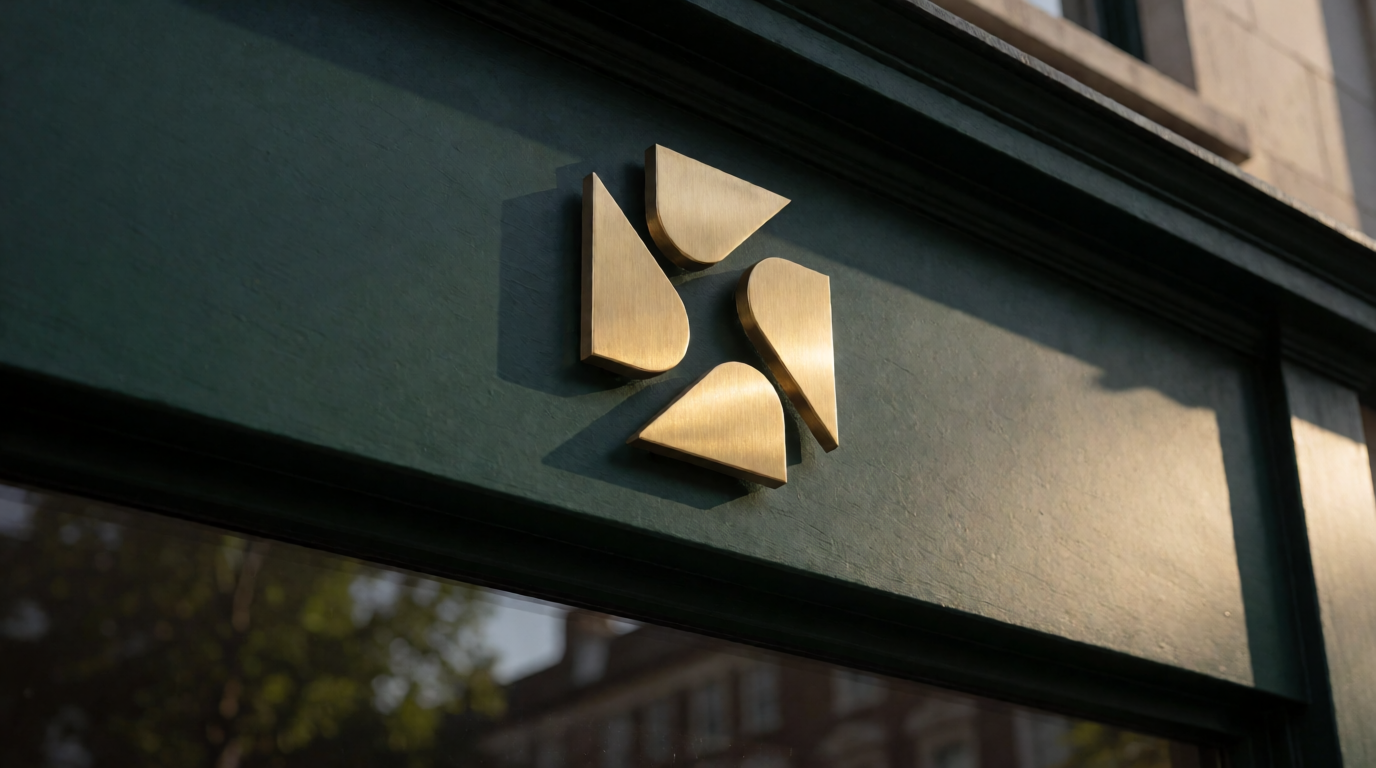
- Mock it up before you commit. Put the mark on a sign, a cup, a header. A mockup exposes proportion problems a centered presentation hides — the same real-world check a branded QR code needs before it goes anywhere near a print run.
- Check availability. Search your national trademark register for the name and mark class before you print anything. No generator — Krea included — does this for you.
Prompt (for step 6):
Photorealistic storefront signage mockup: a minimal geometric coffee-brand logo in brushed brass, mounted on a dark green painted shopfront fascia, late-afternoon light, shallow depth of field, street-level view.
Which logo tool should you pick?
Pick by what the logo must survive, not by the first pretty option:
- You want a mark nobody else has → generate with Krea 2, then vectorize. Free to explore; the commercial license comes with paid plans.
- You want a finished kit today and accept a template look → Looka at the $65 Premium tier (the $20 tier has no vector files).
- The logo is a small part of a Canva-based workflow → Canva — but read the trademark limits first.
- The name itself is the logo → Ideogram or a Krea 2 wordmark prompt.
- You are still figuring out what you want → sketch in ChatGPT, then rebuild the winner in a tool with controls.
- You are protecting a funded brand → use the AI round as a brief, then hire a designer to finish and clear it.
For the broader toolbox beyond logos, see our guides to free AI image generators and creative AI image generators.
Frequently asked questions
How do we create a logo?
How to create a brand logo?
What's the best logo design?
Where can I make a logo for free?
How can I make my own logo?
Can I trademark a logo made with AI?
Design your logo with Krea
Generate original logo concepts with Krea 2 free — 100 compute units a day, no credit card. Paid plans add every model, 8K enhancing, and the commercial license.
Try Krea free