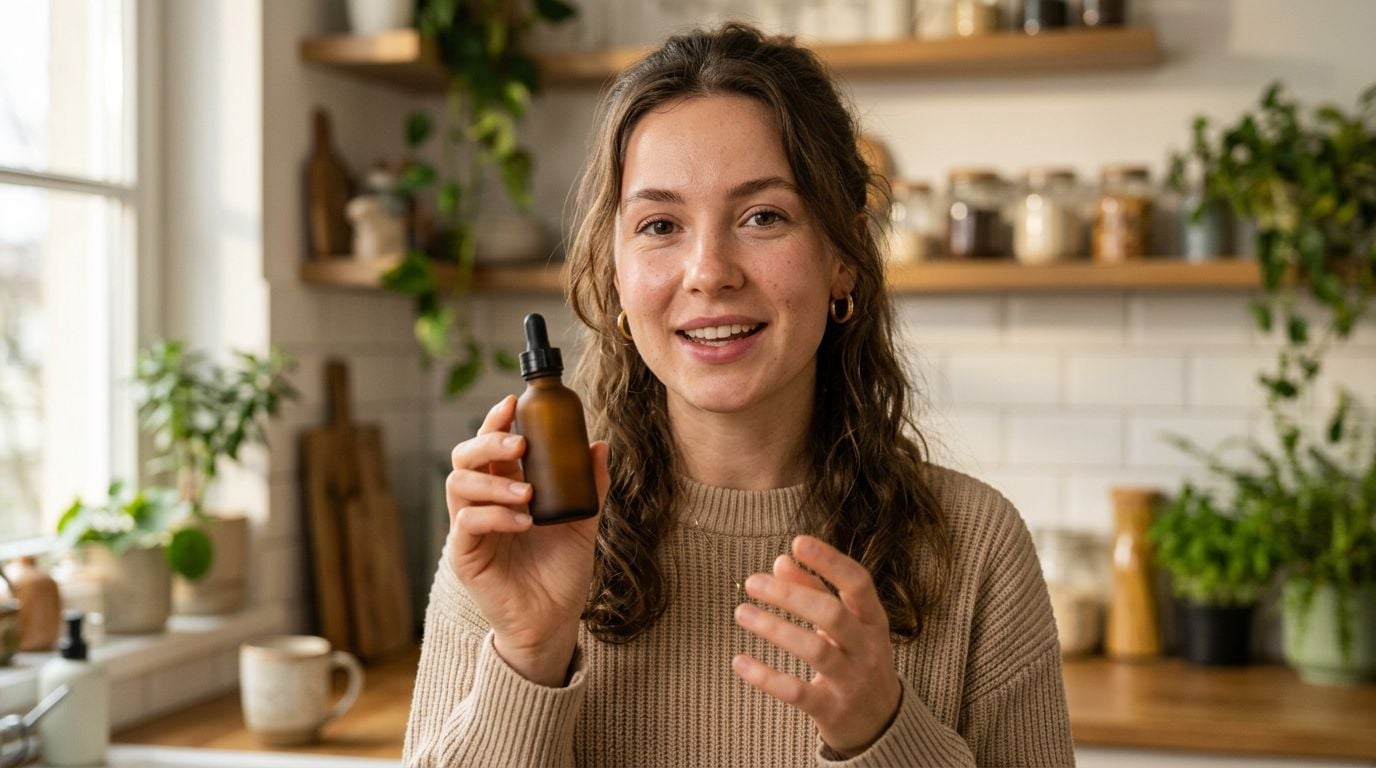
TikTok, Reels, and Shorts production demands footage that looks credible in a creator’s feed. They need creator-led, feed-native formats such as talking-head reviews and unboxings that resemble smartphone footage. UGC formats expose face drift, product errors, and weak lip-sync far faster than a standalone cinematic shot.
Reference control and native audio carried the most weight, with product documentation verifying those capabilities and Artificial Analysis’ text-to-video-with-audio ranking comparing audio-video performance. That separates a model that produces one impressive shot from one that can retain a recurring person, product, and format across a batch.
Seedance 2.0 is the practical top pick for scalable, realistic UGC shorts in 2026, while Kling 3.0 is the stronger draft engine and Veo 3.1 is the premium-polish alternative. Seedance holds a 1,224 Elo, second only to Gemini Omni Flash, on Artificial Analysis’ audio-video ranking.
The best AI video models for UGC shorts
- Seedance 2.0 for consistent, reference-driven UGC production
- Kling 3.0 for fast, low-cost draft volume
- Veo 3.1 for premium dialogue and polish
- Sora 2 for narrative motion and physics
- Runway Gen-4 for creative editing control
Make your first UGC short
Generate a feed-ready vertical clip with Seedance 2.0 on Krea in minutes.
Generate a shortWhat makes the best AI video model for UGC shorts?
A useful UGC model keeps brand assets and creator identity stable while producing a platform-native vertical clip quickly enough to test several hooks. Seedance combines text, up to nine images, and reference clips in a single generation, accepting up to three 15-second video clips and up to three 15-second audio files. Seedance treats the product and creator identity as asset references, with motion or audio guidance accompanying them in the same generation so each shot retains a unified reference set.
- Reference control and consistency. The model should retain supplied product, face, and scene guidance across variants. Repeatable UGC depends on viewers recognizing the same assets.
- Native audio and lip-sync. Generated dialogue, synchronized sound, and convincing lip-sync reduce repair work after generation.
- Vertical output and clip extension. Native 9:16 framing and a path from a short shot to a multi-shot sequence fit the duration and composition of Shorts, Reels, and TikTok.
- Iteration speed and cost. Affordable iteration lets you test hooks, camera angles, and expressions across enough attempts.
- Shot-specific quality. Motion physics, natural performance, and editing controls determine which secondary model is worth using for a particular scene.
The best AI video models for UGC shorts at a glance
| Model | Best for | Standout feature | Pricing/access |
|---|---|---|---|
| Seedance 2.0 | Consistent, reference-driven UGC production | Multimodal references with native audio and lip-sync | About $9–$60/month through supported services; Mini about $0.02/second |
| Kling 3.0 | Fast, low-cost draft volume | Fast iterations with strong motion and physics | Available through CapCut and Higgsfield; positioned for cheapest volume |
| Veo 3.1 | Premium dialogue and polish | Natural performance and audio | Higher-priced access from about $19/month |
| Sora 2 | Narrative motion and physics | Nuanced motion and coherence | OpenAI Plus tier |
| Runway Gen-4 | Creative editing control | Motion Brush | Pricing varies |
Krea keeps Seedance Fast and Mini variants, image-reference and enhancement tools, and side-by-side model comparisons in the same asset workflow. You can build a product and character reference set, run the same concept through several models, and enhance the selected output in one browser workflow. Try Seedance 2.0 on Krea.
Best AI video model for consistent, reference-driven UGC production
Seedance 2.0 (Dreamina, CapCut, Higgsfield, Krea)
Seedance 2.0 pros:
-
- Seedance 2.0 combines image, video, and audio references in one generation
- Produces native audio with lip-sync and music synchronization
- Supports 9:16 output, multi-shot transitions, and batch generation up to 10
Seedance 2.0 cons:
- UGC productions are limited to 4-to-15-second standard clips
- Full access and pricing differ by host platform
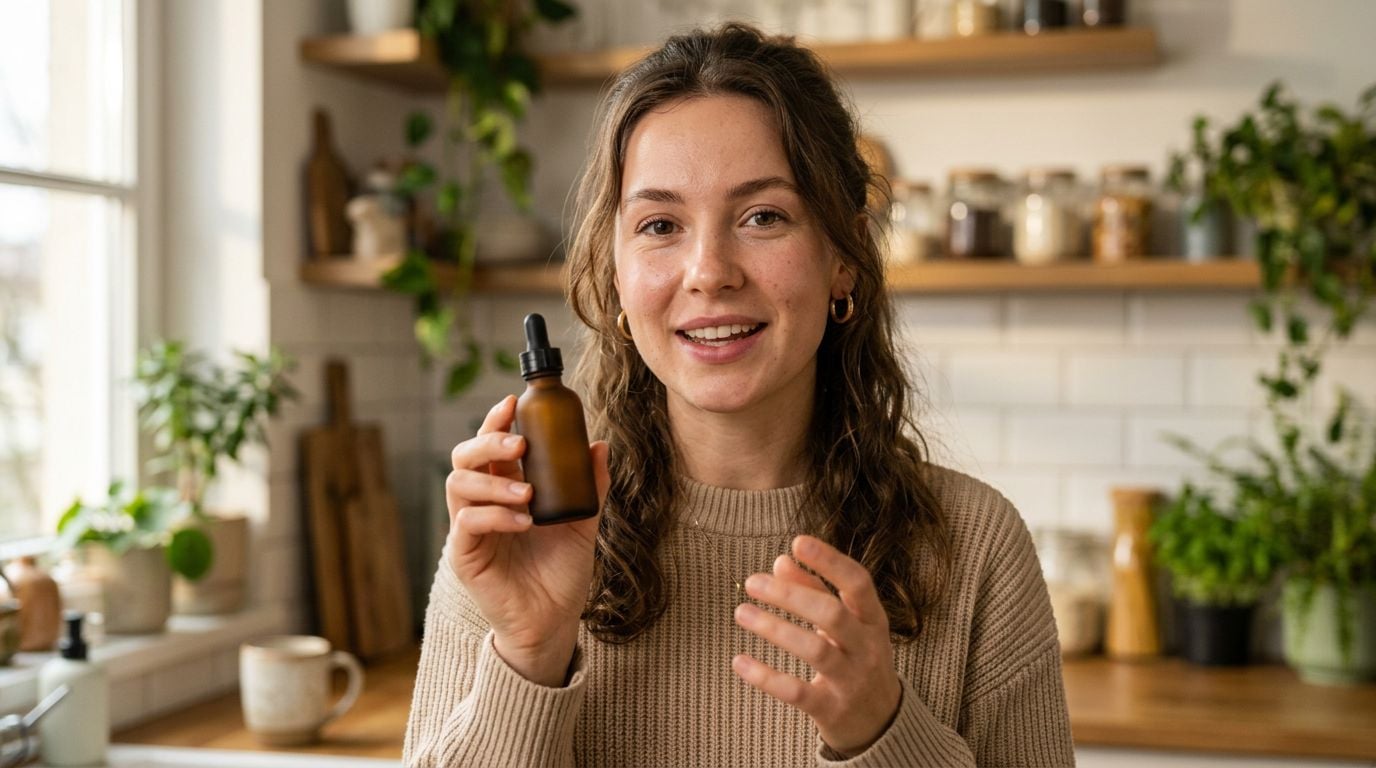
Seedance 2.0 takes first place because it controls identity, product, and movement within one generation. Its prompt system can tag supplied assets such as @Image1 for style and @Video2 for motion. Three references cover the product, creator identity, and motion: a product photo, a face or avatar image, and a short motion clip.
That design changes the production problem. Instead of hoping a text prompt keeps a familiar-looking person holding the correct product during a deliberate handheld move, you can direct each of those inputs in the same generation. It lets teams produce repeat creator ads with consistent people, products, and camera motion.
Native audio makes the model especially useful for talking-head ads and trend formats. It generates dialogue, foley, and music synchronization with lip-sync in one pipeline, while 4-to-15-second clips can be extended and merged into multi-shot sequences. You can create a vertical hook quickly, then continue the idea without setting up a separate lip-sync and sound-editing chain.
The model also supports batches of up to 10 clips and generates in seconds to one minute. Creator reports cite 90%+ first-try shippable rates for consistent branded UGC, while other creators report more than 550 videos per day at roughly $1 per video. Although the standard clip limit is 15 seconds, Seedance 2.5 is rolling out with native 30-second-plus clips and more than 50 references. For high-volume testing, the clearer constraint is clip length rather than asset control.
ByteDance’s TikTok and CapCut heritage shows in its ability to reproduce iPhone and handheld aesthetics from supplied footage and style references. Seedance fits campaigns that require the same person, exact product, and synced sound across many feed-native variations.
Seedance 2.0 price: Access varies by host service, with Seedance Mini typically billed in usage credits.
Best AI video model for fast, low-cost draft volume
Kling 3.0 (CapCut, Higgsfield)
Kling 3.0 pros:
- Fast, inexpensive iteration
- Strong raw motion and physics
- Supports 4K/60fps and lip-sync
Kling 3.0 cons:
- Offers less multimodal reference control than Seedance
- Is less suited to keeping branded people and products consistent across a batch
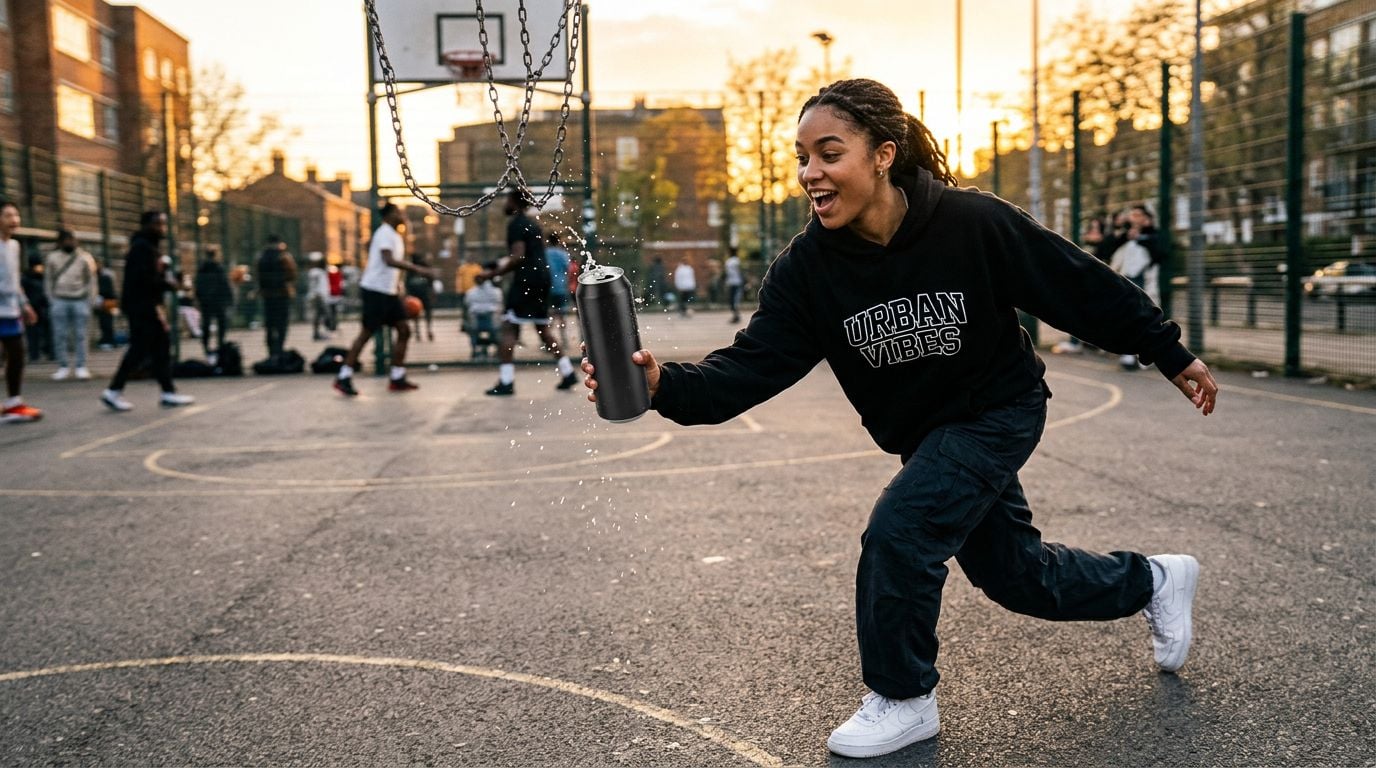
Kling 3.0 is the better starting point when you need many movement-led concepts at the lowest practical cost. Published comparisons place its approximate Elo around 1,110 and position it as the cheapest option for high-volume generation. That makes it useful for identifying which gesture, camera move, or action concept deserves a more controlled final render.
Its strength is motion. Kling is built for movement-led UGC testing, pairing strong raw motion and physics with 4K/60fps output and lip-sync to test action-driven creative quickly. For an ad built around an action rather than a locked creator identity, that speed gives you more chances to find a viable opening.
Kling’s weaker multimodal reference capacity makes it less reliable for recurring branded series that must preserve the same avatar and product across versions. Although its cost and speed can win the first ideation round, Seedance is the safer final-render choice for recognizable branded assets.
Kling 3.0 price: Available through Kling AI’s web platform and mobile app, with regional access varying by host platform.
Best AI video model for premium dialogue and polish
Veo 3.1 (Google)
Veo 3.1 pros:
- Cinematic realism
- Excellent dialogue and natural performance
- Strong native audio
Veo 3.1 cons:
- Costs more than Seedance and Kling in the compared options
- Provides fewer reference inputs and may have access limits

Veo 3.1 is the upgrade pick for a short that depends on premium dialogue and performance rather than a deep reference stack. Google’s model delivers natural dialogue, convincing performance, and native audio. It fits a flagship creator-style testimonial or a brand spot where the viewer will focus on the speaker’s timing and expression.
The tradeoff is production flexibility. Comparisons place its approximate 2026 Elo at 1,093, and example access pricing starts at about $19 per month. They also identify fewer reference options and access limits relative to Seedance, which makes a large set of product and character variants harder to lock down.
Use Veo for the scene that earns its higher cost. Assigning it a performance-critical hero shot preserves its advantage while the broader test cycle runs through a more economical, reference-led workflow.
Veo 3.1 price: Veo’s higher-cost access is best reserved for performance-critical scenes.
Best AI video model for narrative motion and physics
Sora 2 (OpenAI Plus)
Sora 2 pros:
- Nuanced motion
- Strong storytelling coherence
- Useful physics for narrative concepts
Sora 2 cons:
- Slower or more restricted access than the top UGC choices
- Weaker reference control than Seedance

Sora 2 belongs on the shortlist when a UGC concept is a miniature story instead of a recurring creator template. It excels at story-led sequences, using nuanced motion and physics to maintain coherence. Those qualities help an unboxing follow a clear cause-and-effect arc or give a product ad an action sequence that reads as one scene rather than disconnected moments.
Its access and control tradeoffs keep it below Seedance for routine UGC production. Comparisons describe Sora 2 as slower or more restricted, with weaker references and less control. A team that must repeatedly show a particular face, item, and phone-camera style has less certainty than it gets from a reference-led workflow.
Choose it for story-first concepts where movement coherence carries the viewer through the short.
Sora 2 price: OpenAI Plus includes access to Sora 2.
Best AI video model for creative editing control
Runway Gen-4 (Runway)
Runway Gen-4 pros:
- Motion Brush enables directed creative editing
- Fits stylized and experimental video work
Runway Gen-4 cons:
- Has less native audio support for realistic UGC than Seedance
- Is positioned as a niche creative tool rather than a top general UGC model
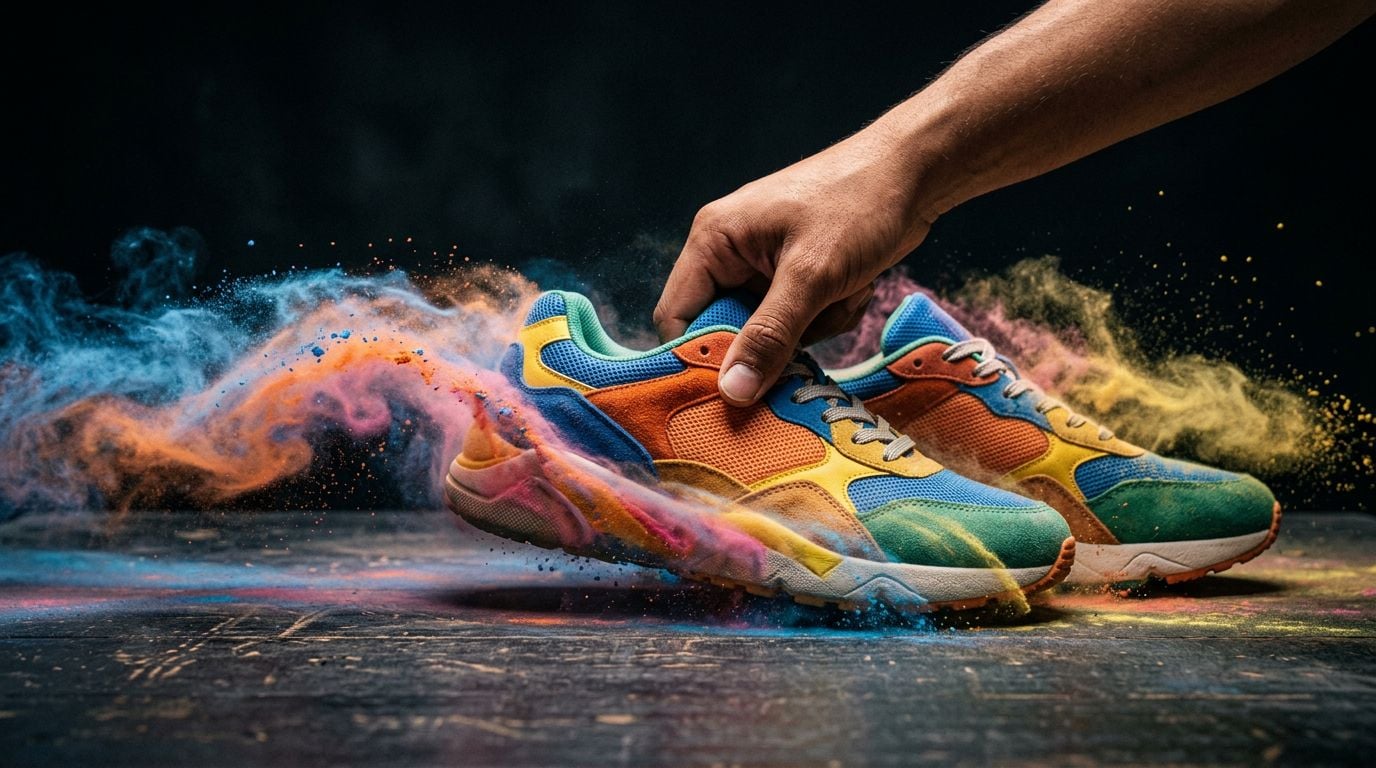
Motion Brush lets creators direct movement within a shot, giving Runway Gen-4 precise control over stylized edits. Its standout control is Motion Brush, and it belongs with creative-editing tools rather than feed-native testimonial generators. That distinction matters when a shot needs an art-directed movement treatment instead of casual phone-camera realism.
The model has a narrower role in a conversion-focused UGC pipeline. Comparisons identify less native audio support and less UGC realism for Runway, Luma Ray, and Pika relative to Seedance. Keep Runway for the distinctive shot that needs its editing vocabulary, then use a native-audio model for the spoken or product-led scenes that carry the message.
Runway Gen-4 price: Varies by plan.
How to build a UGC video workflow on Krea
The most efficient model choice is often a workflow choice. Krea-generated stable image references can move into Seedance 2.0, with enhancement or upscaling reserved for selected outputs. Teams should test the product image, character, and hook with Seedance Mini or Fast variants before spending premium credits on a full-quality version of a proven concept.
Build each draft around three fixed inputs: the product photo, face reference, and text hook. Add the trending audio clip after selecting the strongest variant. Generate five to 10 variants with changed angles and expressions, while keeping the same source assets in every run. Keeping the source assets fixed isolates hook and performance from changes in product appearance.
Tagged references preserve the selected 9:16 output before it moves into CapCut for final polish. Krea keeps shared source assets attached to image and video model runs, so teams can compare outputs without losing the original product or face reference.
Begin with lower-cost variants and move to the full model after a concept earns the additional credits. Side-by-side testing tells you whether Kling’s motion, Veo’s performance, or Seedance’s consistency is the actual constraint. For most UGC teams, Seedance should remain the core engine, with Kling or Veo used selectively.
Compare Seedance and other video models on Krea, then build the final vertical from the selected reference set.
Which AI video model should you pick?
Pick Seedance 2.0 when the short must consistently show the right person, product, and sound at scale. Pick Kling 3.0 for cheap motion-led drafts, and use Veo 3.1 for a premium dialogue scene. A ranking becomes useful when every model has a bounded job, because UGC production rewards repeatable outputs more than a one-off benchmark result.
Side-by-side outputs show which model keeps vertical framing and shot pacing consistent; the supplied product-and-face references remain intact in the post-ready clip.
FAQ
Frequently asked questions
Which AI video model is best for consistent UGC creators, products, and styles in 2026?
Do these models generate native audio and lip-sync for talking-head UGC?
Which model should I use if I need the fastest, most affordable draft volume?
What’s the best option for premium polish and more natural dialogue?
If I want more narrative motion and physics beyond straightforward UGC clips, which model fits?
Try Seedance 2.0 on Krea
Build a product and creator reference set, run the same UGC concept through several video models, and enhance the selected output in one browser workflow.
Try Seedance 2.0