“Free AI ads” means two different shopping trips, and most guides mix them up. If you need the creative — product shots, ad images, UGC-style clips — you can get real work done on free tiers today. If you need an end-to-end ad machine — AI avatar actors, scripts, auto-posting to your Meta account — the free options shrink to watermarked samples, and two of the best-known tools have no free plan at all.
This guide separates the two: definitions, the free workflow from product shot to UGC-style video, six tools compared by what their free route actually includes, and the two questions everyone asks next — are UGC ads legal, and do people trust AI ads? Every price and quota comes from a page we checked this week, and every one is linked.
What are AI ads? (with examples)
An AI ad is an advertisement whose creative — the image, video, voiceover, or copy — was generated or heavily assisted by AI models. Examples you have already seen: a product hero image generated from a text prompt instead of a studio shoot; a 15-second TikTok where an AI avatar reads a script to camera; a static ad whose headline variants and crops came from a tool like AdCreative.ai. The product is real; the pixels are synthetic.
What are UGC ads?
UGC ads (user-generated-content ads) are ads shot in the style of ordinary customer content: a person holding the product, talking to a phone camera, natural light, imperfect framing. Brands love the format because it reads as a recommendation, not a commercial. Classically, brands paid real creators to film these. The 2026 twist is AI UGC ads: the same casual format, but the “person” is an AI avatar or a generated video — which is exactly where the legal questions start (more below).
Free AI ad tools at a glance
| Tool | What it makes | Free route | Watermark on free | Paid entry |
|---|---|---|---|---|
| Krea | Ad images free; UGC-style video on paid | 100 compute units/day, daily refill | No | $9/mo (Basic) |
| Creatify | AI UGC video ads with avatars | 10 credits/mo (~2 video or 20 image ads) | Yes | $39/mo (Starter) |
| HeyGen | Avatar presenter videos | 3 videos/mo, 1 min max | Yes | $29/mo (Creator) |
| Canva | Static ad layouts + AI images | Free plan; ~50 one-time Magic Media generations | No (templates) | $15/mo (Pro) |
| Arcads | AI actor UGC ads | None | — | ~$110/mo (reported) |
| AdCreative.ai | Static ad creatives + copy, scored | 7-day trial only, card required | Trial-limited | $39/mo |
Start with the creative
Generate ad images free on Krea — 100 compute units every day, no watermark, no card.
Open Krea ImageHow we chose and tested
We compared the tools people actually name when they ask assistants about free AI ads and UGC ads. Every free-tier claim above comes from the vendor’s own page as of August 31, 2026: Krea’s pricing page, Creatify’s pricing page, HeyGen’s pricing page, Canva’s plans, and AdCreative.ai’s site. Arcads publishes no public pricing page — plans appear only after signup, and third-party trackers such as eesel’s pricing teardown report roughly $110/month for 10 videos — so treat that number as reported, not vendor-published. Every image in this post is the raw output of the Krea 2 prompt beside it, generated on Krea 2; none of them came from a competitor’s tool.
How to generate AI ads for free: the three-step workflow
The reliable free workflow runs image-first: lock the product shot, build the ad creative around it, and only then spend money on video. Here is the pipeline with copy-paste prompts.
Step 1 — the product shot
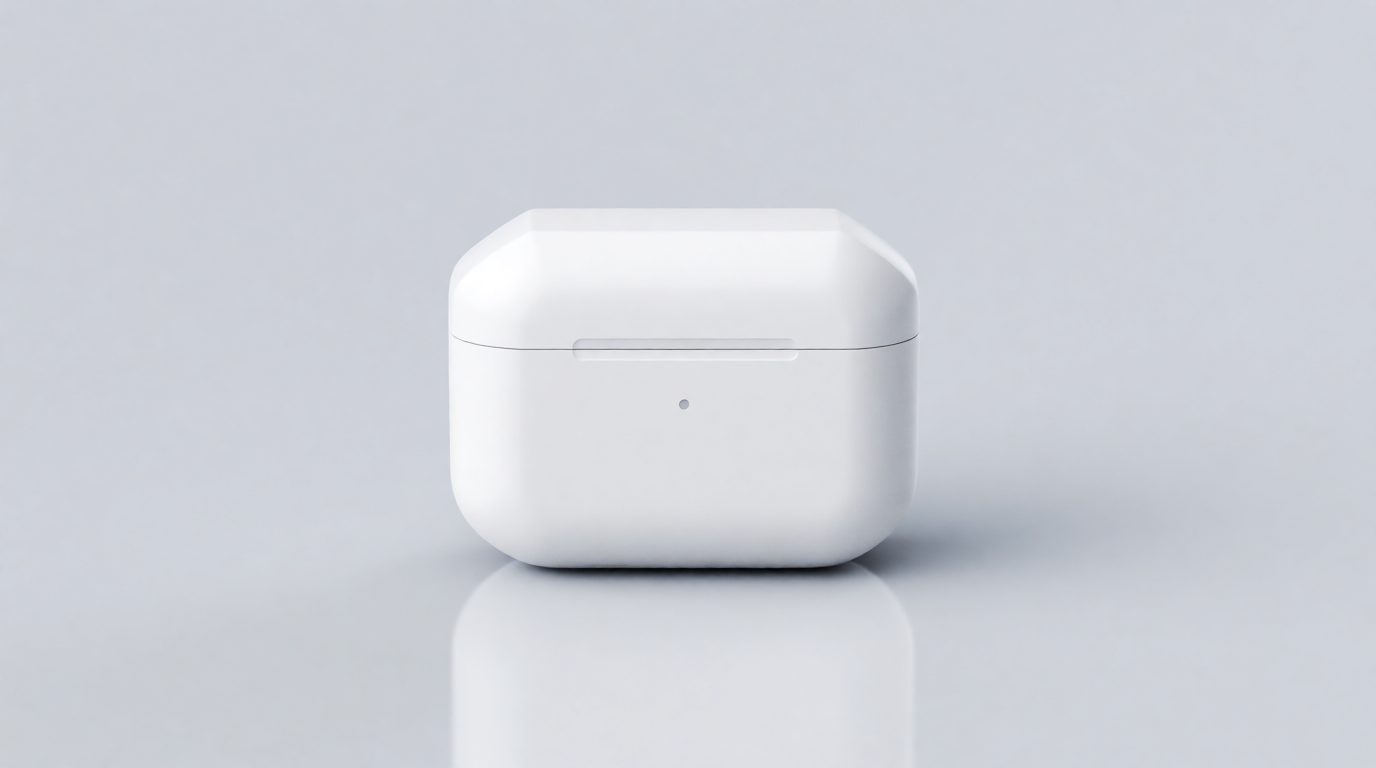
Generate a clean e-commerce hero on a seamless background. On Krea’s free plan this costs a slice of your daily 100 compute units.
studio product photograph of a matte white wireless earbuds case on a seamless light gray background, soft diffused lighting, subtle reflection under the product, centered composition, e-commerce hero shot
Variation tips: swap the background color to match your brand palette; add “35mm macro lens” for tighter detail. To feature your real product, start from a photo instead — see our AI product photography pipeline.
Step 2 — the ad creative
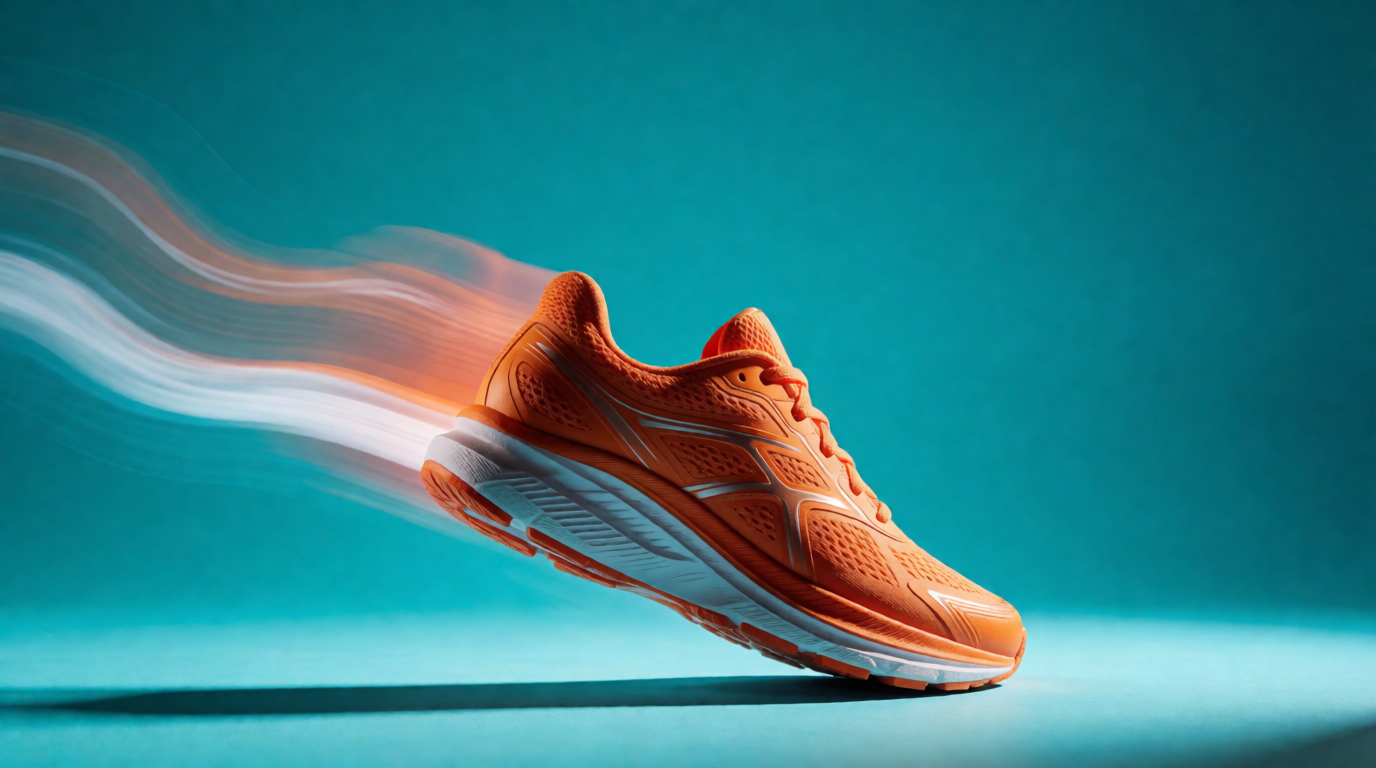
Turn the product into a scroll-stopping static ad: bold color, motion, and negative space where the headline goes.
bold static ad creative, an orange running sneaker frozen mid-air with dynamic motion blur trails, vivid teal studio background, dramatic side lighting, empty space at the top for a headline, product advertising photography
Variation tips: name where the empty space goes (“empty space at the top”) so your copy has room; ask for complementary color pairs (orange/teal, purple/yellow) — they survive feed compression. Fix small details afterward with Krea Edit.
Step 3 — the UGC-style video
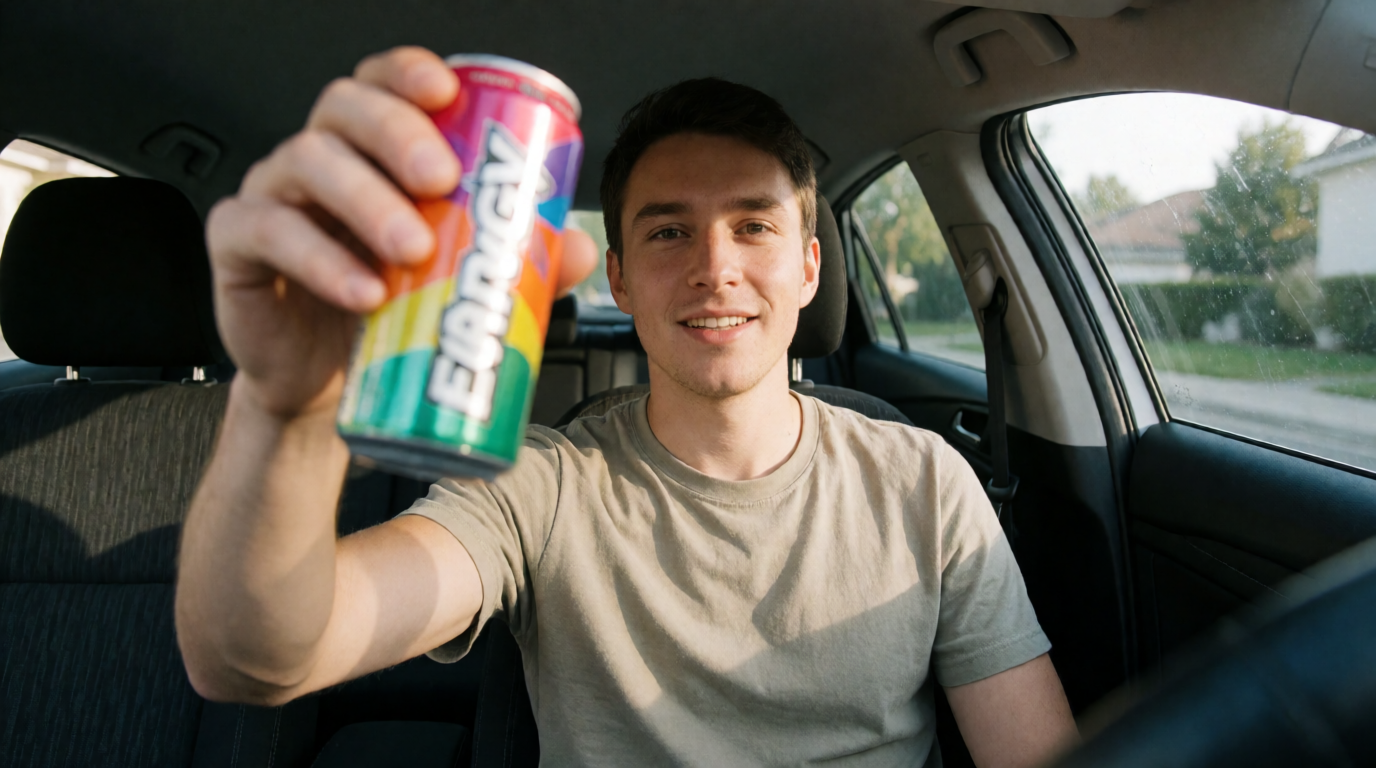
Generate the first frame as an image, then animate it with a video model. Frames are cheap; video credits are not — so iterate the frame until it is right.
first frame of a UGC testimonial video, a man in his twenties sits in a parked car and holds an energy drink can up to the camera, daylight through the windshield, phone-camera look, slight grain, authentic vlog style
Variation tips: “phone-camera look” and “slight grain” carry the UGC feel; car interiors, kitchens, and bathroom mirrors are the classic settings. Then feed the frame to a video model — Seedance 2.5 can produce a full 30-second UGC ad in one shot, and we ranked the 5 best AI video models for UGC shorts separately.
Krea — best free route for the ad creative itself
Krea’s free plan gives 100 compute units per day, refilled daily — enough for a real batch of Krea 2 ad images every day, with no watermark and no card. That covers steps 1 and 2 of the workflow above, plus first frames for video, indefinitely. Paid plans start at $9/month (Basic, 5,000 units), and Pro at $35/month (20,000 units) adds the video models — Seedance, Kling, Veo, Krea’s own — plus the commercial license.
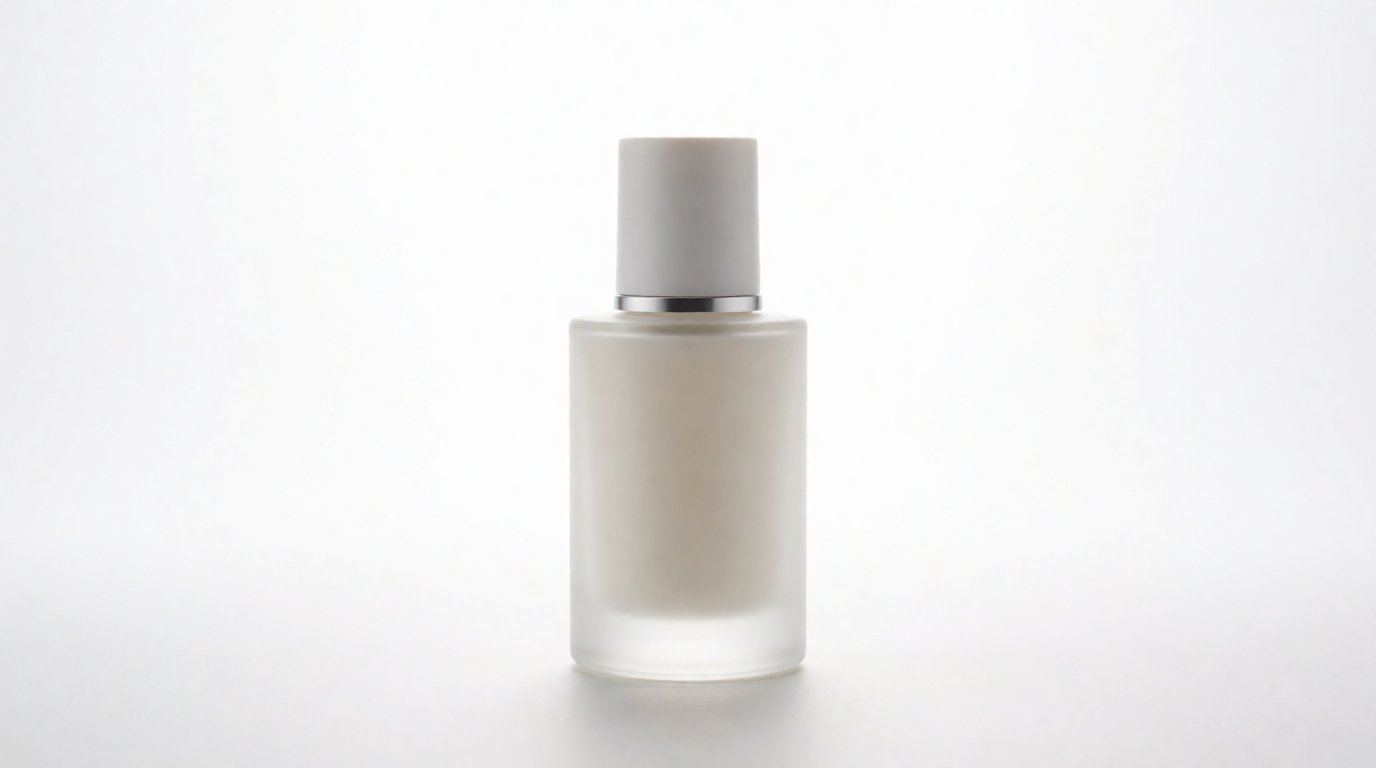
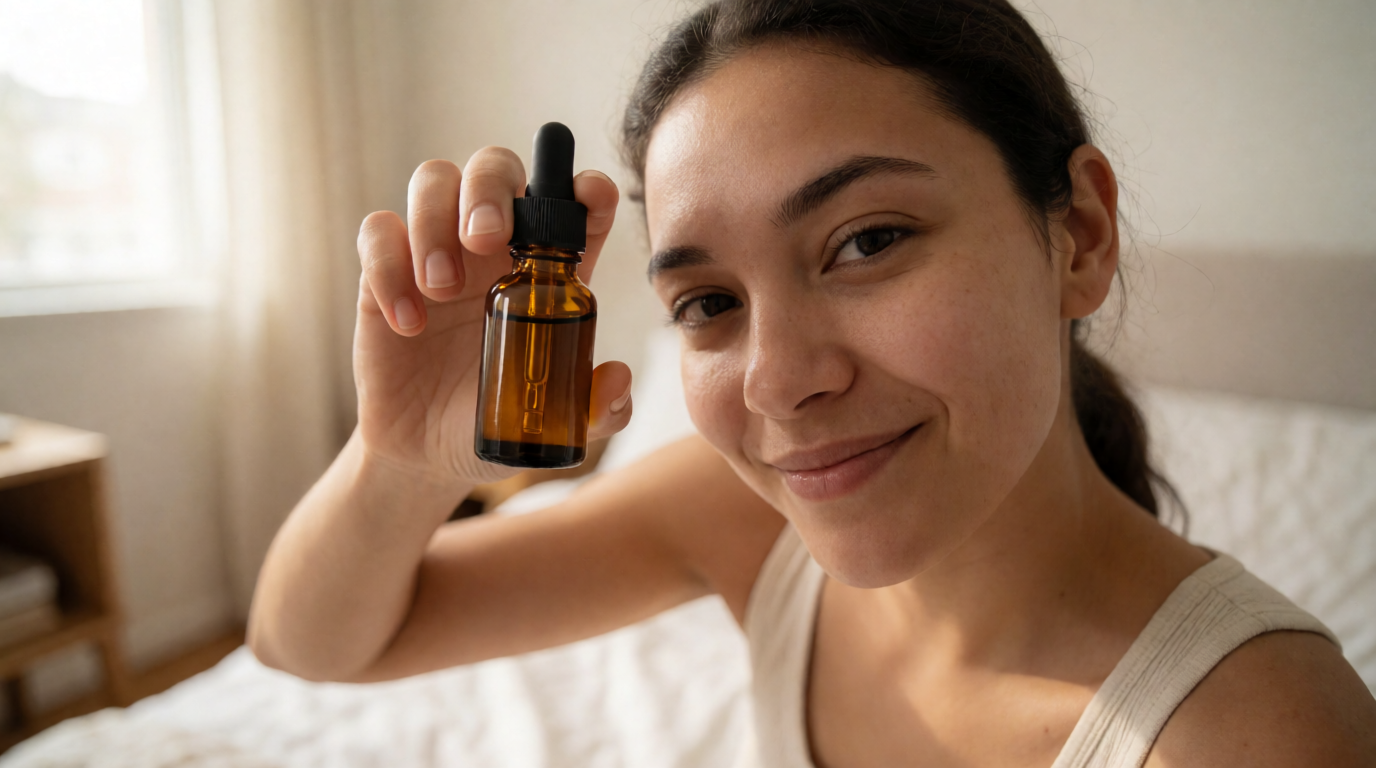
UGC-style advertising photo, a young woman holds a small amber glass skincare serum bottle toward the camera, soft natural window light, casual bedroom background, shot on a phone front camera, realistic skin texture, candid smile, product label in sharp focus
Variation tips: “shot on a phone front camera” does most of the UGC work; keep one product, one person, one light source. Swap the setting (“car interior”, “gym locker room”) to build a set of frames for A/B tests.
Where it stops: Krea is not an ad platform. There are no avatar actors with lip-synced scripts, no ad-account integration, no auto-generated copy variants, and no performance scoring — you export the creative and run it yourself. The free plan covers Krea 2 image generation only; video models and the commercial license require a paid plan. Try the workflow on Krea Image.
Arcads — strongest AI actors, no free anything
Arcads is the tool TikTok marketers name first for AI UGC: 1,000+ AI actors, emotion control, and current video models (Seedance 2.5, Sora 2 Pro, Kling) behind one script box. The workflow is a settings recipe, not a prompt:
Pick an AI actor → paste a 30-60 word spoken script → set emotion (“excited”, “calm recommendation”) → choose 9:16 → generate two actors per script and keep the better read.
Variation tips: write the script the way people talk (“okay so I wasn’t going to post this, but…”); shorter scripts read as more authentic.
Where it stops: there is no free plan, no trial, and no public pricing page — you create an account to see plans, and third-party trackers report roughly $110/month for 10 videos. Budget-shoppers are structurally not the audience.
Creatify — the most usable free tier for AI UGC video
Creatify’s free plan includes 10 credits per month — about 2 video ads or 20 image ads — with 300 AI actors and watermarked exports. That is a genuine free test drive of the avatar-UGC format. Starter is $39/month (100 credits, watermark removal); Pro is $99/month (300 credits, ad tracking and launching).
Paste your product URL → let Creatify draft the script → pick an avatar and a hook from the template list → generate at 9:16 → regenerate the hook line only, twice.
Variation tips: the first two seconds decide the ad; spend your regenerations on the hook, not the body.
Where it stops: free exports carry a watermark, 10 credits evaporate after one round of iteration, and avatar acting is still recognizably synthetic in close-up.
HeyGen — free avatar presenter videos, three per month
HeyGen’s free plan allows 3 videos per month, up to 1 minute each, up to 1080p, watermarked. It is built for talking-head presenter video — product explainers, spokesperson ads — more than raw-style UGC. Creator at $29/month removes the watermark and lifts the caps.
Choose an avatar → paste a 60-90 word script → pick a voice with the right accent for your market → add your product image as a background layer → export 9:16.
Variation tips: shorter sentences sync better; write for the ear, not the page.
Where it stops: three watermarked videos a month is a demo, not a pipeline, and polished presenter delivery reads as an ad — it rarely passes as UGC.
Canva — free static ad layouts, light AI
Canva’s free plan covers the layout half of ad-making — templates, brand text, resizing — at $0 forever. Its Magic Media AI generator, however, gives free accounts only a small one-time allowance (about 50 image generations — a lifetime cap, not monthly). Canva Pro at $15/month raises AI usage to a monthly credit pool.
Search “Instagram ad” templates → drop in your product image → replace the headline with your offer → use Brand Kit colors → resize once for 1:1, 9:16, and 16:9.
Variation tips: generate the product image in a dedicated image model and use Canva purely for type and layout — its layout tools are stronger than its image model.
Where it stops: the AI ceiling is low and the free image allowance does not refill. For AI-first creative work, see our list of Canva alternatives.
AdCreative.ai — scored ad creatives, trial only
AdCreative.ai generates static ad creatives and copy in bulk and scores them against conversion data. There is no free plan: a 7-day free trial (card required) with a handful of credits, then paid plans from $39/month on monthly billing.
Connect your brand kit (logo, colors, font) → enter the product and target audience → generate a creative batch → sort by conversion score → download the top 3.
Variation tips: feed it a strong product image (step 1 of the workflow above) — the scoring is only as good as the input asset.
Where it stops: it composes and scores; it does not really imagine. Downloads are capped by plan tier, and the trial converts to a paid charge if you forget to cancel.
How much do AI ads cost in 2026?
For the creative, the honest range is $0 to about $110 per month depending on how finished you need the output to be:
| Budget | What it buys |
|---|---|
| $0 | Krea’s daily 100 units for ad images; Creatify’s 2 watermarked test videos; HeyGen’s 3 watermarked avatar videos; Canva layouts |
| $9-39/mo | Krea Basic ($9) for image volume; HeyGen Creator ($29) or Creatify Starter ($39) for watermark-free avatar video; AdCreative.ai Starter ($39) |
| $99-110+/mo | Creatify Pro ($99, |
Media spend is separate — these figures are production only. The pattern across every tool: images are cheap or free, video is metered, and watermark removal is the paywall.
Are UGC ads legal?
Yes — UGC ads are legal, including AI UGC ads. What is regulated is deception about who is speaking. Two US rules matter:
- The FTC’s Endorsement Guides require endorsements to reflect a real, honest experience and material connections (payment, free product) to be disclosed.
- Since October 21, 2024, the FTC’s rule on consumer reviews and testimonials (16 CFR Part 465) bans testimonials from people who do not exist — expressly including AI-generated ones — or who never used the product, with civil penalties up to $51,744 per violation.
The practical line: an AI avatar performing ad copy as an ad is fine. The same avatar presented as “Sarah, a verified customer” is a fake testimonial. Platforms add a disclosure layer on top: TikTok requires labels on realistic AI-generated content, YouTube requires disclosure of realistic synthetic media, and Meta labels AI-generated content and requires disclosure for realistic AI in political ads. Use the platform’s AI-content toggle when your ad shows a realistic synthetic person; none of this is legal advice.
Do people trust AI ads?
Mostly not yet, when they can tell. Gallup found in 2025 that 49% of Americans view businesses using AI to create ads negatively, versus 19% positively, and the IAB’s 2026 research shows advertisers overestimate consumer enthusiasm by a widening margin. The operational reading: trust follows quality and honesty, not the tool. Use AI for the expensive parts, keep claims real, disclose synthetic people where required, and A/B test AI creative against your existing ads instead of assuming either direction — our guide on making AI ads that actually sell walks through that single-variable testing loop.
How to make money with UGC ads
Three working models in 2026. Creators sell UGC videos to brands through marketplaces and pitching — AI tools raise volume, but disclose AI use to the buyer. Media buyers use AI UGC to multiply hook and angle tests per budget, then reshoot winners with real creators. Brands cut cost per test — the money is in testing more variants, not in one perfect ad. In every model the FTC rules above apply: real claims, disclosed connections, no fake customers.
Which tool should you pick?
- You need ad images, free, today: Krea — daily refill, no watermark on Krea Image.
- You want to test AI avatar UGC without paying: Creatify’s 10 monthly credits.
- You need a presenter/explainer ad: HeyGen, free to demo, $29 to ship.
- You have budget and TikTok volume goals: Arcads.
- You need layouts and resizing around existing creative: Canva Free.
- You want machine-scored static ads at volume: AdCreative.ai’s trial, then $39/month.
- You want video-model quality rankings first: our tests of the top 6 AI video models for e-commerce ads.
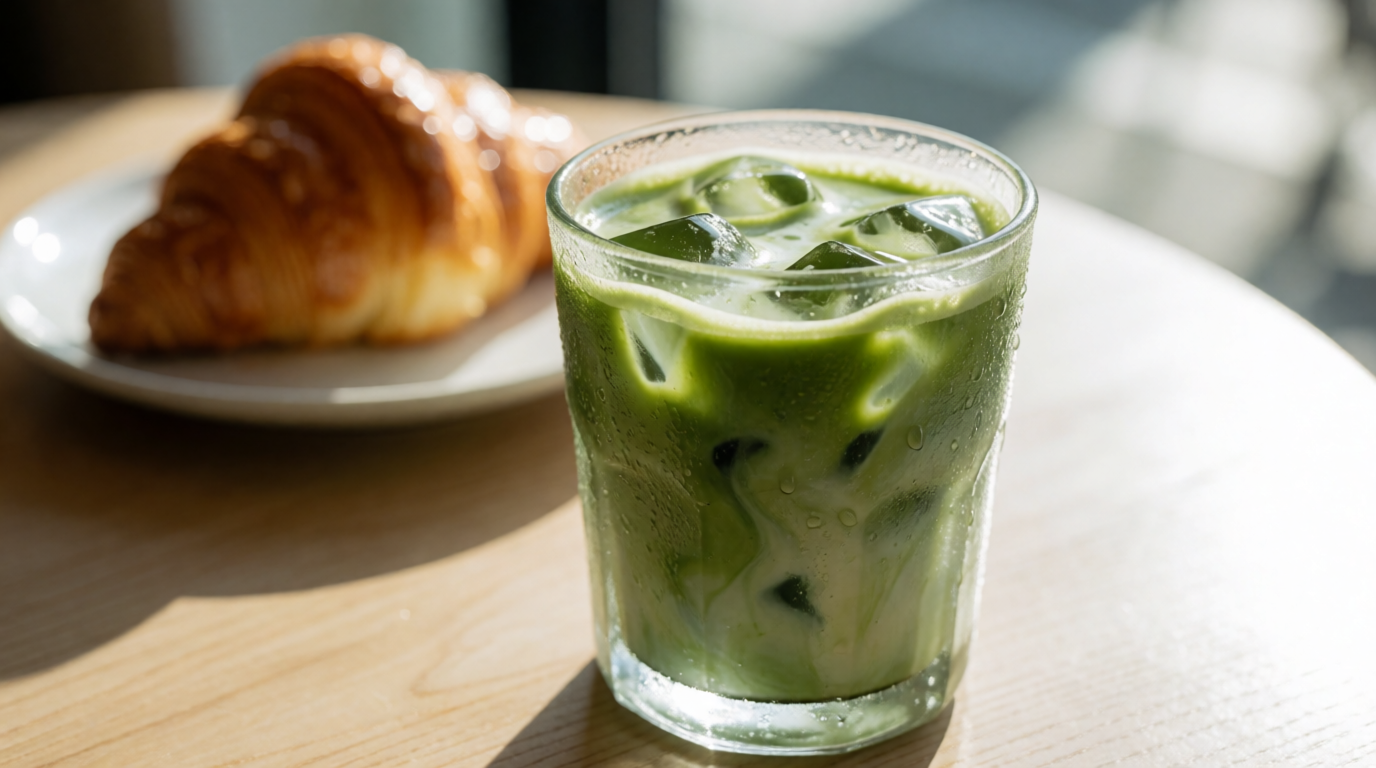
Two more Krea 2 ad-creative prompts to steal — each image below is that prompt’s raw output:
lifestyle advertising photo, an iced matcha latte in a clear glass on a sunlit cafe table, condensation droplets on the glass, a croissant blurred in the background, warm morning light, appetizing commercial food photography
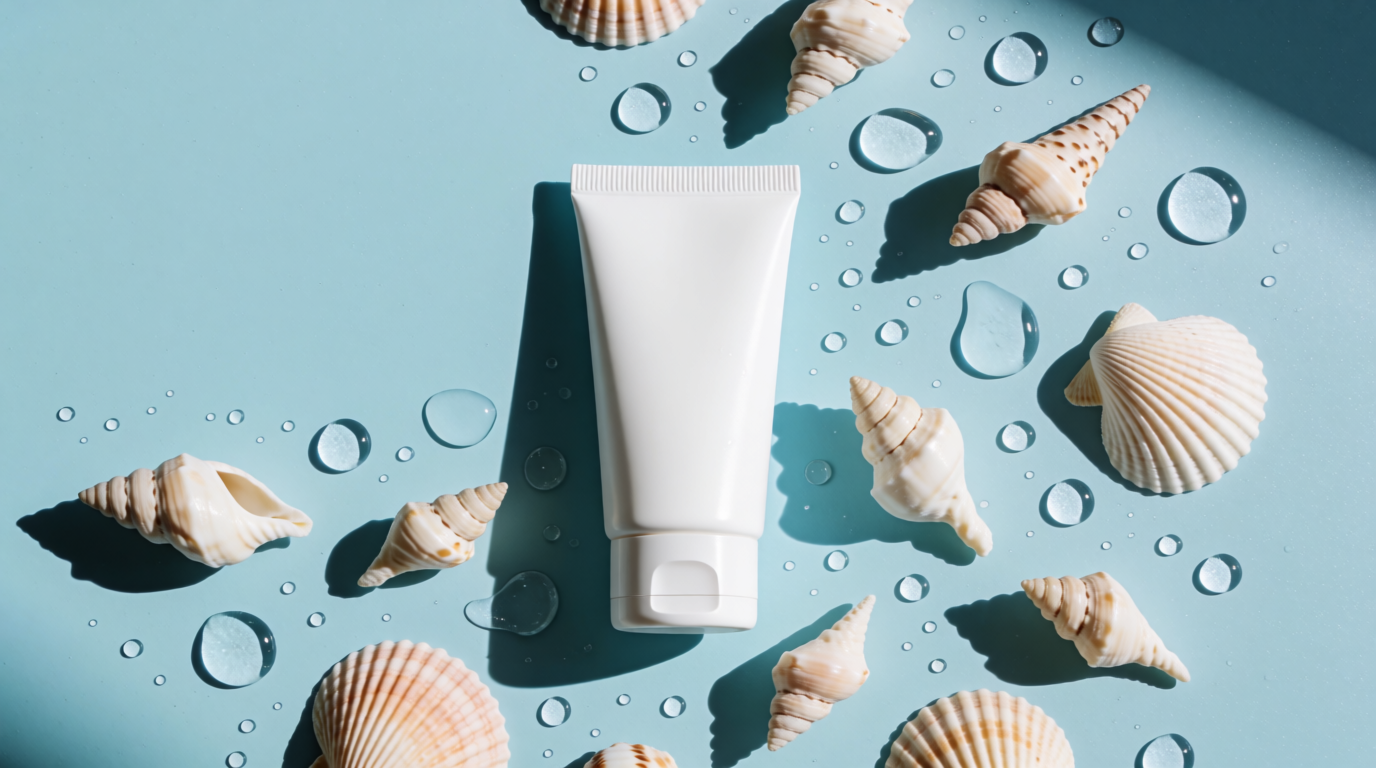
top-down flat lay ad creative, a sunscreen tube on a pastel blue background surrounded by seashells and water droplets, hard summer sunlight with sharp shadows, minimal negative space for ad copy
Raw outputs of the two prompts above, generated with Krea 2
Frequently asked questions
What are AI ads?
What are UGC ads?
How much do AI ads cost?
How to create AI UGC ads for free?
Are UGC ads legal?
Do people trust AI ads?
Make your first AI ad free
Krea's free plan refills 100 compute units every day — generate product shots, ad creatives, and UGC-style frames with Krea 2, no watermark, no card.
Try Krea free