Krea 2 LoRA training lets you teach Krea 2 a repeatable visual language — a style, a character, or an object — then choose whether it stays private or becomes a public LoRA other people can discover and reuse. For a full walkthrough of the training flow, see Krea 2 LoRA training.
Krea 2 LoRA training is starting as a closed beta inside Train. During the beta, selected creators and teams can train LoRAs for Krea 2 Medium and Krea 2 Large, use them in Image, and choose whether a trained style stays private or becomes a public LoRA other people can discover and reuse.
What is a public LoRA?
A LoRA is a lightweight custom model trained on a focused dataset. Instead of rewriting a long prompt every time you want a specific look, object, or character, you train that concept once and reuse it as a style layer in generation.
A public LoRA is the same idea, made shareable. You can keep trained LoRAs private for personal or workspace use, or make selected LoRAs public so collaborators, communities, and future Krea workflows can build from the same visual identity.
Why Krea 2 LoRAs matter
Krea 2 is built for stronger taste control, sharper image quality, and a more flexible relationship between prompts and visual references. LoRA training adds another layer: persistent memory for the things you care about most.
For a designer, that might be a product line or campaign style. For a filmmaker, it might be a character or world treatment. For an architecture or interior team, it might be a material palette, rendering language, or office-specific presentation style. The point is not just to generate one good image, but to make a visual system reusable.
What you can train
Krea Train supports several common training intents:
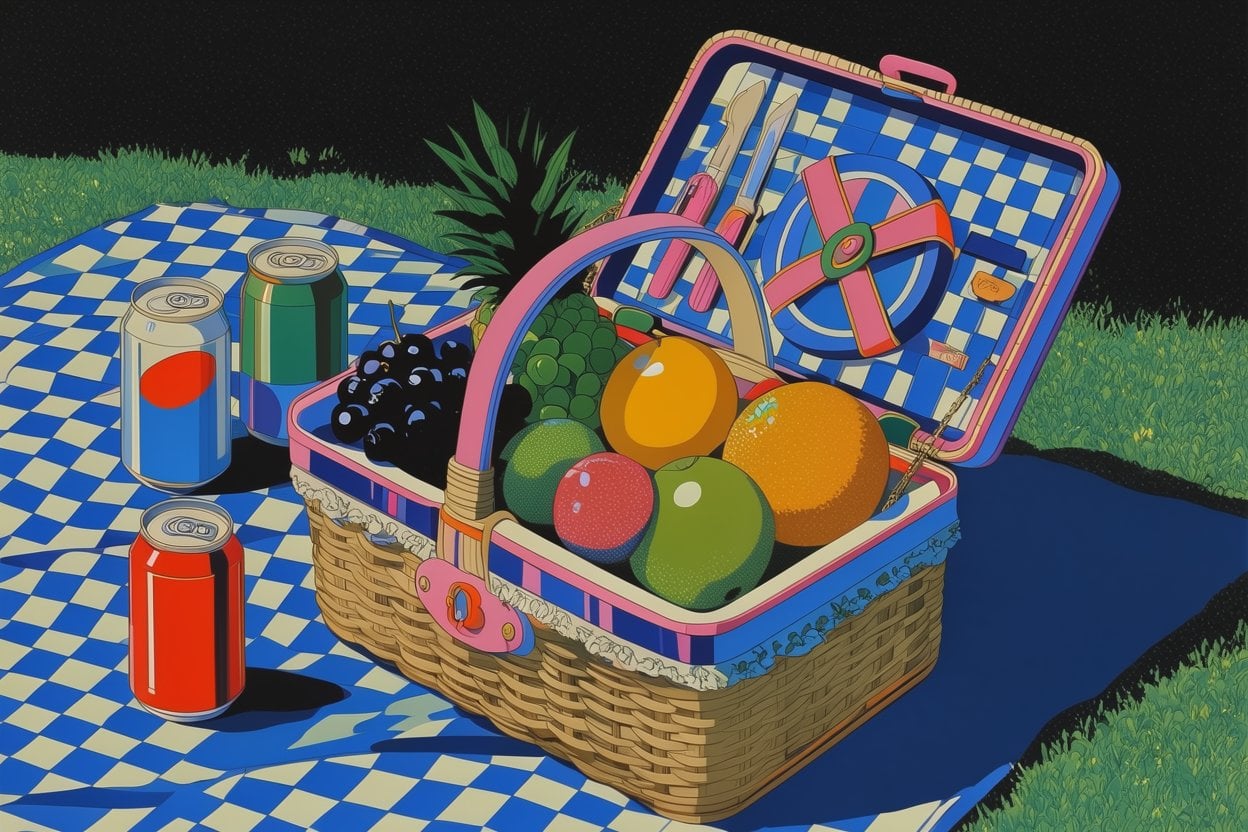
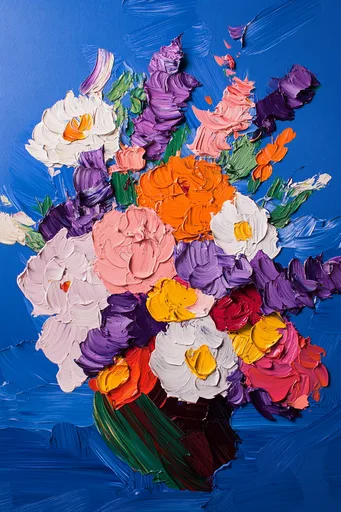
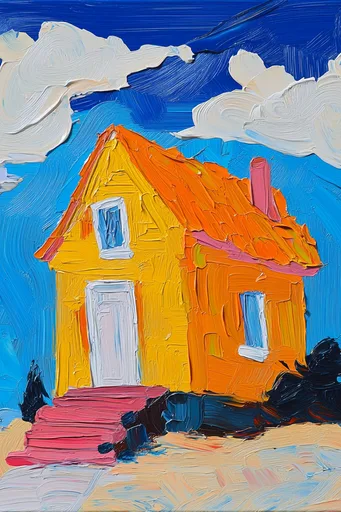
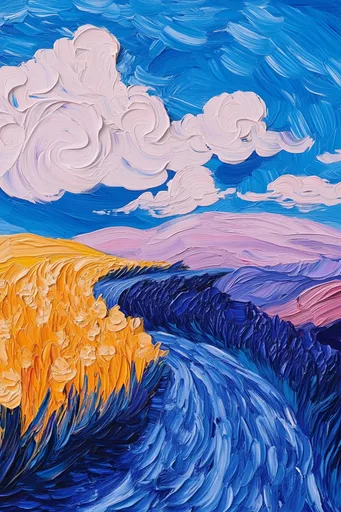
- Styles: teach Krea a visual treatment, illustration language, material quality, lighting approach, or brand look.
- Characters: keep a person or fictional character more consistent across poses, scenes, and prompts.
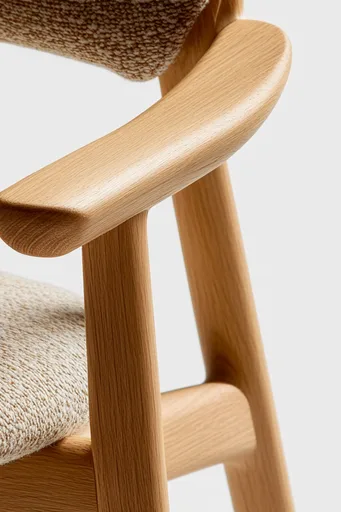
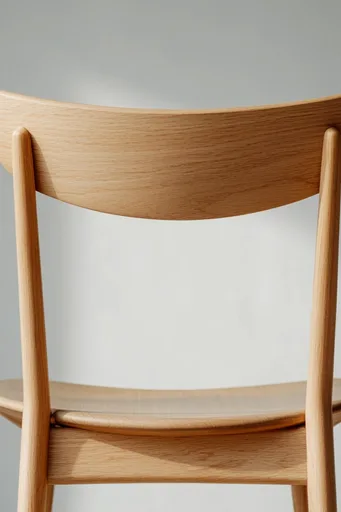
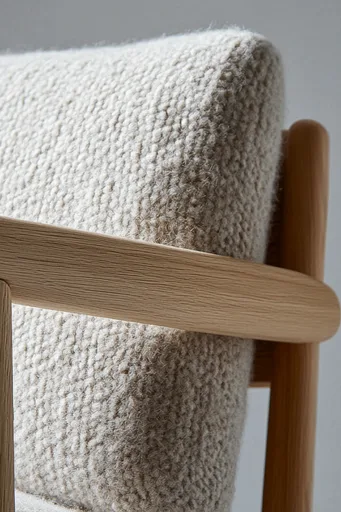
- Objects: preserve a product, prop, furniture piece, or design object across new contexts.
Krea 2 LoRA training supports Style, Character, and Object modes. Krea 2 Medium and Krea 2 Large are wired as image training models, with model-specific training settings handled by the Train workflow.



How the beta works
The flow is intentionally simple: upload a focused set of images, choose what you are training, review or add captions when needed, and start the training job. When the LoRA is ready, it appears in Train with your other styles so you can use it in generation, reuse the dataset, update the cover, or manage its visibility.
The minimum dataset is small, but quality matters more than quantity. A cleaner set of images that repeats the same subject, style, or object usually teaches the model more clearly than a large, mixed dataset. Image limits can vary by plan, and Train will show the active limit inside the upload flow.
Private by default, public when you choose
Training is most useful when it respects the way creative teams actually work. Some LoRAs should stay private: client concepts, internal brand systems, unreleased products, or personal subjects. Others are better when shared: a public art style, a reusable community preset, or a model that helps a team create from the same visual vocabulary.
That is why Train keeps visibility as an explicit choice. A LoRA can stay private, or it can become public when you decide it is ready.
Access and availability
Train is currently available to paid Krea users with access to model training. Krea 2 LoRA training is a narrower beta: eligible users and workspaces will see Krea 2 Medium and Krea 2 Large in the Train model picker. We are using the beta to test quality, captions, training defaults, safety checks, queue behavior, and how public LoRAs should feel once more creators can use them.
As access expands, the goal is straightforward: make custom Krea 2 models easier to train, easier to reuse, and easier to share without turning the workflow into a technical chore.
Train your own visual model
Upload a focused dataset, train a style, character, or object, and use it across Krea generation tools.
Open Train