












 Collega a ChatGPT
Crea
Modifica e migliora
Genera video e immagini con Krea MCP, proprio in  Claude
make me an image with Krea 3
Genera video e immagini
con Krea MCP, proprio in
Claude e ChatGPT
Cosa crea il tuo agente con Krea
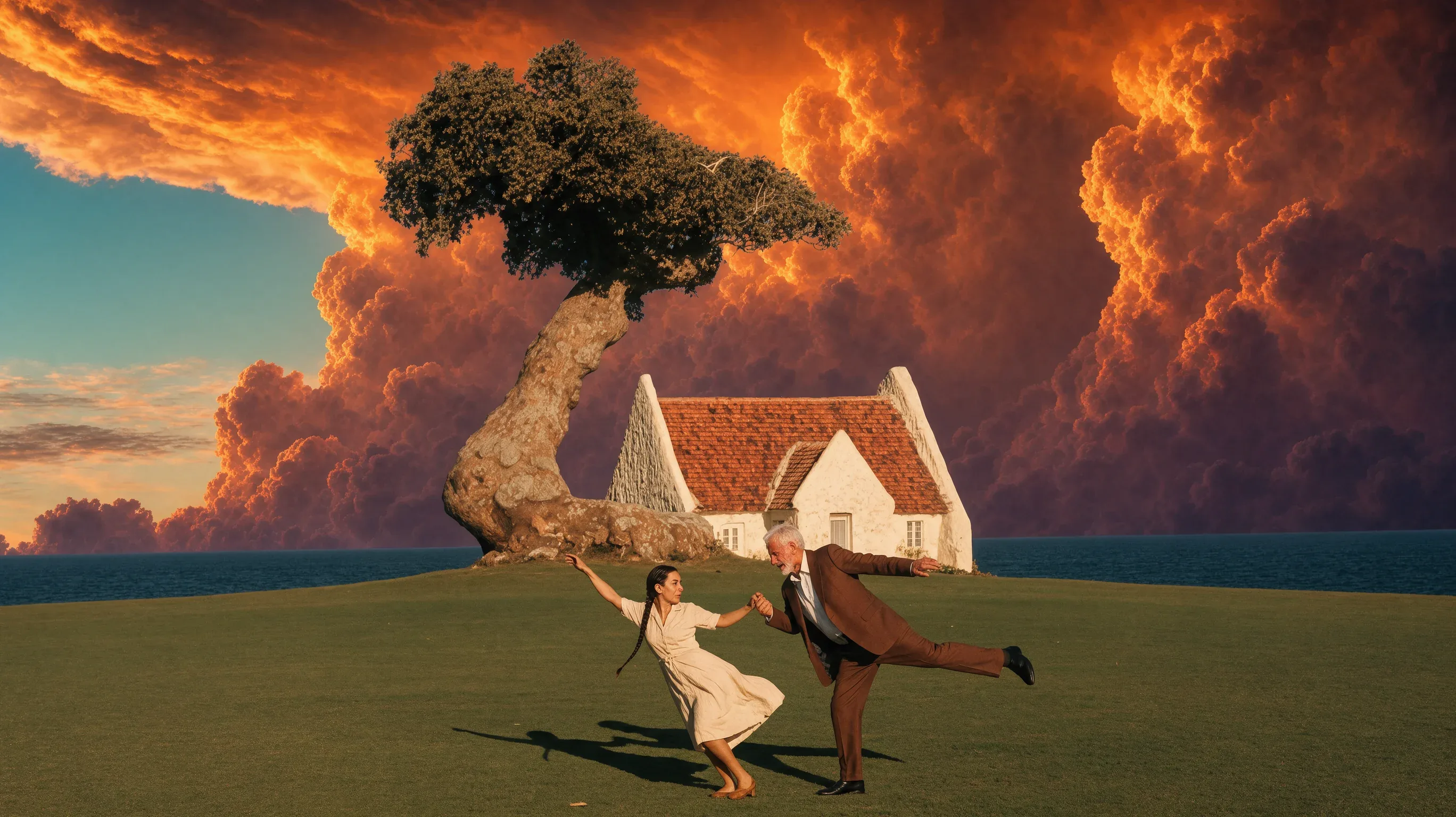

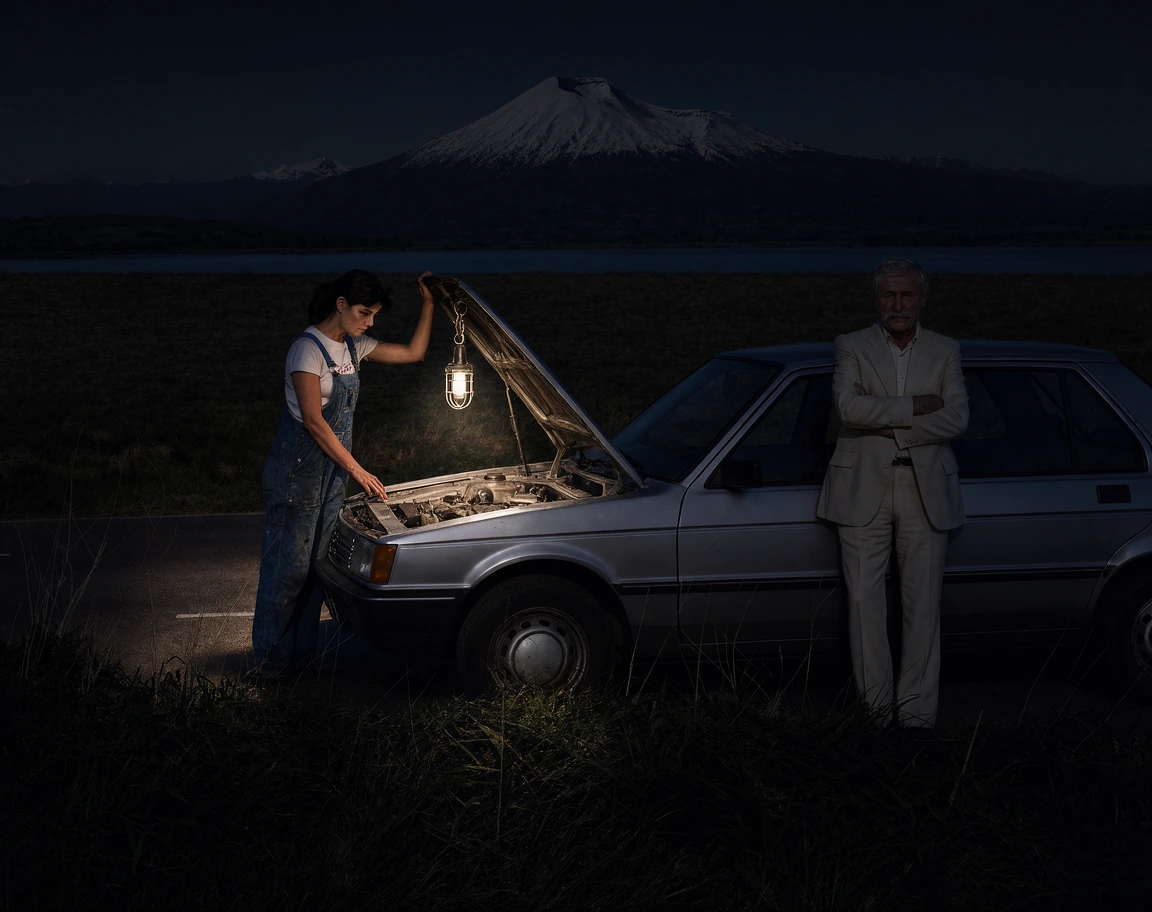
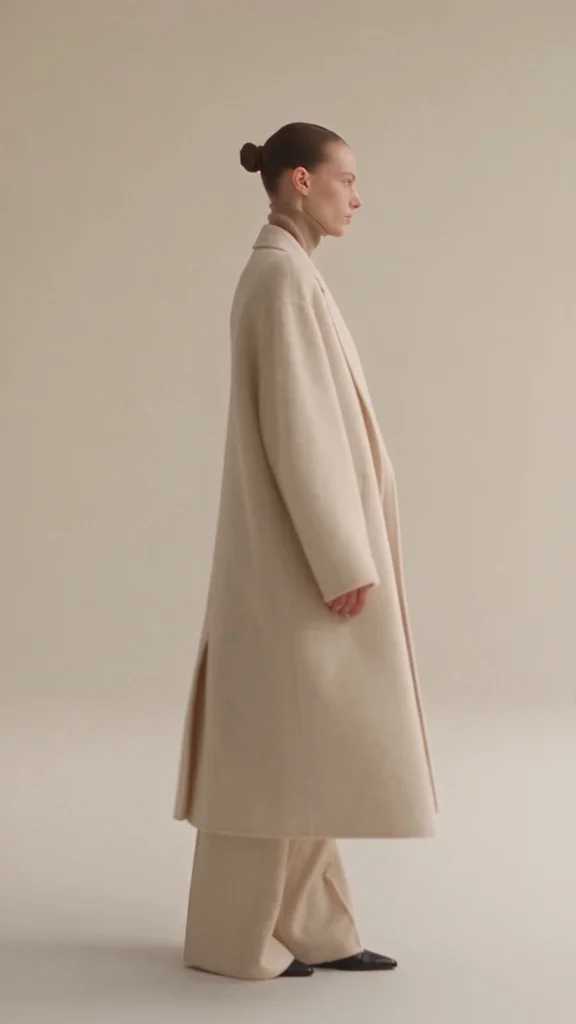
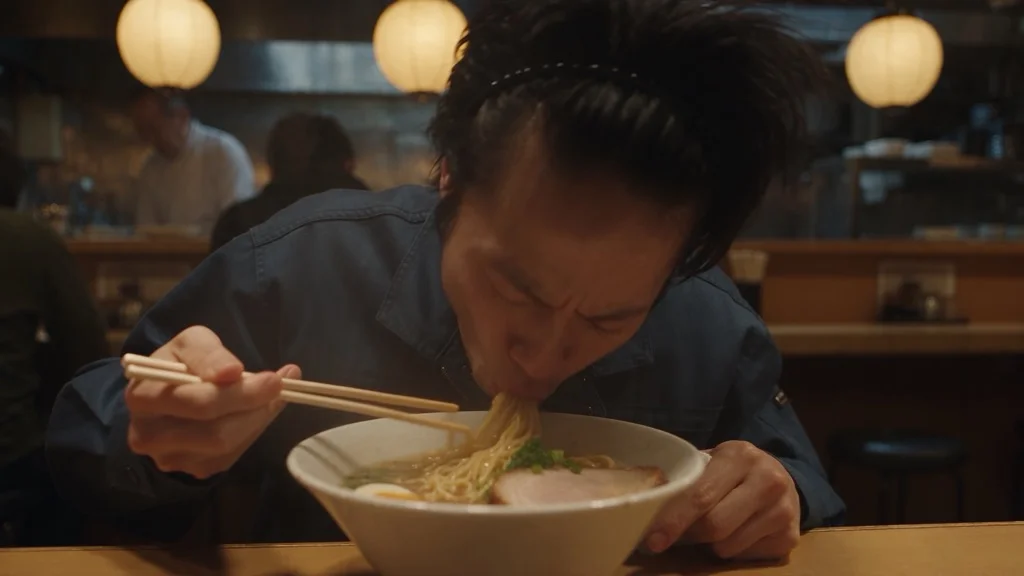
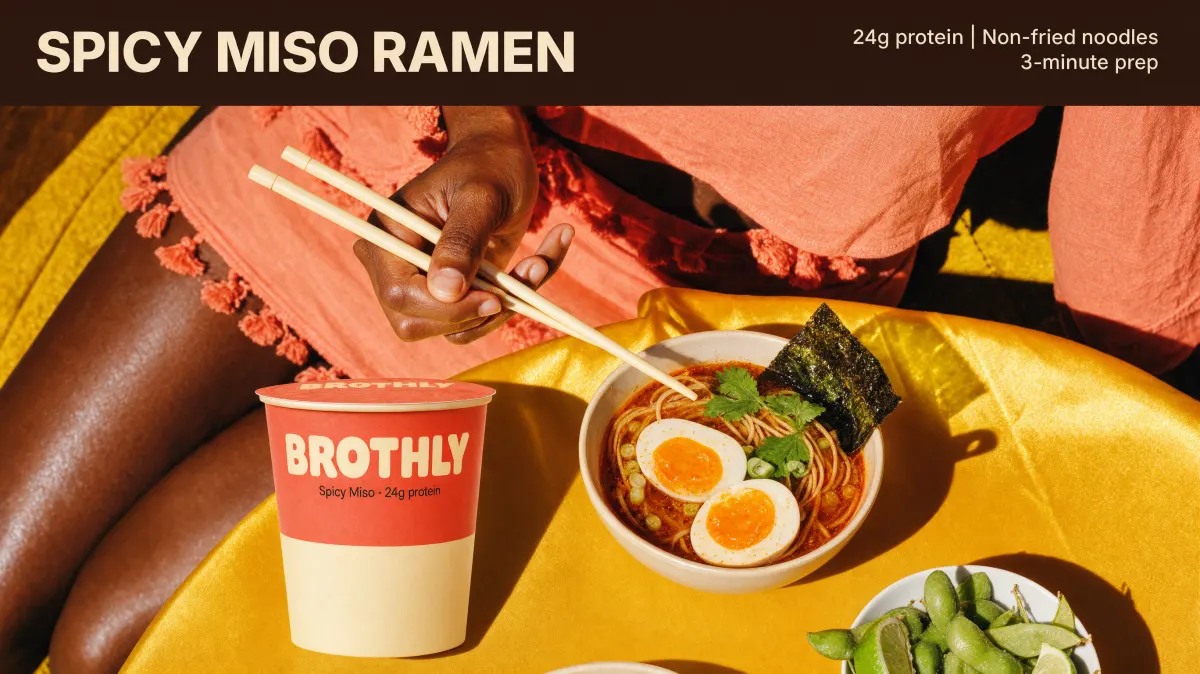
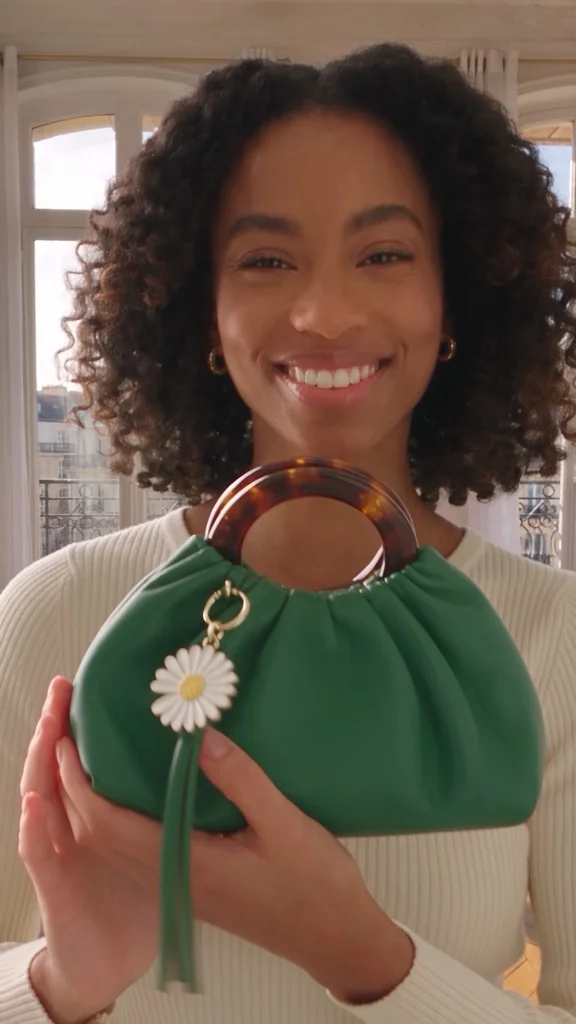
Use Krea MCP and Seedance 2.5 to make a 10-second 16:9 video: a golden-hour tracking shot of a matte-black motorcycle on a cliff road above the Mediterranean, the camera low by its front wheel. A rider in a faded red jacket draws alongside, then a low aerial follows both bikes through cypress trees into the sea haze.
Seedance 2.5
Un’unica connessione ai migliori modelli di immagini e video al mondo, pronti all’uso nel tuo agente:
Preset con un clic per Claude
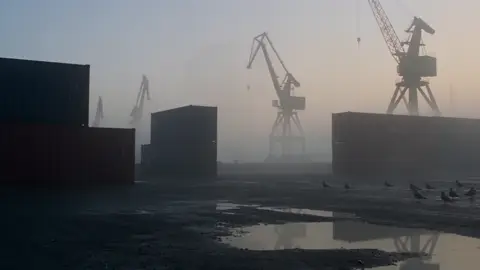
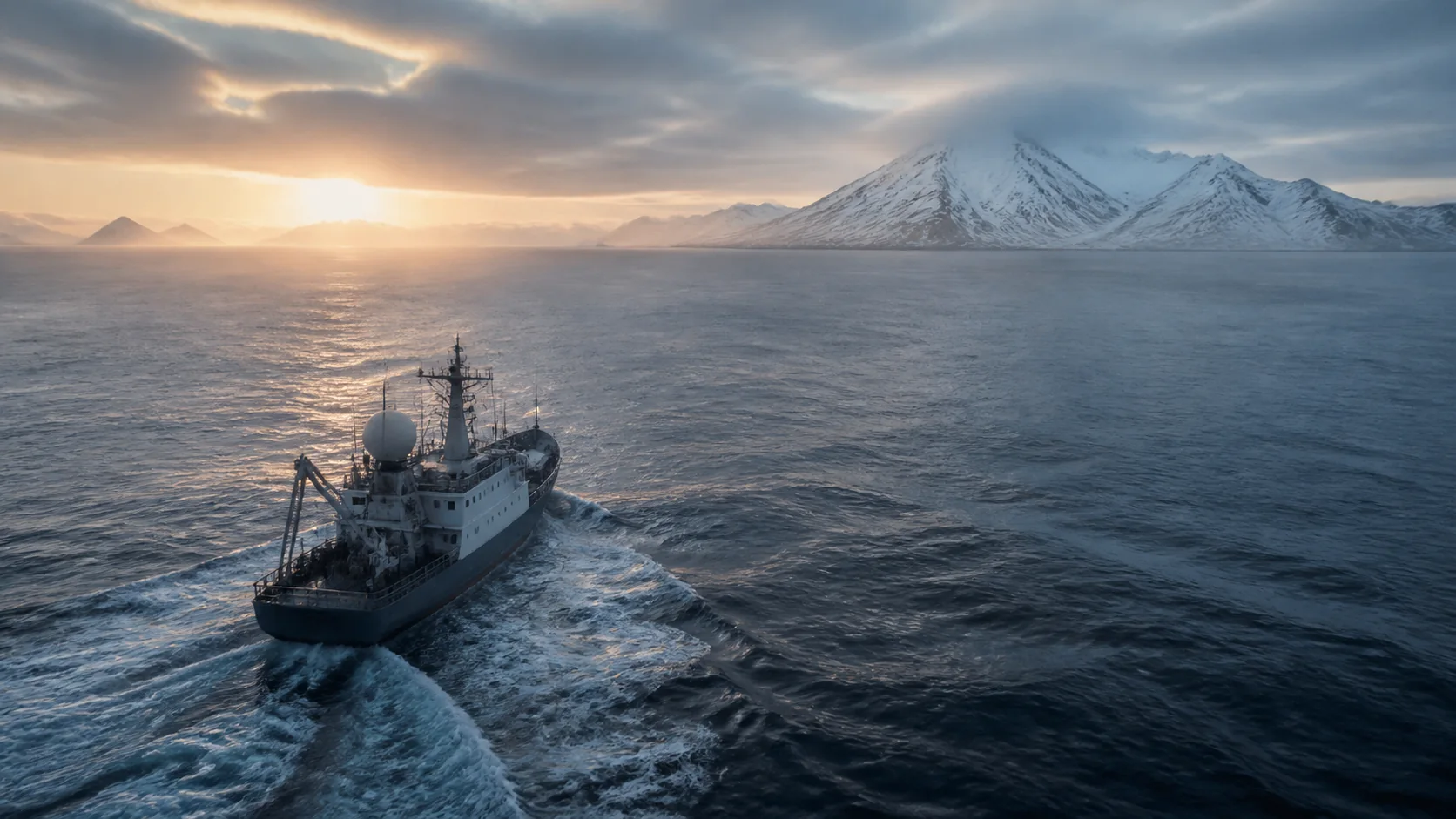
Mech nel porto all’alba
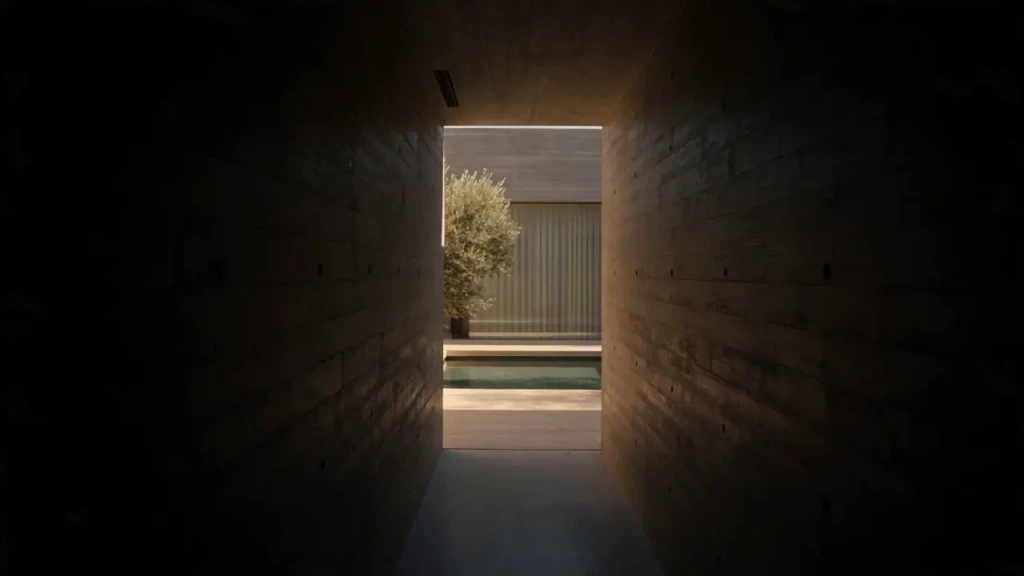
Dirigi un tour del cortile
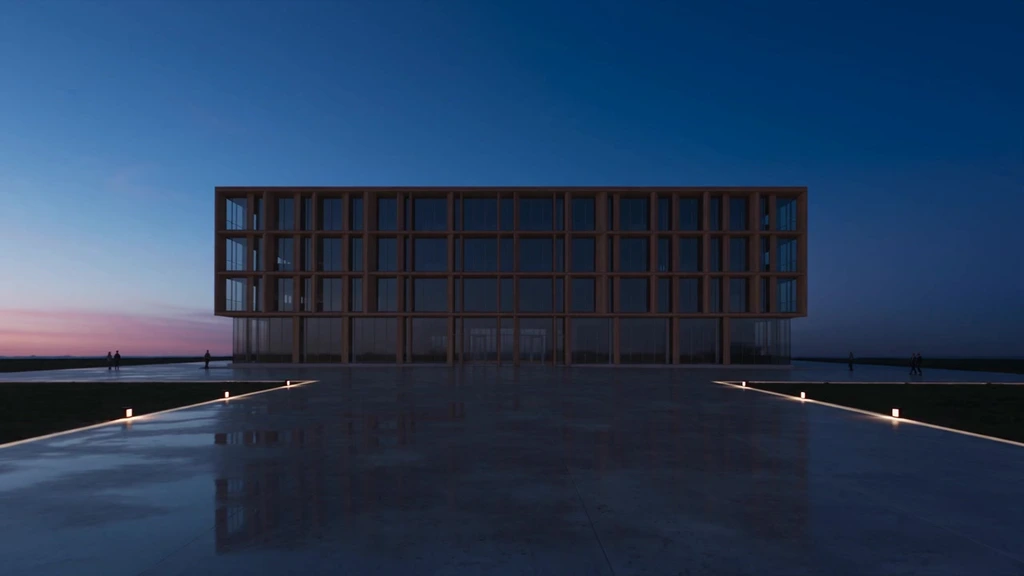
Accensione delle luci al crepuscolo

Sigla anime

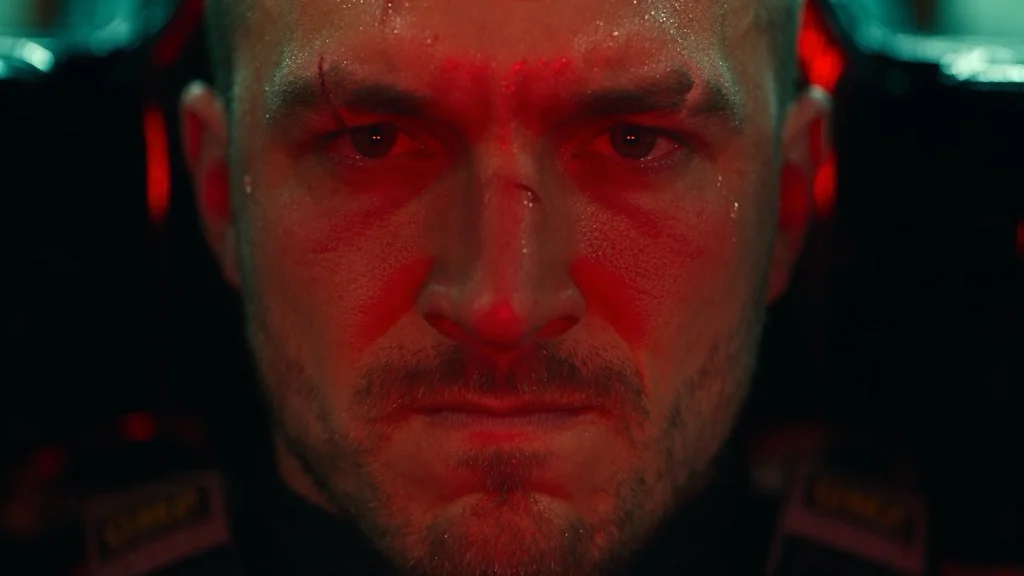
Trailer di un film di corse


Film di lancio dell’aspirapolvere corallo

Teaser del mondo del brand
Dirigi un lancio che ferma lo scroll
Crea un concept UGC dall’aspetto nativo

Dirigi il film di una campagna profumi
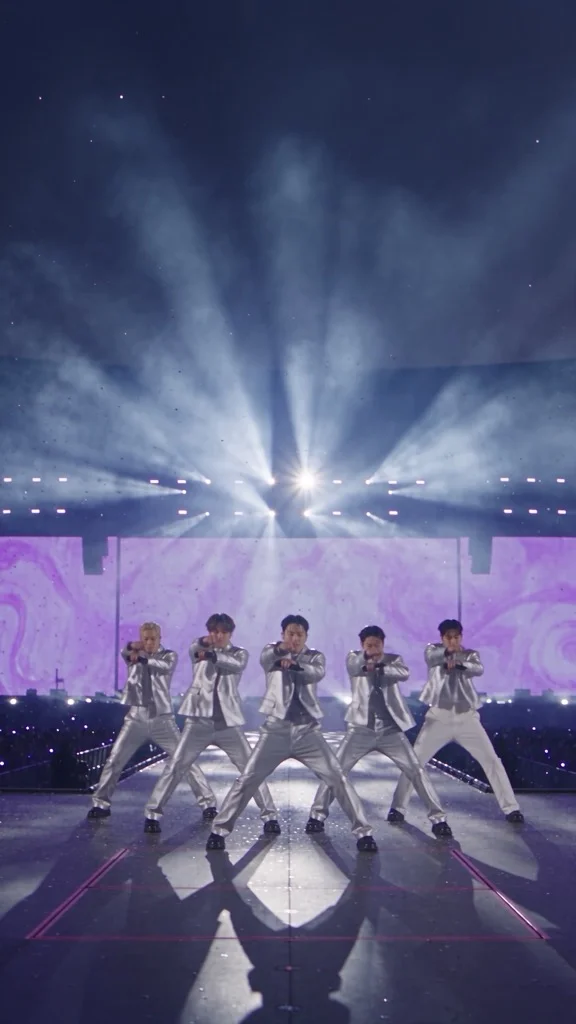
Concerto allo stadio
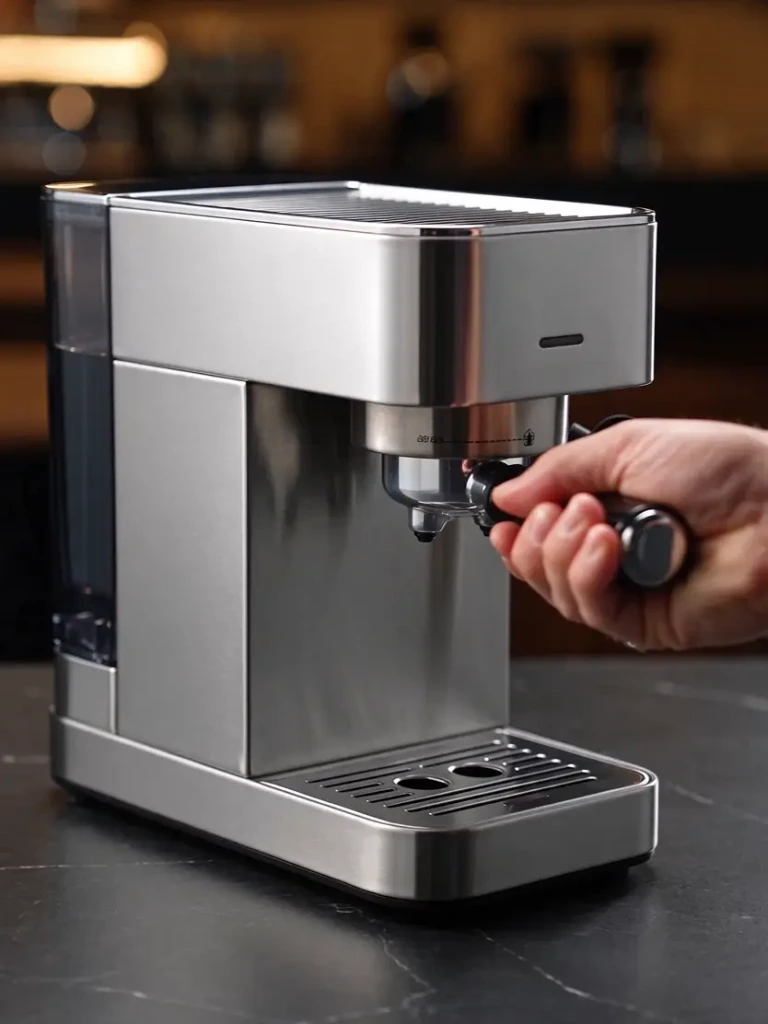
Crea un annuncio per l’espresso
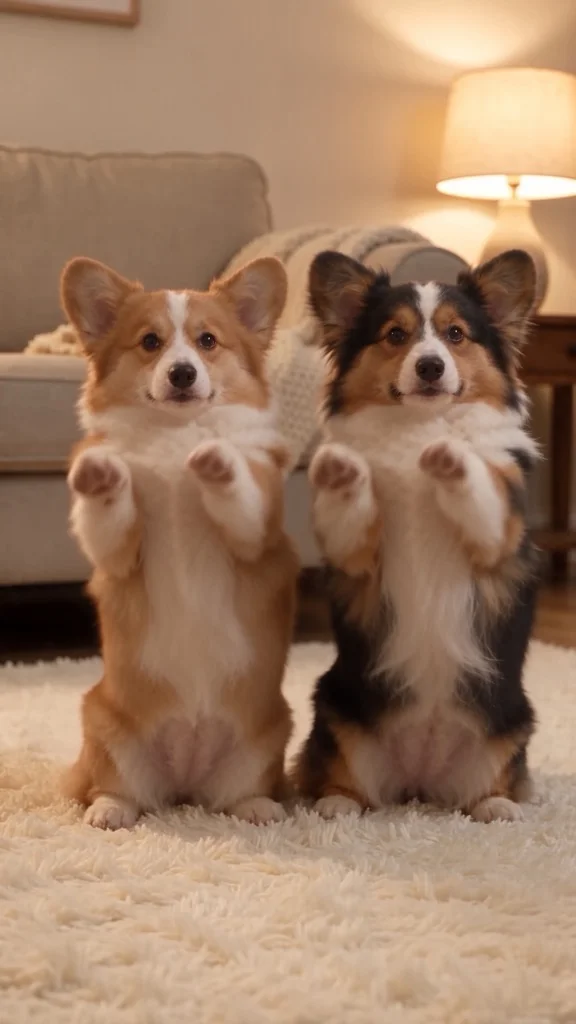
Cambia gli animali
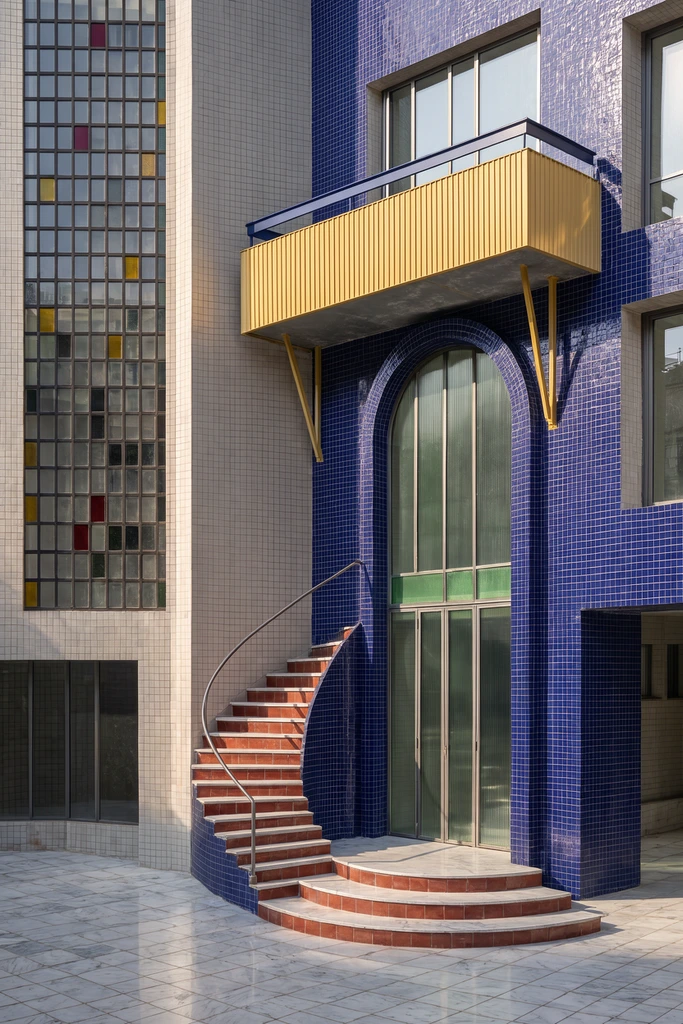
Dal disegno dell’ingresso alla foto

Crea una sequenza cinematografica per un pitch
Dirigi un tour del cortile
Sigla anime
Film di lancio dell’aspirapolvere corallo
Dirigi un lancio che ferma lo scroll
Dirigi il film di una campagna profumi
Crea un annuncio per l’espresso
Dal disegno dell’ingresso alla foto
Mech nel porto all’alba
Accensione delle luci al crepuscolo
Trailer di un film di corse
Teaser del mondo del brand
Crea un concept UGC dall’aspetto nativo
Concerto allo stadio
Cambia gli animali
Crea una sequenza cinematografica per un pitch
Dirigi il film di una campagna profumi
Trailer di un film di corse
Dirigi un lancio che ferma lo scroll
Accensione delle luci al crepuscolo
Cambia gli animali
Mech nel porto all’alba
Concerto allo stadio
Film di lancio dell’aspirapolvere corallo
Crea un concept UGC dall’aspetto nativo
Sigla anime
Dal disegno dell’ingresso alla foto
Dirigi un tour del cortile
Crea un annuncio per l’espresso
Teaser del mondo del brand
Il tuo workflow con MCP
Il tuo agente concatena immagini, video, upscaling e audio in Krea, un passaggio dopo l’altro.
Collega Krea MCP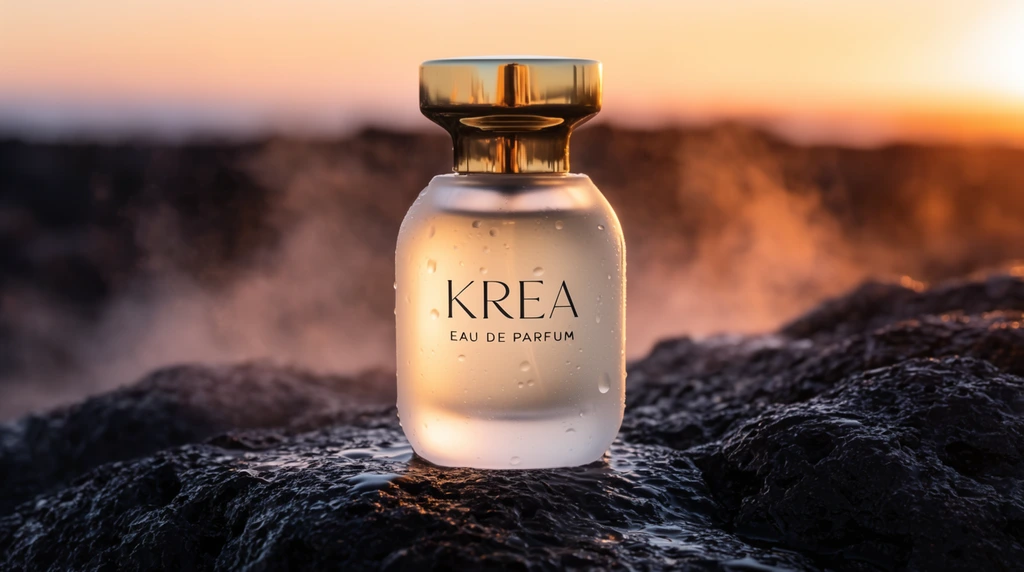 E-commerce
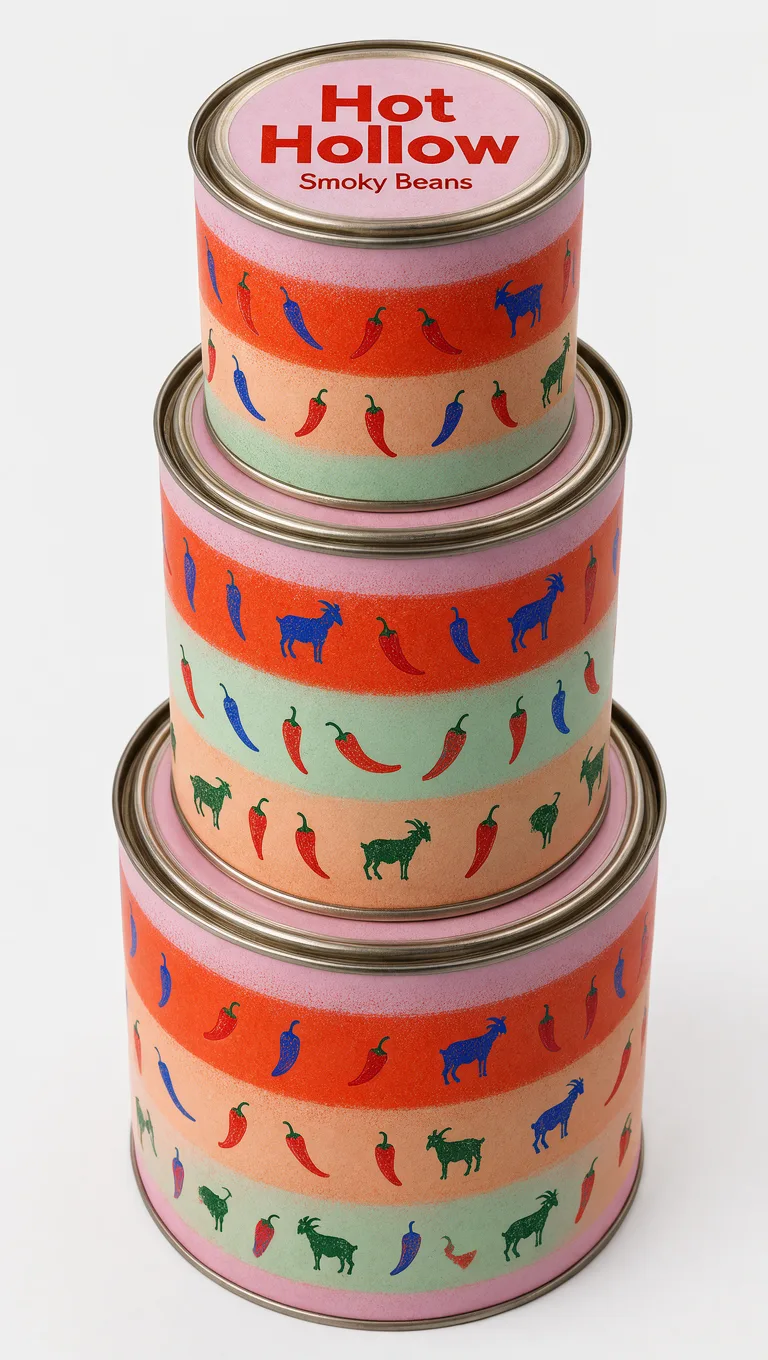
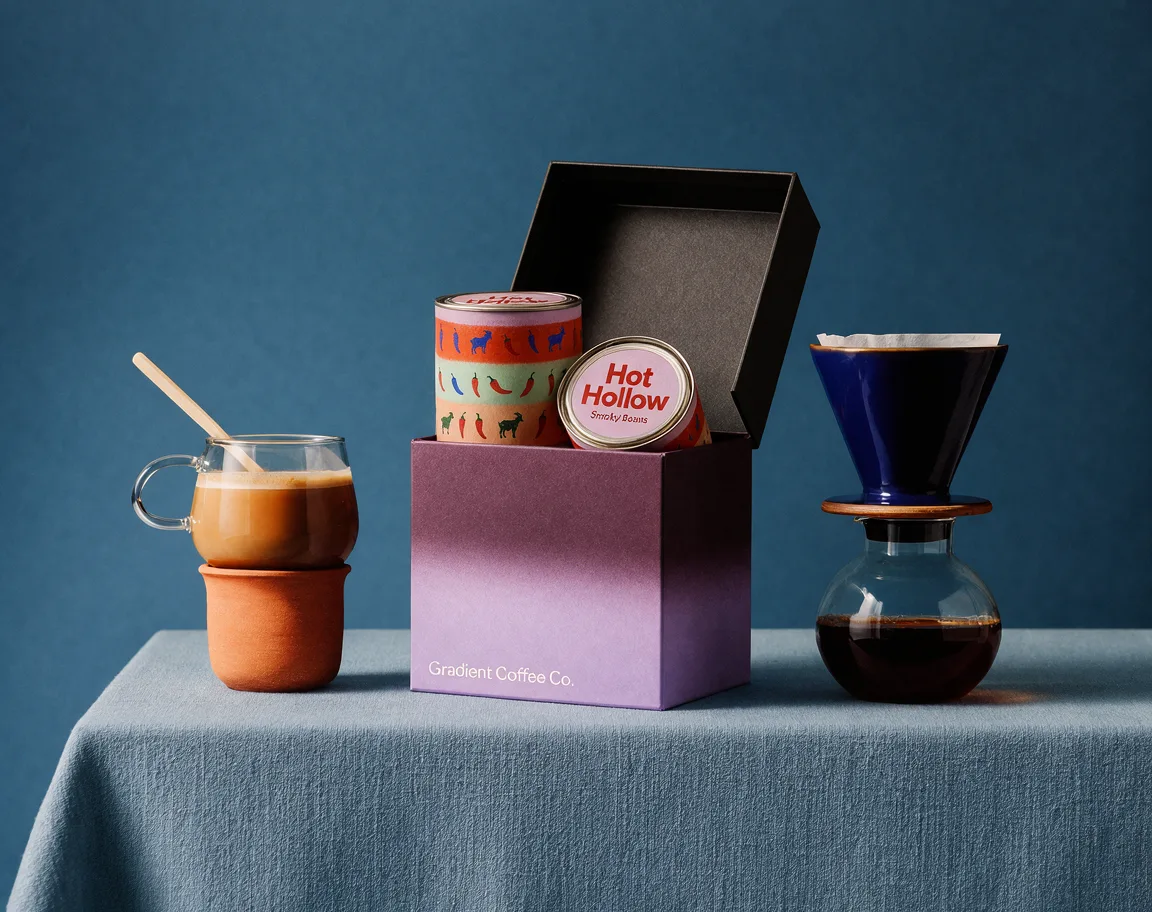
Dalla foto prodotto al set di annunci
Use Krea MCP to turn my product photo into an ad set. I will upload the photo first. Keep the product exactly as it is: shape, label, colours and logo. Place it in four scenes: a clean studio sweep, a kitchen counter in morning light, an outdoor café table and a flat lay with matching props. Render each scene at 4:5 for the feed and 9:16 for stories with Nano Banana Pro, then show me all eight images side by side.
- Animazione
Anima una foto
Use Krea MCP to animate my photo. I will upload it first. Describe what is in the frame, then write a short motion prompt that keeps the subject, the light and the composition. Generate a 6-second clip with Seedance 2.5 using my photo as the start frame, with a slow push-in and subtle natural motion. Show me the clip, and offer two other camera moves to try.
- Film
Dallo storyboard all’inquadratura in movimento
Use Krea MCP to storyboard a 30-second short about a lighthouse keeper on the last night before the light is automated. First define one visual language: lens, palette and light. Generate six cohesive 2.39:1 storyboard frames that follow the story beat by beat. Ask me which frame is strongest, then animate it into a 6-second shot with Seedance 2.5 and restrained camera movement.
 Architettura
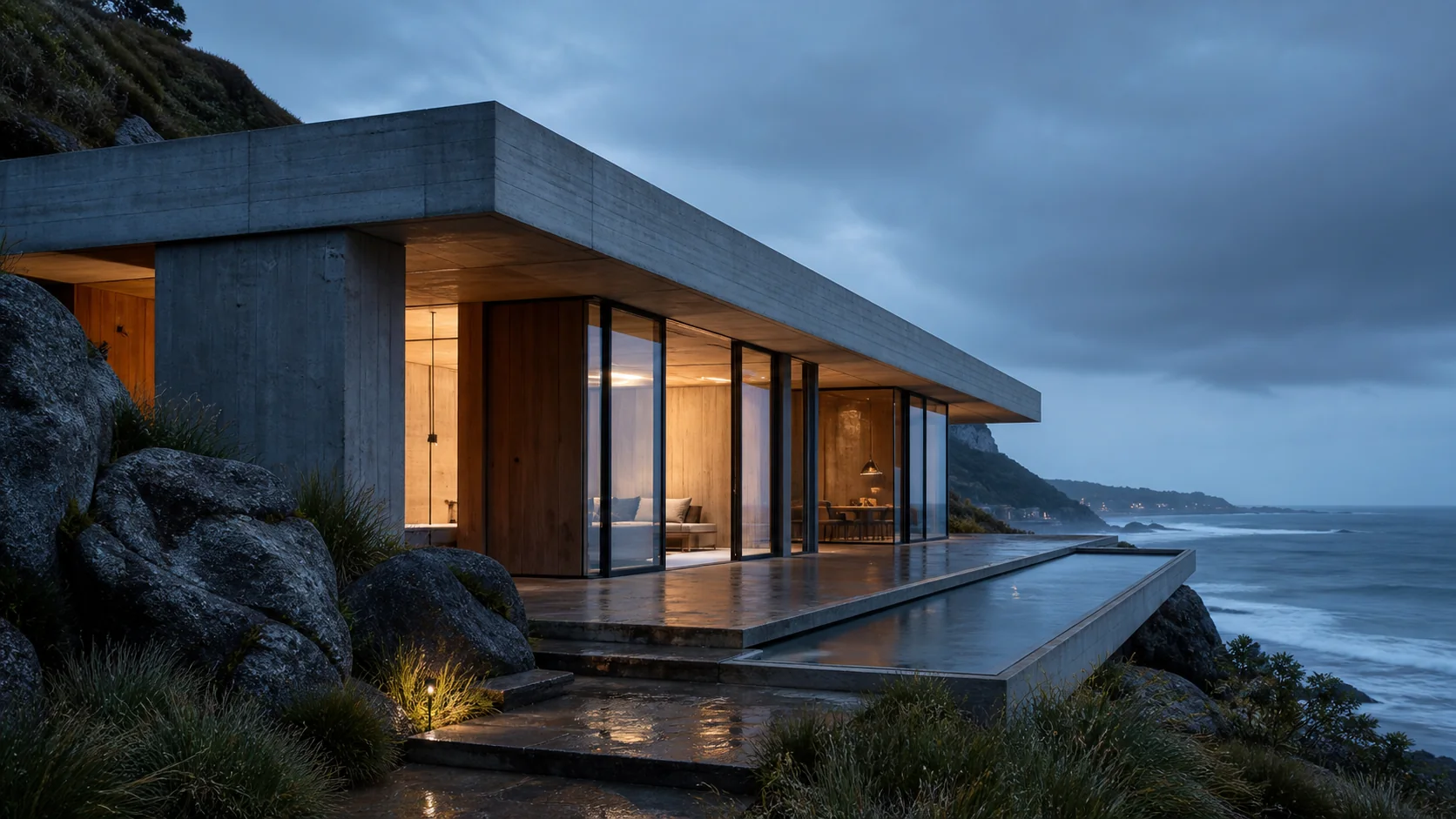
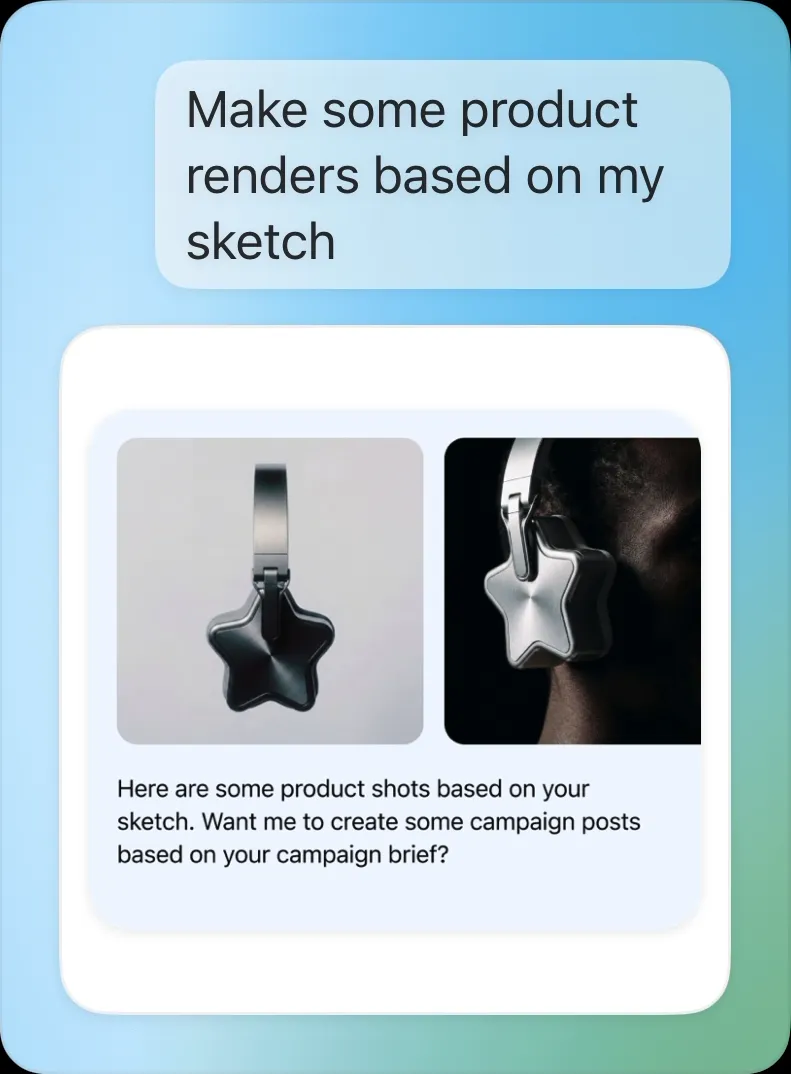
Dallo schizzo al render da stampa
Use Krea MCP to turn my architectural sketch into a presentation render. I will upload the sketch first. Keep its massing, openings and proportions. Render it in four directions: golden hour, overcast daylight, blue hour and a night view with warm interior light. When I pick one, upscale it with Topaz so it is sharp enough to print at A1.
 UGC
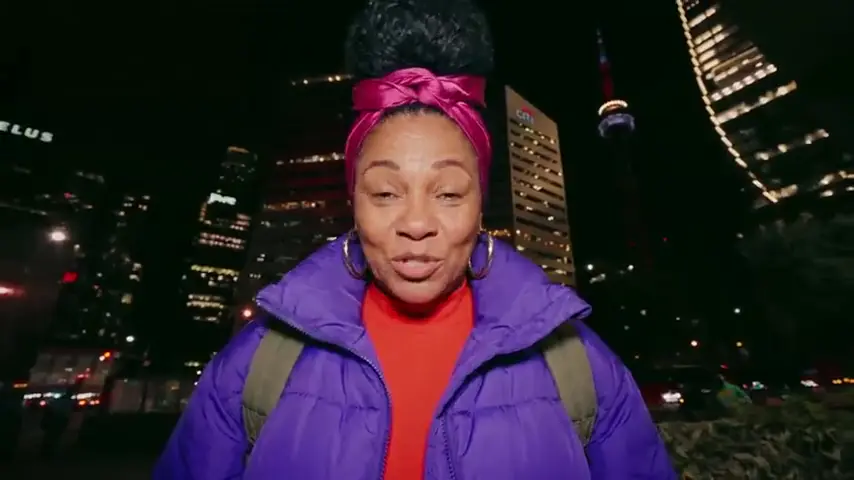
Annuncio UGC con voiceover
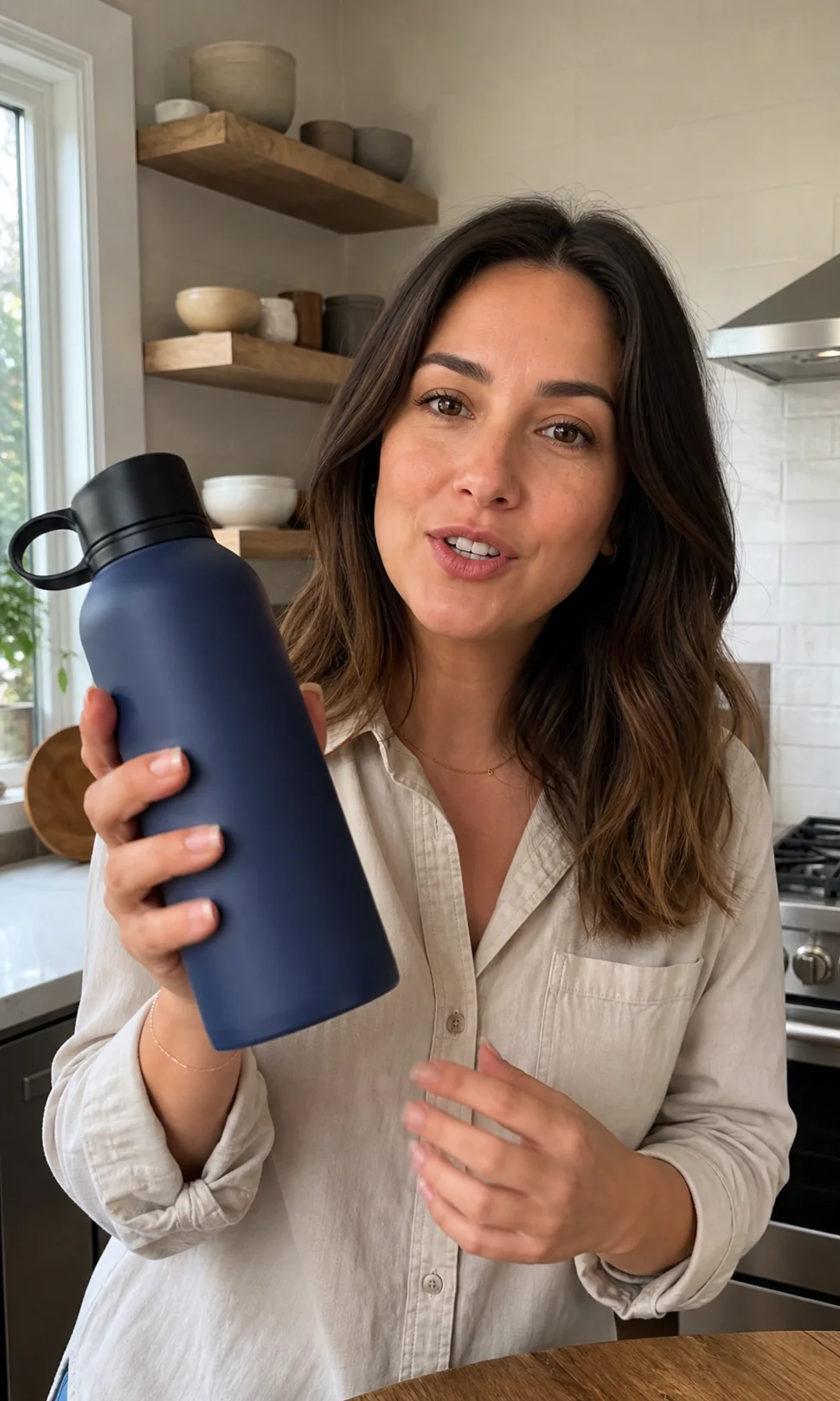
Use Krea MCP to make a TikTok-style UGC ad for a reusable water bottle. Generate a natural selfie-style frame of a creator holding the bottle in a bright kitchen. Animate it into an 8-second 9:16 clip with Seedance 2.5 in which she talks to camera and takes a sip. Write a 20-word voiceover in a casual tone, generate it with ElevenLabs, and give me the clip and the audio.
 Moda
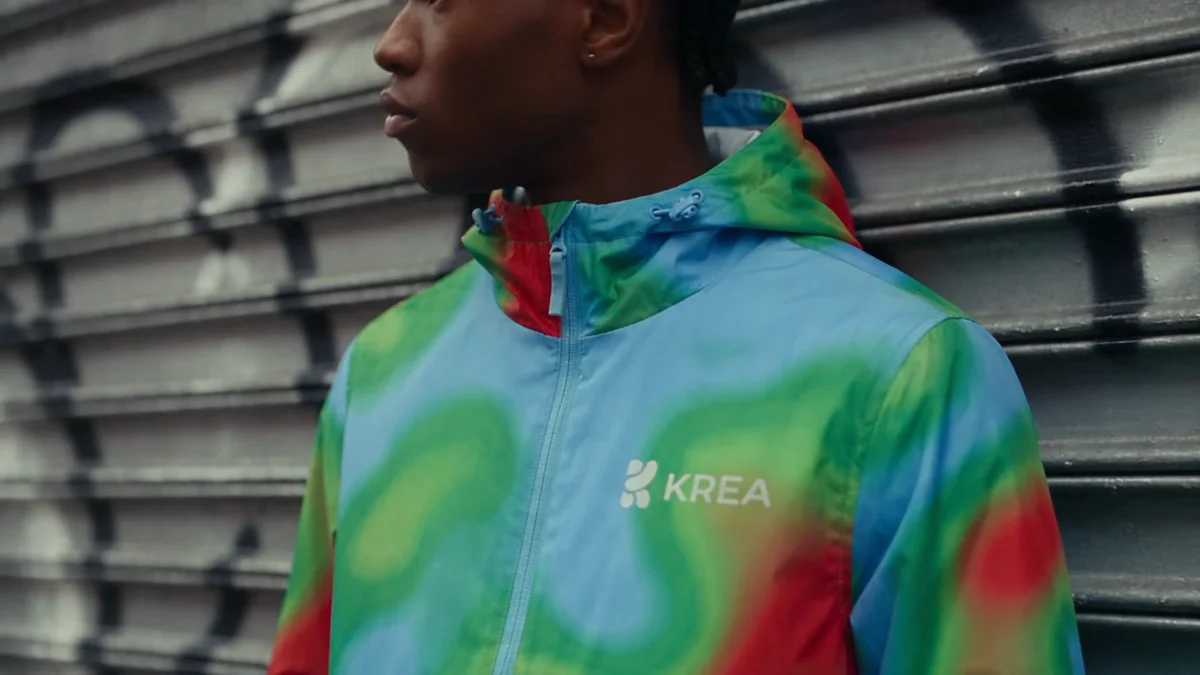
Lookbook da un solo outfit
Use Krea MCP to build a six-image lookbook. I will upload photos of the outfit pieces first. Create one model and keep her face, hair and build the same in every image. Dress her in my pieces exactly as they are and shoot six looks: a street corner, a gallery, a café, a rooftop, a studio full length and a close-up of the details. Use 4:5 and an editorial film look.
 Marketing
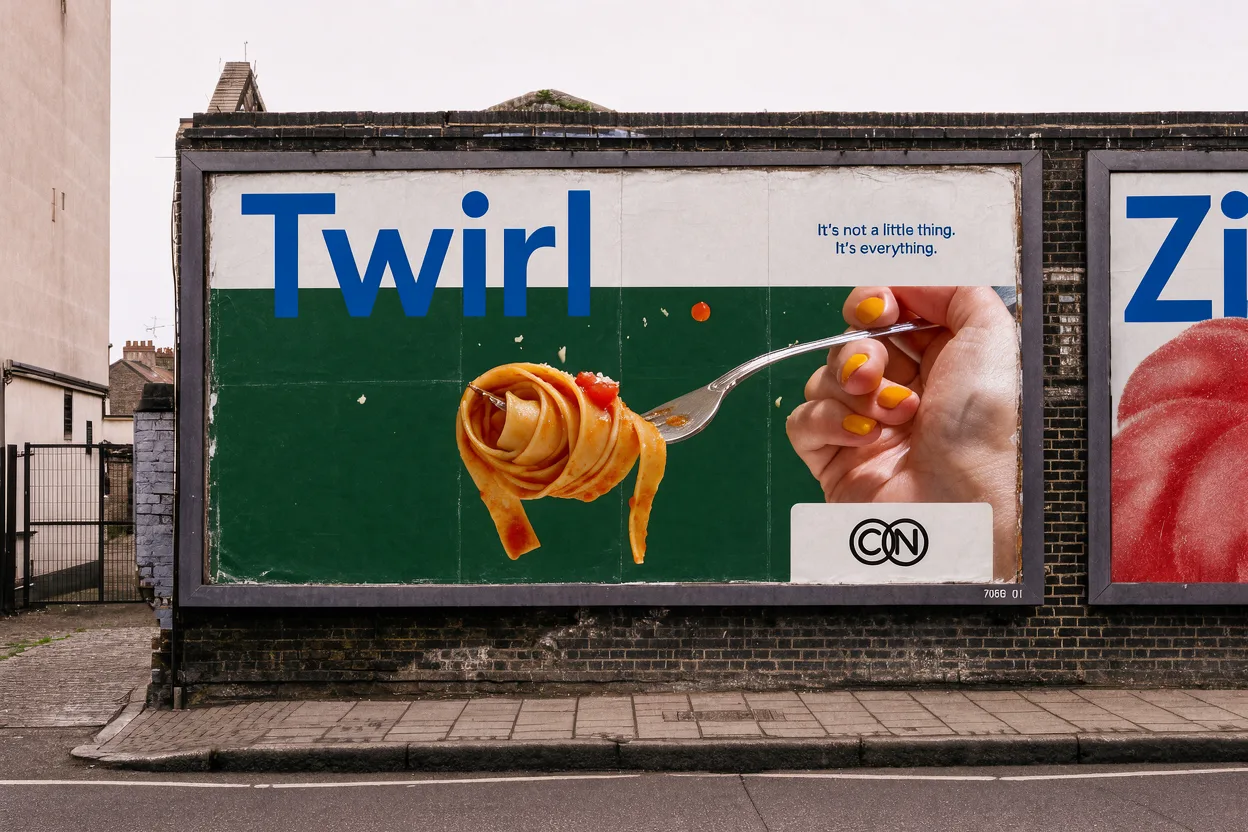
Campagna da un brief
Use Krea MCP to take a campaign from brief to key visuals. The brief: a summer launch for a small pasta brand that wants to feel warm and Italian. Propose three creative routes with a one-line idea each and one image per route. When I pick a route, make its key visual at 16:9, 4:5 and 9:16, then upscale the 16:9 version for the website hero.
- Pubblicità
Film di lancio con audio
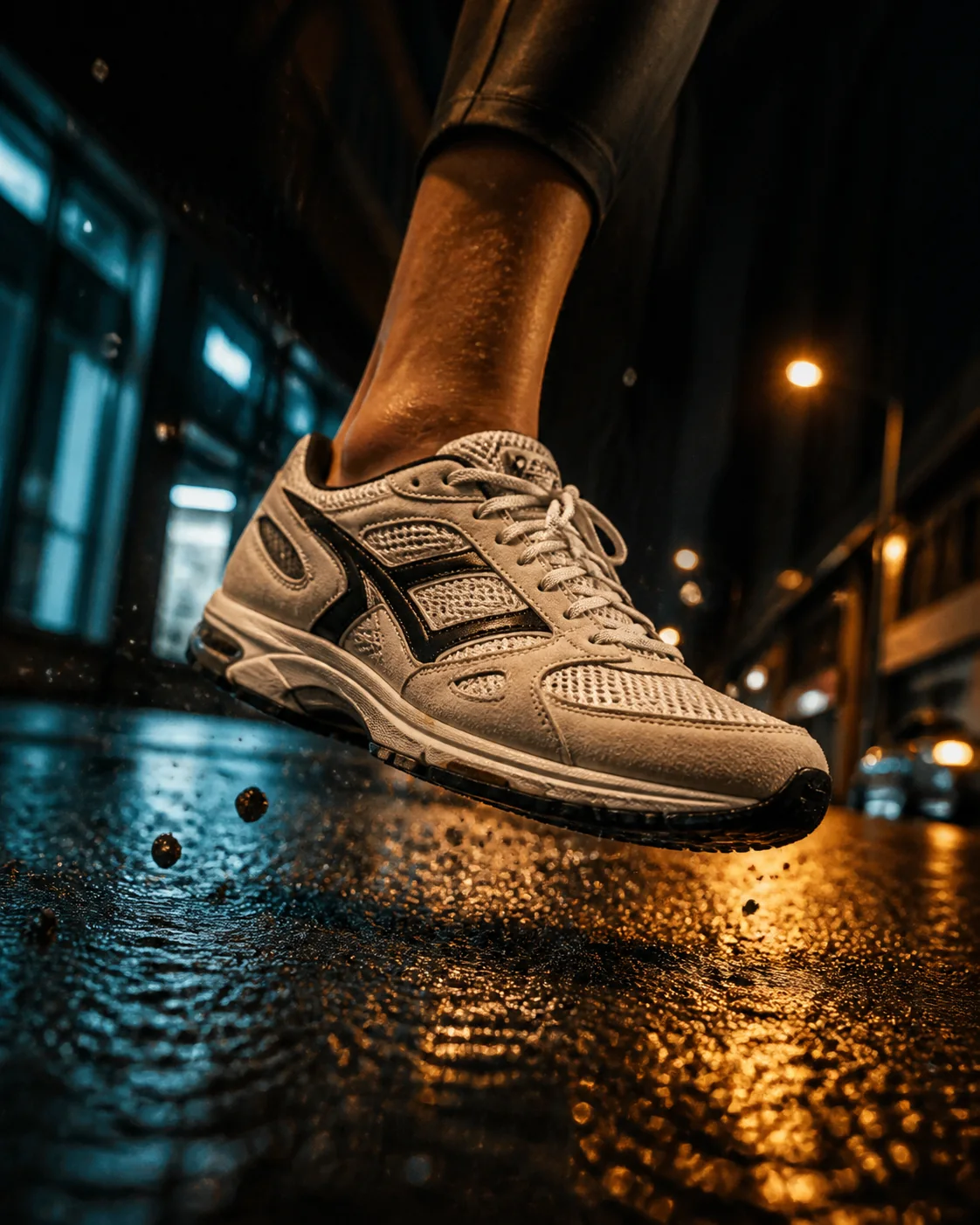
Use Krea MCP to make a 6-second launch film for a new running shoe. Generate a hero frame of the shoe on wet asphalt at night. Animate it with Seedance 2.5: the shoe lands hard in a puddle, spins once in mid-air and settles on the court line, with native sound effects. Then generate a 10-second energetic electronic track with ElevenLabs Music to go under it.
Come collegare
Krea MCP a Claude
-
Aggiungi Krea a Claude Aggiungi Krea a Claude
Claude si apre con i dati di Krea già compilati. Controlla che l’indirizzo sia api.krea.ai, poi fai clic su “Add”. L’app Claude si apre con i dati di Krea già compilati. Controlla che l’indirizzo sia api.krea.ai, poi scorri verso il basso e tocca “Add”.
Aggiungi connettore Krea Add custom connector
Krea
https://api.krea.ai/mcp
Authentication
Sign in now Detected
Each user signs in through the server’s OAuth flow.
Add
Back
-
Accedi a Krea Accedi a Krea
Fai clic su “Connect”, scegli il tuo workspace e fai clic su “Authorize”. Scegli il tuo workspace e tocca “Authorize”.
krea.ai
Connect Claude to Krea
Review the access you’re sharing with this app.
Signed in to Krea as
you@example.com
Choose a workspace
Your workspace
Your team
-
Fai clic su “Always allow” Tocca “Always allow”
Claude te lo chiede la prima volta che usa Krea. Dopo, ti basta chiedere un’immagine o un video. Claude te lo chiede la prima volta che usa Krea. Dopo, ti basta chiedere un’immagine o un video.
make me an image with Krea 3
Claude wants to use
Generate Image from Krea
Show details
Allow once
Always allow
Decline
 Aggiungi plugin Krea
 Aggiungi plugin Krea
La tua nuova squadra creativa
I Krea Bots sono agenti AI che fanno vero lavoro creativo

Domande frequenti
Krea MCP collega il tuo agente AI direttamente a Krea, così può generare immagini e video, migliorare gli asset ed eseguire i tuoi flussi di lavoro creativi per conto tuo.
Genera immagini e video, migliora e ingrandisci le immagini, usa i tuoi stili addestrati ed esegui i tuoi flussi di lavoro Krea in più passaggi: tutto da un semplice prompt.
Funziona con Claude, ChatGPT, Claude Code, Codex, Cursor, Grok Bot, OpenClaw, Hermes e altri agenti che permettono di collegare strumenti.
In ChatGPT, Cursor e Grok Bot, aggiungi il plugin Krea. In Claude, aggiungi Krea come connettore. In Claude Code, Codex e altri agenti da terminale, invia la richiesta di configurazione che trovi in questa pagina e l’agente aggiunge il server MCP di Krea per te. Poi accedi con il tuo account Krea. La configurazione richiede meno di un minuto.
Tutti i modelli di Krea per immagini, video e miglioramento, tra cui Krea 3, Nano Banana Pro, Seedance 2.5, Kling 4.0, Wan 3.0 e Topaz Bloom 2. Li trovi tutti nella libreria dei modelli.
Le immagini arrivano di solito in pochi secondi. I video e i lavori più impegnativi vengono elaborati in background e arrivano appena sono pronti.
No. Usa https://api.krea.ai/mcp come URL del server MCP e autenticati con il tuo account Krea quando il tuo agente ti chiede di collegarti.
Esplora la dashboard della Krea API per il playground, i prezzi e la documentazione per l’integrazione. La documentazione del server MCP spiega autenticazione, strumenti e risoluzione dei problemi, mentre la Krea CLI ti fa usare Krea dal terminale.
Porta Krea nel tuo agente
Collega Krea in meno di un minuto e inizia a generare immagini e video proprio dove lavori già.