











 ChatGPTに連携
作成
編集&高画質化
Krea MCPで動画と画像を Claudeの中でそのまま生成
make me an image with Krea 3
動画と画像を生成
Krea MCPで、そのまま
ClaudeとChatGPTの中で
エージェントが Kreaで作れるもの
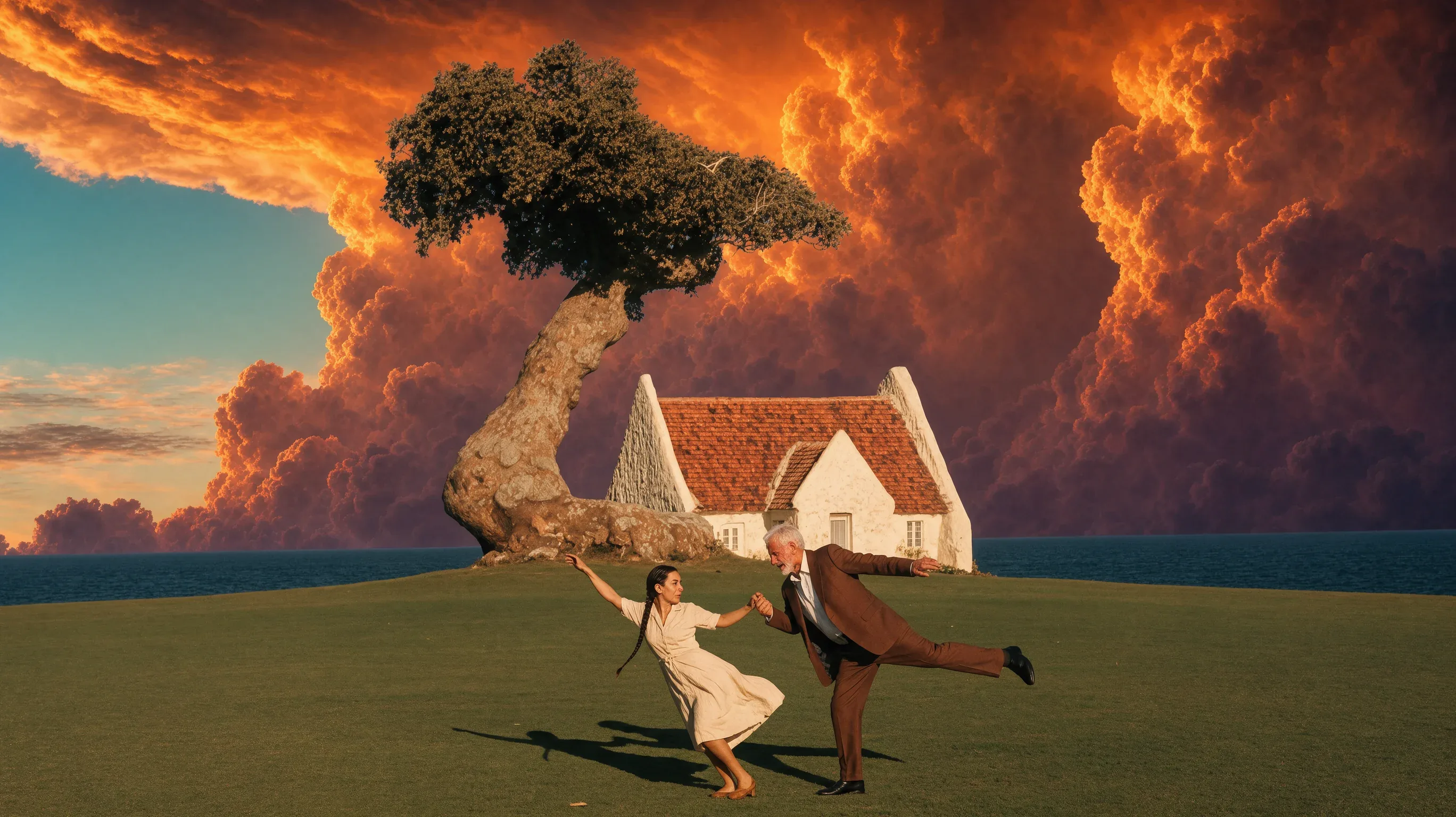

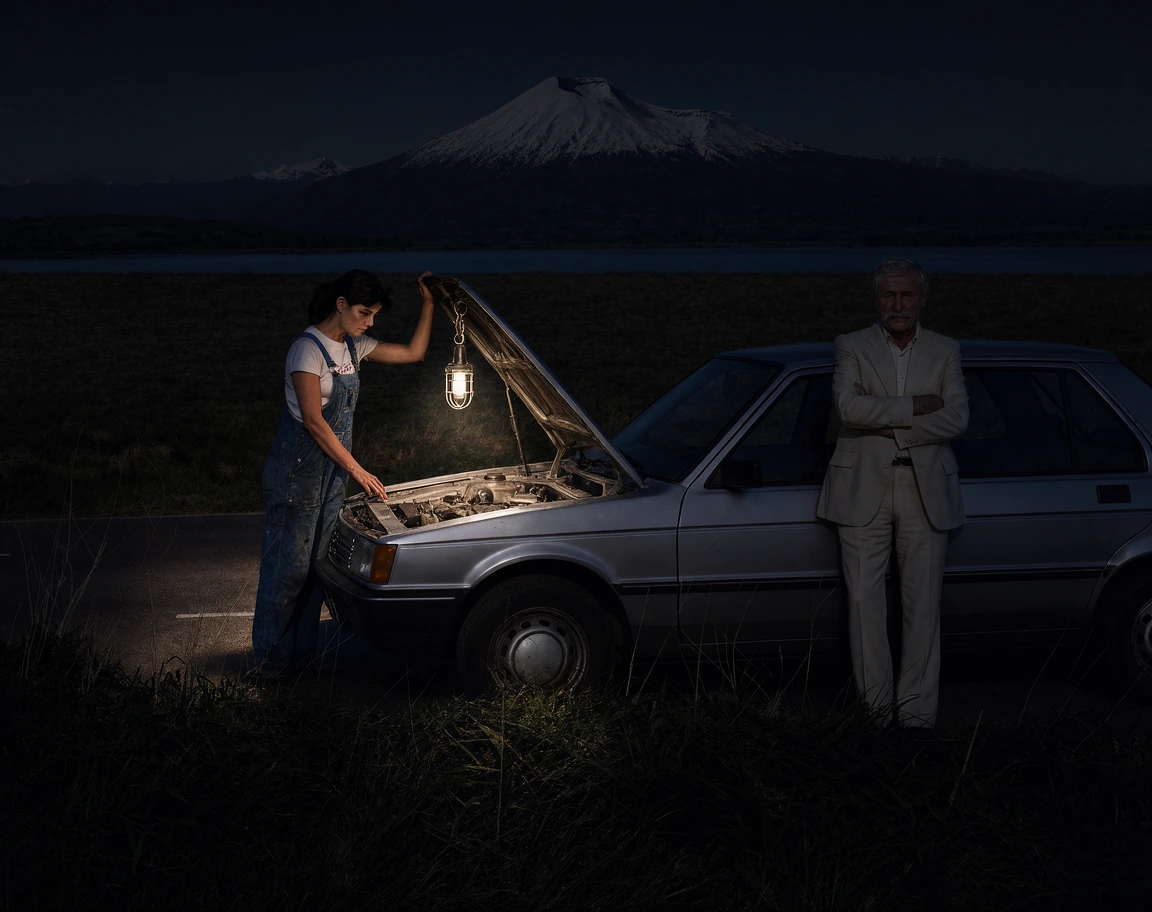
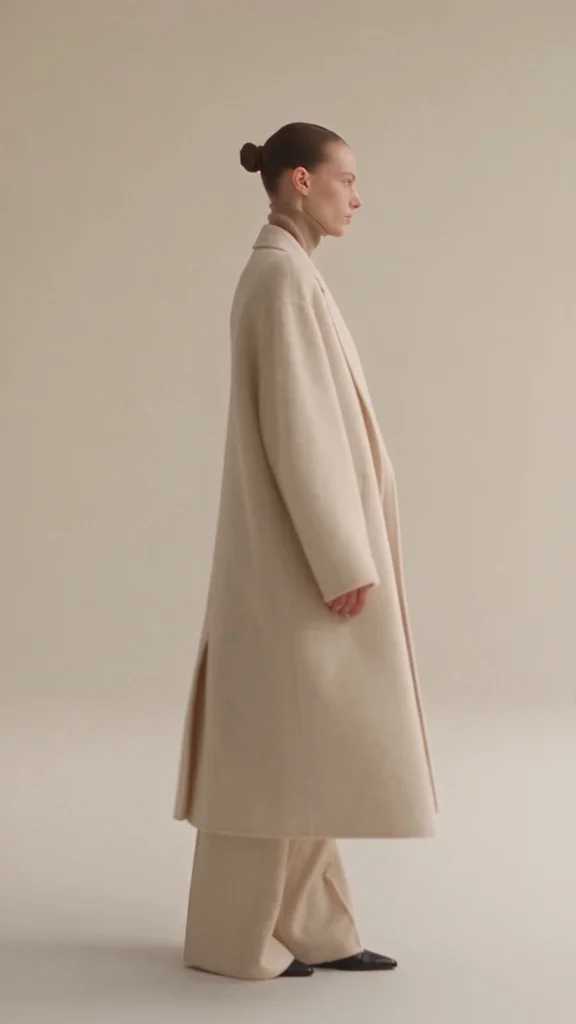

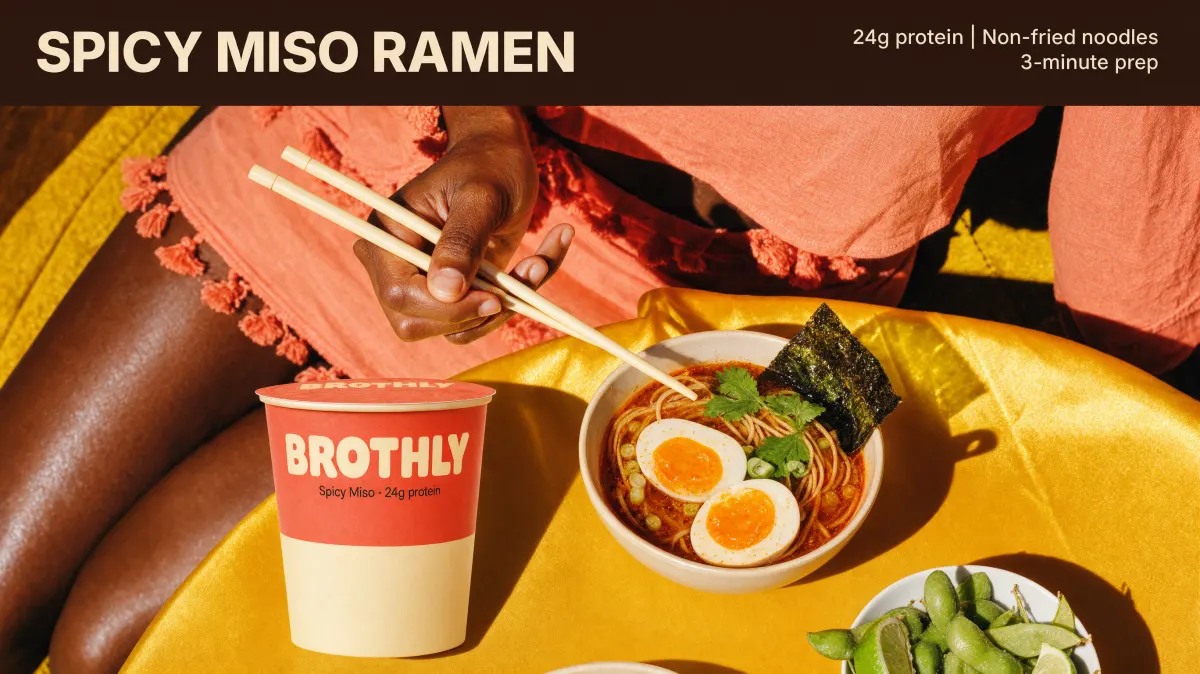
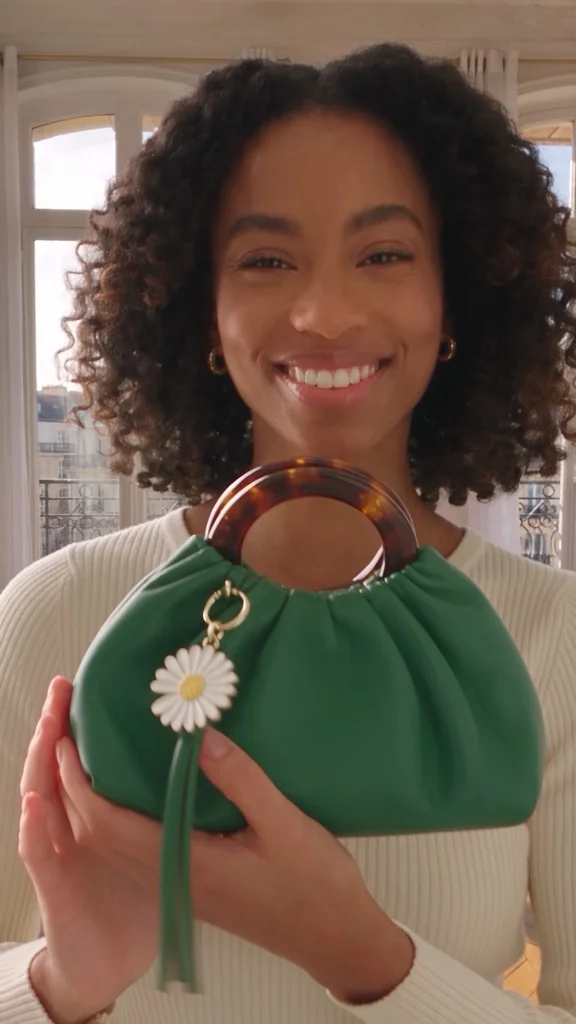
Use Krea MCP and Seedance 2.5 to make a 10-second 16:9 video: a golden-hour tracking shot of a matte-black motorcycle on a cliff road above the Mediterranean, the camera low by its front wheel. A rider in a faded red jacket draws alongside, then a low aerial follows both bikes through cypress trees into the sea haze.
Seedance 2.5
一度の連携で、世界をリードする画像モデルと動画モデルが、エージェントの中ですぐに使えます。
一発プリセット Claude向け
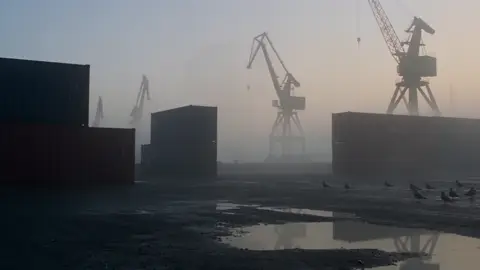
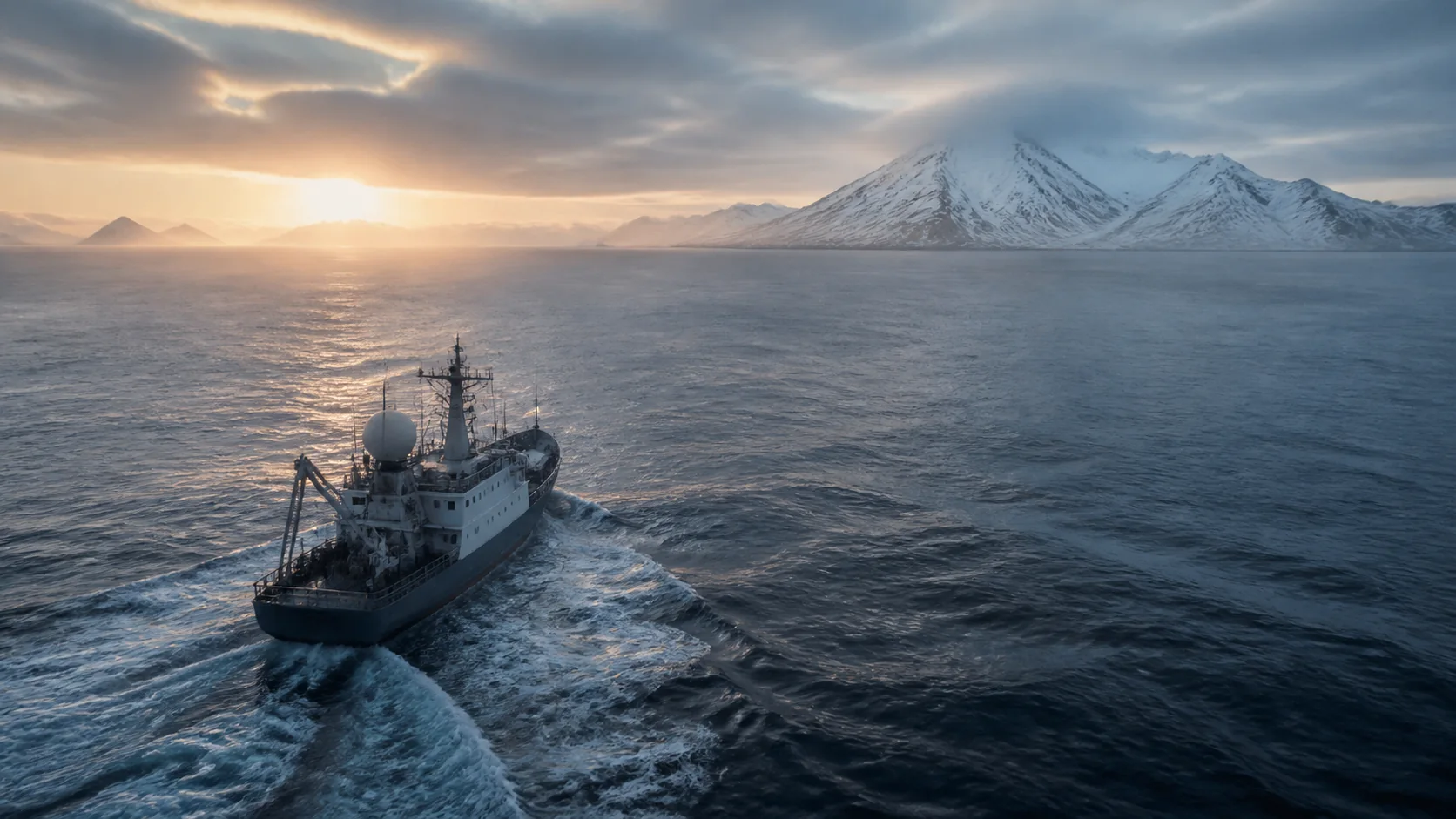
夜明けの港のメカ
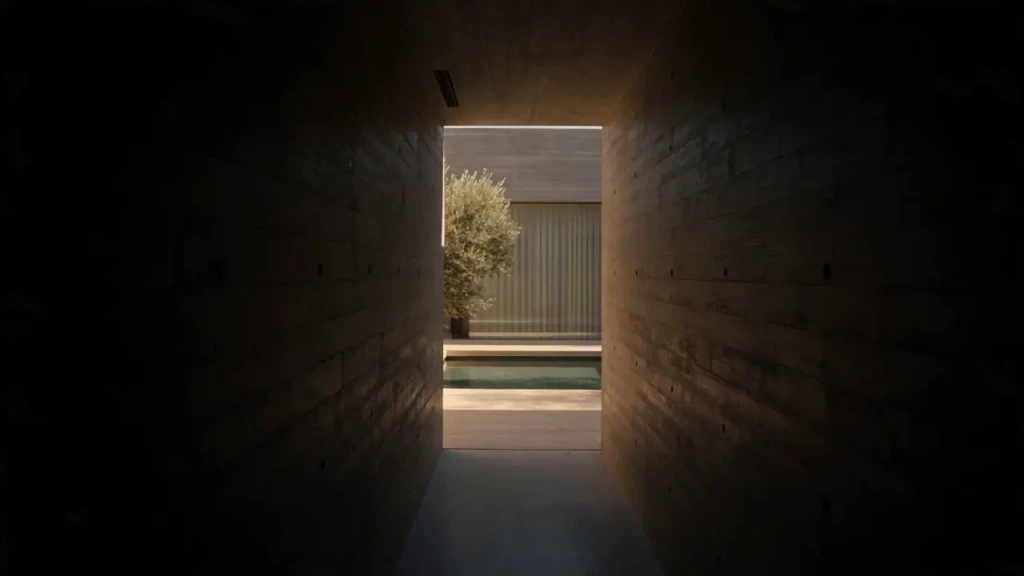
中庭のウォークスルーを演出する
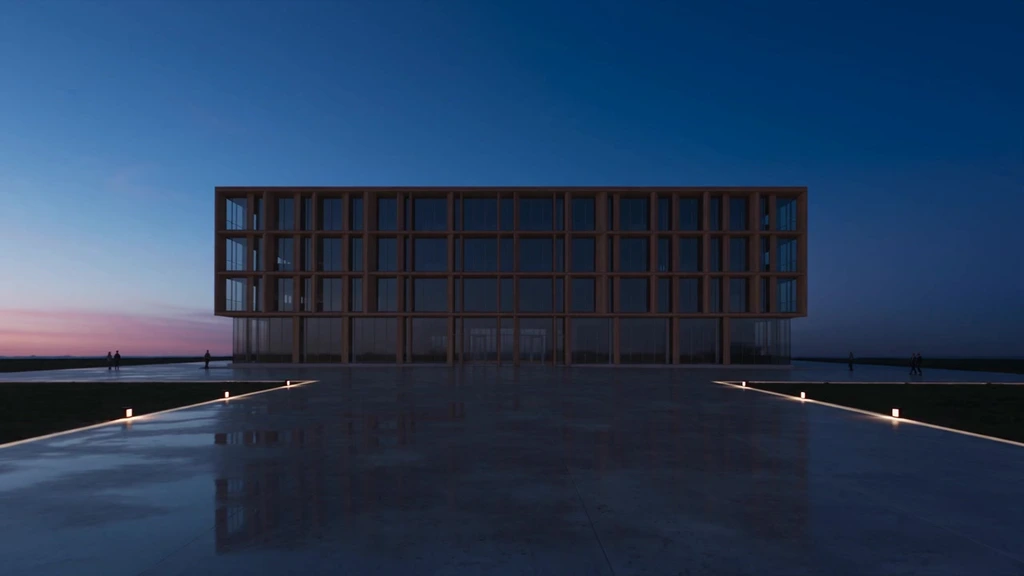
夕暮れに明かりが灯る

アニメのオープニング

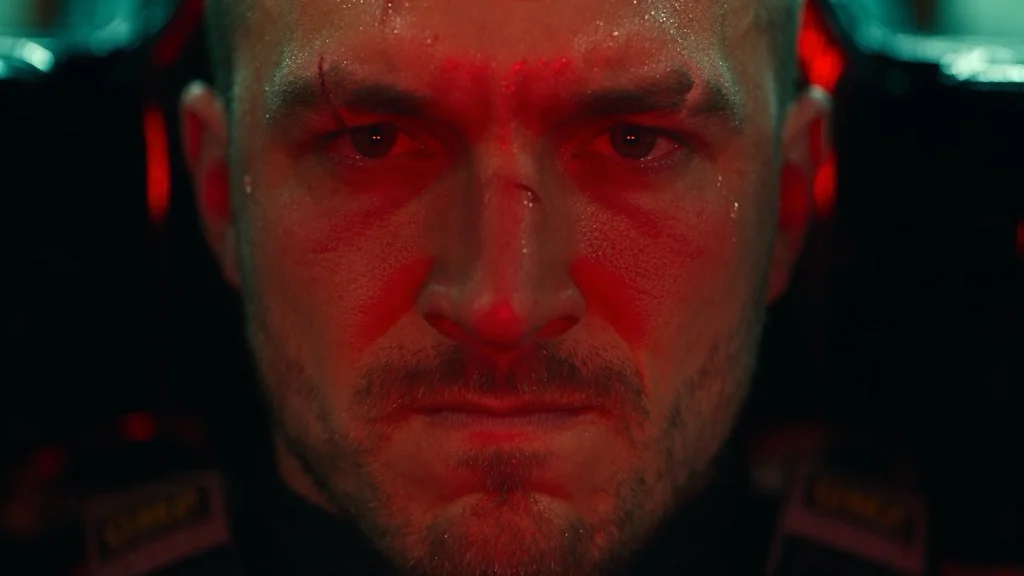
レース映画の予告編


コーラル色の掃除機のローンチフィルム
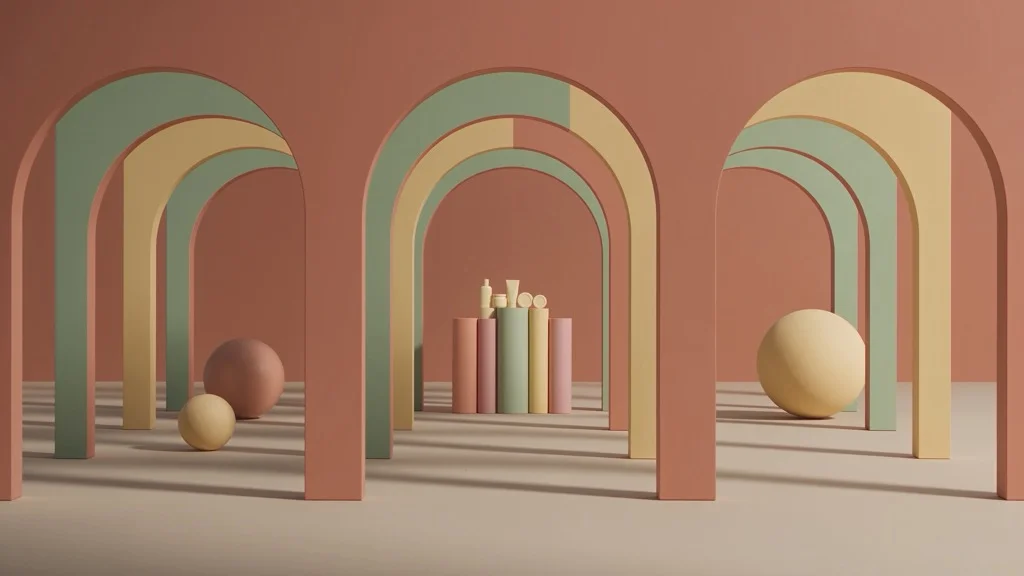
ブランドの世界観ティザー
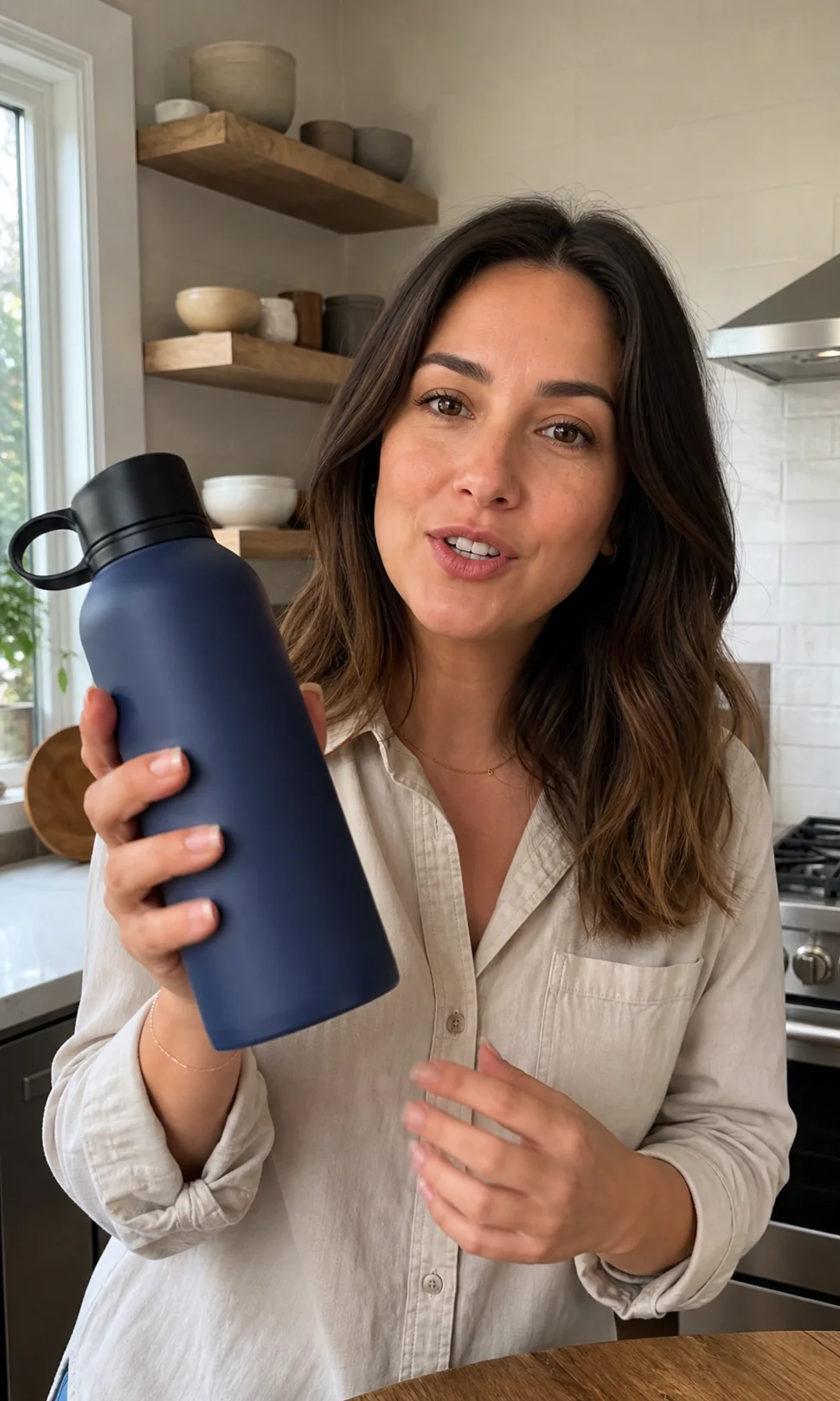
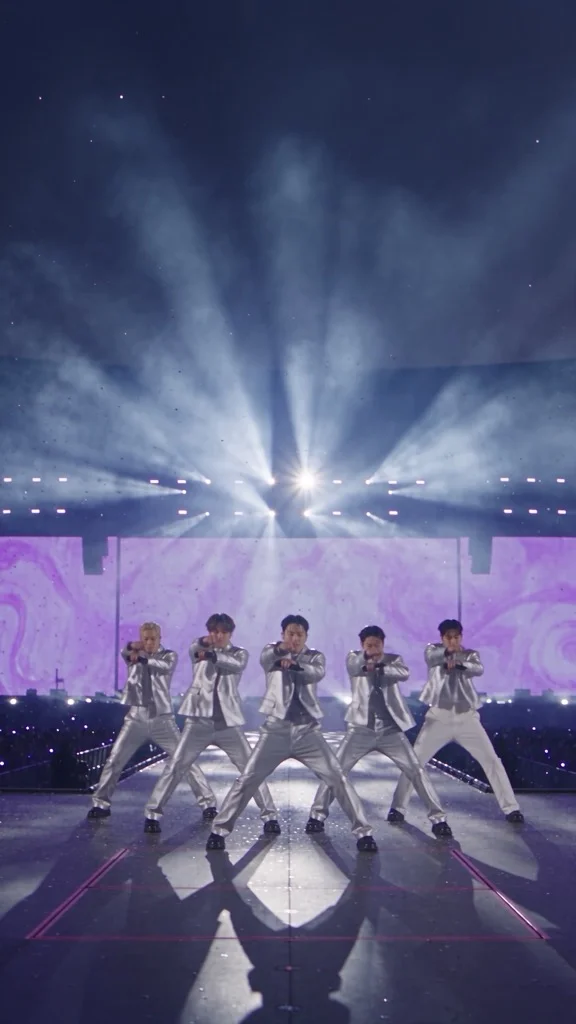


シネマティックなピッチ映像を作る
中庭のウォークスルーを演出する
アニメのオープニング
コーラル色の掃除機のローンチフィルム
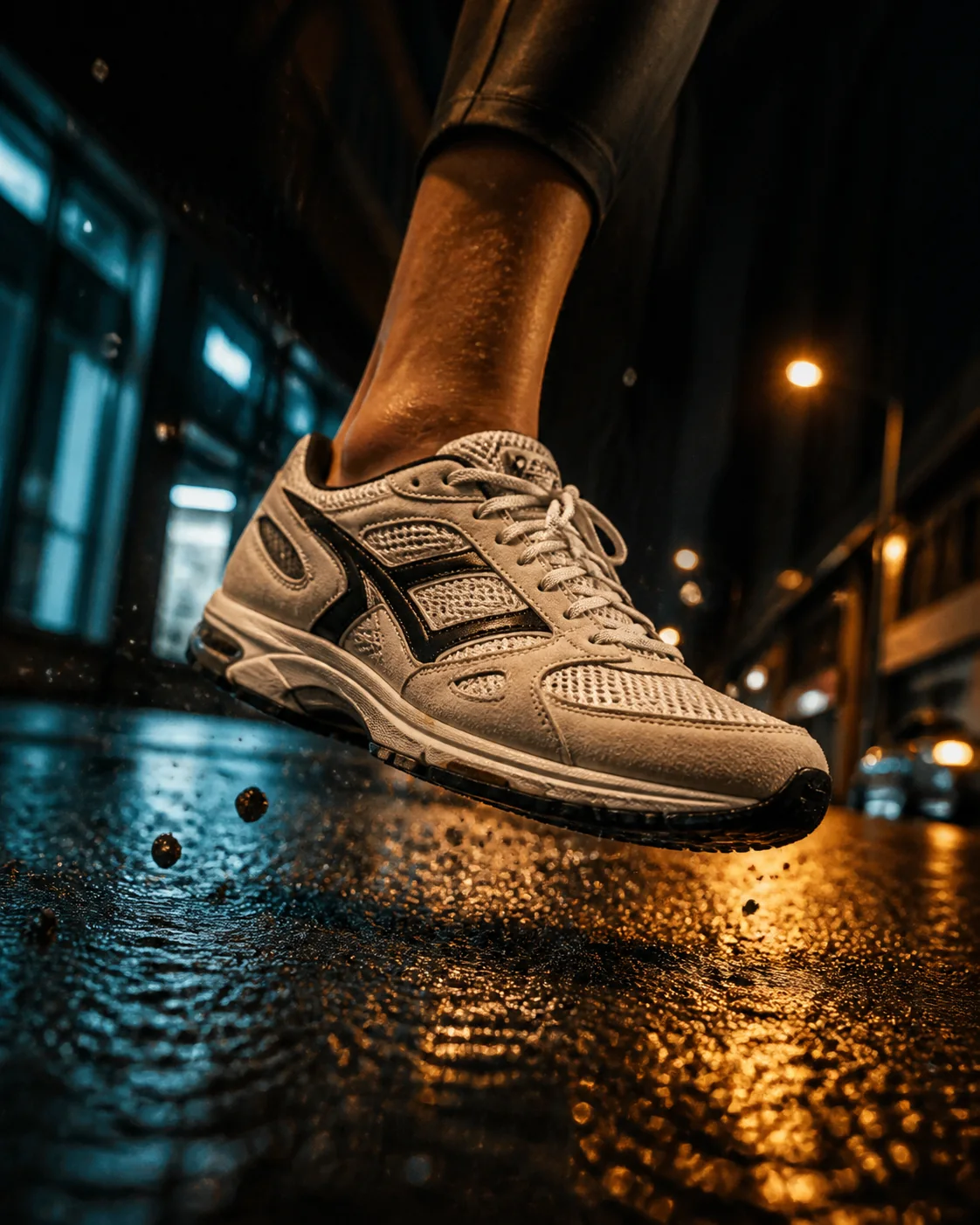
指が止まるローンチフィルムを演出する
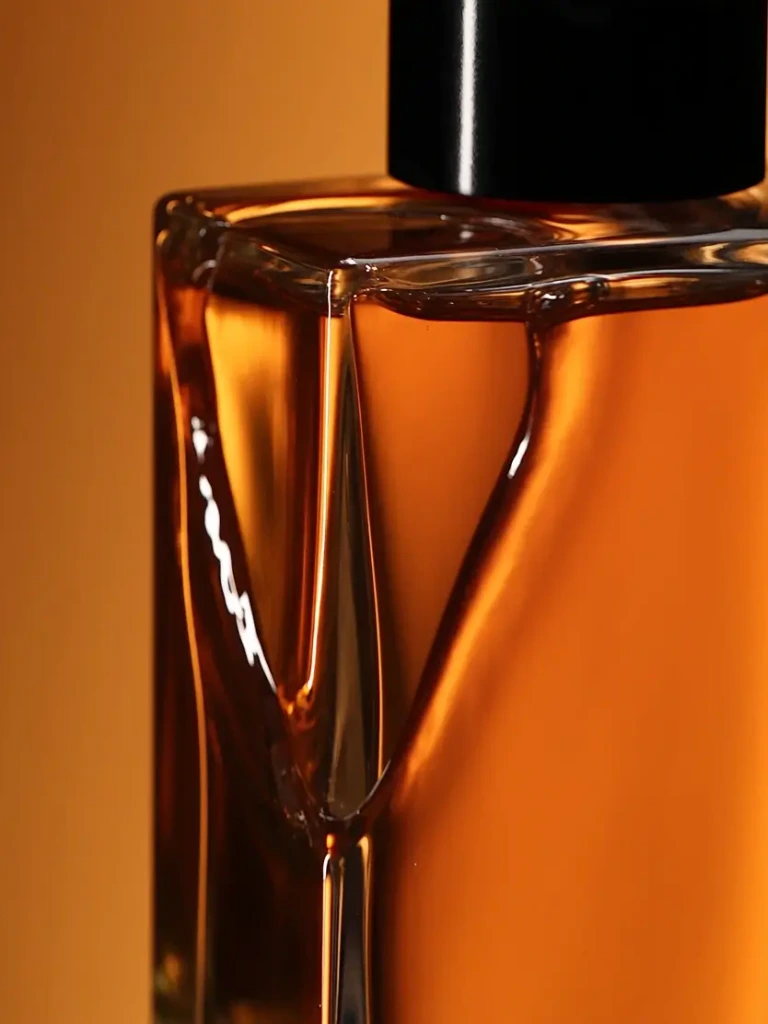
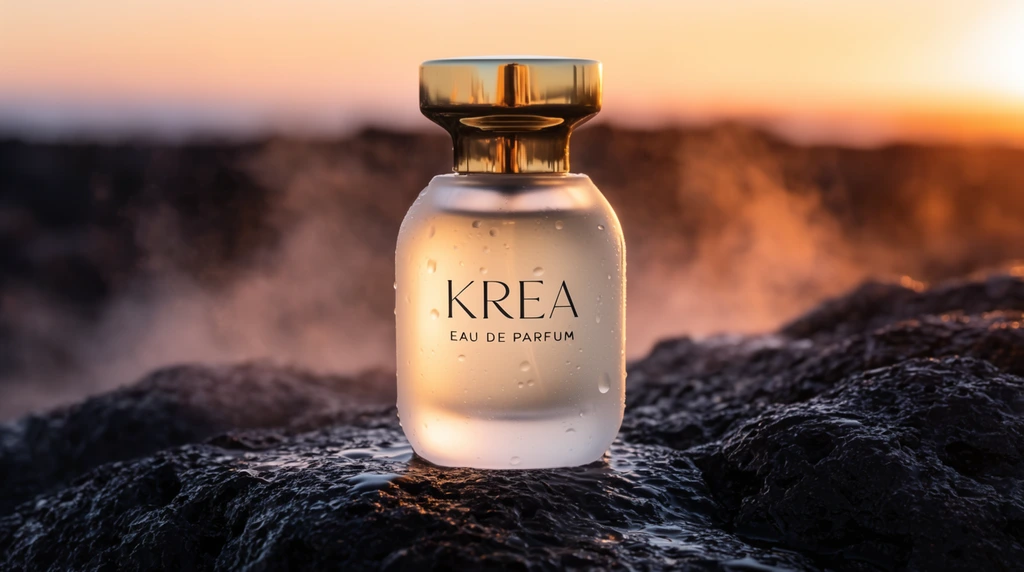
香水のキャンペーンフィルムを演出する
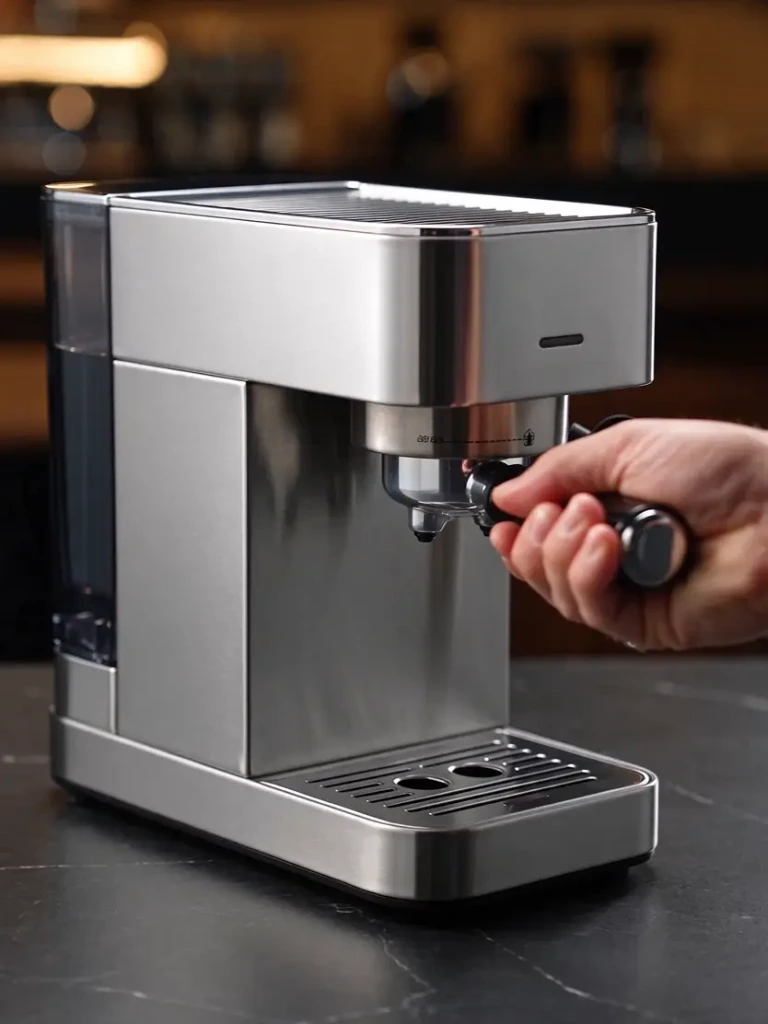
エスプレッソの商品広告を作る
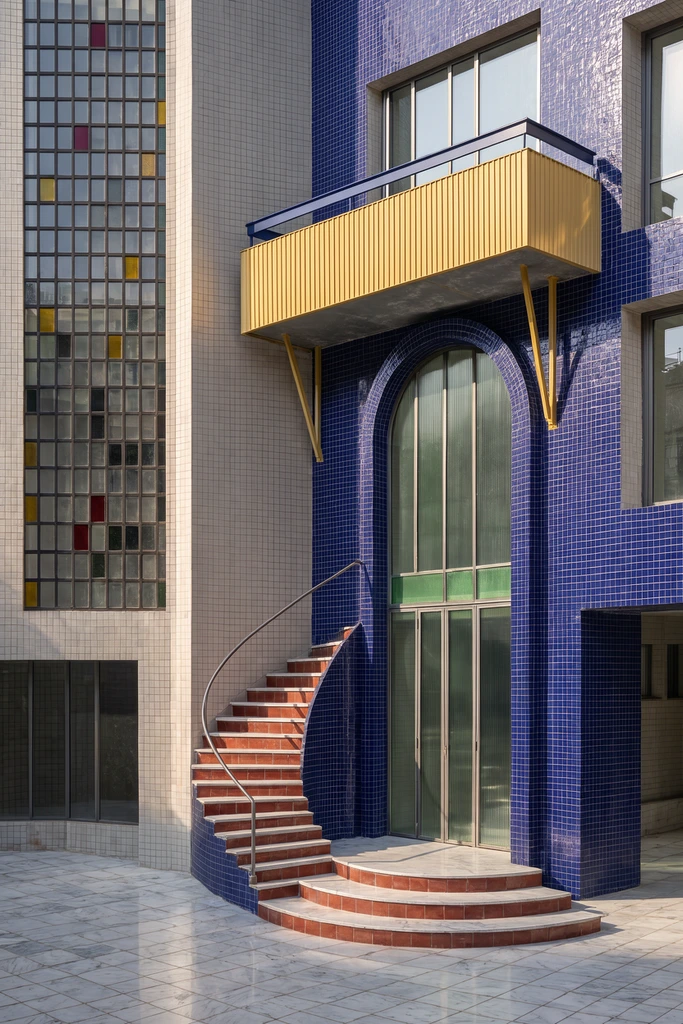
エントランスの図面を写真に
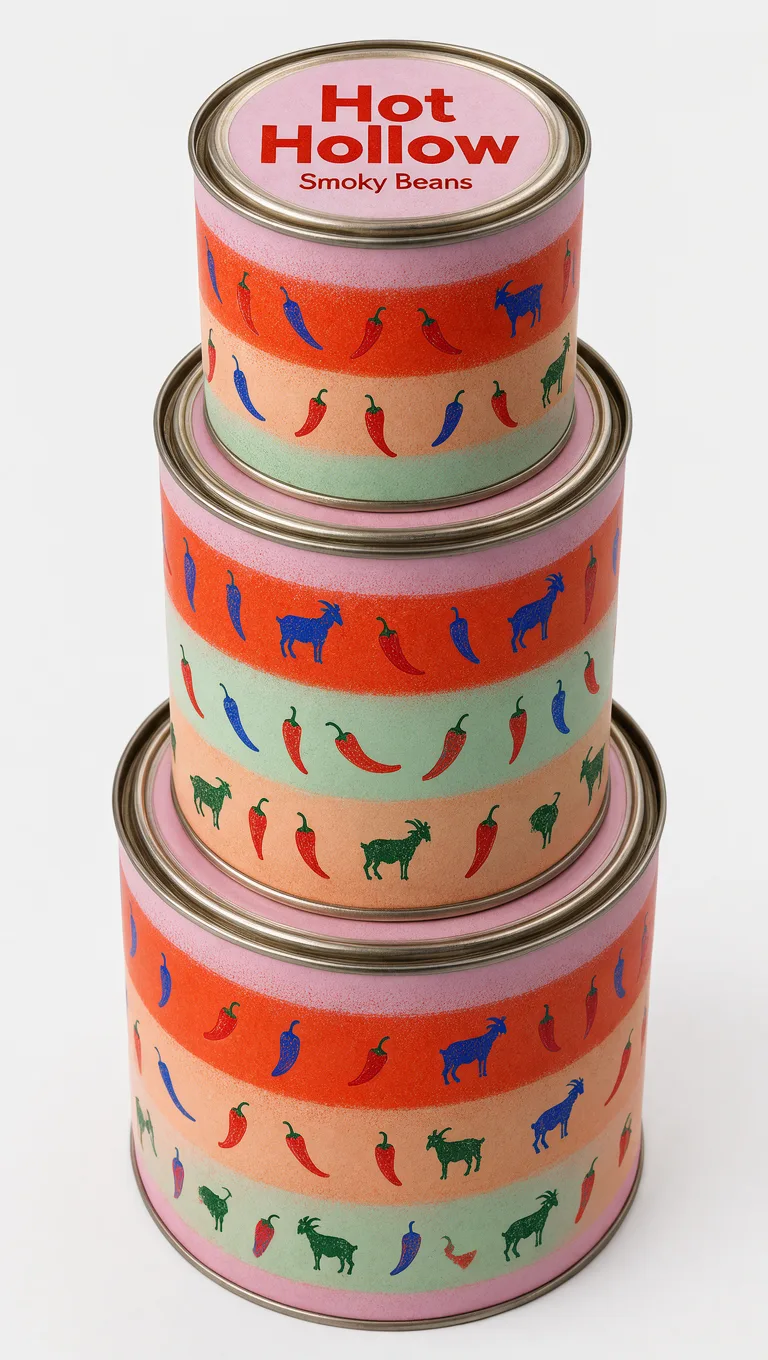
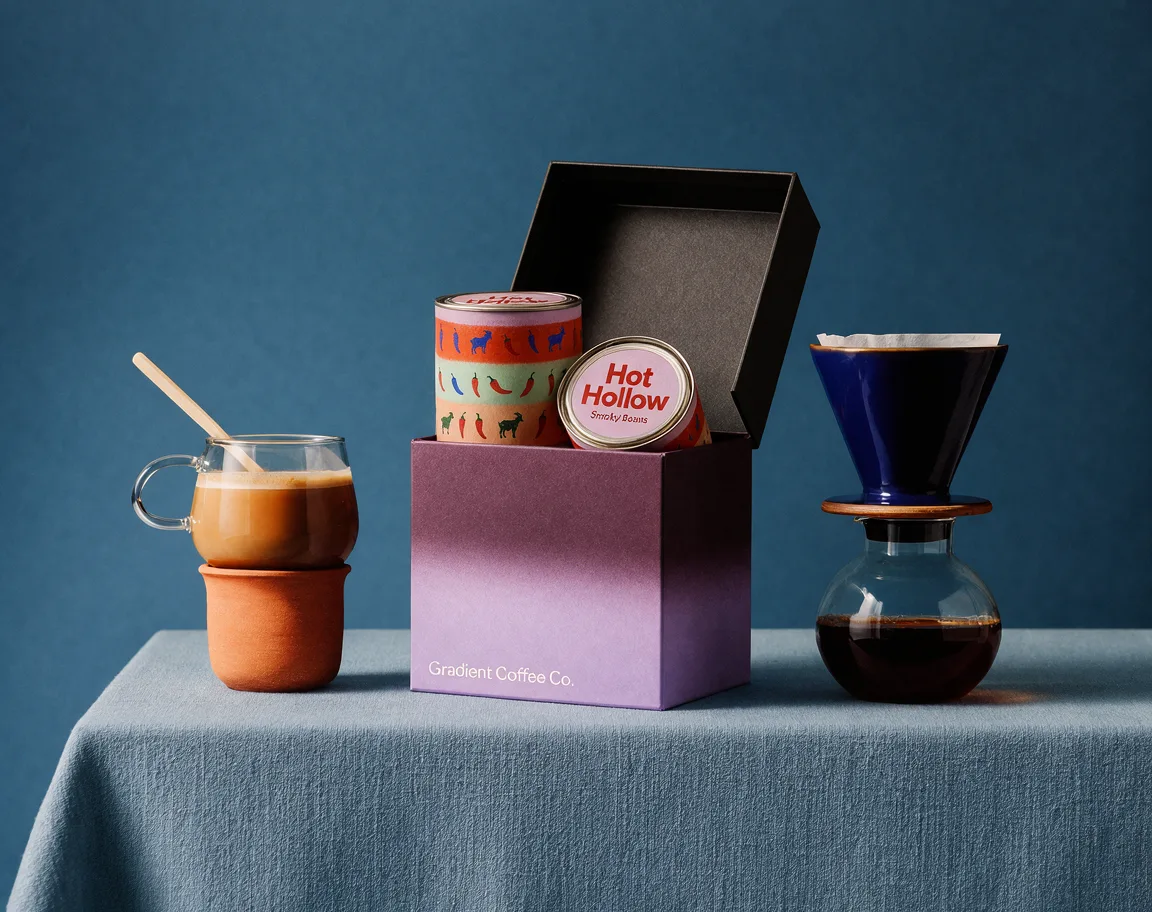
 Eコマース
商品写真から広告セットへ
Use Krea MCP to turn my product photo into an ad set. I will upload the photo first. Keep the product exactly as it is: shape, label, colours and logo. Place it in four scenes: a clean studio sweep, a kitchen counter in morning light, an outdoor café table and a flat lay with matching props. Render each scene at 4:5 for the feed and 9:16 for stories with Nano Banana Pro, then show me all eight images side by side.
- アニメーション
写真を動かす
Use Krea MCP to animate my photo. I will upload it first. Describe what is in the frame, then write a short motion prompt that keeps the subject, the light and the composition. Generate a 6-second clip with Seedance 2.5 using my photo as the start frame, with a slow push-in and subtle natural motion. Show me the clip, and offer two other camera moves to try.
- 映画
絵コンテから動くショットへ
Use Krea MCP to storyboard a 30-second short about a lighthouse keeper on the last night before the light is automated. First define one visual language: lens, palette and light. Generate six cohesive 2.39:1 storyboard frames that follow the story beat by beat. Ask me which frame is strongest, then animate it into a 6-second shot with Seedance 2.5 and restrained camera movement.
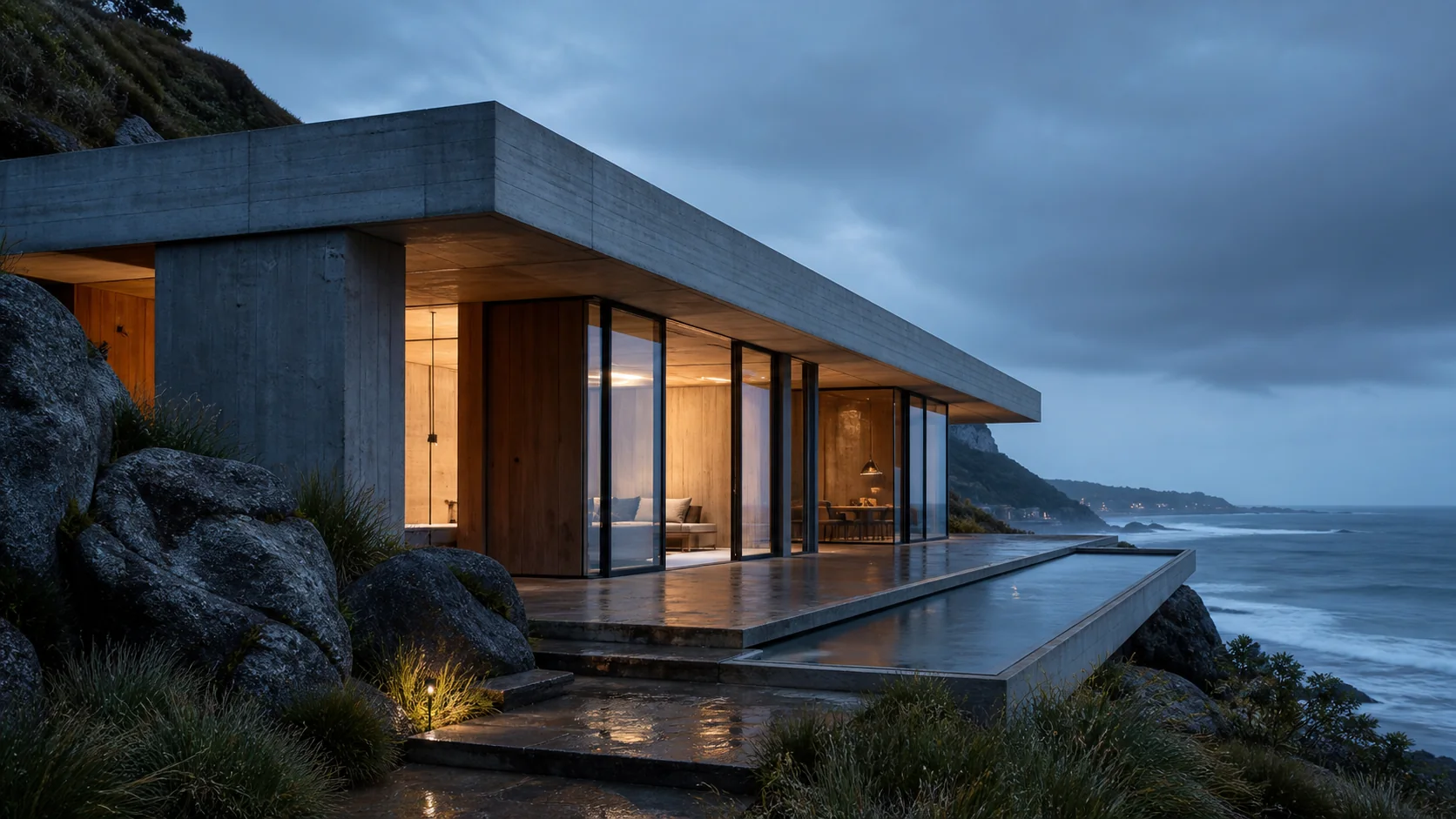 建築
スケッチから印刷品質のレンダリングへ
Use Krea MCP to turn my architectural sketch into a presentation render. I will upload the sketch first. Keep its massing, openings and proportions. Render it in four directions: golden hour, overcast daylight, blue hour and a night view with warm interior light. When I pick one, upscale it with Topaz so it is sharp enough to print at A1.
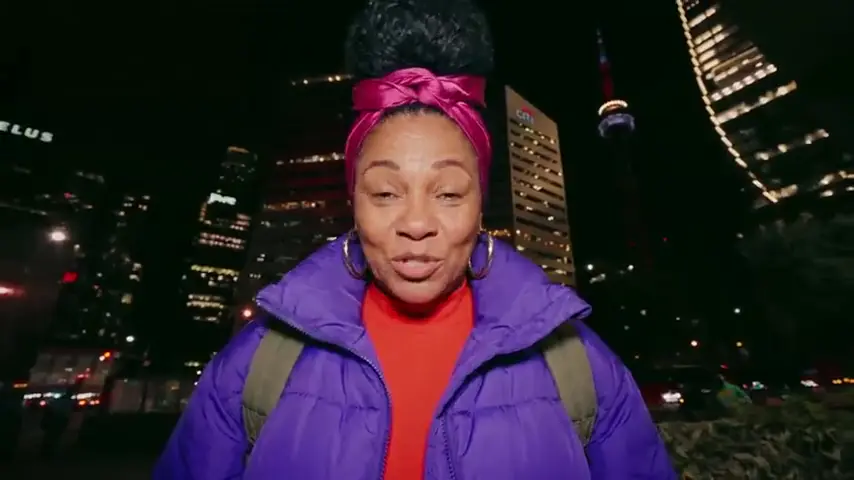 UGC
ナレーション付きUGC広告
Use Krea MCP to make a TikTok-style UGC ad for a reusable water bottle. Generate a natural selfie-style frame of a creator holding the bottle in a bright kitchen. Animate it into an 8-second 9:16 clip with Seedance 2.5 in which she talks to camera and takes a sip. Write a 20-word voiceover in a casual tone, generate it with ElevenLabs, and give me the clip and the audio.
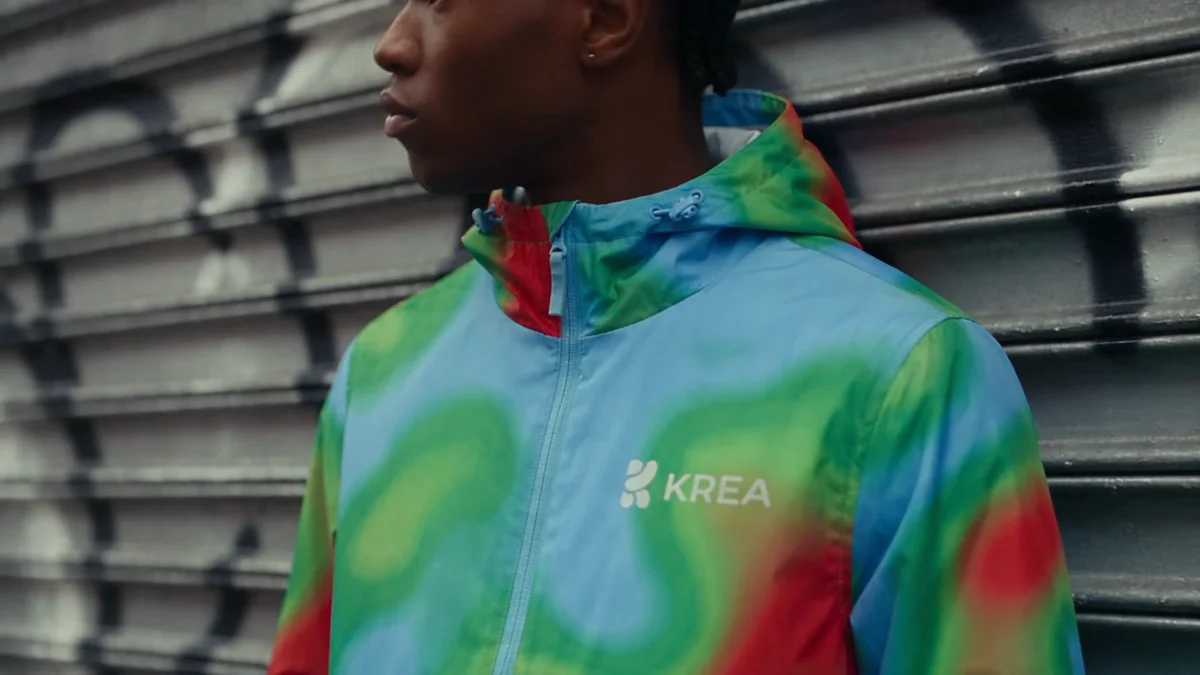 ファッション
コーデ1つからルックブックへ
Use Krea MCP to build a six-image lookbook. I will upload photos of the outfit pieces first. Create one model and keep her face, hair and build the same in every image. Dress her in my pieces exactly as they are and shoot six looks: a street corner, a gallery, a café, a rooftop, a studio full length and a close-up of the details. Use 4:5 and an editorial film look.
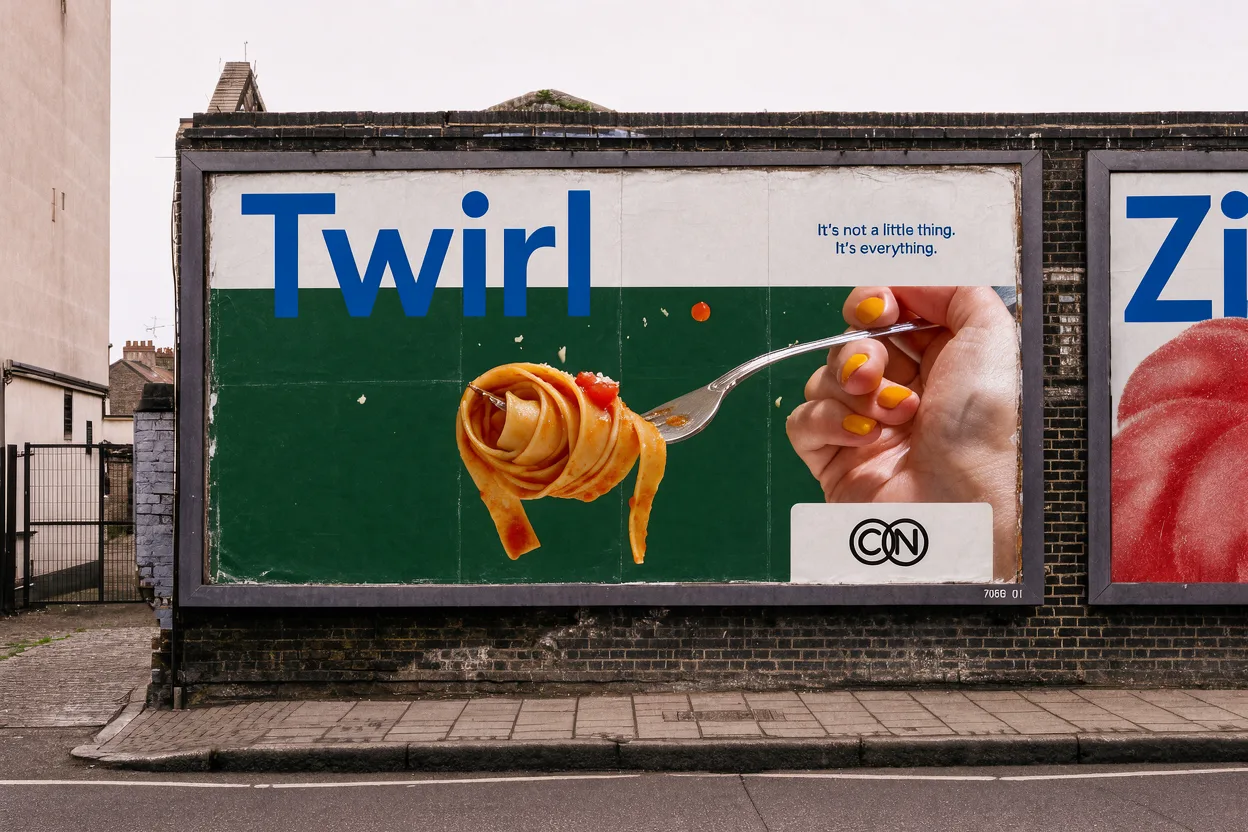 マーケティング
ブリーフからキャンペーンへ
Use Krea MCP to take a campaign from brief to key visuals. The brief: a summer launch for a small pasta brand that wants to feel warm and Italian. Propose three creative routes with a one-line idea each and one image per route. When I pick a route, make its key visual at 16:9, 4:5 and 9:16, then upscale the 16:9 version for the website hero.
- 広告
サウンド付きローンチフィルム
Use Krea MCP to make a 6-second launch film for a new running shoe. Generate a hero frame of the shoe on wet asphalt at night. Animate it with Seedance 2.5: the shoe lands hard in a puddle, spins once in mid-air and settles on the court line, with native sound effects. Then generate a 10-second energetic electronic track with ElevenLabs Music to go under it.
Krea MCPの連携方法
Claudeの場合
-
KreaをClaudeに追加 KreaをClaudeに追加
Kreaが入力された状態でClaudeが開きます。アドレスがapi.krea.aiになっていることを確認し、「Add」をクリックします。 Kreaが入力された状態でClaudeアプリが開きます。アドレスがapi.krea.aiになっていることを確認し、下にスクロールして「Add」をタップします。
Kreaコネクタを追加 Add custom connector
Krea
https://api.krea.ai/mcp
Authentication
Sign in now Detected
Each user signs in through the server’s OAuth flow.
Add
Back
-
Kreaにサインイン Kreaにサインイン
「Connect」をクリックし、ワークスペースを選んで「Authorize」をクリックします。 ワークスペースを選び、「Authorize」をタップします。
krea.ai
Connect Claude to Krea
Review the access you’re sharing with this app.
Signed in to Krea as
you@example.com
Choose a workspace
Your workspace
Your team
-
「Always allow」をクリック 「Always allow」をタップ
Claudeは、初めてKreaを使うときに確認を求めます。そのあとは、画像や動画を頼むだけです。 Claudeは、初めてKreaを使うときに確認を求めます。そのあとは、画像や動画を頼むだけです。
make me an image with Krea 3
Claude wants to use
Generate Image from Krea
Show details
Allow once
Always allow
Decline
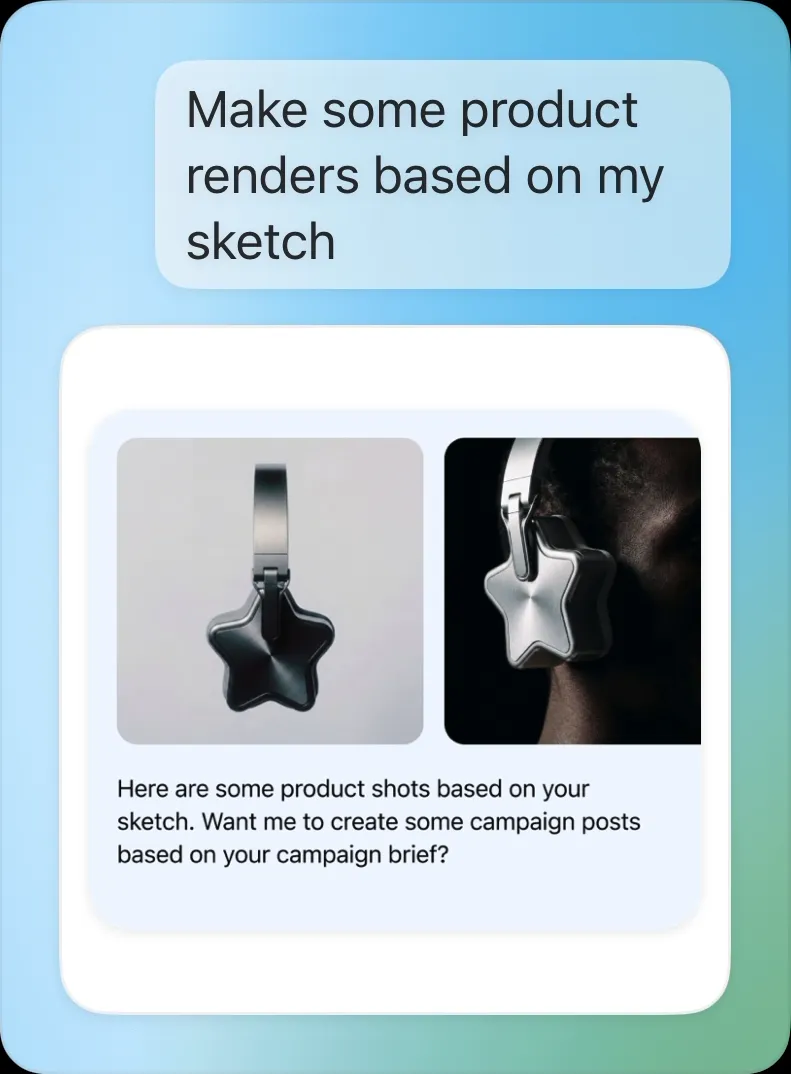
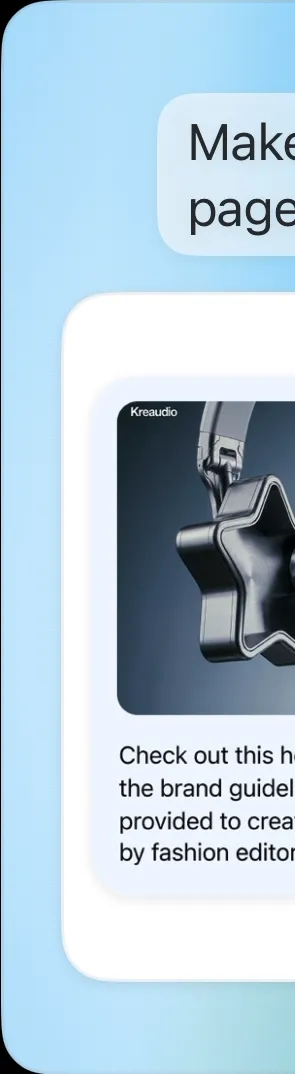
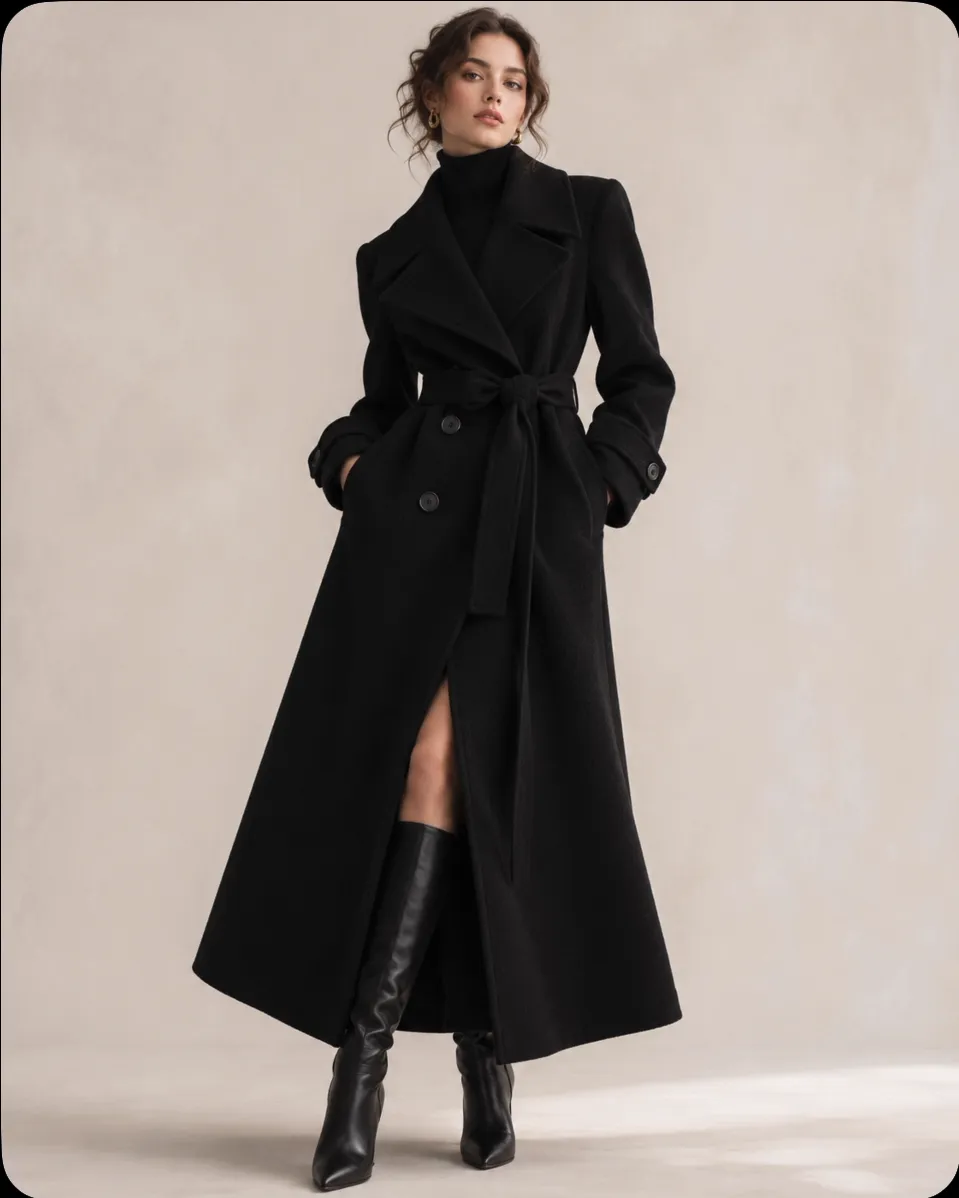
 Kreaプラグインを追加
 Kreaプラグインを追加

よくある質問
Krea MCPは、お使いのAIエージェントとKreaを直接連携させます。エージェントがあなたに代わって、画像や動画の生成、アセットの高画質化、クリエイティブワークフローの実行を行えるようになります。
画像生成や動画生成、画像の高画質化とアップスケール、トレーニングした自分のスタイルの利用、自作の複数ステップのKreaワークフローの実行まで、すべてシンプルなプロンプトひとつで行えます。
Claude、ChatGPT、Claude Code、Codex、Cursor、Grok Bot、OpenClaw、Hermesのほか、ツールの連携に対応したエージェントで使えます。
ChatGPT、Cursor、Grok BotではKreaプラグインを追加します。ClaudeではKreaをコネクタとして追加します。Claude CodeやCodexなど、ターミナルで使うエージェントでは、このページのセットアップの依頼文を送ると、エージェントがKrea MCPサーバーを追加します。そのあとKreaアカウントでサインインしてください。セットアップは1分足らずで終わります。
Krea 3、Nano Banana Pro、Seedance 2.5、Kling 4.0、Wan 3.0、Topaz Bloom 2をはじめ、Kreaの画像、動画、高画質化のモデルをすべて使えます。一覧はモデルライブラリでご覧ください。
画像はたいてい数秒で返ってきます。動画や大きめのジョブはバックグラウンドで実行され、完成しだい返ってきます。
いいえ。MCPサーバーのURLにhttps://api.krea.ai/mcpを指定し、エージェントから連携を求められたら、Kreaアカウントで認証してください。
プレイグラウンド、料金、連携のドキュメントはKrea APIダッシュボードでご覧いただけます。認証、ツール、トラブルシューティングはMCPサーバーのドキュメントにまとめています。Krea CLIを使えば、ターミナルからKreaを実行できます。
Kreaをエージェントに
1分足らずで連携でき、いつもの作業環境でそのまま画像や動画の生成を始められます。